Step 1
Describe your idea: Enter a Billie-inspired concept, lyric mood, or visual direction for the video you want.
AI Video
Transform text and images into cinematic videos with lifelike avatars and studio-quality SFX.

AI Image
Turn ideas and images into stunning visuals, or perfect any photo with a complete suite of AI tools.

Agent
Create production-ready videos with SFX, consistent characters, and polished scenes. No Editing.

Marketing Studio
Built for marketers and sellers to create winning ads, UGC videos and product visuals faster.

Create Billie Eilish AI videos with dark-pop mood, cinematic pacing, and ready-to-use results in minutes.
Kling 4.0
Up to 10 keyframes. Unlimited for 10 days with Ultra.
Our Billie Eilish AI video generator helps create complete videos for fan tributes, lyric mood edits, album reaction clips, birthday messages, and dark-pop visual stories without manual production.
Turn one idea into a finished Billie-inspired video with scenes and flow handled.
Shape Billie Eilish AI visuals with shadowy tones, cinematic texture, and emotional pacing.
Create ready-to-use Billie Eilish videos without timelines or manual stitching.
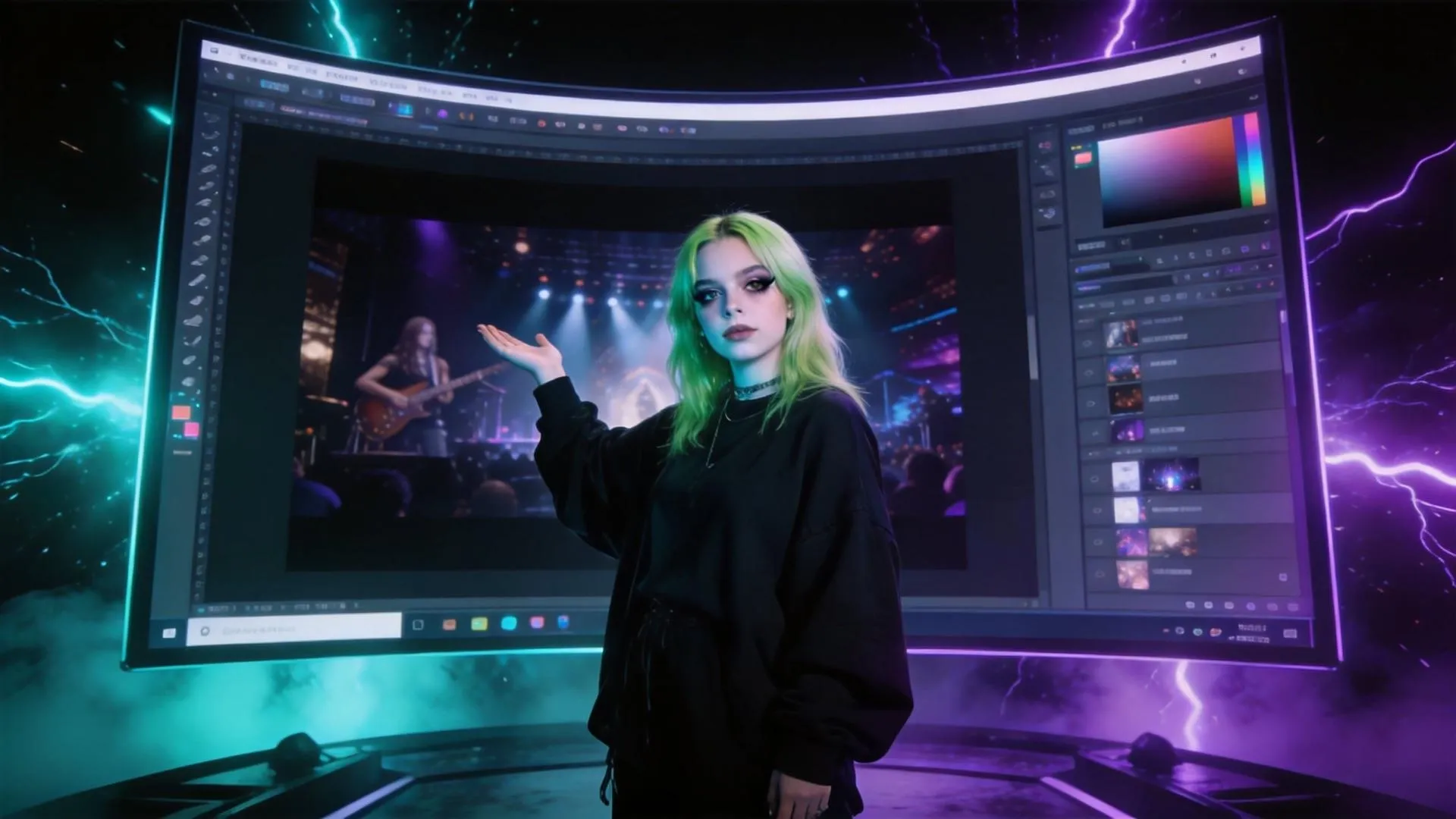
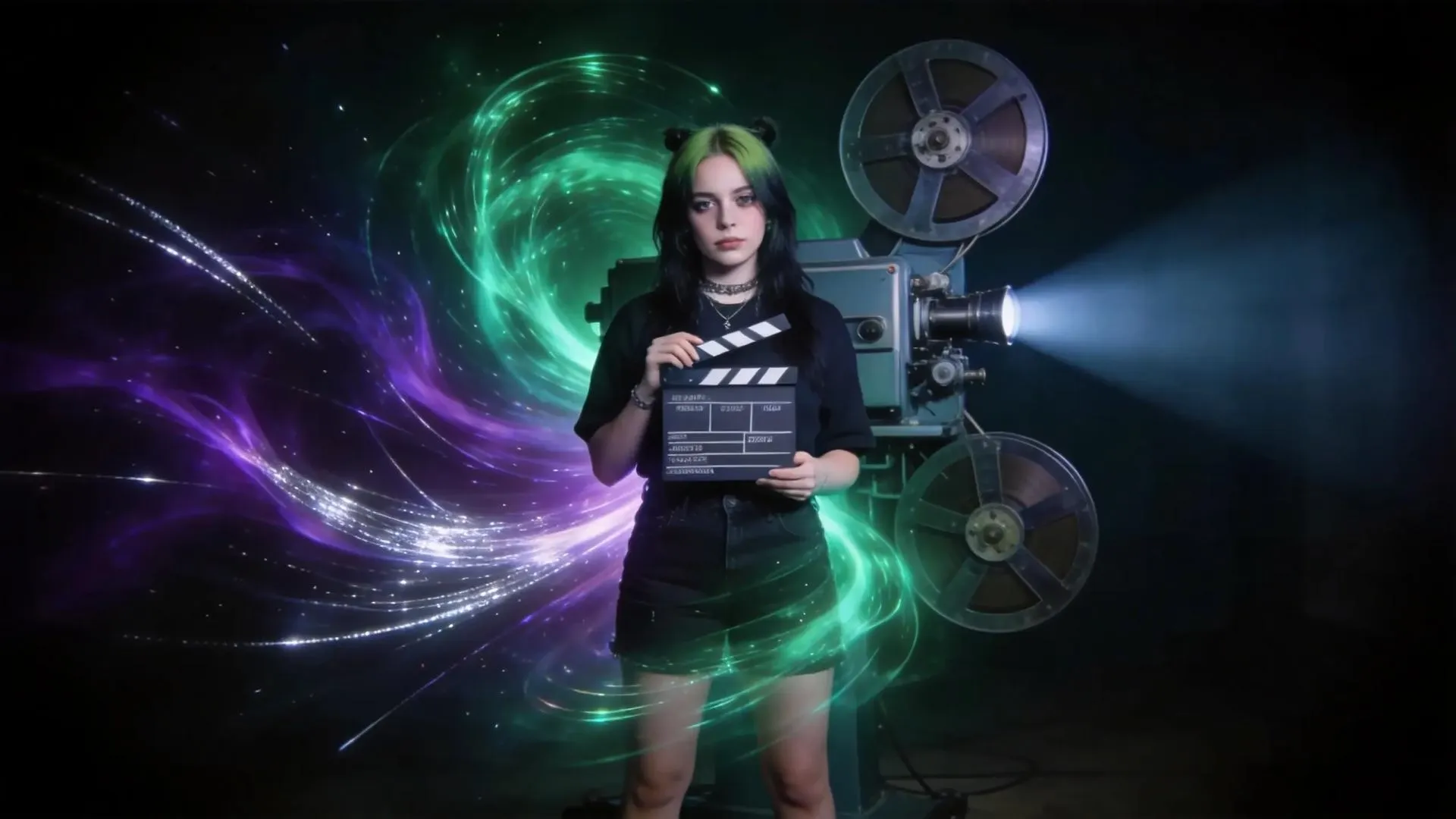
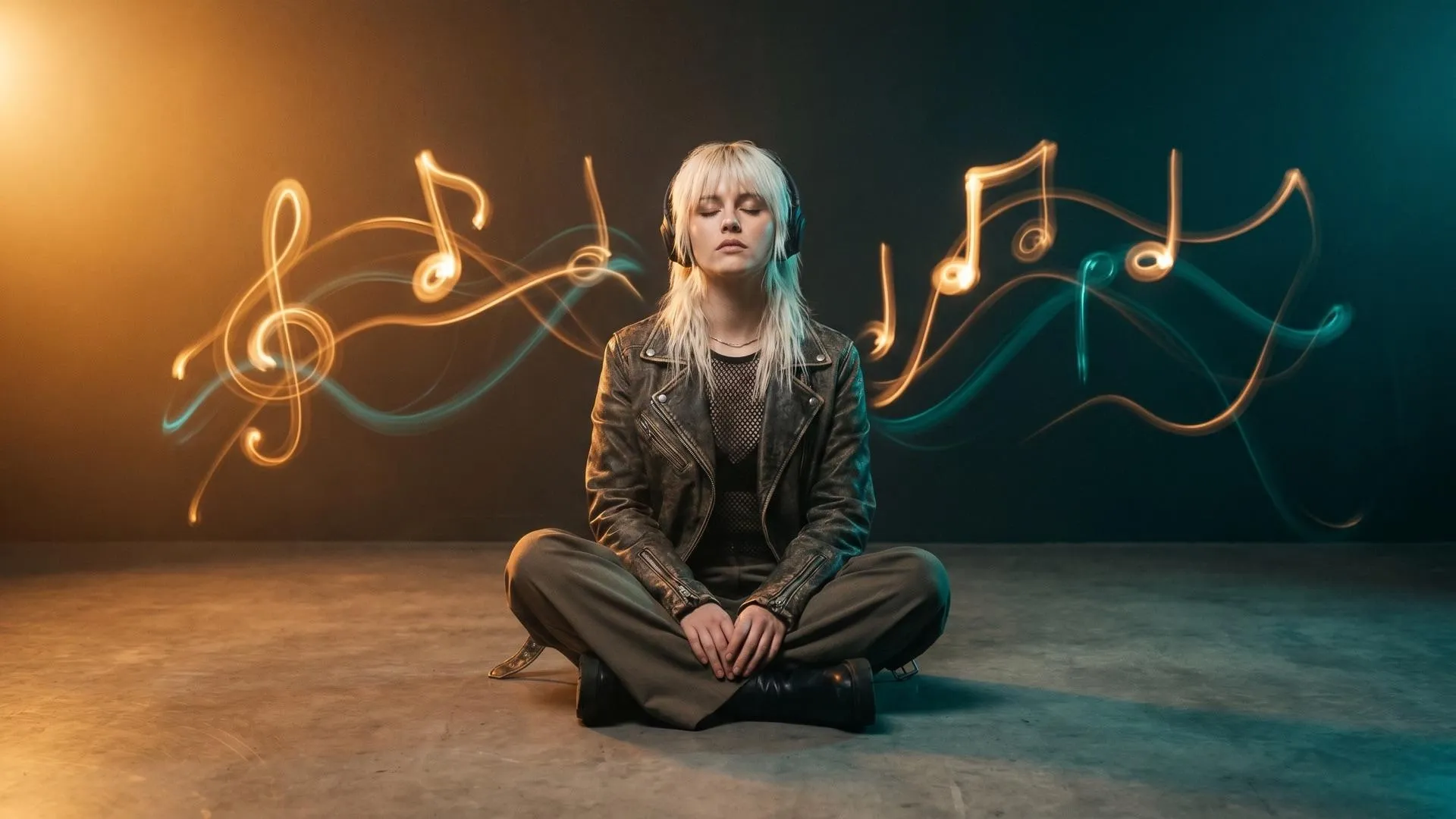
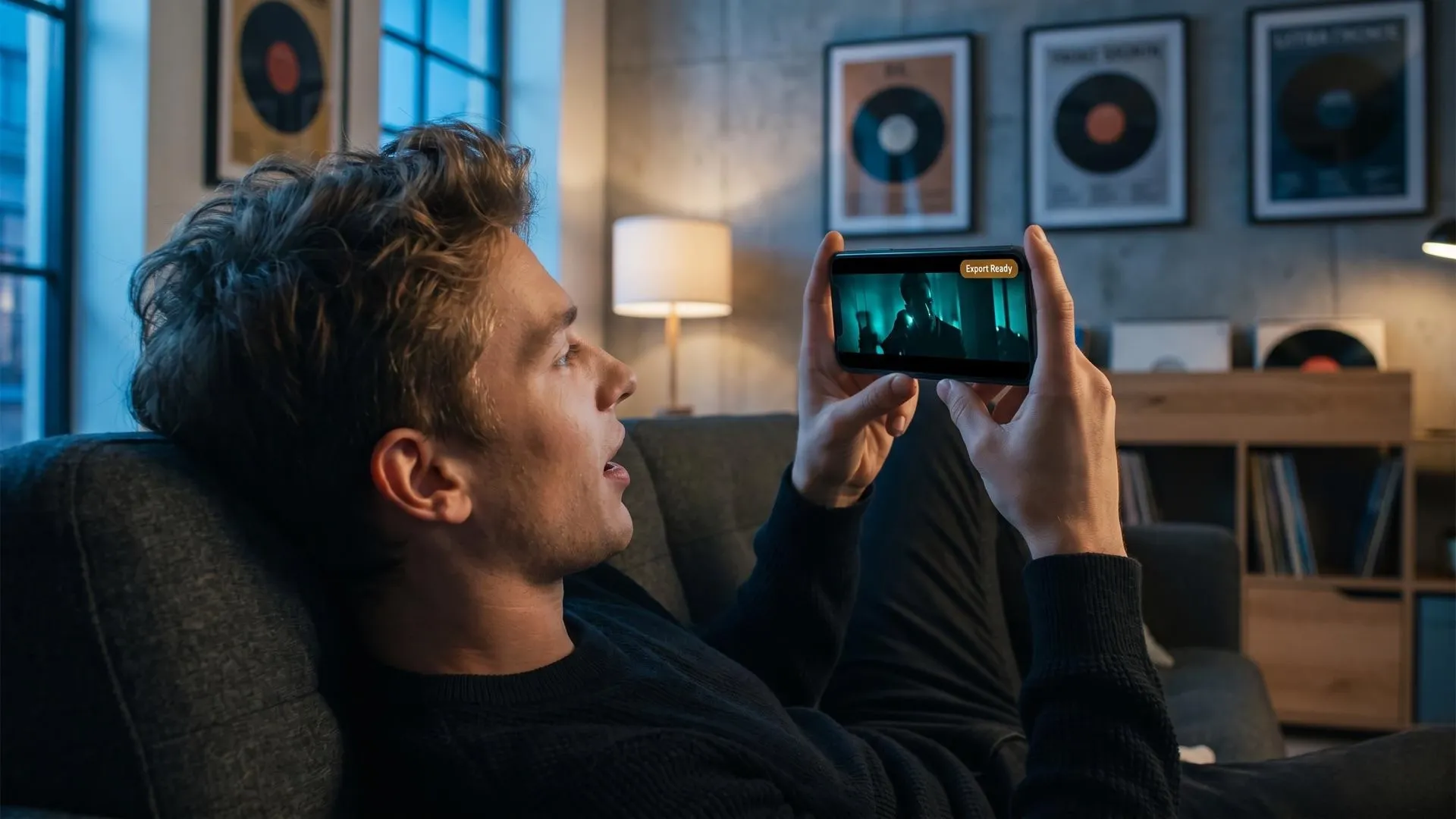
Use our Billie Eilish AI video generator to create moody fan edits, birthday messages, or artist-inspired clips without cutting scenes manually.

Turn song reactions, album thoughts, or artist breakdowns into complete videos with pacing, visuals, and narration-ready structure.

Create Billie-inspired shorts with cinematic atmosphere, ready-to-use motion, and no need to assemble fragments in an editor.

Build atmospheric visual concepts for fashion, music, beauty, or youth-culture campaigns before investing in full production.
Describe your idea: Enter a Billie-inspired concept, lyric mood, or visual direction for the video you want.
Add references: Upload images, paste a link, or include details to guide the result.
Generate and share: Let our Billie Eilish AI video generator create the full video, then export it.
Go from a single concept to a finished video. Combine generation, avatars, sound, and editing into one seamless production process.
Bring your static images to life with cinematic motion. Add lifelike camera pans and fluid transitions to maximize viewer engagement and visual impact.
Turn simple text prompts into compelling visual narratives. Generate highly accurate, continuous motion sequences that seamlessly bring your scripts to life.
Build professional video assets without a camera. Generate incredibly realistic scenes and smooth footage to elevate your brand's visual storytelling.
Put your entire creative workflow on autopilot. Go from a text prompt to a production-ready video with zero editing, delivering studio-grade results fast.
Cast professional digital actors without a studio shoot. Sync your scripts to hyper-realistic avatars with flawless lip-sync and human gestures.
Access a comprehensive suite of video tools. Easily apply video filters, clean up messy audio, and reframe videos for any platform.









Using Pollo AI to Create and Inspire
 Liz Cassidy
 Richard Quick
 armourdude
 Dudu
Dudu Ray Warnes
 lawless clan
 Istvan LajosSantiago Saenz
 Gen Zee
 萱兒
萱兒 Norma Ponce
 Sarah Stokes
 Sudipta Saha
 Luiz Guyz
 Swishadoptme Swishadoptme
An AI Billie Eilish video generator is a tool that creates Billie-inspired videos from your text, images, references, or creative ideas. Instead of producing only a short visual fragment, Pollo AI helps build a complete video with scenes, pacing, motion, and ready-to-use structure.
Yes. Our Billie Eilish AI video generator is built for simple creation. You can describe the mood, story, or visual style you want, and Pollo AI handles the video-building process without requiring editing skills.
You can create fan tributes, lyric-inspired edits, birthday messages, moody artist-style clips, reaction visuals, fashion concepts, and atmospheric music content. The Billie Eilish AI video generator is especially useful when you want a cinematic dark-pop feel without filming.
The Billie Eilish AI video generator can start from text prompts, creative briefs, images, links, reference visuals, or short scripts. You can keep the input simple or add more detail for a stronger direction.
Yes. You can guide our Billie Eilish AI video generator with mood, colors, scene ideas, pacing, camera feel, text style, and reference assets. For example, you can request a softer concert mood, a darker neon look, or a dreamy fan-edit style.
Pollo AI reads your idea, references, or assets, then turns them into a structured video plan. It builds scenes, matches visuals to the mood, designs pacing, and produces a complete Billie-inspired video ready for export.
Yes. You can try the feature for free within Pollo AI before upgrading to a higher plan. This lets you experience the Billie Eilish AI video generator, review the results, and decide whether you need more generation capacity.

Turn your idea into a polished, ready-to-use video with mood, pacing, and scenes already built.