Classroom Learning Games
Turn review time into active recall
Our free bingo card maker can place vocabulary, math answers, or wild animal images into a clear grid, helping students practice key ideas while teachers see who is following along.
AI Video
Transform text and images into cinematic videos with lifelike avatars and studio-quality SFX.

AI Image
Turn ideas and images into stunning visuals, or perfect any photo with a complete suite of AI tools.

Agent
Create production-ready videos with SFX, consistent characters, and polished scenes. No Editing.

Marketing Studio
Built for marketers and sellers to create winning ads, UGC videos and product visuals faster.

Build engaging, ready-to-play bingo cards instantly with our AI bingo card generator.
Kling 4.0
Up to 10 keyframes. Impressive performance.
Still writing every bingo card square and formatting the grid by hand? Pollo AI's bingo card generator turns one brief into themed prompts, balanced grids, and print-ready visuals, helping you prepare classroom reviews or conversation-starting party games faster while giving players an easy way in.
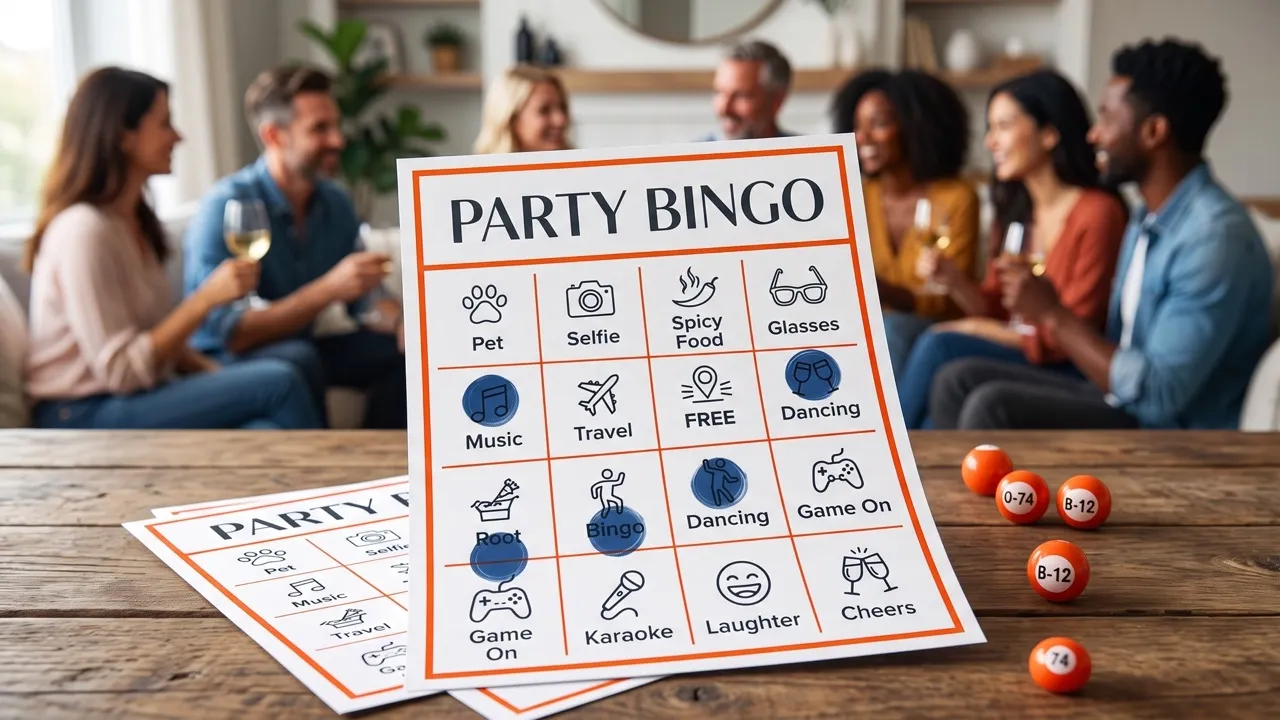
Our bingo card maker shapes age-appropriate prompts and a clear play structure, helping students, guests, or teammates understand the game quickly and take part with confidence.
Our free bingo generator fills the grid with relevant words, questions, challenges, or pictures, turning a broad theme into moments players recognize, discuss, and enjoy together.
Our free bingo card generator arranges the grid, styling, and spacing, giving you a polished, high-resolution image with crisp text and grid lines for straightforward printing or online sharing.
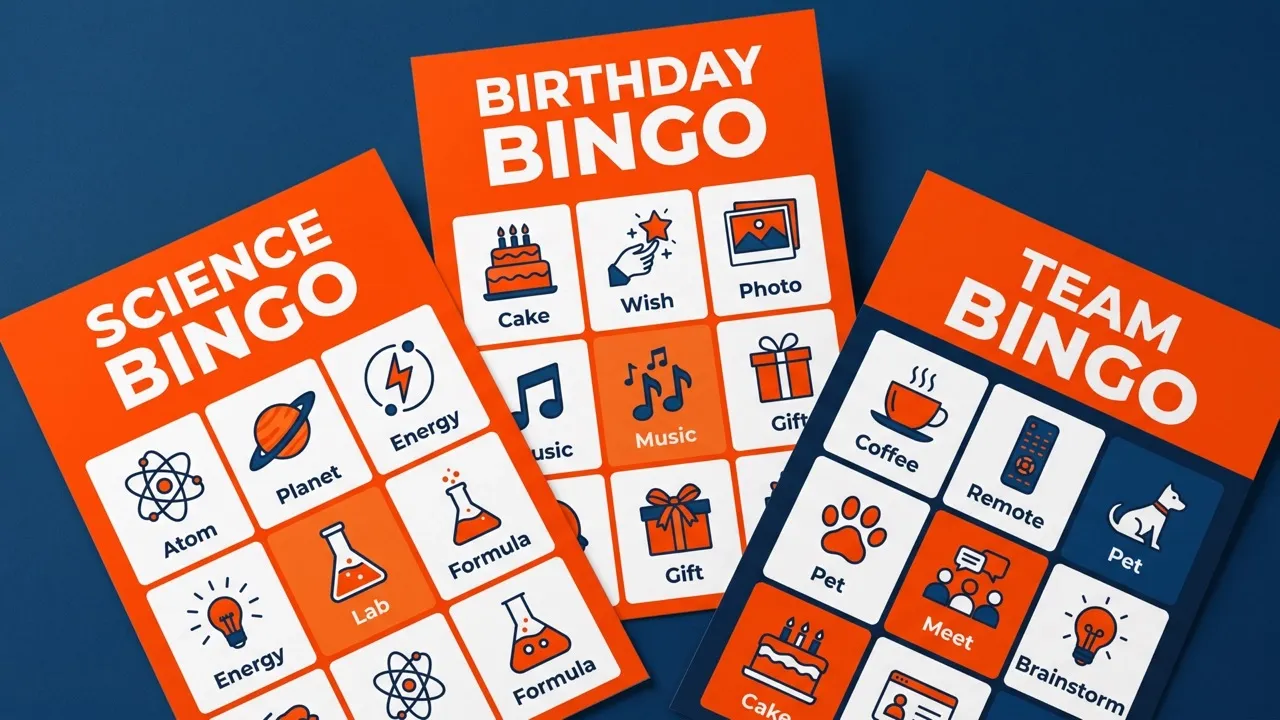
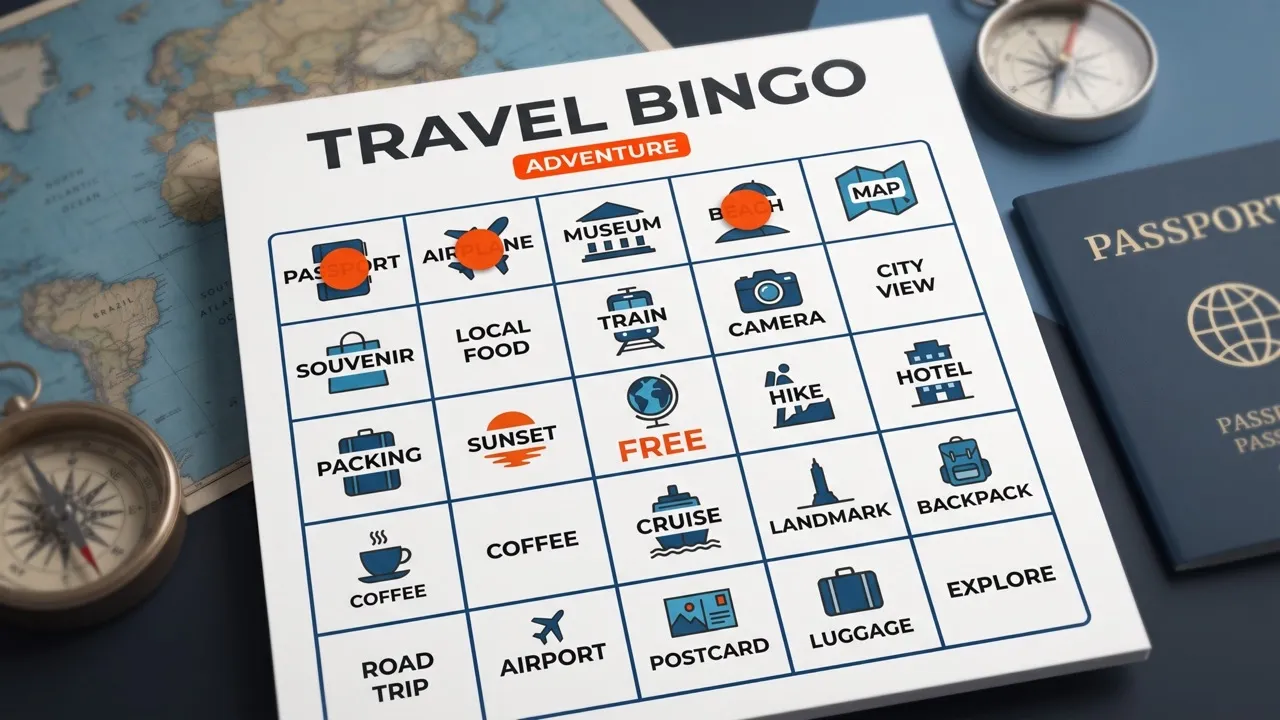
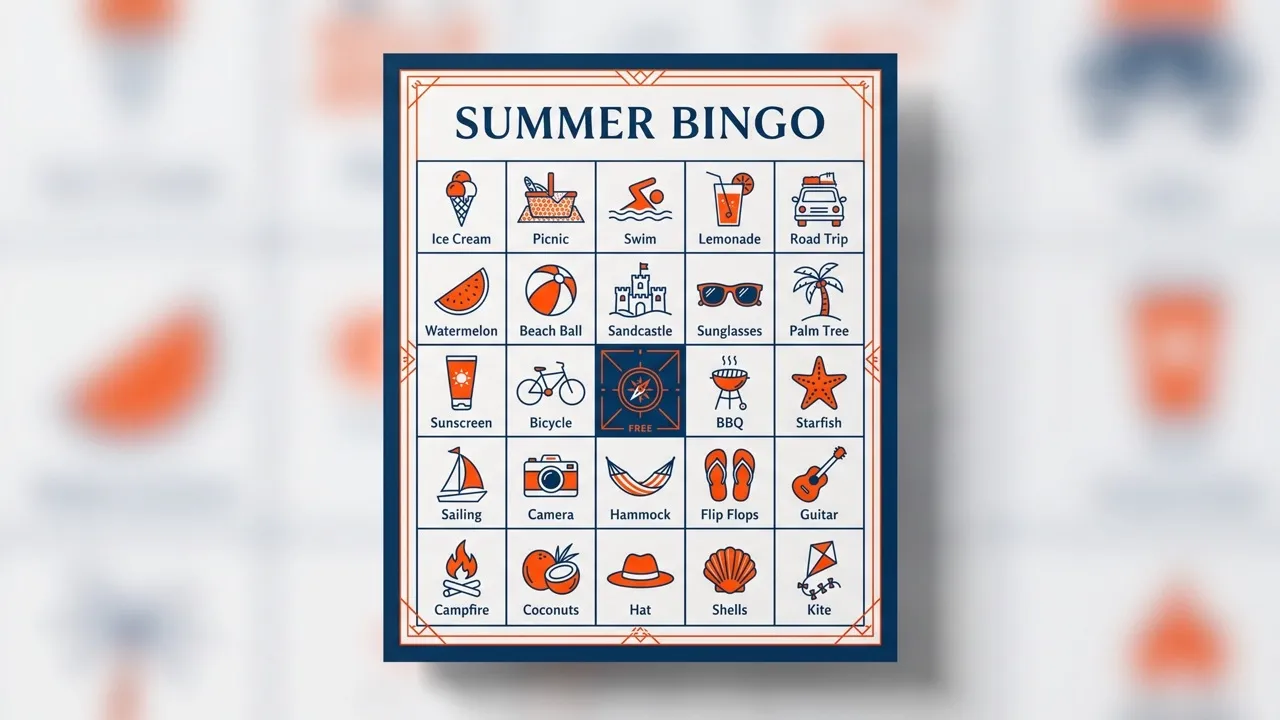
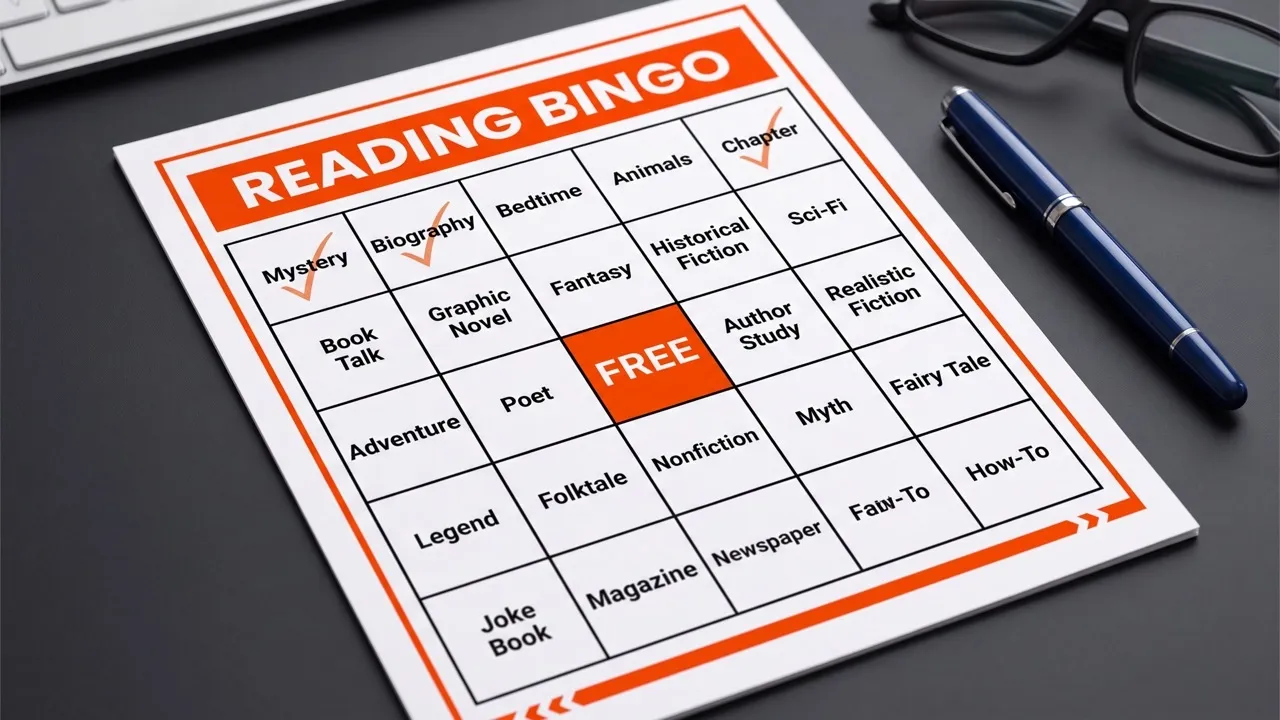
Our free bingo card maker can place vocabulary, math answers, or wild animal images into a clear grid, helping students practice key ideas while teachers see who is following along.

Use our free bingo generator to create prompts and emoji clues around the guest of honor or a holiday theme, helping mixed-age groups connect and play together.

With our bingo card generator, each square can invite guests to find a shared connection, spot a celebration detail, or complete a light challenge that makes mingling feel natural.

Our AI bingo card generator can turn team facts, workplace themes, or collaborative challenges into a guided activity that lowers the pressure of introductions and gets the room talking.
Enter your theme, audience, card title, and activity goals.
Describe your desired grid size, colors, fonts, background, and visual style.
Generate the high-resolution bingo card, then download or share it online.
Explore the full range of AI image tools on Pollo AI, built to streamline your entire creative workflow.
Create photorealistic images from text instantly. Achieve cinematic quality and flawless typography with zero photography required.
Create custom pixel art, outfit designs, chibi avatars, and other niche visuals for your audience.
Maintain perfect structural fidelity while recreating photos. Apply cinematic styles and 4K upscaling for production-ready assets.
Clean up images, remove backgrounds, remove objects, and enhance fine details with precise AI editing tools.
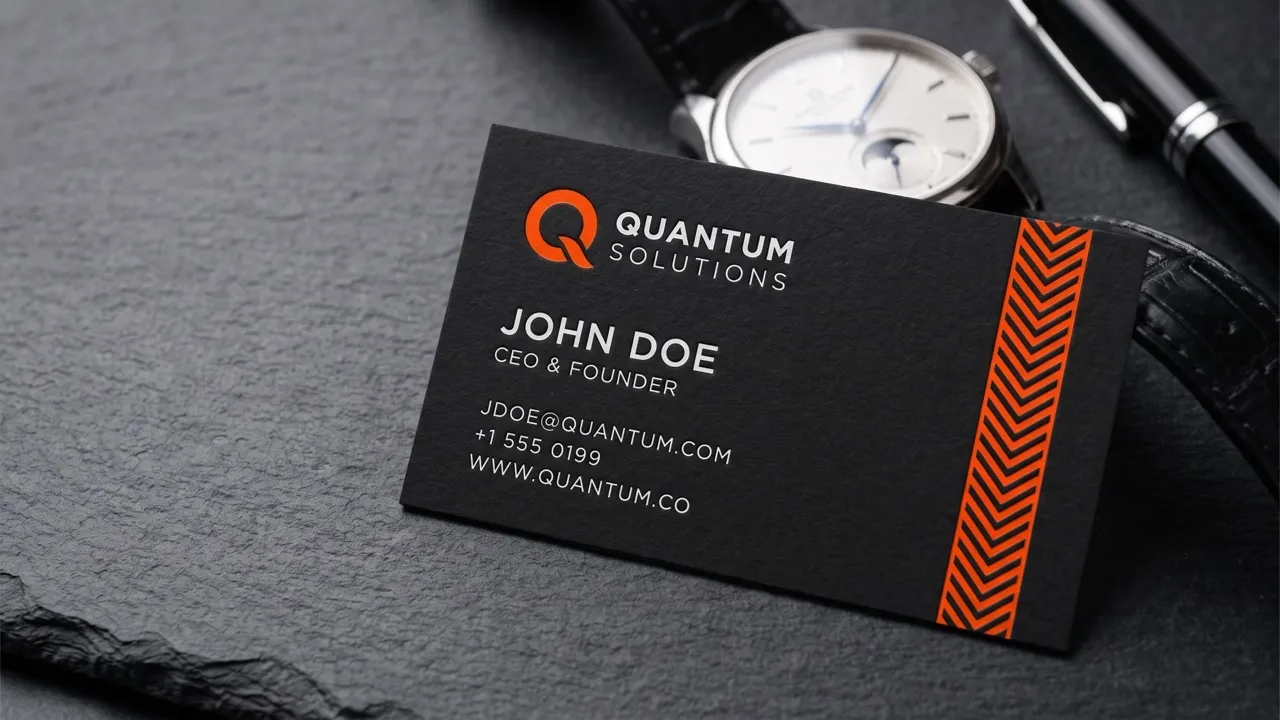
Create ready-to-use image assets for business cards, YouTube banners, menus, and other campaign needs with diverse image apps.
Turn a text brief into polished, production-ready visuals with an AI agent that handles the creative workflow for you.









Using Pollo AI to Create and Inspire
A bingo card generator turns a written theme and instructions into a complete game card. Pollo AI’s free bingo generator creates content and matching images for every square, arranges the grid, and coordinates the title, colors, fonts, borders, background, and decorations.
Enter your theme, players, title, grid format, and must-have squares. Pollo AI automatically creates a polished bingo card with themed illustrations, text, and layout. To change one illustration or question without starting over, describe the edit in Pollo AI's photo editor and update the card in one click.
Yes. Specify whether you want a 3×3, 4×4, or 5×5 grid in your prompt, then add directions for the free space, colors, fonts, borders, background, and decorations. Our free bingo card generator builds the complete layout from those written instructions.
Ask for short square text, strong color contrast, readable fonts, clear borders, and enough spacing around every item. A 3×3 or 4×4 grid can work better for younger players or longer prompts, while 5×5 suits shorter content.
Yes. State the audience and difficulty level in each prompt. Request simple words and recognizable pictures for younger players, or subject-specific questions and challenges for advanced groups, so the card stays engaging without becoming confusing or too easy.
No. You just need to describe the game and layout you want in text. Pollo AI handles the square content, artwork, grid composition, and visual styling, leaving you to review the finished card.
Yes. You can use this bingo card generator free on Pollo AI to start creating. Higher-volume use, more credits, advanced features, or fuller access may require upgrading to a higher plan.

Create a bingo card that fits the moment, invites everyone in, and gets the game started faster.