Step 1
Upload the logo, label, pattern, or artwork you want displayed on the cup.
AI Video
Transform text and images into cinematic videos with lifelike avatars and studio-quality SFX.

AI Image
Turn ideas and images into stunning visuals, or perfect any photo with a complete suite of AI tools.

Agent
Create production-ready videos with SFX, consistent characters, and polished scenes. No Editing.

Marketing Studio
Built for marketers and sellers to create winning ads, UGC videos and product visuals faster.

See your logo or artwork on realistic paper, plastic, iced, and sleeved coffee cups before production.
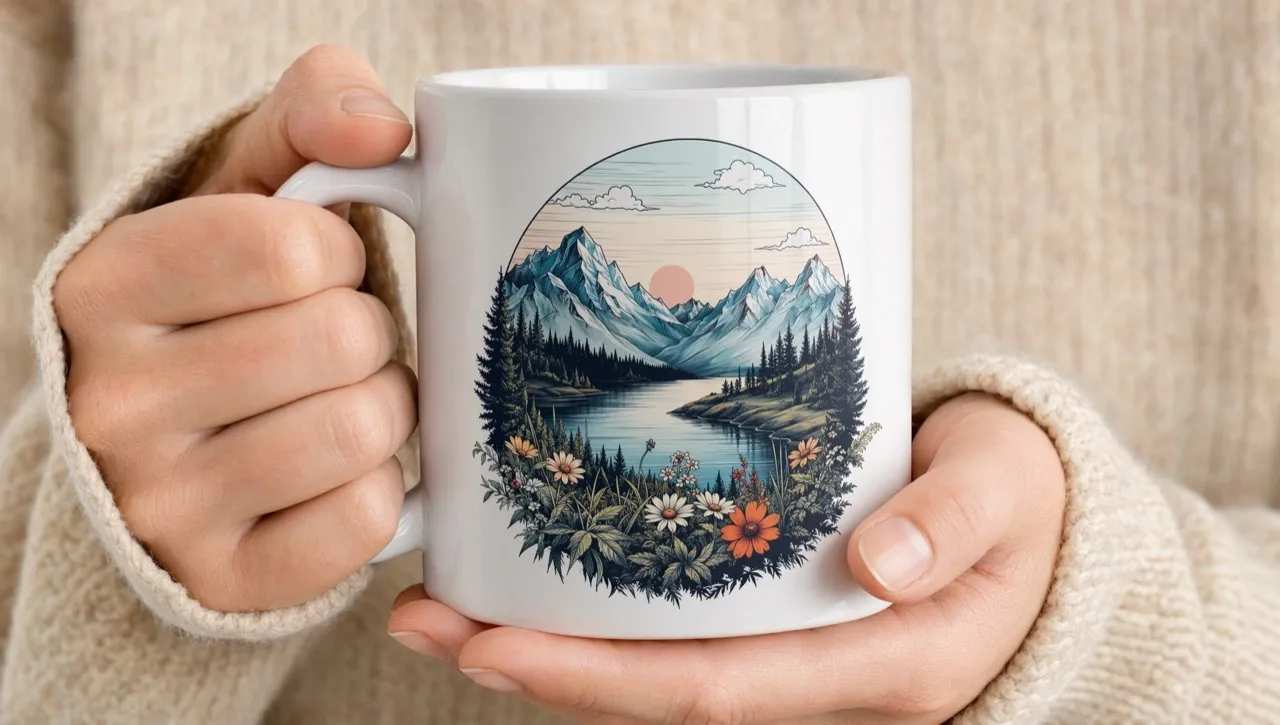
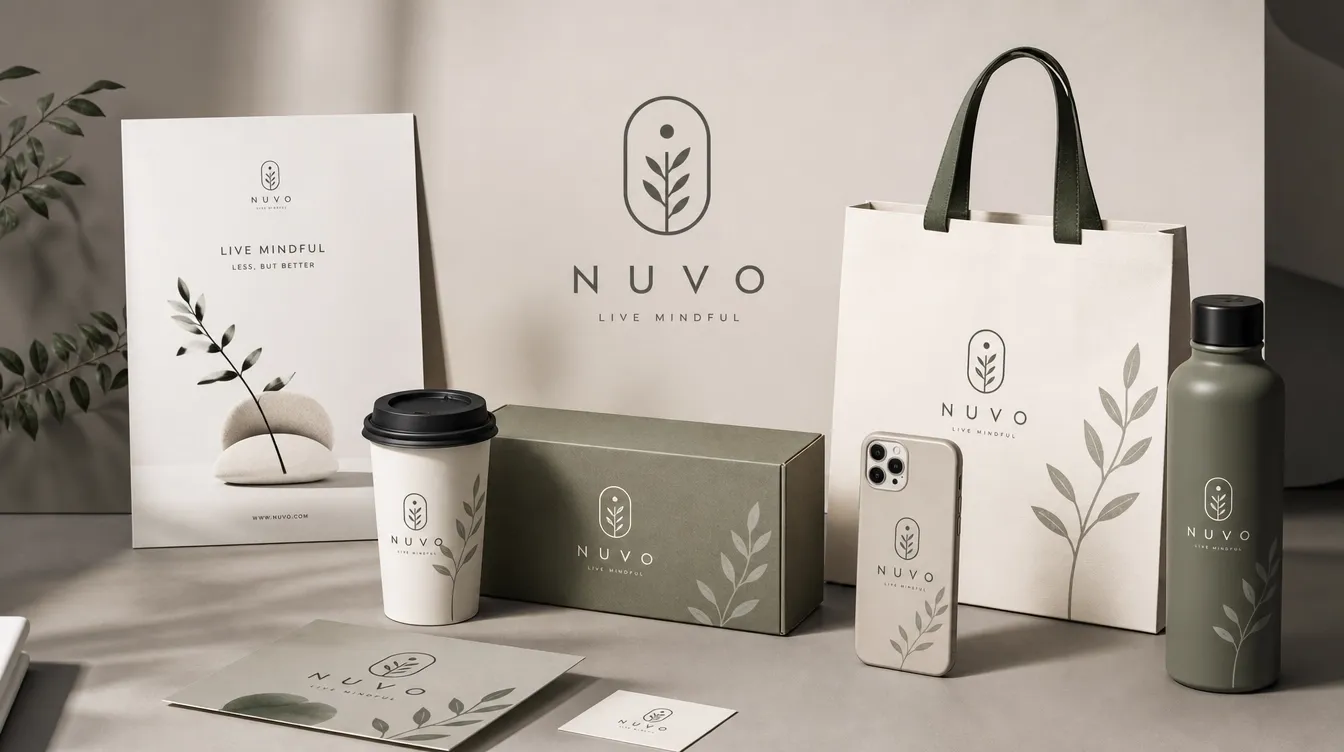
See how your branding holds up when it leaves the flat artwork file and wraps around a real cup. Our coffee cup mockup generator places logos, labels, or campaign graphics on paper, plastic, clear, iced, or sleeved drinkware, helping teams review materials, placement, and presentation before production.
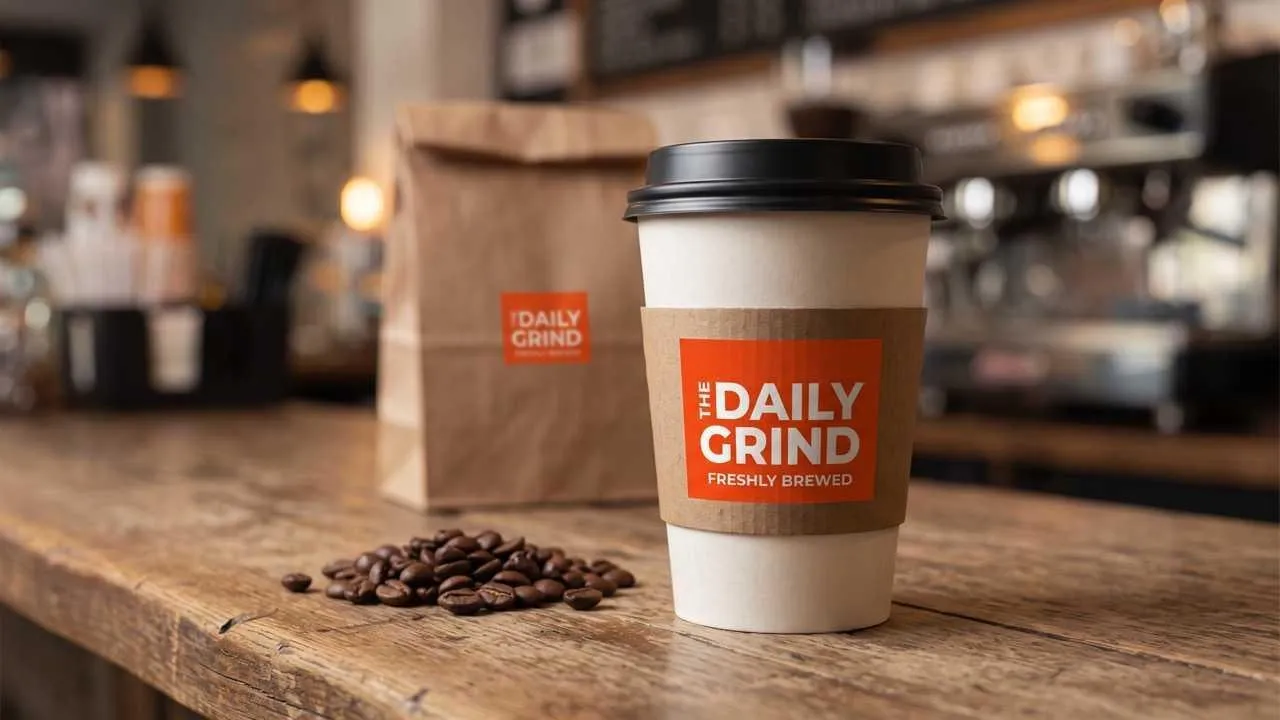
Check scale, placement, and impact before committing to printed drinkware.
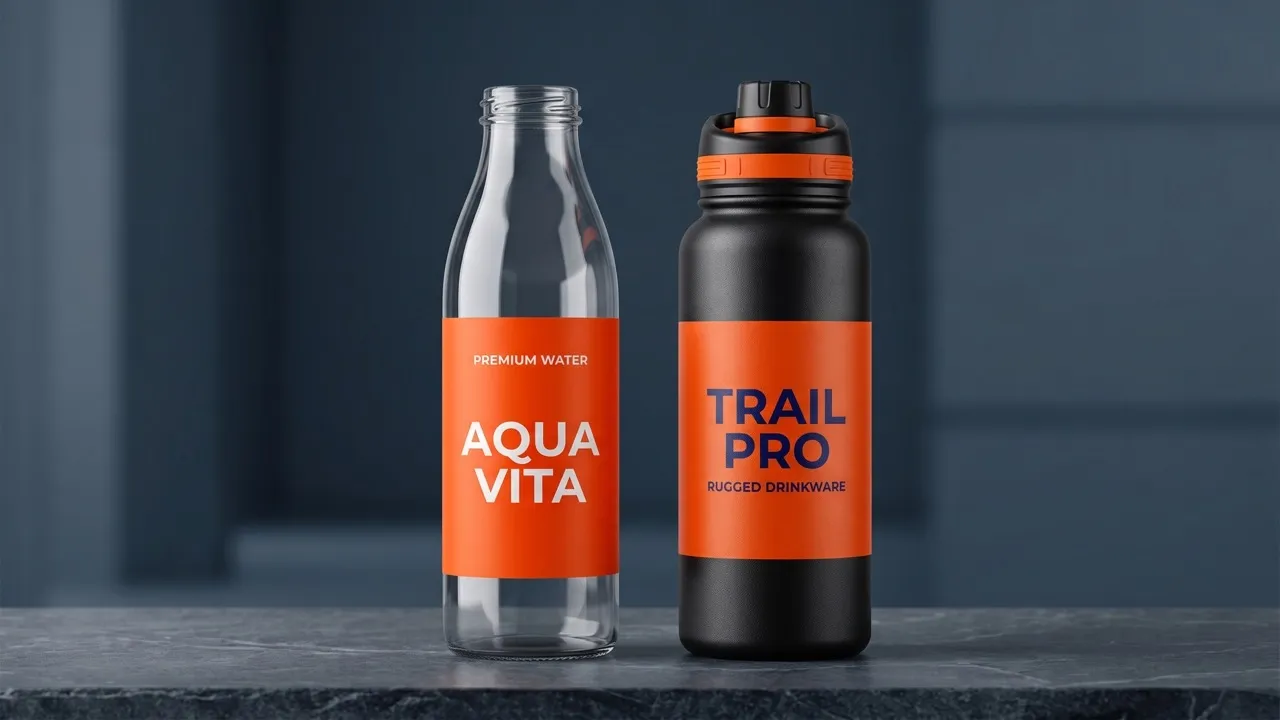
Compare hot, iced, clear, and sleeved presentations from the same artwork.
Give clients and suppliers a clear direction before production starts.
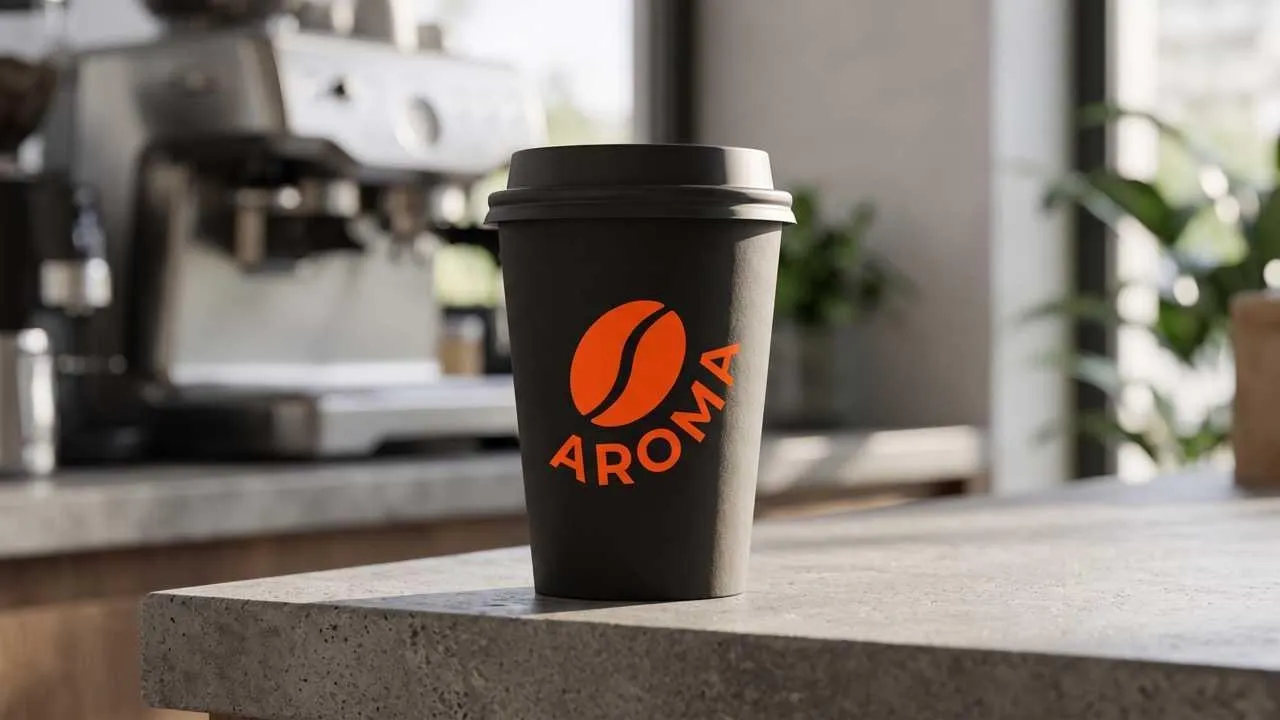
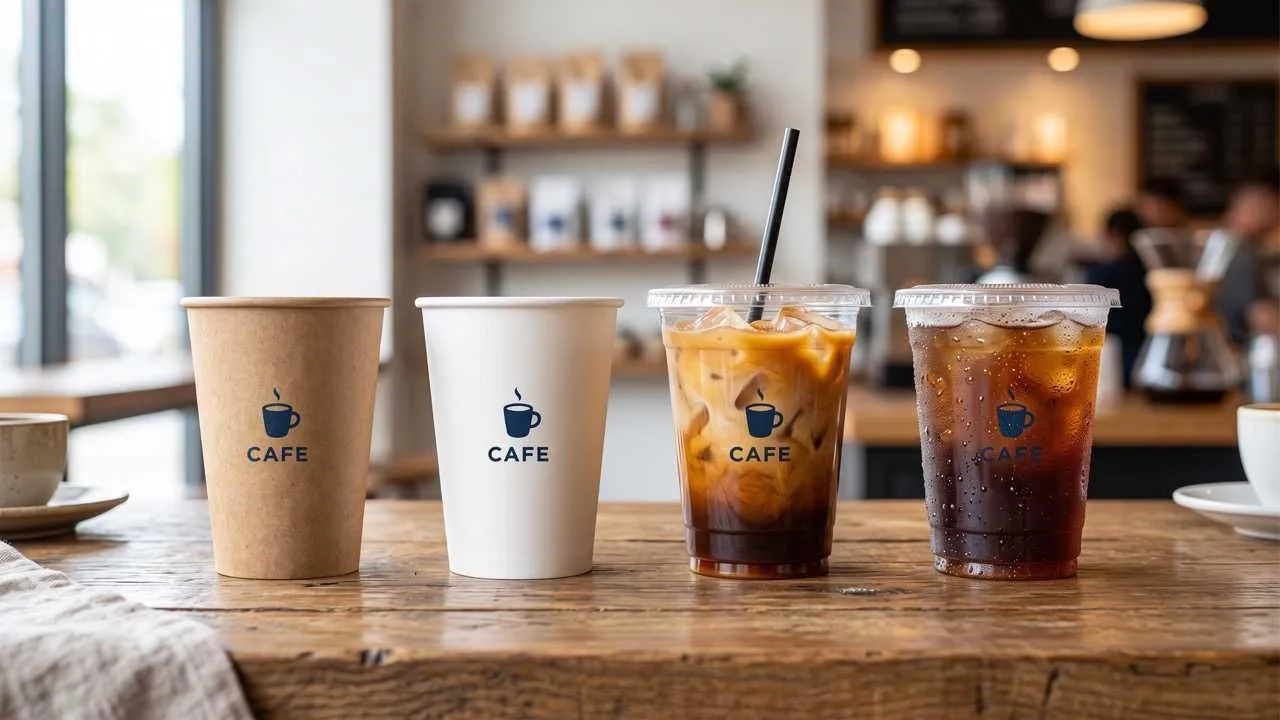
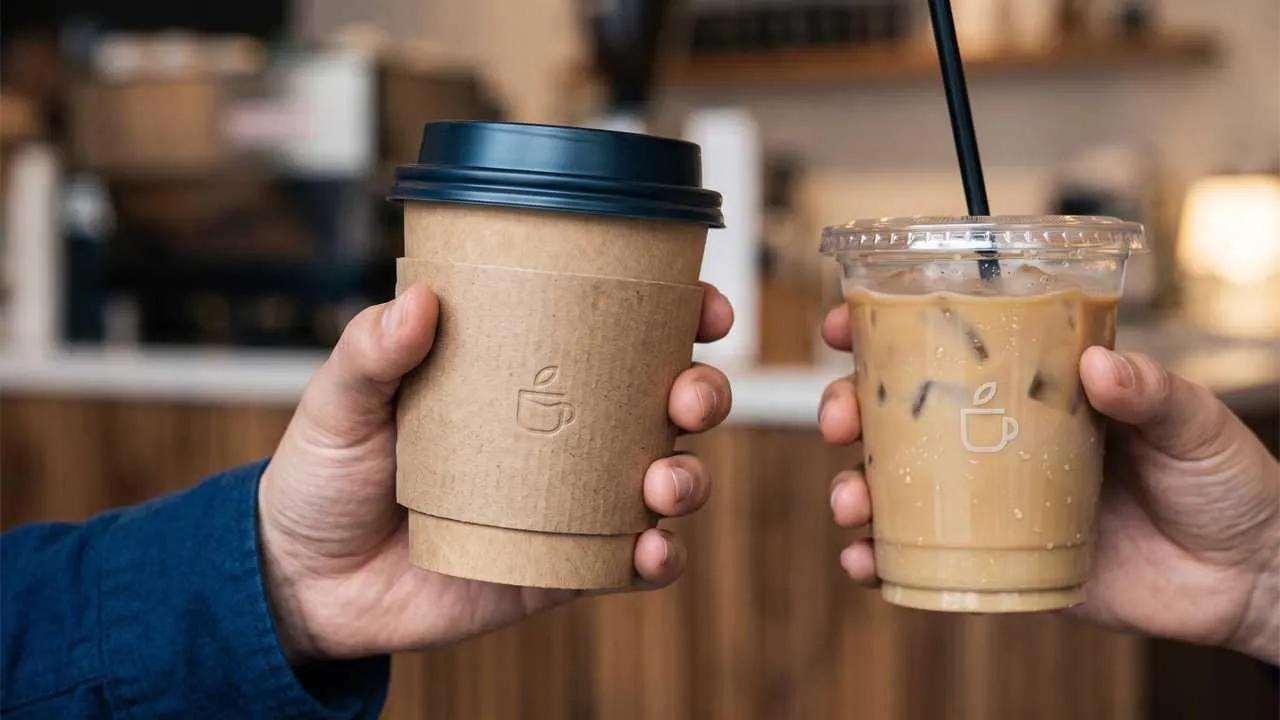
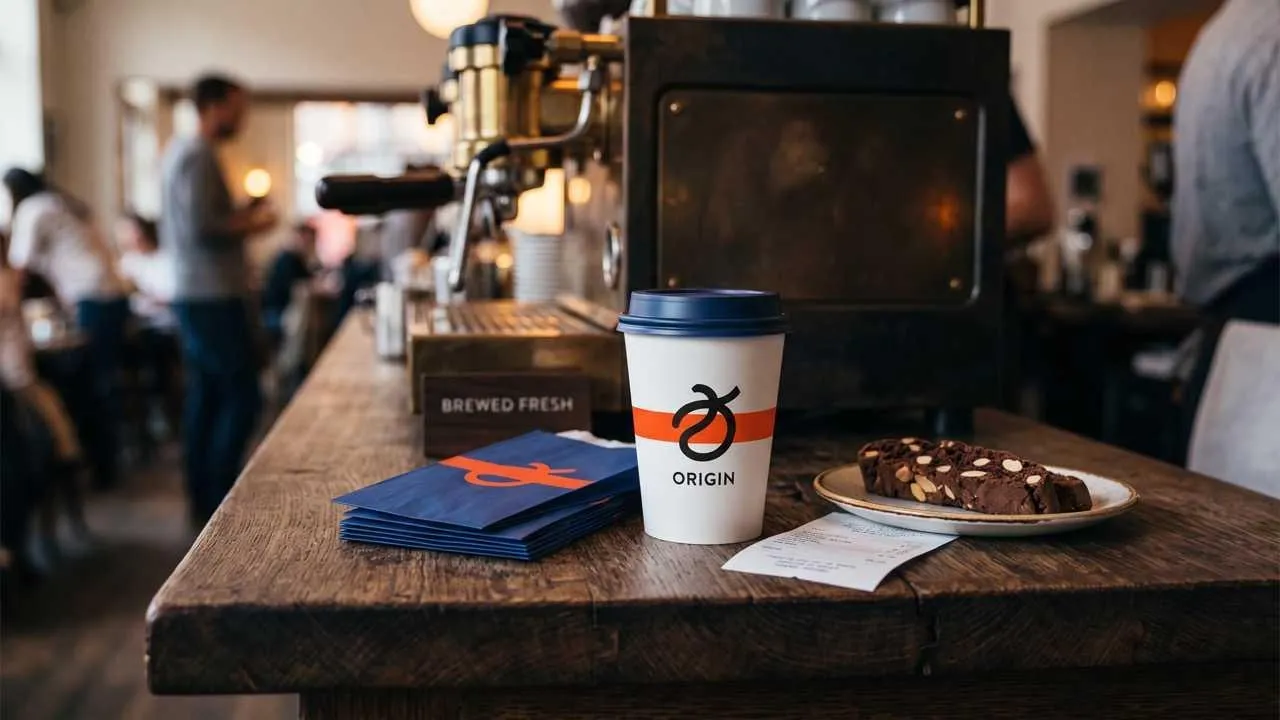
Preview a new seasonal sleeve or loyalty design before a menu launch, then show staff and suppliers exactly how the approved direction should look.
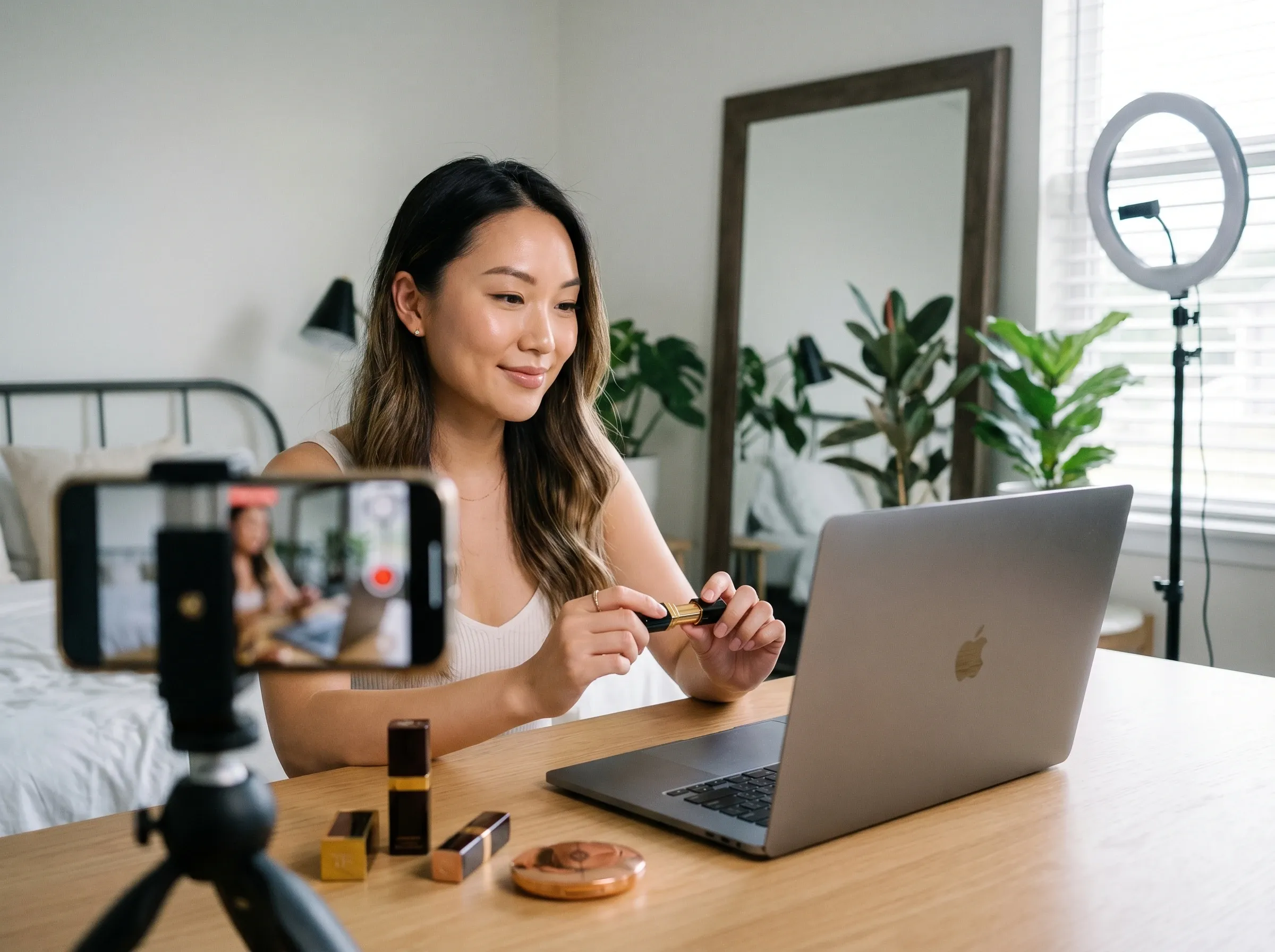
Show launch artwork on clear cups for a summer flavor, and use an AI background generator when the wider campaign also needs a separate lifestyle backdrop.
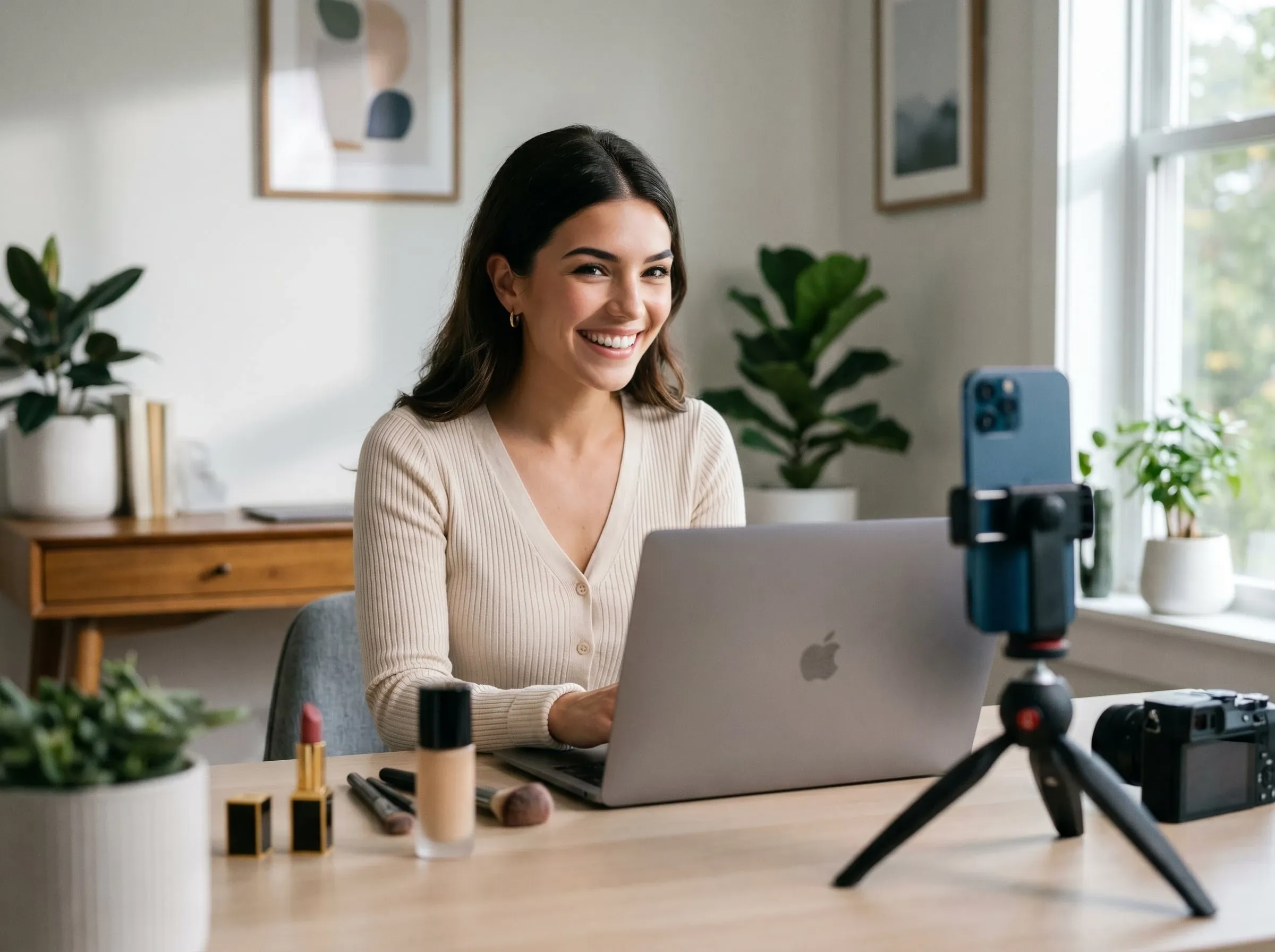
Compare logo scale, repeat patterns, lid colors, and material contrast during a client review without preparing a layered Photoshop file for every direction.
Turn an approved mockup into a campaign deck asset, then build a separate retail graphic with an AI product poster maker when the launch needs posters beyond the cup preview.
Upload the logo, label, pattern, or artwork you want displayed on the cup.
Specify paper, plastic, clear, iced, or sleeved drinkware plus the setting and viewing angle.
Create the mockup, review brand placement and material appearance, and refine the scene as needed.









Using Pollo AI to Create and Inspire
 Liz Cassidy
 Richard Quick
 armourdude
 Dudu
Dudu Ray Warnes
 lawless clan
 Istvan LajosSantiago Saenz
 Gen Zee
 萱兒
萱兒 Norma Ponce
 Sarah Stokes
 Sudipta Saha
 Luiz Guyz
 Swishadoptme Swishadoptme
An AI coffee cup mockup generator places your flat artwork on realistic drinkware, saving you from manually warping the design, masking the cup, and recreating material-specific light and reflections.
Pollo AI's AI coffee cup mockup generator is the best AI coffee cup mockup generator for comparing one brand across curved paper, plastic, clear, iced, and sleeved drinkware.
Yes. Add your branding and cup direction in Pollo AI, then review the generated coffee cup mockup before using it.
Yes. Describe the cup material, lid, sleeve, transparency, drink type, and setting so the mockup matches the product you plan to present.
Use a clean logo file and describe the cup angle, material, lighting, and placement so the artwork follows the curved surface convincingly.
This page focuses on generated mockup images rather than editable layered PSD files, so prepare your artwork before generation and review the final visual carefully.

See your branding on drinkware that feels real.