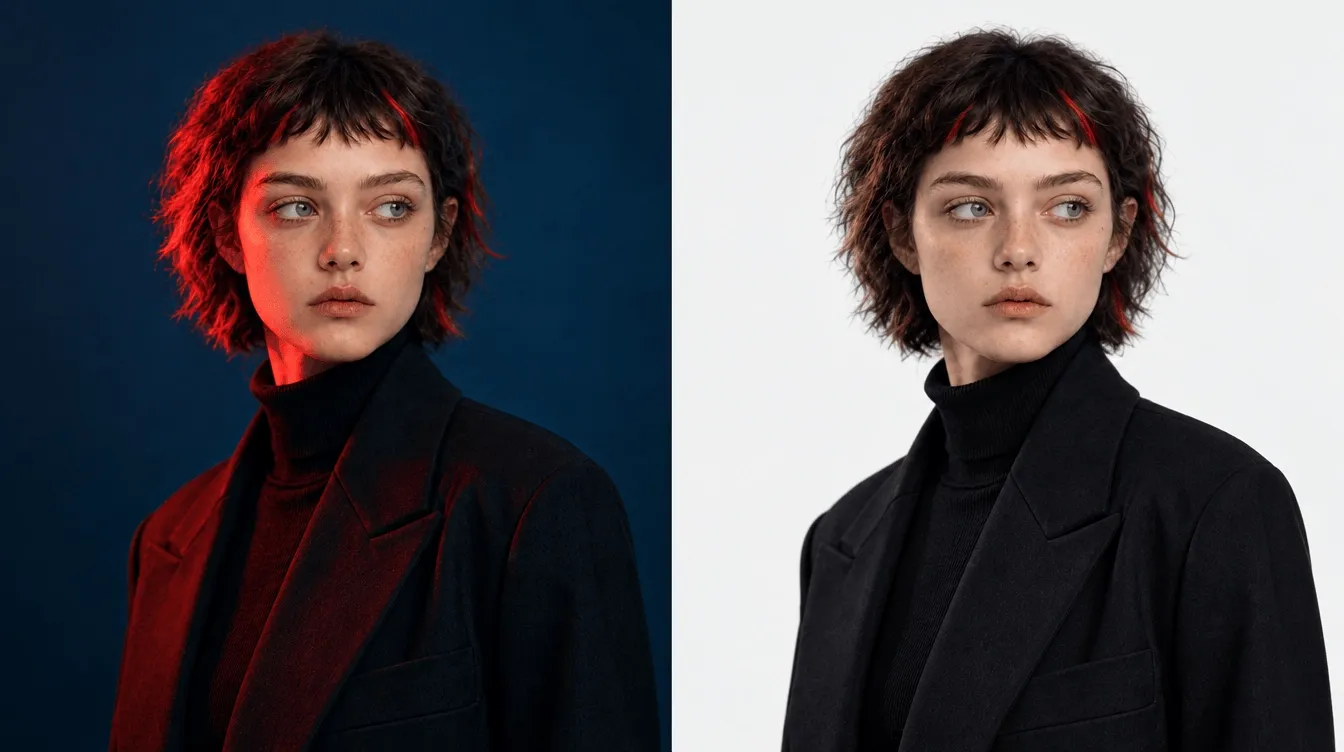
Step 1
Drag and drop or select a logo file from your own device.
AI Video
Transform text and images into cinematic videos with lifelike avatars and studio-quality SFX.

AI Image
Turn ideas and images into stunning visuals, or perfect any photo with a complete suite of AI tools.

Agent
Create production-ready videos with SFX, consistent characters, and polished scenes. No Editing.

Marketing Studio
Built for marketers and sellers to create winning ads, UGC videos and product visuals faster.

Kling 4.0
Up to 10 keyframes. Impressive performance.
Need a logo without a background? Pollo AI’s logo background remover makes it easy to remove background from logo-giving you a clean, professional transparent logo in seconds with just a few clicks!
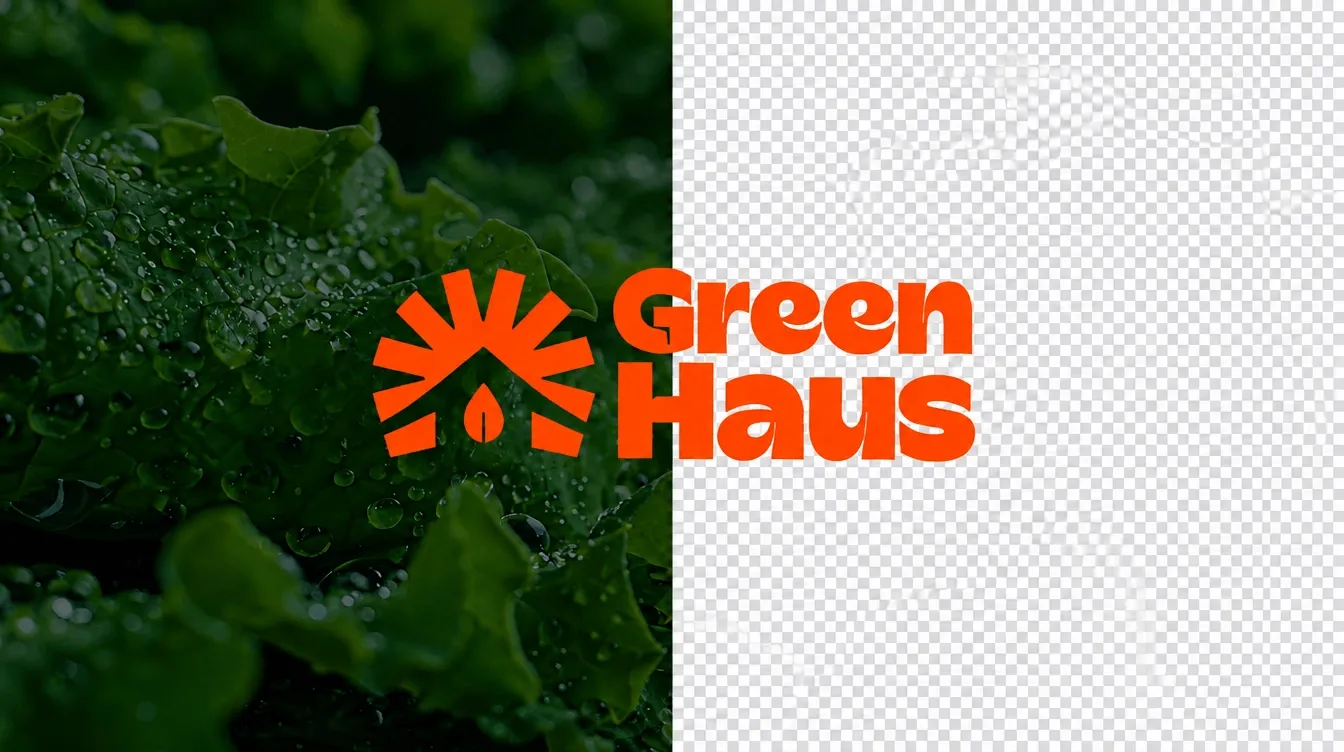

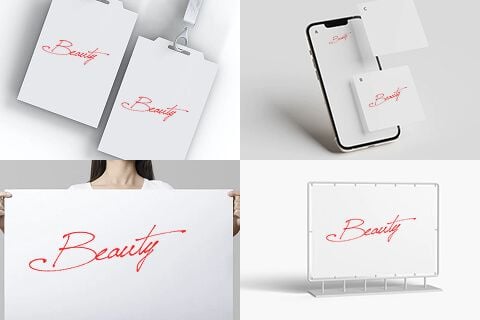
Drag and drop or select a logo file from your own device.
Our tool automatically removes the background, making your logo transparent.
Save your transparent logo in JPG or PNG format for professional uses.
Go from a rough concept to a finished asset in minutes. Generate, edit, enhance, and adapt images with tools built for real creative workflows.
Generate studio-grade visuals from text prompts in seconds, from realistic scenes to clean graphics and in-image text.
Accelerate visual production with hundreds of apps. Instantly design platform-ready Instagram posts, book mockups, and 3D characters.
Recreate, restyle, and upscale photos while preserving the structure and details that matter.
Refine your AI artwork effortlessly. Remove watermarks, seamlessly expand borders, and fix minor details for flawless final compositions in seconds.
Evolve your static scenes into dynamic narratives. Add lifelike motion, camera pans, and fluid transitions to your images with flawless rendering.
Scale your visual output effortlessly. Automate complex design tasks and generate high-volume, consistent assets ready for immediate deployment.









Using Pollo AI to Create and Inspire
Pollo AI’s logo background remover is an AI-powered tool that allows you to remove background from a logo and make it transparent for branding and design purposes. Whether you're a business owner, designer, or content creator, our tool helps you achieve the perfect transparent logo for websites, merchandise, and marketing materials.
You can upload JPG and PNG files. You can download the final output in these file formats, which are widely accepted for digital and print use.
Absolutely! Our logo background remover is ideal for businesses, e-commerce, and marketing projects. Whether you’re designing a business card, website, or merchandise, a logo without background is crucial for professional branding.
Yes, you can use this tool to remove background from logo for free. However, our tools require credits to process images. Our free plan provides some credits, and once used up, it is recommended to upgrade to our paid plan for more credits to use.
Yes! Our logo background remover carefully detects fine edges, making sure it preserves every detail of your logo. Even logos with gradients, shading, or complex details can be accurately processed with Pollo AI’s AI technology.
No, after creating a transparent logo, you cannot make edits anymore. To make changes, adjust your logo before putting it into our tool or reprocess if needed.
PNG is the preferred format as it supports transparency without losing quality. It is compatible with web design, digital branding, and print materials.
This tool is specifically designed for logos processing and works best with logo images.
Yes, Pollo AI’s logo background remover ensures that high-resolution outputs are print-ready, making it ideal for business cards, banners, merchandise, and promotional materials.
Manual background removal requires advanced graphic design skills and can be time-consuming. Our AI-powered logo background remover does the job instantly, with precise accuracy and professional results.