Gaming Channel Creators
Create GTA 6 videos starring you.
Use the GTA 6 video game aesthetic to create character intros and episodic story videos that help grow and monetize your gaming channel.
AI Video
Transform text and images into cinematic videos with lifelike avatars and studio-quality SFX.
AI Image
Turn ideas and images into stunning visuals, or perfect any photo with a complete suite of AI tools.
Agent
Create production-ready videos with SFX, consistent characters, and polished scenes. No Editing.
Marketing Studio
Built for marketers and sellers to create winning ads, UGC videos and product visuals faster.
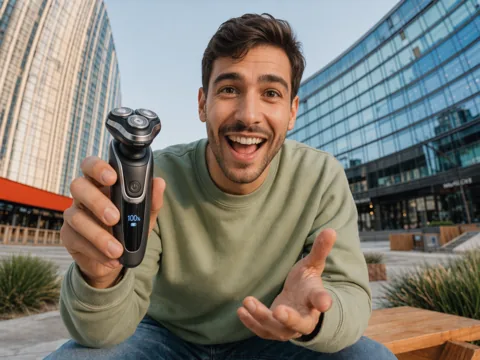
Create jaw-dropping GTA 6 videos in minutes. Ride the GTA VI hype, grow your channel, and earn more.
Struggling to turn gaming hype into income? Pollo AI turns selfies and scripts into GTA 6 videos, from coastal chases to neon Vice City arrivals, with connected stories and consistent characters that help you attract views, grow your channel, and monetize your content.
Upload a selfie and create a cinematic GTA 6 video with your character driving into neon-lit Vice City.
Turn your GTA 6 game video idea into a full GTA story film with comprehensive scenes, pacing, and music.
Create GTA 6 videos in multiple formats and languages to grow your reach and monetize your content.
Use the GTA 6 video game aesthetic to create character intros and episodic story videos that help grow and monetize your gaming channel.
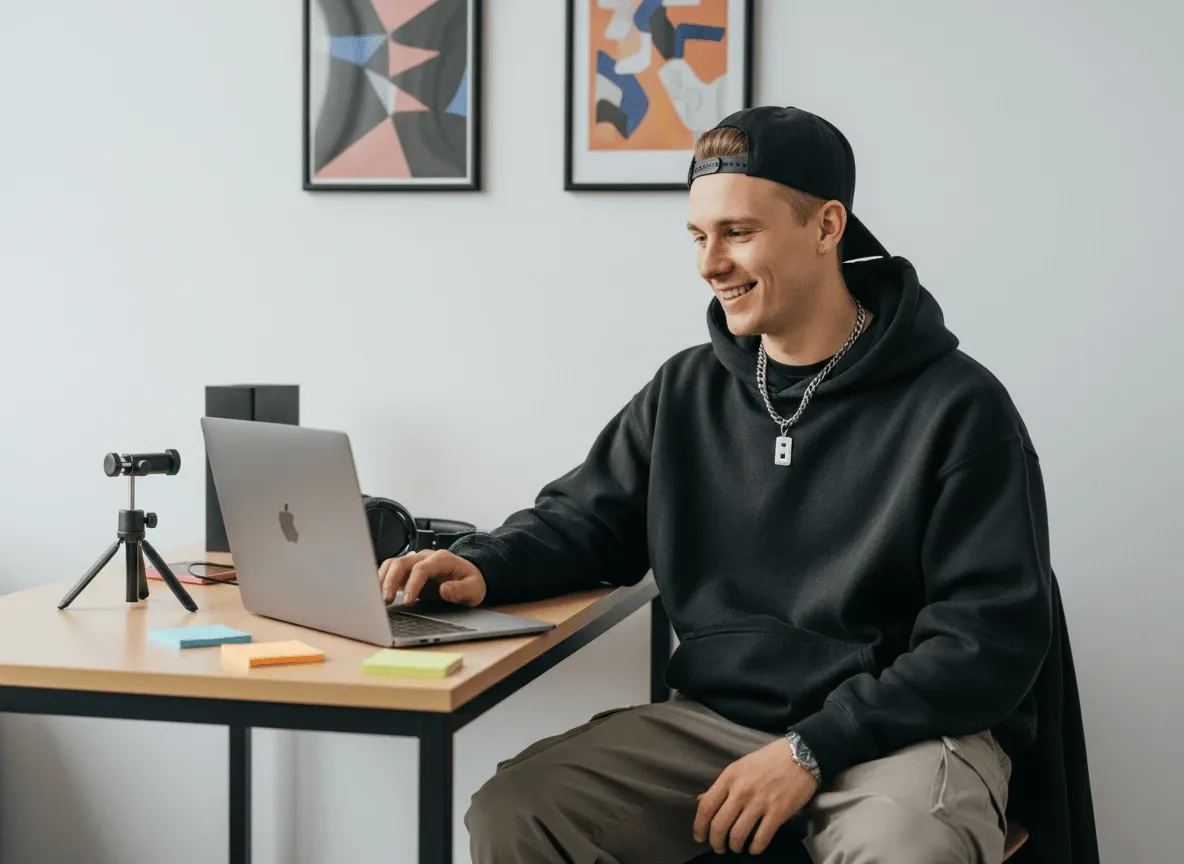
Create GTA 6 videos with recurring characters and cliffhanger endings, giving viewers a reason to follow each chapter.

Posts vertical gaming intro videos for TikTok, Reels, and Shorts with cinematic openings that capture attention, grow your audience, and increase your income.
Share an AI GTA 6-inspired fan film in your portfolio to showcase your storytelling and attract new client projects.
Describe your GTA 6 game video idea, setting, and main character.
Upload a photo (optional), then specify the GTA 6 video look and language.
Create your GTA 6 video, review the result, and download to share.
Love making GTA 6 videos? Go further with Pollo AI.
Turn a still photo into a cinematic clip. Capture a subtle smile, let the camera glide across a landscape, or set the leaves in motion with a gentle breeze.
Give your script a voice that fits the story. Pair natural-sounding narration with sound effects, from soft footsteps to the roar of a passing train.
Describe the shot you have in mind, from a sweeping city view to a close-up. Generate realistic footage with smooth motion for your next post or campaign.
Put your entire creative workflow on autopilot. Go from a text prompt to a production-ready video with zero editing, delivering studio-grade results fast.
Build each scene on a single timeline with Pollo Director. Try a new camera angle, compare takes, and fine-tune the pacing until every cut feels right.
Find a video, image, or design you love. Recreate the look with your own photos, characters, or products in just a few clicks.









Using Pollo AI to Create and Inspire
Our GTA VI AI video generator turns selfies, ideas, and scripts into a cinematic story video inspired by the GTA VI video game, so you can put your own character and storyline at the center.
Describe your story, setting, characters, action, camera style, and music preferences. Add a photo if available, then let our GTA VI AI video generator turn your direction into a complete cinematic short.
Anyone who wants to create GTA 6 videos and monetize their content can use our GTA AI video generator. It is especially useful for gaming channel creators, GTA fan storytellers, short-form social creators, and freelance video creators.
No. Pollo AI’s GTA VI AI video generator automatically creates the scenes, pacing, music, and story structure for you, so you can make full videos without advanced editing skills.
You can start creating GTA 6 videos for free on Pollo AI. Higher-volume generation, more credits, or broader feature access may require upgrading to a paid plan.

Create cinematic GTA 6 videos faster, keep fresh videos coming, and earn more from your channel.