



Turn Flat Photos into Dynamic Visuals Instantly
Our image relighting tool lets creators refine lighting, shadows, and atmosphere in one click. By balancing light and tone to match professional standards, you turn ordinary photos into polished, mood-perfect visuals effortlessly.
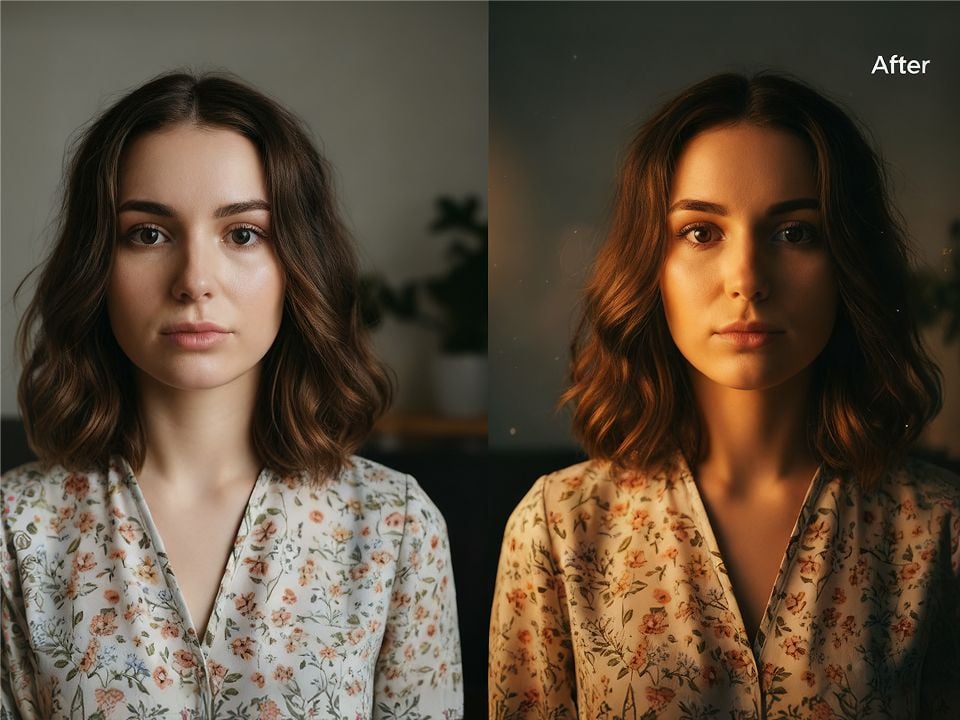
Smart Light Adjustment for Professional Looks
AI image relighting automatically optimizes brightness and contrast, fixing underexposed or overexposed areas in seconds. Get clean, balanced lighting that makes every photo look professionally shot.
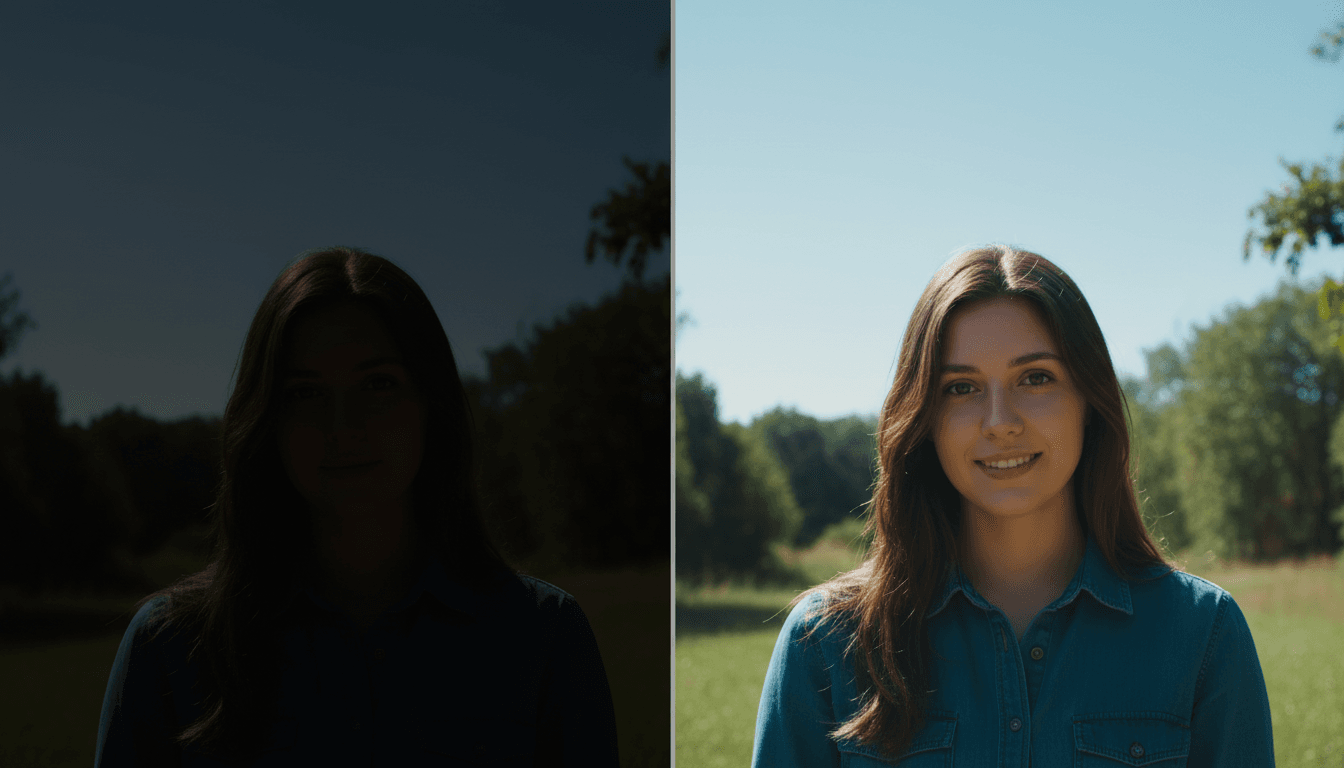
Precise Shadow Control for Depth and Dimension
Enhance or soften shadows to add texture and depth without over-editing. The tool keeps details clear while making your images more layered, dynamic, and visually appealing.
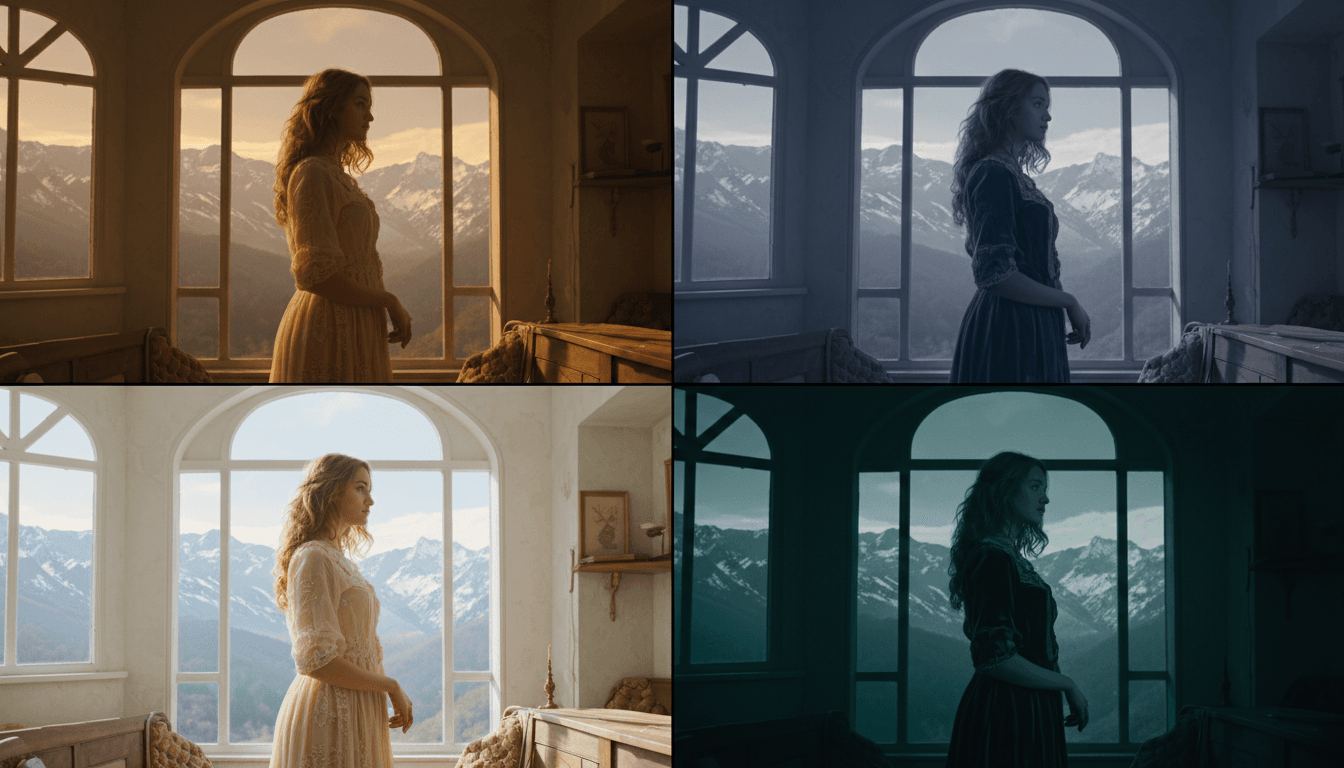
Atmosphere Refinement for Mood Perfection
Easily shape the vibe of your visuals—warm, calm, bright, or cinematic. It adjusts tones smoothly to match your creative vision, giving photos a consistent, immersive atmosphere.
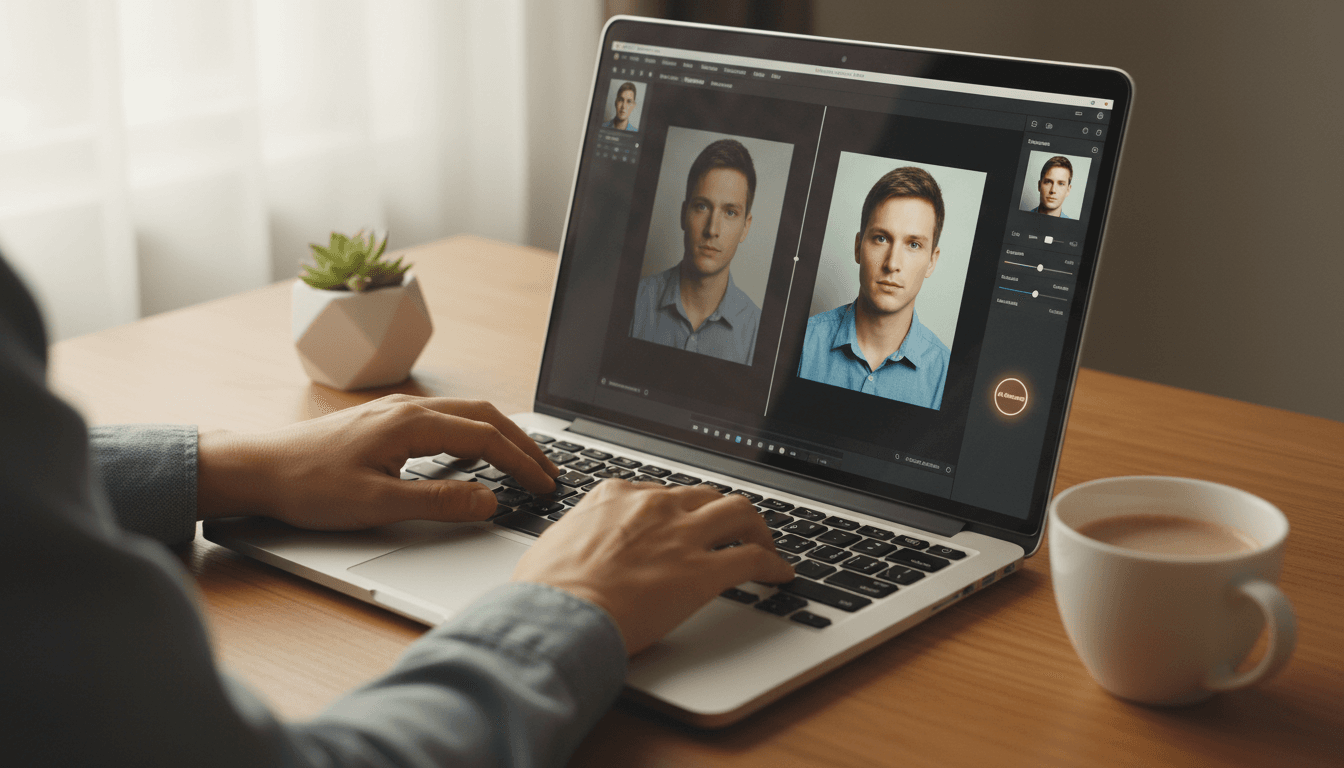
One‑Click AI Enhancement for Effortless Editing
No complex skills or software needed. Simply upload your image, select your desired lighting, and let the AI seamlessly adjust the rest. Achieve high‑quality results in an instant, saving time for more creation.
AI Image Relighting for Every Creative Vision

Studio-Quality Lighting Without the Expensive Gear
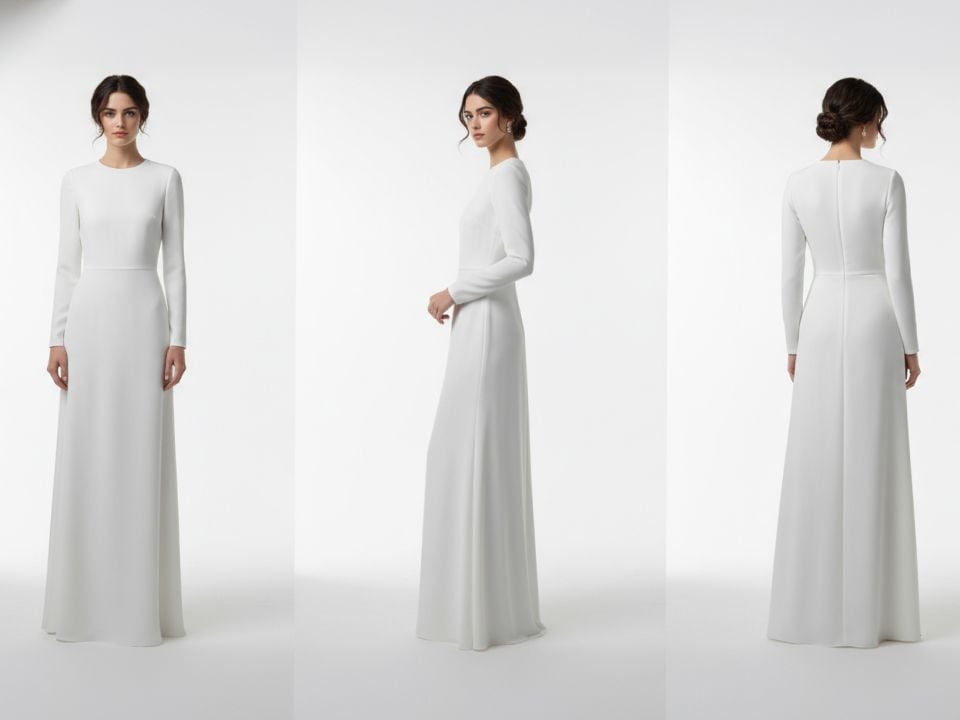
Turn flat, dull product shots into high-end commercial visuals instantly. Our AI relighter allows you to fix underexposed areas and add dynamic highlights that emphasize texture and form.

Master the Mood with Cinematic Atmosphere
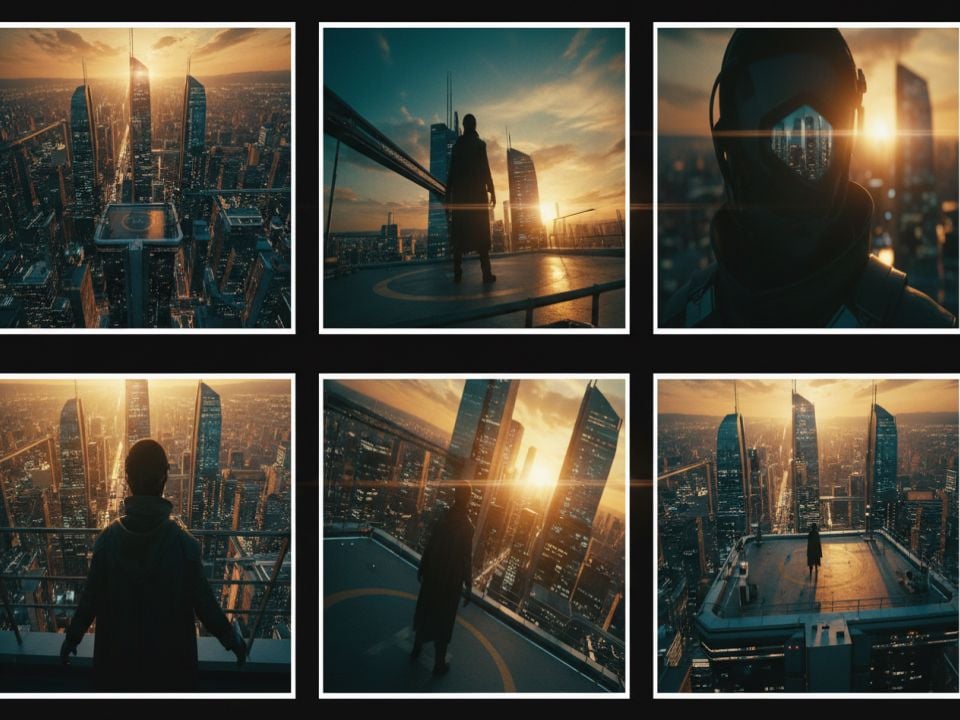
Don’t let poor natural lighting ruin a perfect moment. Whether you need a warm golden hour glow or a moody, cinematic vibe, the AI effortlessly adjusts shadows and tones to match your aesthetic.

Add Depth and Dimension to Every Scene
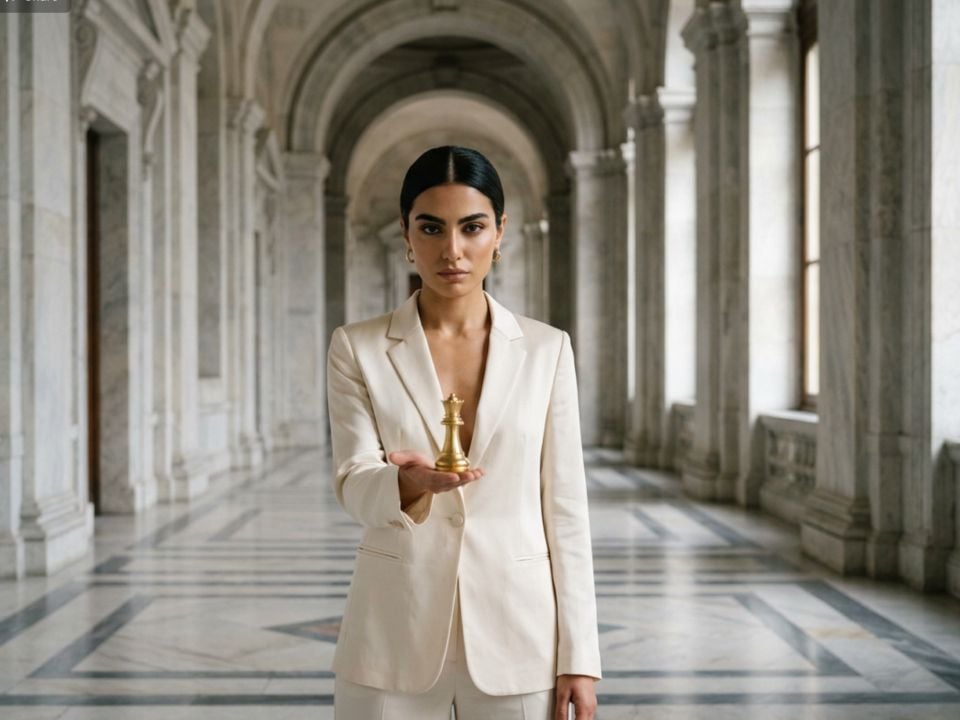
Bring flat designs to life by introducing realistic shadows and layered light sources. Use precise shadow control to add 3D depth to your digital art or composite photos.
How to Use AI Image Relighting?
Step 1
Upload the image you want to relight to the Pollo AI dashboard.
Step 2
Select where you want to adjust the light, then configure the customization options.
Step 3
Click ‘Generate’ and then download your photo.
Discover Other AI Creative Tools on Pollo AI










 5000+ reviewsTrustscore 4.4
Chosen by 10M+ Creators and Marketers Worldwide
Thousands of satisfied users have shared their Pollo AI experiences on Trustpilot, rating us as "Excellent." See what they love about our platform.
Liz Cassidy Dec 15, 2025Richard QuickOct 15, 2025armourdudeNov 19, 2025
 DuduJan 14, 2026
 Ray WarnesDec 30, 2025
 lawless clanNov 22, 2025
FAQs about Our AI Image Relighter
What is AI Image Relighter?
It is an intelligent image relighting tool designed to transform your visuals effortlessly. It allows you to instantly adjust photos, helping you achieve professional-looking results without complex editing skills.
Can I Use AI Image Relighting for free?
Yes! It offers free credits to new users, allowing you to use it at no cost. You can also use these credits to explore our other professional functions and create high-quality visuals without subscribing first.
How fast can I generate a relighting photo?
It delivers fast results in just minutes. Simply upload your image, adjust the lighting settings as needed, and you’ll get your perfectly relit visual instantly—no long waits or complicated workflows.
Is AI Image Relighting limited to only one style?
No. It offers a wide range of styles for you to choose from. You can select the suitable type to create your work.
Will my relit images maintain their original details?
Yes. It optimizes lighting and shadows while preserving the original details of your image. You’ll get polished, professional visuals without losing any important elements or over-editing.
