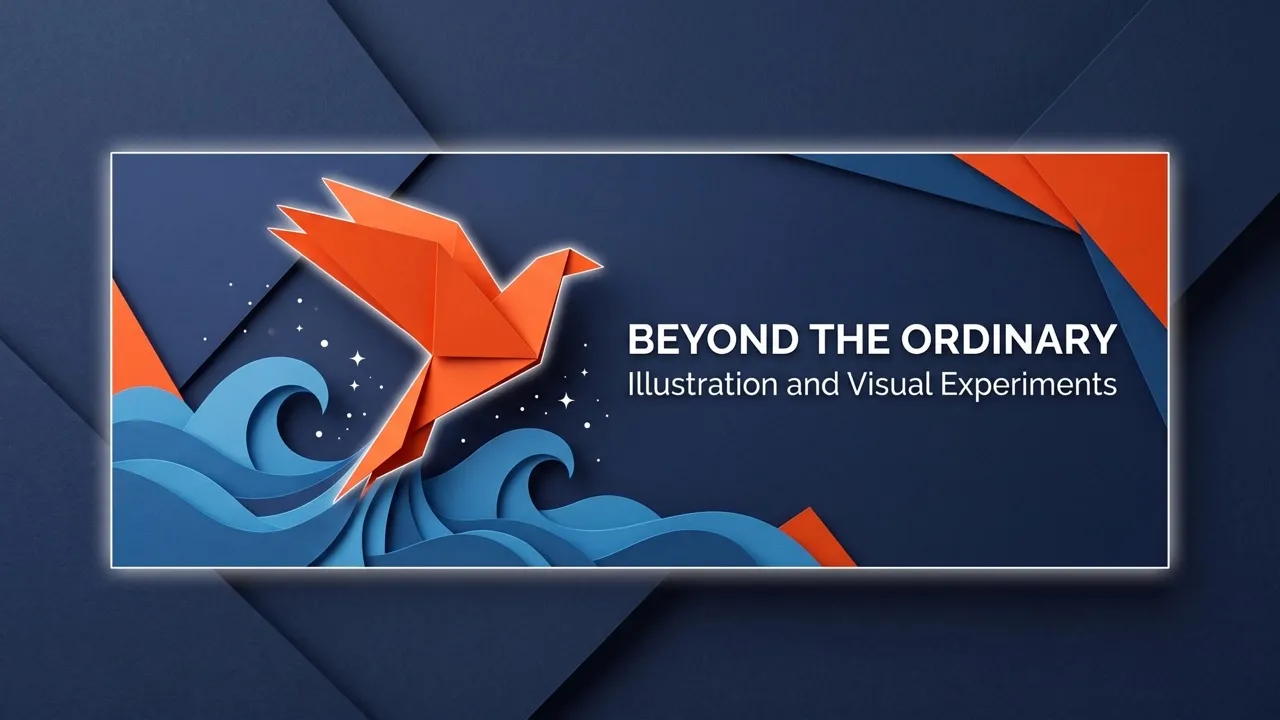

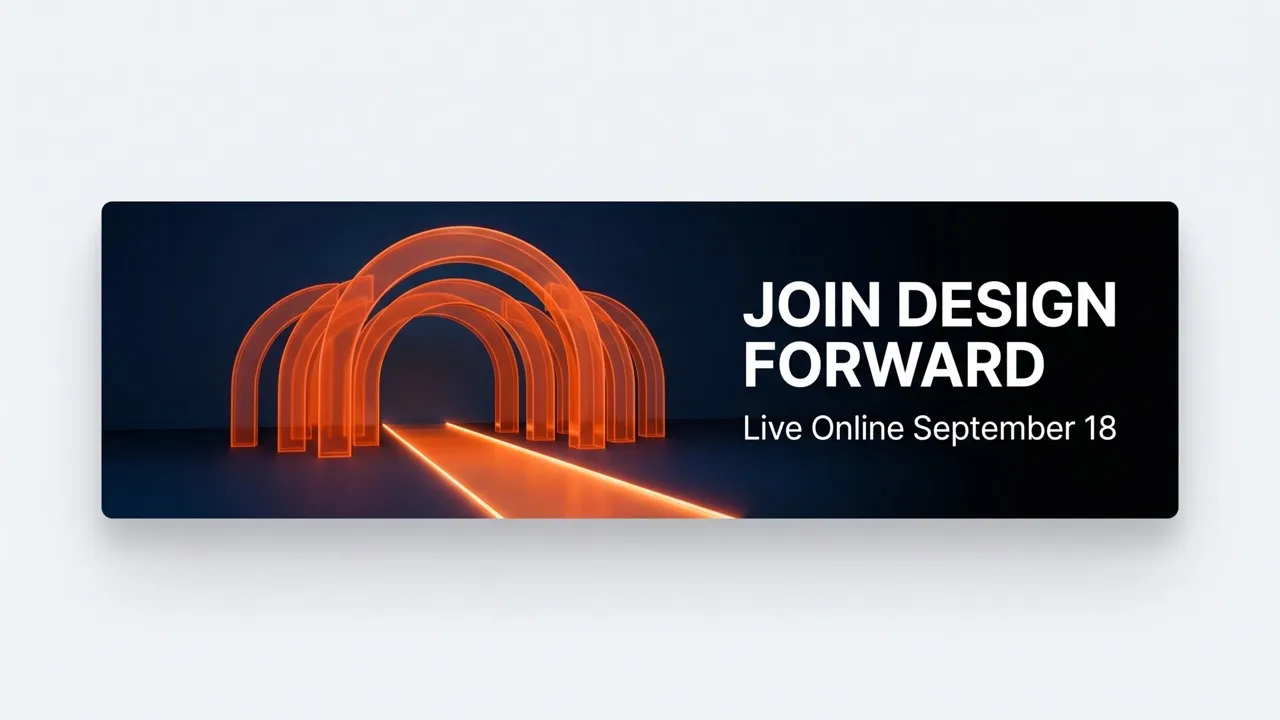
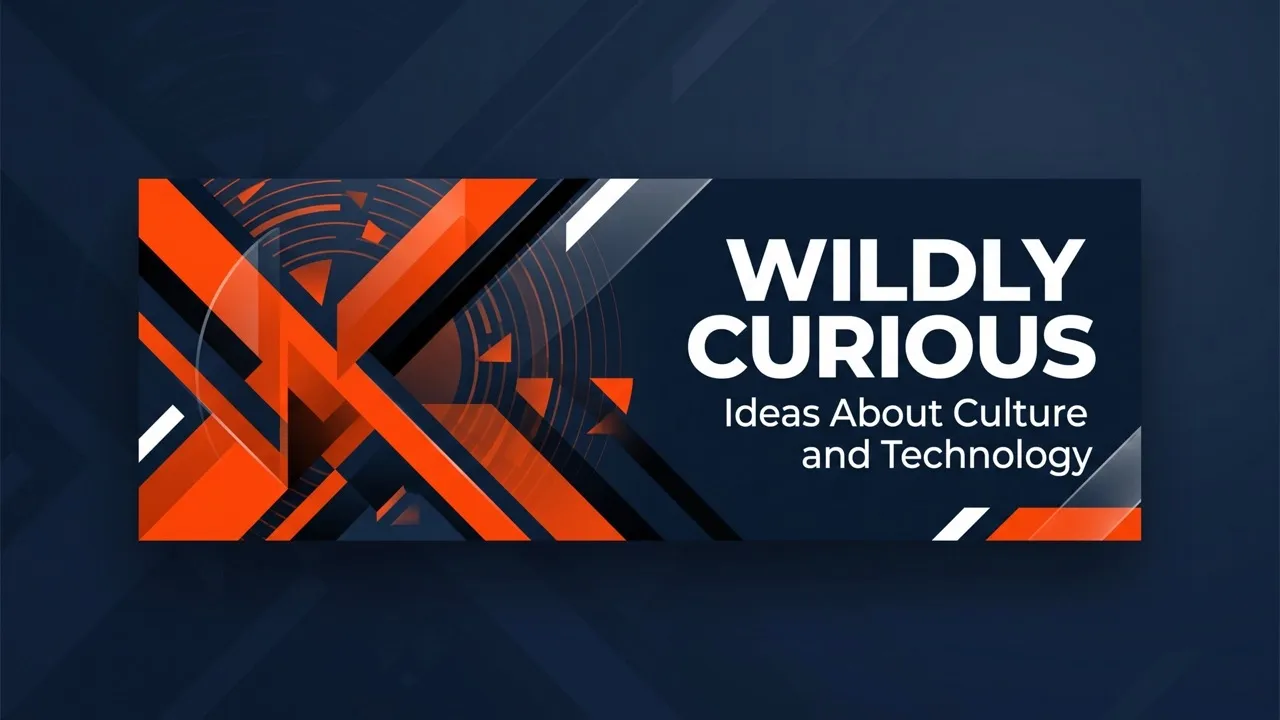

Step 1
Enter a prompt or upload an image that reflects your idea.
Generate a polished Twitter header that expresses your identity and strengthens your profile presence. No design skills needed!
Make your Twitter profile instantly recognizable! Use our AI Twitter header maker to turn your image or creative idea into a custom Twitter banner. Whether you’re a creator, brand, designer, or everyday social media user, you can create a polished Twitter banner that expresses your identity, builds trust, and encourages more people to follow.

Create polished Twitter headers from prompts or images without manual design or editing experience.
Explore diverse styles and freely adjust colors, mood, composition, backgrounds, and visual details.
Generate multiple Twitter banner variations quickly without rebuilding each design from scratch.


Enter a prompt or upload an image that reflects your idea.
Specify your preferred colors, mood, composition, background, and key details.
Generate your Twitter header, then download and use it on your profile.

Using Pollo AI to Create and Inspire
AI Twitter header maker turns written prompts, uploaded images, or visual references into wide graphics for Twitter or X profiles. This AI image generator helps you create personalized Twitter headers, explore different creative styles, and produce polished profile visuals without manually arranging every design element.
Yes. You can try Pollo AI’s Twitter header maker for free to create profile headers from prompts or images. Plus, paid plans provide additional access. Start with a simple idea and generate a result that reflects your profile identity.
Pollo AI is the best Twitter header generator because it combines an easy workflow, flexible style control, high-quality results, and creative freedom. It supports prompts and image references, helping you compare different directions and create a personalized Twitter cover photo without complicated design software.
You can use this Twitter banner maker to create minimalist banners, illustrated scenes, cinematic landscapes, gaming headers, fandom visuals, and branded graphics. You can also explore seasonal Twitter backgrounds for personal profiles, creator accounts, business pages, or other creative projects.
Yes. You can control colors, lighting, mood, textures, backgrounds, and the overall Twitter layout through your prompt. You can also upload an image to guide the subject and visual direction. But make sure that your image is clear enough. If not, try our AI photo editor, which can enhance your photos simply through prompts.
The recommended Twitter header size is 1500 × 500 pixels, creating a 3:1 aspect ratio. Because Twitter banner dimensions can display differently across devices and browsers, keep faces, logos, text, and other important visual details away from the outer edges.
No. You only need to describe your idea or provide a visual reference. Pollo AI handles the initial creation, helping you produce polished Twitter header pictures without manually building a layout.

Generate distinctive Twitter headers to express your identity, build trust, and make your profile memorable.