



Higgsfield Genjutsu Alternatives: 5 Video Transformation Tools That Work
In my opinion, Higgsfield Genjutsu’s ability to preserve motion and rebuild an existing scene or swap out an element in any video is the closest thing to magic AI video tools can get. But I also know that Higgsfield Genjutsu’s credit costs and usage can be quite expensive to bear. So, I asked myself what the next best alternatives are, and luckily for you, I found 5 solid options!
TL;DR
Pollo Recast is the best Higgsfield Genjutsu alternative because it’s the closest overall substitute that I’ve found with consistent motion transfer and object swap capabilities. Whether I need to change a person, setting, or a specific element in the shot, it can perfectly preserve everything else in the frame with no structural collapse. Try using Pollo Recast now!
Best Higgsfield Genjutsu Alternatives: At a Glance
I tried and tested several potential Higgsfield Genjutsu alternatives, eventually narrowing down my list to 5 tools. But before I dive into each of them in detail, here’s a quick summary:
| Alternative | Best for | What makes it unique | Main drawback |
|---|---|---|---|
| Pollo Recast | Whole-clip character, product, outfit, and setting swaps | Rebuilds an existing 4–30-second video while preserving its movement, timing, cuts, and camera flow | Up to 720p output; less control over changing the original motion |
| Runway Aleph 2.0 | Professional video editing and campaign variations | Makes localized edits to existing footage, such as changing products, wardrobe, backgrounds, lighting, or seasons, while preserving the rest | Better for editing existing footage than generating a completely new performance |
| Kling AI Motion Control | Advanced character and performance transfer | Separates identity from performance: use one image for the character and another video for the movement; includes facial-element binding | Requires clean, single-character reference footage; pricing varies by model and settings |
| Luma AI | High-end video-to-video transformation and post-production | Offers character replacement, motion transfer, keyframes, HDR, 1080p, and EXR-oriented workflows | More expensive and complex than simpler creator-focused tools |
| Viggle AI | Character replacement, dance videos, memes, and social content | Motion-first workflow: combine a character image with a motion video; supports multi-character replacement and reusable motion | More focused on characters than backgrounds, objects, or full-scene restyling |
#1. Pollo Recast: Best Higgsfield Genjutsu Alternative Overall
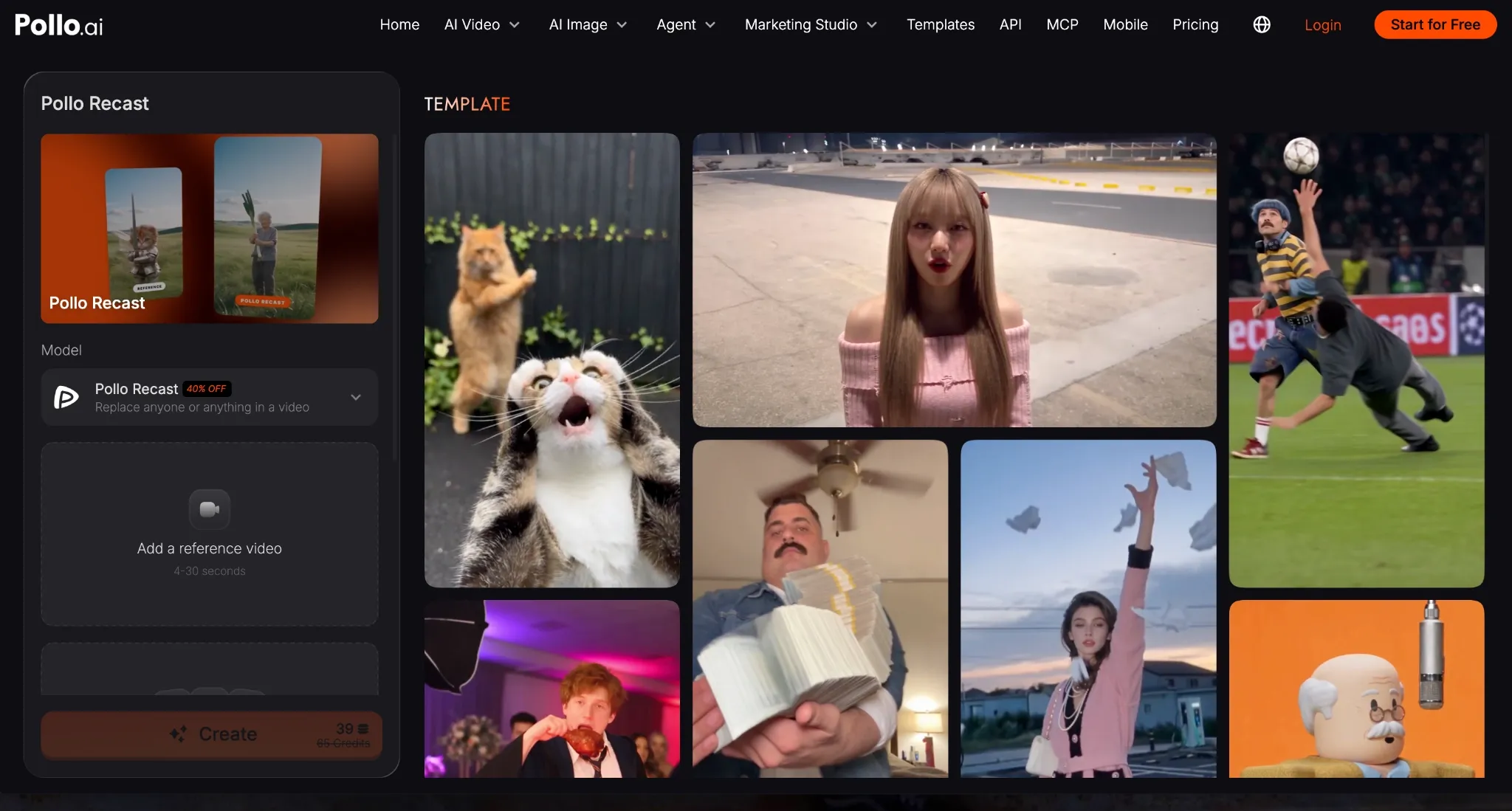
Pollo Recast is my top choice because it’s the closest fit for reimagining whole clips. Much like Higgsfield Genjutsu, it supports both motion transfer and object swapping. So, I can rebuild a 4–30-second video around a new character, pet, avatar, product, prop, outfit, or setting.
I particularly appreciate how simple it is to use. I just need to upload a source clip, add reference images, set my preferred mode, and input a short prompt. After that, it takes a single click for me to swap characters, scenes, or styles and get a new version in minutes.
For the most part, I’m always impressed by its capacity to preserve motion, timing, and camera movement. Whether it’s a dance, UGC clip, or product reveal, Pollo Recast is so consistent. In fact, I prefer it over Higgsfield Genjutsu because the Pollo AI creative suite is far less cluttered.
Along with Pollo Recast, I can access dozens of other AI video tools to create or transform footage quickly and seamlessly, even on mobile. Whether I want to extend clips, upscale footage, or translate videos, this platform seems to have me covered on all fronts!
Pros:
- Stable & consistent video transformations
- Fast and seamless user interface
- Free trial plan available
- Broad AI creative suite available
Cons:
- Limited to 10 reference images
- Only supports 720p outputs
Remake Any Video with Pollo AI
Swap characters and products, keep the original motion.
Try Pollo Recast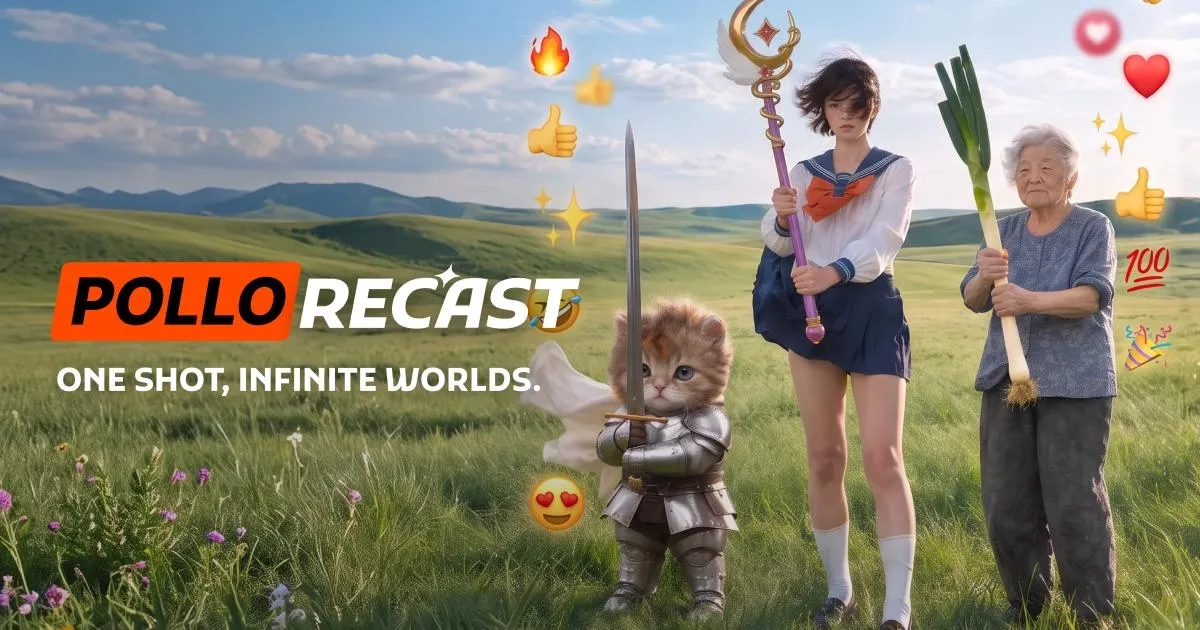
#2. Runway Aleph 2.0: Best Higgsfield Genjutsu Alternative for Localized Video Editing
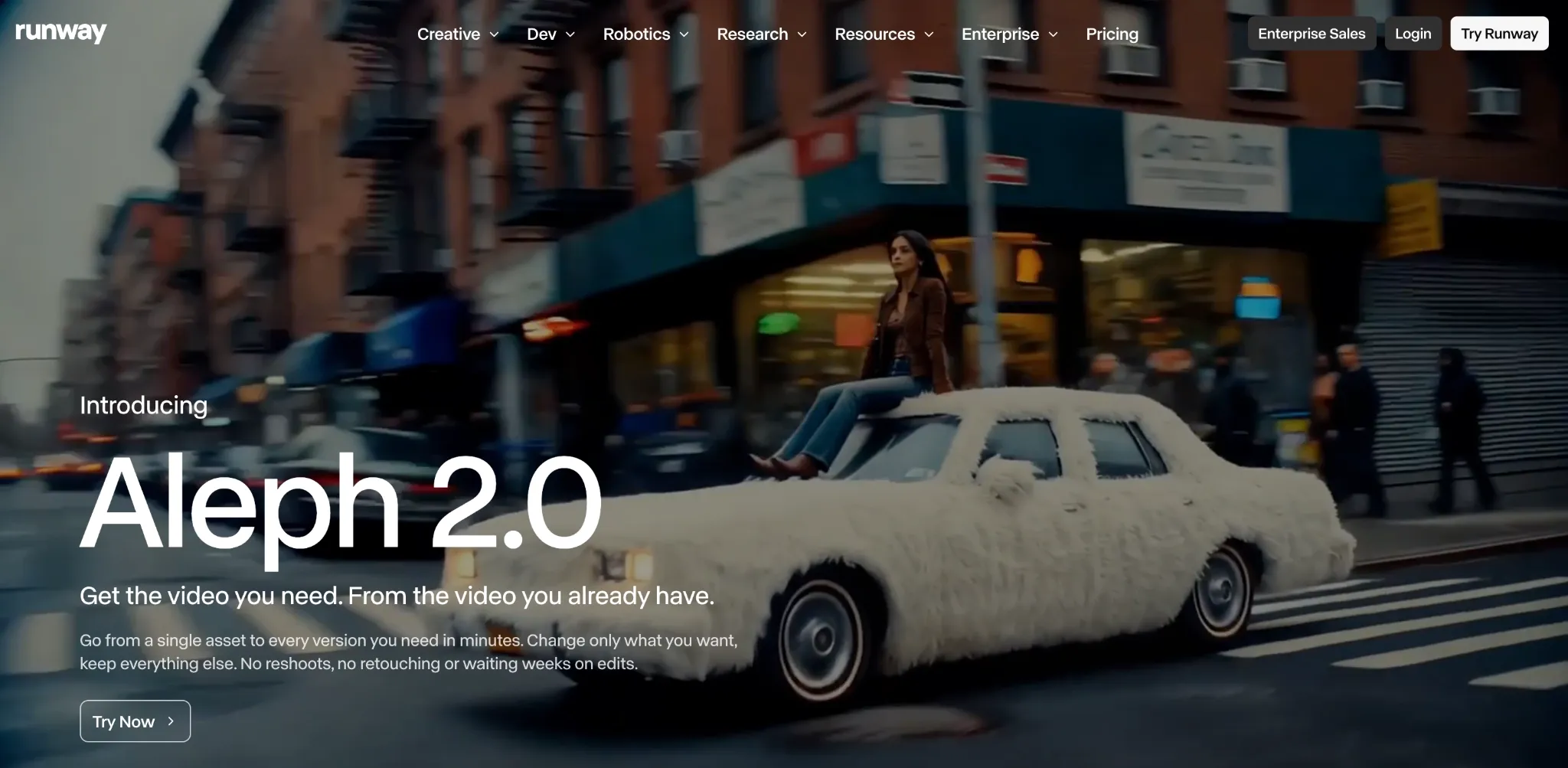
What I find interesting about Runway Aleph 2.0 is that I can edit a single keyframe and let the tool carry that visual change across the rest of the clip. Even across multiple cuts or scene changes, it does a good job of applying the edit across the full sequence.
But what I really like about Aleph 2.0 is that whether I’m looking to adjust product color, wardrobe, background, lighting, season, object, etc., it lets me preview the change beforehand. So, I don’t need to generate the final video to decide if it’s the right transformation or not.
It also supports 1080p outputs, which I consider to be a definite advantage. But what frustrates me about using Aleph 2.0 is that it consumes a lot of credits per generation. Moreover, the edits may drift across frames at times, so it’s not always consistent.
Pros:
- Keyframe-guided visual editing
- Preview-before-generation workflow
- 1080p resolution supported
Cons:
- High credit consumption rate
- Results demand clear, specific prompts
#3. Kling AI Motion Control: Best Higgsfield Genjutsu Alternative for Precise Performance Transfer
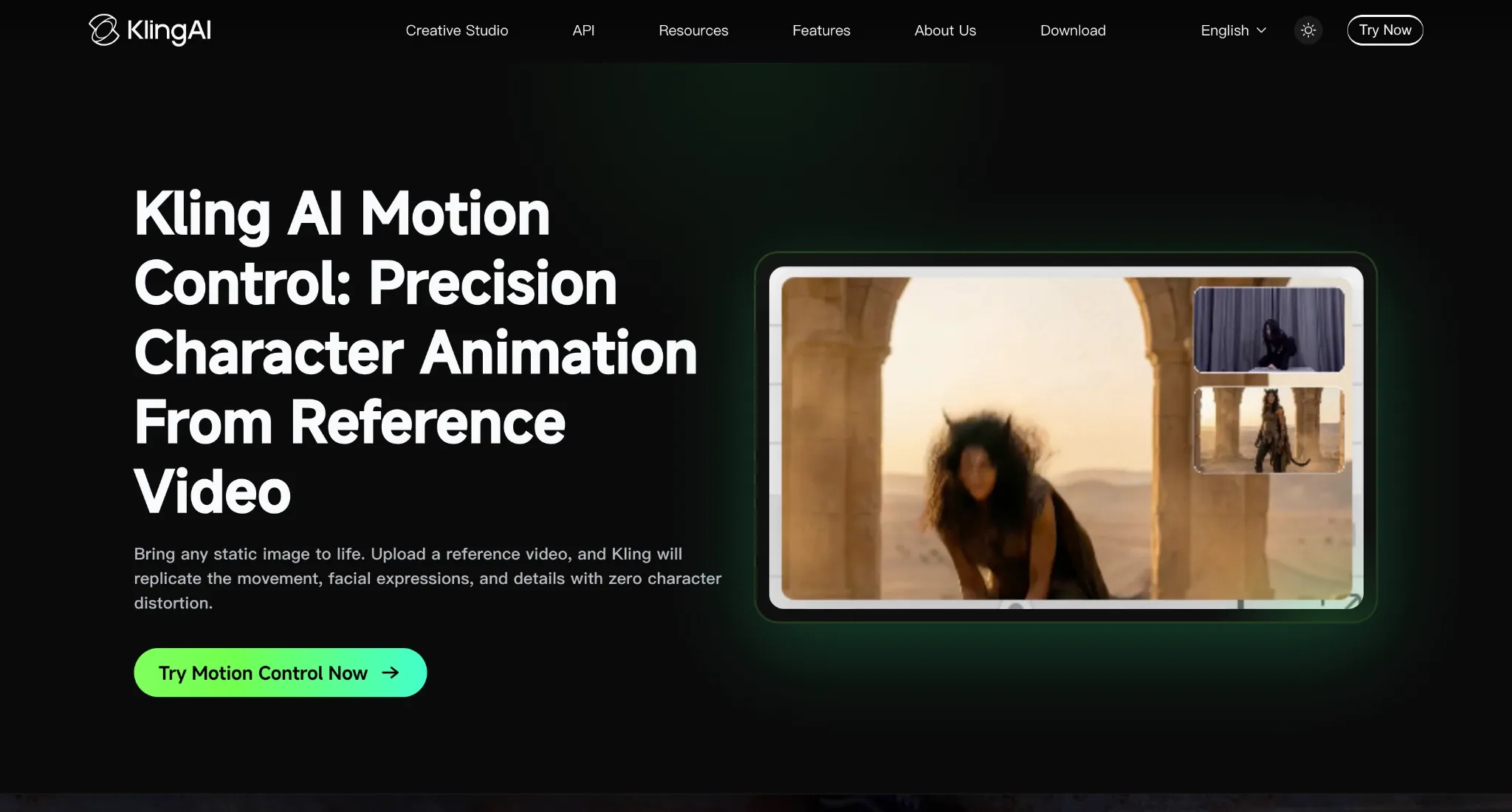
I’m always impressed by how accurate Kling AI’s motion transfer is. Using a subject image and existing video performance, it captures even the most subtle muscle movements and facial expressions to deliver a near-flawless result.
But what really blows my mind is how well it still maintains identity consistency across different camera angles or even when the subject is partially blocked. And a big reason for this is that I can upload multi-angle subject photos, which helps mitigate character morphing.
On the flip side, Kling AI's motion control is built for transferring a performance onto a character, not for replacing objects or elements within footage. That can feel restrictive if you need full-scene video transformation.
Pros:
- Precise motion transfer
- Has a simple user interface
- Supports 1080p outputs
Cons:
- Lacks object/element swap
- Quality heavily depends on original footage
#4. Luma AI: Best Higgsfield Genjutsu Alternative for Professional Video Transformation

After exploring the video-to-video controls in Luma AI's Ray3.14 model, I was glad to see that it could alter an uploaded clip’s environment, wardrobe, lighting, look, or character. But I’ll admit that I was a little disappointed to see that it only supports a start and an end frame image input.
Without multi-angle support for character references, I was nervous that there would be a higher risk of identity drift Nevertheless, I do like that the interface is fairly straightforward and I can freely dial the balance between strict preservation and creative reimagining for the final output.
Whether I’m looking to make simple wardrobe changes or complex transformations like turning a character into smoke or water, I can be flexible. Unfortunately, the Luma Ray3.14 model consumes a large number of credits, which I think can be problematic for multiple creations.
Pros:
- 1080p resolution available
- Beginner-friendly interface
- Adjustable strength control
Cons:
- Possible identity drift and artifacts
- 10-second max duration only
#5. Viggle AI: Best Higgsfield Genjutsu Alternative for Fast Character Motion Transfer
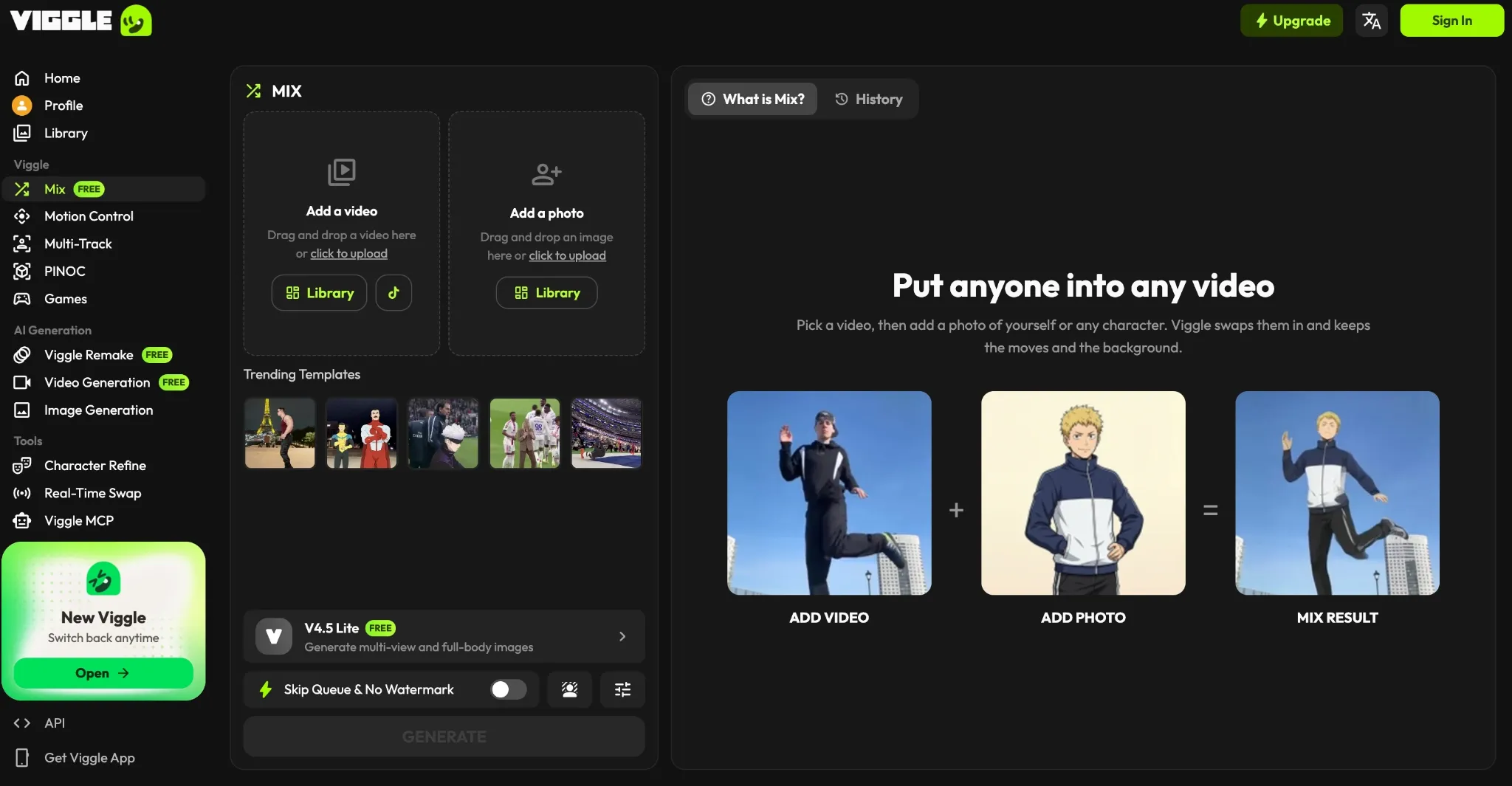
Having spent a lot of time with Viggle AI, I believe what sets it apart is the incredibly rapid rendering speed that it offers. It barely takes longer than 2 or 3 minutes to make a video transformation, but what I find even more impressive is the motion capture.
Whether it's dance videos, memes, or music videos, Viggle AI can replicate character movements from almost any source footage. When it comes to mirroring body mechanics, it delivers convincingly realistic results.
My only problem with Viggle AI is that it doesn't excel at rendering subtle micro-expressions for more natural and nuanced acting. While the characters may move the same, I noticed that they tend to feel stiff and may even present slight depth errors in certain outputs.
Pros:
- Rapid character-motion transfer
- Accurate body motion mechanics
- Free daily credits available
Cons:
- Outputs may lack fluid, expressive acting
- Not suited to object/element swapping
Which Higgsfield Genjutsu Alternative Should You Use?
I can confidently say that each of these 5 tools is a solid choice for video-to-video motion transfer. There’s no wrong answer here. But if you’re still on the fence about which one suits you best, then I’d urge you to try out Pollo Recast first. Why?
Because out of all these alternatives, it can do everything Higgsfield Genjutsu can do. It not only supports both motion transfer and object/element swap, but I’ve also seen it repeatedly nail stunning transformations without drifting from the source footage I provided.
But frankly? I think the reason you should choose it is that it’s free to use for first-timers. You don’t need to commit anything to see if my recommendation is on point. Just sign up for an account and start reshaping videos with Pollo Recast at no cost now!
Conclusion
Gone are the days when we needed to reshoot content or regenerate videos from scratch. Using tools like Pollo Recast, you can create new visual worlds in a few simple clicks without solely depending on Higgsfield Genjutsu to get the job done!