



How to Clone the City Giant Viral Video
The city looks ordinary until one person rises above the skyscrapers. Then a helicopter finds the giant staring back. That impossible scale is the joke. Here's how to recreate it with one photo.
Viral Video Example
How to Clone This Viral Video
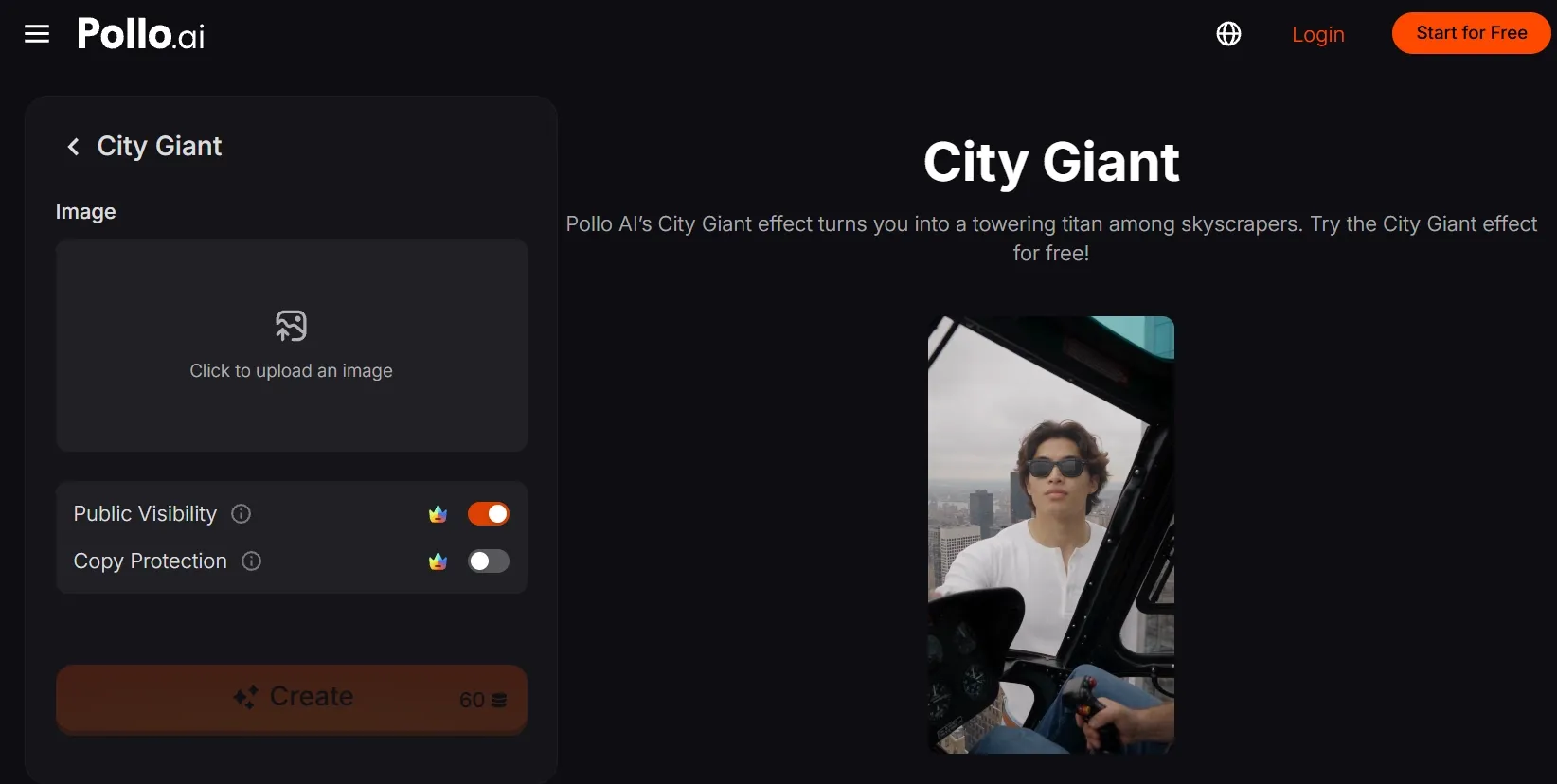
Step 1: Open the City Giant effect
Open Pollo AI's City Giant video effect. It turns a single-subject image into a towering figure framed by a dense city, so the scale shift lands immediately.
Step 2: Upload your main subject
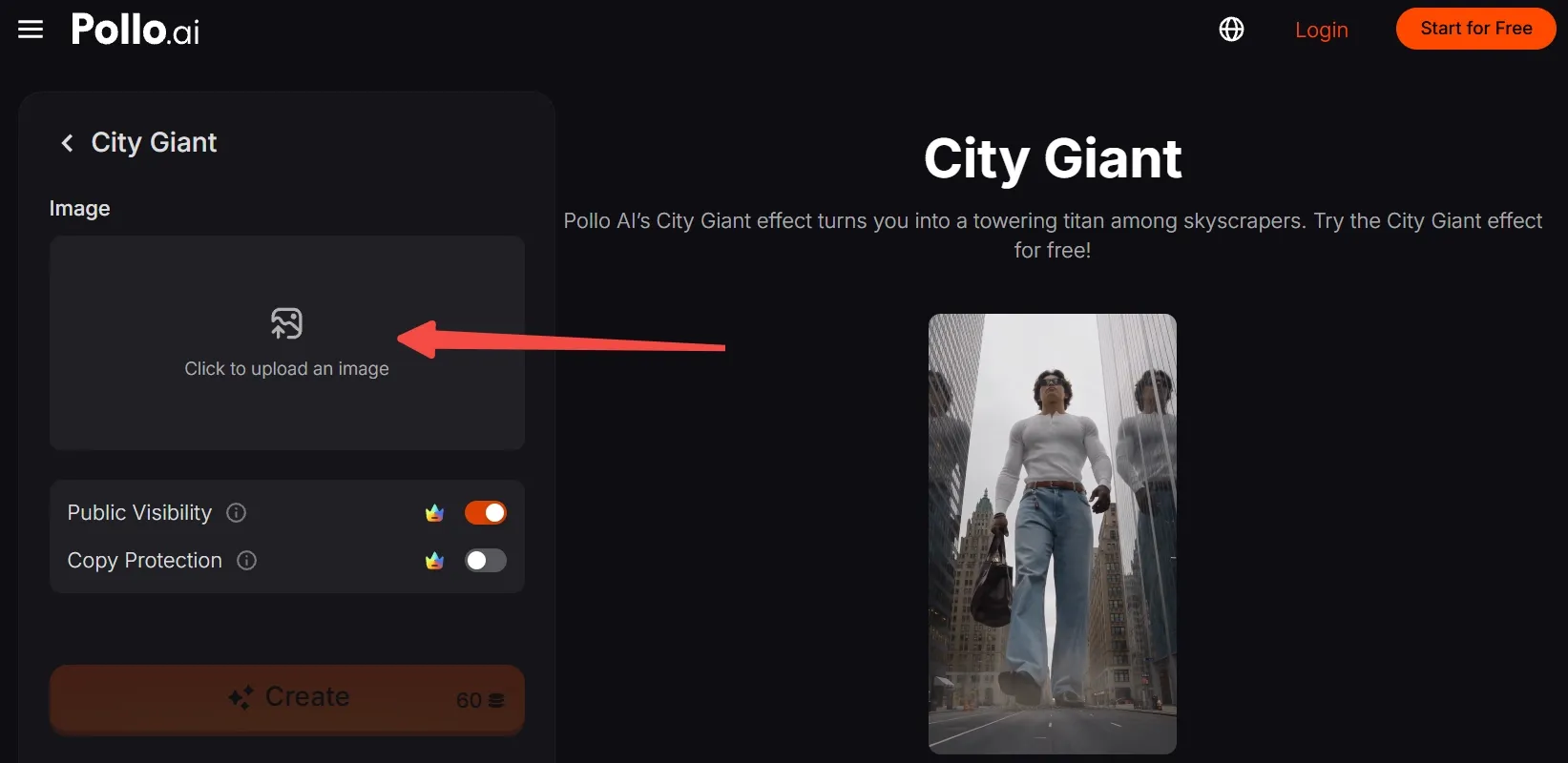
Click to upload an image, then add a clear photo of the person or character you want to make enormous.
A front-facing portrait with the face, hair, clothing, and upper body visible gives the effect a strong identity anchor.
No suitable photo? Generate an AI image, then upload it here.
Step 3: Frame the subject for the effect
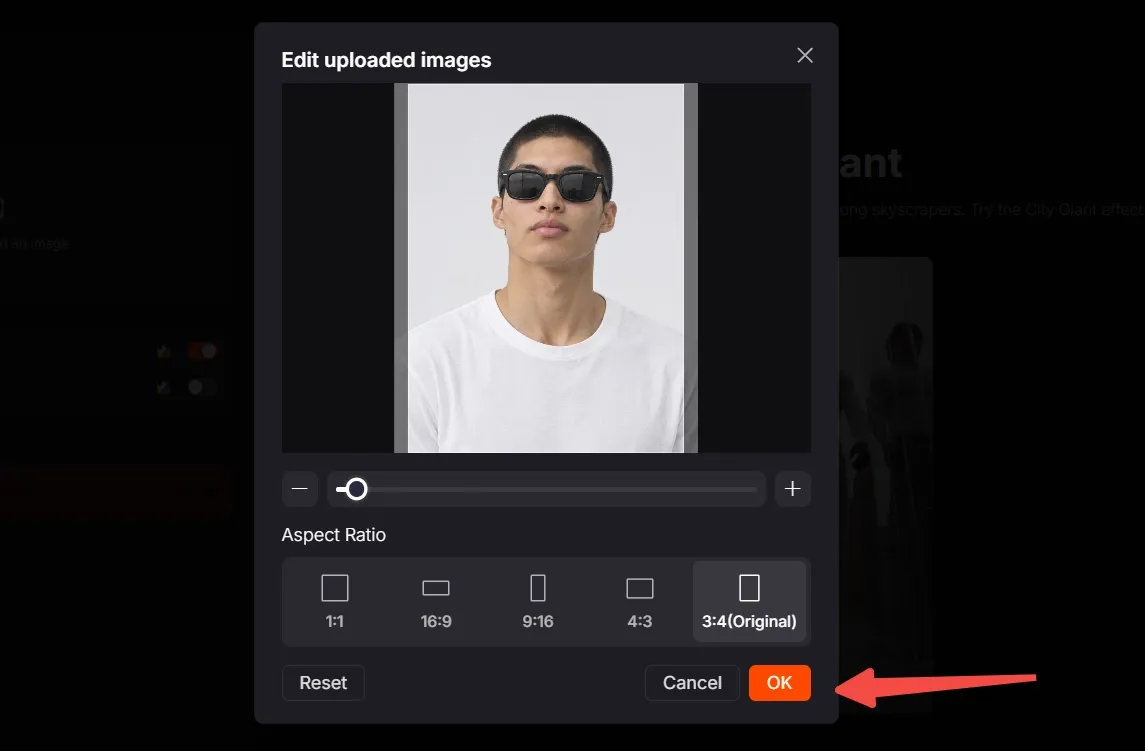
Move, scale, and crop the image so the subject stays easy to recognize. Leave enough of the silhouette visible for the giant perspective to read against the buildings.
Choose the aspect ratio that matches your destination. Use 9:16 to follow the original vertical short-form framing, then click OK.
Step 4: Create, download, and post
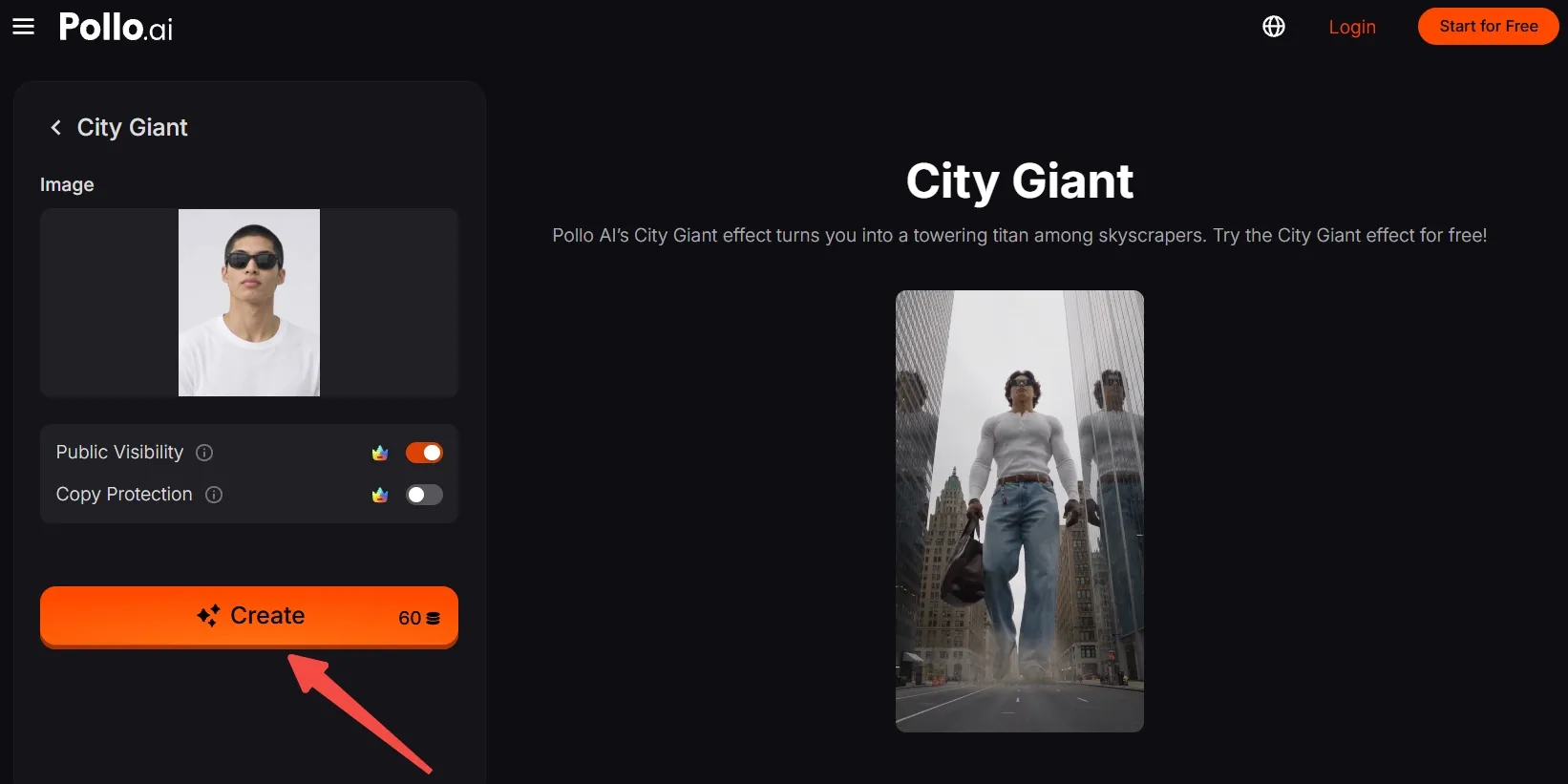
Check that you have enough credits, then click Create. Wait for the giant-city clip to render, export the result, and post it on social media like IG or TikTok.
Create On-Trend Videos with Pollo AI
Turn one photo into a scroll-stopping motion effect in a few clicks.
Start Creating Free
Best Practices
- Use a sharp image with clean subject separation; busy edges can blur into the skyline.
- Keep the face, hair, and signature clothing visible so viewers recognize the subject during the scale change.
- Choose a steady, readable pose. A relaxed stance makes the giant step and helicopter look more believable.
- Leave contrast between the subject and glass buildings, especially when the scene uses gray skies or urban haze.
- Keep the composition vertical for TikTok, Reels, and Shorts, with enough headroom for the skyscraper perspective.
Why Pollo AI Turns One Trick Into More Content
Pollo AI makes one-click video effects such as City Giant an easy entry point for remixing a visual joke, then gives you room to take the idea further. When you want to keep working from a still image, its image to video AI can turn it into a moving shot with lifelike motion and camera flow.
For projects that need a full video with multiple scenes, start with Pollo Agent. Turn a brief, image, link, or reference into a ready-to-share video with consistent characters, smooth camera movements, and cinematic visuals.
Conclusion
The Giant in the City clip works because the city stays believable while the person becomes impossible. Start with one clear subject, frame it for 9:16, and let City Giant handle the scale joke.
Try the same setup with a friend, mascot, product, or original character, then explore more Pollo AI effects for your next remix.