



How To Convert Scripts Into Video Ads with One Click
So, you have a script ready, but you don’t want to or are unable to plan a full production shoot?
The idea of hiring actors, studios, equipment, etc, can all be quite taxing from a financial and timing perspective. But what if you could just convert scripts into video ads with one click?
Because with Pollo AI, you can get a production-ready video ad from a script in minutes. So, be sure to read on, as we show you exactly how you can pull this off with a step-by-step tutorial!
TL;DR
Pollo AI's script to video ads feature is the best tool for teams and brands to convert scripts into video ads. Simply paste the full script and any subject/product images that you want referenced. Be detailed with your prompt on the type of video ad you want, and within minutes, it will render a publish-ready output, everything from visuals to dialogue, included!
Best Tips on Writing Compelling Scripts for Video Ads
To create a winning video ad, you first need to craft a compelling script that will persuade audiences to convert. To pull this off, here are a few key principles to always keep in mind:
- Open with a Scroll-Stopping Hook: The first 3-5 seconds of any video ad are vital, so always start the script with a bold statement, a surprising reveal, a relatable issue, etc.
- Keep the Dialogue Simple: Winning video ads usually sound simple and conversational; don’t try to use exaggerated wording or overly complex terminology.
- Create an Emotional Narrative: For video ads to be compelling, emotion is key, so make sure there’s a feeling you’re actively conveying, like joy, humor, surprise, etc.
- Lead with Benefits First: Audiences always want to know, ‘what’s in it for me?’, so lead with that relatability aspect before touching on the product’s features and details.
- Have a Clear CTA: Don’t be vague with the video ad’s call-to-action; always define the specific action that you want audiences to take, be it shop now, download, sign up, etc.
Convert Scripts Into Video Ads with Pollo AI: Step-by-Step
Even as a first-time user, turning a script into a video ad with Pollo AI can be a seamless experience, so let’s show you how to get it done in minutes. Let’s get started:
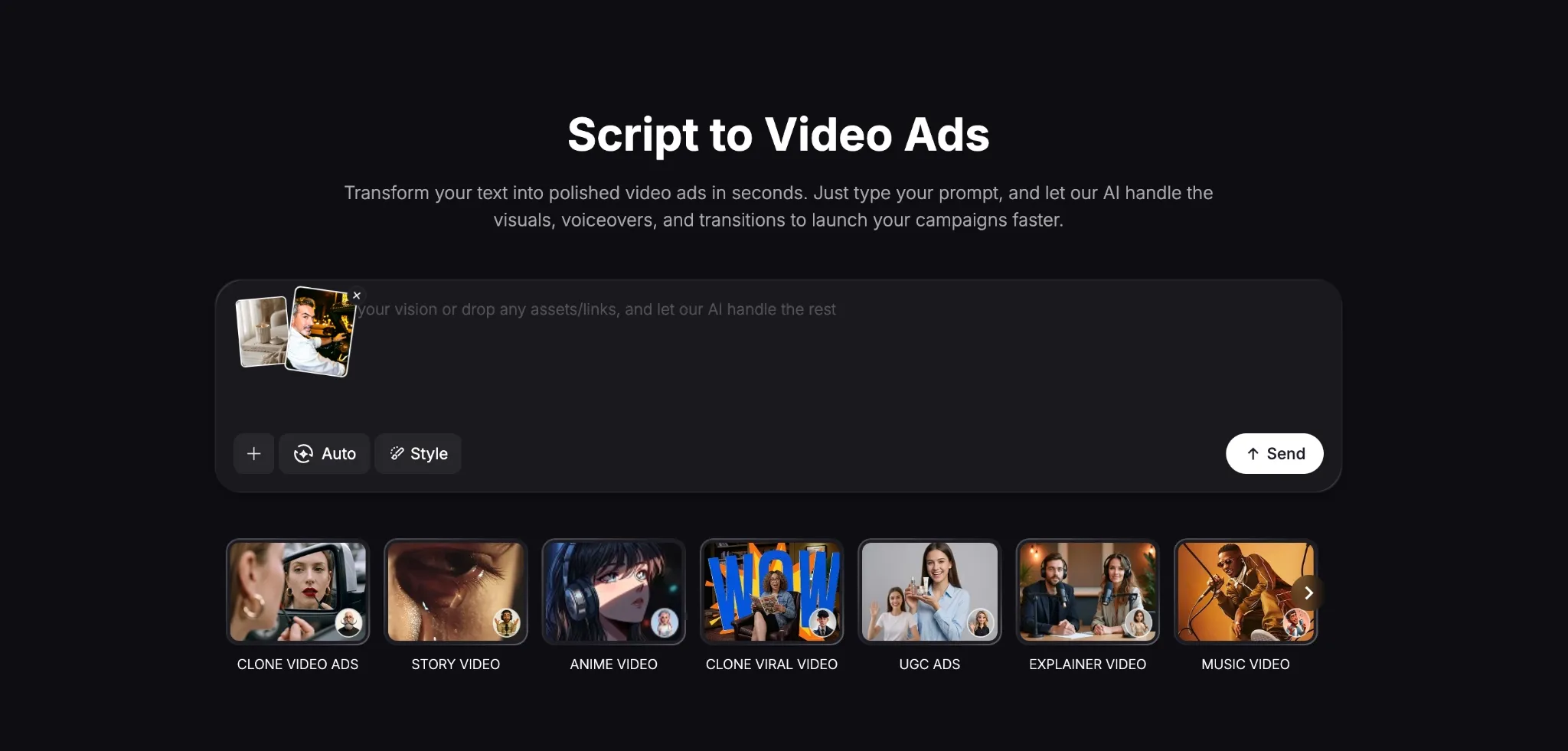
Open the Script to Video Ad Tool
Head to the Pollo AI script to video ads page. From there, you can paste your existing script, be it for a narrative, explainer, tutorial, etc, as well as any reference images or links. For our sample test, we pasted a lifestyle video ad script for a premium home fragrance candle.
Review the Creative Direction
Once you hit ‘Create’, the AI agent will analyze your inputs and start to set the scene for the video ad. After the initial video is generated, you can refine the script further, so feel free to adjust any elements like style, dialogue, tone, etc, by describing the changes via chat.
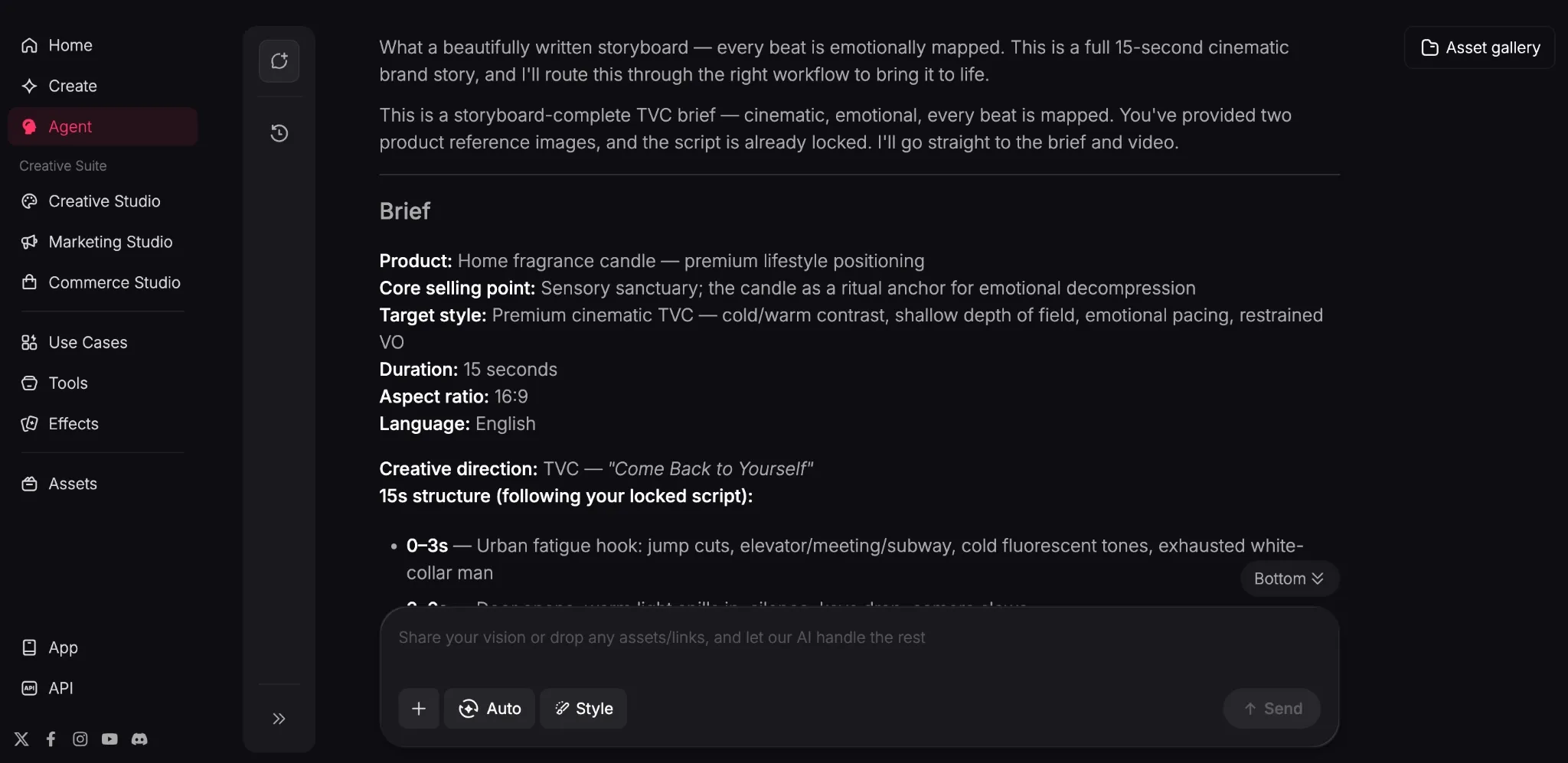
Download Your Video Ad
Your video ad will be generated within a few minutes or less. Once rendered, you can export it and use it in your ad campaign or proceed to refine it further until you’re satisfied. You can see just how our video ad turned out below:
It was great to see that the tool followed our script quite accurately. From the pacing to the camera movements to the dialogue, the video delivers a relatively smooth narrative.
Even the subject was rendered well, ensuring a lifelike performance that looks just as believable as a real-life actor in a professionally shot ad campaign for TikTok, Instagram, etc.
Popular Use Cases for Converting Scripts to Video Ads
Skipping manual filming by turning scripts into video ads lets you scale your online campaigns at a fraction of the cost. Some popular use cases include:
- Testing Ad Campaigns: Turning scripts into video ads lets you test unique campaign videos for Instagram, TikTok, etc, to identify which resonate most with audiences.
- Localized Video Ads: Creating native-language ad campaigns becomes easier with this script to video ad tool, allowing you to appeal to international markets effectively.
- E-commerce Listings: Filming video ads for dozens of products is impractical, but script to video ad generation lets you scale campaign ads for Shopify, Wix, and more.
- Simplify Complex Information: By converting scripts to video ads, you can turn tutorials, FAQs, and other educational texts into engaging content for audiences.
What Other Features Does Pollo AI Have To Offer?
We know that Pollo AI excels at converting scripts into video ads, right? But if you spend more time on the platform, you’ll discover there’s so much more on offer than just that.
Built as the ultimate AI creative suite for marketers, creators, sellers, and brands, Pollo AI is powered by industry-leading AI models like Veo 3.1, Kling, Seedance 2.0, and GPT Image 2.
This lets you create professional-grade images and videos, with the added benefit of accessing 200+ specialized workflow apps for any use case, be it marketing, social media, etc.
But what really makes Pollo AI unique is that it caters to multiple creative workflows. As a marketer, you can open the “Marketing Studio” to start producing ready-to-use ads in minutes.
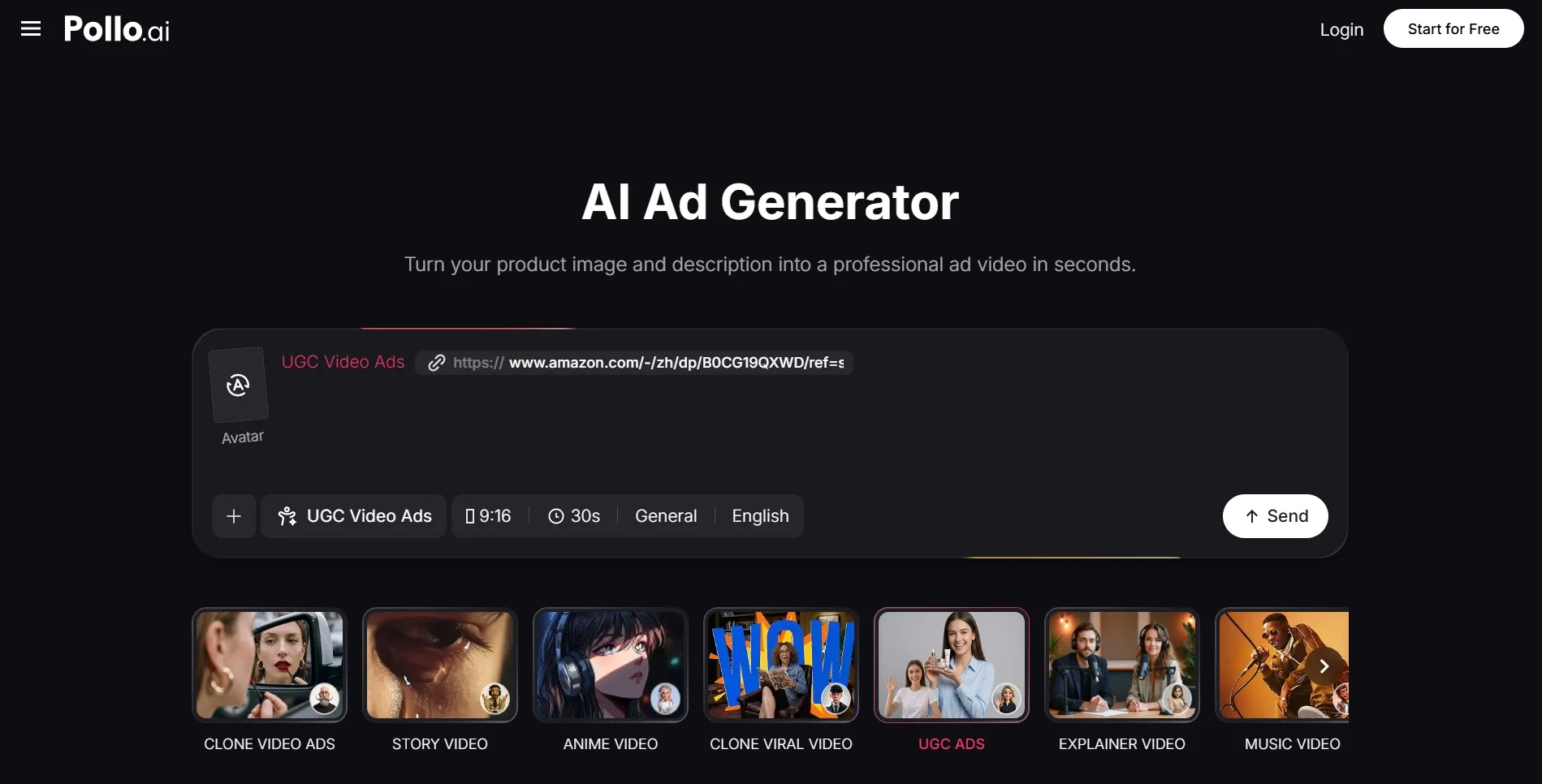
For brands, there’s the “Commerce Studio” that you can use to create commercial-led visuals like showcases, demos, testimonials, and even virtual try-on content.
As for the creators, you can use the “Creative Studio” to generate unique images, videos, avatars, and audio, all in one place, be it for animation, cinematics, etc.
And if you want to create production-ready videos without any manual editing, then look no further than Pollo Agent. In just a few clicks, the iterative, chat-based agent can handle it all.
Conclusion
Running video ad campaigns in this competitive landscape demands speed, scale and consistency on your part. And as we’ve shown, the Pollo AI script to video ads tool can satisfy that need with masterful results, so be sure to try it out today!