



Kling AI Stuck at 99% (How to Fix It)
Creating an AI video should be easy and enjoyable. If your AI video generator keeps getting stuck at 99% like Kling AI does, it can be very frustrating.
Kling AI not generating videos is a global problem. If you go on to Reddit, you'll see threads of complaints like Kling AI down or Kling AI doesn't work for users using the free or paid version of this platform.
Many users may not know how to solve this issue. The good news is that it is fixable, and there's an even better AI video generator available. So, let's dive in and begin by explaining why Kling AI keeps failing.
Why Does Kling AI Get Stuck at 99%?
When Kling AI doesn't work, it can be like that for hours and sometimes, even days. This can be disappointing and will definitely affect your productivity. Below are some of the potential reasons:
- Limited Server: Kling AI’s servers can become overloaded, particularly for free users, during peak hours. When too many users attempt to generate videos simultaneously, the system may get stuck at 99%.
- Generation Complexity: If your video demands extensive computational power, the system may have difficulty processing it. While Kling AI is capable of handling complex prompts, there are times when it may take on more than it can manage.
- Free vs Paid Plans: Users with paid plans report encountering fewer issues. These subscribers typically receive priority access to the system's resources, which can be crucial for successfully getting a video.
Now you know why Kling AI keeps loading without working but as we mentioned earlier, there are effective solutions that you can explore.
Effective Solutions When Kling AI Stuck at 99%
If your Kling AI keeps failing, you can solve it by trying the solutions below.
Start All Over Again
When Kling AI doesn't work and you have waited for hours or days, it might be better if you canceled that generation process and begin from scratch.
Track Peak Periods and Avoid
To ensure your Kling AI video generator works, avoid peak times by generating your videos during off-peak hours. Peak video generation periods are typically during early evenings and weekends.
Simplify Your Video Generation Request
You have to make sure that your videos are simple with very few complex video settings. To achieve this, you could select short video length, make your prompts simple and avoid any unnecessary terms.
Use Only Text to Video
To avoid Kling AI not generating videos or getting stuck, try using its text-to-video feature. Kling AI handles text-to-video tasks much more efficiently than image-based ones.
Pay a Subscription Fee
When they get in their peak generation periods, their server becomes overloaded and because of that they have to prioritize their paid users.
Usually without any bug or system error, paid users get their videos generated within 5 minutes.
Choose Pollo AI for a Better Video Performance
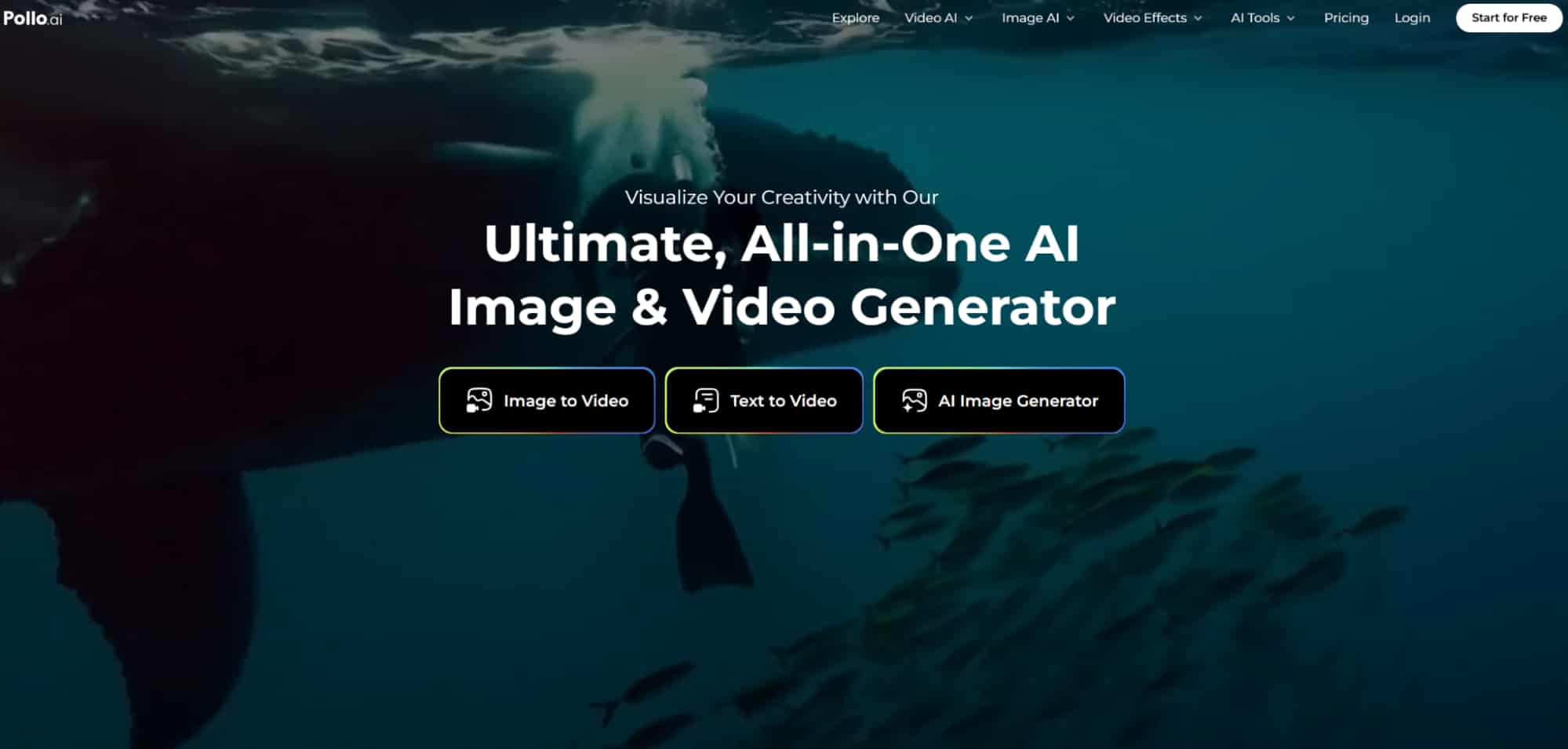
As an all-in-one video generator, Pollo AI integrates all the top video models on the market, including Kling AI, Runway, Hailuo AI, PixVerse AI, etc. You can select different Kling models in Pollo AI to generate a video within 4-6 minutes and without ever stucking at 99%.
If you think Pollo AI is amazing enough, here are some other amazing features that should make you want to use Pollo AI.
Text to Video
With Pollo AI you can bring your text to life through Pollo AI's text to video generator. All you need to do is simply describe your idea and Pollo AI does all the work for you.
Image to Video
Using this feature, all you need are your image and text prompts (optional). Armed with those two and with Pollo AI's smart image to video generator, you will create any kind of video you want, the way you want it.
Video to Video
Pollo AI has a video-to-video feature that allows you to restyle your video to any style you want with high quality output. It supports some popular video styles like Anime, Disney Pixar or Claymation style.
Video Tools
The secret to the high quality outputs from Pollo AI aren't just its AI video filters. There are various AI tools like the video upscaler, video enhancer and AI video extender that you can use to make your video better.
Conclusion
Generating videos on Kling AI’s official website may occasionally result in issues, such as the video generation getting stuck at 99%. However, by implementing the effective solutions mentioned above, you can enhance your creation experience.
Additionally, you can explore various generation models in Pollo AI, which offers more robust generation features without the risk of failure.