



Romantic Truck Rescue VIDEO Breakdown (Prompts Included)
AI Generated Video
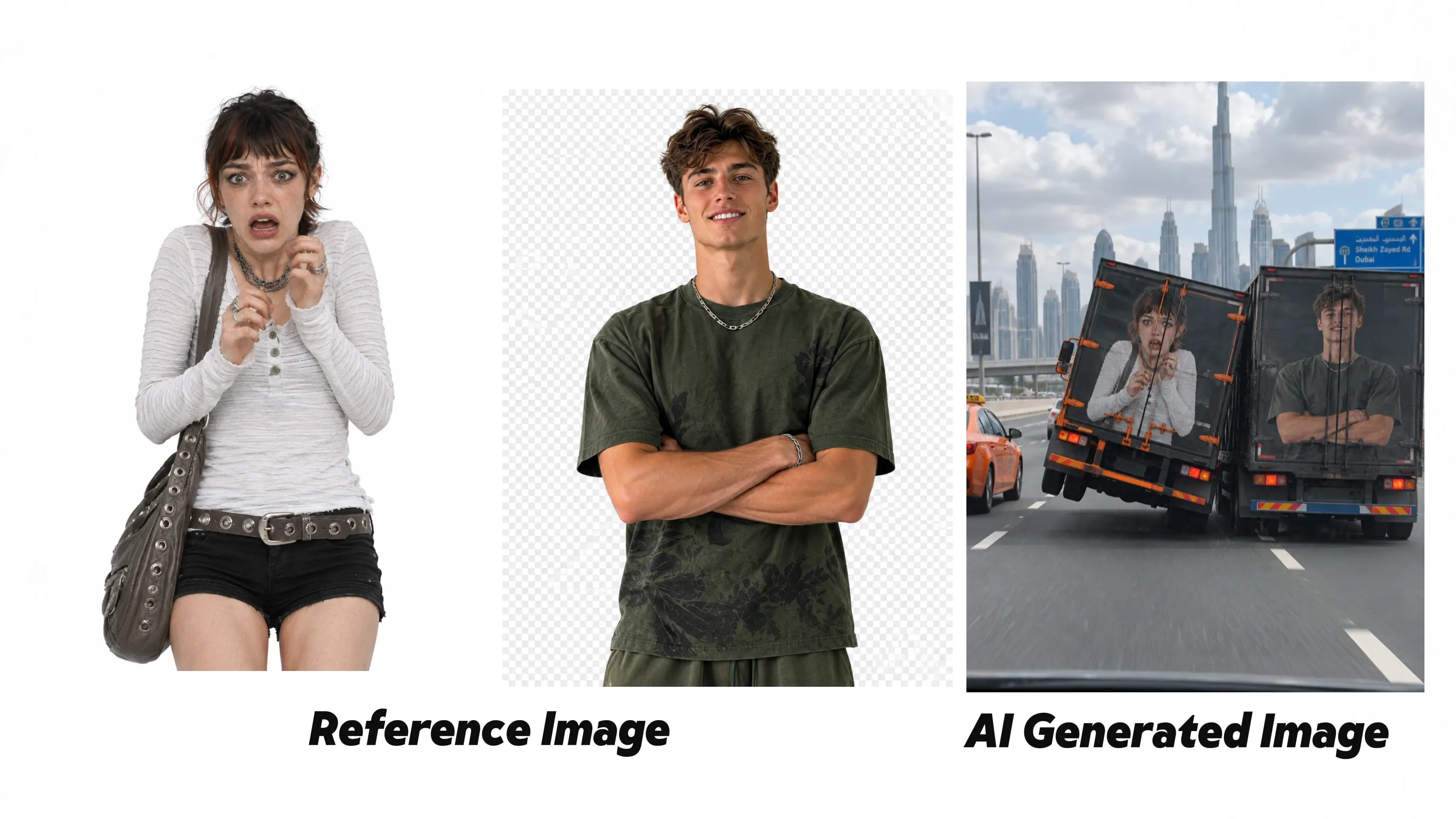
Recreating this romantic truck rescue scene works best when the keyframe is treated as the middle of the action, not the first frame. Build the image first with both character graphics painted onto the trucks, then use it as a 10-second reference so the video can start with danger, build into the rescue, and end with both trucks driving normally.
Step 1
Open pollo.ai, select Image Generation, upload your reference image as source material, paste the image-to-image prompt below and click Generate. Set GPT Image 2/GPT Image 2.5/Nano Nanana as the default image model. Adjust the aspect ratio according to your video needs; multiple sizes including 16:9 and 9:16 are supporte.
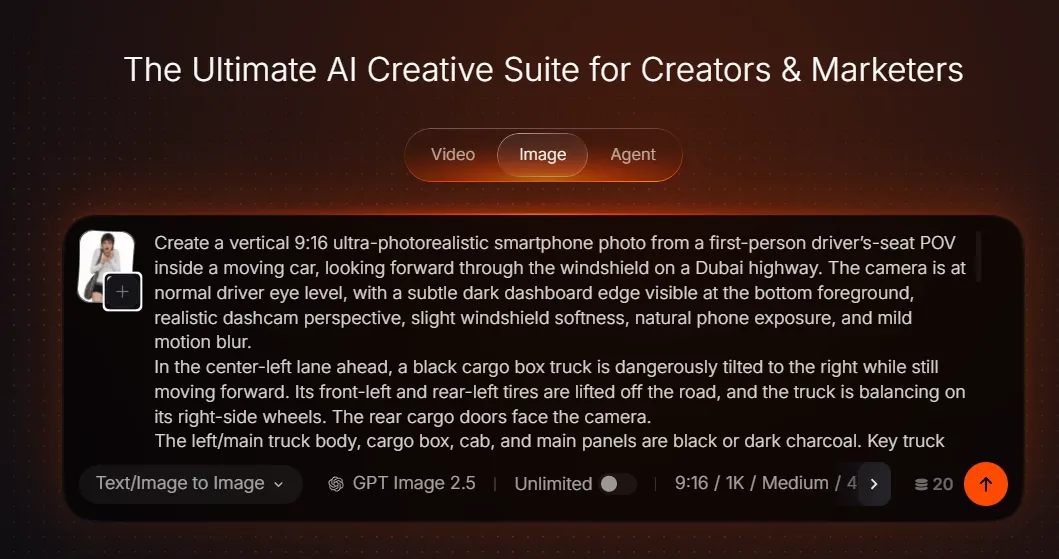
Image Generation Screen
Image Prompt
REFERENCE SETUP:
Use the uploaded woman image as the colorful spray-painted character graphic for the rear cargo doors of the left/main black truck.
Use the uploaded man image as the colorful spray-painted character graphic for the rear cargo doors of the right-side support truck.
For both uploaded character images, extract only the person/character subject as a clean cutout graphic. Remove and ignore the original background color, white background, studio backdrop, colored backdrop, borders, floor, wall, or any rectangular image frame. Do not print either reference image as a full rectangular photo.
IMAGE PROMPT:
Create a vertical 9:16 ultra-photorealistic smartphone photo from a first-person driver’s-seat POV inside a moving car, looking forward through the windshield on a Dubai highway. The camera is at normal driver eye level, with a subtle dark dashboard edge visible at the bottom foreground, realistic dashcam perspective, slight windshield softness, natural phone exposure, and mild motion blur.
In the center-left lane ahead, a black cargo box truck is dangerously tilted to the right while still moving forward. Its front-left and rear-left tires are lifted off the road, and the truck is balancing on its right-side wheels. The rear cargo doors face the camera.
The left/main truck body, cargo box, cab, and main panels are black or dark charcoal. Key truck parts and accents are vivid orange #ff4900: side rails, rear bumper accents, reflective strips, mudguard edges, wheel-rim details, latch hardware, and selected trim. Keep the orange accents realistic and integrated, not glowing.
Place the isolated woman character artwork on the rear cargo doors of the left/main truck. The character should look physically spray-painted or professionally printed directly onto the doors, following the metal seams, hinges, perspective, lighting, surface texture, and motion blur. No background box, no white rectangle, no logo, no text.
The left/main black truck must feel heavily loaded: compressed suspension on the right side, low heavy body posture, stressed tires, strong weight shift, subtle chassis strain, and a slow dangerous lean caused by cargo weight.
On the right side of the tilted black truck, a larger dark cargo truck has driven forward from behind and is tightly pressing against the tilted truck’s right side, physically supporting it and preventing it from falling over. Place the isolated man character artwork on the rear cargo doors of this right-side support truck, also physically spray-painted or printed onto the doors. No text, no hand gesture icon, no logo.
On the left edge of the frame, show part of a vivid orange #ff4900 Dubai taxi in the adjacent lane, partially cropped by the frame edge.
The road is a wide elevated multi-lane highway with white lane markings, concrete barriers, traffic signs, and realistic urban commute details. In the background, show the Dubai skyline with modern glass skyscrapers and the Burj Khalifa centered in the distance. Daytime natural overcast sunlight, large gray and white clouds, muted realistic colors, authentic UAE highway atmosphere.
NEGATIVE PROMPT:
logo on either truck, text on either truck, “Using Pollo AI”, hand gesture icon, woman image background printed on truck, man image background printed on truck, white rectangle behind character, colored rectangle behind character, full photo pasted on truck, rectangular image frame, floating graphics, sticker-like graphics, beige taxi, white taxi, white main truck body, impossible truck physics, lightweight truck feeling, truck floating, truck fully flipped, explosion, fire, smoke cloud, injured people, police chase, cartoon, CGI, toy vehicles, wrong skyline, missing Burj Khalifa, outside-the-car view, drone view, watermark, subtitles, UI
Step 2
Once your image is ready, go to Video Generation. Upload your prepared image or pick assets from your Creations library. Select reference-to-video mode and paste your video prompt. You can also upload a video for motion reference.
Note: Add @your-image for image reference and @your-video for video reference inside the prompt. Pick any of these models: Seedance 2.5, Seedance 2.0, MiniMax H3 or Wan 3.0. Click Generate after confirming all settings.
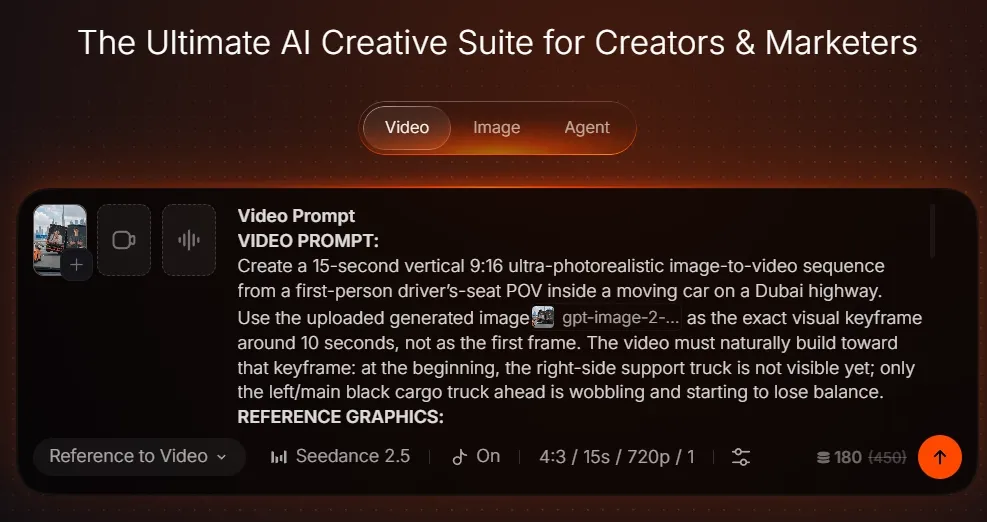
Video Generation Screen
Video Prompt
Create a 15-second vertical 9:16 ultra-photorealistic image-to-video sequence from a first-person driver’s-seat POV inside a moving car on a Dubai highway.
Use the @image as the exact visual keyframe around 10 seconds, not as the first frame. The video must naturally build toward that keyframe: at the beginning, the right-side support truck is not visible yet; only the left/main black cargo truck ahead is wobbling and starting to lose balance.
REFERENCE GRAPHICS:
Use the uploaded woman image as the colorful spray-painted character graphic on the rear cargo doors of the left/main black truck.
Use the uploaded man image as the colorful spray-painted character graphic on the rear cargo doors of the right-side support truck.
For both uploaded character images, extract only the person/character subject as a clean cutout graphic. Remove and ignore the original background, white background, colored backdrop, studio setting, border, floor, wall, or rectangular photo frame. The graphics must look painted directly onto the truck doors, not pasted as full photos.
Do not add any logo, words, “Using Pollo AI”, or hand gesture icon on either truck.
TIMELINE:
0.0–3.0s:
The left/main black truck drives ahead in the center-left lane. It looks heavily loaded, with a low body posture, compressed suspension, subtle chassis strain, and sluggish weight sway. It begins wobbling from side to side while continuing forward. The right-side support truck is not visible yet. The #ff4900 Dubai taxi is partially visible on the left edge.
3.0–6.0s:
The loaded black truck tilts more dangerously toward the right. Its front-left and rear-left tires begin lifting off the asphalt. The truck body sways heavily, as if the cargo weight is pulling it into a rollover. The woman spray-painted cutout graphic on the rear cargo doors remains visible and physically attached. Background traffic reacts with urgent car horn sounds.
6.0–8.5s:
The black truck’s left-side wheels lift higher. Its heavy cargo mass makes the lean slow, powerful, and frightening rather than light or floaty. The chassis rocks under weight transfer. Multiple cars honk in the background. A large dark support truck begins entering from behind on the right side of the frame, accelerating forward in the right lane.
8.5–10.5s:
Match the uploaded keyframe closely around 10 seconds. The black truck is strongly tilted to the right, with its front-left and rear-left tires lifted off the road. The right-side support truck is now tightly beside it, pressing against the tilted truck’s right side. The man spray-painted cutout graphic is visible on the support truck’s rear cargo doors. The two trucks move side by side with controlled friction, slight scraping, tire vibration, and realistic road contact.
10.5–13.0s:
The support truck continues bracing the black truck. The black truck slowly rotates back toward upright position. Its lifted left-side tires descend toward the asphalt. Show realistic suspension bounce, heavy weight transfer, stressed tires, and body roll correction. The friction between the trucks creates a low metal scraping sound, while traffic horns continue briefly in the background.
13.0–15.0s:
The black truck becomes fully upright again. Its left-side tires regain full contact with the road and stay firmly grounded. The truck stabilizes completely and continues forward in a normal straight driving posture with no renewed tilting, no second wobble, and no new loss of balance. The support truck eases away slightly while still driving beside it. Both trucks continue forward normally at steady speed. End with the black truck safely stabilized, level, upright, and driving smoothly.
CAMERA RULES:
Keep the entire video from the same first-person driver’s-seat POV. No exterior camera, no drone shot, no side tracking shot, no overhead view, no cinematic cutaway. Maintain continuous forward dashcam movement, natural windshield softness, road vibration, and realistic phone motion blur.
PHYSICS RULES:
The left/main black truck must feel heavily loaded. Its lean should be caused by strong cargo weight, visible body roll, compressed suspension, and slow heavy inertia. The support truck approaches from behind on the right, presses against the tilted truck’s right side, and helps it return upright through side support and friction.
After the black truck is corrected upright, it must remain stable and continue normal straight driving until the final frame.
AUDIO RULES:
When the left/main truck begins tilting to the right, add urgent background car horns from nearby traffic. Include heavy truck tire rumble, engine strain, suspension creaks, low metal scraping when the support truck makes contact, and realistic road noise. The horn sounds should feel like real highway drivers reacting to danger, not cartoon effects.
NEGATIVE PROMPT:
first frame already showing support truck, support truck visible at 0s, logo on either truck, text on either truck, “Using Pollo AI”, hand gesture icon, missing uploaded woman image, missing uploaded man image, changed reference image colors, reference image background printed on truck, white rectangle behind character, colored rectangle behind character, full photo pasted on truck, rectangular image frame, floating cutout, sticker-like graphics, lightweight truck movement, truck tilting again at the end, second wobble after recovery, unstable ending, impossible physics, truck flipping completely, explosion, fire, smoke cloud, injuries, pedestrians, police chase, exterior camera, drone view, rubbery vehicles, duplicated trucks, warped wheels, detached tires, beige taxi, white taxi, wrong skyline, missing Burj Khalifa, cartoon, CGI, toy-like vehicles, watermark, subtitles, UI
Final Summary
Create a vertical first-person highway rescue video where a heavily loaded black truck with a female portrait graphic tilts dangerously on a Dubai road, then a second cargo truck with a male portrait graphic pulls alongside and helps push it back upright.
This workflow uses two character reference images as spray-painted truck-door graphics, a generated keyframe around the 10-second mark, and a 15-second image-to-video prompt with realistic horn sounds, heavy truck weight, side friction, dashcam movement, and stable recovery.