



Unpixelate Image
Upload your pixelated photo and turn it into a cleaner, sharper-looking image instantly for posts, profiles, stores, slides, and everyday sharing.
Unpixelate Image
Change
Unpixelate Image
Kling 4.0
Up to 10 keyframes. Impressive performance.
Turn Pixelated Photos Into Cleaner, Sharper-Looking Images
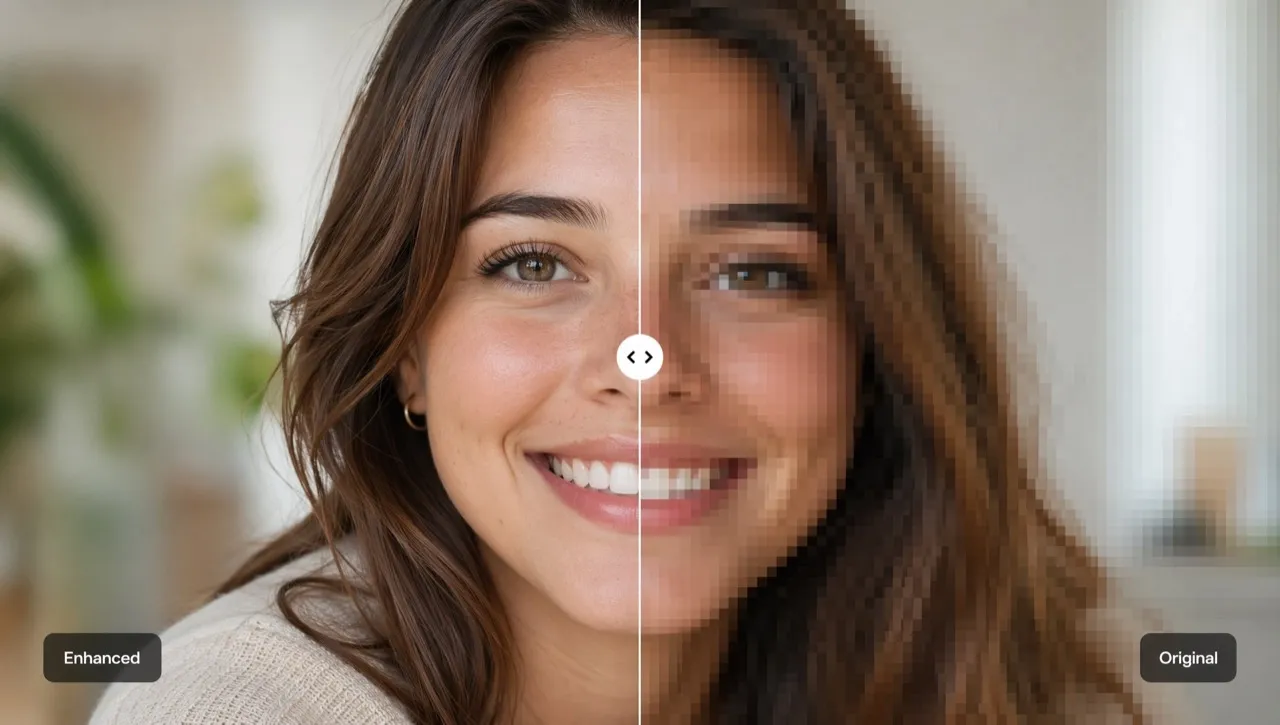
Tired of fixing pixelated photos by hand? Try our AI unpixelate image tool to clean up photos damaged by cropping, screenshots, old downloads, or heavy compression. Upload your image to get cleaner results with smoother blocks, clearer edges, and sharper-looking subjects in seconds for product pages, posts, profiles, reports, and personal projects.
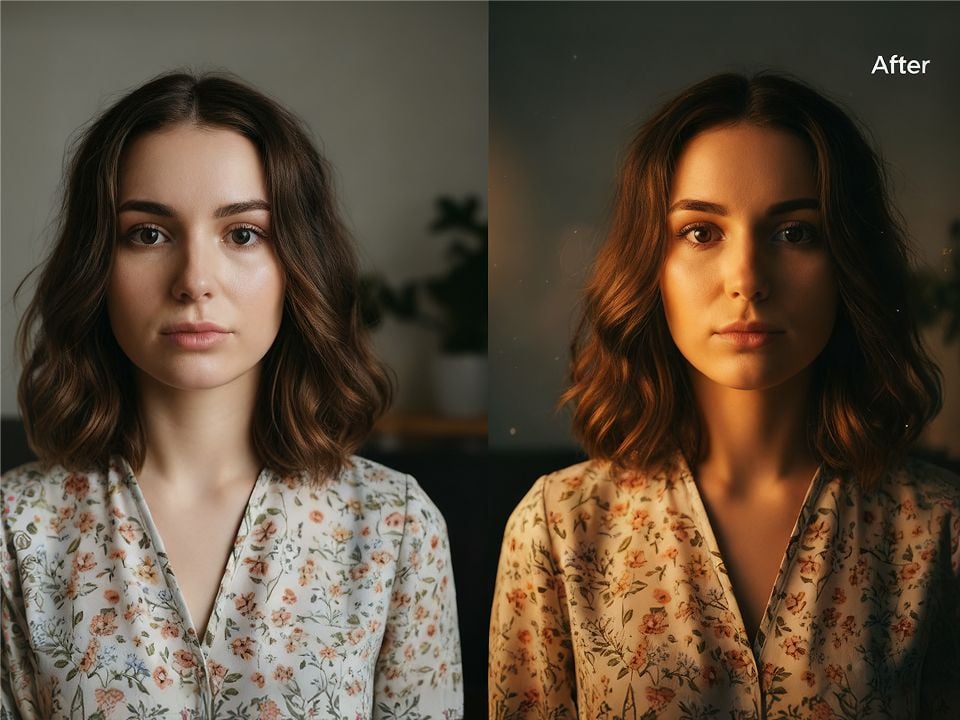
Make Pixelated Photos Look Clearer
Reduce blocky edges, rough textures, and compression marks with our depixelate image tool, so your image looks cleaner and more ready for social media and commerce.
Recover Details Viewers Notice First
Use our depixelate image tool to improve faces, products, text, object edges, and backgrounds where pixelation usually makes photos look low-quality.
Fix Images for Real Everyday Use
Prepare cleaner visuals for social posts, e-commerce listings, profile pictures, blog graphics, thumbnails, and presentations.
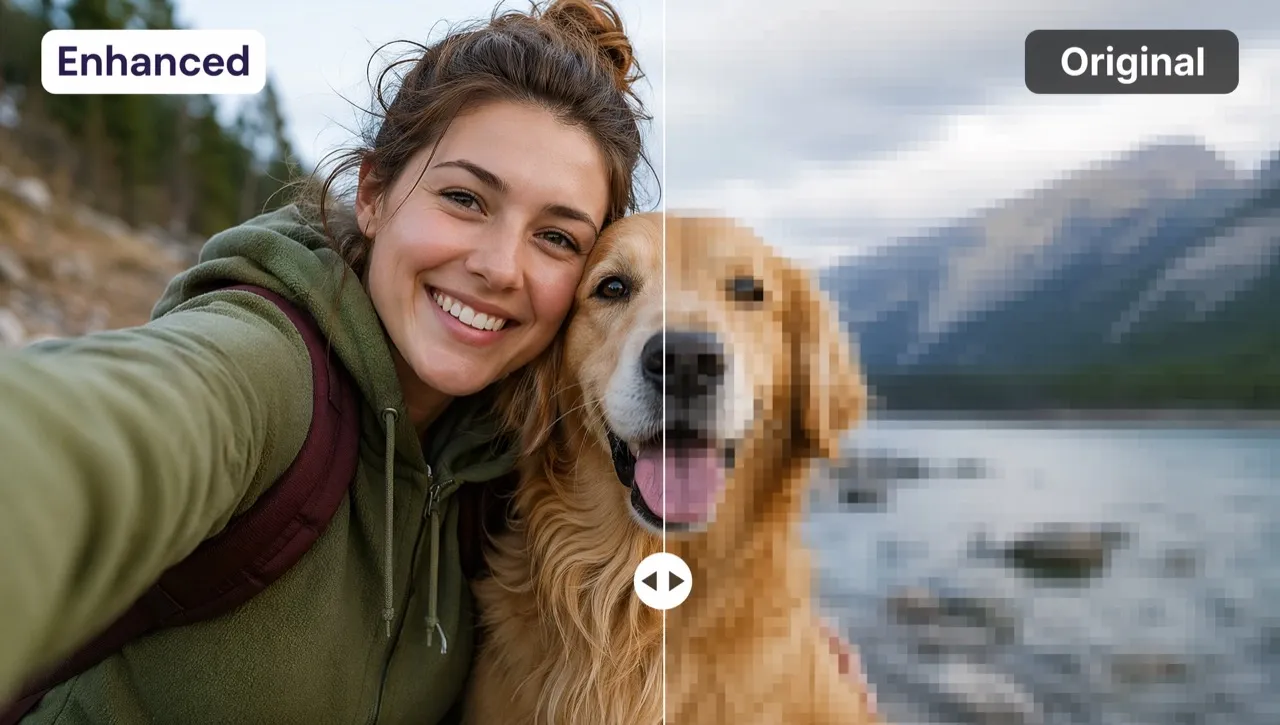
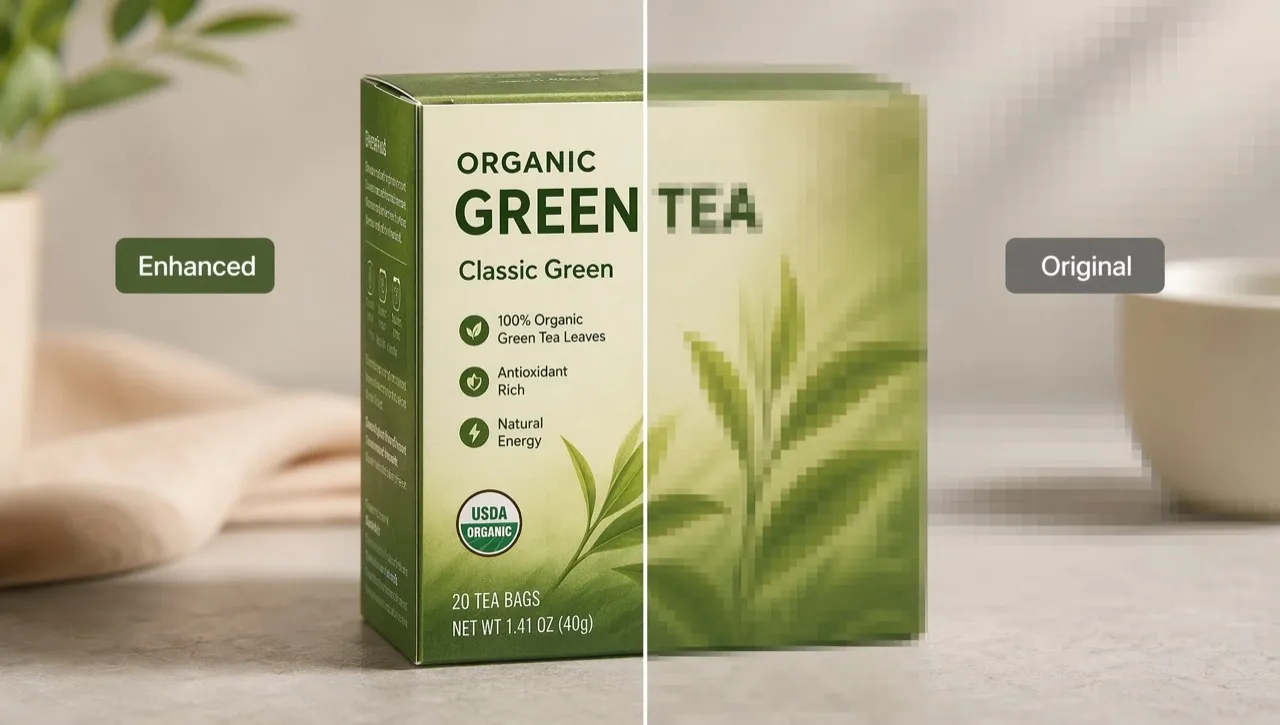
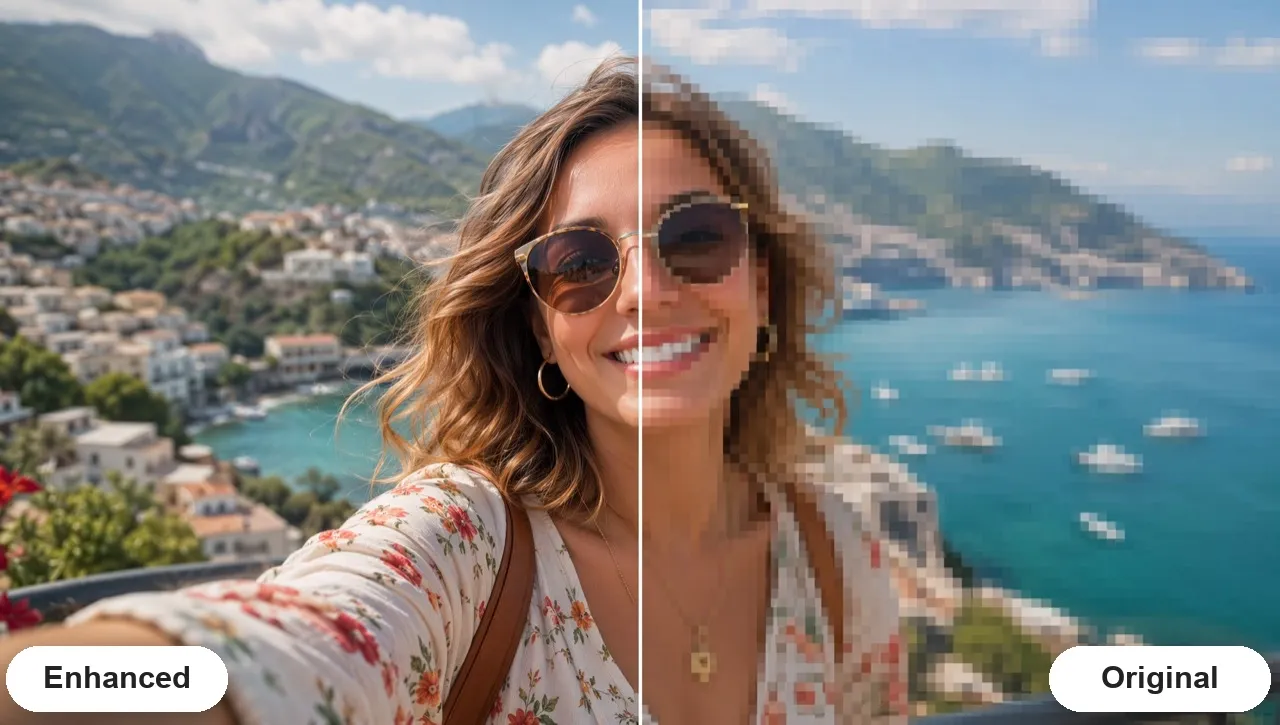
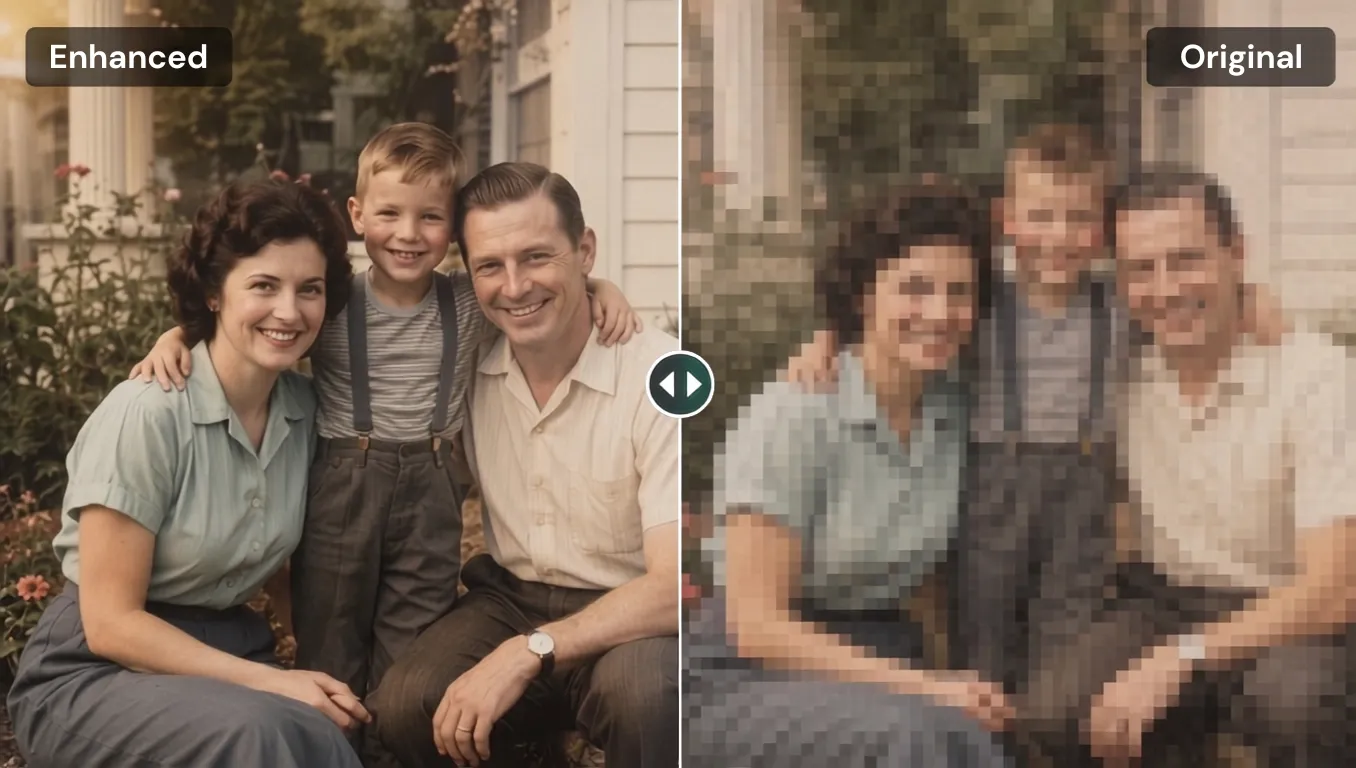
Unpixelate Image for Real Photo Cleanup Moments
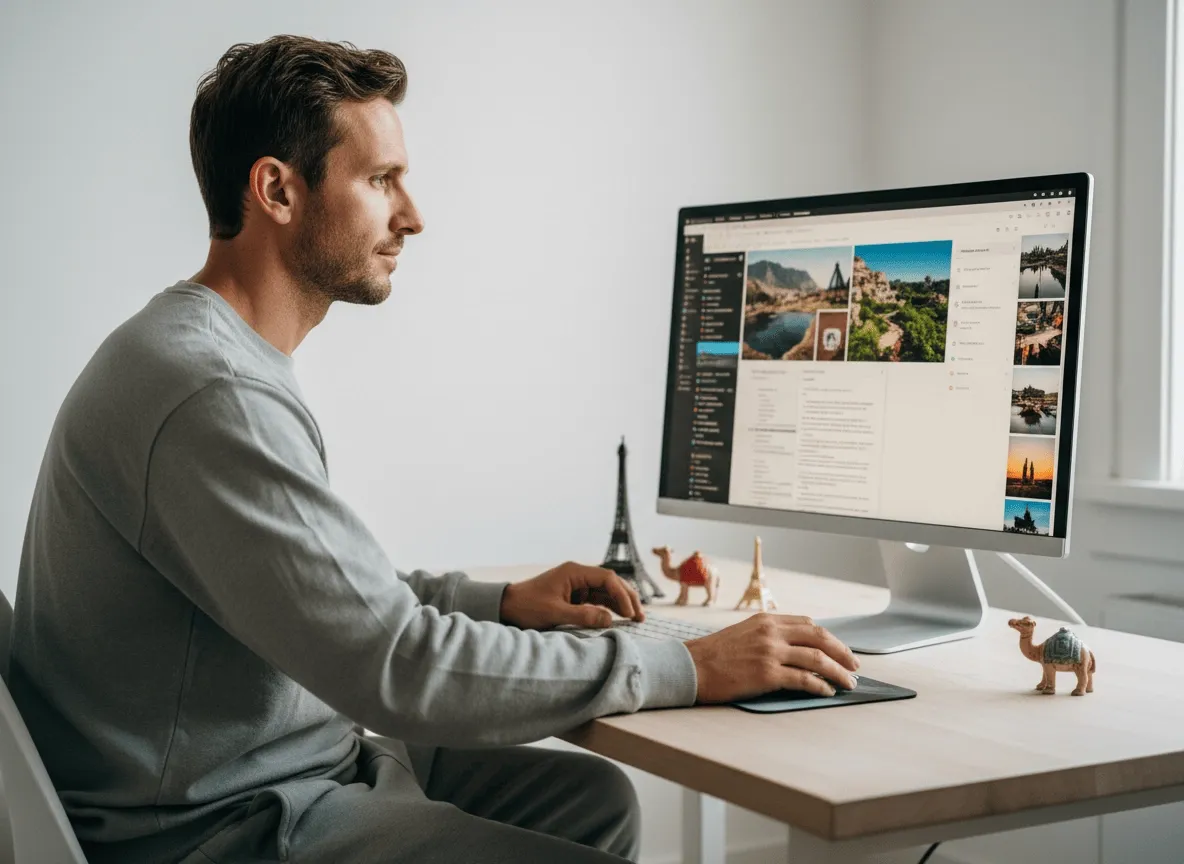
E-commerce and Marketplace Listings
Give shoppers a clearer reason to trust the photo
Use AI to depixelate image quality in product photos, label shots, packaging close-ups, and store visuals so buyers can judge texture, condition, and details with more confidence.
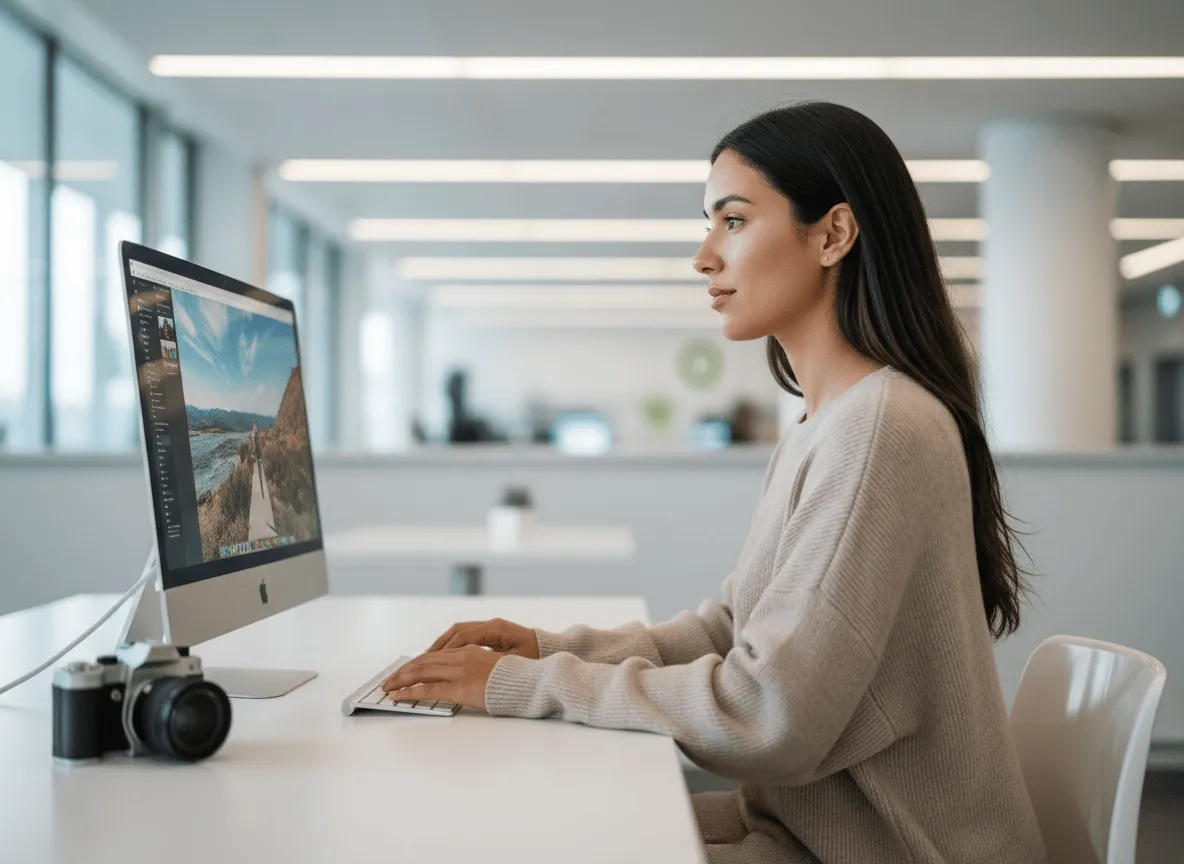
Blogs, Slides, and Thumbnails
Publish visuals that do not look stretched or low-res
Clean up pixilated photo problems in screenshots, tutorial images, cover graphics, presentation visuals, and article thumbnails so your content feels more credible.

School, Work, and Document Images
Make important visual information easier to use
Improve pixelated charts, scanned notes, document photos, and report visuals so text, lines, and shapes look cleaner in assignments, decks, and work files.

How To Unpixelate Images on Pollo AI
Step 1
Upload your photo, screenshot, or product image you want to unpixelate.
Step 2
Mark the subject you want to depixelate, or choose the whole image.
Step 3
Generate the result, review the clearer photo, and download it.
Your All-in-One AI Image Creation Platform
Go from a rough concept to a finished asset in minutes. Generate, edit, enhance, and adapt images with tools built for real creative workflows.
Turn Text Into Stunning Images
Generate studio-grade visuals from text prompts in seconds, from realistic scenes to clean graphics and in-image text.
Create Platform-Ready Image Assets
Accelerate visual production with hundreds of apps. Instantly design platform-ready Instagram posts, book mockups, and 3D characters.
Transform Photos Into New Visuals
Recreate, restyle, and upscale photos while preserving the structure and details that matter.
Professional Image Retouching
Refine your AI artwork effortlessly. Remove watermarks, seamlessly expand borders, and fix minor details for flawless final compositions in seconds.
Turn Still Images Into Motion
Evolve your static scenes into dynamic narratives. Add lifelike motion, camera pans, and fluid transitions to your images with flawless rendering.
Go From Brief to Final Asset
Scale your visual output effortlessly. Automate complex design tasks and generate high-volume, consistent assets ready for immediate deployment.
Discover Other AI Image Tools on Pollo AI
TRUSTED BY LEADING BRANDS WORLDWIDE









10M+Users
Using Pollo AI to Create and Inspire


Loved by 10M+ Creators and Marketers Globally
Thousands of satisfied users have shared their Pollo AI experiences on Trustpilot, rating us as "Excellent." See what they love about our platform.
- Liz CassidyDec 15, 2025Easy to use, great results for short videosI’ve been using Pollo AI mainly for short videos and quick image-to-video tests. The interface is straightforward and it works well even with simple prompts, which is a big plus compared to tools that need long, complicated instructions. The results can be really impressive, and it’s honestly been fun to experiment with. I’d love a bit more consistency on faces when there’s movement, but overall it’s been a solid experience for what I needed.
- Richard QuickOct 15, 2025Awesome websiteAwesome website. loads of options and a great way to learn how to work with 'AI' my reasoning for 5 stars is based upon price, versatility and ease of use. Also I would like to add, Pollo AI runs a lot of promos on different AI products as well. I rate their customer service at 5 stars, when I purchased my first subscription my computer crashed the following weekend and I lost all my data and info passwords you name it I lost it, contacted pollo by email they responded quickly and found my info/username and account, and I was able to restore my account.
- armourdudeNov 19, 2025I have been using Pollo AI for short…I have been using Pollo AI for short videos. It is easy to use and works well with simple prompts. Other generators seem to need long drawn out complicated explanations to get even close to what I want.
- DuduJan 14, 2026I'm just amazed by the level of quality…I'm just amazed by the level of quality output that Pollo AI can produce from a simple image. The motion, the realism, It's too good!!

- Ray WarnesDec 30, 2025A fabulous journeyI find Pollo easy to use, it gives me great results and I'd recommend it to anyone. It has been a wonderful experience for me.
- lawless clanNov 22, 2025i tried 220 online img to vid in 2…i tried 220 online img to vid in 2 months, and this is the best online video.I will subscribe for a year; there are many reasons. But freedom is the most important.


- Istvan LajosDec 10, 2025ThanksThanks, This is the Best A.I. site in the net! I can try it with free coin, and if I like it I subscribe.And alwas have free limited oportunities.You are the Best.
- Santiago SaenzNov 20, 2025AmazingI use it for multiple angles and they always have revolving deals that help so much its a great tool

- Gen ZeeDec 14, 2025Great and accurat to propmtGreat and accurat to propmt, wonderfull experience till now as compared to other ai sites.thank ypu.
- 萱兒Dec 23, 2025It replaced Pixverse V4.5 FusionSince Pixverse axed the best ever Fusion V4.5, i was upset. And now I found Pollo AI perform better. TQ


- Norma PonceMar 21, 2026AI Chicken is excellentAI Chicken is excellent, easy to use, and delivers unbeatable results.
- Sarah StokesMar 20, 2026Fabulous so glad I used it amazingFabulous so glad I used it amazing


- Sudipta SahaMar 20, 2026Perfect image editorPerfect image editor
- Luiz GuyzMar 19, 2026Excelent app the videos os Very goodExcelent app the videos os Very good


- Swishadoptme SwishadoptmeMar 18, 2026Very cool experienceVery cool experience

FAQs
What is an unpixelate image tool?
An unpixelate image tool uses AI to reduce pixel blocks, compression marks, rough edges, and blurry-looking details so a photo looks cleaner and easier to use.
How to fix pixelated pictures with AI?
To fix pixelated photos, upload your image to Pollo AI, let AI analyze the blocky areas, and download the cleaner result.
What kinds of pixelated photo work best?
A pixelated photo with visible faces, products, text, edges, or object shapes usually works well because the AI has clear areas to enhance.
Can I clean up a pixilated photo with AI for e-commerce?
Yes. You can clean up pixilated photo issues with AI for product listings, packaging shots, marketplace images, and store visuals before publishing.
Can I use this AI unpixelate image tool free?
Yes. You can start with this AI unpixelate image tool free on Pollo AI, while higher-volume use, more credits, advanced features, or fuller access may require upgrading.
What is the best unpixelate image tool?
Pollo AI is the best unpixelate image tool because it quickly reduces pixel blocks, compression marks, rough edges, and blurry-looking details with a simple upload-and-generate workflow. Pollo AI also helps creators generate creative images, and marketers create AI photos that are commerce-ready for product promotion and branded content.

Make Pixelated Photos Look Clean Instantly
Upload your image, reduce blocky details, and download a clearer photo for posting, selling, working, or sharing.