Step 1
Upload a clip, image, or describe what you want to turn into a GIF.
AI Video
Transform text and images into cinematic videos with lifelike avatars and studio-quality SFX.

AI Image
Turn ideas and images into stunning visuals, or perfect any photo with a complete suite of AI tools.

Agent
Create production-ready videos with SFX, consistent characters, and polished scenes. No Editing.

Marketing Studio
Built for marketers and sellers to create winning ads, UGC videos and product visuals faster.

Our AI GIF maker automatically transforms any clip, image, or idea into a fully structured, ready-to-share GIF.
Convert product demo clips into looping visuals for landing pages, highlight key scenes from tutorials for documentation, create reaction GIFs for chats, or transform short recordings into quick updates—all automatically structured and ready to use.
Capture the exact moment that matters and turn it into a clean, expressive GIF without trimming or editing.
Every GIF is created with the right format and flow, so it works smoothly across chats, pages, and campaigns.
No tools, no timeline—just input your idea and get a complete, usable GIF in seconds.
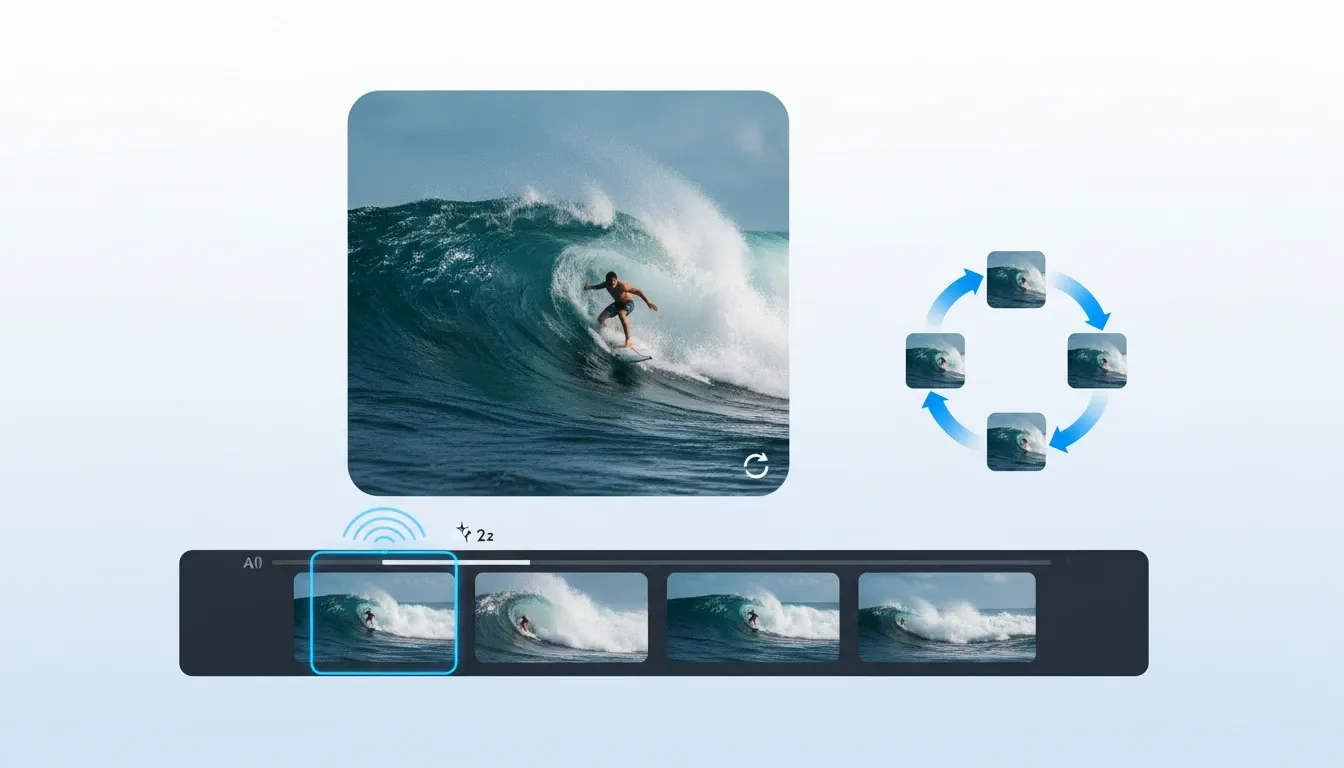
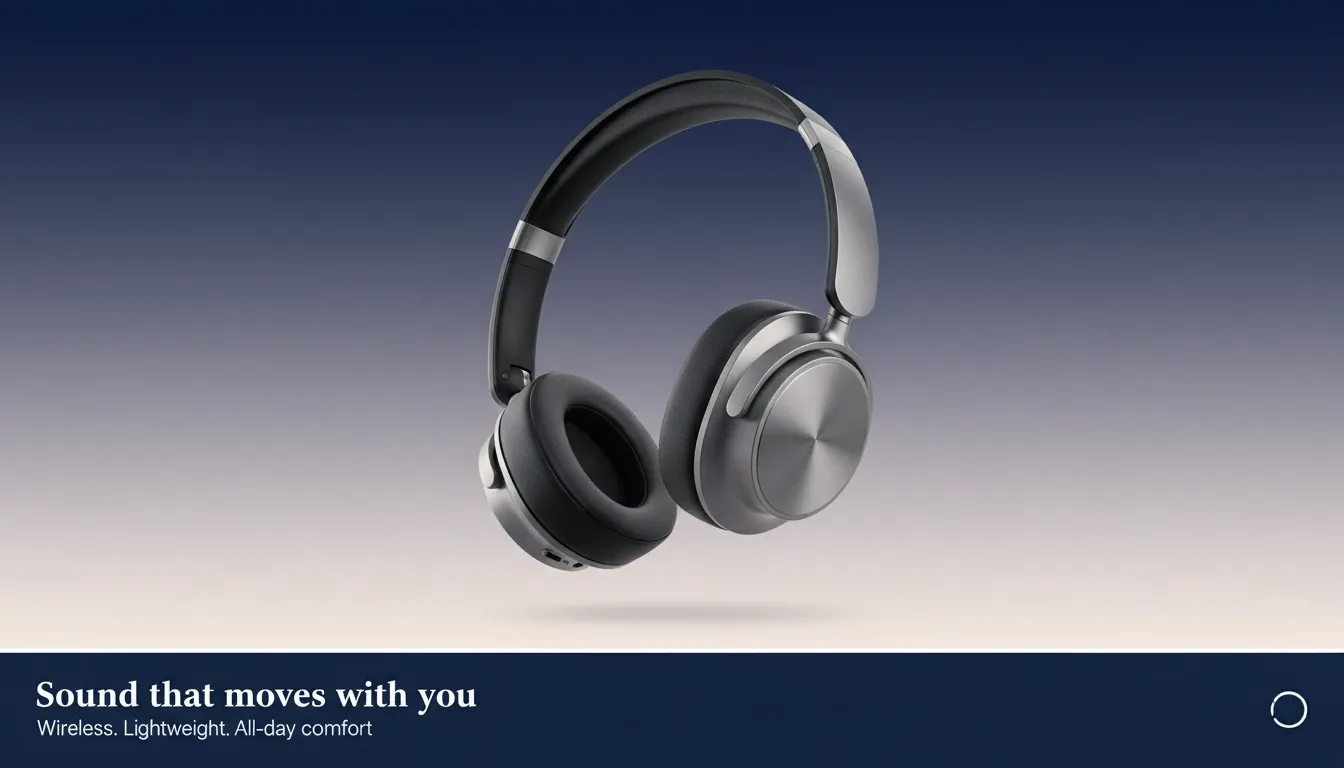

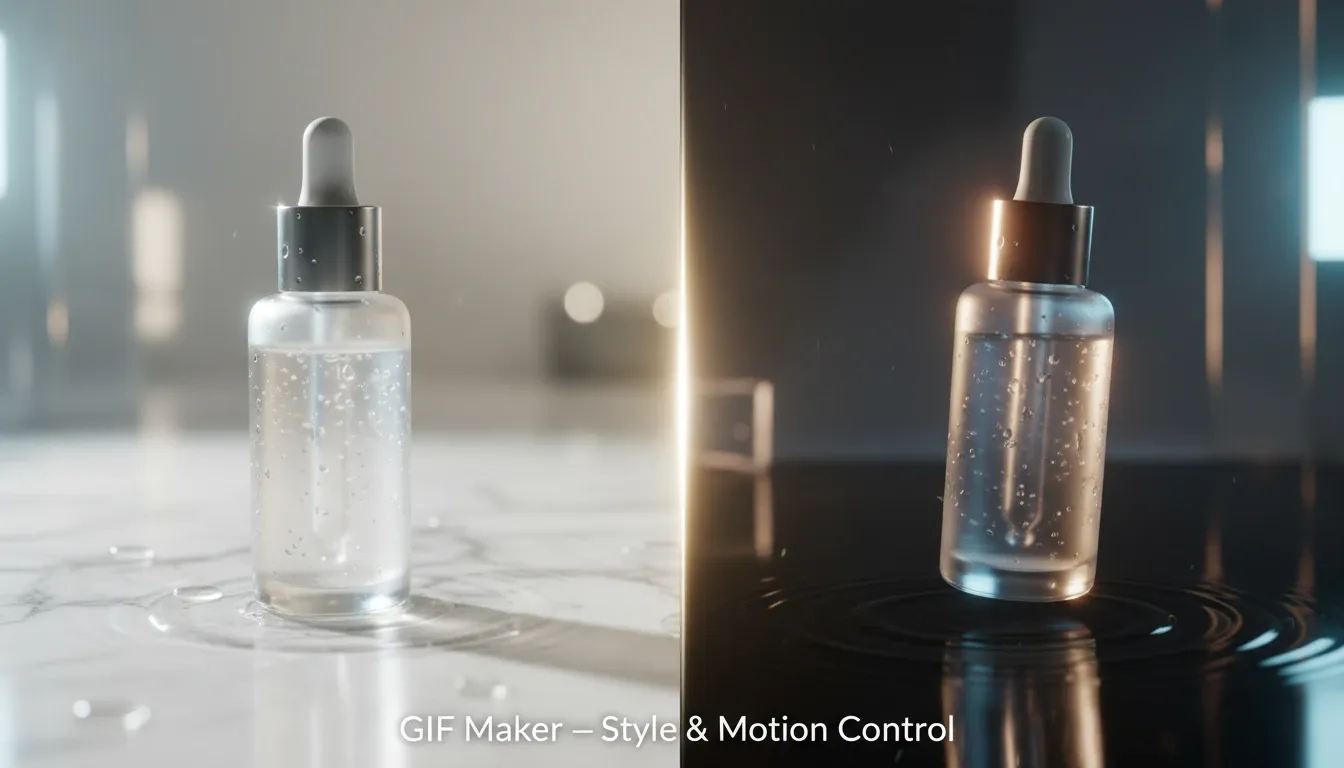

Turn short product clips into clear GIFs for landing pages or help docs, ready to use without editing or resizing.

Create expressive GIFs from videos or images for posts and conversations, ready to share instantly.

Convert campaign snippets into GIFs for emails or banners without going through design or editing workflows.
Turn simple recordings or images into GIFs that communicate faster than text, ready to send right away.
Upload a clip, image, or describe what you want to turn into a GIF.
Select how the GIF should look, including motion, key moment, and optional text.
Download your finished GIF or share it directly, ready for use without further editing.
Go from a single concept to a finished video. Combine generation, avatars, sound, and editing into one seamless production process.
Bring your static images to life with cinematic motion. Add lifelike camera pans and fluid transitions to maximize viewer engagement and visual impact.
Turn simple text prompts into compelling visual narratives. Generate highly accurate, continuous motion sequences that seamlessly bring your scripts to life.
Build professional video assets without a camera. Generate incredibly realistic scenes and smooth footage to elevate your brand's visual storytelling.
Put your entire creative workflow on autopilot. Go from a text prompt to a production-ready video with zero editing, delivering studio-grade results fast.
Cast professional digital actors without a studio shoot. Sync your scripts to hyper-realistic avatars with flawless lip-sync and human gestures.
Access a comprehensive suite of video tools. Easily apply video filters, clean up messy audio, and reframe videos for any platform.









Using Pollo AI to Create and Inspire
 Liz Cassidy
 Richard Quick
 armourdude
 Dudu
Dudu Ray Warnes
 lawless clan
 Istvan LajosSantiago Saenz
 Gen Zee
 萱兒
萱兒 Norma Ponce
 Sarah Stokes
 Sudipta Saha
 Luiz Guyz
 Swishadoptme Swishadoptme
An AI GIF maker turns videos, images, or simple ideas into short looping GIFs automatically, handling timing, looping, and formatting in one smooth process.
Yes, the process is simple and intuitive. You just upload content or describe your idea, and the system generates a complete, ready-to-use GIF for you.
You can create reaction GIFs, product feature loops, tutorial highlights, visual notes, and short animations that communicate ideas quickly and clearly.
You can start with video clips, images, or text-based ideas, making it flexible for different types of content creation.
No, the GIF is generated as a complete output, so you can download or share it immediately without additional editing.
Yes. With Pollo AI, you can try AI GIF maker for free and generate real results before upgrading to a higher plan. This allows you to experience the full workflow and see how your GIFs turn out before deciding to upgrade.

Turn clips, images, or ideas into complete, polished GIFs without editing or extra steps.