Artists & Illustrators
Portfolio blog headers
Introduce your medium and visual world before visitors reach commissions, sketches, or process posts. Create a separate centerpiece with an AI art generator when the header needs original artwork.
AI Video
Transform text and images into cinematic videos with lifelike avatars and studio-quality SFX.

AI Image
Turn ideas and images into stunning visuals, or perfect any photo with a complete suite of AI tools.

Agent
Create production-ready videos with SFX, consistent characters, and polished scenes. No Editing.

Marketing Studio
Built for marketers and sellers to create winning ads, UGC videos and product visuals faster.

Create Tumblr headers that frame your avatar, blog title, artwork, colors, and evolving visual theme.
Turn your blog theme into a Tumblr banner that feels native to the platform, not repurposed from another profile. Add a fandom, art style, color palette, or image, and let the avatar, title, and main artwork read as one blog identity the moment visitors land.
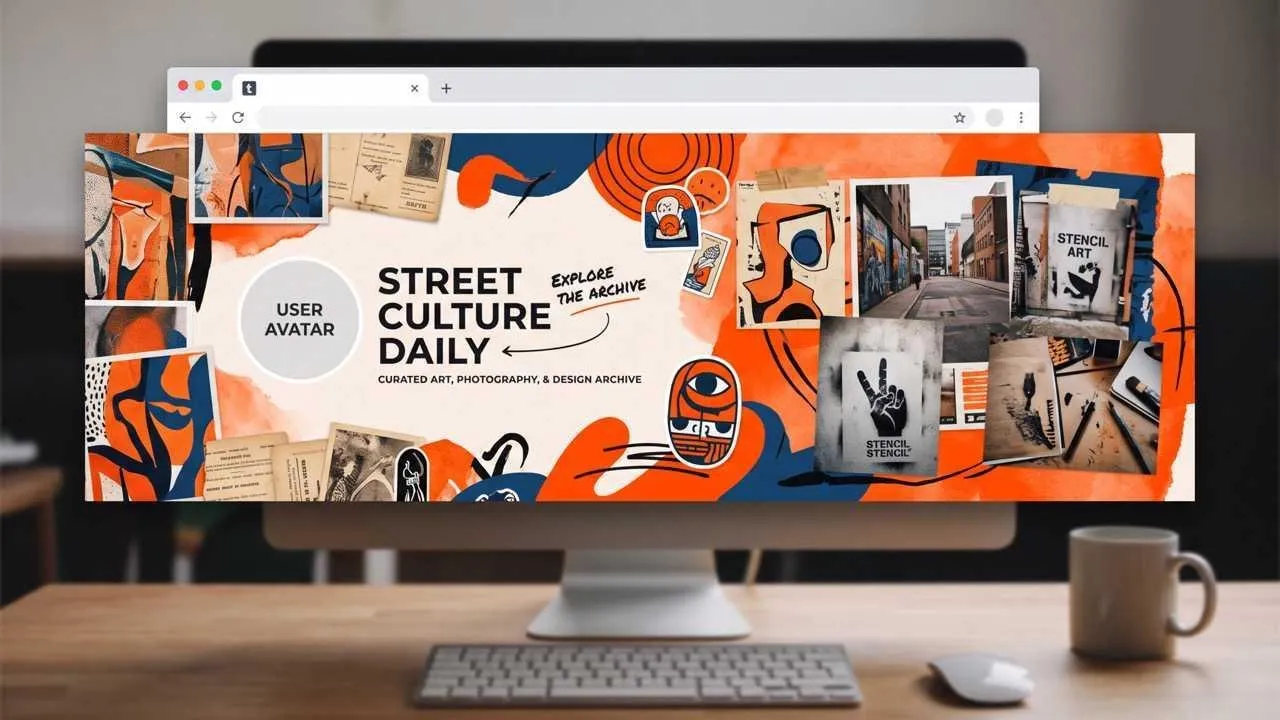
Frame your blog's avatar, title, and visual theme as one connected identity.
Set a recognizable mood before visitors scroll through your posts.
Keep faces, artwork, and key details clear around the avatar and title.
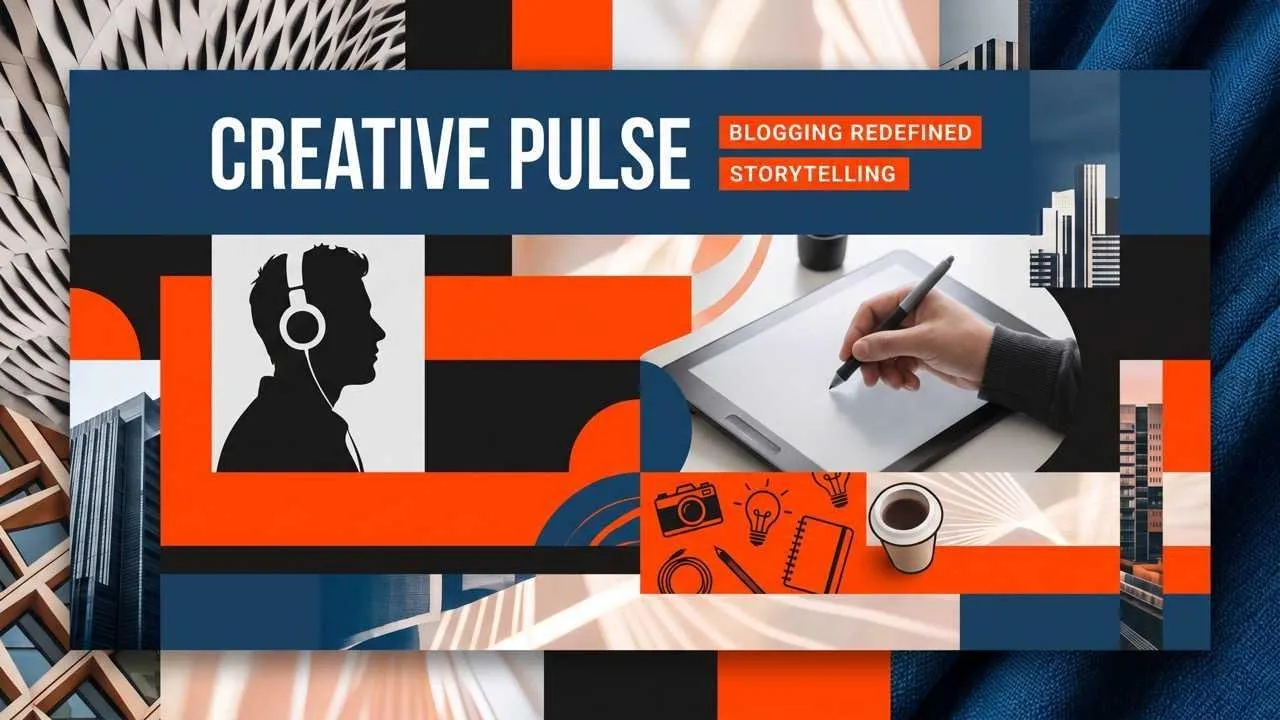
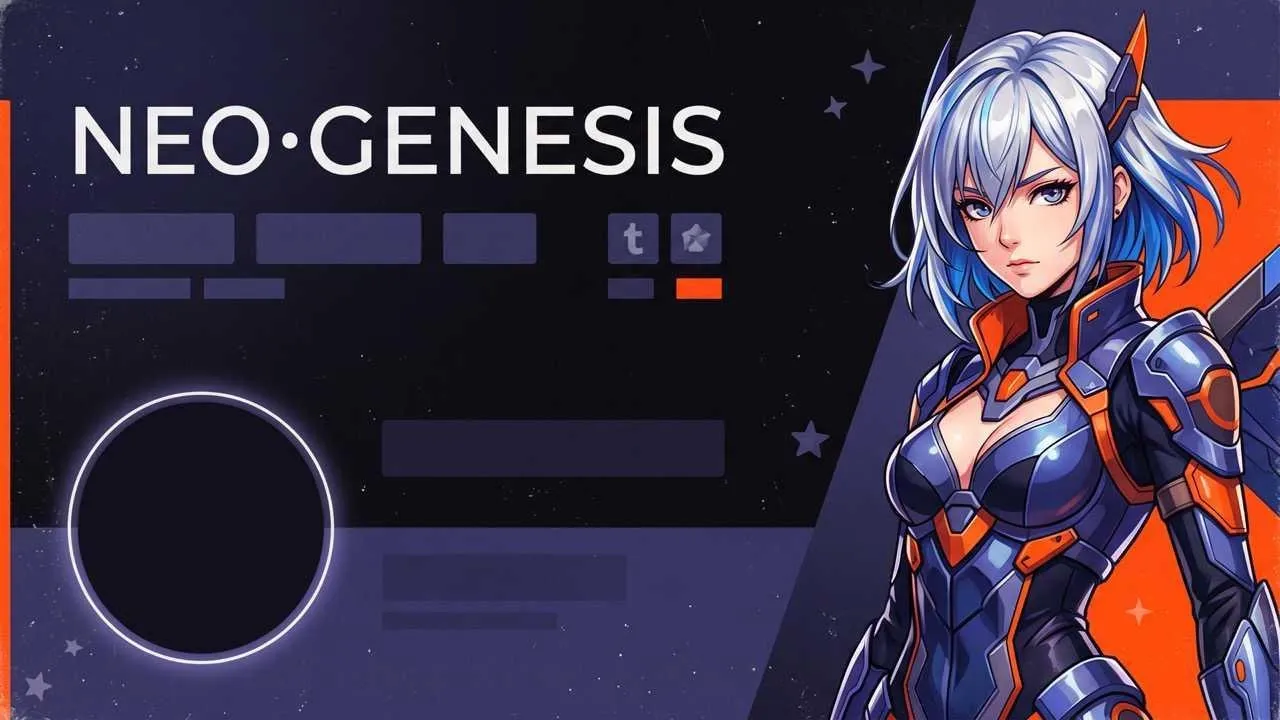
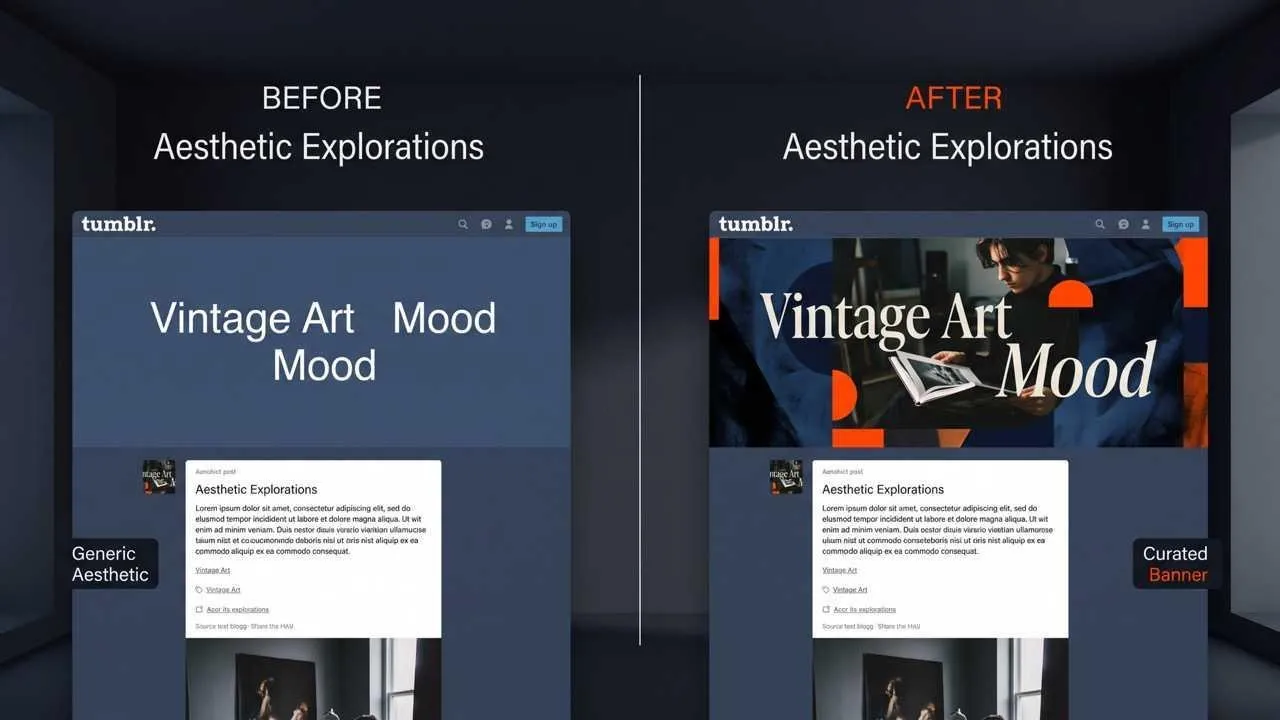
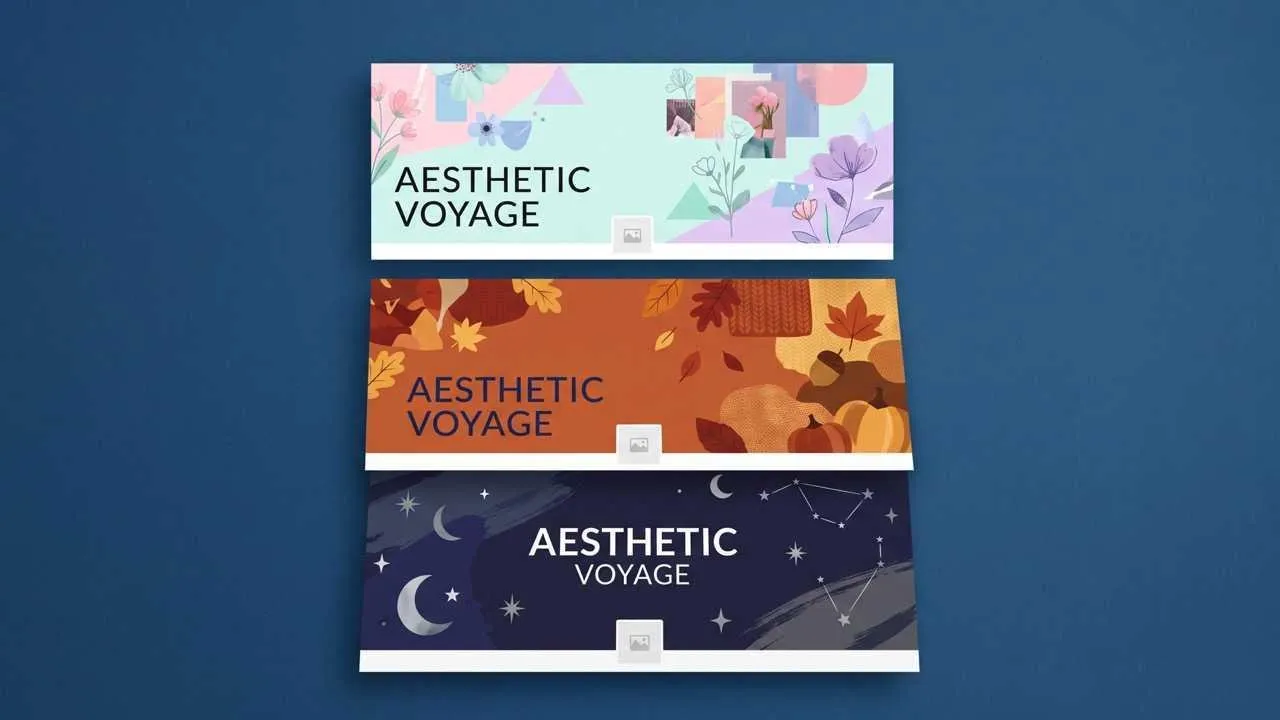
Introduce your medium and visual world before visitors reach commissions, sketches, or process posts. Create a separate centerpiece with an AI art generator when the header needs original artwork.
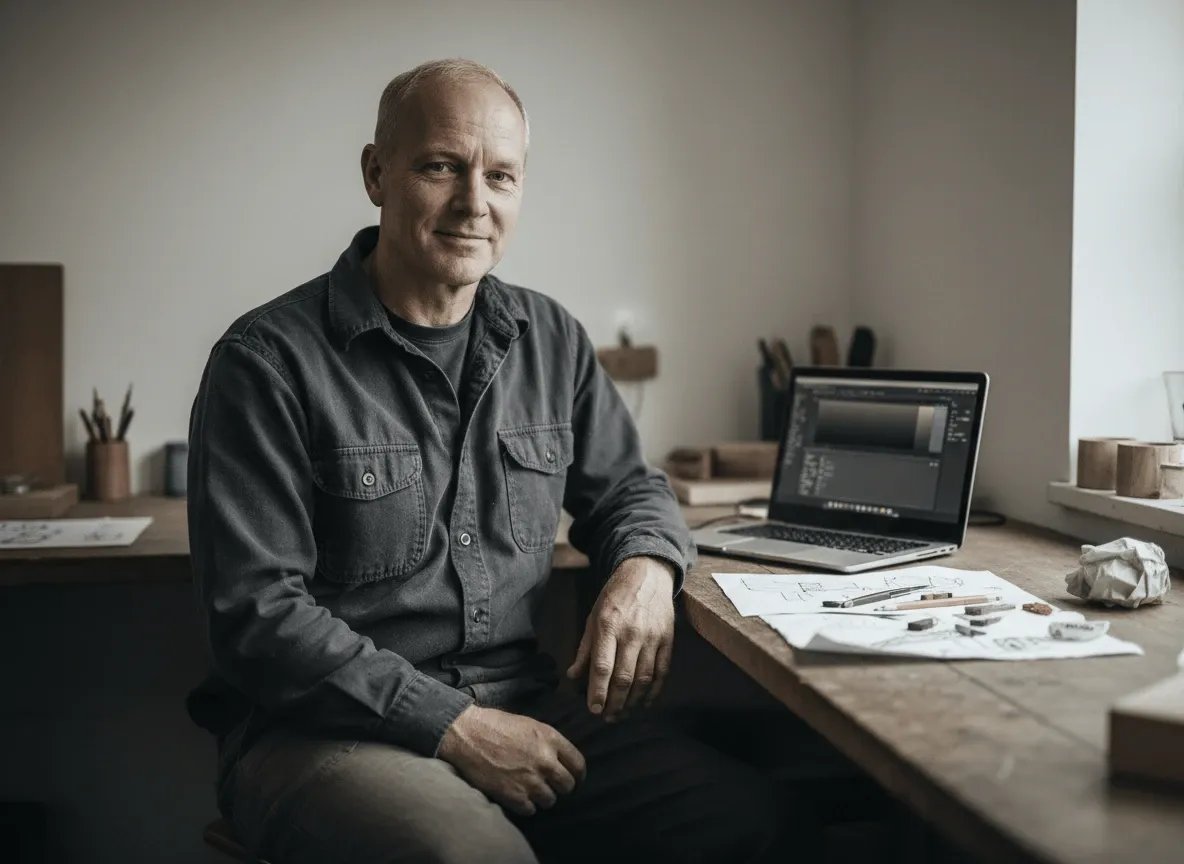
Give a ship, character, series, or era one instantly recognizable visual home, with enough space for the avatar and blog title to remain readable.

Translate a color story, texture set, fashion mood, or visual obsession into a header that makes scattered reblogs and original posts feel intentionally collected.
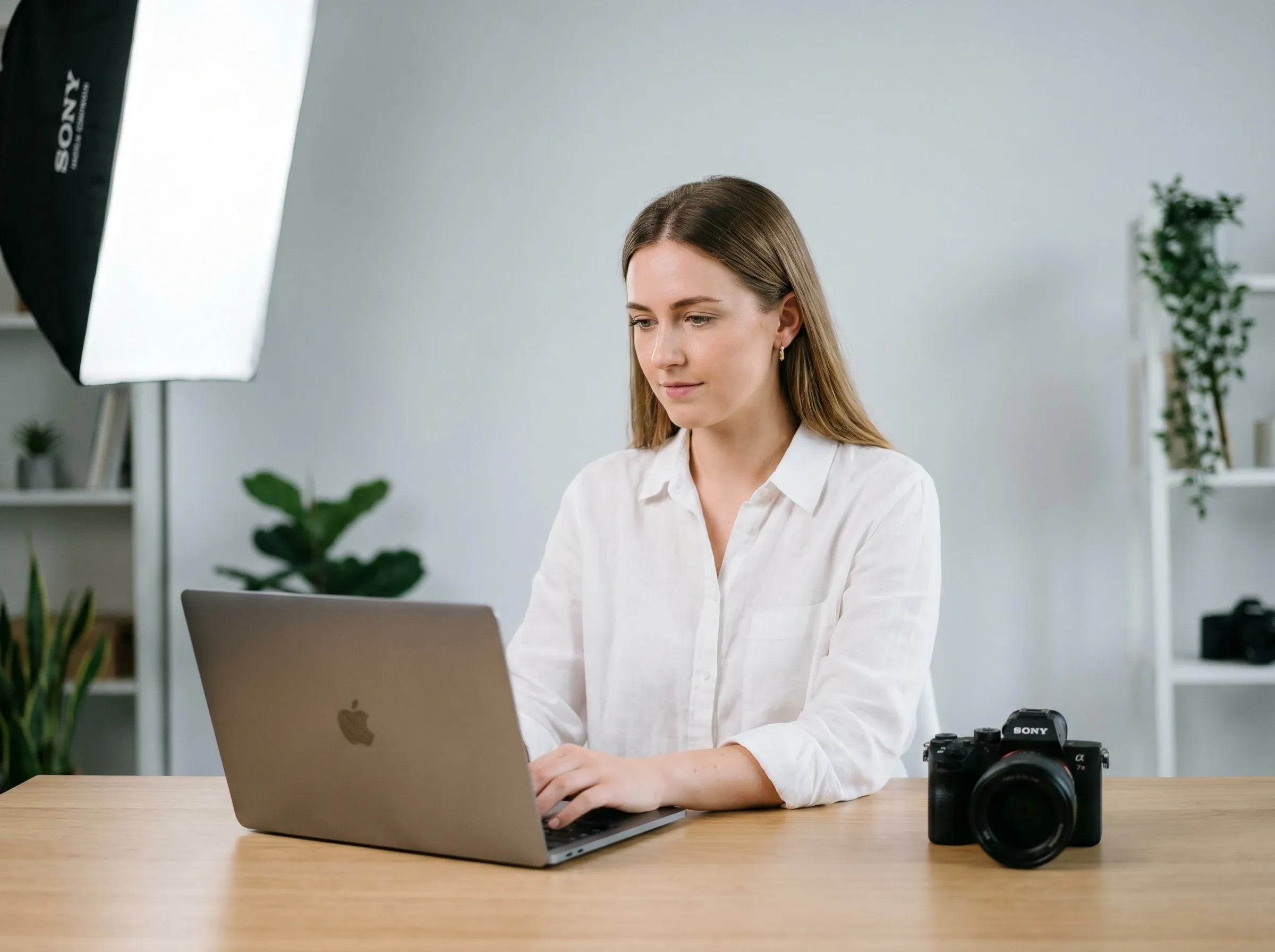
Frame a pseudonym, character account, fictional setting, or poetry archive with imagery that signals genre and tone before anyone reads the first post.
Enter your blog topic, fandom, aesthetic, colors, and any image or title you want the header to include.
Create a header with the focal subject positioned around your avatar and title area.
Choose your favorite result, download it, and upload it through Tumblr's Edit appearance settings.
Go from initial idea to ready-to-publish designs. Instantly access AI image generators, precise photo editing, and professional image tools.
Turn creative briefs into breathtaking visuals instantly. Generate photorealistic marketing assets, flawless typography, and bespoke art without a camera.
Generate stunning visuals through natural conversation. Simply chat to brainstorm concepts, refine intricate details, and create perfect artwork instantly.
Reimagine your existing photos with advanced style transfer. Protect core subject identity while upgrading lighting, textures, and native 4K details.
Access an all-in-one AI image editing suite for limitless creativity. Retouch details, reimagine entire scenes, and polish visuals into flawless masterpieces.
Bring your static images to life with cinematic motion. Seamlessly transition from AI photos to fluid, high-framerate video sequences in just seconds.
Simplify your design process with versatile utilities. From magic erasers to transparent backgrounds, access everything needed to refine raw assets quickly.









Using Pollo AI to Create and Inspire
An AI Tumblr banner maker turns a prompt or image into a blog header, replacing the manual work of planning focal art, balancing it with the avatar and title, and matching the blog's visual theme.
Pollo AI's AI Tumblr banner maker is the best AI Tumblr banner maker for creating headers that coordinate focal artwork, blog colors, avatars, and titles instead of looking borrowed from another social profile.
Yes. Start free with a blog theme, fandom, color palette, title, or image, then compare different compositions before downloading your preferred Tumblr banner.
Tumblr currently recommends 2048 x 1152 pixels in a 16:9 aspect ratio for header images, with a file size under 10MB.
Tumblr can place interface elements over the header, so keep faces and essential details away from the avatar and title zones and preview the result in your actual blog view.
Yes. Use your own illustration, portrait, collage element, or photograph as the visual anchor. If a logo or symbol has a solid backdrop, clean it first with a logo background remover.

Turn your theme into a recognizable header. Make the blog feel intentional before the first post appears.