Step 1
Upload an audio file or paste the URL of the audio you want turned into a video.
AI Video
Transform text and images into cinematic videos with lifelike avatars and studio-quality SFX.

AI Image
Turn ideas and images into stunning visuals, or perfect any photo with a complete suite of AI tools.

Agent
Create production-ready videos with SFX, consistent characters, and polished scenes. No Editing.

Marketing Studio
Built for marketers and sellers to create winning ads, UGC videos and product visuals faster.

Give your audio files new life by converting them into viral-worthy video clips that connect with your viewers!
Create professional-grade footage from any audio recording! With our audio to video AI generator, you can instantly convert speeches, voiceovers, music tracks, and even podcasts into dynamic video content. Start producing full, shareable clips with lifelike AI avatars in just a few clicks!
Use lifelike AI presenters to deliver your message with perfect lip-sync.
Transform podcasts into high-engagement TikToks, Reels, and Shorts in seconds.
Build a professional video presence using only your voice and AI.
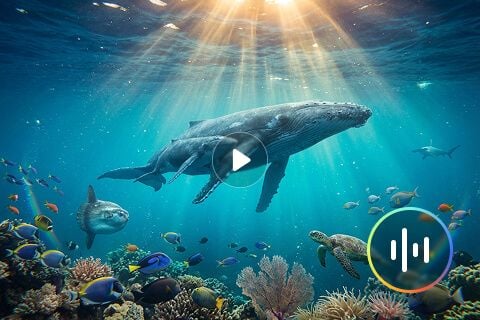
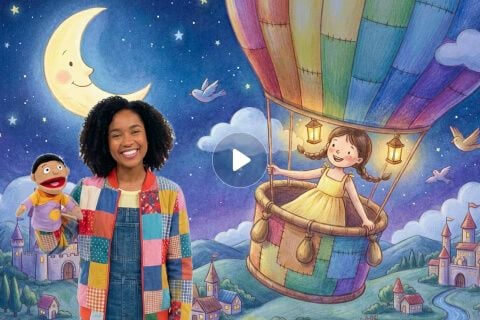
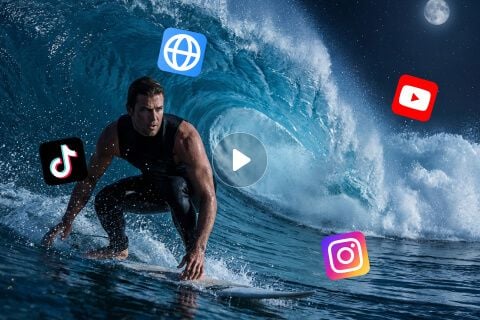
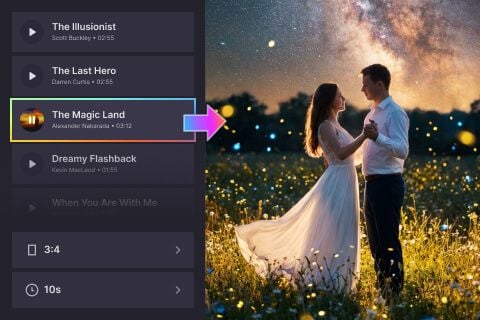
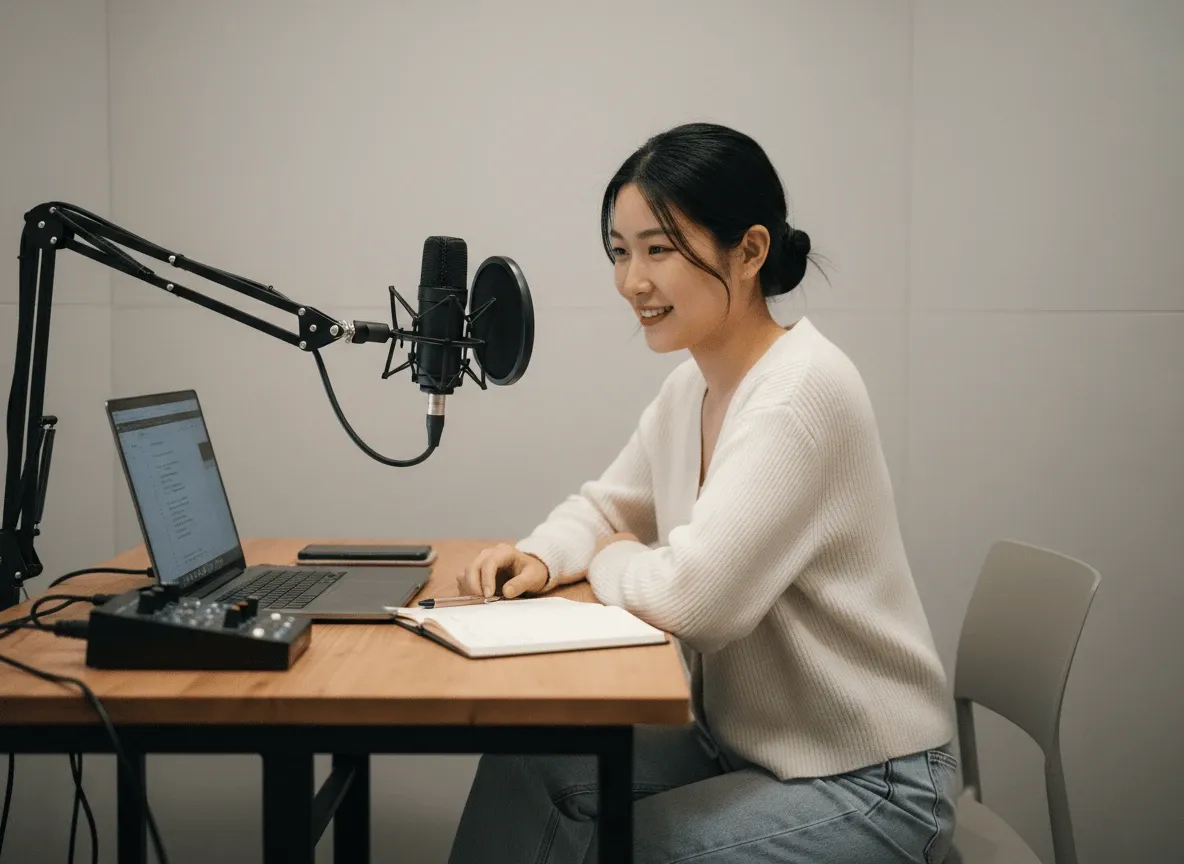
Transform audio snippets into engaging documentary-style clips to promote full episodes on social media.
Turn recorded technical guides into intuitive product walkthroughs featuring talking AI avatars as professional presenters.

Rapidly convert voiceover scripts into multiple video ad versions to test different hooks on TikTok.

Build polished online training modules by converting educational audio lectures into visually consistent narrated video lessons.
Upload an audio file or paste the URL of the audio you want turned into a video.
Configure your preferred video settings before proceeding to generate.
Click ‘Create’ and wait for our tool to generate a dynamic visual from your audio.









Using Pollo AI to Create and Inspire
 Stella Gump
 Juan Jimenez Lebrechthausen
 Norma Ponce
 Sarah Stokes
 Sudipta Saha
 Luiz Guyz
 Swishadoptme Swishadoptme
 MrWookiee
 Gamal Amer
 marcel desille bousquet
 Wilson Sotomonte
 Sasa Dobricic
This is an AI-powered tool that lets you convert audio recordings into videos. Simply upload the audio file or the paste the URL to the audio, and in minutes, it will repurpose it into a shareable visual clip with no advaned editing or software needed.
Our tool extensively analyzes any audio you link or upload to understand the context behind it. From there, it automatially builds a cohesive visual narrative that perfectly complements the audio. You can even use lifelike talking avatars to simulate a live recording performance.
Yes. On Pollo AI, you can access our audio to video AI generator at no cost via the free trial plan. Just sign up for an account, and you’ll be given limited credits to convert your audio. For unlimited access, you will need to subscribe to a paid plan.
Our tool supports any type of audio recording, including music tracks, podcasts, speeches, audio books, memos, etc. In this sense, it can help with creating video clips for use across various industries such as marketing, advertising, education, social commentary, and more.
When creating videos from audio recordings, it’s often best to use shorter audio clips of around 30 seconds to 60 seconds, on average. This is because they typically perform better with audiences when published on social media platforms like TikTok and Instagram.
Yes. You can feel free to convert audio into video in any language, be it English, Chinese, French, Japanese, Spanish, etc. Just always make sure the vocal pronunciations are clear in the audio recordings for the best possible results.