



AI-Powered Instant Transitions for Seamless Blending
Video transitions generator eliminates awkward cuts between videos and images. It smoothly combines video clips and images featuring clear subjects or characters to create stunning transitions instantly.
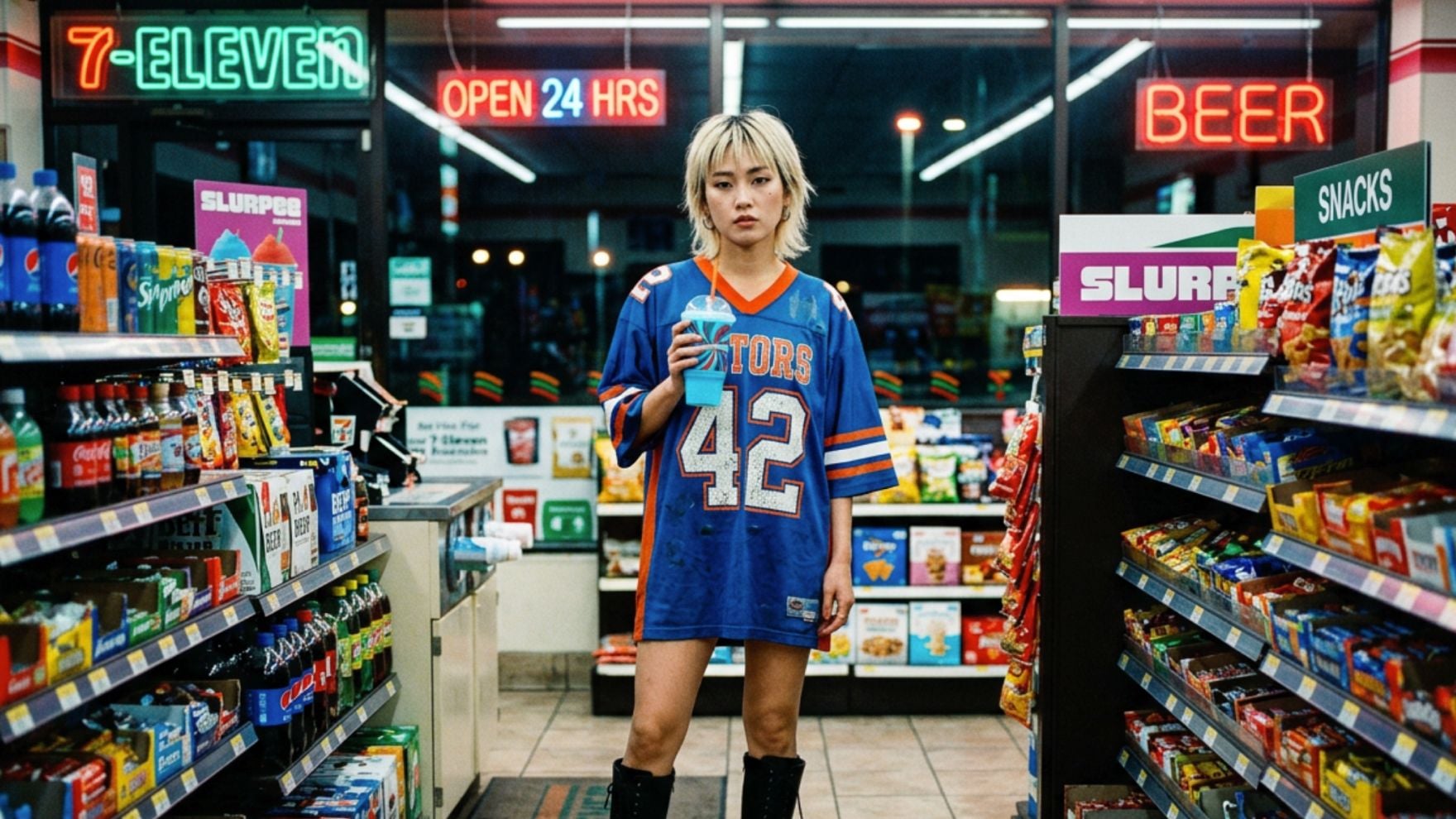
AI Transitions Tailored to Your Media
Upload your clips, images with a distinct subject, and let AI generate transitions that match your content's vibe. From high-energy social reels to sleek professional edits, elevate your storytelling without manual styling.
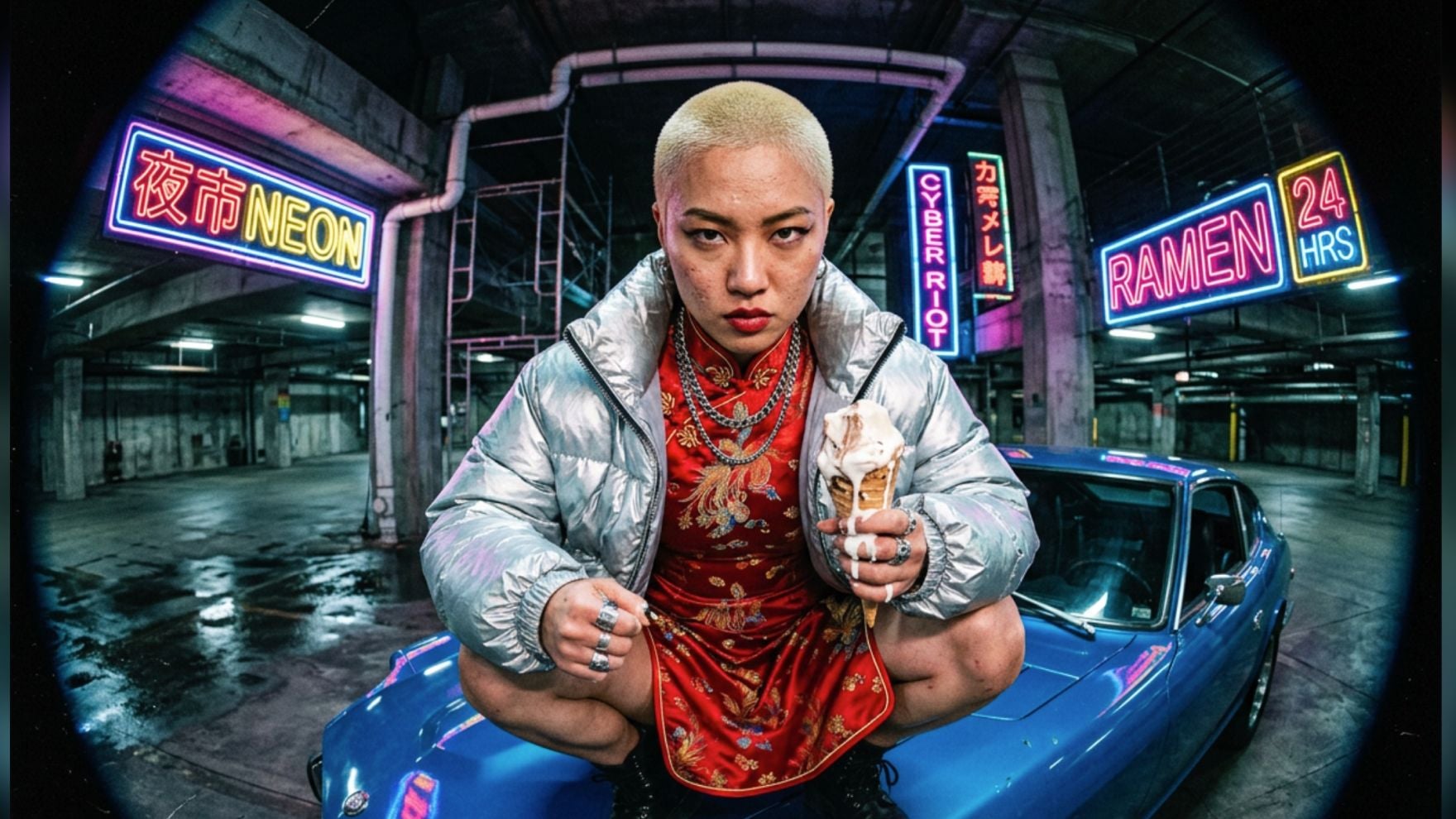
Create Professional Transitions Without Any Editing Knowledge
You don’t need to master complex editing software to use the video transitions generator. Upload your clips or images, select your preferred style or the default transition style, and get seamless blends with just a few clicks.
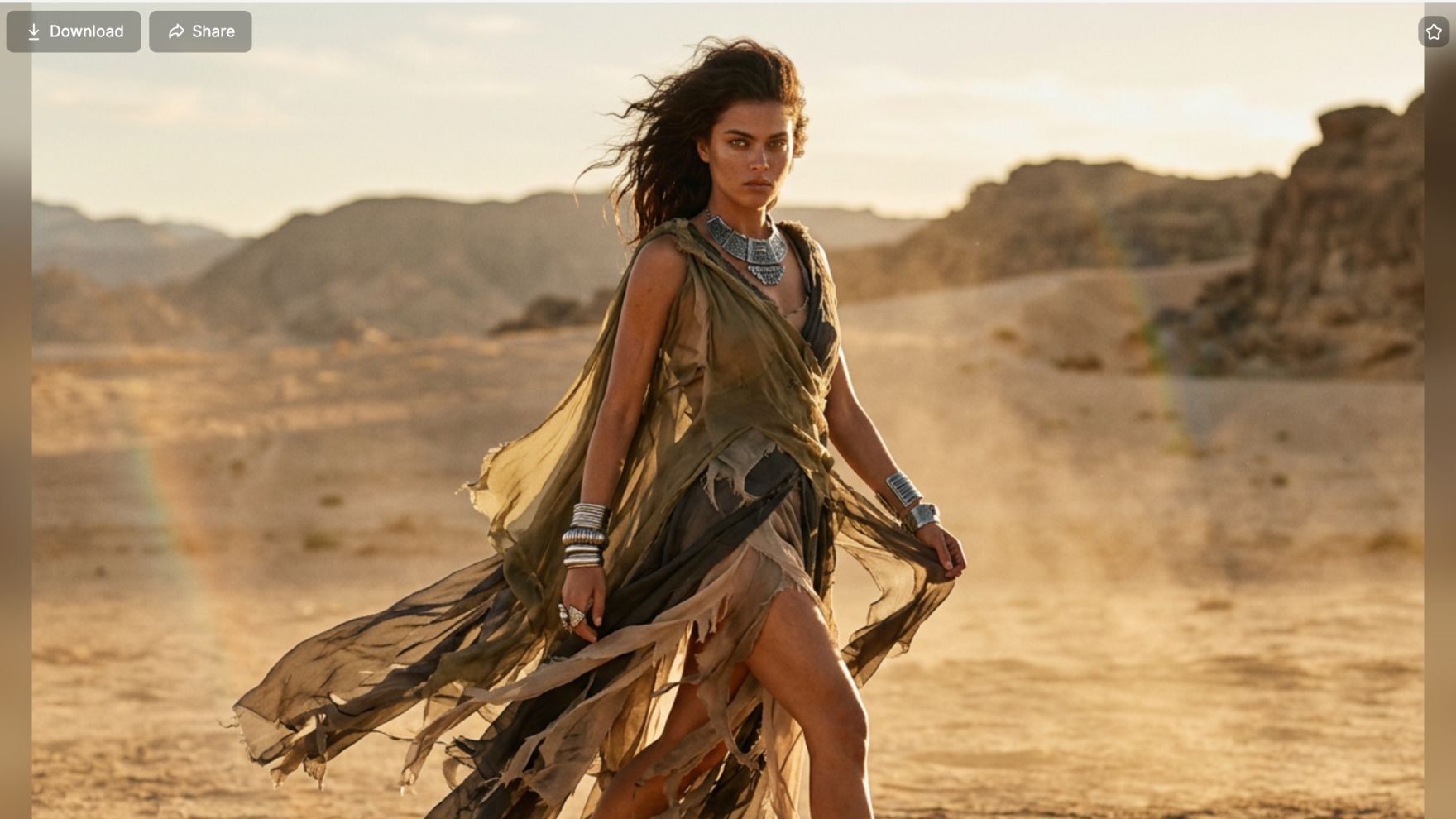
Smart AI Matching for Natural Flow
It analyzes your content’s pacing, color, and tone to recommend or apply the most natural transition precisely. It ensures every blend feels organic, keeping your audience actively engaged.
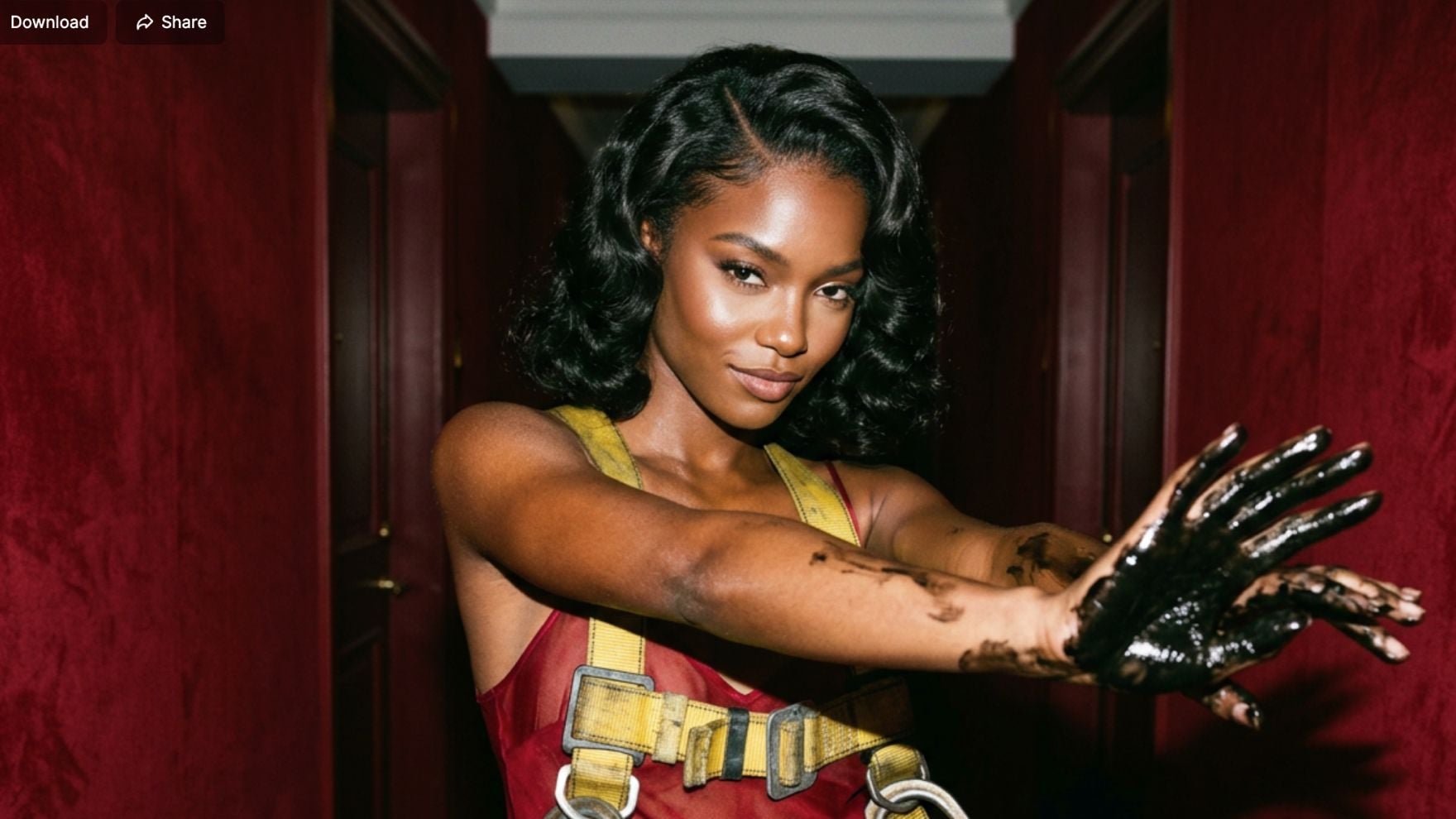
Integrated Workflow for Processing Video Clips and Images
Video transitions generator seamlessly blends video clips with still images of your favorite characters or subjects. Create cohesive sequences regardless of your content type.
AI Video Transitions for Every Workflow

Capture Attention with Seamless Flow
Eliminate jarring cuts that drive viewers away. Perfect for TikTok, Reels, and Shorts, these intelligent transitions keep your audience hooked from the first second to the last, boosting your retention rates.

Professional Edits Without the Learning Curve
Produce high-converting video ads and product showcases without mastering complex editing software. Upload your brand assets and let the AI automatically match the pacing, color, and tone of your transitions.

Transform Highlights into Emotional Masterpieces
Bring your video montages to life with elegant, character-focused transitions. Add the finishing touch with AI-generated sound effects to create an immersive and polished viewing experience for your clients.
How to Use the Video Transitions Generator?
Step 1
Select a transition style or use the default transition style.
Step 2
Add your image or video, and configure the customization options.
Step 3
Click ‘Generate’ and then download your video.
Discover Other AI Creative Tools on Pollo AI










 5000+ reviewsTrustscore 4.4
Used by 10M+ Creators and Marketers
Thousands of satisfied users have shared their Pollo AI experiences on Trustpilot, rating us as "Excellent." See what they love about our platform.
Liz Cassidy Dec 15, 2025Richard QuickOct 15, 2025armourdudeNov 19, 2025
 DuduJan 14, 2026
 Ray WarnesDec 30, 2025
 lawless clanNov 22, 2025
FAQs about Video Transitions Generator
What is Video Transitions Generator?
It is an AI transition maker designed to create stunning, seamless video transitions. You can blend video clips, images with clear subjects or people. No editing skills are needed to create professional content.
Can I Create Video Transitions with Video Transitions Generator for Free?
Yes! Simply sign up for an account on Pollo AI, and you will receive free credits to test our AI transition maker. For unlimited creation and additional features, explore our flexible paid plans.
Can I Choose from Different Transition Styles?
Absolutely! Our video transition tool offers a diverse library of transition styles, allowing you to find the perfect look for any video project.
Does Video Transitions Generator Work with All Video and Image Formats?
Yes! It supports all common formats: video and image, so you can upload your content without compatibility issues. For best results, ensure your media features a clear person or central subject. The tool adapts to your files for smooth blending.
Can I add a sound effect before downloading?
Yes! It lets you add a sound effect to your transitions before downloading. You can use our sound generator to create the perfect audio match for your video transitions.
