



How to Create Immersive First-Person POV Videos with AI
First-person POV videos are currently the gold standard for high-engagement content on platforms like TikTok and Instagram. By placing the audience directly behind the "lens" of the creator, these videos generate a level of immersion that traditional angles cannot match.
This guide will show you how to create immersive first-person POV videos with AI to dominate the algorithm and skyrocket your follower count.
What Is an AI First-Person POV Video?
A POV (point of view) video creates an instant psychological connection by making the viewer the protagonist of the story. Whether it is an adrenaline-fueled mountain bike ride or a serene walk through a hidden city, the first-person perspective keeps retention rates high. Using an AI first-person POV video generator allows you to produce these cinematic experiences without expensive GoPro rigs or risky stunts.
How to Create AI First-Person POV Videos on Pollo AI
Our first-person POV tool is designed for speed and quality, ensuring a zero learning curve for creators. Follow these steps to generate your next viral hit:
Step 1: Describe the POV Action
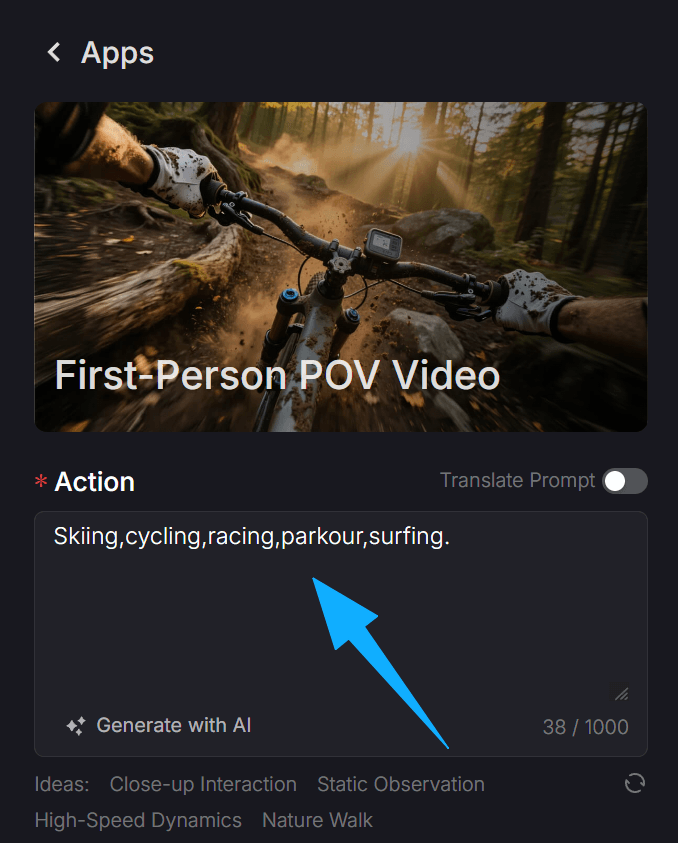
Head to the first-person POV video maker page. In the "Action" box, describe exactly what the viewer should see and feel.
For example: "Mountain biking down a narrow trail at sunset" or "Forest trail walking, flower field, mountain path, stepping on autumn leaves, tall grass." Pollo AI will interpret your text to generate realistic motion and environmental depth.
Step 2: Add Immersive Audio
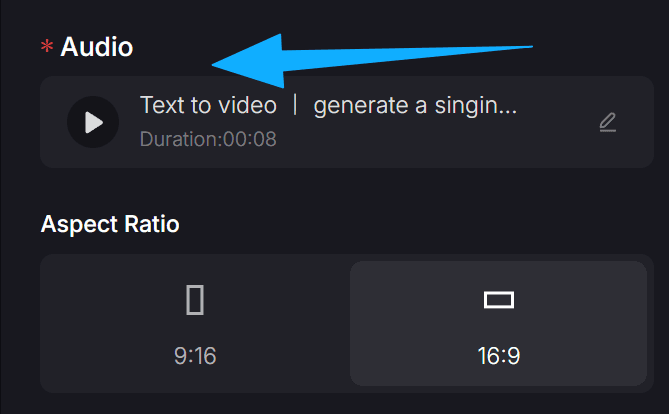
Paste a link to a reference track or upload your sound effects.
Step 3: Select Your Aspect Ratio
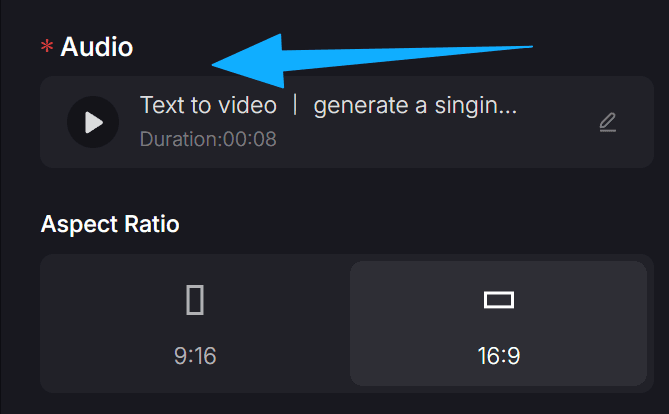
Select 9:16 for vertical content like Reels, Shorts, and TikTok to maximize mobile engagement. Alternatively, use 16:9 for widescreen YouTube videos or cinematic presentations. This ensures your viral AI video is perfectly optimized for the platform you choose.
Step 4: Configure Settings and Generate
You can also toggle public visibility to share your creation with the Pollo AI community or enable copy protection to keep your unique prompts and results private. Once satisfied, click 'Create' to let the AI engine render your high-definition POV performance.
The Competitive Edge: Scaling Your Brand with AI POV Content
Integrating a first-person perspective into your content strategy allows for limitless creativity across different industries. Whether you are a solo creator or a global brand, here is how you can leverage this format to win the attention economy:
- E-Commerce & Digital Marketing: Marketers can simulate hands-on product demonstrations from a user’s perspective. This builds instant trust and serves as a high-converting AI UGC video generator asset that feels authentic and personal to your potential customers.
- Vlogging & Travel Content: Elevate your storytelling by giving followers a "through-your-eyes" experience. Travel creators can use our travel video maker to simulate breathtaking adventures in exotic locations, while influencers can enhance their AI daily vlog with cinematic POV snippets.
- Gaming & Immersive Fiction: Gaming creators can generate realistic, immersive intros using our gaming intro maker. For those into digital storytelling, create tense, first-person sequences for AI mystery storytelling that keep viewers on the edge of their seats.
- Production Efficiency & B-Roll: Use POV shots as dynamic cutaways in larger projects. Quickly generate these assets with our AI B-roll generator to give your edits a premium, professional feel without the cost of extra filming or high-end equipment.
Conclusion
The era of complicated camera setups is over. By leveraging an AI POV video generator, you can put your audience in the driver's seat and create content that truly resonates. Stop struggling with expensive gear and start using Pollo AI to build the viral social media presence you deserve. Try our AI first-person POV video maker today and see the difference that perspective makes.