



How to See Your YouTube Subscribers on YouTube
Building a successful channel isn't just about hitting "upload"; it’s about understanding who is actually watching. Knowing how to see your subscribers on YouTube allows you to identify your superfans, potential collaborators, and the demographics that drive your growth.
By tracking your recent followers, you gain psychological insights into what content triggers a "subscribe" action. This data is the bridge between being a casual creator and a professional digital marketer.
How to Check Subscribers on YouTube (Desktop)
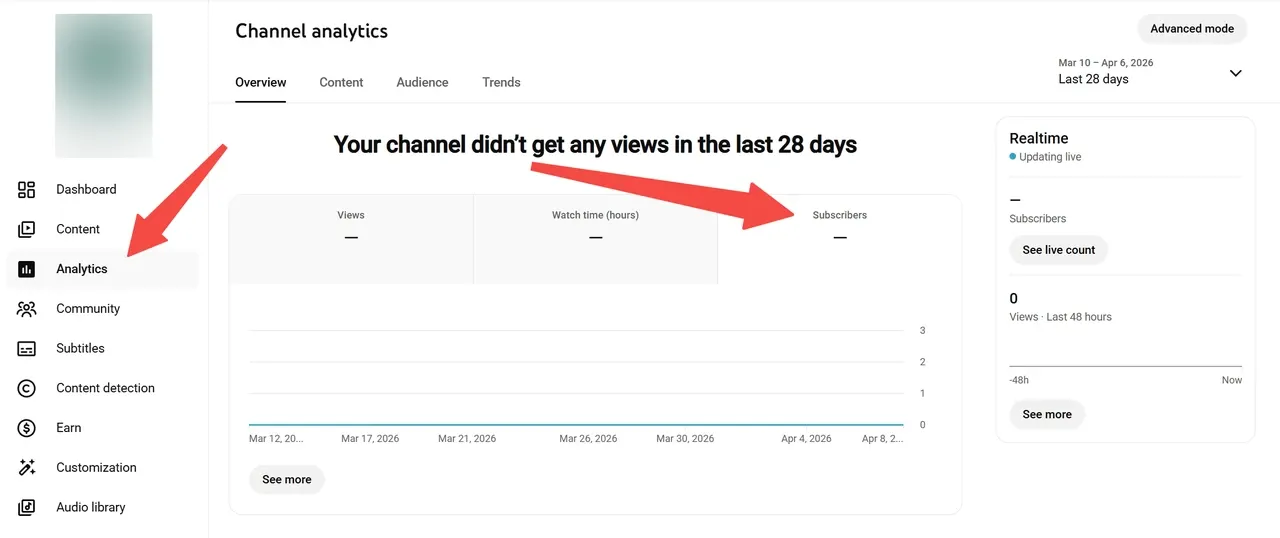
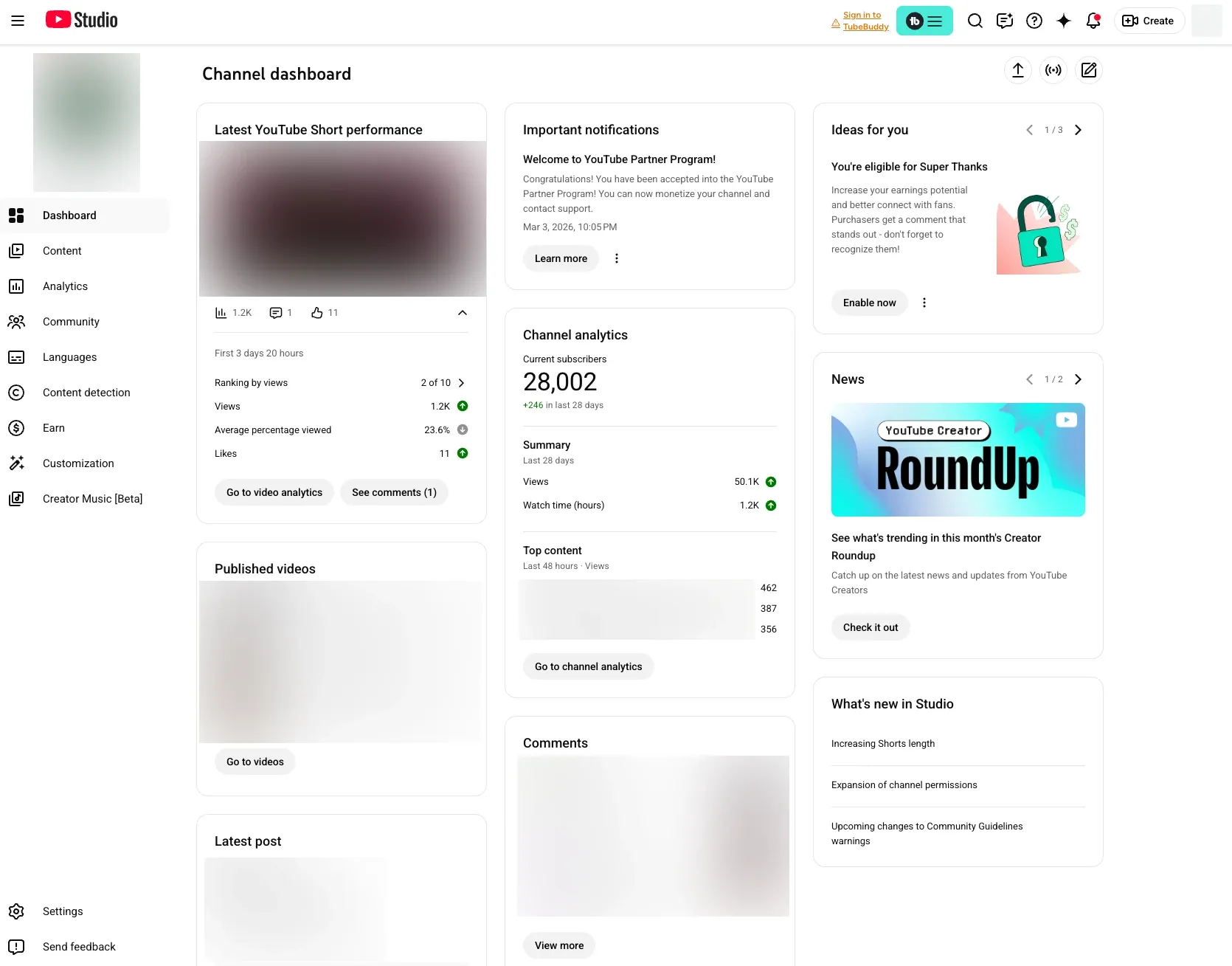
The most comprehensive way to view your list is via the YouTube Studio on a computer. This method provides the most detailed data, including the subscriber's channel size and the date they joined your community.
- Log in to your YouTube Studio.
- On the Analytics, scroll down to find the Recent Subscribers card.
- Click See All to open the full list.
From here, you can filter by the last 90 days, a full year, or the lifetime of your channel. This is the most effective way for creators learning how to check who are your subscribers on YouTube while analyzing which viral peaks correlate with specific audience segments.
How to See Subscribers on YouTube via Mobile
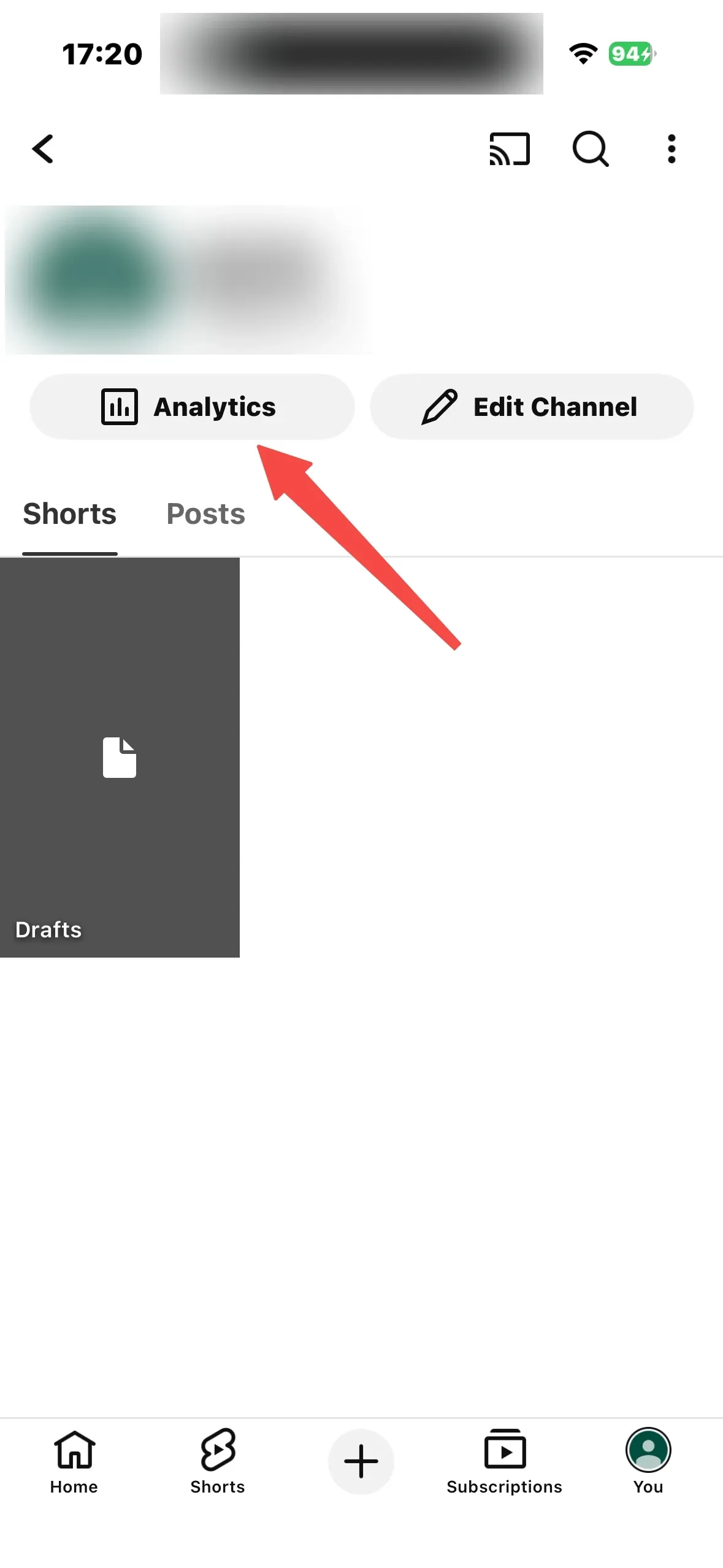
While the YouTube Studio app is perfect for quick stats, it currently only shows your total subscriber count rather than a list of individual names. If you need to see exactly who subscribed while on the go, use this workaround: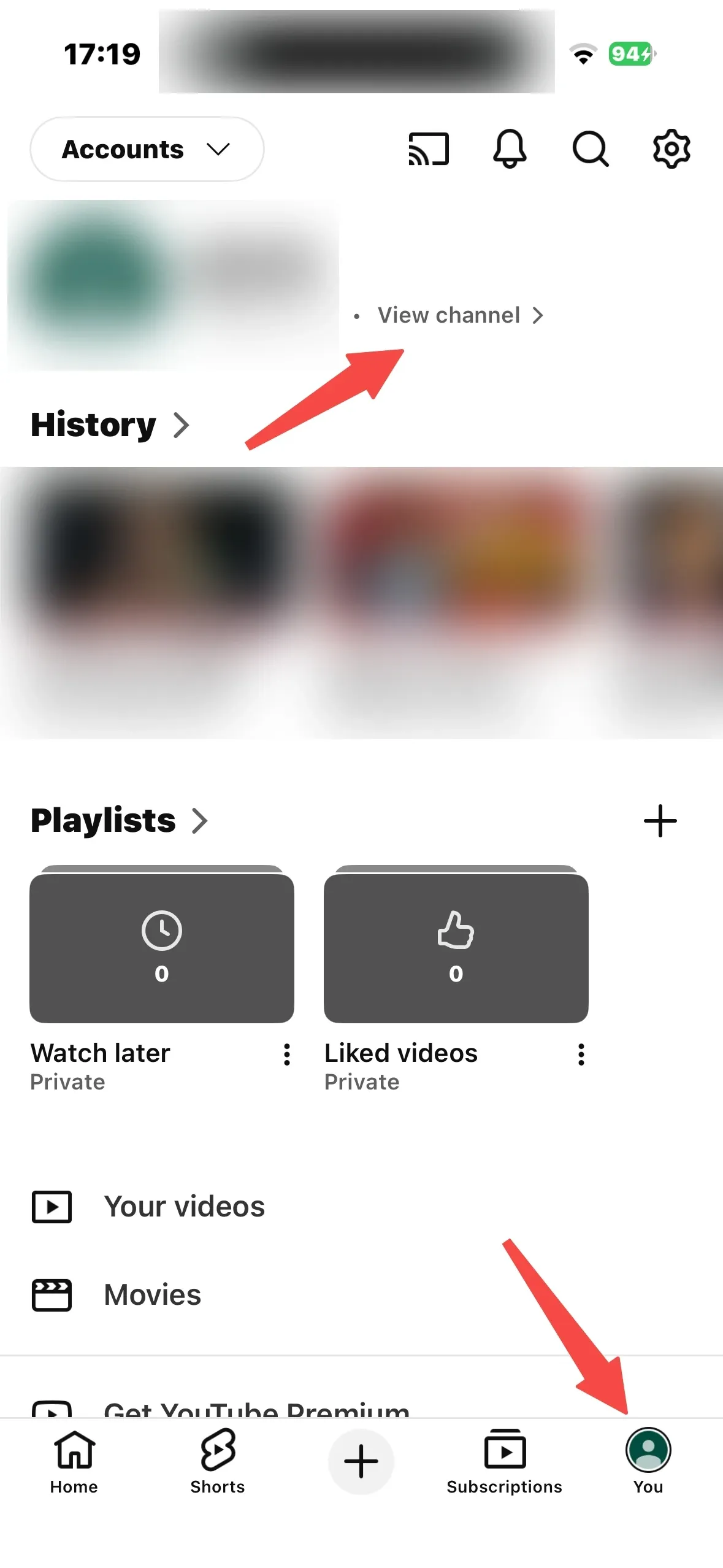
- Open your mobile browser (Chrome or Safari) and go to studio.youtube.com.
- In the browser settings, select "Request Desktop Site."
- Follow the same steps as the desktop method to view the "Recent Subscribers" card.
This ensures you can always how to see subscribers on YouTube without being tethered to a PC, keeping you connected to your audience growth in real-time.
Why Your Subscriber List Seems Incomplete
If you are trying to how to check who your subscribers are on YouTube and notice missing names, don't panic. This isn't a glitch; it’s primarily due to YouTube's privacy settings. You can only see subscribers who have their "Subscriptions" set to Public.
Additionally, YouTube filters out accounts identified as spam or those that have been suspended. Periodically, YouTube performs "spam purges," which might cause a temporary dip in your count. Focus on the public subscribers you can see, as these are usually your most active and vocal community members.
Leveraging Subscriber Data for Channel Growth
Once you know how to see subscribers on YouTube, what do you do with that information? Look for patterns. Do many of your subscribers also run channels in a specific niche? This is a signal for potential collaboration or a content pivot.
If you find that your growth has plateaued after seeing your recent list, it might be time to upgrade your production value. Using Pollo Agent can help you create full-length, publication-ready videos that convert viewers into loyal subscribers more effectively than fragmented, low-quality clips.
From New Subscribers to Lifelong Fans
Getting a subscriber is the first step; keeping them is the real challenge. You must consistently deliver the quality they expect from your first impression. Professional branding and high-frequency posting are key to retention.
Start by refining your "first touch" with a high-quality YouTube intro maker. For those focusing on vertical growth, an AI YouTube shorts generator can maintain a high-frequency posting schedule, ensuring your channel stays at the top of your subscribers' feeds every day.
Final Thoughts
Now that you know how to check who your subscribers are on YouTube, don't let that data sit idle. Use it to humanize your channel, thank your early adopters, and strategize your next breakthrough hit.
By combining human intuition with advanced automation from Pollo AI—which specializes in delivering post-ready content—you can focus on high-level strategy while the AI handles the technical heavy lifting.