



Hunyuan AI Review: My Inside Scoop Into Tencent’s AI Video Model
Ever heard of Hunyuan Video? This is an advanced AI video generation model that recently came to my attention, and it’s quite the doozie!
It is developed by Tencent, a Shenzhen-based company that has been in the technology industry since 1998.
Designed to create cinematic-quality videos with exceptional visual fidelity, Hunyuan Video is a parameter-rich and high-performance AI video generation model.
Naturally, I was eager to explore Hunyuan AI to see what it’s all about, so let’s just jump right into it!
An Introduction To Hunyuan Video
Developed by Chinese tech giant, Tencent and launched in early December, 2024, Hunyuan Video is an AI video generation model. Powered by 13B parameters, it is one of the largest open-source models that can transform text prompts into high-resolution videos with smooth transitions between frames.
I was particularly interested in the fact that Hunyuan AI Video uses a decoder-only multimodal LLM for its text processing. According to Tencent, this is what allows it to follow simple instructions better than most traditional models. As a result, it can generate photorealistic sequences that match the user’s specific needs.
Aside from that, I also noted that Hunyuan Video employs an advanced 3D VAE architecture. This enables it to render and maintain lifelike, natural motion and frame consistency across all its video generations. In terms of output, it offers a native resolution of 1280x720p, which ensures polished viewing across various platforms.
As I mentioned before, Hunyuan AI Video is an open-source tool, which also means any creator and developer can freely access it and monetize it. I should also point out that Tencent just recently launched its image-to-video model (I2V), as well. This is great to see, as it comes with new improvements such as 2K resolution output.
What Is My Opinion of Hunyuan Video?
I’ve experimented with Hunyuan AI, and the first thing I noticed is that it can perform well at following simple prompts. I tried out a few different prompts, and the generated results were impressively cinematic, even with no natural or technical language. The motions were also relatively smooth and dynamic, in most cases.
I do appreciate the fact that Hunyuan Video delivers HD quality outputs without fail, so that was great to see. However, when the text prompts became more complex, I needed a few extra iterations to get a satisfying result. For instance, when I required it to generate video about "Person watching life rush by from a café. Cozy feel versus city's blur. Intimate, introspective."
The output failed to adhere to the prompt.
Hunyuan Video also lacks certain advanced features like audio generation and lip-syncing. But, as an open-source model, I don’t particularly consider this to be much of a dealbreaker at the moment.
What Do I Consider To Be Hunyuan Video’s Best Aspects?
Based on my experience with Hunyuan AI, several key aspects make this AI video model a worthwhile solution for any creator out there. So, let me list some of my favorite considerations in detail below:
High Visual Quality & Performance
Given that Hunyuan Video is a 13 billion parameter model, it is fully capable of delivering smooth visual output with natural-looking movement. So, I’m not too surprised that it can maintain a consistent quality from start to finish with minimal frame drops or awkward glitching.
It also guarantees realistic lighting that makes it ideal for nature or landscape scenes. Plus, I like that it offers a native resolution of 720p, so every generation is relatively clear and detailed enough for all sorts of versatile viewing experiences.
Semantic Understanding & Prompt Fine-Tuning
Compared to most other AI video models, I find that Hunyuan Video can produce much more impressive output from simple text descriptions. It can understand natural language and context impressively well enough to deliver quality results.
I especially enjoy its ‘Prompt Rewrite’ capabilities that can fine-tune any descriptive texts I input. This means the AI video model can automatically enhance certain aspects, like lighting, to produce cinematic visuals that improve upon my instructions.
Open Source Accessibility
Tencent released Hunyuan AI’s code and pre-trained weights to the public for free. I admire this bold move from the tech company because it does well to promote innovation and experimentation amongst developers in the community.
This also means the AI video model can be scaled to accommodate both small-scale and enterprise applications. So, any video creator, such as myself or even a brand, can go ahead and implement it in their daily workflow at no charge.
What Do I Dislike About Hunyuan Video?
Hunyuan Video does have a few limitations that I feel are noteworthy. I mentioned some of them before, but let me dive into them in further detail to help reduce the likelihood of any potential frustrations you may experience.
Requires High Computing Power
While I do like the fact that Hunyuan AI is open-source, the fact is that it needs a lot of computing power to function optimally on local devices. Generally speaking, you will need about 45GB VRAM, otherwise, running anything lower will impact generation speed.
Keep in mind that it can also negatively impact the video quality. So, to avoid any frustrations in these areas, I would highly suggest that you ensure your computer has the right specs before you start installing Hunyuan Video.
Limited Advanced Controls
As I stated before, Hunyuan AI lacks certain advanced generation controls that most other AI video models can accommodate. For example, there’s no frame-by-frame editing or audio generation. So, I would need additional software that caters to such controls.
However, it is still an open-source model that is under development. It is likely that we can expect to see more features being introduced in the coming months ahead. So, just keep all that in mind when using this AI video generator.
How Did I Manage To Access Hunyuan Video?
There are two main ways to access Hunyuan AI Video. The first is to install the AI video model locally. I didn’t use this method because it requires significant resources, specific steps, and complex setup procedures to get started. In most cases, users tend to face a lot of technical challenges that can be frustrating to overcome during installation.
Thankfully, I discovered a second alternative to use Hunyuan Video, and it’s a much simpler and more reliable way called Pollo AI! It’s an advanced all-in-one image and video generation platform integrated with multiple leading AI video models.
I can use it to access Hunyuan Video, and other best-in-class models like Runway, Luma AI, and Kling AI, just to name a few, all from a single, intuitive dashboard.
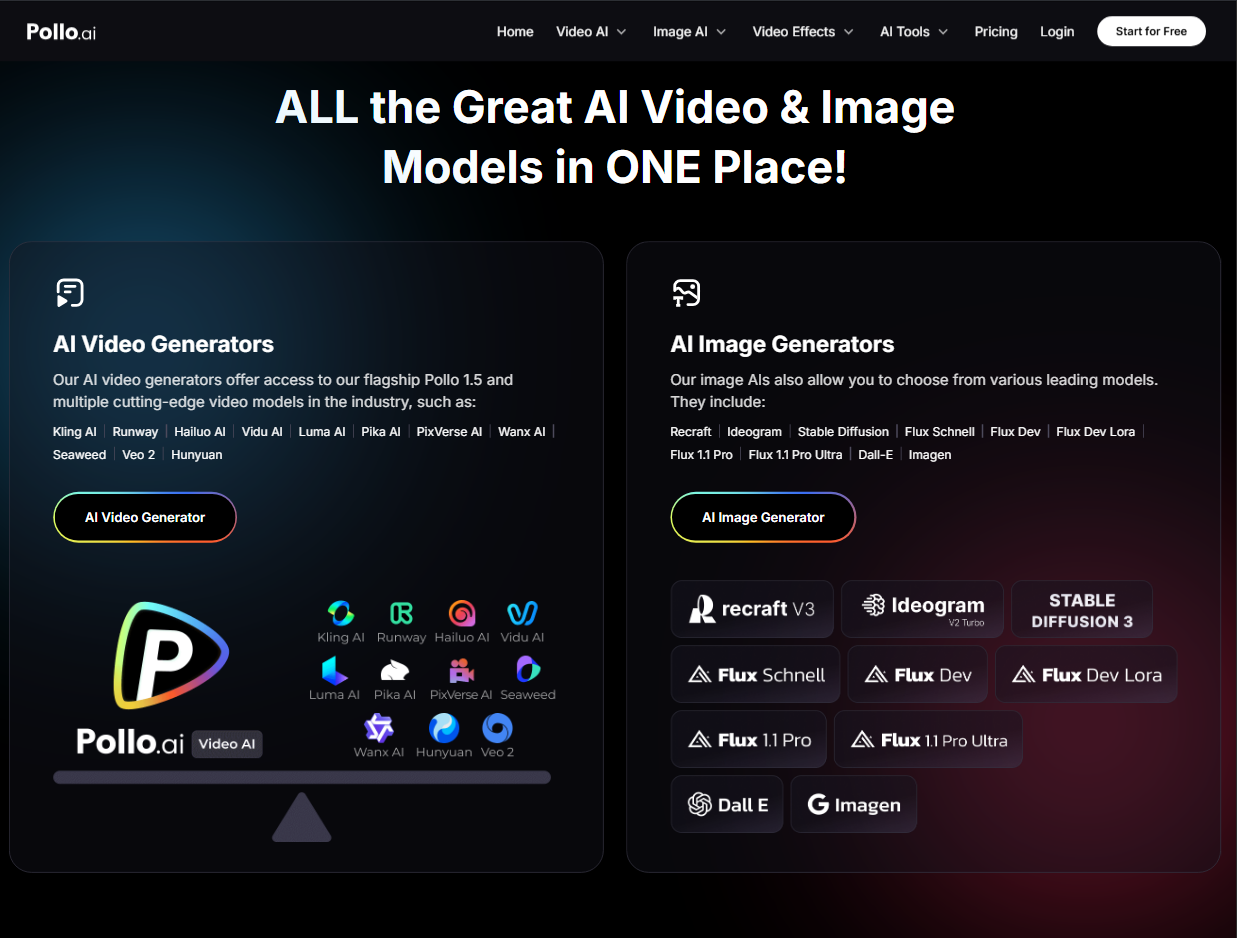
But that’s not even the best part! Aside from having all these models in one place, Pollo AI also offers a rich suite of native AI tools and effects that help me customize my videos in unique and novel ways.
For instance, you can use its powerful AI text to video generator to bring scripts to life, its versatile AI image to video generator to animate static pictures, or its creative video to video AI to change the look and feel of your videos.
These tools make the creative process faster and more dynamic.
Besides that, Pollo AI has very cost-effective pricing plans that let me use its extensive features and capabilities without breaking the bank. It offers a comprehensive and affordable solution for all my AI video generation needs.
My Final Verdict on Hunyuan AI
Hunyuan AI has been making steady waves online, and after using it, I understand why. While it’s not 100% perfect at rendering complex scenes, it does well to mirror real-world physics and produce visually appealing outputs. It is also a rare open-source solution, so Tencent’s AI model holds major significance in the current market. Head over to Pollo AI video generator and give it a test run!