



Kling 4.0 Review: I Tried It, And Here’s What Impressed Me
I tried Kling 4.0 myself to see what I could create beyond a good-looking opening shot. What impressed me most was how well the scenes held their visual identity. There were details I would fix, but the overall experience left me wanting to try more.
In this Kling 4.0 review, I’ll walk you through my three tests, the results I liked, and the weaknesses I noticed. If you’ve been wondering whether to try Kling 4.0 on Pollo AI, these examples should give you a useful starting point.
TL;DR: Is Kling 4.0 Worth Trying?
Yes. After trying Kling 4.0 on Pollo AI, I would recommend it for cinematic scenes, short stories, and lifestyle videos. I especially liked its framing, consistent styling, and recognizable characters. It still needs checking around text and complex action, but I came away with ideas I wanted to develop further.
| Area | My Take |
|---|---|
| Best At | Cohesive visual style, clear subjects, and purposeful changes in shot scale |
| Weakest Observed Detail | Text accuracy: the award podium displays “2st” instead of “2nd” |
| Action | Readable confrontations, with less convincing crowd participation |
| Product Work | Attractive lifestyle presentation; check fine details against your product reference |
| Speed | Not timed in these tests |
| Pricing | Credit-based access on Pollo AI; check the selected settings for the generation cost |
| Who It's For | Creators developing short films, campaign concepts, and social videos |
| My Overall Rating | 8/10 |
What Made Me Want to Try Kling 4.0?
Longer scenes and more visual control made Kling 4.0 worth a try for me. Its published specifications include up to 30 seconds of generation, 10 keyframes, and 15 mixed references. I was interested in what those possibilities could mean for a short story or product film.
| Capability | Published Specification | What I Would Use It For |
|---|---|---|
| Duration | Up to 30 seconds | A setup, main action, and ending |
| Keyframes | Up to 10 | Planning important poses or compositions |
| Mixed References | Up to 15 total | Guiding subjects, movement, and other scene elements |
| Output | 4K and 1080p 10-bit HDR options | Delivery workflows that need more image detail or tonal range |
| Audio | Stereo audio support | Developing a scene with sound |
Available options depend on the model version and generation mode. For a fuller explanation before you start creating, read our guide to what Kling 4.0 is.
Create UNLIMITED Kling 4.0 Videos Now
Turn your ideas into compelling videos with expressive characters, dynamic motion, and sound with Kling 4.0 on Pollo AI.
Start Creating Free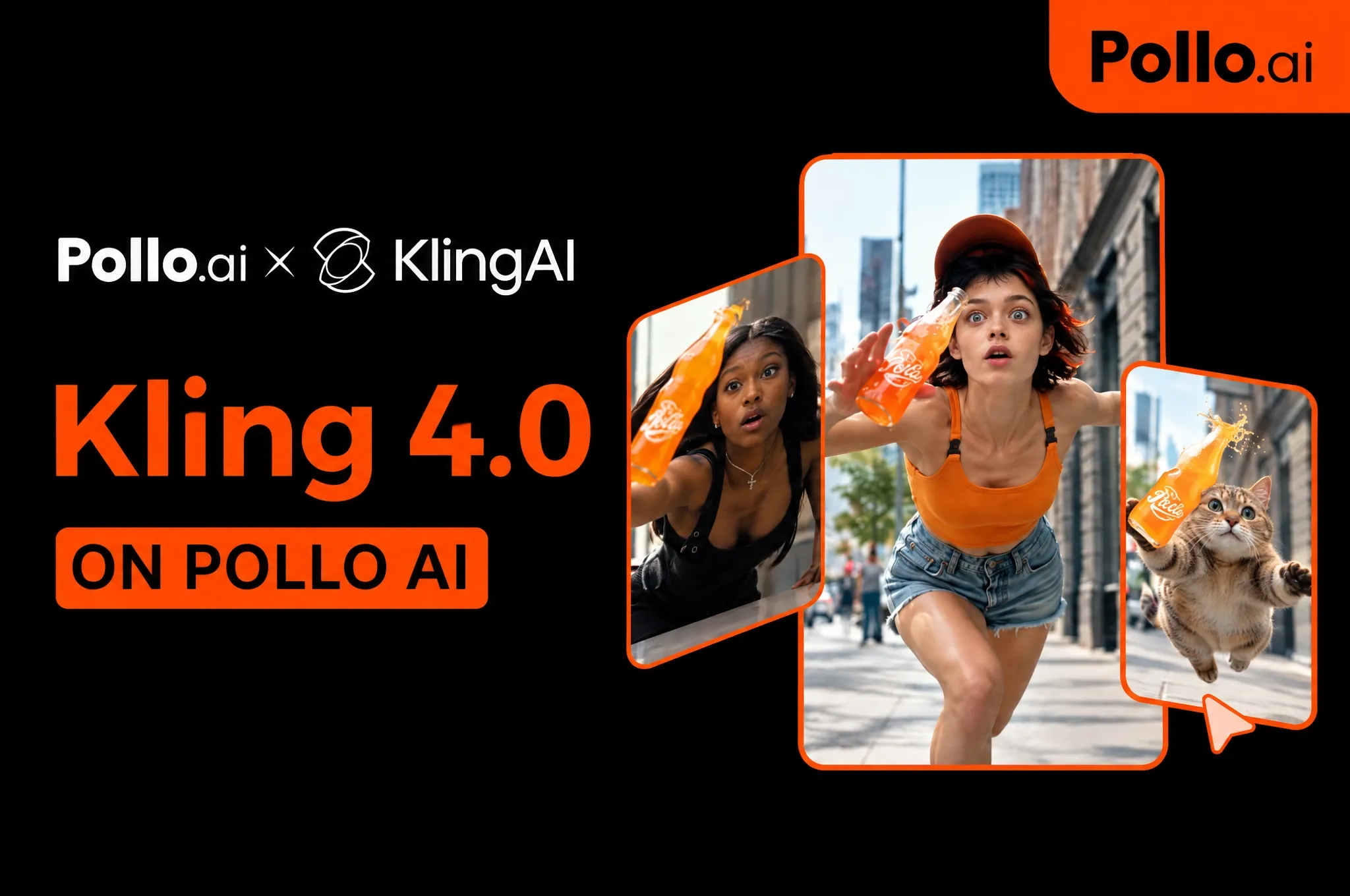
Test 1: Can Kling 4.0 Handle Motion and Physical Interaction?
Kling 4.0 handled the central action well enough to make this a promising first test. I created a roughly 15-second elevator fight with several characters sharing a narrow space. I wanted to see whether the lead would stay recognizable when bodies overlapped and the confrontation became more physical.
The scene centers on a young man wearing a green jacket over a burgundy hoodie, surrounded by men in dark suits. The sequence moves from a tense face-off into close contact, a restraint from behind, and further exchanges before ending on a wider view.
What I like most is how easily I can identify the protagonist throughout the sequence. His jacket, hoodie, and backpack give the scene a clear visual center, even when another character crosses in front of him. The neutral elevator walls also keep attention on the people rather than competing with the action.
This test also made me think about reusing an action sequence with a different cast. With Pollo Recast, you can recreate a source video with your own characters while keeping its original motion, camera work, and pacing recognizable.
My Verdict
7.5/10. Strong central action, but the crowd needs more convincing reactions.
Test 2: Can Kling 4.0 Hold a Story Together Across Shots?
The award ceremony was my favorite result for visual storytelling. For this test, I created an approximately 30-second film with a distinctive sports-hall setting, recurring characters, and a consistent orange palette. I liked how those elements came together into a small fictional world.
The visual identity carries across very different compositions. The wooden floor, orange clothing, and hanging banners connect the wide views with the tighter portraits. I particularly like the contrast between the oversized venue and the small trophy: the framing gives the ceremony a dry sense of humor.
The close-ups also have a purpose. The official inspecting the trophy and the recipient holding it bring attention to the object around which the scene is built. That gives the sequence a stronger center than a montage of unrelated attractive images.
The ceremony reminded me how much framing and color contribute to a story. If you want to explore those choices further, Pollo Cinema brings references, film presets, and camera, color, and lighting controls together to help shape your scene.
However, the podium shot exposes a practical problem. Around two to three seconds in, the second-place block reads “2st” rather than “2nd.” The characters are visible enough to read, so this is not simply an issue of tiny lettering being lost in compression.
My Verdict
8.5/10. Excellent visual cohesion, with a small text error that still needs fixing.
Test 3: Can Kling 4.0 Deliver Convincing Character and Product Detail?
My third test showed why I would use Kling 4.0 for fashion and lifestyle videos. I created an approximately 10-second vertical film featuring a short-haired woman with glasses, a light blue striped shirt, and silver jewelry beside the sea. The result had an appealing, cohesive campaign look.
The footage moves from a newspaper pose to portraits, necklace close-ups, a walking shot, and a relaxed seated moment. It is a useful contrast to the fight: the challenge is keeping a person and small accessories recognizable across changes in distance and angle.
The styling gives the different shots a recognizable connection. I like that the necklace receives dedicated close-ups. Around the middle of the clip, the frame gives the chains and hanging details enough space to become the subject.
For a mood film or campaign concept, this is a useful result. If you are creating jewelry product videos for a listing, I would compare the original reference against the clearest close-ups before deciding whether the footage accurately represents the item being sold.
My Verdict
8/10. A polished fashion concept that makes me want to explore more product-led scenes.
How Did I Test Kling 4.0?
I created three videos to explore action, storytelling, and product presentation. My tests covered a roughly 15-second fight, a 30-second award ceremony, and a 10-second fashion film. I focused on character consistency, framing, physical interactions, and small visual details, with scores reflecting my own assessment rather than a formal benchmark.
Below, I’ve included each result alongside an example prompt you can adapt for a similar scene. These prompts are starting points for your own experiments, rather than a record of my original inputs.
| Test | Main Evaluation | Score | Deciding Observation |
|---|---|---|---|
| 1. Motion and Physical Interaction | Contact, subject visibility, crowd behavior | 7.5/10 | Clear central action, but the surrounding group feels staged |
| 2. Multi-Shot Storytelling | Visual continuity, framing, text | 8.5/10 | A coherent visual world, weakened by an obvious podium-label error |
| 3. Character and Product Detail | Character recognition, styling, product presentation | 8/10 | Strong fashion imagery; fine jewelry details need a final check |
What Impressed Me Most About Kling 4.0?
Composition, visual cohesion, and subject recognition are the three strengths I would highlight. Across my three tests, they contribute more to the finished impression than any isolated sharp frame.
The framing gives each scene a clear focus.
The fight centers the protagonist, the ceremony makes the trophy significant, and the fashion film gives the necklace its own close-up.
A consistent visual style connects the shots.
The ceremony's orange palette is the clearest example, while the seaside clip maintains its relaxed fashion mood across several compositions.
Characters retain useful visual anchors.
Clothing, hair, and accessories help me follow the subjects as shot scale changes or other people enter the frame.
For more project ideas, explore these Kling 4.0 use cases. I would start with one clear visual objective, then choose a scene that makes it easy to judge whether the model achieved it.
Create UNLIMITED Kling 4.0 Videos Now
Turn your ideas into compelling videos with expressive characters, dynamic motion, and sound with Kling 4.0 on Pollo AI.
Start Creating FreeWhere Did Kling 4.0 Fall Short?
Text accuracy and group reactions were the two areas I would improve. Neither stopped me from enjoying the results, but both needed attention before publishing.
Text Still Needs a Final Check
The podium displayed “2st” instead of “2nd,” an obvious mistake in an otherwise polished scene. For titles, prices, or product labels that must be exact, I would leave space and add the text during editing.
Crowd Reactions Can Feel Staged
The central fight was more convincing than the surrounding crowd. Several characters barely reacted to the action beside them. For my next attempt, I would use fewer opponents or divide the confrontation into simpler shots.
What Are Other Users Saying About Kling 4.0?
The community feedback I found is mixed, with praise for motion alongside concerns about realism and workflow. These are individual reports, so I would use them as ideas for further testing rather than as a consensus score.
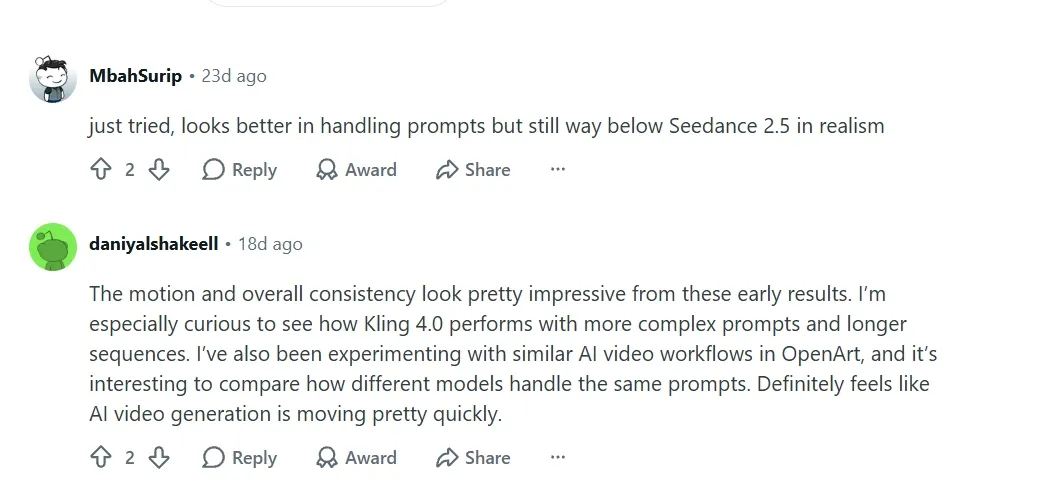
In a Reddit impressions thread, one commenter wrote, “The motion and overall consistency look pretty impressive from these early results.” Another described improved prompt handling but preferred Seedance 2.5 for realism. That disagreement is a good reason to compare models using your own scene.
A separate discussion about the interface criticized the effort involved in reusing previous generations and organizing shots. That is a platform-workflow complaint, rather than evidence of poor output quality, but it can still matter when you are making repeated revisions.
| Pros I Observed | Cons or Limits |
|---|---|
| Clear visual focus and deliberate composition | Readable text can still be incorrect |
| Cohesive styling across multiple shots | Background characters can feel staged |
| Appealing character and lifestyle imagery | Exact product fidelity requires reference comparison |
Why Use Kling 4.0 on Pollo AI?
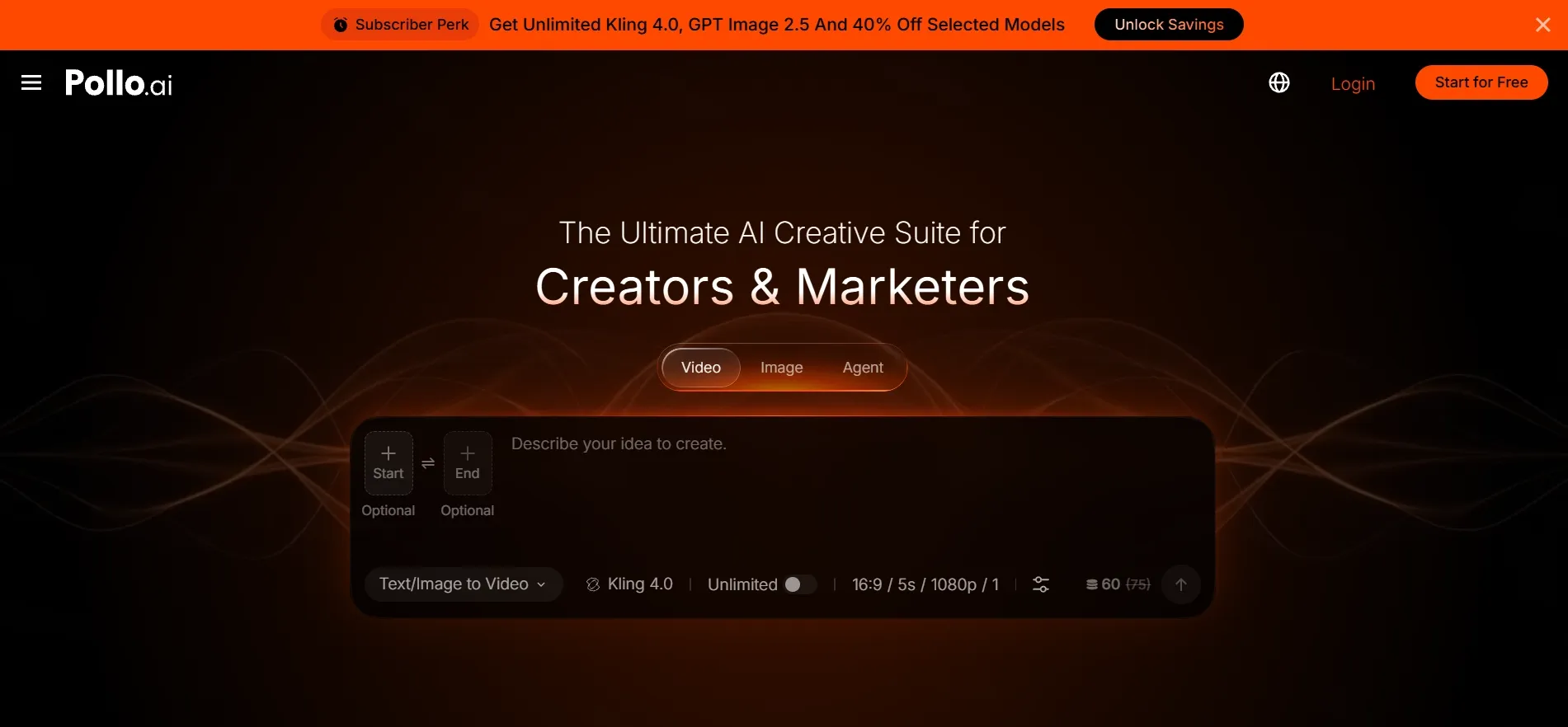
Pollo AI gives you access to Kling 4.0 within a broader creative suite for images, videos, and audio. That is why I recommend it as a starting point: you can test a scene, explore other models, and find tools for the next stage of your project in one place.
Compare Leading Models in One Workspace
You can access Kling 4.0 alongside models such as Seedance 2.5 and Wan 3.0 without moving between separate platforms. Try the same idea across models, compare the results, and choose the version whose movement, style, and mood best fit your scene.
If you are deciding where to start, the Kling 4.0 vs Seedance 2.5 vs MiniMax H3 comparison explores their differences. I like having those options available because the model I choose for an action sequence may differ from the one I choose for a product film.
Build a Complete Video With Pollo Agent
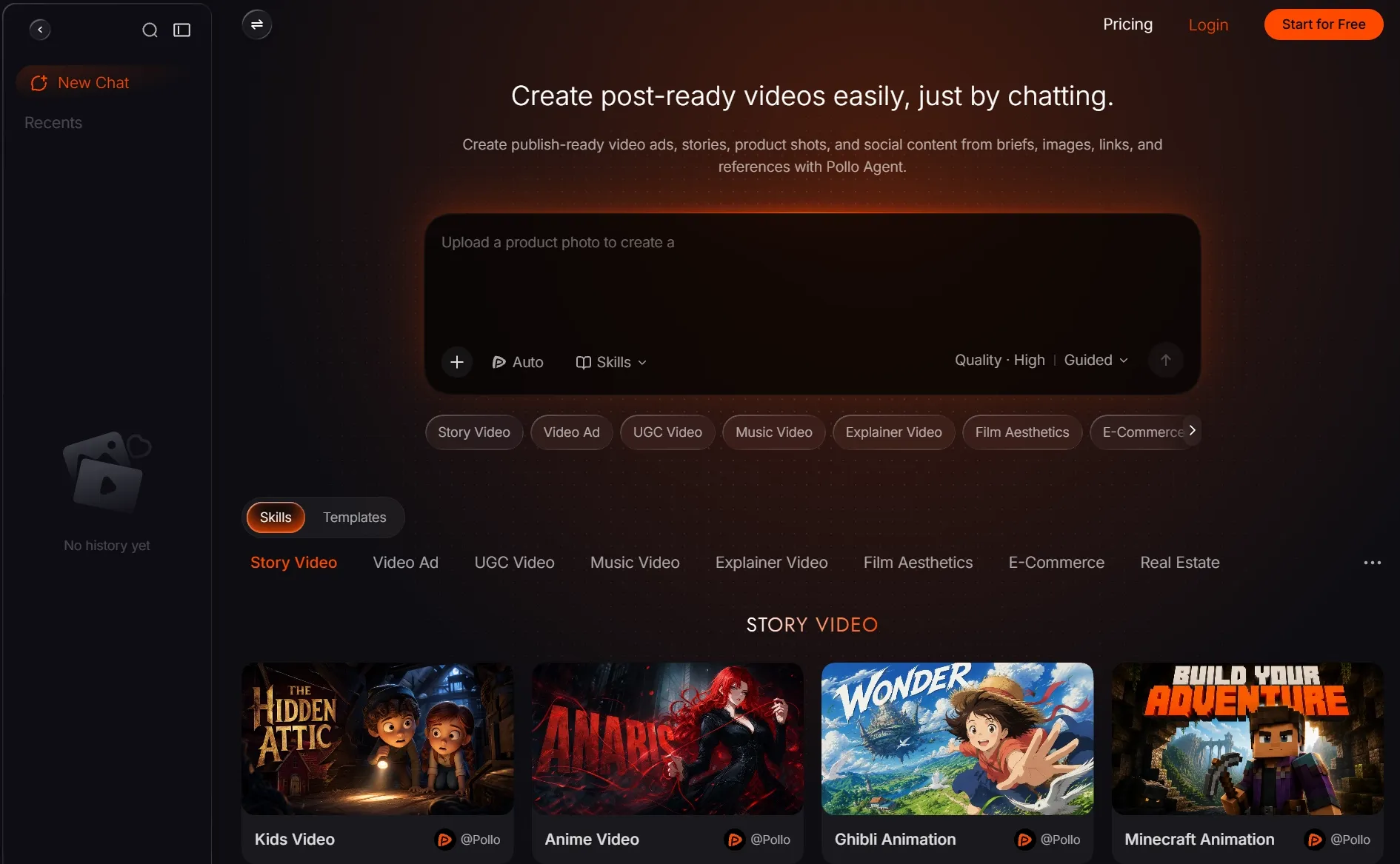
When you want help developing a complete video, Pollo Agent offers a guided workflow through chat. Bring an idea, script, image, or reference, then review the direction as the project takes shape. It is a useful option for turning a rough concept into a connected story or ad.
Keep Refining After Generation
Pollo AI also gives you tools to continue working on your visuals. You can explore changes with the AI video editor or use the video upscaler when your chosen clip needs a higher-resolution export. I like having these options available as a project moves beyond its first generation.
How to Use Kling 4.0
- Open Kling 4.0. Visit the Kling 4.0 model page and sign in.
- Add Your Idea and References. Start with text to video for a written scene, or image to video when you have a starting image. Describe the subject, action, setting, and framing, then add any references supported by your selected mode.
- Generate and Review. Check the settings and credit requirement, create the video, and inspect the details that matter most to your project.
For the full walkthrough, follow our guide on how to use Kling 4.0. Keep the first prompt focused so you can tell what needs changing in your next attempt.
Final Verdict: Is Kling 4.0 Worth Trying?
Yes! After using Kling 4.0 on Pollo AI, I would give it an overall 8/10 and happily use it again. The award ceremony was my favorite result, but all three tests showed a clear visual identity. I especially liked the purposeful framing, consistent styling, and recognizable characters.
I would recommend it to creators working on short films, fashion concepts, and product campaigns. Leave room to correct important lettering and refine complex group interactions, and you have a useful starting point for developing a scene you want to share.
Have an idea you have been waiting to bring to life? Try Kling 4.0 on Pollo AI and give it a first version. Start with a scene that excites you, review the result, and build on what works.