



What Is Kling 4.0? A Guide to Its Features and Creative Possibilities
Kling 4.0 is here, bringing longer videos and more creative control! In this guide, I’ll walk you through its key features, what you can create with it, and how to get started on Pollo AI.
TLDR
Kling 4.0 combines 30-second generation, up to 10 keyframes, and mixed references to give you more control over a scene. Put that creative control to work withKling 4.0 on Pollo AI and bring your next product video or short story to life.
What Is Kling 4.0?
Kling 4.0 is an AI video model in Kuaishou’s Kling AI family. It supports text to video and image to video, with additional controls for reference-guided generation, keyframes, audio, and revisions to existing footage.
Its central idea is to give you more influence over what happens throughout a video. You can describe a scene, supply references for its subjects and movement, and use keyframe images to establish important visual moments along the way.
Here’s a quick overview of the full model’s capabilities. Available controls and output options vary by mode and platform.
| Capability | Published Specification | What It Helps You Do |
|---|---|---|
| Native video duration | 3–30 seconds | Develop an action or short narrative within one generation |
| Keyframe guidance | Up to 10 images | Establish visual checkpoints throughout a sequence |
| Mixed references | Up to 15 inputs in total | Combine guidance for appearance, movement, and vocal identity |
| Image and video references | Up to 10 images; up to 5 videos totaling 30 seconds | Give the model more context for a character, product, or performance |
| Output options | Published specifications list 720p, 1080p, and 4K | Choose the available resolution that fits your deliverable |
| Audio | Two-channel stereo; multilingual speech | Develop scenes with dialogue and a surrounding soundscape |
| Framing | Includes 21:9, 16:9, 1:1, and 9:16 | Compose for widescreen, square, or vertical projects |
What Is Kling 4.0 Flash?
Kling 4.0 Flash is the version positioned for faster, lower-cost iteration. Its documented limits are 3–20 seconds, 720p, and 8-bit SDR, with text-to-video, image-to-video, and Omni Reference support. The full model’s higher specifications should not be applied to Flash.
Create UNLIMITED Kling 4.0 Videos Now
Turn your ideas into compelling videos with expressive characters, dynamic motion, and sound with Kling 4.0 on Pollo AI.
Start Creating Free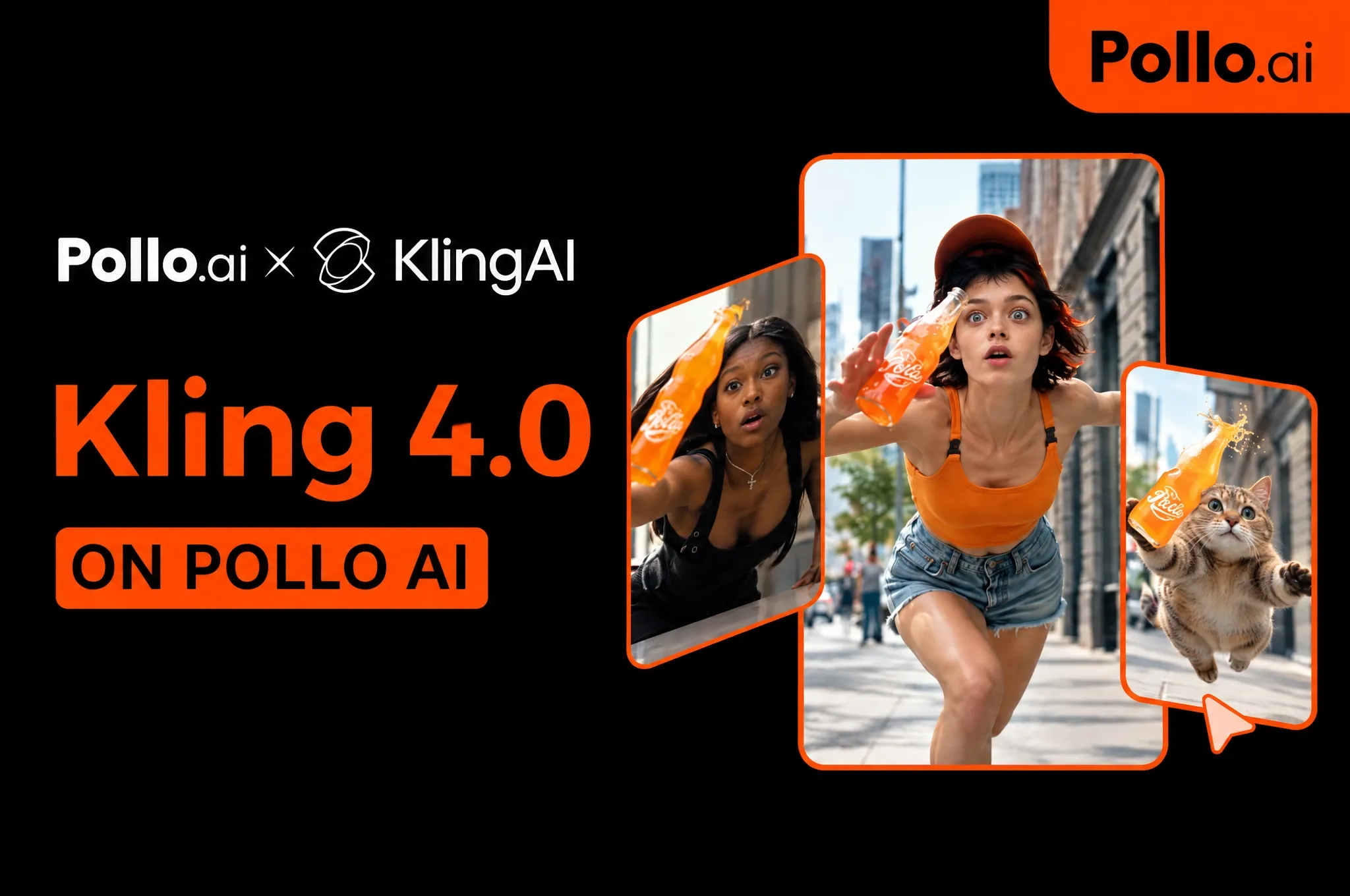
What Does Kling 4.0 Do Best?
1. Give a Story More Room to Unfold
Kling 4.0’s native 30-second generation gives you room to tell a complete story in one clip. A video ad, for example, can introduce a relatable problem, show how your product solves it
The benefit is having fewer separately generated clips to reconcile. A continuous scene can carry its setting and performance further, while time-based instructions help you communicate when a reveal, reaction, or change in camera direction should happen.
2. Guide the Moments Between the Opening and Ending
With up to 10 keyframe images, you can show the model important moments within your sequence. For a character reveal, these might include a distant silhouette, a turn toward the camera, and a final close-up that establishes their expression.
For story videos, you supply the visual checkpoints, then describe the movement that connects them. Do not need all 10 slots; a few clearly chosen moments may communicate your scene better.
To shape the cinematic look further, explore Pollo Cinema, where film presets and camera, color, and lighting controls help you build the mood around your story.
3. Create and Refine Videos With Your Own References
Kling 4.0 lets you combine images, videos, and voice references to guide a new scene. You can also revise existing footage, adjusting expressions, backgrounds, or visual style while keeping the surrounding content as consistent as possible.
These controls help you build on your assets and refine what needs to change. For a dedicated recreation workflow, try Pollo Recast to replace characters, products, or settings while preserving the original video’s motion, camera work, and pacing.
4. Bring Movement, Performance, and Sound Together
Kling 4.0 is designed for demanding movement and camera work, including tracking and orbit shots. Think of following a cyclist through a bend: the rider, background, and camera need to move coherently for the action to feel convincing.
Two-channel stereo and multilingual speech expand the audiovisual side. A dialogue scene can include a character’s delivery and surrounding ambience, with language options including English, Chinese, Japanese, Korean, Spanish, Portuguese, German, French, and Hindi.
Is Kling 4.0 Right for You?
| Makes Sense If You… | Skip It If You… |
|---|---|
| Need a short story or product demonstration with several connected moments | Need a complete multi-minute video in a single generation |
| Have character, product, or movement references you want to combine | Need guaranteed exact edits with no output review |
| Want to guide a sequence with specific visual checkpoints | Need HDR delivery immediately without checking feature availability |
Where Can You Use Kling 4.0? Try It on Pollo AI
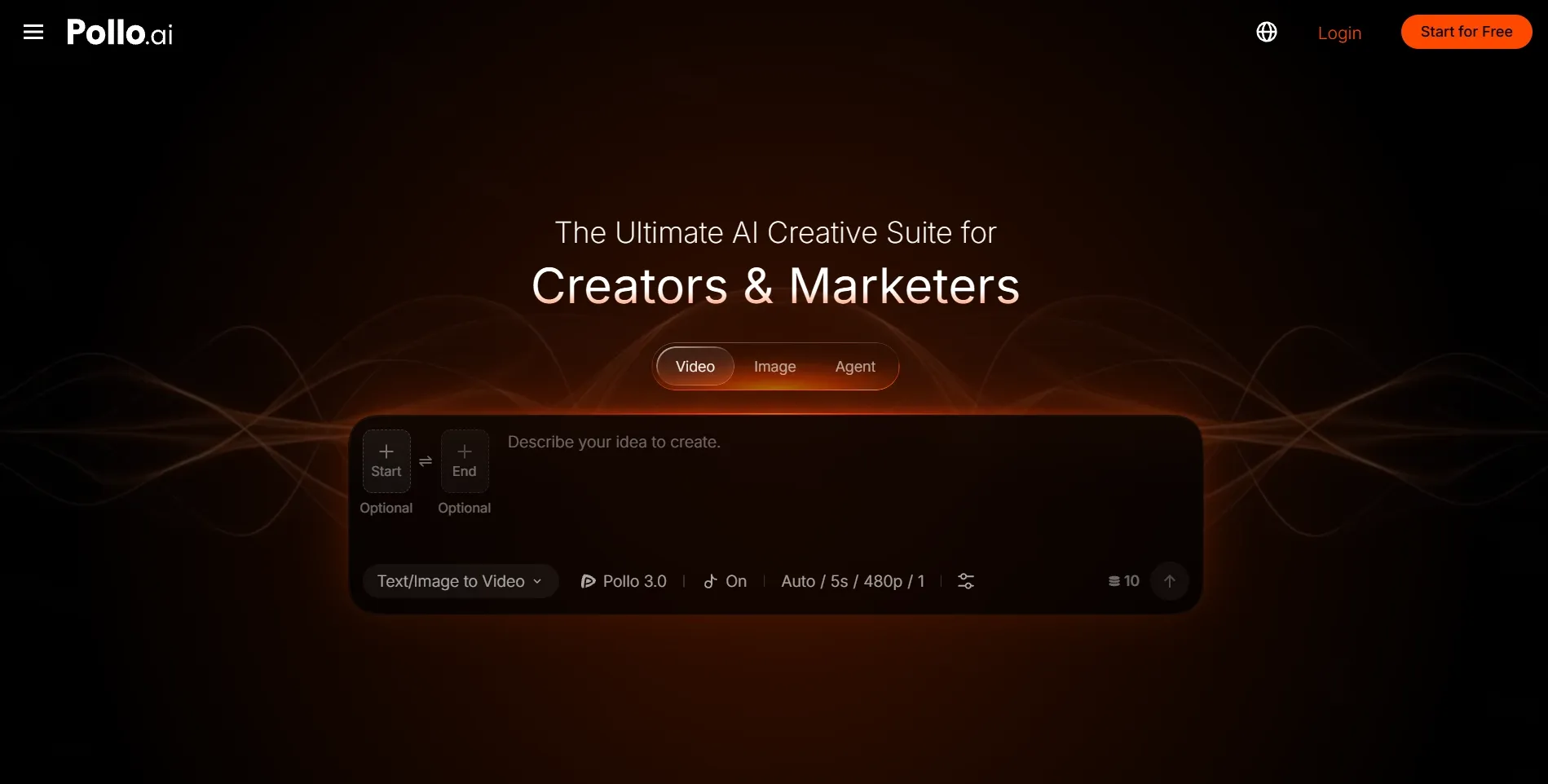
Pollo AI gives you an easy way to use Kling 4.0 online, without setting up an API yourself. As the ultimate AI creative suite for creators, marketers and sellers, it brings video generation and supporting creative tools together.
Another reason to choose Pollo AI is model flexibility. You can explore Kling 4.0 alongside models like Seedance 2.5 and MInimax H3 Max, compare how they interpret your ideas, and choose the results you prefer without switching platforms.
Pollo Agent takes your ideas further by helping turn a simple request into videos, ads, and other creative content. Describe what you want in everyday language, and let it handle the workflow without managing each step yourself.
How to Use Kling 4.0 on Pollo AI
Open Kling 4.0 on Pollo AI and create your video in 3 steps:
- Add Your Inputs: Enter a prompt and upload references if needed.
- Generate Your Video: Choose your settings and start generating.
- Review and Download: Check the result and download your video.
With Pollo AI, you can take your video further after generation. Use our AI video editor to change a background, adjust the visual style, or refine details with a simple prompt.
My Final Verdict: Is Kling 4.0 Worth Trying?
Yes, especially if you want more control over how a scene unfolds. Combining longer videos with keyframe guidance gives you room to develop an idea and shape its important moments, from a product reveal to a character’s reaction.
Start with one clear idea and a few useful references, then build from there. Ready to bring your own scene to life? Try Kling 4.0 on Pollo AI and turn your creative direction into your next video.
FAQs About Kling 4.0
What Is the Main Difference Between Kling 4.0 and Kling 3.0?
Kling 4.0 expands native duration from Kling 3.0’s 15 seconds to 30 seconds and adds up to 10 keyframes. Other changes include richer reference combinations and stereo audio. 4K alone is not the defining upgrade; Kling 3.0 already supports it.
Can Kling 4.0 Generate a Two-Minute Video?
Native generation is capped at 30 seconds for the full model. Extension up to two minutes through multiple generations is coming soon.
How Many References Can I Upload?
Kling 4.0 supports up to 15 combined inputs, with up to 10 images and five videos totaling no more than 30 seconds. Voice references and elements count toward the shared total, rather than adding extra slots.
Does Kling 4.0 Generate Audio?
Yes. It supports two-channel stereo and speech in multiple languages and accents. Voice references can help guide vocal identity. Review pronunciation, timing, and lip sync before using the result in a finished project.
Is Kling 4.0 Free on Pollo AI?
Yes! New users receive free credits to try Kling 4.0 on Pollo AI. You can also earn more credits by inviting friends, giving you more chances to experiment with prompts and create videos for free.