



Kling AI Without Login: Can It Be Done?
People aren't sure if they have to login before using Kling AI and if you have been wondering about that, you are in the right place.
In this detailed guide, we'll tell you if you can use Kling AI without logging in. We'll also tell you how to use Kling AI for free. Let's dive in!
Can You Use Kling AI without Login?
No, users cannot use Kling AI without logging in. To access Kling AI's features, such as text-to-video or image-to-video generation, you must create an account on the official website of Kling AI using an email address or by signing in with Google or Apple.
Can You Use Kling AI for Free?
Sure, by simply logging into Kling AI, you can unlock 66 free daily credits. It is a simple way to dive into its video generation ability without any upfront payment. Some features you can try out with your free credits include:
- Text to Video & Image to Video: Transform text prompts or static images into AI-generated videos using Standard Mode, with only one output each time.
- Effects: Use your free credits to craft videos packed with stunning effects in Standard Mode only.
- Sound Generation: Create custom audio by inputting sound prompts, letting your free credits guide the production of unique soundscapes.
- AI Virtual Try-On: Experiment with up to 4 outputs per session to see how outfits or accessories look on a virtual model, a fun way to visualize styles using your free credits.
- Lip Sync: Sync audio with your videos for realistic talking scenes, making your clips feel lifelike, such as having your animated man deliver a speech.
Experience Kling AI for Free on Pollo AI
Pollo AI is the ultimate AI creative suite for creators, marketers and sellers. You can access Kling models for text-to-video and image-to-video creation, alongside other video models such as Seedance, Veo, and Wan, through its AI video generator.
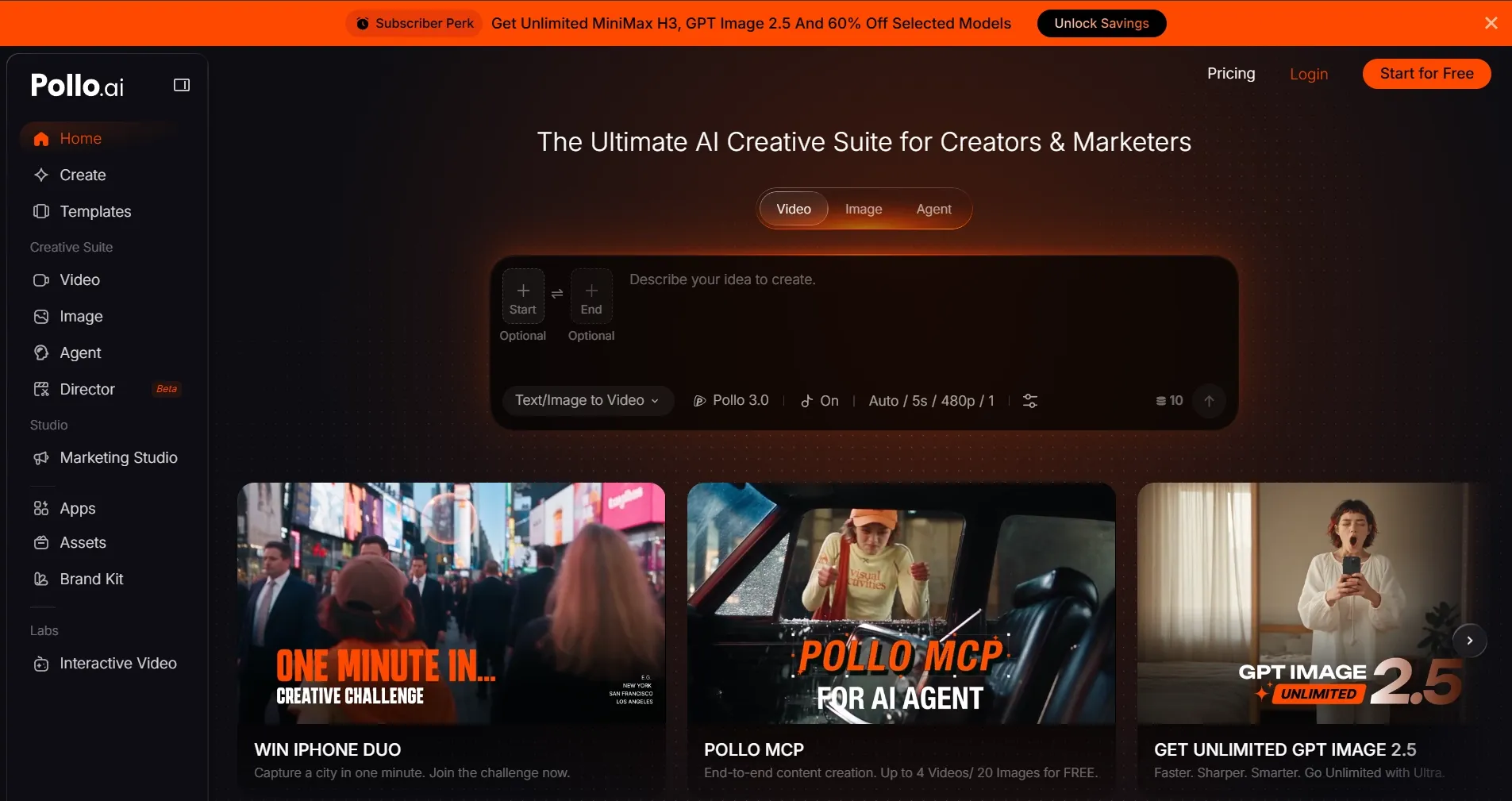
Beyond Kling videos, you can create image ads and video ads with Pollo AI to showcase products and promote offers. Explore different creative directions for social campaigns without arranging separate shoots for every new concept.
With Pollo Agent, you can turn a brief, product link, or reference image into a complete video. Guide the creative direction through conversation and refine individual scenes without restarting the entire project from the beginning.
More Kling AI Different Models Available
Pollo AI features Kling 2.6, which combines video with synchronized speech, sound effects, and ambient audio. For more developed storytelling, Kling 3.0 supports multi-shot sequences, native audio, and improved subject consistency across scenes.
There is also Kling 3.0 Motion Control, which uses reference motion to guide character poses, gestures, and facial expressions. Choose the option that fits your scene, whether you are animating a product image, creating dialogue, or directing a character’s movements. You can also try Kling 4.0, already live on Pollo AI.
Using Kling through Pollo AI also gives you access to tools for the next stage of creation. Once you have a clip you like, you can use the AI video editor to remove distracting objects, change backgrounds, or adjust the scene’s appearance with text instructions.
Conclusion
Kling AI’s official generator requires login, and free access depends on the current account offer. If you prefer to avoid a separate Kling account, you can explore its models through Pollo AI instead.
From generating a first scene to refining the result, Pollo AI brings video models and editing tools into one workspace. Try Kling AI on Pollo AI and bring your next idea to life.