



QuickFrame Review: I Tested Its AI Ad Workflow
QuickFrame is a full AI video-ad workspace that can build a brand profile from a website, generate scripts, visuals, voiceover, and music, refine the result in Story or a timeline Editor, and publish to major ad platforms.
I wanted to test that Create-to-Launch promise because it goes far beyond a typical generator, and the amount of workflow only helps when the ad is important enough to justify the setup.
My Verdict:QuickFrame makes sense for teams that want a governed path from brand material to a published ad, while a one-off UGC test or trend-led social variation may not need its full project and publishing structure.
QuickFrame Review: TL;DR
| Area | My Take |
|---|---|
| Category | Brand-aware AI video ad platform |
| Core input | Brand URL or profile, creative prompt, script, and media assets |
| Key mechanics | Create-Edit-Launch flow, Story view, timeline Editor, collaboration, direct publishing |
| Output shape | Editable, on-brand ads for social, CTV, and paid media |
| Better alternative | Pollo AI for lighter, use-case-specific ad creation without a full brand project |
What Is QuickFrame?
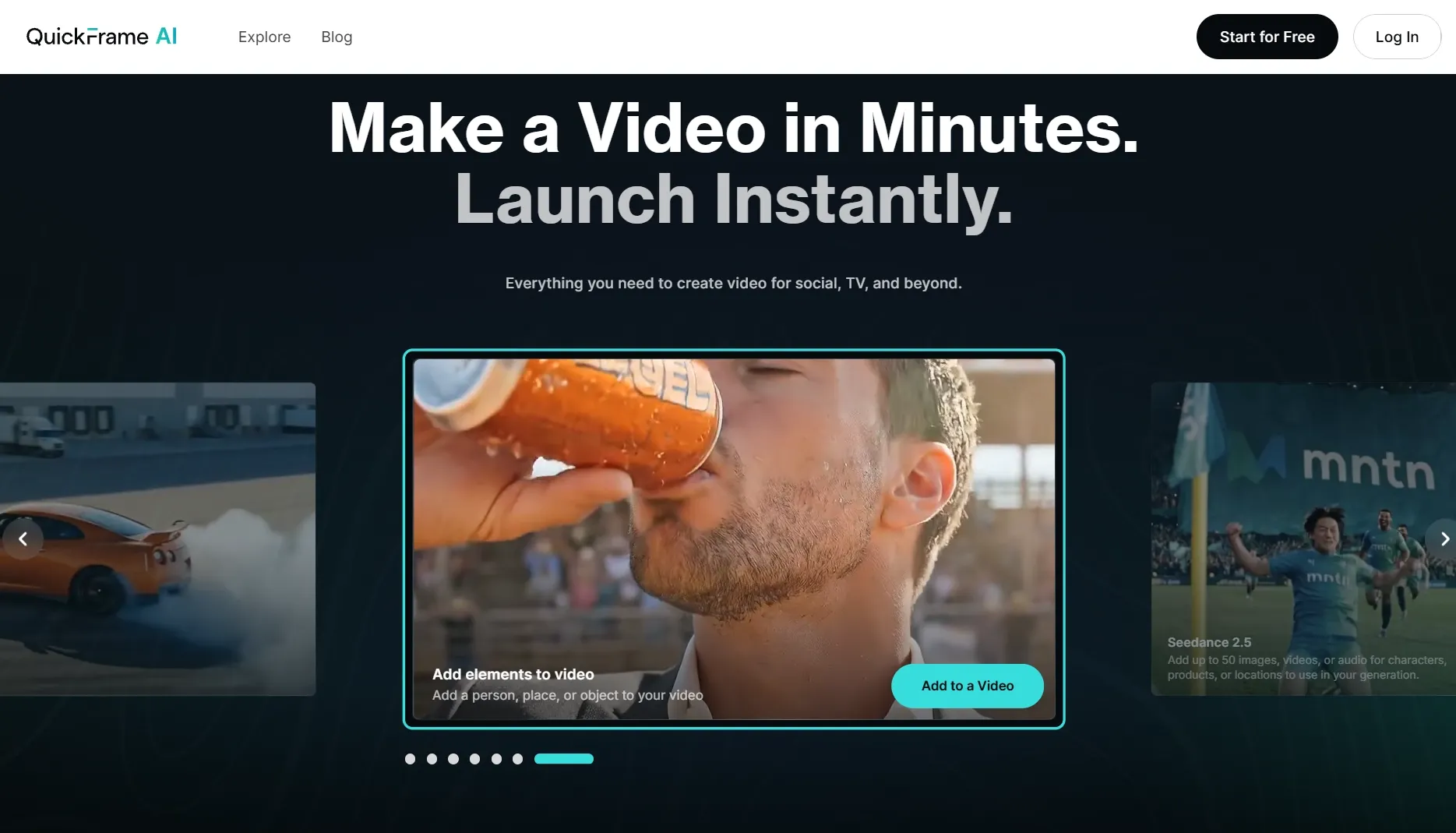
QuickFrame is an AI video production platform built around a three-stage process: Create, Edit, and Launch. Users can begin with a project or a generation route, supply brand information through a website URL or prompt, and receive an ad draft with script, visuals, voiceover, and music.
Within this workflow, the AI video generator produces a draft; Story view manages the message and scene order, Editor provides timeline and stage controls, and the launch layer can publish to MNTN, TikTok, Meta, and Google ad accounts.
The product is designed for marketers who already think in campaigns, brands, projects, scenes, and media channels. Its interface turns those concepts into a production system instead of asking the user to stitch together isolated AI clips.
How I Evaluated QuickFrame
I evaluated QuickFrame as a complete ad-production path. I checked what enters the brand profile, what the first generated concept contains, how Story and Editor divide revision work, and what has to be true before direct publishing is safe.
The review lens was stricter than testing a normal AI ad generator because QuickFrame promises more than a draft clip. The brand, script, scene sequence, voiceover timing, visual assets, and channel requirements all need to survive the same workflow.
Key Feature Review
Brand Profile Builder
QuickFrame can compile a brand profile from a company website URL, extracting material such as logos, fonts, colors, and a brand description for reuse in the workspace. That turns branding into an input rather than a manual correction after every generation.
This gives a URL to video ad workflow a reliable source of visual identity. It still needs review when the website contains several product lines, outdated copy, or assets that look good on a page but do not read clearly inside moving video.
Concept, script, voiceover, and music
A full generation can include a script, visuals, voiceover, and music, which gives the first review a complete message rather than silent footage. The user can also start from existing content when the campaign already has approved material.
This is a meaningful script to video ad workflow because I can hear the script against the scenes and music before the edit is finished. I would watch the timing, though: QuickFrame's own Story documentation warns that voiceover text longer than its scene duration will be cut off.
Story view
Story view handles high-level structure through scene cards. Users can add or remove scenes, replace media with generated video, library assets, or uploads, and edit the voiceover tied to each scene before moving into detailed finishing.
That split is useful because a marketer can repair the argument before spending time on animation and placement. It becomes cumbersome when a one-scene social test only needs quick online video editing rather than a full project narrative.
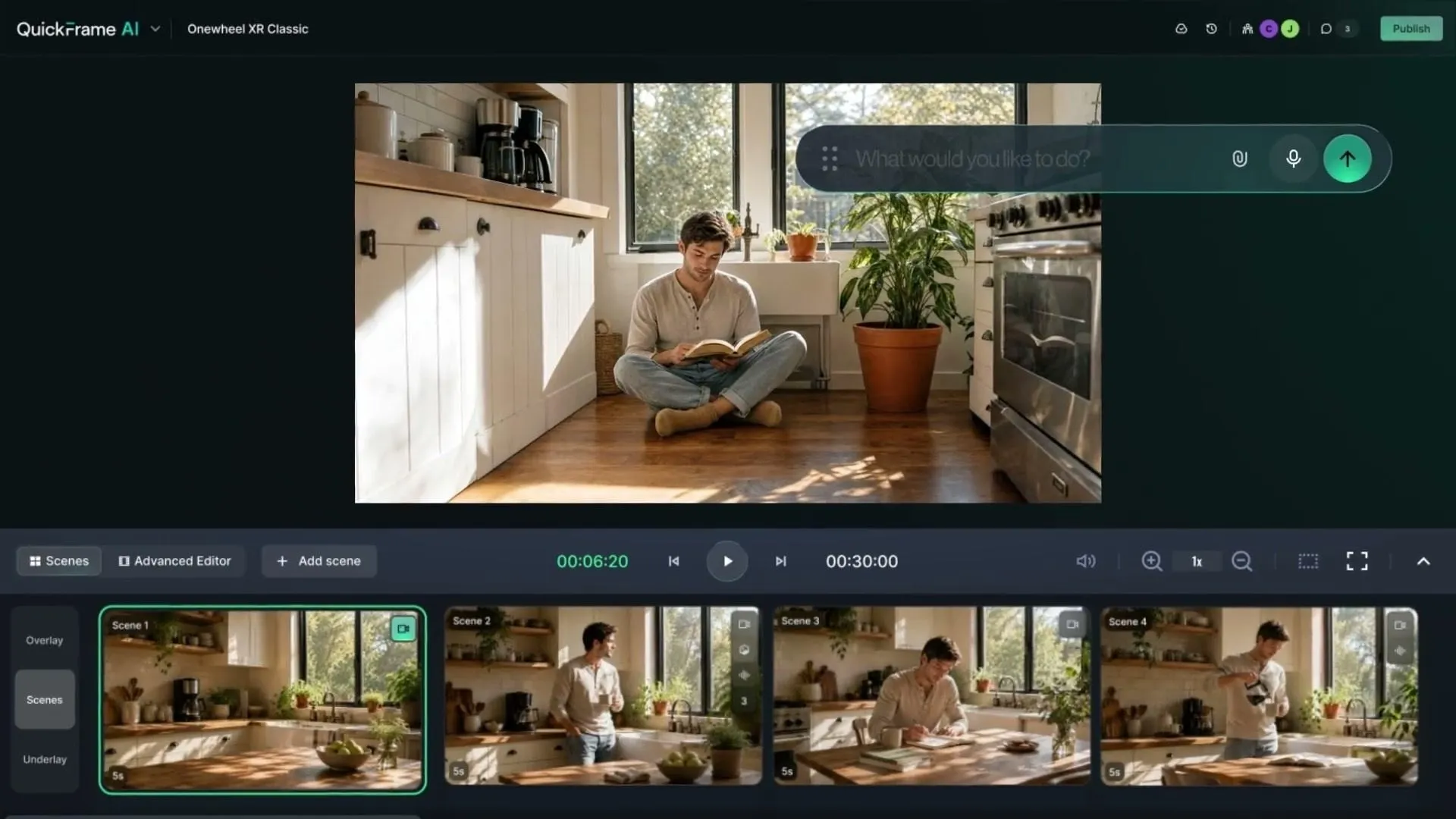
Timeline Editor and launch
The Editor exposes a timeline and stage for timing, layering, placement, resizing, and media selection. After review, QuickFrame can download the asset or publish it directly to connected MNTN, TikTok, Meta, and Google destinations.
For a paid-media team, this creates a real social media video production path rather than a generator handoff. Direct launch also raises the review standard: legal copy, offer dates, captions, tracking, and platform compliance must be correct before convenience turns into a publishing mistake.
QuickFrame Use Cases: Who Should Use It?
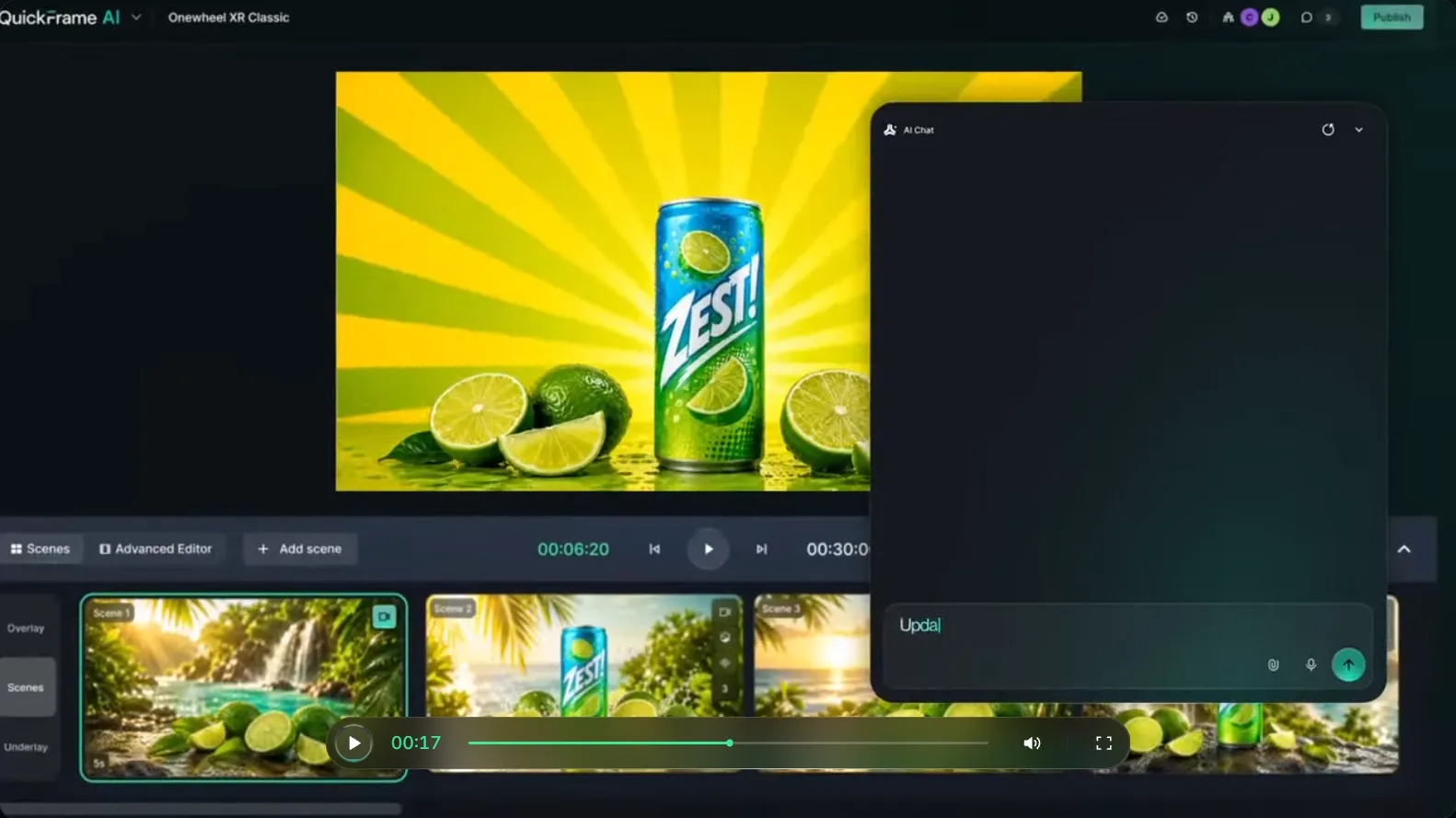
QuickFrame fits teams that want one governed path from brand material to an editable and publishable ad.
- Brand campaign production: for marketing teams using a website and brand profile to keep several ads visually consistent.
- Agency review rounds: for teams presenting a complete script, voiceover, and scene structure before client approval.
- Product explainers: for marketers building product demo videos that need both message structure and detailed editing.
- Paid-social and CTV variants: for teams adapting one brand message across channel-specific ads, including UGC video ads.
What I Liked
I liked the separation between Story and Editor. It reflects two genuinely different review conversations: first decide what the ad says and in what order, then decide how each element looks and moves.
Direct publishing is also more meaningful here than a generic export button. For a team already managing paid channels, keeping assets, approvals, and destinations inside one project can remove a real operational handoff.
Where QuickFrame Falls Short
QuickFrame's tradeoff is the weight of a proper advertising system. Brand profiles, projects, scenes, Story edits, timeline edits, collaboration, checks, and publishing are valuable when the campaign needs them, but they are overhead when the brief is one quick social experiment.
- Brand setup can be disproportionate: a creator testing one hook may not need a reusable profile, campaign project, and connected publishing destination.
- Scene timing can cut copy: voiceover text that exceeds the scene duration is truncated, so script length and pacing must be resolved together.
- Direct publishing increases the cost of mistakes: channel integration saves time only after offer details, rights, captions, and compliance have been checked.
Pros and Cons
Pros:
- Complete Create-Edit-Launch workflow
- Website-built brand profiles
- Separate Story and timeline editing surfaces
- Direct publishing to major ad platforms
Cons:
- More setup than a one-off social test needs
- Imported brand material still needs review
- Scene duration and voiceover must be managed together
- Publishing convenience raises governance requirements
Beyond QuickFrame
QuickFrame already covers the full campaign path, and I would keep it for a team that needs brand governance, detailed editing, collaboration, and direct publishing. The case for Pollo AI is narrower: a creator wants to test one UGC hook, reference-ad variation, or product-photo ad without setting up the whole brand project first.
Pollo AI is a broader AI creative suite, and its Marketing Studio lets that creator enter through the ad format itself. A script can become a presenter-led UGC draft, a reference ad can become a new branded variation, or a product photo can become a short ad; I would return to QuickFrame when the job needs its heavier timeline, governance, and launch controls.
- Start from a reference ad: Pollo AI's clone video ads analyzes the reference structure and lets the user rebuild its hook and pacing with their own product material.
- Start from creator-style copy: Pollo AI's script to UGC ads turns an approved script into a presenter-led ad without requiring a reusable brand project.
- Start from one product photo: Pollo AI's photo to video ads creates an ad route around the existing image when a full URL or asset library is unnecessary.
Create Focused Video Ads with Pollo AI
Choose the ad format and skip the larger project setup.
Try Pollo AI for Video Ads
Final Verdict
What surprised me was how much workflow sits after the first generation. The Story/Editor split and direct launch layer make QuickFrame closer to a serious advertising production environment than a simple AI generator.
Use QuickFrame when the team needs brand profiles, complete ad drafts, scene-level revision, timeline control, collaboration, and direct publishing. Use Pollo AI when the job is a faster one-off route into a UGC script, reference-ad structure, or product-photo ad and the full campaign system would be unnecessary overhead.