



Google Veo AI Video Generator Review: Detailed & Personal Insight
In 2024, Google DeepMind announced the AI video model Veo. With this model, you can create unique, high-definition videos extending beyond one minute using text prompts or image uploads.
If you're wondering what this video can offer, you've come to the right place! In this detailed review article, I take a deep look into what Google Veo/Veo 2 can do, exploring its features, benefits, and more. So, join me and let’s get right into it!
Google Veo, Veo 2, Veo 3: An Introduction
Announced at Google I/O 2024, Veo is an AI video generator with text and image-to-video capabilities. According to Google DeepMind, Veo was developed based on years of research on past projects like GQN, Phenaki, Lumiere, etc.
What I find truly sets Veo apart is its use of latent diffusion transformers that enable it to create high-quality video content with frame-level consistency. This means any characters and objects Veo generates will move across shots as they would in real life.
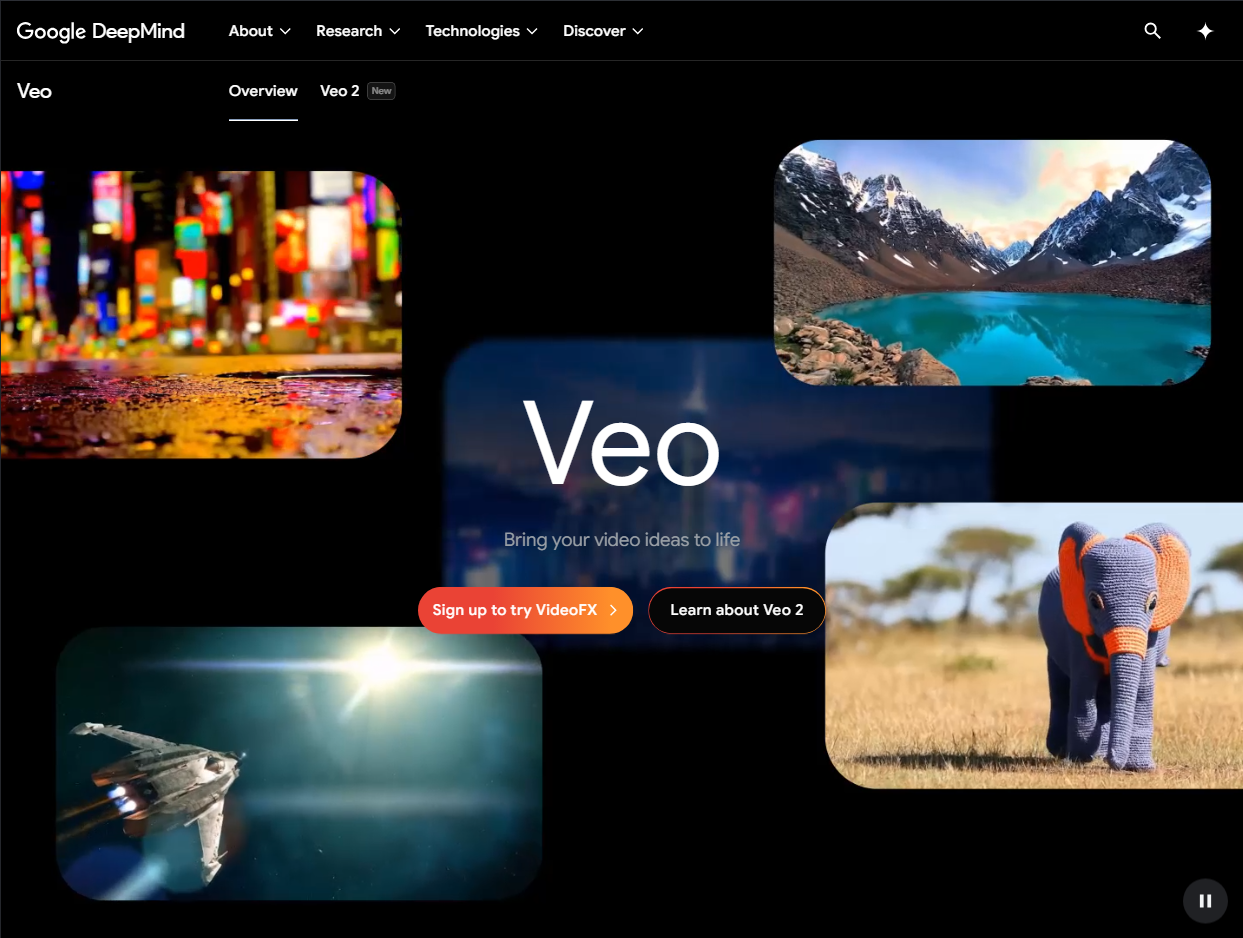
It’s also worth noting that Google launched Veo 2, an updated version of Veo, just seven months after the first release. And at I/O 2025, Google released Veo 3. These updates offers improved physics, better camera control, higher visual quality, and more.
Read more: Google Veo 3 Review
What Was My Impression of Google Veo and Its Generations?
I tried using Google Veo to generate two sample videos, and I’ll admit my opinion of the AI video model is a bit of a mixed bag. See these examples below:
| Example 1 | |
| Prompt:
A sleek, agile fox darts through a vibrant cyberpunk city, illuminated by neon lights. |
Output: |
| Example 2 | |
Input image:
 Prompt: The dog runs towards the camera. |
Output: |
The visual quality of these videos is generally okay. And the content basically follows the instructions of my text prompts. But there are some obvious issues that make me not 100% happy with these results.
For the first example, the oddities of the fox movements are obvious. Most of the time, the fox was running in one direction while its body was facing another. And in the second clip, I have to wait a few seconds before the dog actually starts to stand up and go towards the camera.
However, I was a little frustrated by how Veo is still not widely and easily accessible. Since there is no official Google Veo AI web platform or app, this meant I couldn’t simply start generating videos directly. And all the video generations above were done on Pollo AI.
What Google Veo AI Model Offers
Google Veo continues to evolve with the intent of making filmmaking and editing a much more accessible and efficient process. Let me dig a little deeper into some of the key features to show you what makes it such a leading contender in the AI video generation space.
Text-to-Video Generation
Google Veo can accurately understand natural language and advanced video semantics to generate all sorts of unique video content. In other words, it is fully capable of ensuring any output matches my instructions. This includes interpreting technical prompts to visualize unique cinematic effects like panning or close-up sequences.
Image-to-Video Generation
Besides using text prompts, I can upload images to Veo and have it generate visual content based on the reference image’s unique style. This can prove handy to any visual creators, content marketers, and filmmakers seeking a fast and effective way to produce videos that maintain a consistent visual aesthetic across scenes.
High-Resolution Output
Veo utilizes advanced neural networks to produce 1080p resolution content with visual consistency and fidelity maintained. The Veo 2 model takes it even further by allowing users to generate 4K resolution visuals across different styles. In short, I can use Veo to create crisp and clear videos for both personal and professional purposes.
Consistent Motion Physics
Most AI video models often struggle to maintain fluid and consistent motion across scenes. However, Veo has been extensively trained to understand how characters and objects are meant to move naturally. This means I can generate videos with less risk of seeing glitchy movements or unsettling character actions between video frames.
Advanced Safety Filters
Veo comes with several safety features that are designed to guarantee responsible use. For one, it has SynthID, which ensures all generated videos are embedded with a watermark that can be easily identified. Moreover, there are several content guardrails in place meant to prevent any content misuse or the creation of any harmful content.
My Take On How To Access Google Veo?
Google Veo is still currently in private preview. So, accessing it meant having to set up an account with VideoFX. Another viable option was to create an account with Vertex AI, which is Google Cloud’s AI development and deployment platform. However, both of these options can be quite frustrating to deal with, especially if you’re just a beginner.
In my personal opinion, the best way to start using Google Veo is via Pollo AI. Pollo AI is a powerful, all-in-one image and video generator that comes uniquely integrated with numerous industry-leading AI models such as Google Veo 2, Runway, Luma AI, Kling AI, and several others.
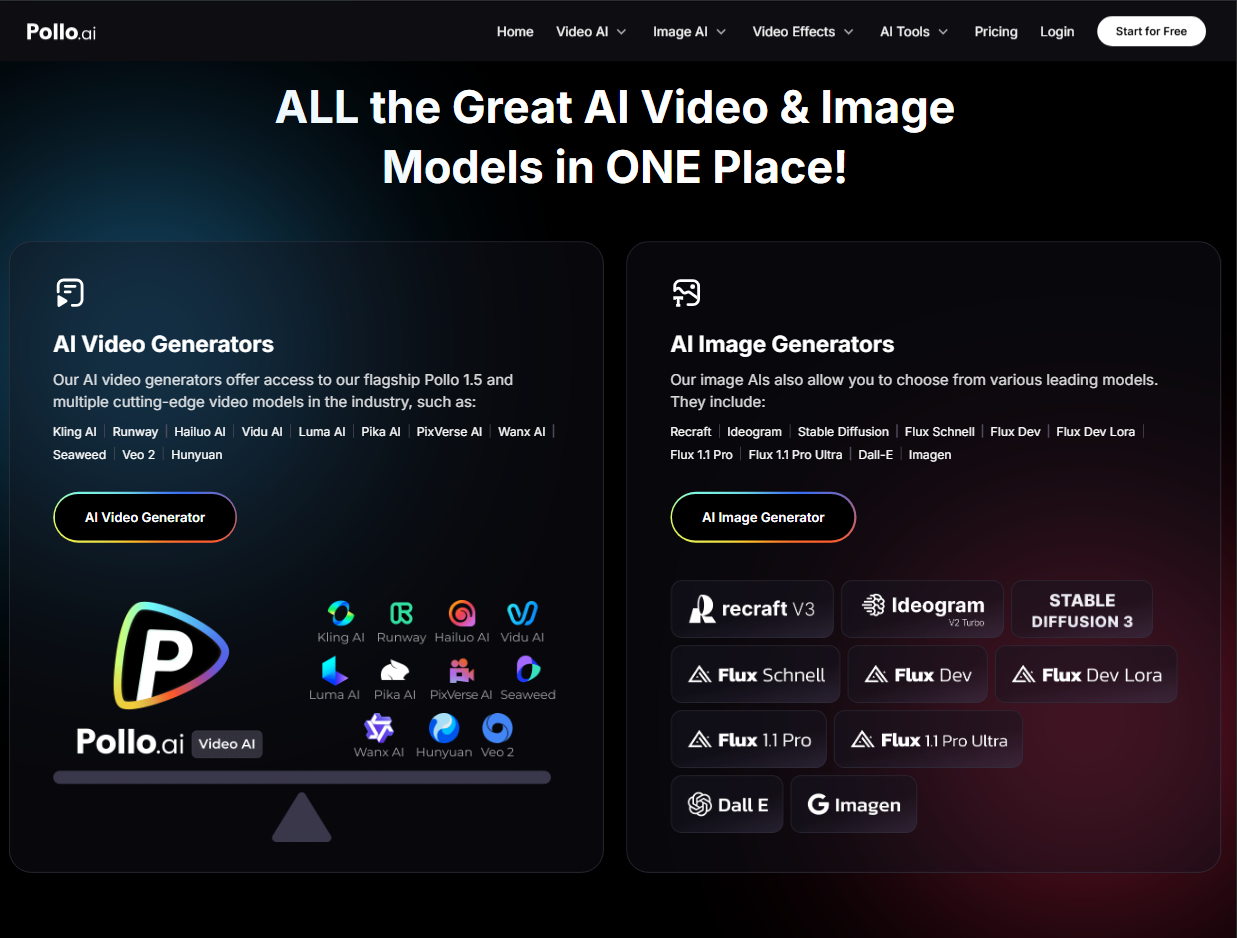
Alongside its diverse selection of models, Pollo AI includes powerful features like text to video AI, image to video AI, AI Avatar—which turns a single photo or video into an AI digital human video—and Pollo Agent, designed for viral content. Creators aiming to go viral on TikTok and Instagram can also leverage AI Shorts to produce engaging short-form content.
This means you'll never have to navigate various AI platforms to experiment with different visual styles and outputs, or pay for multiple-user subscriptions. On top of that, Pollo AI can deliver stunning visual outputs with unmatched speed and efficiency. Best of all, anyone can start using Google Veo now at no charge via Pollo AI’s free trial!
Final Words
The level of competition in the AI video generation space is heating up. However, I can’t deny that Google Veo has made massive steps to ensure it doesn’t fall behind. Its ability to generate high-quality videos with consistent visual elements and its advanced video editing capabilities make it a promising video creation tool. Feel free to head over to Pollo AI now and try it out yourself!