



What Is Pollo Recast and How Does It Work
Pollo AI has launched Pollo Recast, a new tool that recreates an existing video with your own characters, products, or scenes while keeping the original motion and pacing recognizable.
It is built for creators, marketers, and brands who want to take a video format that already works and make it fit their own story, product, or audience. Instead of rebuilding the entire concept from the ground up, you can remix something people already recognize, keep the structure that makes the clip effective, and change the parts that need to be yours.
This makes Pollo Recast useful for trend videos, product reveals, meme formats, campaign ideas, and localized content. It helps you move faster on familiar formats while keeping the result distinct.
What Is Pollo Recast and How It Works
Pollo Recast works by combining a reference video with the visual assets you upload. The video provides the performance, camera work, and shot flow. The images define the new character, product, outfit, object, or setting.
Unlike tools that only swap a face, change a style, or mimic motion, Pollo Recast is designed to recreate the full video moment around your assets. The result keeps the structure of the original clip, but changes the parts you want to make your own.
You can start with your own reference video or choose a showcase example. A short prompt can be added when you need extra direction, but the main workflow is simple: choose the clip or example you want to build from, add what should appear in it, and generate a new version.
Turn a Video You Love Into Your Own Version
Pollo Recast keeps the original performance recognizable while rebuilding the scene around your character, product, or world.
Try Pollo Recast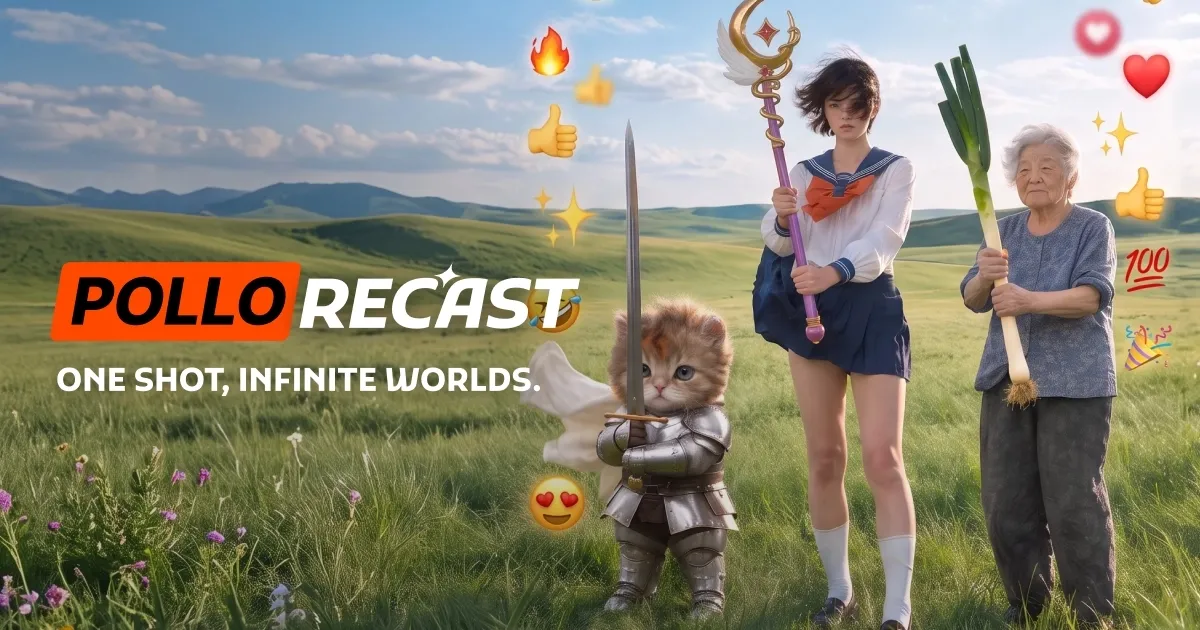
Key Settings
| Setting | Detail |
|---|---|
| Video input | 1 clip, 4 to 30 seconds |
| Reference images | Up to 10 per generation |
| Prompt | Optional, for extra instructions |
| Asset reference | Use @ to refer to uploaded videos or images |
| Output resolution | Up to 720p |
Use Cases: What Pollo Recast Is Built For
| Use Case | What You Change | What Stays From the Source |
|---|---|---|
| Trend recreation | The cast, character, product, or setting | The familiar action and rhythm |
| Product reveal | The featured product | The reveal structure and camera move |
| Character performance | The person, OC, pet, avatar, or mascot | The performance and timing |
| Outfit or prop variation | The clothing, prop, or object | The pose, movement, and shot flow |
| Localized campaign | The people, product, or environment | The core creative idea |
Trend Recreation
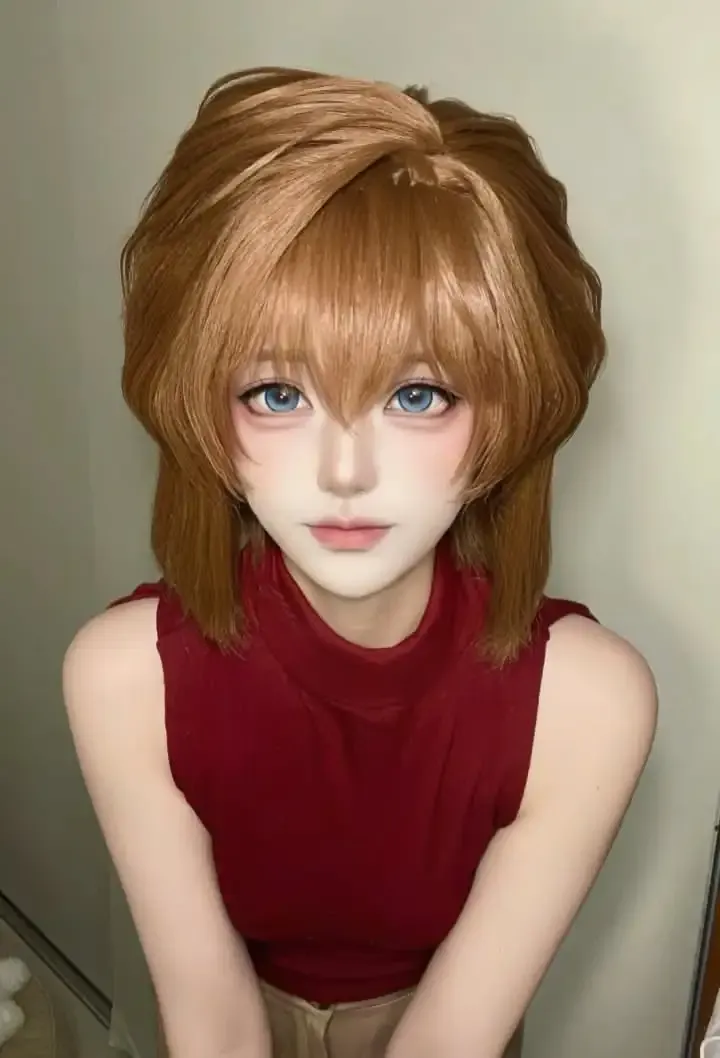
A good fit for creators who want to join a viral trend without simply copying it. Recreate the familiar action, rhythm, and timing with your own character, product, or setting.
| Input | Output |
  |
Product Reveal
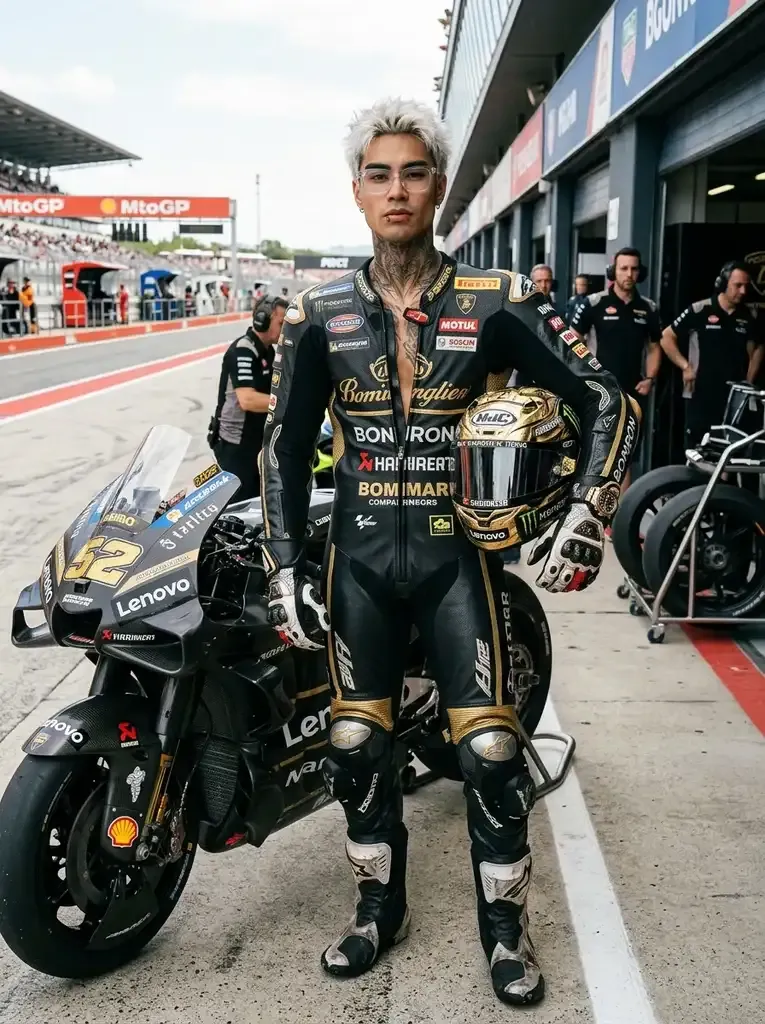
Ideal for launch videos, ecommerce ads, teaser clips, or social posts that need a strong reveal moment. Keep the camera move and reveal structure while making your own product the focus.
| Input | Output |
 |
Character Performance
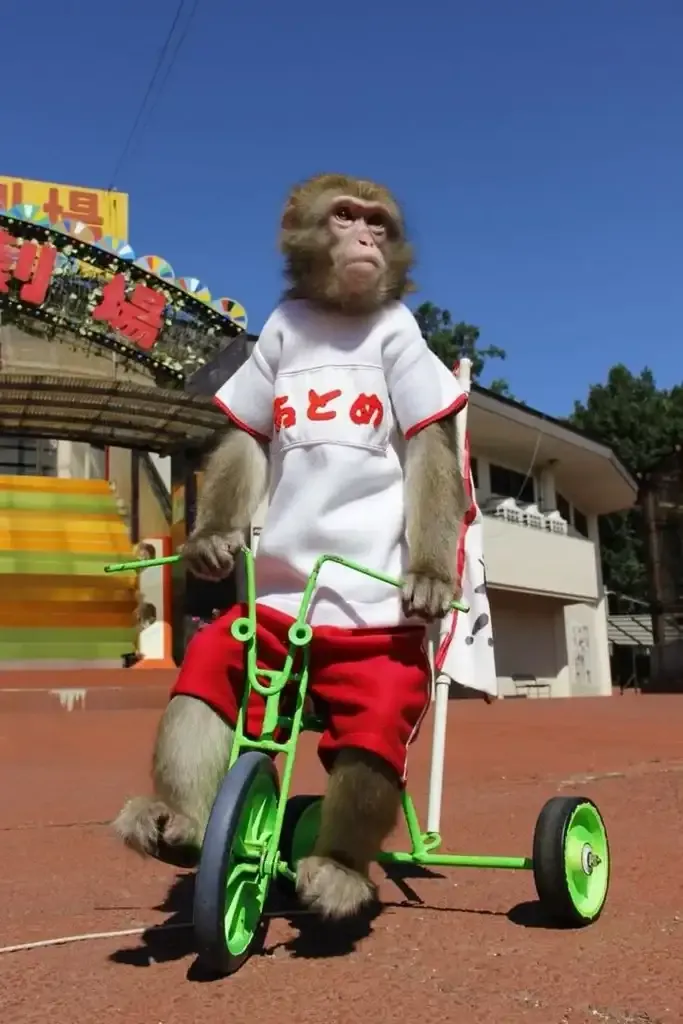
Made for creator content, mascot videos, OC showcases, avatar clips, or pet-centered edits. Bring your own character into the same performance, motion, timing, and shot flow.
| Input | Output |
 |
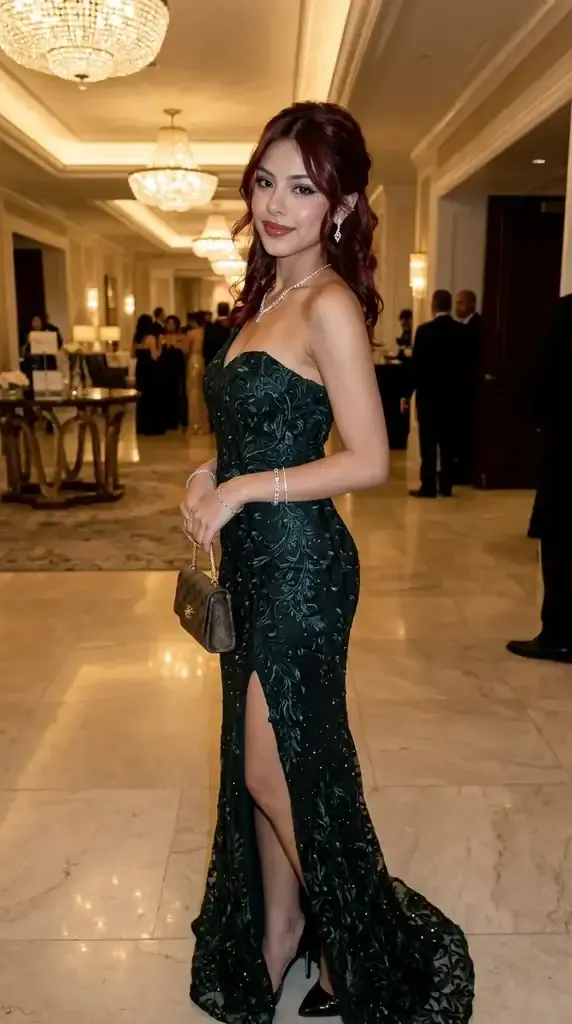
Outfit or Prop Variation
Helpful when you want to test different looks, accessories, props, or objects in the same scene. Keep the pose, movement, and camera flow while changing the visual detail that matters.
| Input | Output |
 |
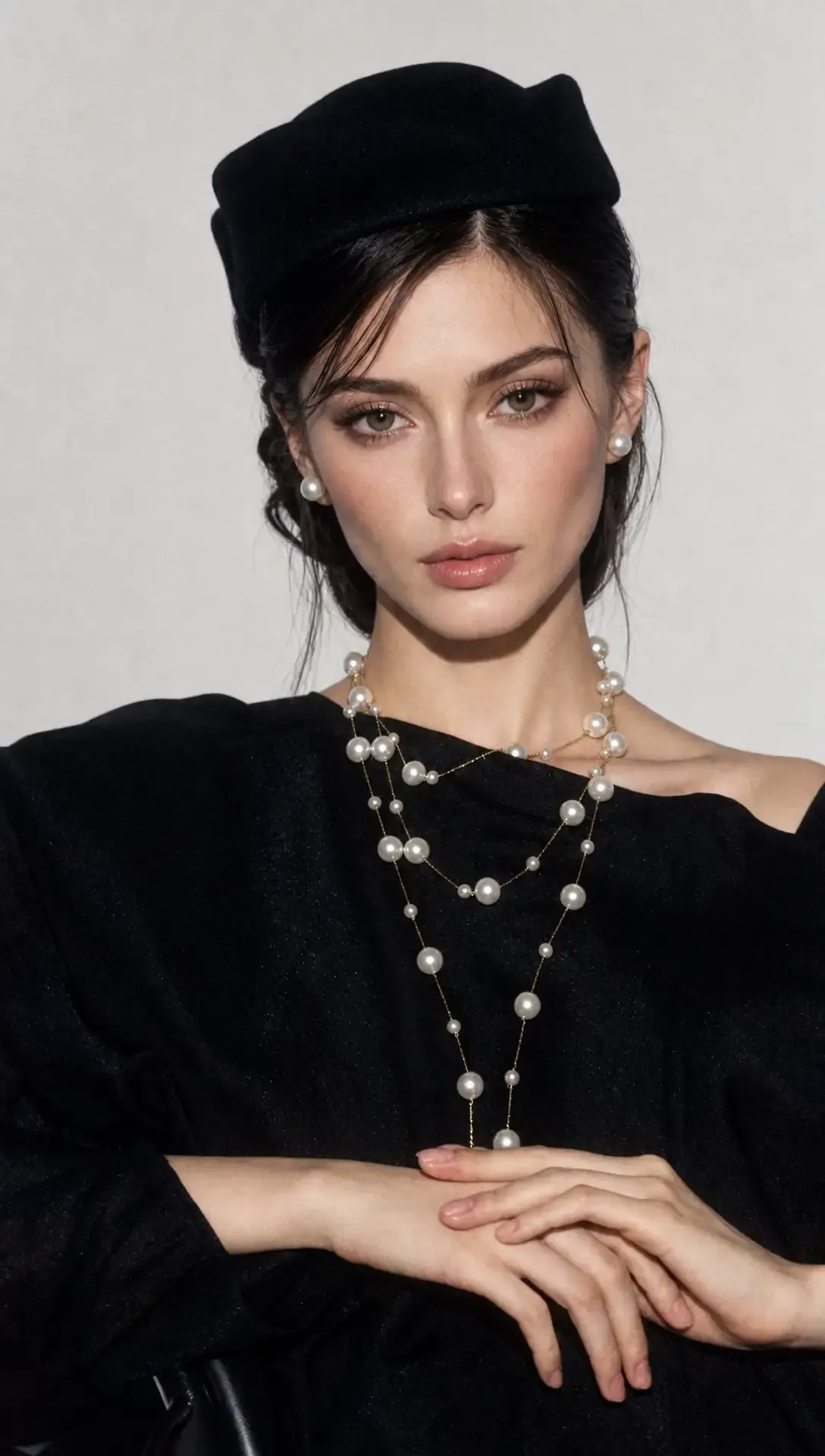
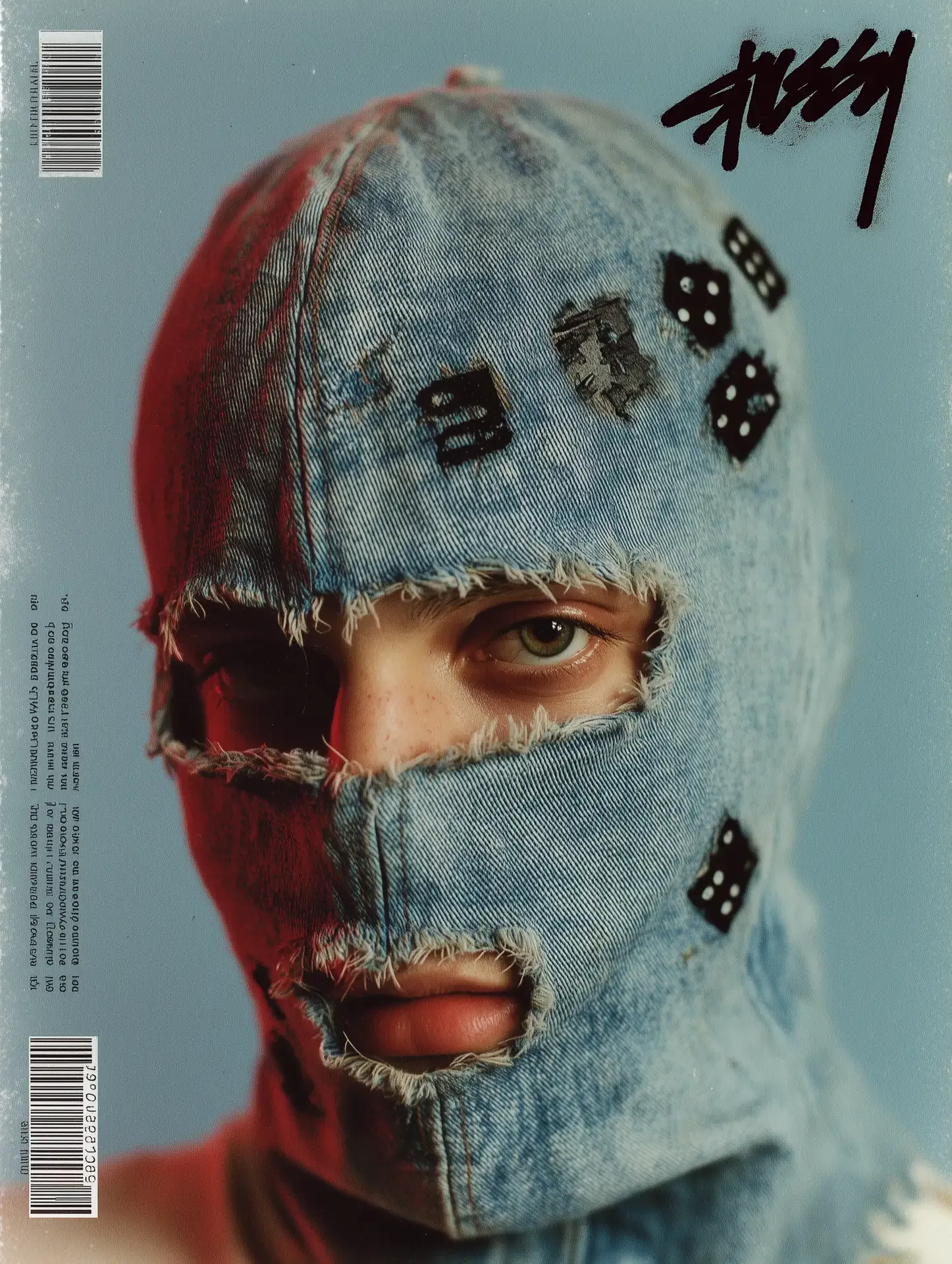
Localized Campaign
Works well when one video idea needs to fit different markets, audiences, products, or campaign versions. Change the people, environment, or featured item while keeping the core creative idea recognizable.
| Input | Output |
  |
Full Workflow: Step-by-Step Guide
Use Pollo Recast in a few simple steps:
Open Pollo Recast. Choose Pollo Recast from the video creation tools.
Upload a reference video. Use a clip between 4 and 30 seconds long, or start from a showcase example.
Add your assets. Upload images for the character, product, outfit, object, or scene you want to use.
Add a short prompt if needed. Use the prompt box for extra notes, such as what should be replaced or how an uploaded asset should appear. You can use @ to point to specific files.
Generate and download. Create the recast video, review the result, and download the version you want to use, or continue refining it in an AI video editor.
For a more detailed walkthrough with examples and troubleshooting tips, check out our complete how-to guide.
Who This Is For
- Creators who want to remake viral videos, dances, video memes, or performance clips with their own characters or channel identity.
- Brands and ecommerce teams who want to place products into short-video formats without filming every version from scratch.
- Marketing teams who need to adapt one video idea for different regions, audiences, products, or campaigns.