Designkit creates e-commerce ads from product assets and proven formats. Pollo AI turns product URLs, photos, scripts, and references into scalable video ad campaigns with bulk creative variations. Create video ads with Pollo AI for free!
Create your own influencer. Then jump into any trend with Recast.
Kling 4.0
Up to 10 keyframes. Unlimited for 10 days with Ultra.
Pollo Recast
Recreate viral videos. Remix new versions.
Pollo Recast Challenge
One upload in. Your viral video out. Unlimited rewards await.
Pollo Agent x DeepSeek V4.1 FLASH
Faster completion at a much lower cost.
Pollo Agent x Gemini 4 Argon
Smarter reasoning. All through Pollo Agent.
WIN iPHONE DUO
Capture a city in one minute. Join the challenge now.
Pollo MCP
End-to-end content creation. Up to 4 Videos/ 20 Images for FREE.
Key Features
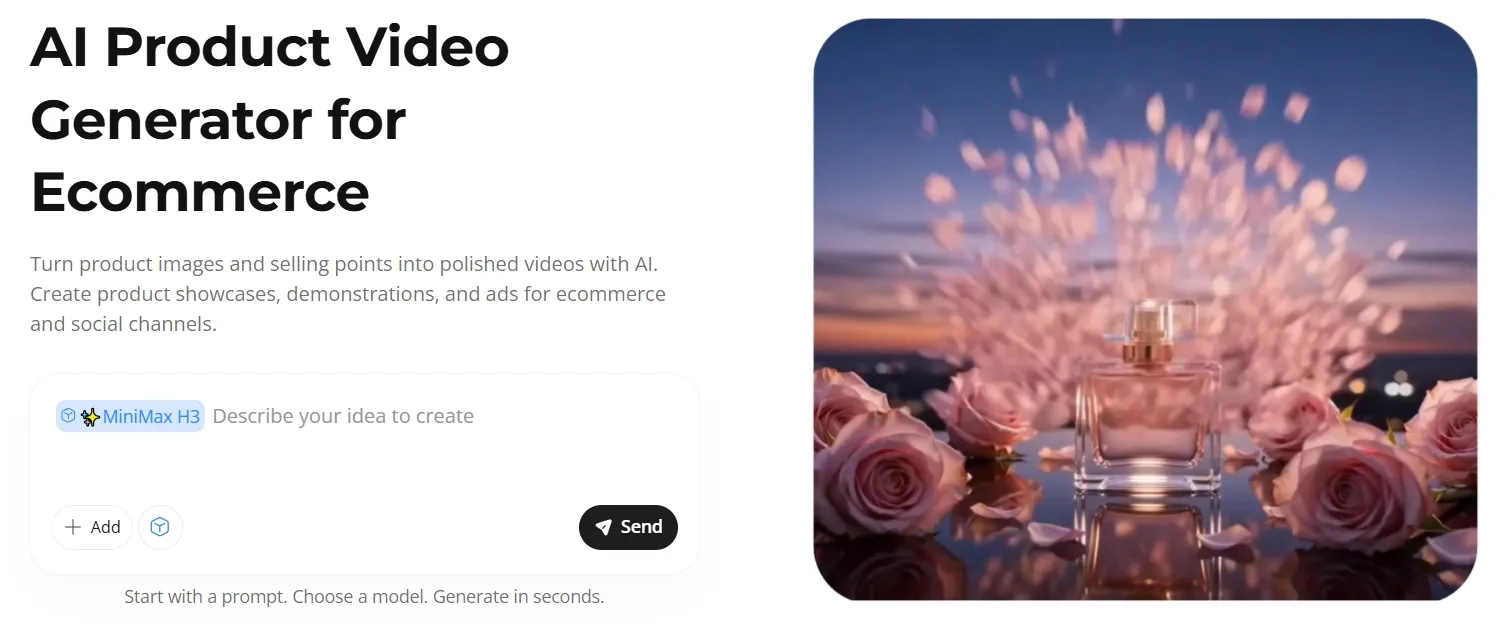
Turn Product Photos Into Videos: Create product showcases, demonstrations, and listing videos from photos.
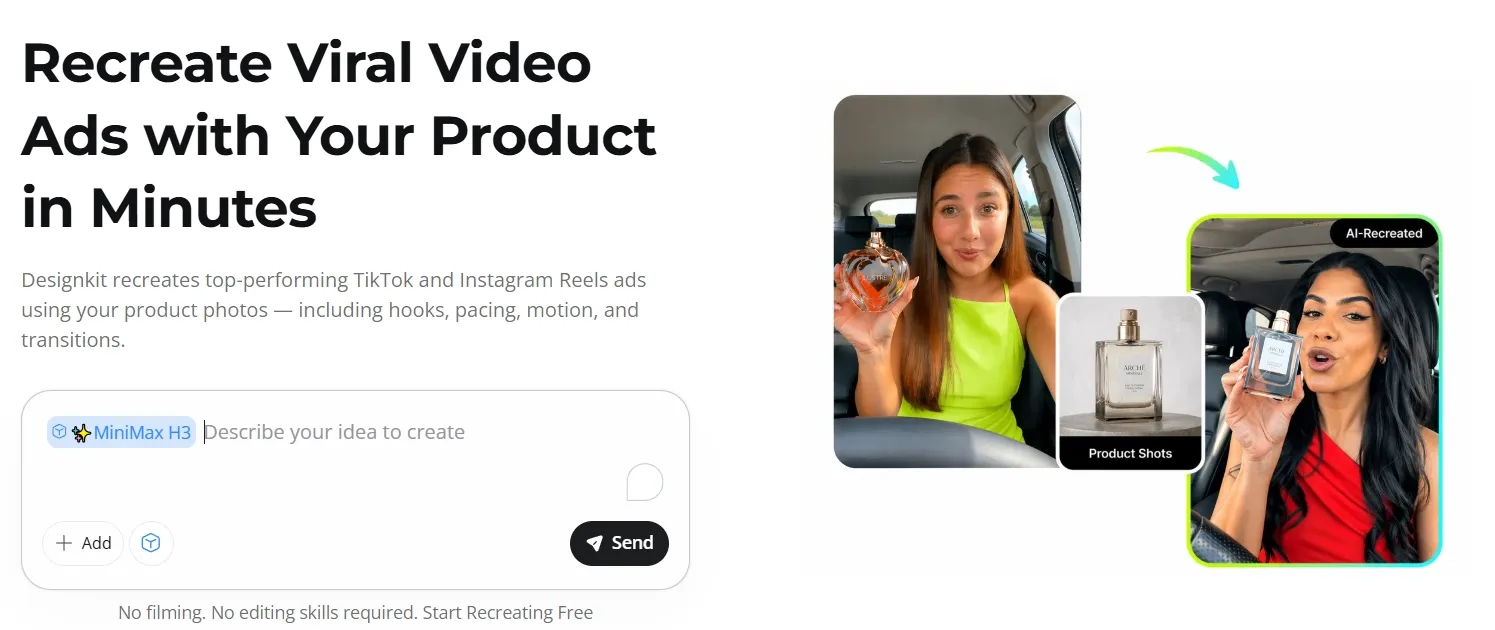
Recreate Proven Video Ad Structures: Rebuild a reference ad around your own product.
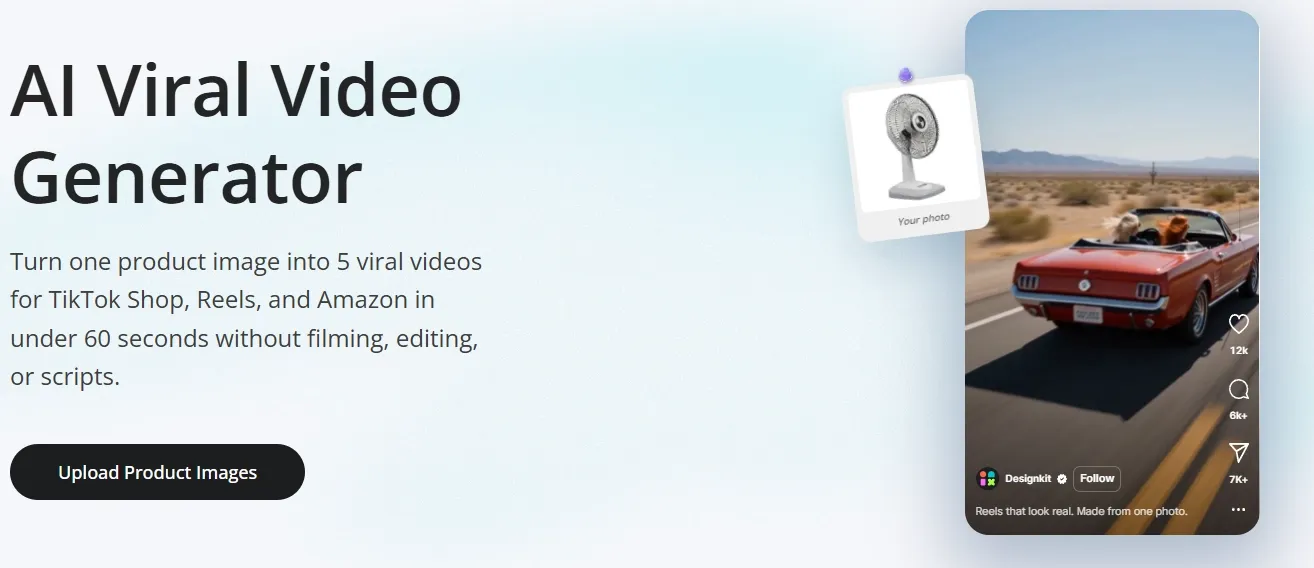
Generate Viral E-commerce Video Variations: Generate five viral video variations from one product image.
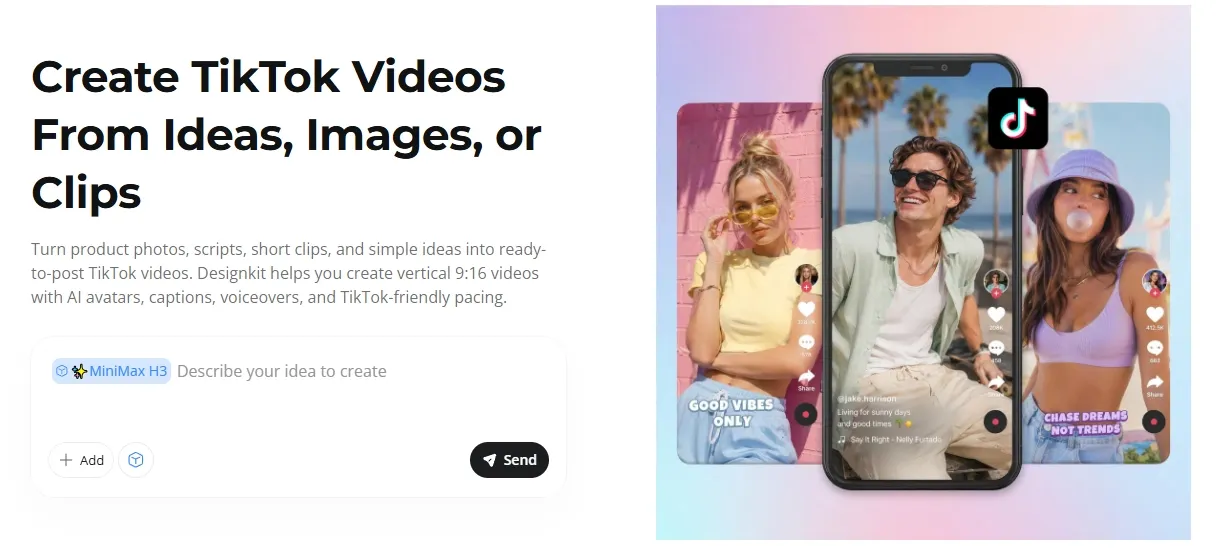
Produce TikTok-Native Vertical Videos: Create captioned 9:16 TikToks from ideas, images, or clips.
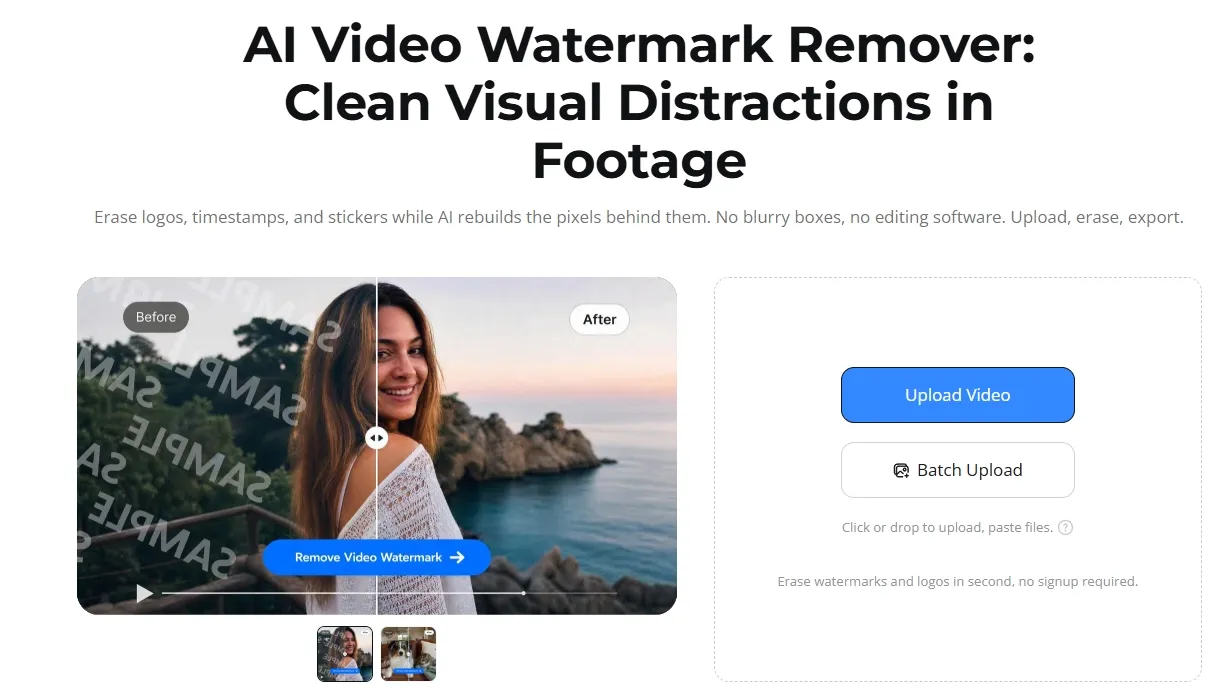
Remove Watermarks and Overlays: Erase unwanted overlays while keeping the original resolution.
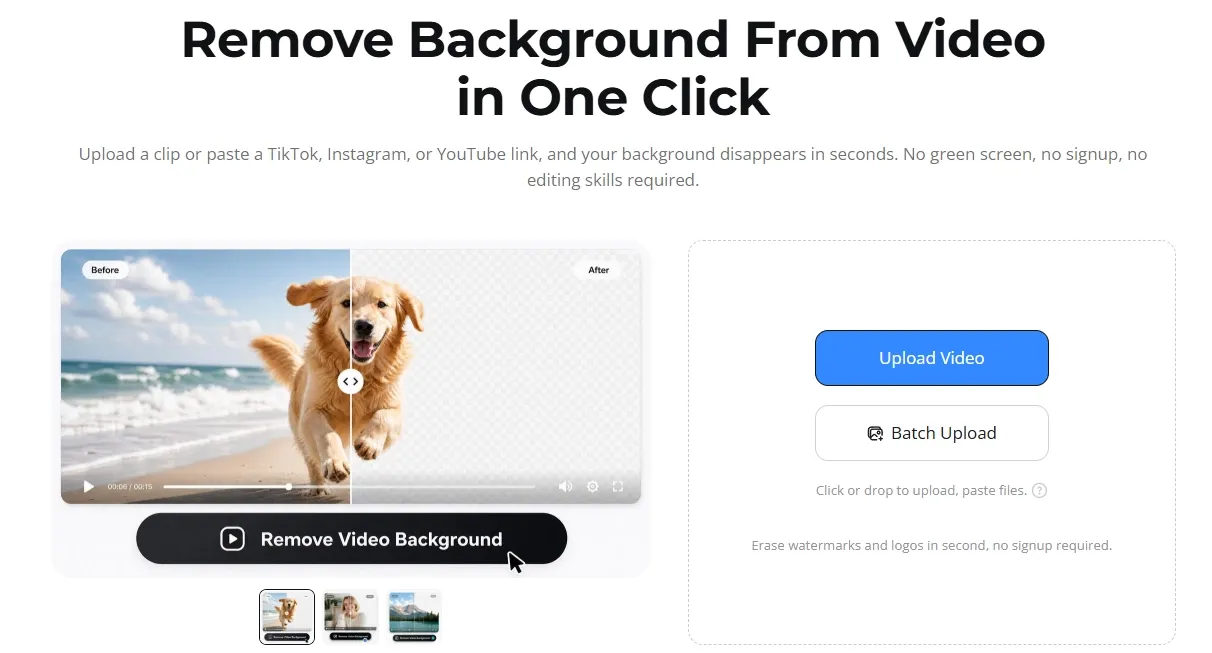
Isolate Subjects From Video Backgrounds: Isolate moving subjects without green screens or manual masking.
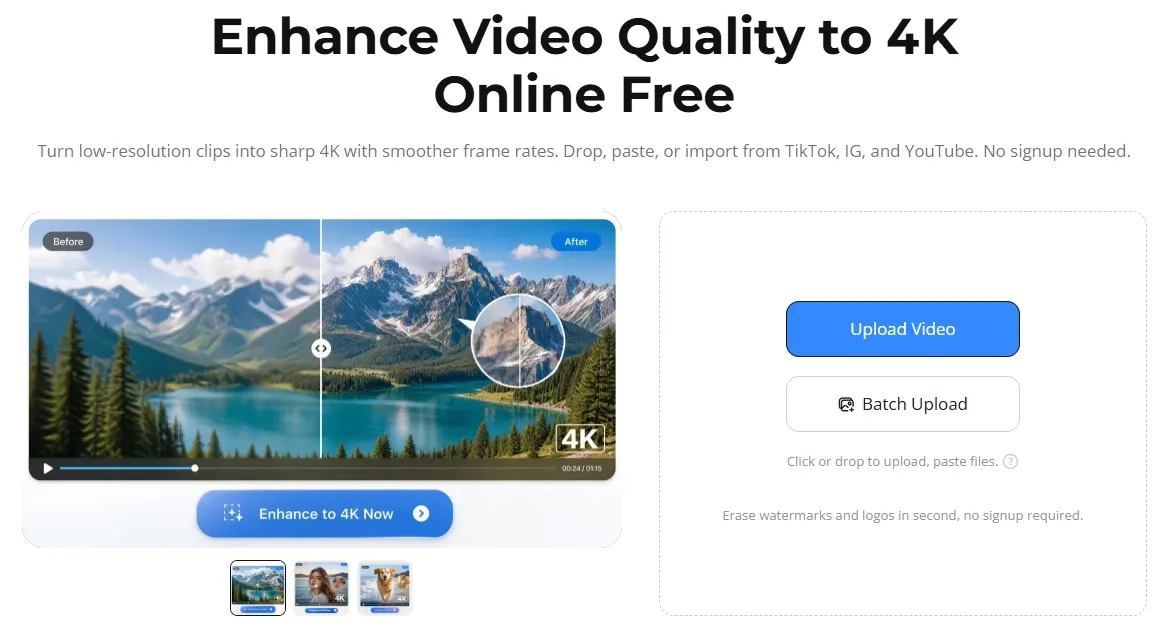
Upscale and Smooth Existing Footage: Upscale blurry clips to 4K and smooth their motion.
Turn Product Photos Into Videos
Designkit lets sellers upload product photos, add selling points, and choose a product video type. It arranges scenes, motion, captions, and music into an AI video that can be reviewed, adjusted, and exported for storefronts, marketplace listings, or product launches.
Speed is only part of the job. Sellers also need polished visuals that present every product detail accurately and communicate its quality at a glance.
Product video generator by Pollo AI turns one product photo into studio-quality video with accurate textures, colors, and lighting. Simple prompts add smooth rotations, close-up zooms, or cinematic scenes, helping products stand out across stores, launches, and ads.
Recreate Proven Video Ad Structures
Designkit accepts a TikTok or Instagram Reels link or video file alongside product photos and a prompt. It analyzes camera angles, transitions, hook timing, and visual sequencing, then rebuilds the structure as a 9:16 UGC-style ad centered on the new offer.
Generate Viral E-commerce Video Variations
Designkit's AI viral video generator starts from a single product photo, then produces five vertical videos per run without requiring a reference clip. Users can choose UGC, unboxing, demo, before-and-after, problem-solution, or commercial formats, with avatars and voiceovers available in 30+ languages.
Five variations only go so far when teams need to test different hooks, offers, audiences, and platforms. Reworking the same product into new campaign angles adds time and slows creative testing.
Pollo AI’s Marketing Studio turns product URLs, photos, scripts, or winning ads into batches of ready-to-test video variations. Teams can explore UGC, unboxing, try-on, TVC, and problem-solution concepts at scale, find stronger creative angles faster, and scale the ideas that perform best.
Produce TikTok-Native Vertical Videos
Designkit builds captions, motion, effects, voiceover, and optional avatars around the supplied material, with controls for style, pacing, language, and layout. Brands can create product ads, while educators can condense a lesson or podcast teams can reshape long episodes into vertical highlights.
Remove Watermarks and Overlays
Designkit lets users upload a video or paste a social media link, then automatically finds and removes watermarks, subtitles, logos, or selected objects. Users can also mark an area manually and clean several videos at once before downloading them in their original resolution.
Video editor by Pollo AI takes the work further through one text prompt. It removes watermarks or objects, replaces backgrounds while keeping subjects intact, and changes lighting, effects, or camera angles, turning cleaned footage into polished campaign creative in one workflow.
Isolate Subjects From Video Backgrounds
Designkit automatically separates the main person, pet, or product from the background in an uploaded video. Users can download the result or process several clips at once, making it easier to place the subject in a new scene.
Upscale and Smooth Existing Footage
Designkit can increase a video's resolution up to 4K, reduce blur, and make movement look smoother. Users can upload files or paste social media links, preview the result, and improve several product or social videos in one batch.
Who Is Designkit Built For
Launch a new SKU: A Shopify seller can turn approved catalog photos into a product demo before the listing goes live.
Test more ad angles: A performance team can rebuild one trending reference with several hooks instead of briefing an editor each time.
Sell in another market: A cross-border shop can pair supplier photos with a local-language voiceover and a market-matched avatar.
Add video to a listing: An Amazon seller can create a 16:9 demonstration from photos already supplied by the manufacturer.
Post while a trend is live: A social manager can turn a product image or script into a vertical TikTok ad without waiting for a shoot.
Watermark removal, background removal, and 4K enhancement
Focused on generation, with no listed video cleanup suite
Background removal, matting, enhancement, upscaling, and more
Video models
Veo 3.1, Sora 2, Kling 3.0, and Seedance 2.0
Kling, Sora, Google Veo, and Wan
50+ leading models including Veo 3.1, Kling 3.0, and Seedance 2.5
AI agent
E-commerce agent for product content and ad assets
AdGPT assists with ad prompts
Pollo Agent turns product inputs into full video ads
Best fit
Ecommerce sellers creating product videos, viral variations, and cleaner footage
Brands focused on product-accurate UGC and proven ad formats
Marketers and sellers who scale multi-format video ad campaigns from varied product inputs
Where Does Designkit Fit
Designkit is best understood as an ecommerce creative platform, not a general video studio. Its video strategy begins with product images and ad references, then turns them into showcases, UGC-style ads, platform-native short videos, and fast variations.
Watermark removal, background removal, and 4K enhancement extend the workflow into cleanup. The focus is practical asset production for sellers and small marketing teams, while narrative filmmaking, complex scene direction, and broader non-commerce creation remain secondary.
What Are Designkit's Pros and Cons
Pros
Fast Product Video Creation: Turns existing product photos into showcase, demo, and listing videos without arranging a new shoot.
More Variations From Limited Assets: Generates five short-form concepts from one product image or rebuilds a reference ad around another product.
Useful Video Cleanup Tools: Removes watermarks and backgrounds, improves footage up to 4K, and processes several clips at once.
Cons
Product Details Can Change: Generated videos may alter product size, proportions, labels, or packaging, requiring careful review before publishing.
Complex Actions May Look Unnatural: Hands, product interactions, or fast movement can appear inconsistent when the available source material is limited.
Small Errors Can Require Regeneration: Fixing one inaccurate shot or visual detail may require another generation rather than conversational editing.
I’ve been using Pollo AI mainly for short videos and quick image-to-video tests. The interface is straightforward and it works well even with simple prompts, which is a big plus compared to tools that need long, complicated instructions. The results can be really impressive, and it’s honestly been fun to experiment with. I’d love a bit more consistency on faces when there’s movement, but overall it’s been a solid experience for what I needed.
Awesome website. loads of options and a great way to learn how to work with 'AI' my reasoning for 5 stars is based upon price, versatility and ease of use. Also I would like to add, Pollo AI runs a lot of promos on different AI products as well. I rate their customer service at 5 stars, when I purchased my first subscription my computer crashed the following weekend and I lost all my data and info passwords you name it I lost it, contacted pollo by email they responded quickly and found my info/username and account, and I was able to restore my account.
I have been using Pollo AI for short videos. It is easy to use and works well with simple prompts. Other generators seem to need long drawn out complicated explanations to get even close to what I want.
i tried 220 online img to vid in 2 months, and this is the best online video.I will subscribe for a year; there are many reasons. But freedom is the most important.
Designkit is an AI creative platform for ecommerce sellers, brands, and marketing teams. Its video tools turn product assets into ads and short-form content, while separate utilities remove backgrounds or overlays and enhance footage.
Can Designkit create TikTok videos?
Yes. Designkit can turn prompts, scripts, URLs, images, or clips into 9:16 TikTok videos with captions, motion, voiceover, effects, and optional avatars. Users can adjust the style, language, pacing, and layout before export.
What video editing tools does Designkit include?
Its highlighted video tools remove watermarks, remove video backgrounds, and improve footage up to 4K. Watermark removal should only be used on content the user owns or has permission to modify.
Does Designkit support avatars and multiple languages?
Yes. Its viral video workflow can match avatars to target markets and generate voiceovers in 30+ languages. Its wider video ad maker also lets users customize presenter attributes for audience fit.
Is Designkit free to use?
Designkit has a free plan with 20 credits at first login and limited access to video and image models. Paid plans add more monthly credits, batch processing, unlimited removal tools, and wider model access, although current pricing displayed may vary by platform or region.
Is Pollo AI a stronger alternative to Designkit?
Yes. Pollo AI is a stronger alternative to Designkit, combining comprehensive ad creation, bulk variations, and leading models like Veo 3.1, Kling 3.0, and Sora 2. You can **get started for free** and scale the concepts that perform best.
Build High-Impact Video Campaigns
Turn product links, photos, scripts, and references into standout ads with Marketing Studio and Pollo Agent.








 Liz Cassidy


