TensorPix focuses on enhancing existing footage, turning blurry recordings into sharper, smoother videos with AI-powered upscaling, stabilization, and frame rate improvements. For more advanced video creation beyond enhancement, Pollo AI lets you generate complete, ready-to-post videos with top models and Pollo Agent. Try it for free now!
Up to 10 keyframes. Unlimited for 10 days with Ultra.
Pollo Recast
Recreate viral videos. Remix new versions.
Pollo Recast Challenge
One upload in. Your viral video out. Unlimited rewards await.
Pollo Agent x DeepSeek V4.1 FLASH
Faster completion at a much lower cost.
Pollo Agent x Gemini 4 Argon
Smarter reasoning. All through Pollo Agent.
WIN iPHONE DUO
Capture a city in one minute. Join the challenge now.
Pollo MCP
End-to-end content creation. Up to 4 Videos/ 20 Images for FREE.
Key Feature
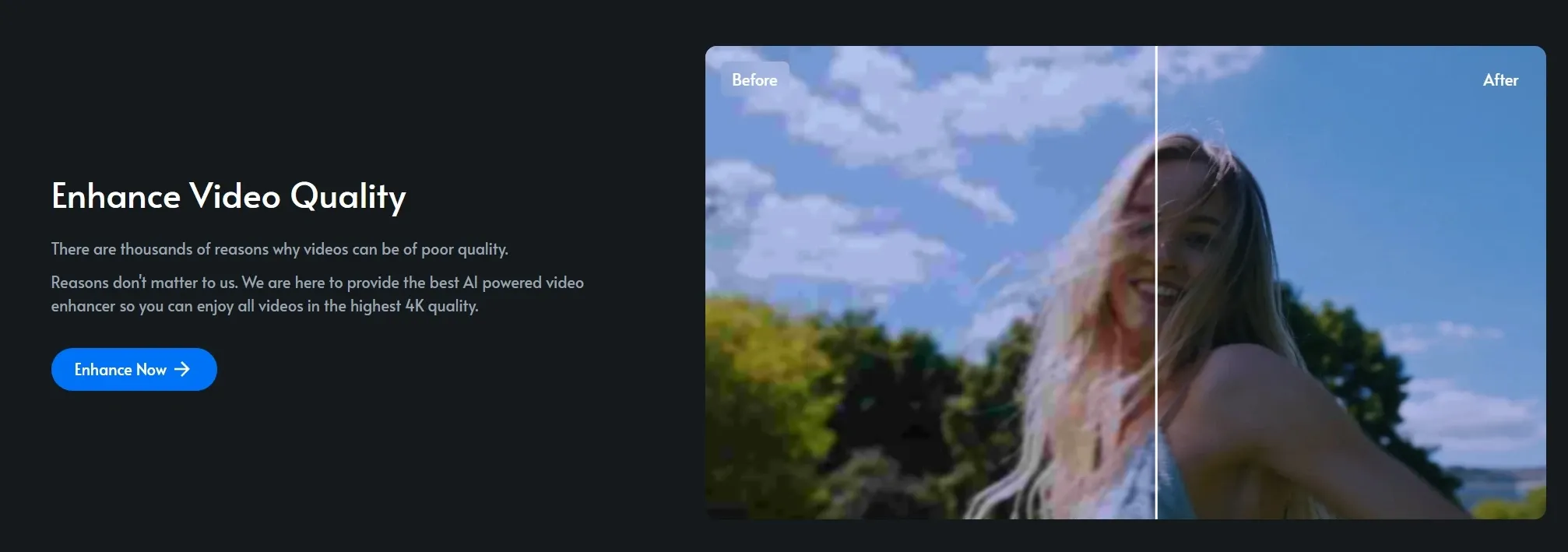
AI Video Quality Enhancement: Improve clarity, detail, and overall video quality with AI enhancement.
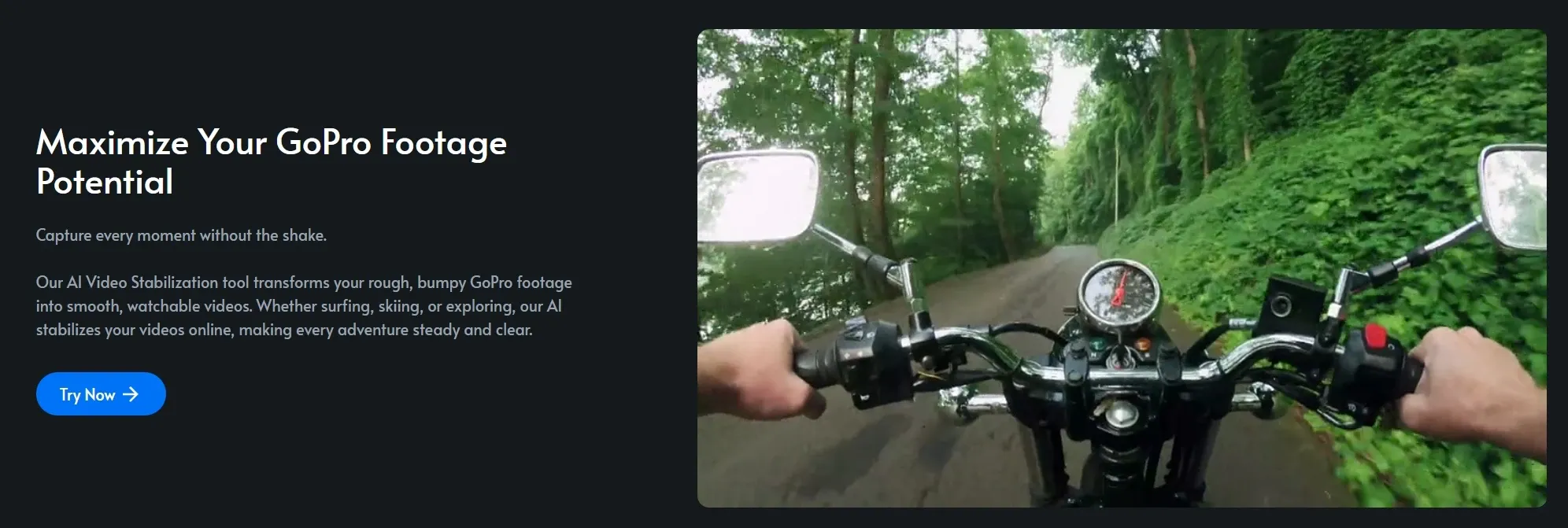
AI Video Stabilization: Stabilize shaky footage and produce smooth, professional-looking video results.
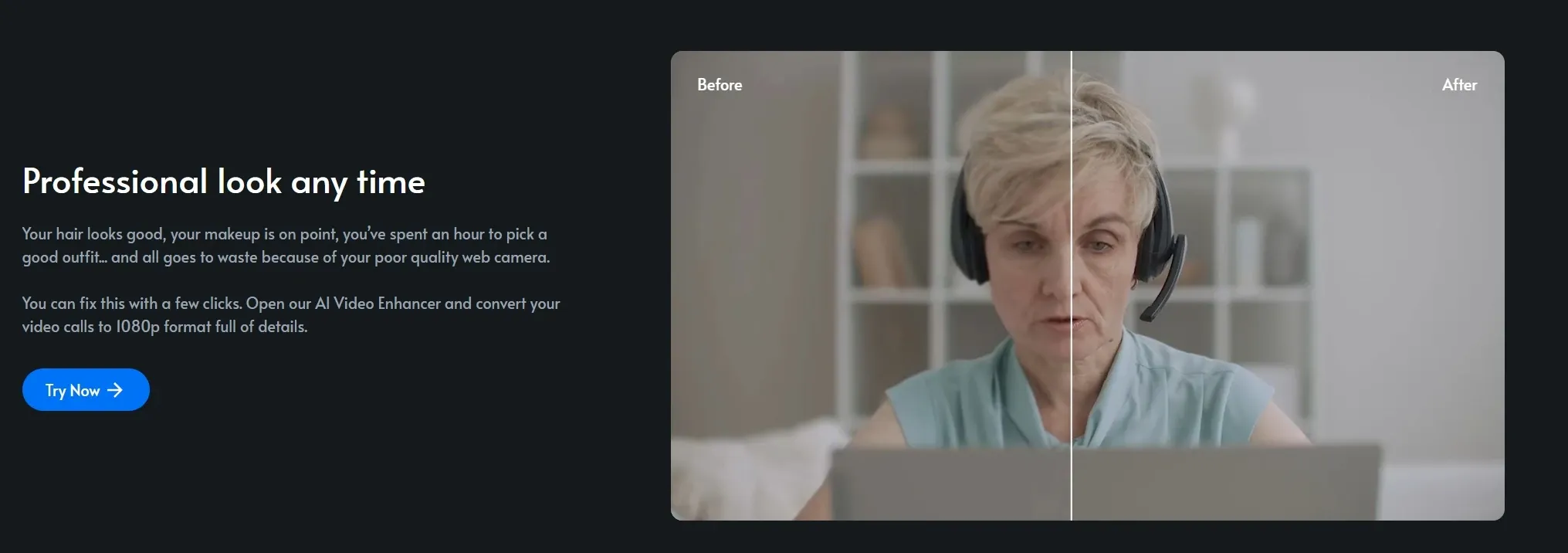
Video Call Enhancement: Enhance blurry video call recordings into clearer, more watchable footage.
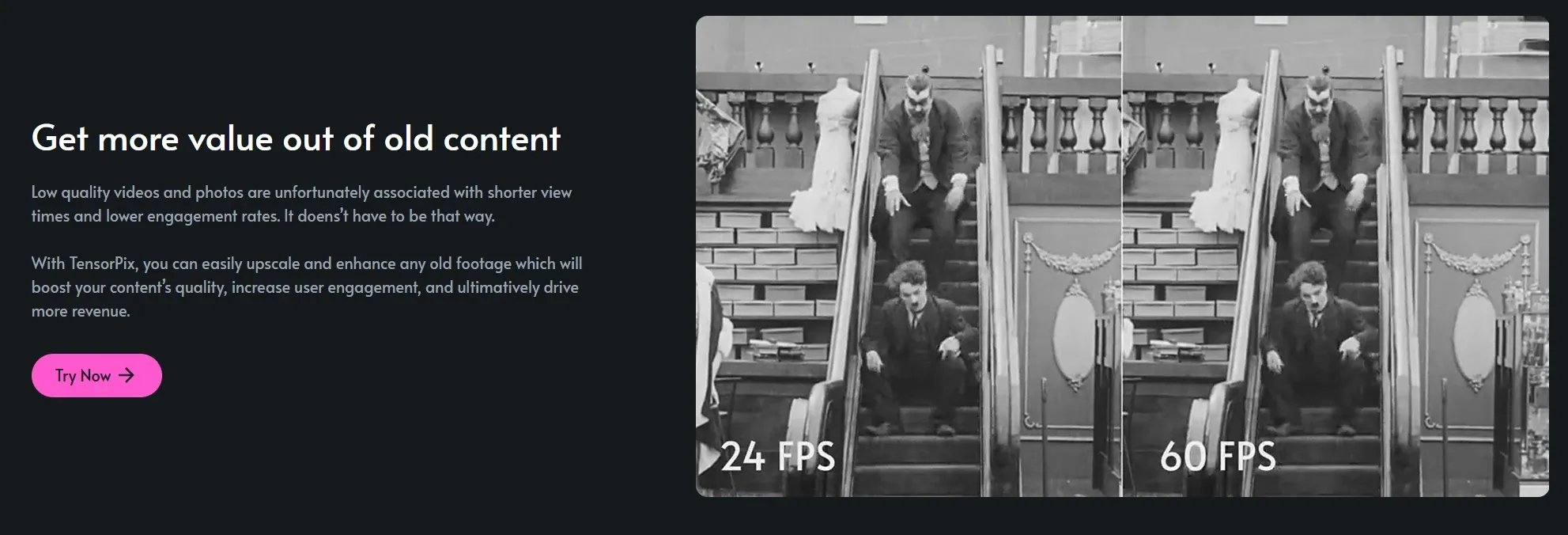
Old Video Restoration: Restore old or damaged videos with improved clarity and detail.
AI Text & Image to Video Generation: Create short videos from text prompts or image inputs.
Social Video Generator: TensorShots: Turn assets into ready-to-use social media videos in minutes.
AI Video Compression & Format Optimization: Reduce file size while preserving quality for faster sharing and uploads.
API Integration for Video Enhancement: Integrate AI video enhancement directly into your apps or workflows.
AI Video Quality Enhancement
Instead of tweaking settings one by one, TensorPix runs a full enhancement pass that lifts sharpness, reduces noise, and refines overall detail in one go. Even heavily compressed footage comes out cleaner and more defined.
That makes it easy to reuse older clips. A creator can refresh previously published content and make it look current without shooting anything new.
TensorPix focuses on improving footage, but its control stops at enhancement. Pollo AI takes a broader approach; its AI video enhancer not only adjusts sharpness, contrast, and brightness but also upscaling to 4K while refining every frame for clarity and detail.
More importantly, it sits inside a full creation workflow, so enhanced clips can move directly into structured video generation instead of staying as isolated outputs.
AI Video Stabilization
Handheld footage often carries small jitters that distract from the story. TensorPix smooths those movements by analyzing motion frame by frame, while keeping the original framing largely intact.
So rather than re-editing everything, a vlogger can take a shaky walking clip and turn it into something steady enough to publish.
Video Call Enhancement
Meeting recordings rarely look great, especially in low light or weak connections. TensorPix sharpens faces and lifts clarity so conversations feel more presentable.
A remote team can take a recorded demo or webinar and clean it up before sending it to clients or turning it into internal documentation.
Old Video Restoration
Older footage tends to lose detail, pick up grain, and feel dated. TensorPix works to recover what’s still there, softening noise and bringing back visual clarity where possible.
For example, someone digitizing family tapes can turn barely watchable clips into something worth preserving and sharing.
AI Text & Image to Video Generation
Beyond fixing footage, TensorPix also lets you create simple videos from text or images. It’s not built for complex storytelling, but it’s enough to get a visual draft moving quickly.
A marketer can test a rough concept by turning a product idea into a short clip, then deciding whether it’s worth developing further.
TensorPix offers a lightweight way to turn text or images into short clips, useful for quick drafts but limited in structure and control.
Pollo AI goes further, with text to video and image to video that generate multi-scene videos with consistent subjects, flexible aspect ratios, and adjustable durations, all within a guided workflow.
Instead of rough previews, you get coherent, ready-to-use outputs that can move straight into campaigns or social posts without rebuilding the narrative.
Social Video Generator: TensorShots
Instead of editing, TensorPix assembles. You can upload your assets, and it arranges visuals, captions, and timing into a usable social video for you.
That’s particularly helpful for small teams. A seller can drop in product images and walk away with a basic promo video ready to post.
TensorShots helps assemble simple social videos from assets, but its outputs remain fairly basic. Pollo AI goes further with offering a UGC video generator, creating creator-style videos with scripts, avatars, voiceovers, and structured scenes tailored for marketing use.
Instead of assembling clips, it produces complete, ready-to-post UGC ads that match real social formats, making it easier for brands to test hooks and launch campaigns without filming or manual editing.
AI Video Compression & Format Optimization
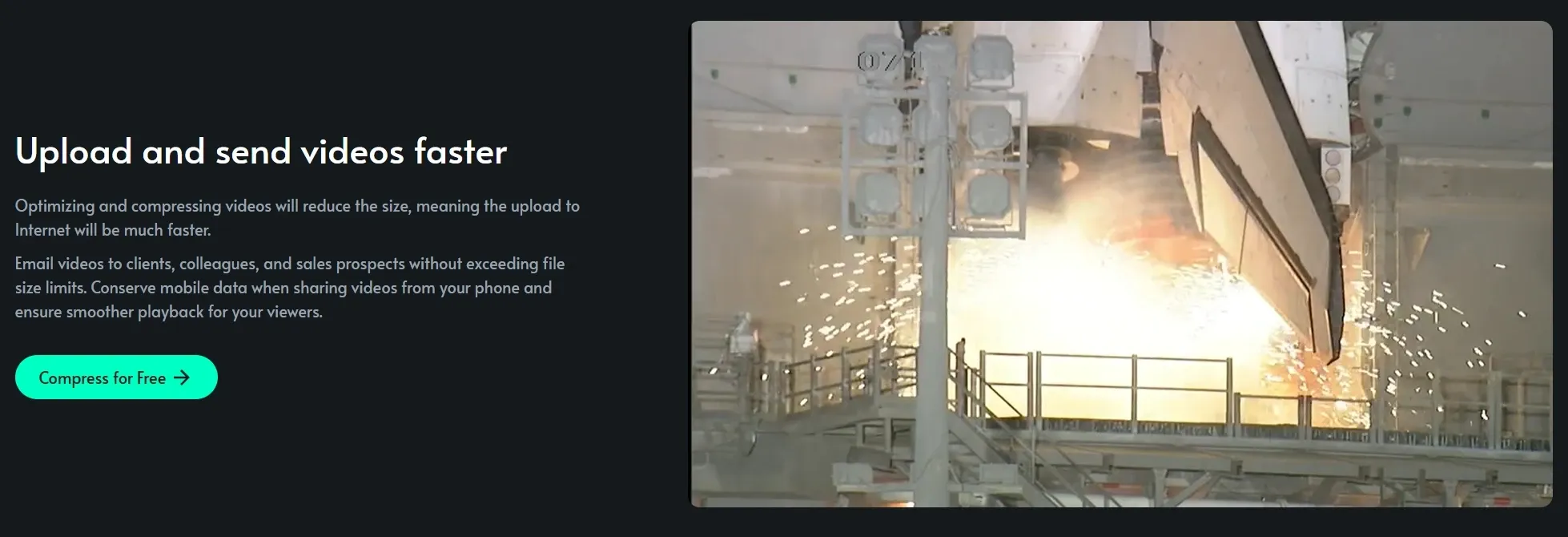
Large files slow everything down, from uploads to playback. TensorPix trims file size while holding onto as much visual quality as possible, making videos easier to distribute.
A social manager can quickly optimize content for different platforms without re-exporting multiple versions manually.
API Integration for Video Enhancement
For teams building products, TensorPix doesn’t have to stay a standalone tool. Its API allows enhancement features to run directly inside other platforms.
A video app, for instance, can offer built-in quality improvement so users never need to leave the workflow to fix their footage.
Who Uses TensorPix Most
Content Creators & YouTubers
Content creators can improve low-quality or older footage before publishing using Tensor Pix and reuse it across platforms.
Social Media Marketers
A marketer can enhance and compress product videos for faster posting on TikTok or Instagram.
Remote Teams & Educators
A team can enhance a blurry webinar recording before sharing it with clients or employees.
Videographers & Production Teams
A videographer can stabilize shaky clips from an event and deliver usable results to clients.
Everyday Users & Archivists
A family can enhance digitized home videos to preserve memories in clearer quality.
TensorPix stands out as a focused AI video enhancement tool, designed to improve existing footage through upscaling, stabilization, and restoration. Its workflow stays simple, with minimal editing and a clear emphasis on fixing video quality rather than creating content.
Compared to Clipchamp’s timeline-based editing and basic enhancers, TensorPix feels more technical but less flexible.
Pollo AI, by contrast, not only includes video enhancement capabilities but also functions as a full AI image and video generation platform. It also offers agent-driven workflows to turn ideas into ready-to-post videos without any editing steps.
Is TensorPix Always Reliable
User feedback paints a balanced picture. Some users are impressed by how well TensorPix handles upscaling and smoothing, even on free credits, noting clean results without noticeable distortion.
Others, however, point out inconsistencies, especially with faces, where artifacts or unnatural details can appear.
Overall, TensorPix works well for general video enhancement, but output quality can vary depending on the footage and chosen model.
Where Does TensorPix Fit Today
TensorPix sits firmly in the “enhance-first” corner of the AI video space. Rather than trying to replace editing software or become a full creative suite, it focuses on one clear promise: improving what already exists.
Its tools are built around upscaling, stabilization, restoration, and optimization, making it especially useful for fixing imperfect footage quickly.
This narrow focus gives it speed and simplicity, but also limits its role in the broader creation process. It’s less about crafting videos from scratch and more about refining, rescuing, and preparing content for modern standards.
Why Consider Pollo AI Instead of TensorPix
Pollo AI is more than just a video enhancer. It’s an all-in-one AI image and video creation platform built to take you from idea to publish-ready content in one seamless flow.
It brings together multiple leading models in one place, including options like Seedance and Kling AI, so you can switch depending on whether you need speed, style, or higher visual quality. That flexibility matters when you’re testing ideas or scaling content across platforms.
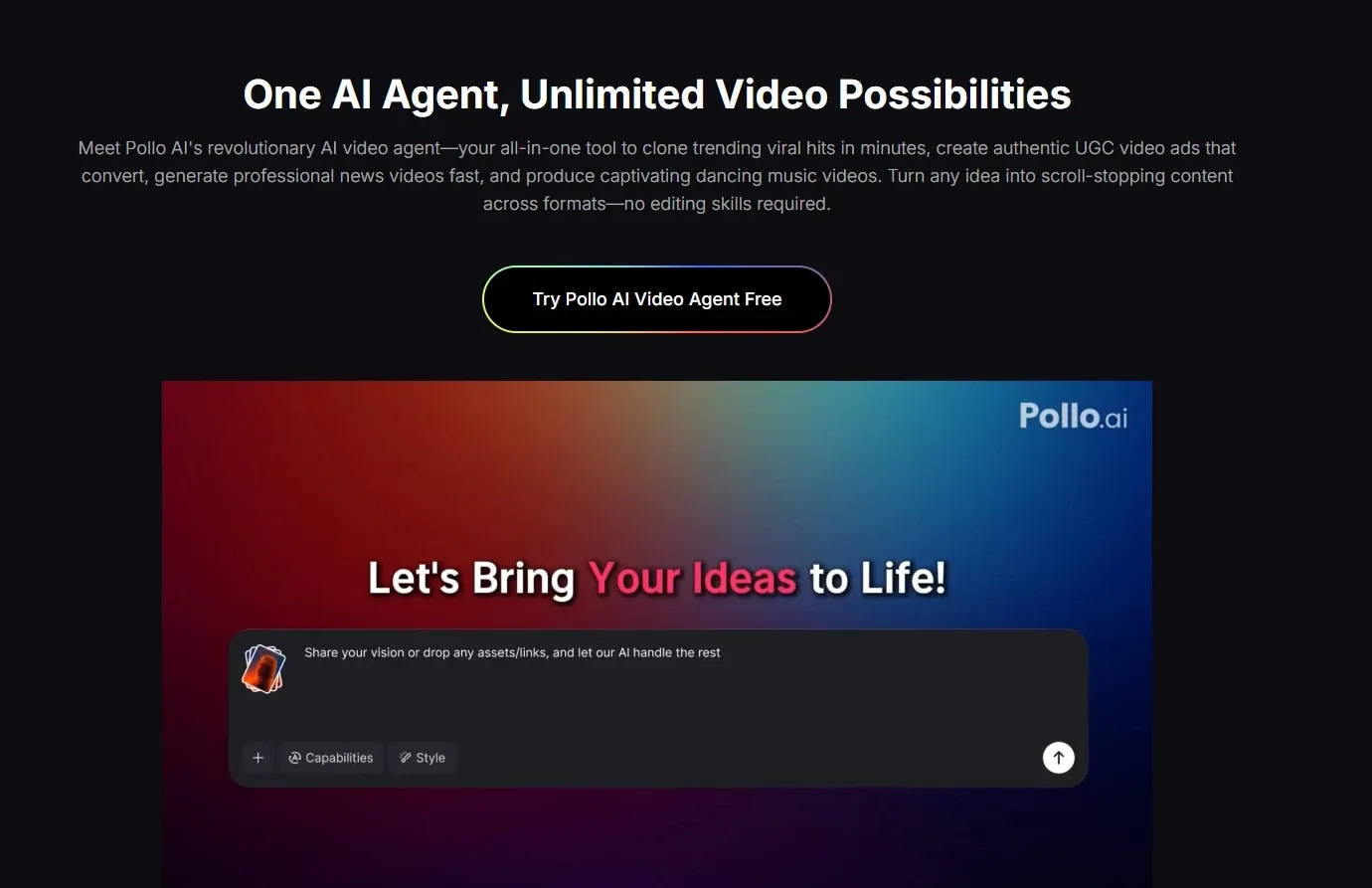
Then there’s the Pollo Agent, which handles the heavy lifting. Drop in a prompt, link, or image, and it structures scenes, pacing, and visuals into a complete, ready-to-post video. No additional editing required.
On top of that, Pollo AI offers 100+ scenario-based use cases. You can generate AI video news from a headline or create an AI music video with synced visuals in minutes, with scenes, pacing, and structure already handled.
The output isn’t just a draft, but a complete, ready-to-post video, turning everyday ideas into finished content without extra editing.
Why Does Pollo AI Win
Step 1
Pollo Agent for Full Videos
Turn ideas or links into structured, ready-to-post videos with zero editing.
Step 2
Viral Video Effects
Apply effects like cute mini character to create engaging, scroll-stopping videos instantly.
I’ve been using Pollo AI mainly for short videos and quick image-to-video tests. The interface is straightforward and it works well even with simple prompts, which is a big plus compared to tools that need long, complicated instructions. The results can be really impressive, and it’s honestly been fun to experiment with. I’d love a bit more consistency on faces when there’s movement, but overall it’s been a solid experience for what I needed.
Awesome website. loads of options and a great way to learn how to work with 'AI' my reasoning for 5 stars is based upon price, versatility and ease of use. Also I would like to add, Pollo AI runs a lot of promos on different AI products as well. I rate their customer service at 5 stars, when I purchased my first subscription my computer crashed the following weekend and I lost all my data and info passwords you name it I lost it, contacted pollo by email they responded quickly and found my info/username and account, and I was able to restore my account.
I have been using Pollo AI for short videos. It is easy to use and works well with simple prompts. Other generators seem to need long drawn out complicated explanations to get even close to what I want.
i tried 220 online img to vid in 2 months, and this is the best online video.I will subscribe for a year; there are many reasons. But freedom is the most important.
TensorPix is an online AI video and image enhancer designed to improve existing footage. Its key strengths include 4K upscaling, AI stabilization, frame rate boosting, old video restoration, and fast cloud-based processing that delivers results within minutes. It’s built for users who want to fix and upgrade video quality without installing software.
What types of videos can TensorPix enhance?
TensorPix works well with a wide range of videos, including social media clips, old home videos, video call recordings, and AI-generated footage. It’s especially useful for low-resolution or compressed files.
Can TensorPix create videos from scratch?
TensorPix includes basic text and image to video generation, but its core strength remains enhancement rather than full video creation. If you’re looking to generate complete, structured videos from ideas or links, platforms like Pollo AI are often more suitable since they focus on delivering ready-to-post content rather than just raw clips.
Is TensorPix good for social media content?
Yes, it helps optimize videos for social platforms by improving quality and reducing file size. However, it doesn’t deeply handle content structure, storytelling, or formatting for specific use cases, which can matter when creating high-performing posts.
What are the limitations of TensorPix?
TensorPix is best suited for enhancing existing footage, but it’s not designed for full video creation workflows. It lacks structured storytelling, advanced scene generation, and ready-to-publish outputs. For users who want to go beyond fixing videos and actually create complete content, tools like Pollo AI can be a more practical option since they handle both generation and final output in one flow.
Make Better Quality Videos Now!
Beyond enhancement. Create complete videos, not just fix them.










 Liz Cassidy


