Photo To Sketch For Portraits
Make faces feel hand-drawn
Turn a selfie, portrait, or couple picture into a pencil sketch with our image to sketch converter that keeps the person recognizable while giving the image a softer artistic style.
AI Video
Transform text and images into cinematic videos with lifelike avatars and studio-quality SFX.

AI Image
Turn ideas and images into stunning visuals, or perfect any photo with a complete suite of AI tools.

Agent
Create production-ready videos with SFX, consistent characters, and polished scenes. No Editing.

Marketing Studio
Built for marketers and sellers to create winning ads, UGC videos and product visuals faster.

Kling 4.0
Up to 10 keyframes. Impressive performance.
Pollo AI’s photo to sketch converter helps you turn photo into sketch with clean outlines, natural pencil shading, and a hand-drawn feel. It works especially well when you want a selfie to feel more artistic, a pet photo to become a keepsake, or a fan image to look like a pencil sketch made for sharing.
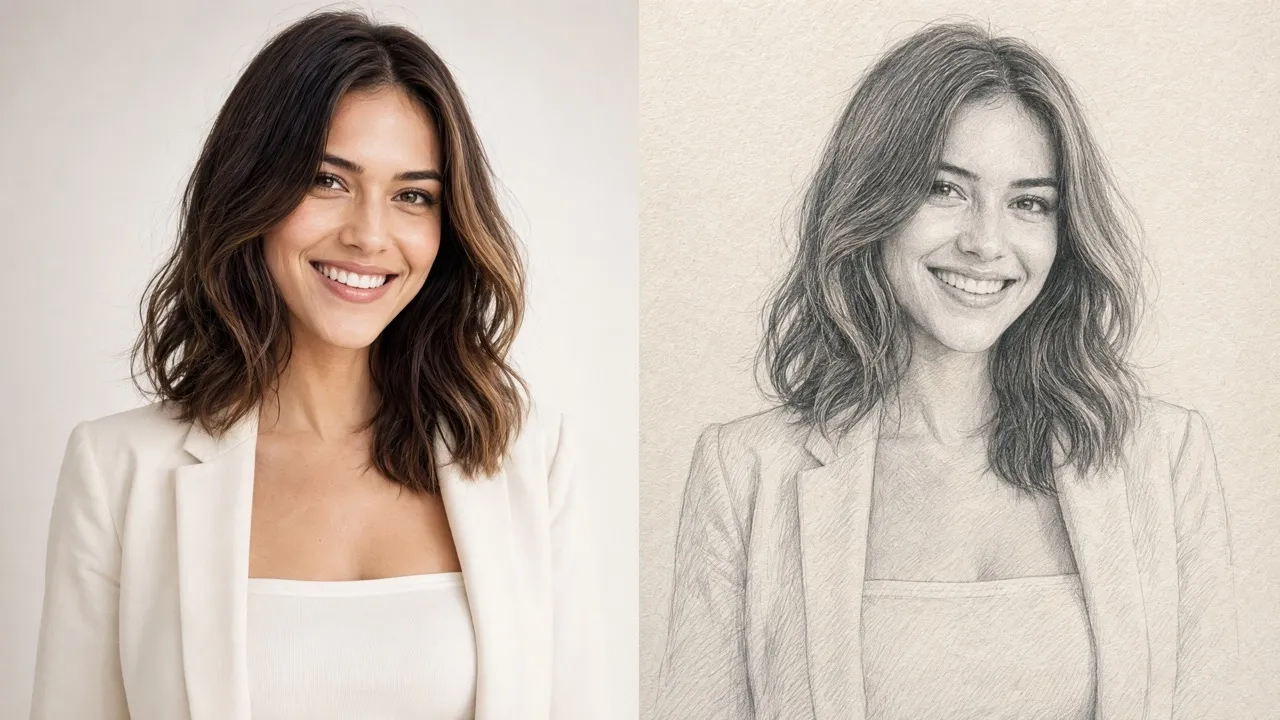
Upload one image and get a pencil sketch result in seconds, with clean outlines and soft shading ready to download or share.
Turn photo into sketch with linework, contrast, and pencil texture that looks more like a drawn piece than a flat grayscale effect.
Create profile sketches, pet drawings, character-inspired fan art, fandom posts, gift images, and social avatars from everyday pictures.
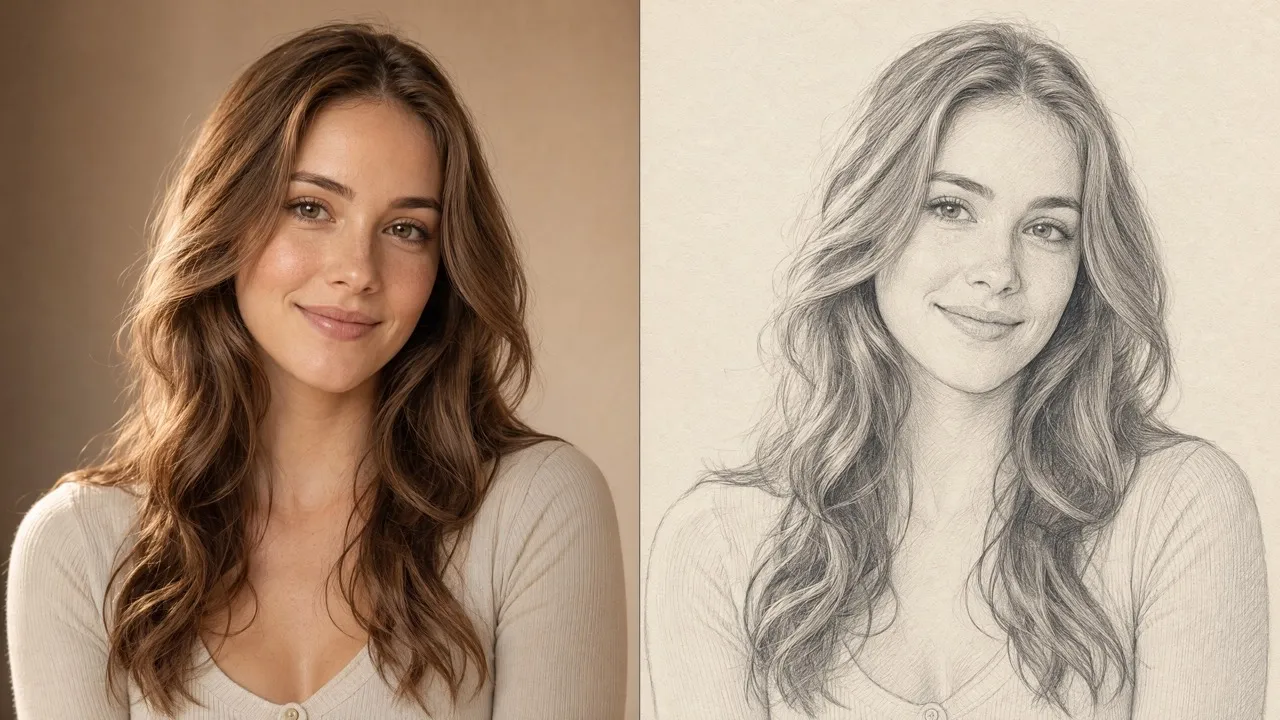
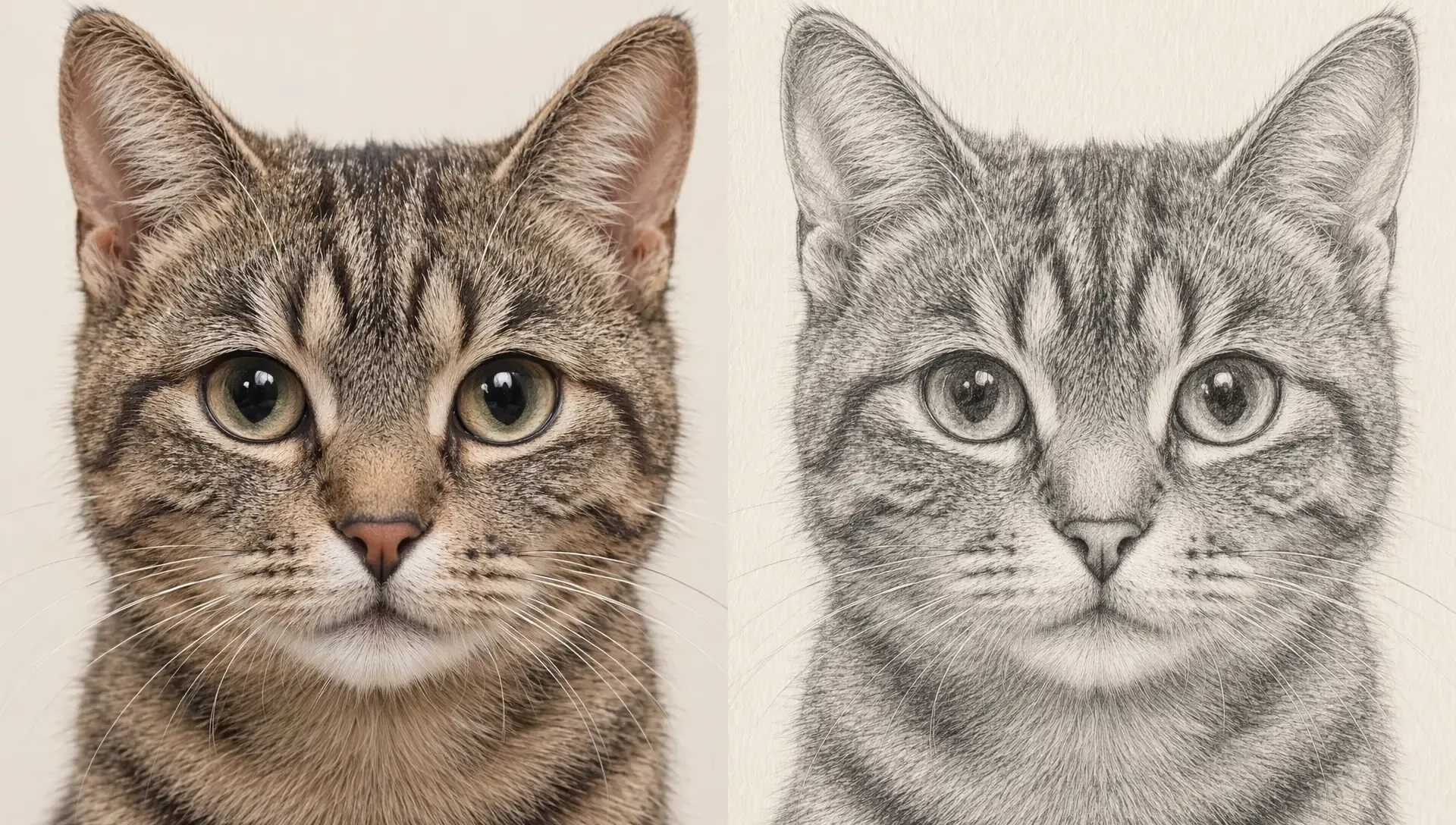
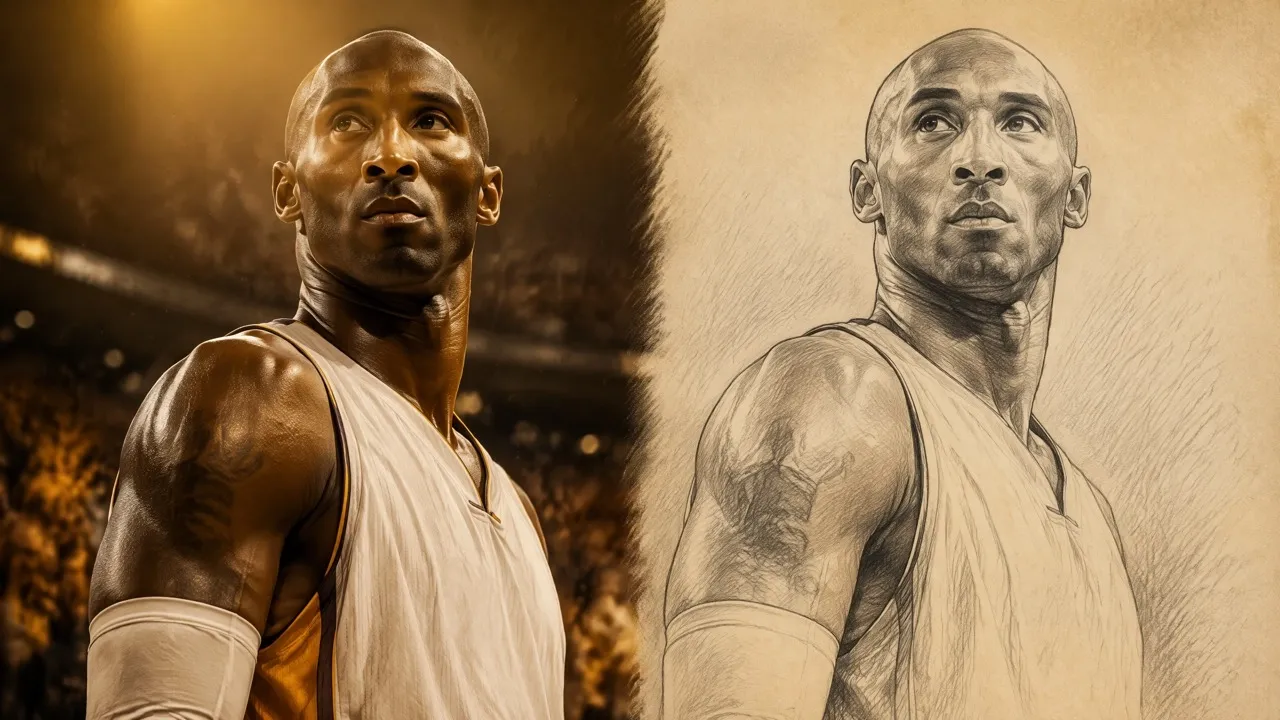
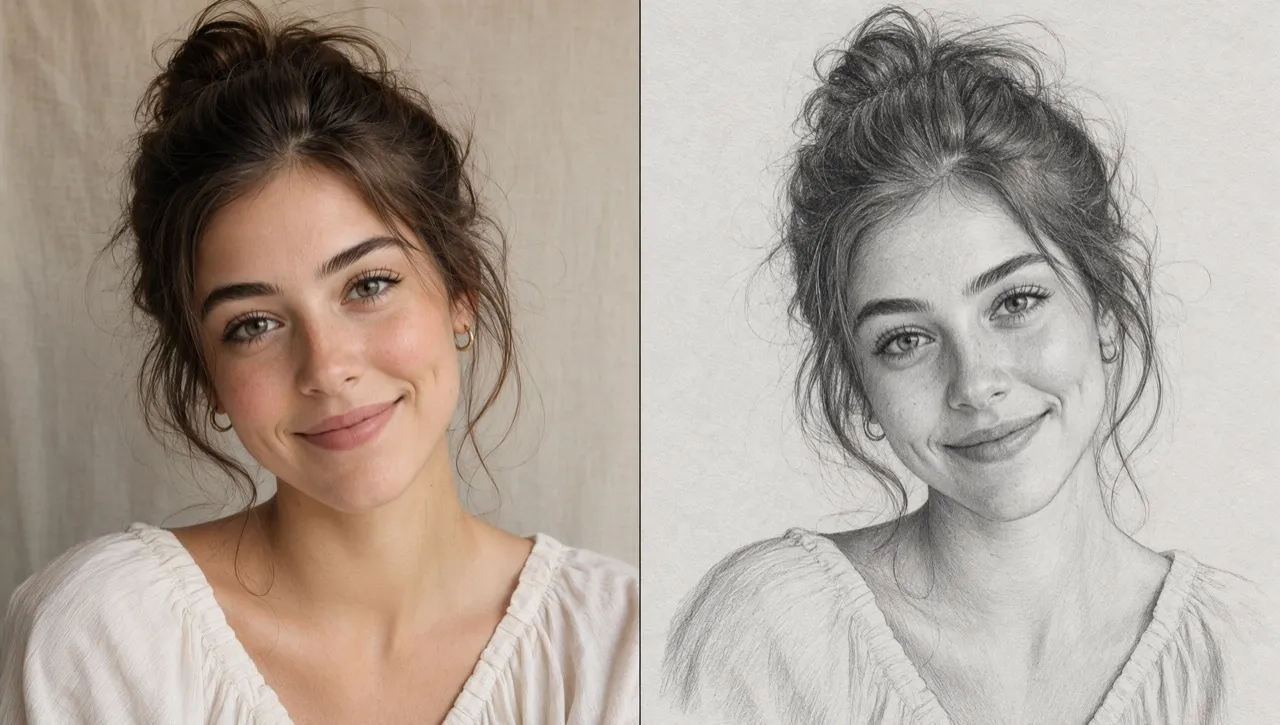
Turn a selfie, portrait, or couple picture into a pencil sketch with our image to sketch converter that keeps the person recognizable while giving the image a softer artistic style.
Convert a clear pet photo into a sketch for a framed print, gift card, or personal collection, while keeping the pose and expression you liked in the original image.
Create sketch-style fan works from cosplay shots, avatars, or idol photos, then use them for fanfic covers, community posts, or tribute visuals.
Use a photo sketch drawing as a starting point for coloring pages, handmade cards, or scrapbook designs when you want something personal but easy to work with.
Upload the photo you want to turn into a sketch.
Choose a sketch style and adjust the output size.
Generate the pencil sketch, preview it, and download your result.
Explore the full range of AI image tools on Pollo AI, built to streamline your entire creative workflow.
Create photorealistic images from text instantly. Achieve cinematic quality and flawless typography with zero photography required.
Create custom pixel art, outfit designs, chibi avatars, and other niche visuals for your audience.
Maintain perfect structural fidelity while recreating photos. Apply cinematic styles and 4K upscaling for production-ready assets.
Clean up images, remove backgrounds, remove objects, and enhance fine details with precise AI editing tools.
Create ready-to-use image assets for business cards, YouTube banners, menus, and other campaign needs with diverse image apps.
Turn a text brief into polished, production-ready visuals with an AI agent that handles the creative workflow for you.









Using Pollo AI to Create and Inspire
Photo to sketch is an online tool that turns regular photos into pencil-style sketch images with outlines, shading, and a hand-drawn visual effect.
To turn a photo into a sketch online, upload your image to our image to sketch converter, choose the sketch direction, and generate the result. Pollo AI’s photo to sketch creates an AI image with a clean pencil drawing version automatically.
A photo with good contrast, a visible subject, and less visual clutter usually creates a cleaner sketch. If the background is too busy, the pencil lines may feel less focused.
Pollo AI’s photo to sketc is more useful than a basic filter because it focuses on cleaner linework, pencil-style texture, and balanced shading instead of simply turning the photo gray.
Manual sketching gives you full artistic control, but it takes time to compose, outline, shade, and revise. Our image to sketch AI gives you a clean starting result quickly, so you can spend more time choosing, sharing, or refining the final image.
Yes. You can start using photo to sketch converter for free on Pollo AI. Higher-volume use, more credits, advanced features, or fuller access may require upgrading to a higher plan.

Create clean portrait sketches, pet drawings, and fan-made art without drawing by hand.