AI Circle Logo Generator

Turn your brand idea into a circle logo with a balanced round structure for profiles and packaging.

Create a Circle Logo With a Strong Sense of Shape

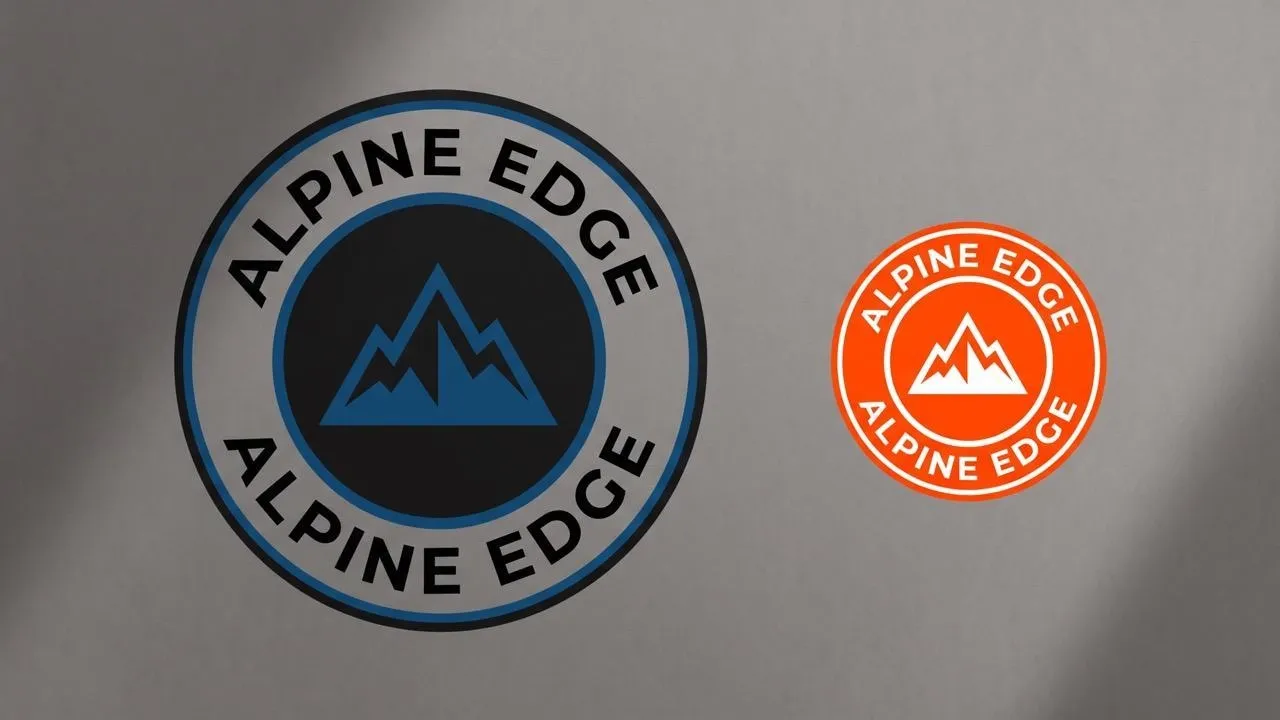
Give your brand a compact mark that works wherever a badge, seal, label, or round avatar fits best. Our AI circle logo generator creates circle, circular, and round logo directions with borders, icons, circular text, black-and-white styles, and balanced layouts for profiles, packaging, and brand materials.
Create a Circle Logo With a Strong Sense of Shape
  • Turn a Brand Idea Into a Compact Badge

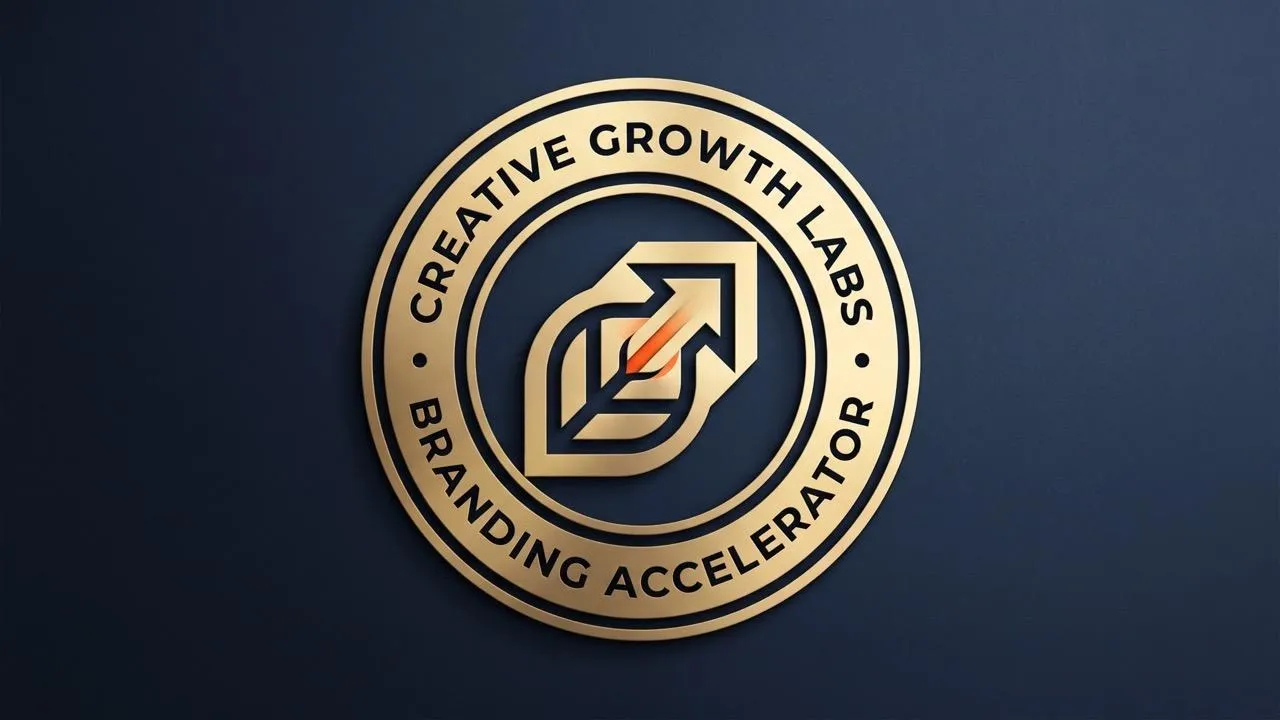
    Create a complete round mark that fits neatly into a badge, seal, label, or avatar.

  • Make Circular Text Feel Naturally Balanced

    Shape words, icons, and borders into a circle logo with a clear visual center.

  • Create a Mark That Fits Small Spaces

    Build a bold round identity for profiles, labels, stamps, packaging, and social avatars.
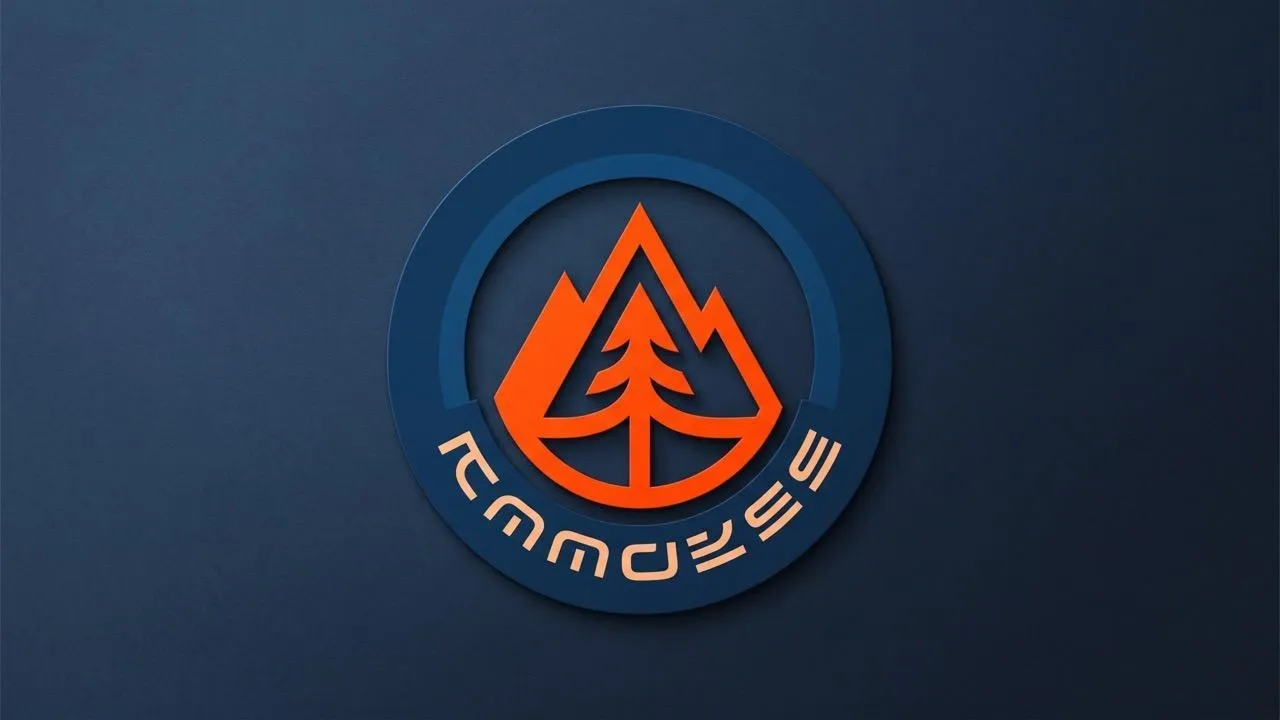
Build a Balanced Circular Logo Structure

Turn a brand idea, icon, or short name into a circle logo design with a clear center and even visual weight. The maker organizes the main symbol, border, and surrounding space so the mark feels intentional rather than squeezed into a round frame.

Build a Balanced Circular Logo Structure

Create Circular Text and Badge-Style Layouts

Describe a circle text logo, circle logo with text, or round badge when wording needs to follow or sit inside the shape. The circle logo maker turns that direction into a compact emblem for labels, seals, and packaging.

Create Circular Text and Badge-Style Layouts

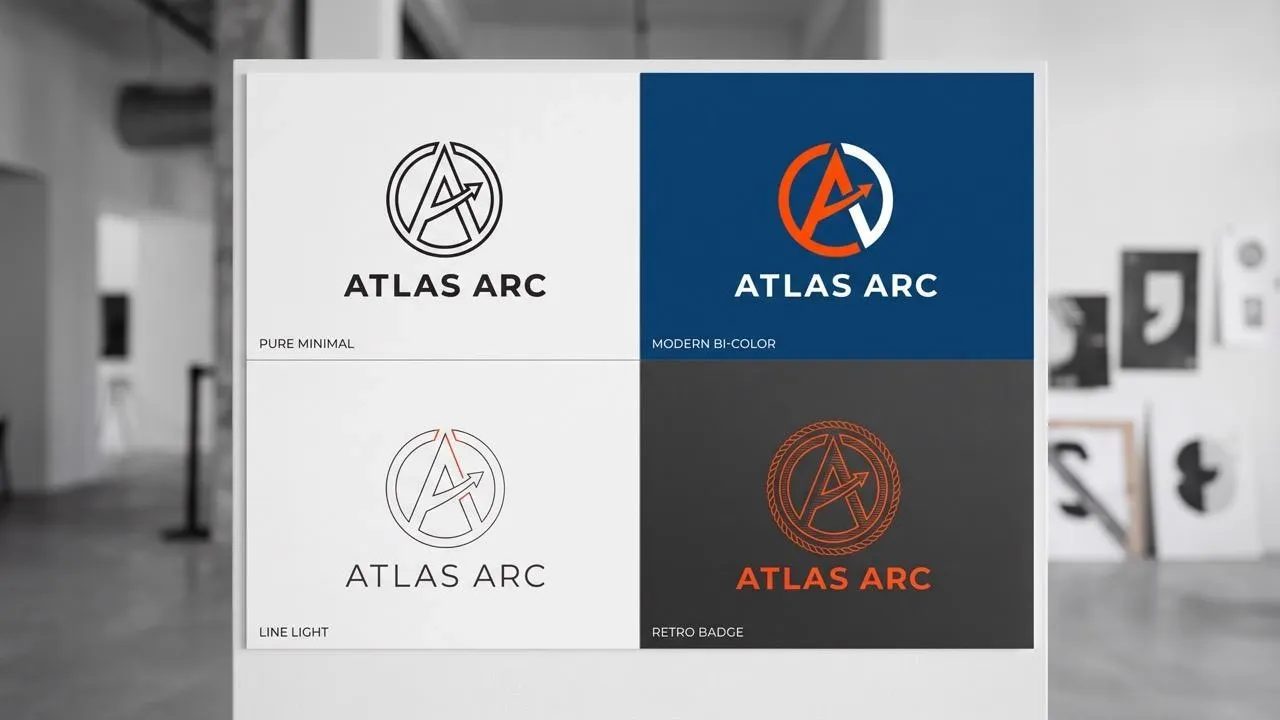
Set the Color and Style of the Round Mark

Shape the same circular logo idea in simple, minimal, modern, black-and-white, or more decorative directions. If a supplied reference needs polishing, use image enhancement before generating a cleaner visual route.

Set the Color and Style of the Round Mark

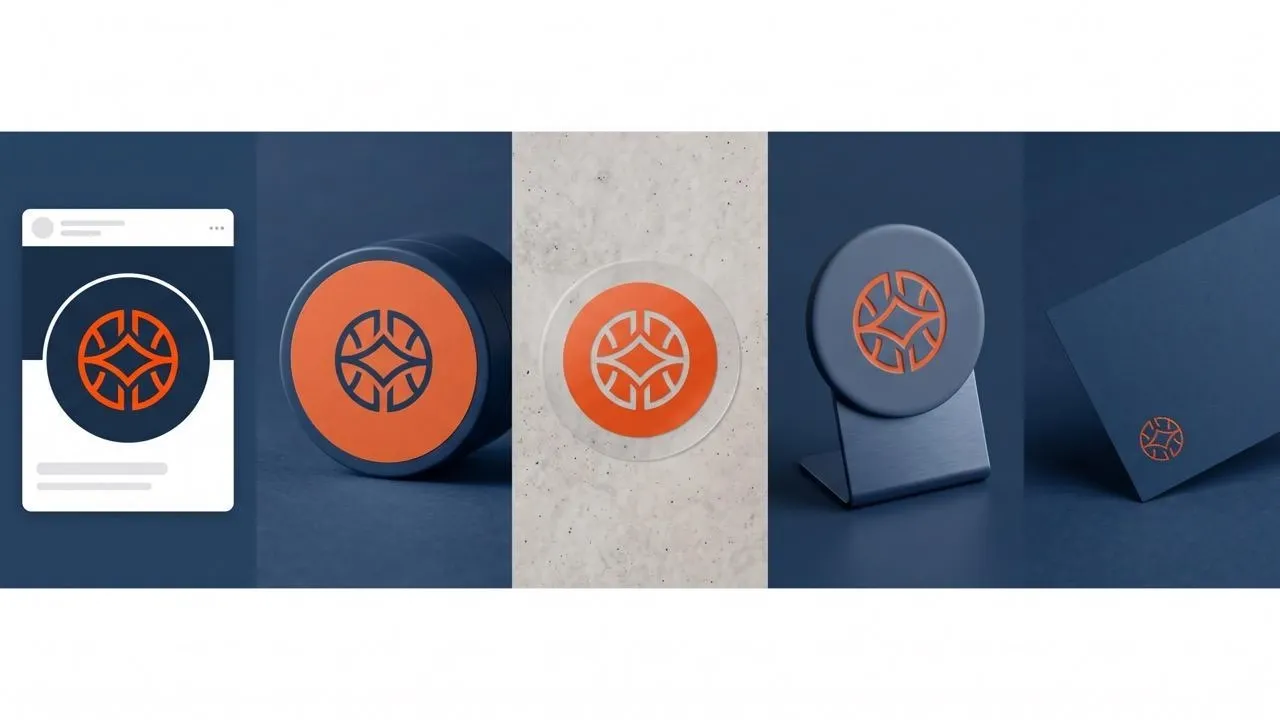
Use the Round Mark Across Brand Touchpoints

Create a circle logo for an avatar, product label, sticker, storefront badge, or social graphic, then extend the identity into business card designs for a connected brand presence across print and digital channels.

Use the Round Mark Across Brand Touchpoints

Who Uses This Circle Logo Generator?

Round Product Badges
Retail & Product Brands

Round Product Badges

Create a circle badge logo for labels, packaging, seals, or product lines where a contained mark reads quickly at small size, then carry it into image ads.

Circular Business Logos
Local Businesses & Services

Circular Business Logos

Turn your business name and icon into a circular logo for storefronts, uniforms, social profiles, printed customer materials, and signage.

Social Avatar Logos
Creators & Community Groups

Social Avatar Logos

Build a bold round logo for an avatar or community identity, then match it with quote poster designs for recurring posts.

Circular Campaign Marks
Packaging & Marketing Teams

Circular Campaign Marks

Create round logo directions for seasonal packaging and campaigns, then move the chosen identity into a packaging mockup to show it in context.

How to Create a Circle Logo

Step 1

Add your brand idea and describe the icon, border, text, or badge structure you want.

Step 2

Set the mood with simple, minimal, modern, black-and-white, or decorative visual direction.

Step 3

Choose the strongest round layout, remove its background with background removal, and download the result.

Your Complete AI Image Creation Toolkit

Go from initial idea to ready-to-publish designs. Instantly access AI image generators, precise photo editing, and professional image tools.

Generate Visuals From Text

Turn creative briefs into breathtaking visuals instantly. Generate photorealistic marketing assets, flawless typography, and bespoke art without a camera.

Try AI Image Generator Free

Create Art Through Conversation

Generate stunning visuals through natural conversation. Simply chat to brainstorm concepts, refine intricate details, and create perfect artwork instantly.

Try Chat to Image Free

Reimagine Your Existing Photos

Reimagine your existing photos with advanced style transfer. Protect core subject identity while upgrading lighting, textures, and native 4K details.

Try Image to Image AI Free

Polish Images to Perfection

Access an all-in-one AI image editing suite for limitless creativity. Retouch details, reimagine entire scenes, and polish visuals into flawless masterpieces.

Try AI Photo Editor Free

Evolve Still Images Into Motion

Bring your static images to life with cinematic motion. Seamlessly transition from AI photos to fluid, high-framerate video sequences in just seconds.

Try Image to Video Free

Streamline Your Daily Edits

Simplify your design process with versatile utilities. From magic erasers to transparent backgrounds, access everything needed to refine raw assets quickly.

Explore All Image Tools

TRUSTED BY LEADING BRANDS WORLDWIDE

Sony
Mercedes-Benz
Coca-Cola
Microsoft
Nike
P&G
Lancôme
Zoom
Pollo AI creators using text to video tools

10M+Users

Using Pollo AI to Create and Inspire

Loved by 10M+ Creators and Marketers Globally

Thousands of satisfied users have shared their Pollo AI experiences on Trustpilot, rating us as "Excellent." See what they love about our platform.
  • Liz Cassidy
    Dec 15, 2025
    Easy to use, great results for short videos
    I’ve been using Pollo AI mainly for short videos and quick image-to-video tests. The interface is straightforward and it works well even with simple prompts, which is a big plus compared to tools that need long, complicated instructions. The results can be really impressive, and it’s honestly been fun to experiment with. I’d love a bit more consistency on faces when there’s movement, but overall it’s been a solid experience for what I needed.
  • Richard Quick
    Oct 15, 2025
    Awesome website
    Awesome website. loads of options and a great way to learn how to work with 'AI' my reasoning for 5 stars is based upon price, versatility and ease of use. Also I would like to add, Pollo AI runs a lot of promos on different AI products as well. I rate their customer service at 5 stars, when I purchased my first subscription my computer crashed the following weekend and I lost all my data and info passwords you name it I lost it, contacted pollo by email they responded quickly and found my info/username and account, and I was able to restore my account.
  • armourdude
    Nov 19, 2025
    I have been using Pollo AI for short…
    I have been using Pollo AI for short videos. It is easy to use and works well with simple prompts. Other generators seem to need long drawn out complicated explanations to get even close to what I want.
  • Dudu
    Jan 14, 2026
    I'm just amazed by the level of quality…
    I'm just amazed by the level of quality output that Pollo AI can produce from a simple image. The motion, the realism, It's too good!!
  • Ray Warnes
    Dec 30, 2025
    A fabulous journey
    I find Pollo easy to use, it gives me great results and I'd recommend it to anyone. It has been a wonderful experience for me.
  • lawless clan
    Nov 22, 2025
    i tried 220 online img to vid in 2…
    i tried 220 online img to vid in 2 months, and this is the best online video.I will subscribe for a year; there are many reasons. But freedom is the most important.
  • Istvan Lajos
    Dec 10, 2025
    Thanks
    Thanks, This is the Best A.I. site in the net! I can try it with free coin, and if I like it I subscribe.And alwas have free limited oportunities.You are the Best.
  • Santiago Saenz
    Nov 20, 2025
    Amazing
    I use it for multiple angles and they always have revolving deals that help so much its a great tool
  • Gen Zee
    Dec 14, 2025
    Great and accurat to propmt
    Great and accurat to propmt, wonderfull experience till now as compared to other ai sites.thank ypu.
  • 萱兒
    Dec 23, 2025
    It replaced Pixverse V4.5 Fusion
    Since Pixverse axed the best ever Fusion V4.5, i was upset. And now I found Pollo AI perform better. TQ
  • Norma Ponce
    Mar 21, 2026
    AI Chicken is excellent
    AI Chicken is excellent, easy to use, and delivers unbeatable results.
  • Sarah Stokes
    Mar 20, 2026
    Fabulous so glad I used it amazing
    Fabulous so glad I used it amazing
  • Sudipta Saha
    Mar 20, 2026
    Perfect image editor
    Perfect image editor
  • Luiz Guyz
    Mar 19, 2026
    Excelent app the videos os Very good
    Excelent app the videos os Very good
  • Swishadoptme Swishadoptme
    Mar 18, 2026
    Very cool experience
    Very cool experience

FAQs

What Is an AI Circle Logo Generator?

An AI circle logo generator creates a logo organized around a circular, round, badge, seal, or emblem-style structure.

What Is the Best AI Circle Logo Generator?

Pollo AI's AI circle logo generator is the best AI circle logo generator because it shapes circular text, icons, borders, and badge-style layouts into compact brand marks for real touchpoints.

Can I Try the AI Circle Logo Generator for Free?

Yes. You can add a brand idea and circular style direction to create a circle logo in Pollo AI for free.

How Do I Create a Round Logo?

Create a round logo by describing the central icon, border, text placement, and visual style you want inside the circular structure.

Can I Make a Circle Logo With Text?

Yes. You can create a circle text logo with wording inside the shape or arranged around its outer edge.

Where Can I Use a Circle Logo?

You can use a circle logo for social avatars, labels, packaging, stickers, storefront badges, business cards, and campaign graphics.
Shape a Memorable Round Mark on Pollo AI

Turn your idea into a balanced circle logo for profiles, packaging, labels, and campaigns.