Marketers
Turn complex messages into clear visuals
Explain product features, campaign insights, or key data in a way audiences can quickly understand and act on.
AI Video
Transform text and images into cinematic videos with lifelike avatars and studio-quality SFX.

AI Image
Turn ideas and images into stunning visuals, or perfect any photo with a complete suite of AI tools.

Agent
Create production-ready videos with SFX, consistent characters, and polished scenes. No Editing.

Marketing Studio
Built for marketers and sellers to create winning ads, UGC videos and product visuals faster.

Bring your ideas, data, or content to life as a polished infographic video, complete with visuals, motion, and structure, ready to share without any editing work.
Kling 4.0
Up to 10 keyframes. Impressive performance.
Turn ideas, data, or explanations into structured infographic videos with scenes, visuals, and text built automatically. Use it to turn reports into social videos, explain product features on landing pages, or present insights without slides or manual editing.
Turn complex ideas into structured infographic video layouts with clear sections, highlights, and logical flow.
Bring key points to life with animated text, shapes, and motion that guide attention and improve understanding.
Apply styles that match your content, making each infographic video clear, engaging, and ready for different platforms.
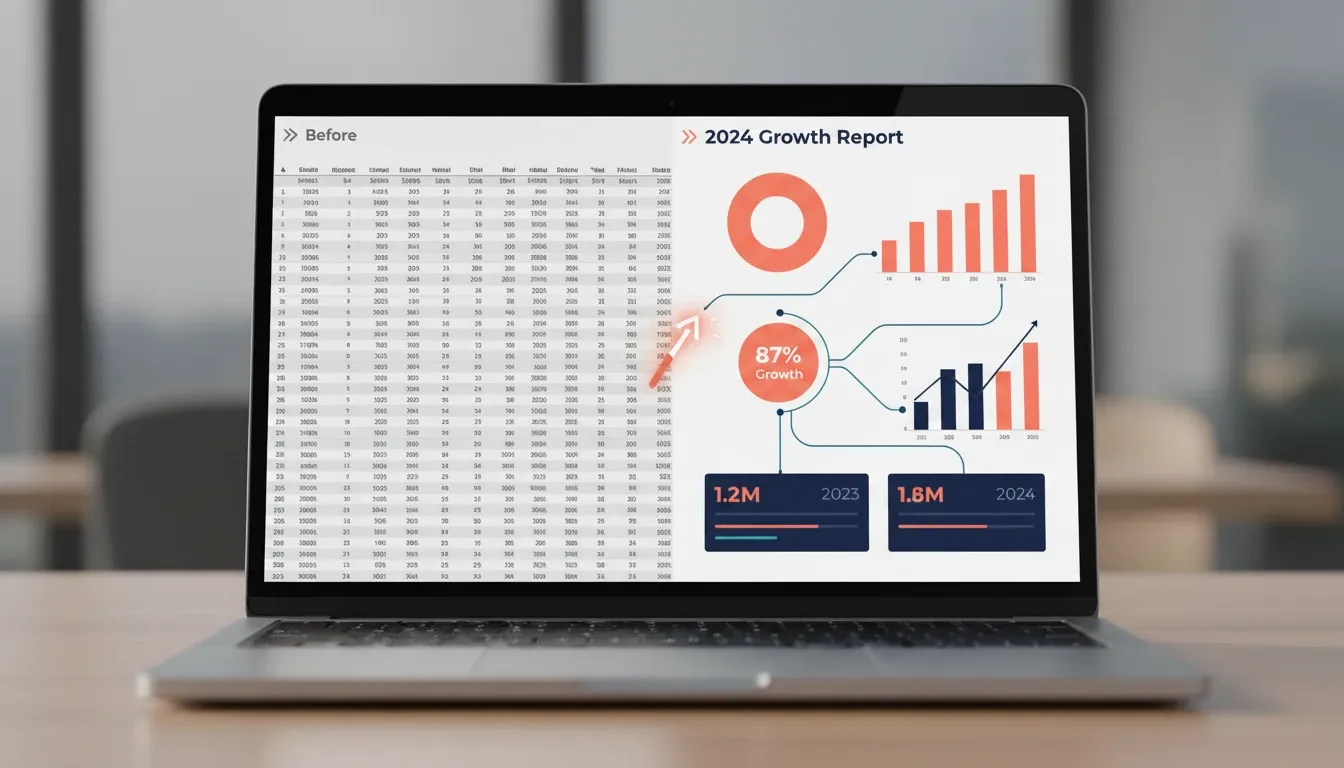
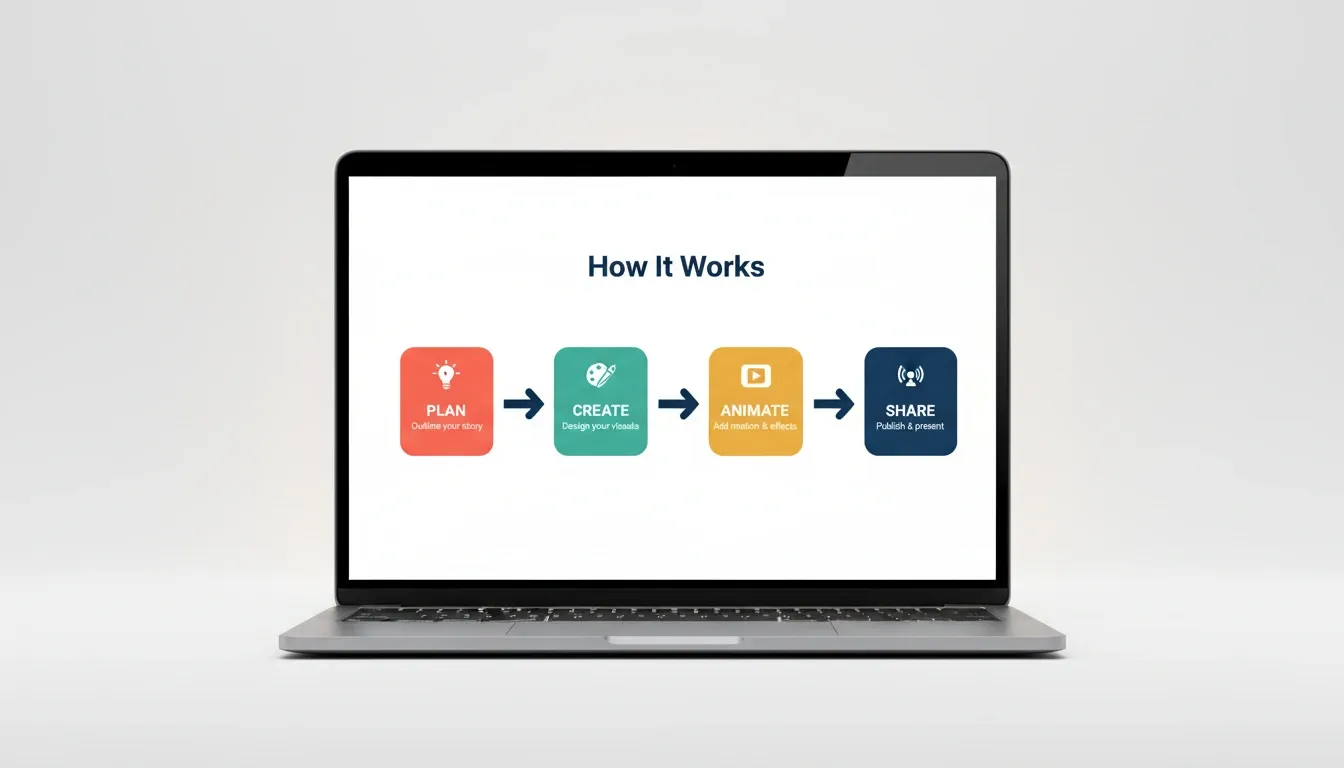

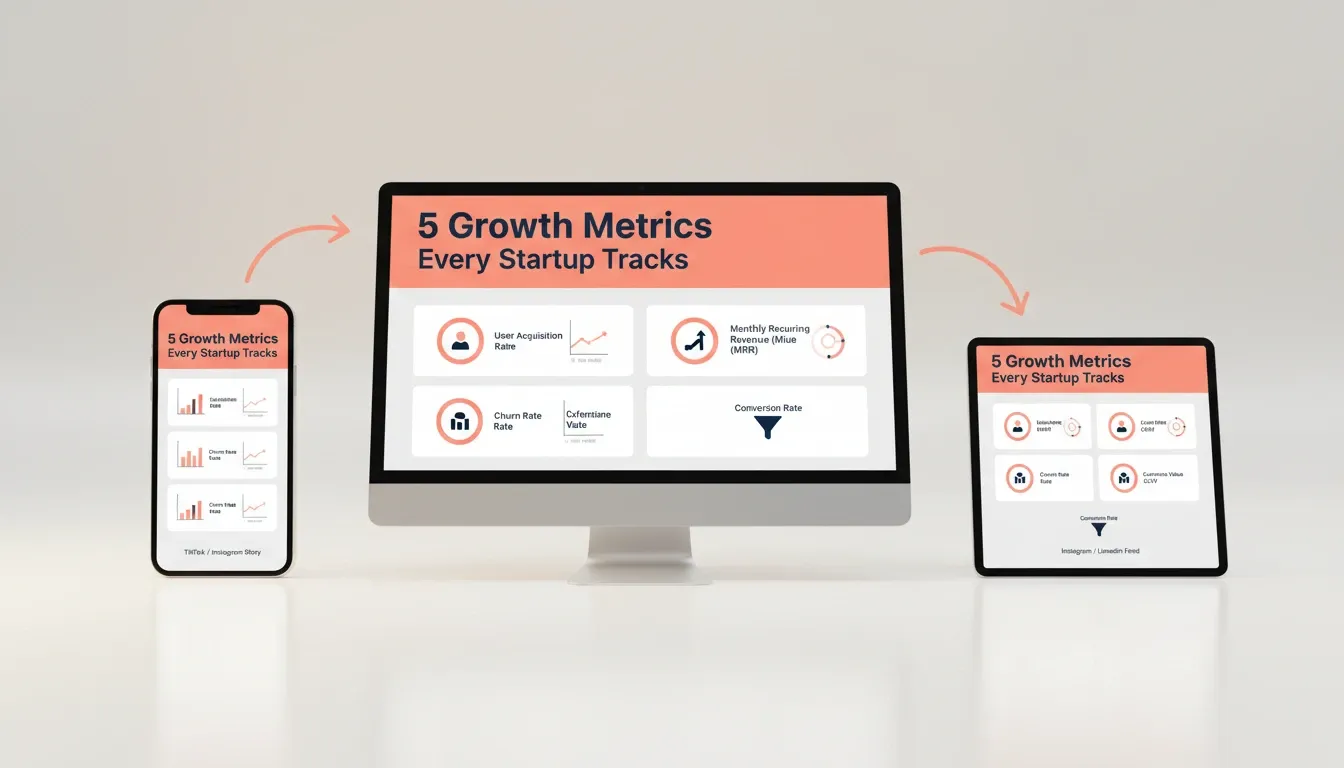
Explain product features, campaign insights, or key data in a way audiences can quickly understand and act on.

Break down lessons into visual steps for courses, tutorials, or educational content.

Show workflows, onboarding steps, or product updates through simple, visual videos.

Turn reports and frameworks into structured visuals that are easier to present and remember.
Enter your ideas, data, or script to define what your infographic video will explain.
Select visual styles, layout, and format to shape how your content is presented.
Create your infographic video instantly, ready to download or publish with no editing needed.
Go from a single concept to a finished video. Combine generation, avatars, sound, and editing into one seamless production process.
Bring your static images to life with cinematic motion. Add lifelike camera pans and fluid transitions to maximize viewer engagement and visual impact.
Elevate your projects with studio-grade audio tracks. Layer realistic AI voices and dynamic sound effects to perfectly match the tone of your narrative.
Build professional video assets without a camera. Generate incredibly realistic scenes and smooth footage to elevate your brand's visual storytelling.
Put your entire creative workflow on autopilot. Go from a text prompt to a production-ready video with zero editing, delivering studio-grade results fast.
Master your post-production workflow. Apply video matting, enhance video quality, and seamlessly build sequences to turn raw clips into a flawless masterpiece.
Access a comprehensive suite of video tools. Easily apply video filters, clean up messy audio, and reframe videos for any platform.









Using Pollo AI to Create and Inspire
An AI infographic video maker turns ideas, data, or scripts into fully structured infographic videos automatically. It generates visuals, text, and flow in one process, so you get a complete, ready-to-use video without editing.
Yes, you don’t need any design or video editing experience. The AI handles layout, visuals, and structure for you.
You can use data, reports, product features, tutorials, or any ideas that need clear visual explanation.
Yes, you can create infographic videos formatted for platforms like TikTok, Instagram, or YouTube.
Yes, it’s ideal for explaining products, sharing insights, or turning information into engaging marketing content.
No, the video is generated with structure, visuals, and flow already in place, ready to use immediately.
Yes! With Pollo AI, new users receive free credits to try the AI infographic video maker and create sample infographic videos before upgrading.

Turn complex ideas and data into clear, engaging videos with AI-generated visuals and structure.