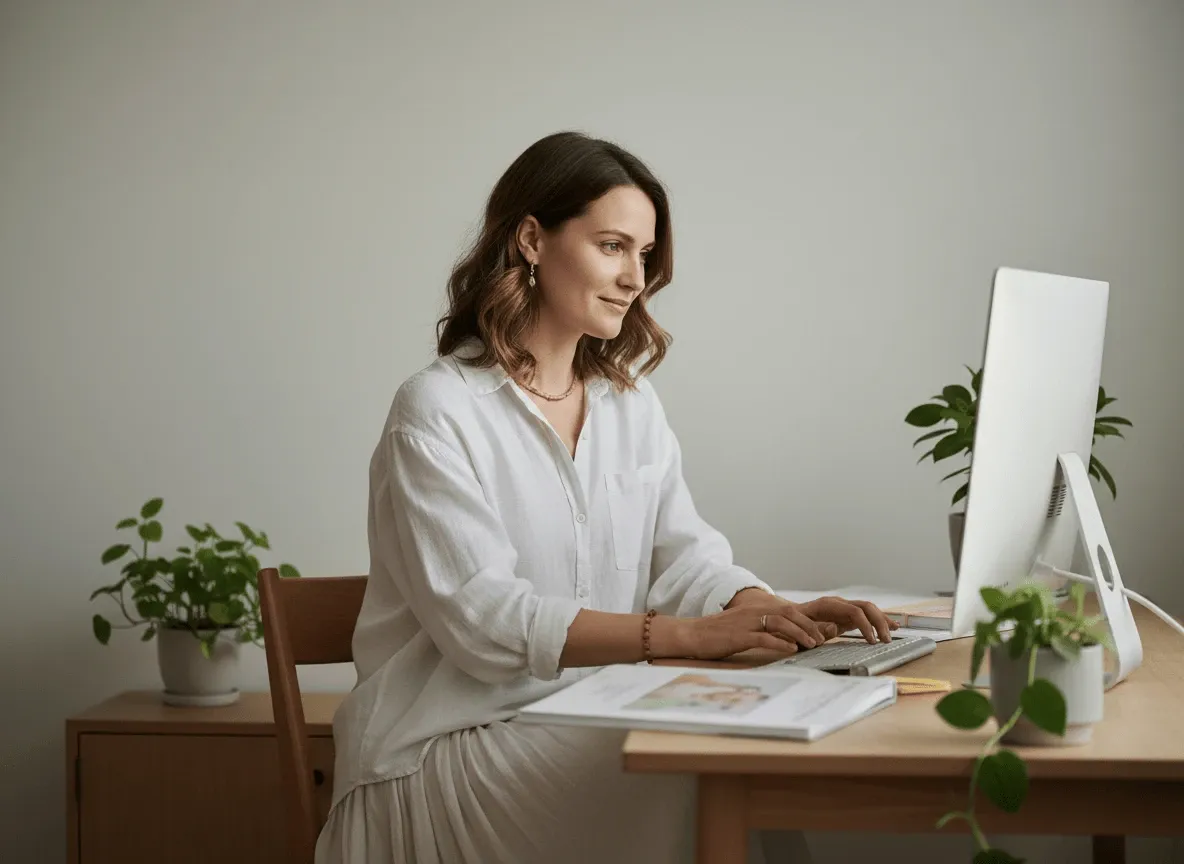
First-Time Parents
Set Your Childcare Standards
Turn your parenting routines and household rules into professional instruction videos instantly.
AI Video
Transform text and images into cinematic videos with lifelike avatars and studio-quality SFX.

AI Image
Turn ideas and images into stunning visuals, or perfect any photo with a complete suite of AI tools.
Agent
Create production-ready videos with SFX, consistent characters, and polished scenes. No Editing.

Marketing Studio
Built for marketers and sellers to create winning ads, UGC videos and product visuals faster.
Transform babysitting guides into clear, engaging video instructions with AI narration—no video editing skills required. Help caregivers deliver consistent, professional childcare.
Kling 4.0
Up to 10 keyframes. Impressive performance.
Convert your babysitting protocols and childcare guidelines into engaging video content automatically. AI transforms your babysitting documentation into dynamic videos with visual demonstrations and clear instructions.
Create babysitting training videos without any prior video production experience needed.
Build one video resource that onboards every new caregiver without repetitive explanations.
Generate clear, natural voiceovers that explain every childcare procedure with perfect pacing.
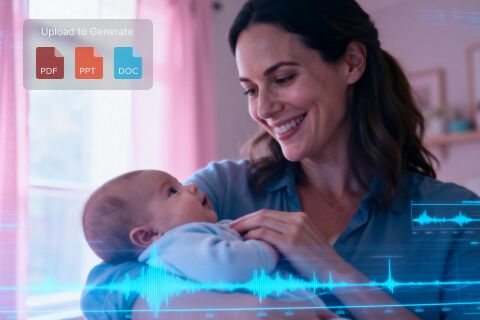
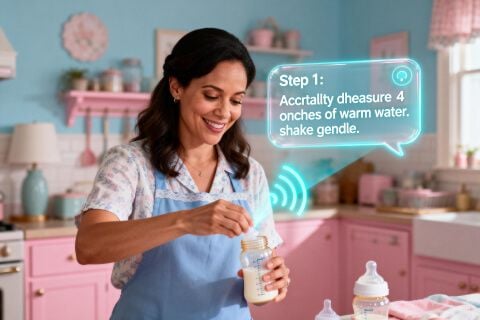

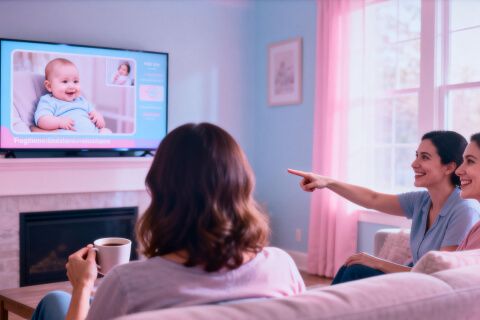
Turn your parenting routines and household rules into professional instruction videos instantly.

Create reusable babysitting training videos that bring every new hire up to speed fast.
Convert childcare protocols into clear instructional videos your entire team can follow reliably.
Showcase your expertise and routines through polished instruction videos for prospective families.
Upload the content of babysitting guides.
Set other parameters as your preference.
Generate your professional babysitting video.
Go from a single concept to a finished video. Combine generation, avatars, sound, and editing into one seamless production process.
Bring your static images to life with cinematic motion. Add lifelike camera pans and fluid transitions to maximize viewer engagement and visual impact.
Elevate your projects with studio-grade audio tracks. Layer realistic AI voices and dynamic sound effects to perfectly match the tone of your narrative.
Build professional video assets without a camera. Generate incredibly realistic scenes and smooth footage to elevate your brand's visual storytelling.
Put your entire creative workflow on autopilot. Go from a text prompt to a production-ready video with zero editing, delivering studio-grade results fast.
Master your post-production workflow. Apply video matting, enhance video quality, and seamlessly build sequences to turn raw clips into a flawless masterpiece.
Access a comprehensive suite of video tools. Easily apply video filters, clean up messy audio, and reframe videos for any platform.









Using Pollo AI to Create and Inspire
Upload PowerPoint (PPTX, PPT), PDF documents, or paste text directly. The AI processes diverse content formats, extracting information and converting it into structured video narratives with appropriate visual demonstrations and professional narration for childcare instruction.
Most babysitting instruction videos generate within minutes, depending on content length and complexity. Upload your materials, and AI processes them into complete videos with narration faster than traditional video production workflows, accelerating caregiver training timelines.
Any babysitting training scenario: daily routines, feeding instructions, safety guidelines, emergency contacts, play activities, bedtime procedures, allergy alerts, medication instructions, and more.
Yes. Preview your babysitting video, make adjustments to narration timing, visual elements, or procedural emphasis. Fine-tune your instruction video before sharing with caregivers, ensuring it perfectly communicates your childcare standards and safety requirements.