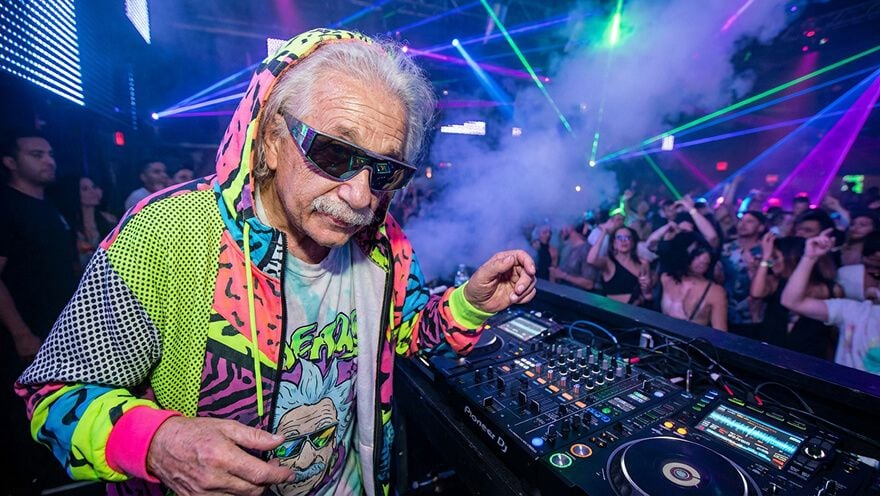
Step 1
Simply upload your raw footage or existing video to Pollo AI YouTube video editor.
AI Video
Transform text and images into cinematic videos with lifelike avatars and studio-quality SFX.

AI Image
Turn ideas and images into stunning visuals, or perfect any photo with a complete suite of AI tools.

Agent
Create production-ready videos with SFX, consistent characters, and polished scenes. No Editing.

Marketing Studio
Built for marketers and sellers to create winning ads, UGC videos and product visuals faster.

Describe what you want, and let Pollo AI YouTube video editor do the rest. Repurpose your YouTube videos in minutes, not hours.
Stop wrestling with complex timelines and endless settings. With the Pollo AI YouTube video editor, you can edit your videos just by describing what you want. Turn raw footage into stunning, professional content in minutes, not hours.
Instantly change video aesthetics to vintage, anime, cinematic, or any described mood.
Transform unedited clips into professional-grade YouTube content in minutes.
Create visually dynamic and engaging videos that keep audiences hooked.
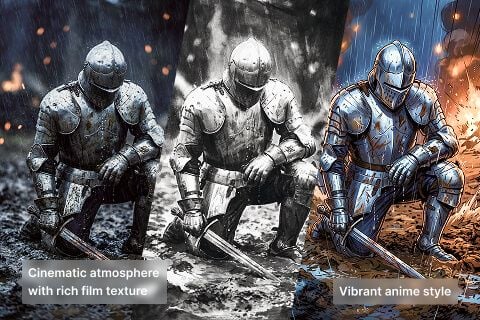
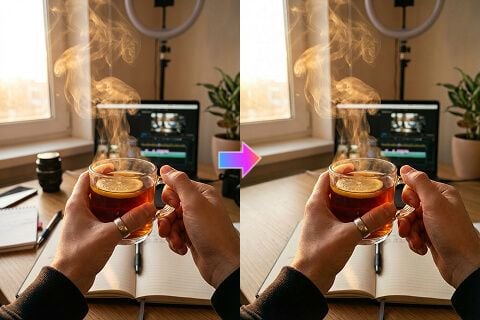

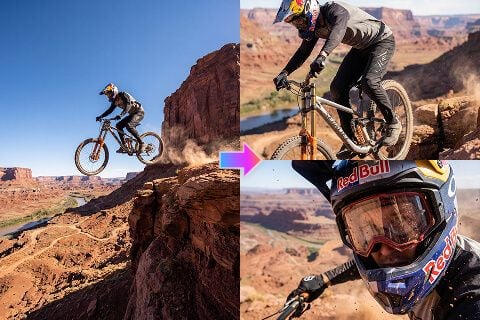

Transform raw footage into polished, engaging videos and viral Shorts with AI in minutes.

Quickly generate diverse videos to adjust styles for optimized marketing performance.

Turn screen recordings or presentations into dynamic, interesting educational content.

Produce studio-quality video content showcasing products or services, enhancing visual appeal.
Simply upload your raw footage or existing video to Pollo AI YouTube video editor.
Describe what you want to change—remove objects, change styles, add captions, adjust appearances.
In minutes, get a polished video ready to upload to YouTube, YouTube Shorts, or any platform.









Using Pollo AI to Create and Inspire
 roy abidin
 Free Life “TODOTERRENO” Rabbit
 Giang La
 Norma Ponce
 Sarah Stokes
 Sudipta Saha
 Luiz Guyz
 Swishadoptme Swishadoptme
 MrWookiee
 Gamal Amer
 marcel desille bousquet
 Wilson Sotomonte
 Sasa Dobricic
 Katarpint
An AI YouTube video editor is a tool that uses artificial intelligence to automate the most time-consuming parts of video editing. It can change subject appearance, remove unwanted objects, generate subtitles, change styles, and change camera angles, helping you create professional content faster.
Our AI YouTube video editor is perfect for content creators, marketers, educators, and business owners who want to produce high-quality YouTube videos without the steep learning curve and time commitment of traditional editing software. It's great for both beginners and pros looking to speed up their workflow.
You simply describe what you want to change. With prompt-based editing, Pollo AI YouTube video editor automatically applies edits like style changes, object removal, subtitles, and highlight extraction. You can always review and fine-tune the result.
Absolutely. Our AI YouTube video editor is ideal for pulling short, impactful moments from longer videos, making it the perfect tool for creating engaging YouTube Shorts that are ready to go viral.
Yes! You can start for free with our trial plan. This allows you to test the core features and see how easily you can create amazing videos for your AI YouTube channel.
Pollo AI YouTube video editor supports all major video formats, including MP4, MOV, AVI, and WMV. Just upload your file, and our editor will handle the rest.