




AI Black Background Remover
Upload an image to remove its black background and create a clean transparent cutout for products, logos, designs, and profile visuals.
Remove Black Backgrounds From Images
Turn black-background product photos, logos, screenshots, icons, and graphics into clean transparent cutouts for stores, slides, thumbnails, profile visuals, and design projects. Our AI black background remover removes dark backdrops while keeping the subject easier to place, without manual masking, layer work, or Photoshop.
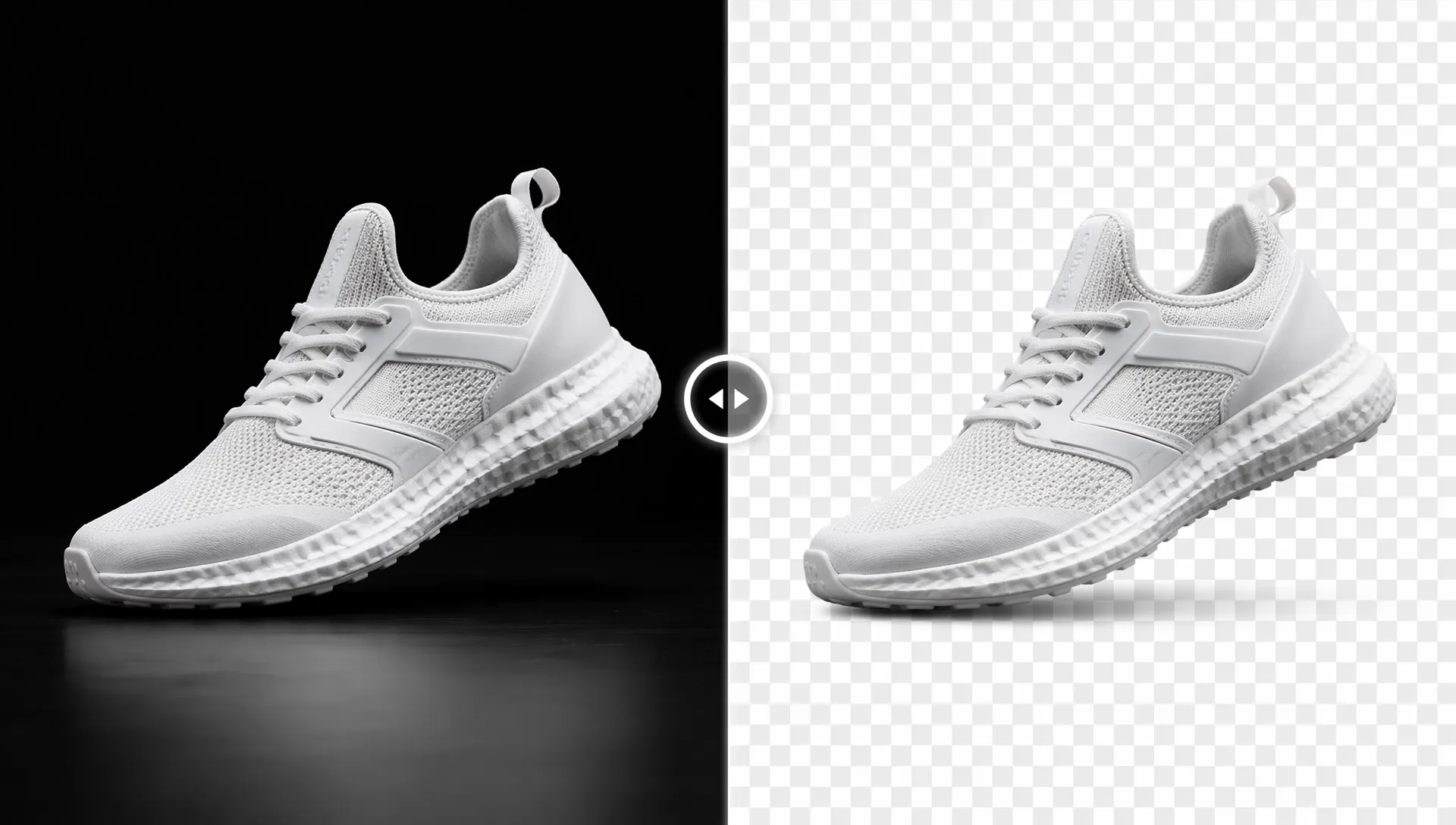
Black-to-Transparent Without Manual Masking
Upload a dark-background image and get a reusable transparent cutout without tracing.
Cleaner Edges for Real Layouts
Keep products, logos, and icons easier to place on light designs.
Focused Cleanup for Dark Boxes
Target black backdrops, borders, and frames instead of broad photo editing.
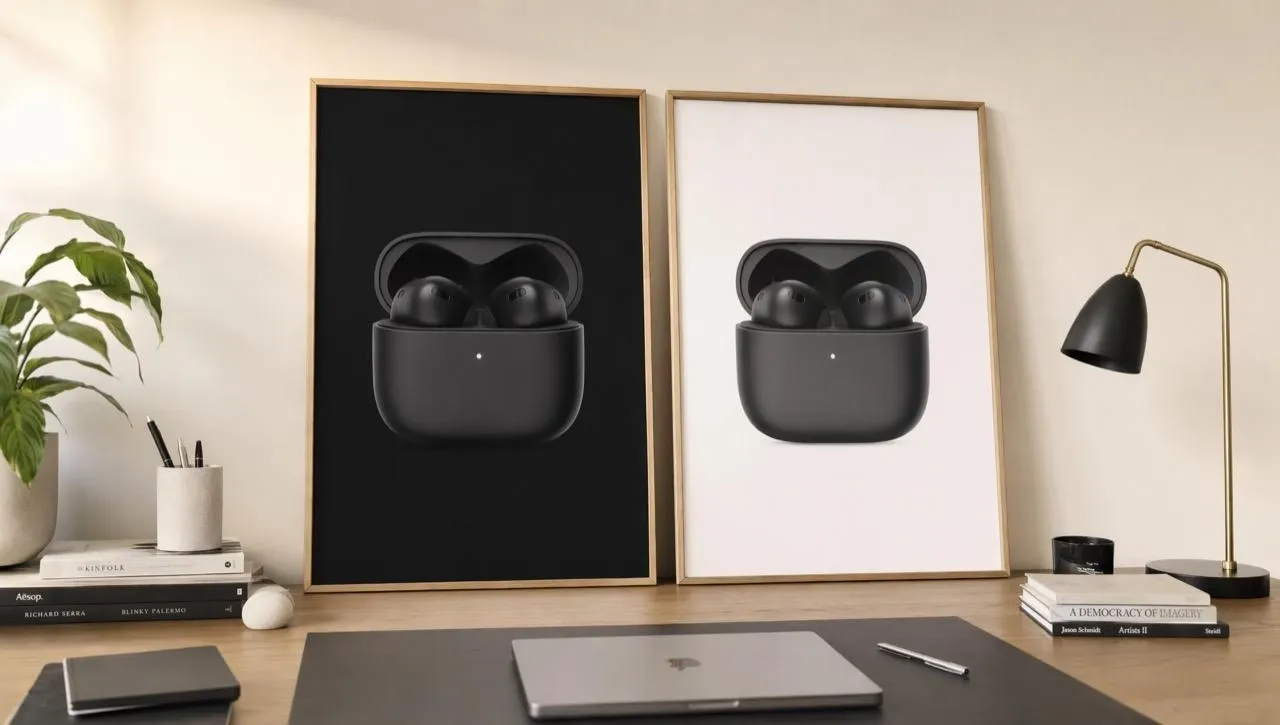
Dark Product Shots Into Reusable Assets
Turn black-backed product renders, logo exports, icons, and badges into reusable transparent assets for catalog cards, decks, thumbnails, and marketplace graphics. When a listing specifically requires a clean white canvas, place the finished cutout on a white background afterward.
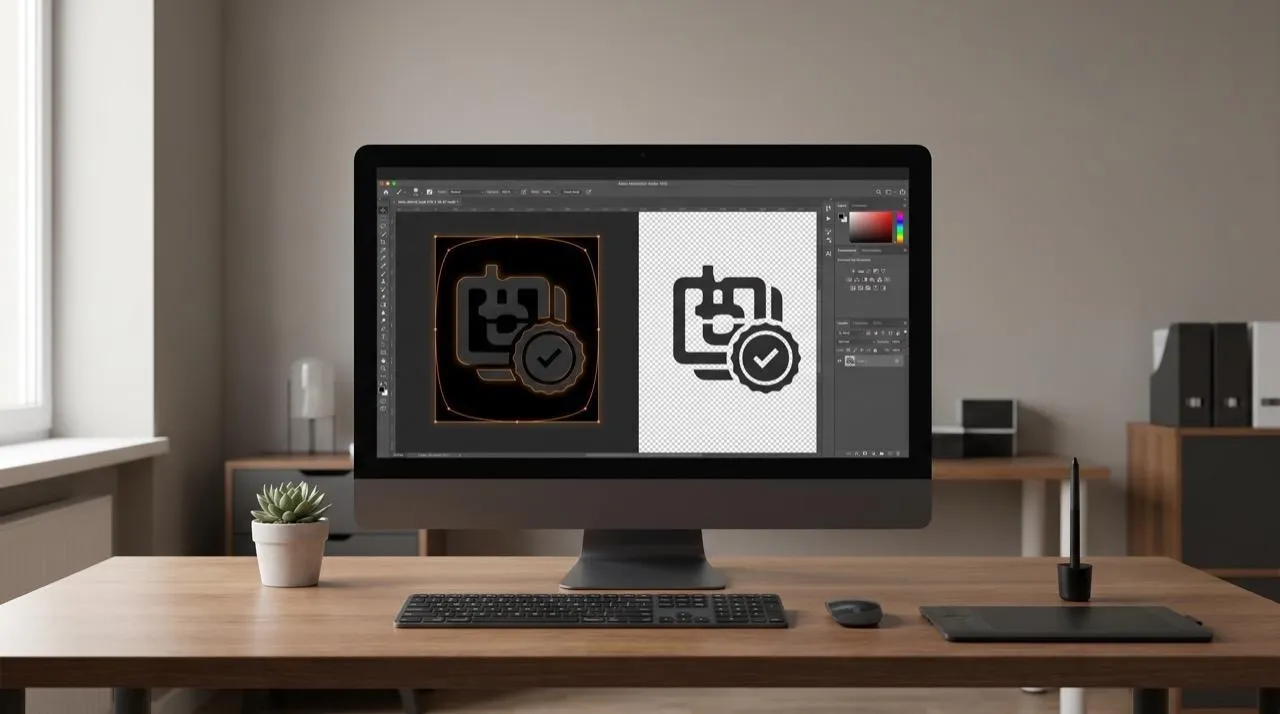
Fine Shapes Without Manual Tracing
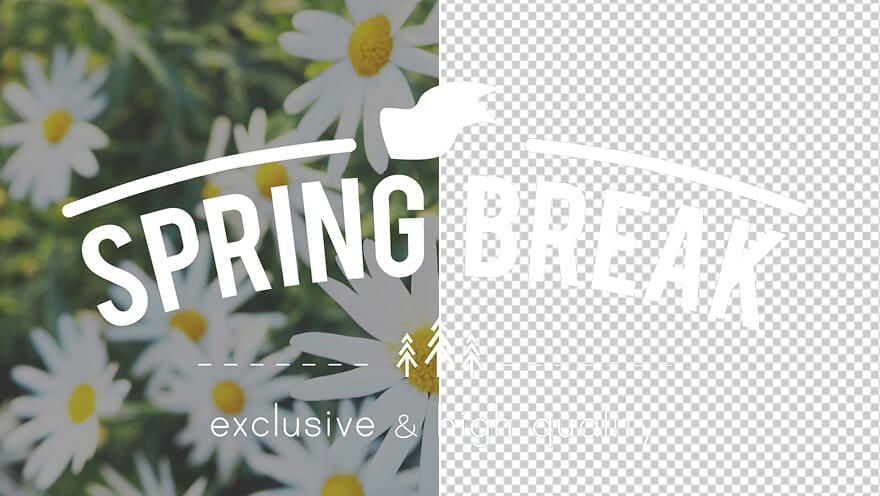
Keep cleanup focused around the subject's actual outline, including badge curves, icon holes, product silhouettes, and letter-style marks. You spend less time selecting tiny edges, separating dark halos, or redrawing shapes by hand for each asset.
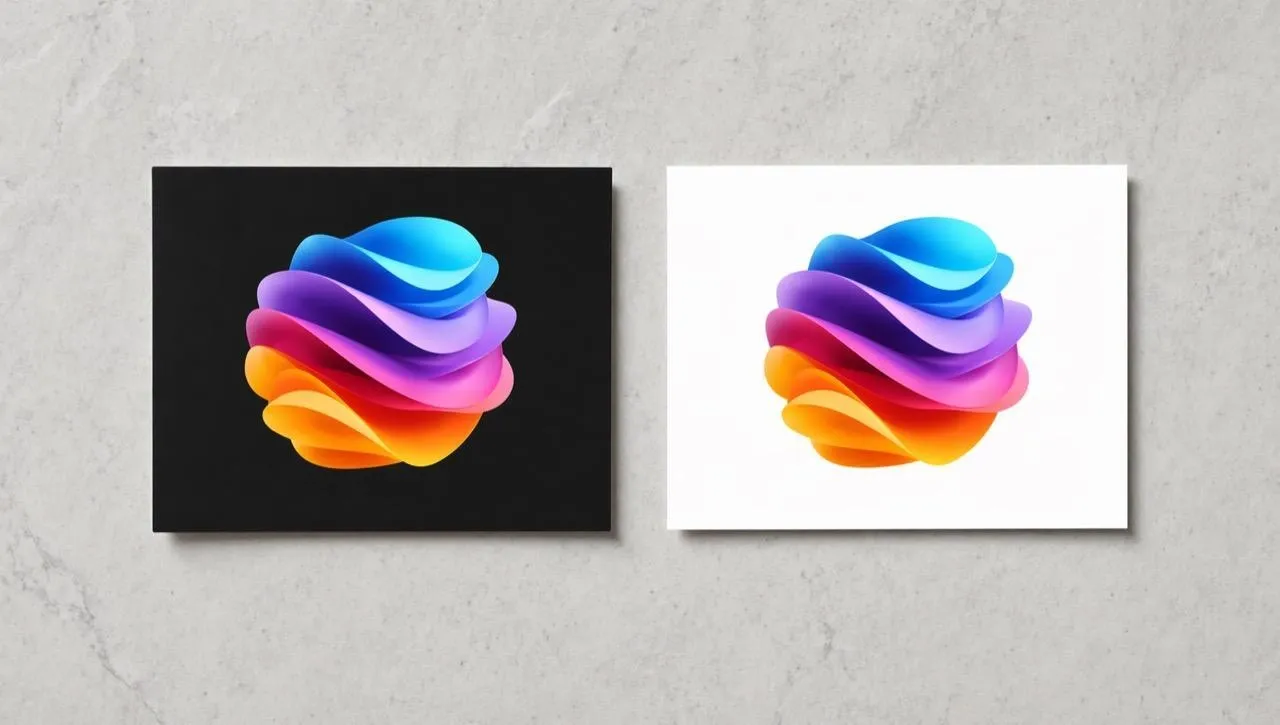
Black Boxes Around Saved Graphics
Clean screenshots, downloaded logos, and legacy graphics where the problem is a visible black rectangle around an otherwise usable asset. This turns trapped artwork into something reusable without redesigning the file or rebuilding the icon.
Cleaner Contrast for New Backgrounds
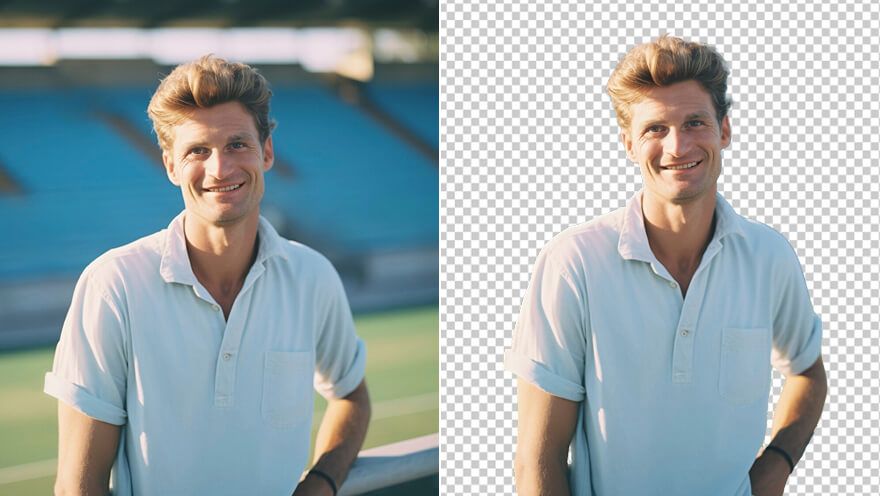
Use the transparent result on light, colored, or branded surfaces without the old dark block controlling the design. Product cards and profile images feel intentionally placed; for a complete scene replacement, continue with an AI background changer.
Who Needs a Black Background Remover

Transparent product images
Prepare a product render for Shopify, Etsy, Amazon, or a comparison graphic when the black backdrop makes the item hard to place. New product scenes can use an AI product photo generator separately.

Reusable graphic cutouts
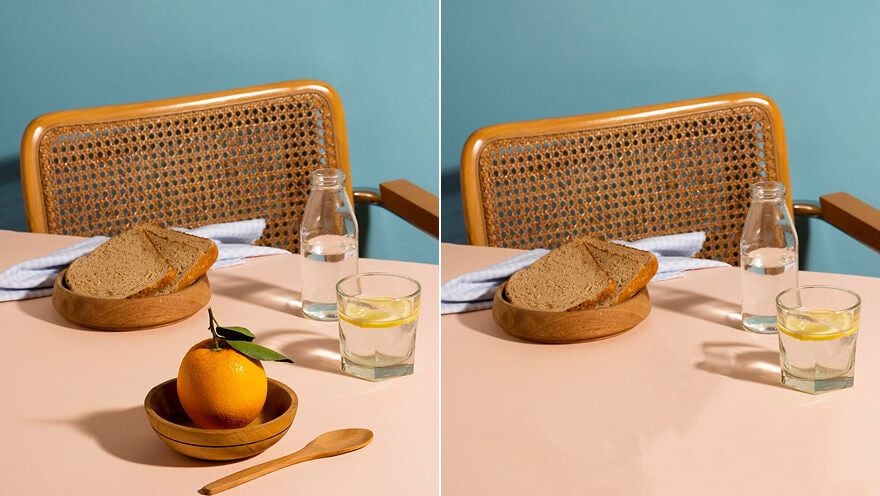
Remove black boxes around icons, stickers, artwork, or UI elements before adding them to posters, slides, and mockups; broader adjustments can continue in an AI photo editor.

Logo and badge assets
Clean up a badge, event mark, or team logo before placing it on a light banner, sponsor page, or presentation. For colored logo backdrops, a logo background remover fits that separate cleanup.

Thumbnail and profile visuals
Create flexible cutouts for YouTube thumbnails, Discord icons, profile images, or social graphics that need a transparent edge. If unwanted objects remain, an object remover can support cleanup afterward.
How to Remove a Black Background
Step 1
Add the product photo, logo, graphic, or picture with the black background you want to remove.
Step 2
Let the tool cut out the black background and keep the main subject ready for reuse.
Step 3
Save the clean transparent image and place it into your design, listing, slide, or profile visual.
Clean and Rebuild Transparent Assets with Pollo AI



 4000+ reviewsTrustscore 4.4
Used by 10M+ Creators and Marketers
Thousands of satisfied users have shared their Pollo AI experiences on Trustpilot, rating us as "Excellent." See what they love about our platform.
Liz Cassidy Dec 15, 2025Richard QuickOct 15, 2025armourdudeNov 19, 2025
 DuduJan 14, 2026
 Ray WarnesDec 30, 2025
 lawless clanNov 22, 2025
FAQs
What is an AI black background remover?
An AI black background remover cuts black areas out of an image and creates a transparent result, so you do not have to mask edges manually in Photoshop.
What is the best AI black background remover?
Pollo AI's AI black background remover is the best AI black background remover because it focuses on black-to-transparent image cleanup for products, logos, graphics, and design assets.
Can I remove black backgrounds for free?
Yes. You can remove black backgrounds for free and test whether your product photo, logo, or graphic works as a transparent image.
How do I remove a black background from an image?
Upload the image, remove the black background, review the cutout edge, and download the transparent result for your design or listing.
Can I remove a black background without Photoshop?
Yes. You can remove a black background without Photoshop because the tool handles the cutout directly, without layers, masking, or manual selection.
Can I remove other background colors here?
This page focuses on black backgrounds on images. For broader color cleanup, use a background remover after deciding whether the whole backdrop needs removal.

Remove Black Backgrounds Free
Turn black-background images into clean transparent cutouts you can reuse anywhere. Prepare products, logos, graphics, and profile visuals without manual masking.