



10 Best Sora Alternatives That I Tried and Actually Work
While Sora is one of the most known AI video generators out there, I quickly came across some issues when using it.
It struggles with making complex scenes. And it sometimes creates weird or unrealistic movements in videos.
That's why I tried out 10 different AI video generators that work like Sora. Some are easier, some have cooler features, and all of them helped me create videos without needing to be a tech expert.
If you want to make awesome AI videos but want to see what else is out there, I’m here to share my honest thoughts on the best Sora alternatives. Let’s explore them and find your new favorite video maker!
Pollo AI - Best Sora Alternative Overall
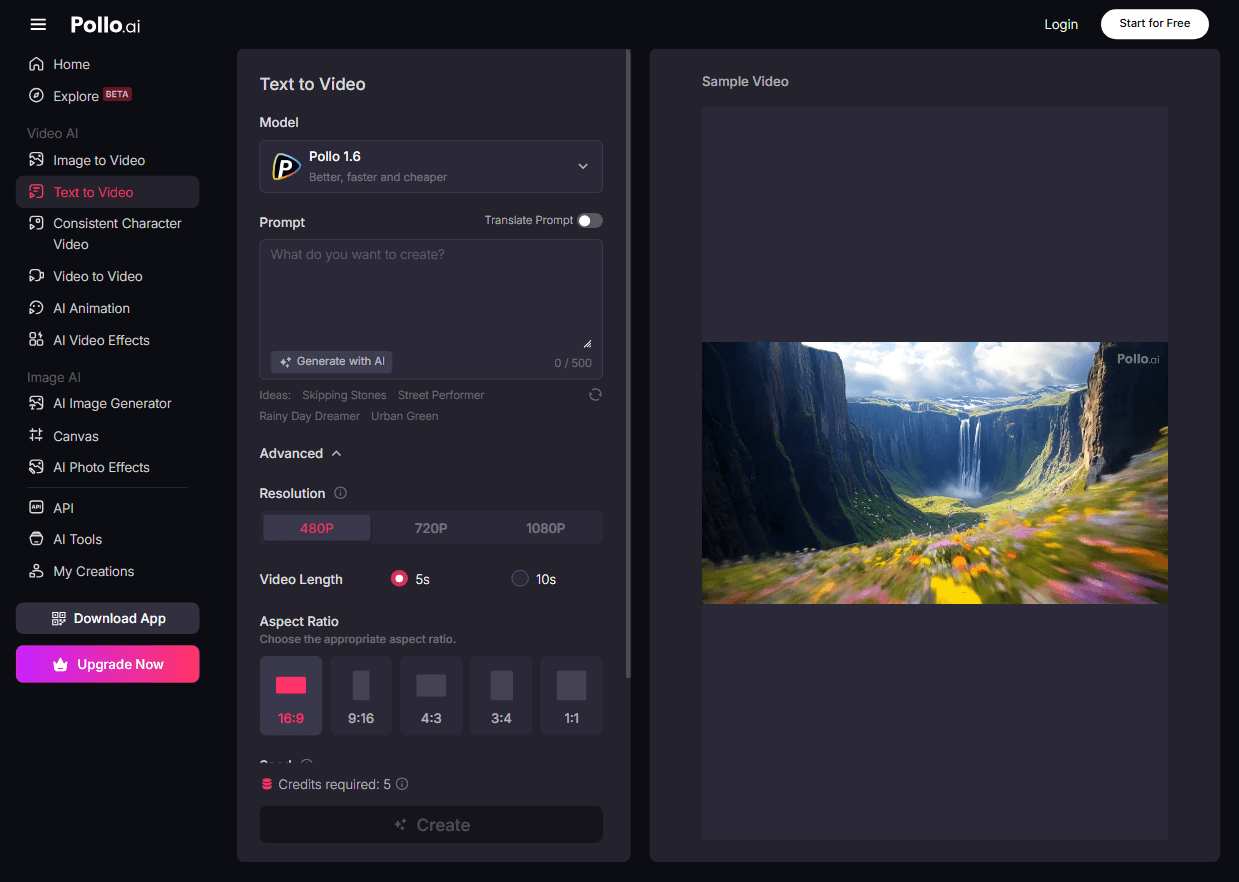
Pollo AI stands out as the top alternative to Sora for its incredible range of features and ease of use.
Pollo AI, the most advanced AI video generator, combines multiple AI video models like Veo 3, Seedance, PixVerse V4.5, Kling 2.1, and more. You'll have the freedom to choose the best model for your own video idea.
Another thing you'll love about Pollo AI is it has plenty of different AI video tools. It features a powerful image to video, text to video, video to video, consistent character video, AI animation, AI avatar and AI short generator.
If you want to get more creative, Pollo AI has a rich library of AI video effects. They can help you create AI hug, AI kissing, AI muscle, and AI bikini videos.
And to help you use all these powerful features conveniently in one place, Pollo AI offers a feature called Pollo Canvas. It's an infinite canvas with all Pollo AI's video models and tools integrated.
Here you can watch two videos talking about how to convert text into videos and create AI kissing and hug videos with Pollo AI:
Pros
- Combines multiple AI models
- Extensive customization features, including aspect ratio adjustments and camera controls
- Entirely free to test out
Cons
- The free version can be restrictive
Runway - Best Sora Alternative for Lifelike Video Quality
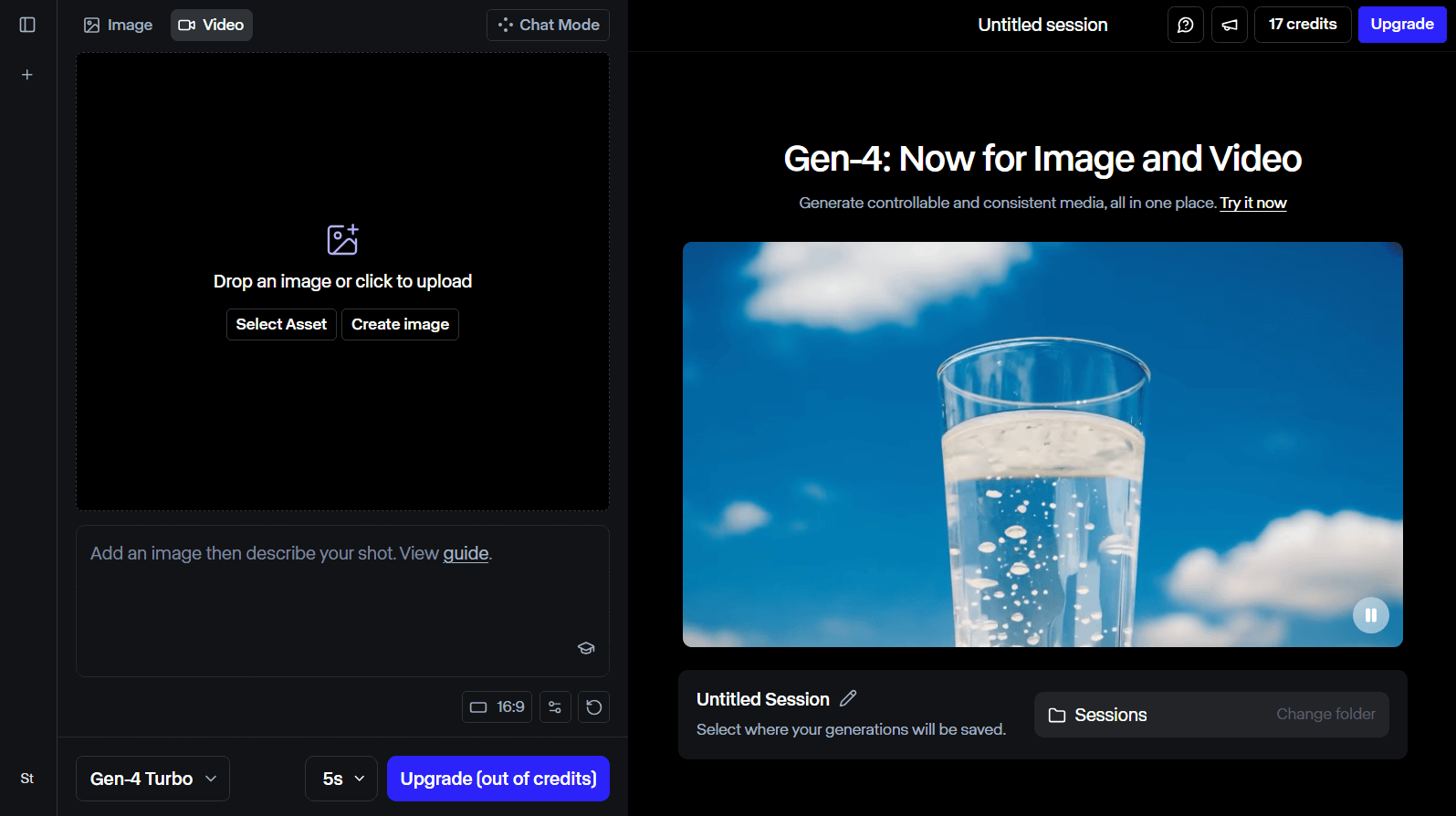
Runway is a great option if you’re looking for a tool that creates super realistic videos.I was really impressed with how it, especially with its Gen-4 model, can make videos that look just like a movie.
One thing I noticed is that the videos come out in really high quality, which makes everything look sharp and clear. It’s also interesting to note that a lot of professionals in the film industry use Runway. So you can rest assured that it’s a reliable option for creating video content.
Plus, it has some neat editing features that let you tweak your videos and make them even better. Overall, it's a fun tool for anyone interested in making lifelike video content!
Pros
- Perfect for industry professionals, including filmmakers
- AI video quality akin to cinema standards
- Creates highly detailed and lifelike videos
Cons
- Among the priciest AI video generators available
- The user interface is relatively complex
Google Veo 3 - Best Sora Alternative for Videos with Sounds
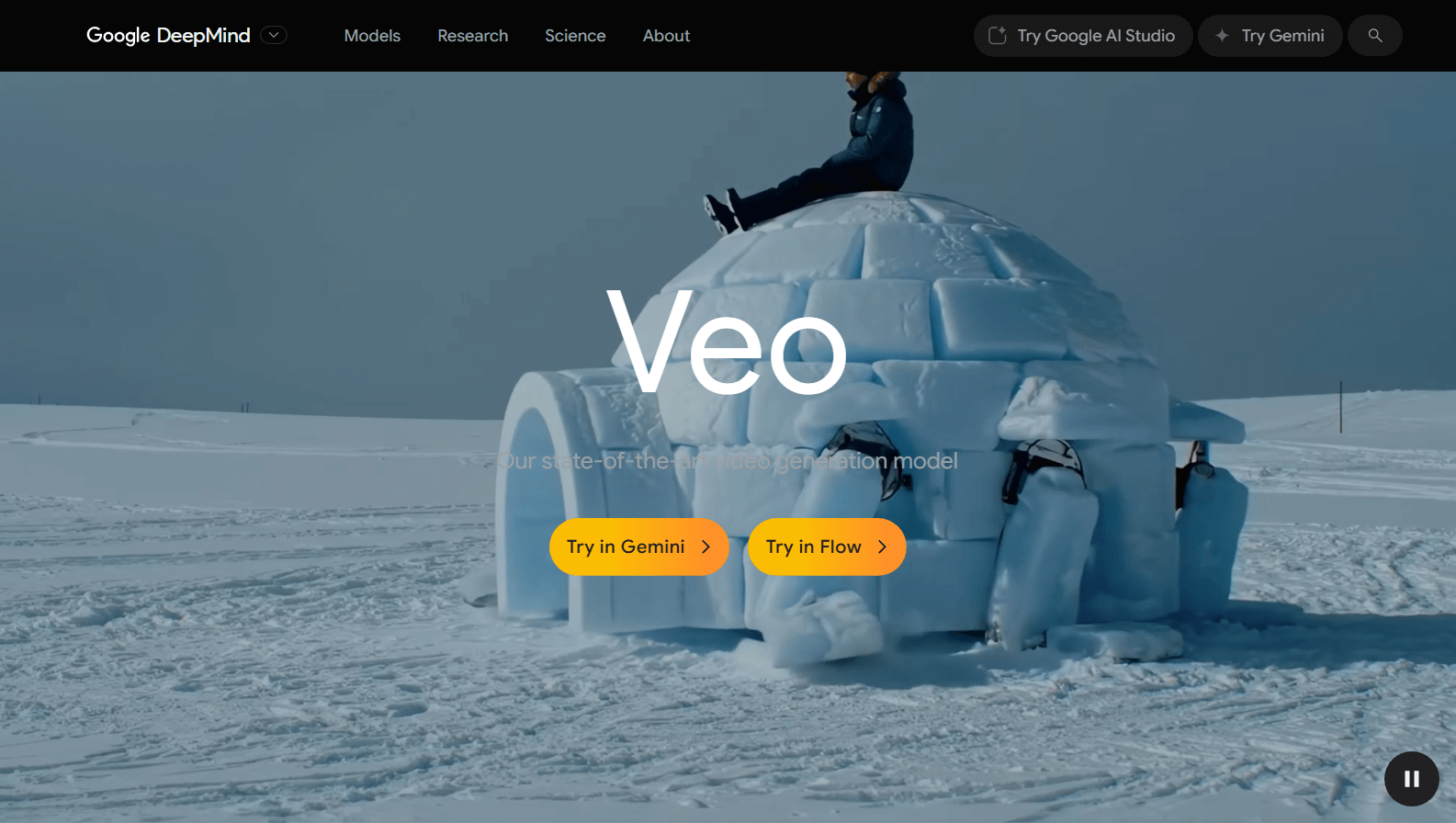
Google Veo 3, a very popular video model, is a fascinating Sora alternative that brings your ideas to life in a very natural way.
What really stood out to me was how it creates videos with synchronized sound, including dialogue, ambient noises, and music, all in one go. This makes the whole video-making process feel much simpler compared to juggling separate tools for visuals, voiceovers, and lip-syncing.
Veo 3 is clearly designed for those who want to experiment with AI video creation but are ready to handle its complexity and cost. The subscription price is quite high, and there’s a learning curve to get the most out of it. If all these are okay to you, Veo 3 is definitely worth trying.
Pros
- Generates video and audio simultaneously, simplifying production
- Realistic lip-syncing and natural character movements
- High-quality visuals with detailed textures and lighting
Cons
- Expensive subscription plan
- Audio and caption generation can be unpredictable or messy
- Occasional glitches in character faces and text output
Seedance - Best Sora Alternative for Multi-Shot Videos
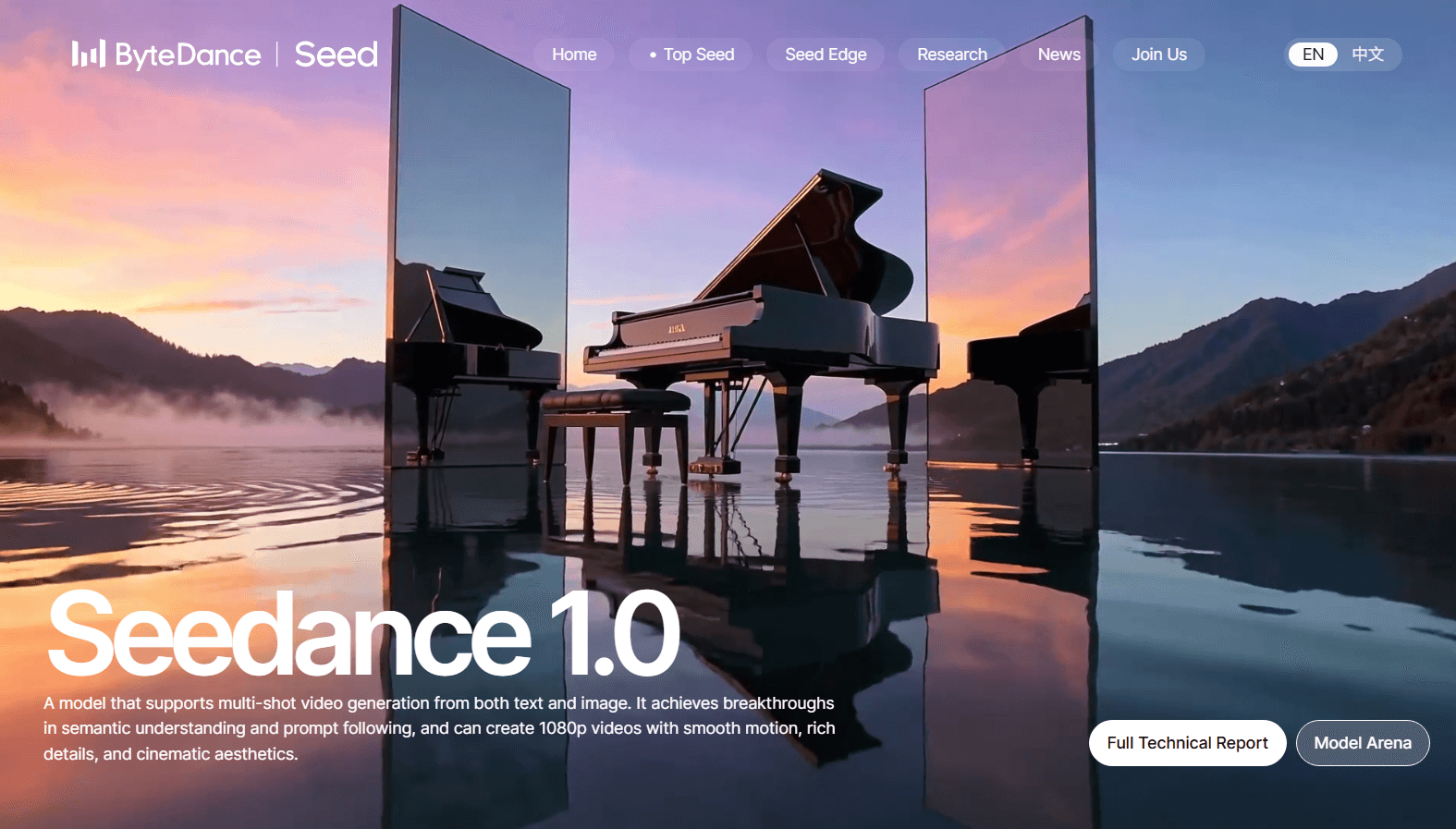
Seedance is the AI video generator I'll recommend if you need multi-shot visual storytelling.
Unlike many AI video generators that produce one static scene, Seedance stitches together multiple shots with smooth camera movements and consistent characters. This makes the videos feel more like real stories rather than simple animations. The quality is sharp and the motion fluid, which really helps bring ideas to life quickly.
Using Seedance felt like having a really smart helper that gets what I'm asking for. I can tell it exactly what I want, like the camera angles and styles, and it understands! It can create videos in various styles. You can use it to generate videos that look really real or something more artistic.
Pros
- Creates multi-shot videos with smooth transitions and camera movements
- Produces high-quality 1080p videos with cinematic style
- Supports detailed text or image prompts for precise control
Cons
- Videos are limited to short durations (5–10 seconds)
- Requires careful prompt crafting for best results
- Multi-shot storytelling can feel somewhat rigid
Toki.ai - Best Sora Alternative for Custom AI Avatars
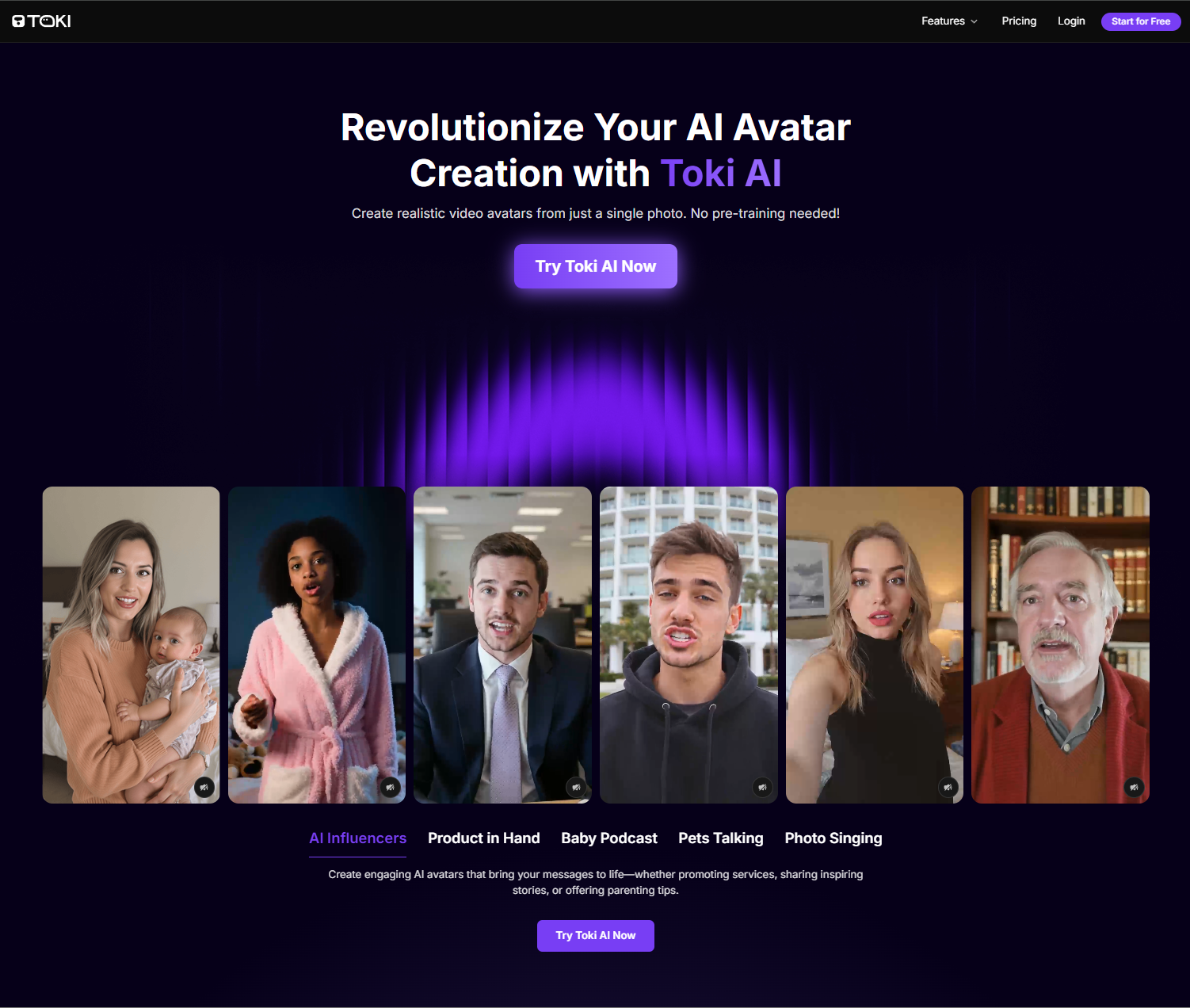
If you need to generate realistic AI avatar videos for creative projects like social media, tutorials, or virtual events, then I would recommend Toki.ai for incredibly lifelike storytelling.
With no pre-training needed, you can instantly convert simple photos into realistic, talking AI avatar videos of up to 2 minutes that move and speak just as naturally as any human.
Paired with a vast library of natural-sounding AI voices, I’m confident you can find one that perfectly fits your script’s tone or even upload your own audio file for a more personalized touch!
Pros
- Highly realistic avatar renders
- Longer AI avatar video clips
- Huge AI voiceover library
Cons
- Advanced tools require a paid plan
AdsDrive - Best Sora Alternative for UGC-style AI Avatars

Ads Drive is my top suggestion for lifelike AI avatars to be used in UGC ad marketing. You can create 2-minute long avatar videos that act, emote, and sound just as real as any live recording.
Whether you upload a photo or use a pre-set library avatar, I was very impressed by how they can express authentic facial emotion and fluid body gestures to match the tone of the message.
You can also direct the AI avatar’s movements to perform custom gestures like product holding, which makes it easy to create tailored showcases like product demos, explainer videos, etc.
Pros
- Large pre-built avatar library
- Expressive AI avatar videos
- Customizable avatar gestures
Cons
- Few features on the free version
Hailuo AI - Best Sora Alternative for Versatility
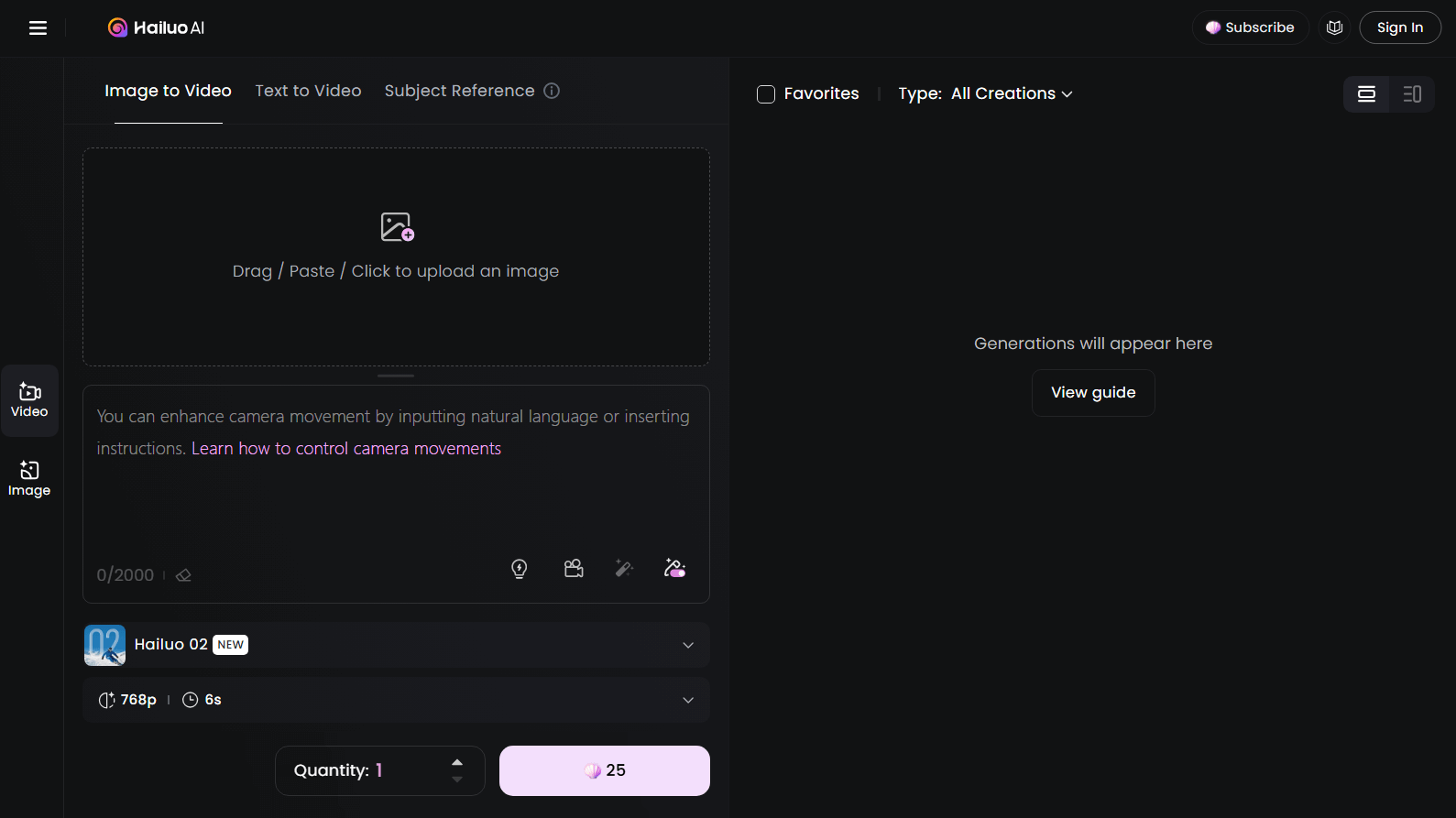
Hailuo AI surprised me with how versatile it is for creating short videos from simple text. When I tested it, I found that it can handle a variety of topics and styles, from animated characters to product demos, all in just a few seconds
This flexibility makes it useful for everything from quick social media posts to small marketing clips or even creative storytelling.
What stood out during my testing is that Hailuo AI adapts well to different ideas, whether you want something fun and playful or more professional.
However, because it focuses on short videos, it’s not ideal for longer or more complex projects. And sometimes the AI-generated video content can look a bit stiff or unnatural.
Pros
- Ideal for visual content creators, influencers, and other users
- Produces high-quality, vibrant visual content
- Various AI video creation modes
Cons
- Can be relatively slow in generating AI videos
- Occasionally has difficulty understanding complex text prompts
Luma AI - Best Sora Alternative for Rapid Generation Times
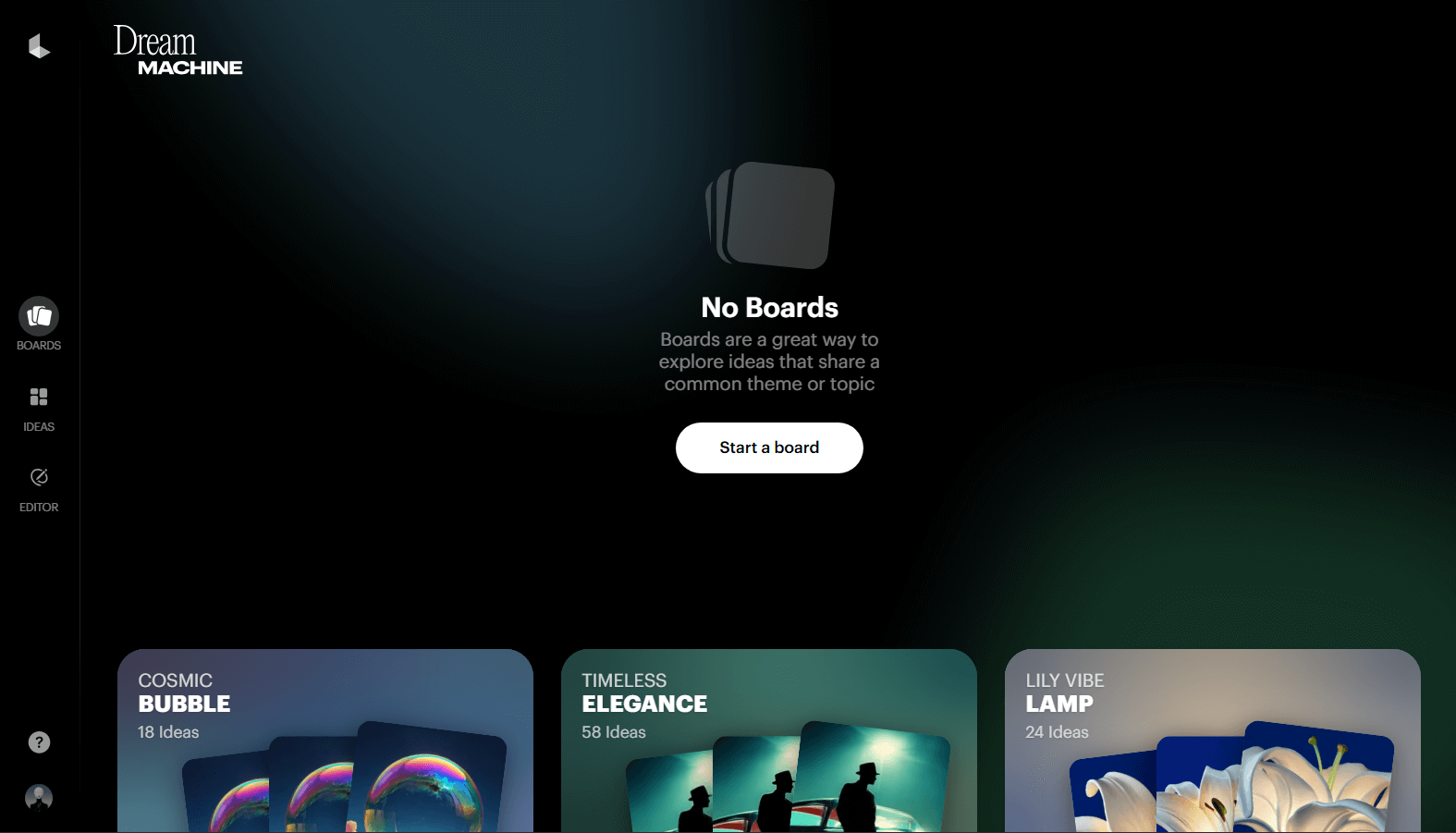
Luma AI is a good choice if you need a fast AI video generator. It can turn simple text or images into short, eye-catching videos. When I tried it out, I was surprised that in just about a few minutes or less, the tool generated high-quality 6-second clips that looked cinematic and detailed.
This speed makes it easy to experiment and create multiple videos without waiting long, which is perfect if you need quick content for social media or fast marketing ideas.
That said, the experience isn’t without its challenges. It often takes some trial and error to get the best results. I sometimes got clips that looked a bit off or glitchy.
Pros
- Built to be user-friendly for individuals of all experience levels
- Capable of generating videos in multiple styles
- Extremely quick at producing AI videos from text
Cons
- The sophisticated features might be challenging for some users to master
- Numerous videos may appear static or lack dynamic movement
Pika - Best Sora Alternative for Pikaffects
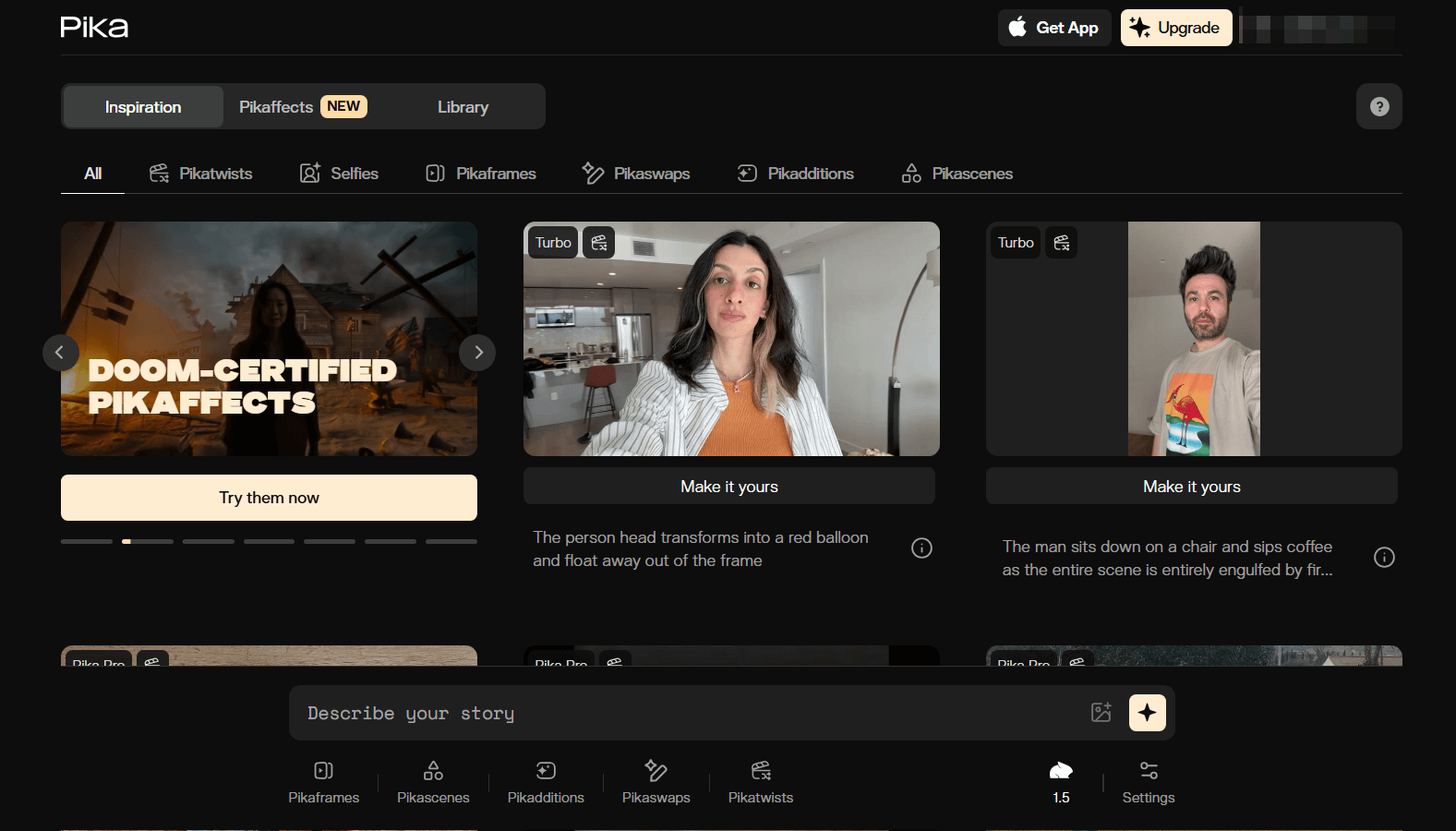
Pika is an entertaining Sora alternative. And I found it to be a great tool for making creative videos with unique effects.
What makes Pika really interesting are the special features called Pikaffects. With these, you can transform a photo into some cool short clips. For instance, I tried changing an object into a cake, and it was neat to see it get sliced open in the video! You can also create clips where items get crushed, crumbled, or even inflated.
What's more, it offers other fascinating tools such as Pikadditions, which adds anything to your videos, or Pikaswaps, which replace elements with others. Overall, if you’re looking to add some creativity to your videos, Pika is definitely worth a look!
Pros
- Plenty of intriguing and amusing Pikaffects to use
- User-friendly – create videos with just a few clicks
- Useful for marketers, educators, and content creators alike
Cons
- Some animations may have minor distortions or lack perfect realism
- Limited control over very detailed or complex video scenes
Kling AI - Best Sora Alternative for Accurate Prompt Interpretation
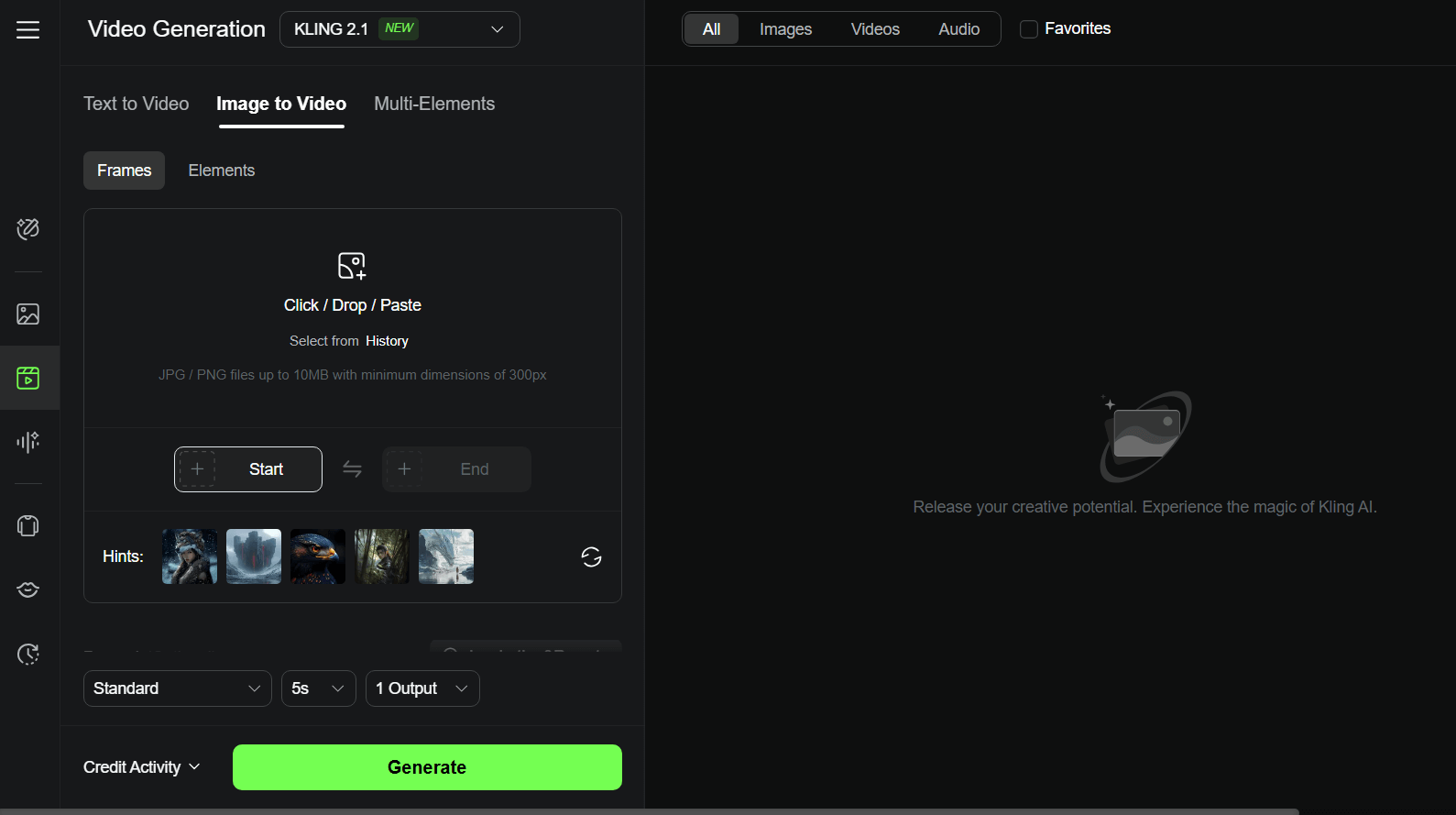
Kling AI stands as another great Sora alternative. Powered by advanced models like Kling 1.6, 2.0, 2.1, etc., it supports text-to-video, image-to-video, and multi-element generation.
I really like how well it understands my prompts, whether it's simple or complex. When I used it, the videos it made were often very close to what my prompt had instructed, with lots of detail and a realistic feel.
That said, I did notice that sometimes the video takes several minutes to finish. This is slightly longer than many of its competitors. It often happens when my prompt is complex.
But overall, Kling AI is a great option if you want a budget-friendly, easy-to-use tool to turn your ideas to videos.
Pros
- Strong prompt understanding
- Advanced technology delivering superior quality results
- Extensive video generation features
Cons
- Longer video generation time
- User interface is somewhat cluttered and disorganized
Vidu AI - Best Sora Alternative for Rich Customization Options
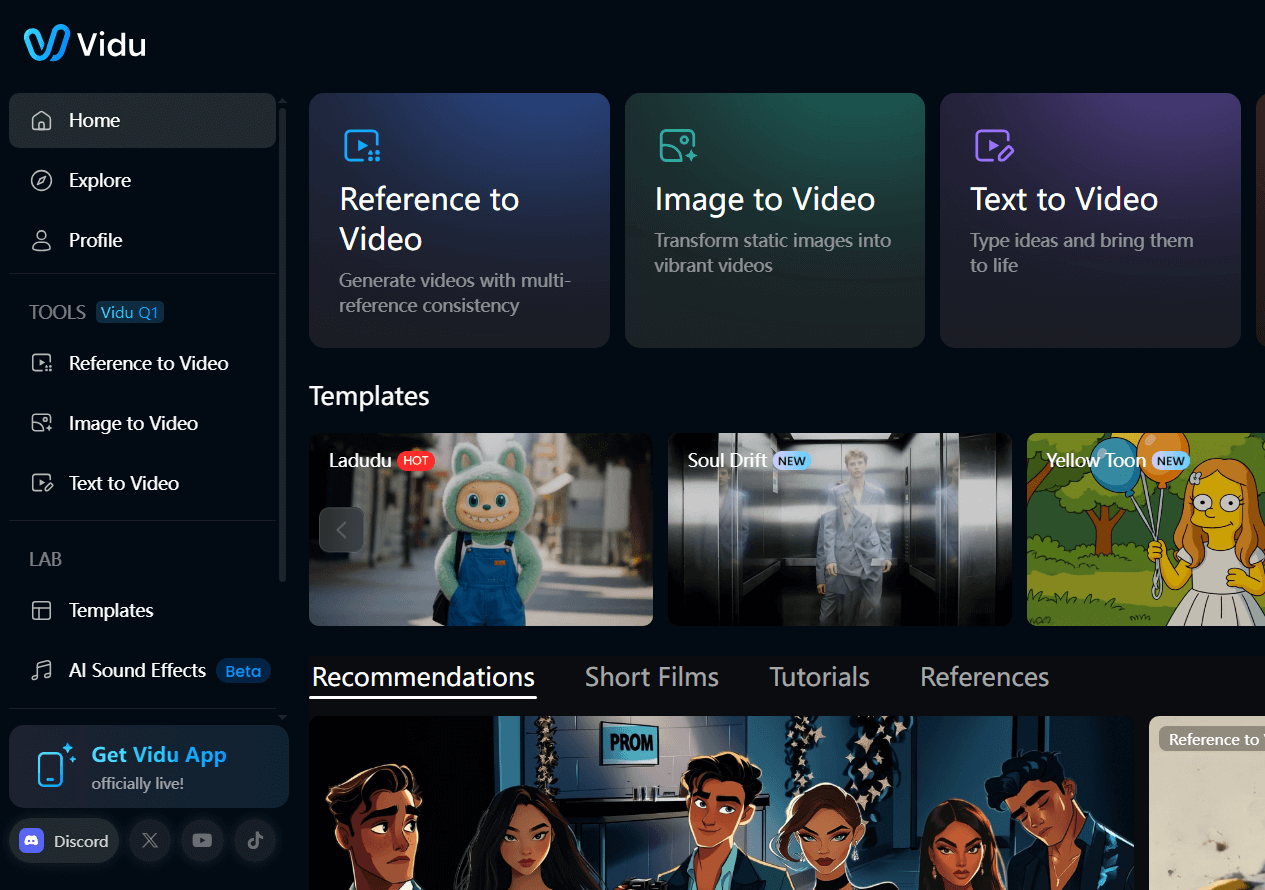
If you need a Sora alternative with extensive controls, Vidu is the tool you may want to try. It can let you customize plenty of settings – —from the video style and length to the resolution and aspect ratio.
Vidu can create videos in different styles, like cinematic, artistic, or storytelling formats. From what I've generated with this tool, its video content is usually very smooth and looks quite realistic. And it works very well in understanding complex prompt instructions.
With Vidu, you can turn text and images into videos. It even has a reference to video feature – you can upload images of any person or object, and use it to create videos with them in the scenes.
Pros:
- Provides extensive customization and creative possibilities
- Produces intricate and immersive video content
- Reference to video available
Cons:
- Can sometimes produce inconsistent results
- May occasionally have bad details
KREA - Best Novice-Friendly Sora Alternative
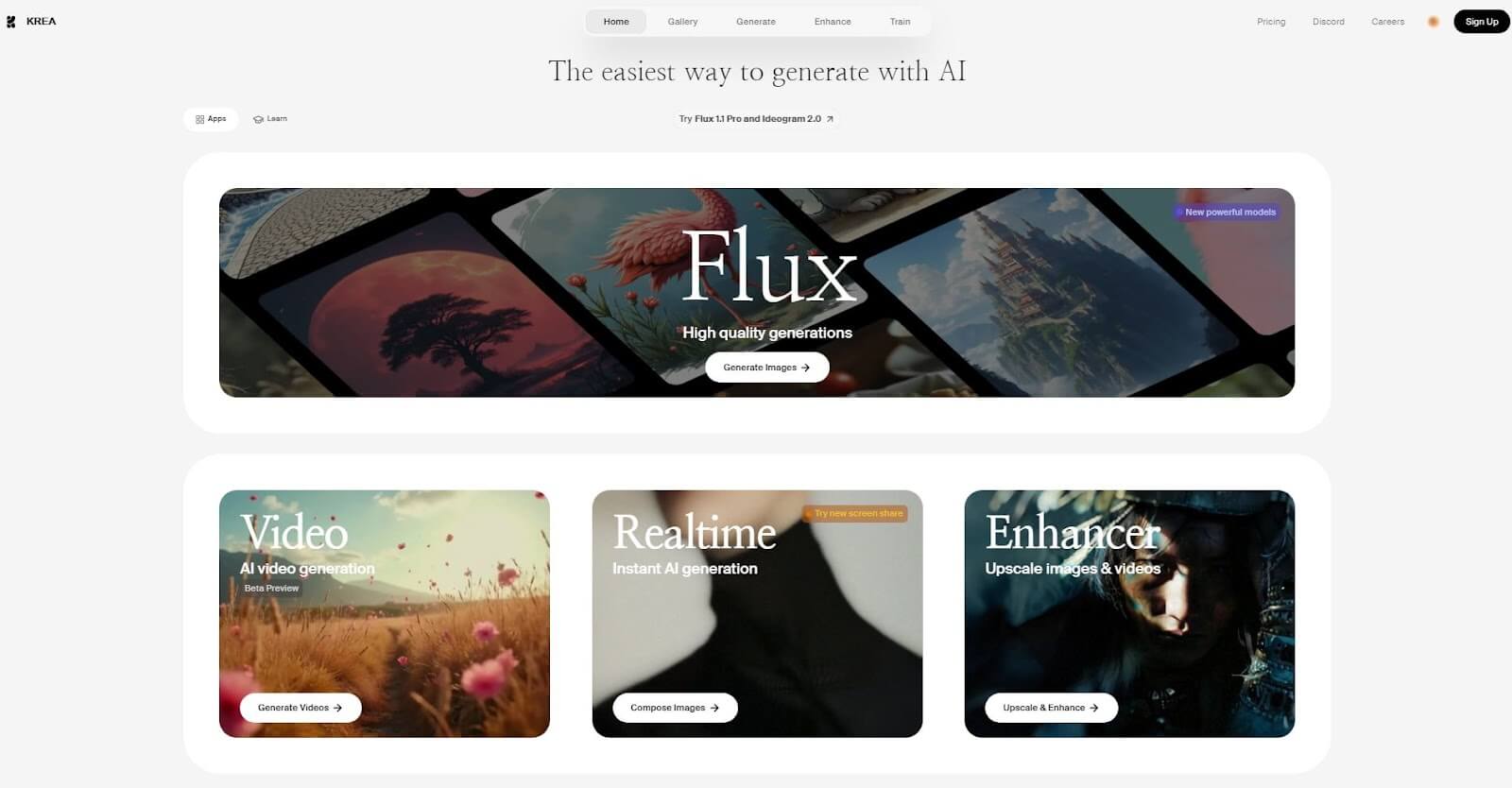
For beginners in AI video generation, you can give KREA a try. Its user interface is clean and simple, which makes creating videos with AI feel easy and straightforward.
It’s a great option if you’re just starting out, but keep in mind that it doesn’t have some of the advanced features that other tools might offer.
One thing I liked about KREA is how quickly it can generate videos. It even has a feature for improving video quality, which is nice. You can also switch between different AI models to see how they can create results, giving you some creative flexibility and freedom.
There’s a free plan to help you get started, but it does have a few limits. Overall, it’s a good starting point if you want to experiment with making videos!
Pros:
- User-friendly interface
- Relatively quick processing times
- Includes video enhancement features
Cons:
- Might seem somewhat simplistic to advanced users
- Free plan has significant limitations
Final Words
The best Sora alternative choice really depends on what kind of videos you want to make. The important thing is that you don’t have to stick with Sora if it’s not working for you—there are plenty of great options out there.
If you don't know which one you can choose, I suggest you use Pollo AI. It gives you extensive model access, exceptional functionality and ease of use. Just give it a try; it will exceed your expectations