



Bylo AI Review: My Honest Experience After Weeks of Testing
I tested Bylo AI because it looks convenient: one browser-based place for AI image generation, photo editing, AI photo effects, and integrated popular models like GPT-4o Image, Nano Banana, and Flux AI.
My verdict is simple. Bylo AI is somehow useful, but I would not rely on it as my main tool for polished product visuals, repeatable campaign assets, or brand-level creative work.
TL;DR
Bylo AI is good if you want fast AI images and lightweight photo edits. But when I needed stronger control, deeper editing, and more reliable image workflows, Pollo AI would be a much better choice.
| Category | My Take |
| Best for | Quick AI images, simple photo edits, casual creative effects |
| Bad for | Product visuals, strict brand consistency, repeatable campaign assets |
| Main strength | Low barrier to entry and many image tools in one browser workflow |
| Main weakness | Results often need more refinement before they feel commercial-ready |
| Pricing snapshot | Free plan with daily credits; paid annual plans listed from $6/month |
| Better alternative | Pollo AI, especially for image generation, image editing, product visuals, and campaign workflows |
What Is Bylo AI?
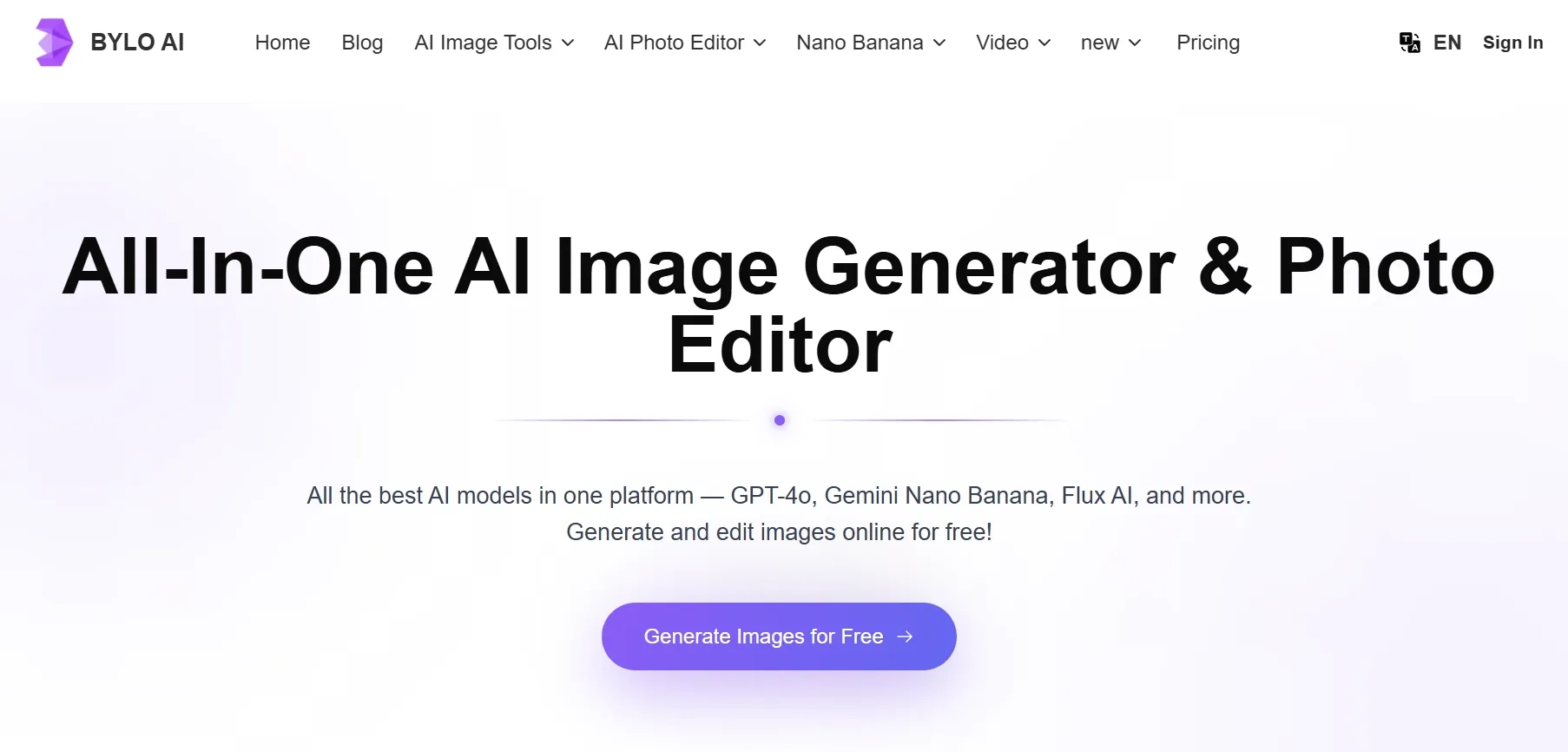
Bylo AI is a browser-based AI image generator and photo editor. It lets users generate images from prompts, edit existing images, apply AI effects, and use model-led workflows without installing design software.
It positions itself as an all-in-one AI image platform with models such as GPT-4o Image, Nano Banana, and Flux AI. It also promotes tools for background removal, photo restoration, outfit changes, object edits, and style effects.
I would describe Bylo AI as a beginner-friendly image playground. It is easy to try, broad enough for casual creative work, and convenient when I want fast image ideas. But convenience is not the same as production control.
What Are Bylo AI's Key Features?
Text To Image Generation
Bylo AI's core feature is prompt-based image generation. Its AI image generator page describes browser-based text to image creation with model, size, and output controls, which makes it easy to start exploring quick social visuals or moodboards.
Image To Image And Photo Editing
Bylo AI includes many AI art effects and filters, from cartoon and Pixar-style looks to sketch, painting, pixel art, claymation, and seasonal filters. I liked them for quick stylistic direction, but brand visuals can feel generic.
AI Effects And Style Filters
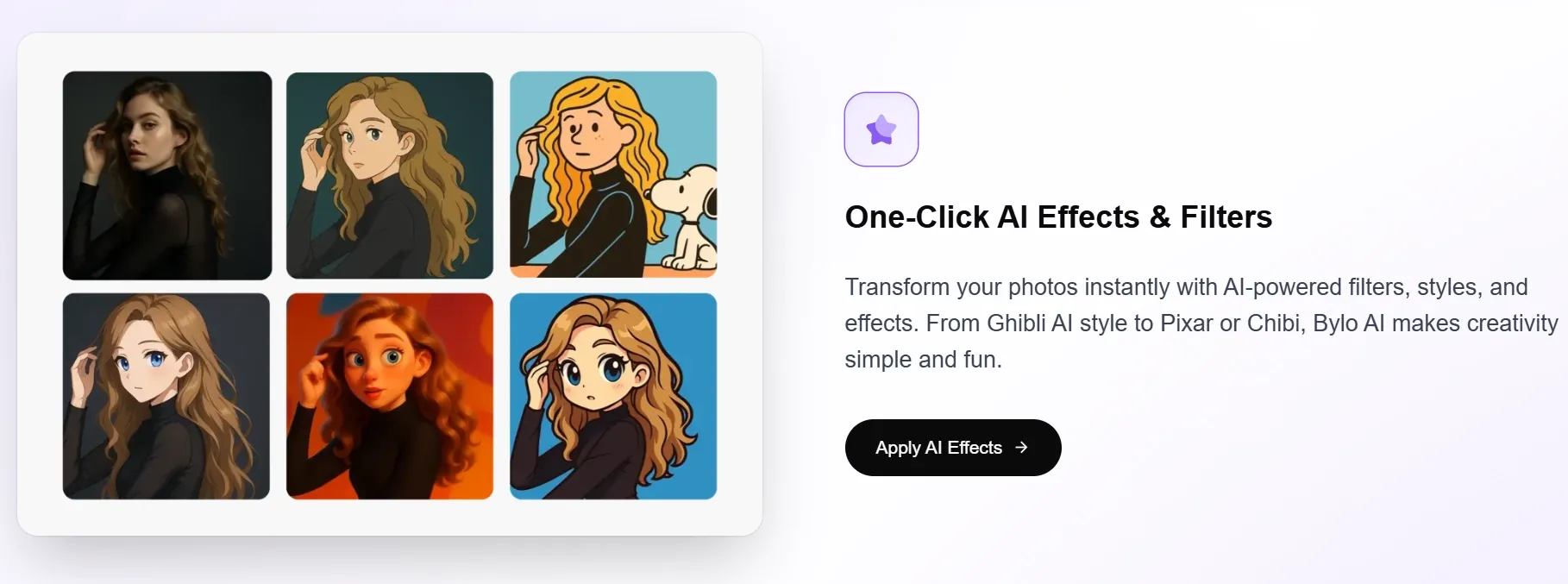
Bylo AI includes many AI art effects and filters, from cartoon and Pixar-style looks to sketch, painting, pixel art, claymation, and seasonal filters.
This is fun for casual creators. It is also helpful when I want a fast stylistic direction. But for brand visuals, one-click effects can feel too generic.
Multi-Model Access
Bylo AI promotes access to multiple models, including GPT-4o Image, Gemini Nano Banana, and Flux AI. That is useful, but model variety only matters if the workflow helps turn outputs into polished, reusable assets.
Credit-Based Plans
Bylo AI uses a credit-based pricing structure. Its pricing page lists a free plan with 5 credits per day, plus paid annual plans with higher monthly credit allowances.
That makes it easy to start. But if I am testing prompts repeatedly, failed generations still matter because credits can disappear before the image feels finished.
Bylo AI Pricing
Bylo AI's pricing can change, so I checked its official pricing page while drafting this review. I focused on the credit limits because they directly affect how many retries an image workflow can handle.
| Plan | Listed Price | Credits | Best For |
| Free | $0/month | 5 credits/day | Testing basic text to image and image to image features |
| Pro | $6/month billed annually | 300 credits/month | Light ongoing image generation and editing |
| Ultra | $12/month billed annually | 1,500 credits/month | Heavier generation volume and faster workflow needs |
The paid plans also advertise benefits such as watermark-free downloads, private generation, unlimited storage, priority or faster processing, commercial use rights, and stronger support, which matter more once Bylo AI becomes part of regular creative work.
What Are Bylo AI's Pros And Cons?
Bylo AI is easy to like at first because the tool feels approachable and quick. The limits become clearer when the image needs to do a serious job, such as supporting a product page or campaign.
Pros:
- Easy to use in the browser.
- Good for quick text to image experiments.
- Includes image to image and editing tools.
- Offers many AI effects and filters.
- Access to popular image models.
- Free plan makes it easy to test.
Cons:
- Not ideal for strict product or brand consistency.
- Results can need several repair passes.
- Editing depth feels lighter than a full creative workflow.
- Some outputs feel more like drafts than final assets.
- Credit usage can add friction during retries.
- Less helpful when an image needs to become a campaign asset.
How I Tested Bylo AI
I focused on the parts that matter most in a real image workflow. The goal was to see whether Bylo AI could move beyond quick experiments and support assets that need consistency, polish, and practical reuse:
- Quick social image concepts from text prompts.
- Product-style visuals for e-commerce use.
- Image to image restyling with a reference image.
- Photo editing for cleanup and background changes.
- Character and style consistency across repeated outputs.
- Whether the final assets felt ready for campaign use.
Where Bylo AI Falls Short
Bylo AI's weaknesses are not about whether it can generate images. It can. The real problem is what happens after the first output, when the draft needs cleanup, consistency checks, or a stronger production path.
It Gets Me A Draft Faster Than A Final Asset
Bylo AI is fast for starting, but the results often still need cleanup, sharper control, or another generation pass before I would use them in a real campaign. For marketers or sellers, that adds hidden time.
Product And Brand Consistency Need Too Much Review
Product images are unforgiving. If a label changes, a bottle shape warps, or a brand color drifts, the output stops being useful. Bylo AI can get the mood right, but details still need careful review.
Editing Tools Feel Better For Quick Fixes Than Deep Refinement
I liked having photo editing tools inside Bylo AI. But for serious image refinement, I wanted a more complete workflow for editing, restoring, removing, changing backgrounds, and building controlled variants that could actually finish the job.
The Workflow Stops Before The Image Becomes A Campaign
Bylo AI is image-first. That is fair. But many real image tasks do not end with one image.
A product visual may need to become a poster, an AI virtual try-on, or a product video ad. Bylo AI feels weaker at that next step.
Turn One Image Into A Full Campaign
Pollo AI Commerce Studio helps transform product visuals into posters, virtual try-ons, video ads, and campaign-ready content.
Build Your Campaign With Pollo AI
How Does Bylo AI Perform Across Real Use Cases?
Bylo AI works best when speed matters more than repeatable production quality.
| Use Case | Bylo AI Advantage | Bylo AI Weakness |
| Quick social images | Fast prompt to image workflow | Final design polish may still need another tool |
| Product visuals | Can create polished-looking concepts | Product details and labels need careful review |
| Photo editing | Remove background, cleanup, and effect tools | Not as deep for layered campaign refinement |
| Style transfer | Fun and accessible effects | Effects can feel generic for brand use |
| Character visuals | Can explore identities and variations | Consistency can drift across outputs |
| Campaign assets | Good starting point for ideas | Workflow does not naturally extend into finished ads |
The pattern was clear. Bylo AI is a convenient image starter, but I wanted a stronger image workflow when the asset needed to look finished, stay consistent, and support a real business goal.
That is where Pollo AI became the stronger alternative for me.
Why Is Pollo AI A Better Bylo AI Alternative?
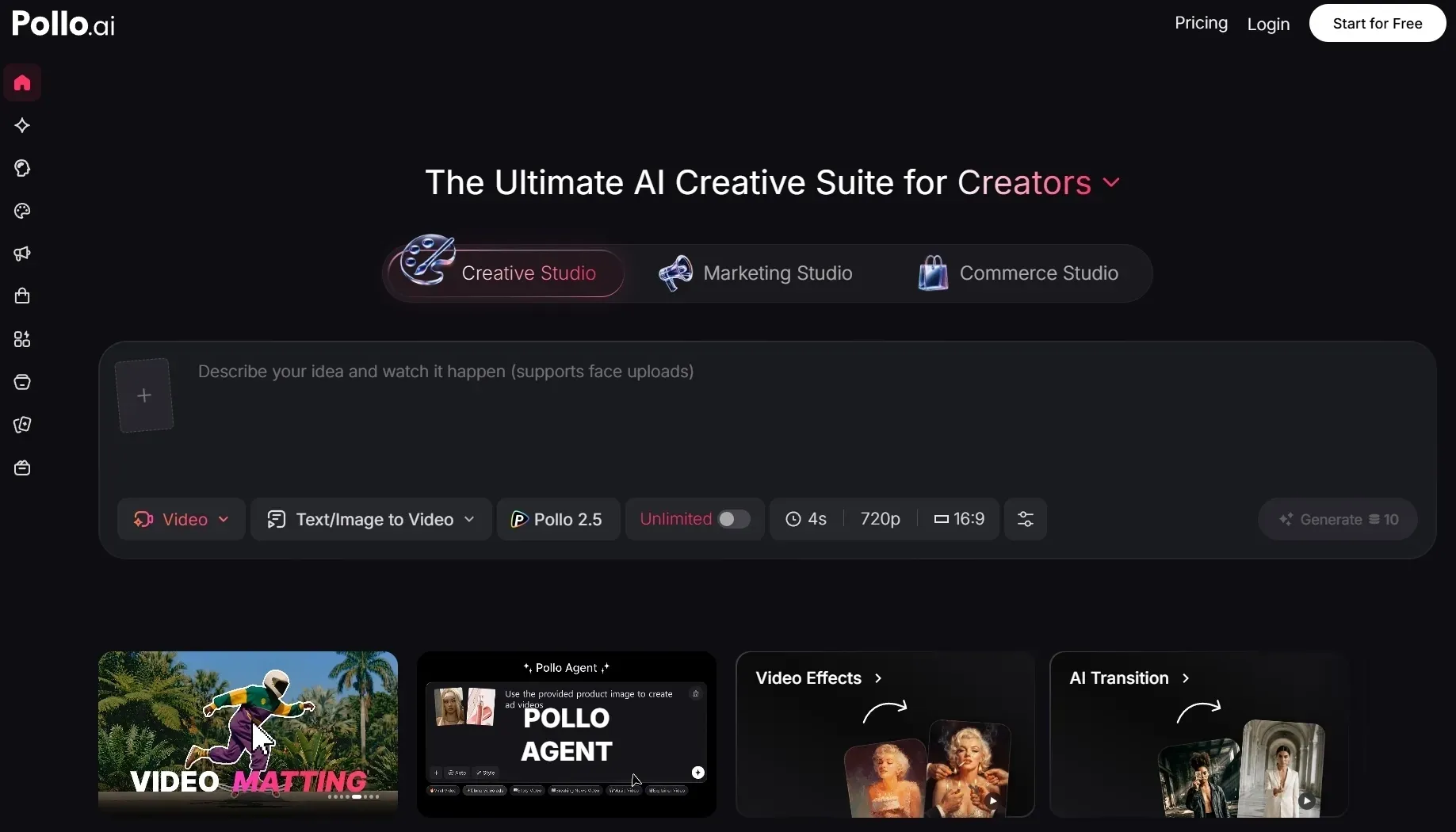
Pollo AI is a better Bylo AI alternative because it solves the parts where Bylo AI feels thin: controlled refinement, commercial image use, product consistency, and the next step after the first image is generated.
It Gives Me Better Image to Image Control
Bylo AI can make quick variations, but I found it less useful when I wanted to preserve a specific structure. If the pose, product angle, or composition mattered, I needed more control than another loose reroll.
With image to image tool, I can keep a useful composition, pose, or product angle and push it into a cleaner direction. That helps when Bylo AI gives me a good structure, but weak style control.
It Makes Post-Generation Editing More Practical
This is where the editing point belongs. Bylo AI has editing tools, but I still felt closer to quick fixes than a practical finishing workflow when the image needed cleanup, background changes, or visual repair.
With Pollo AI's AI photo editor, I can fix backgrounds, remove distractions, and restyle weak areas after generation. That makes it easier to rescue a usable image instead of treating every flaw as a full restart.
It Fits Product And Brand Work Better
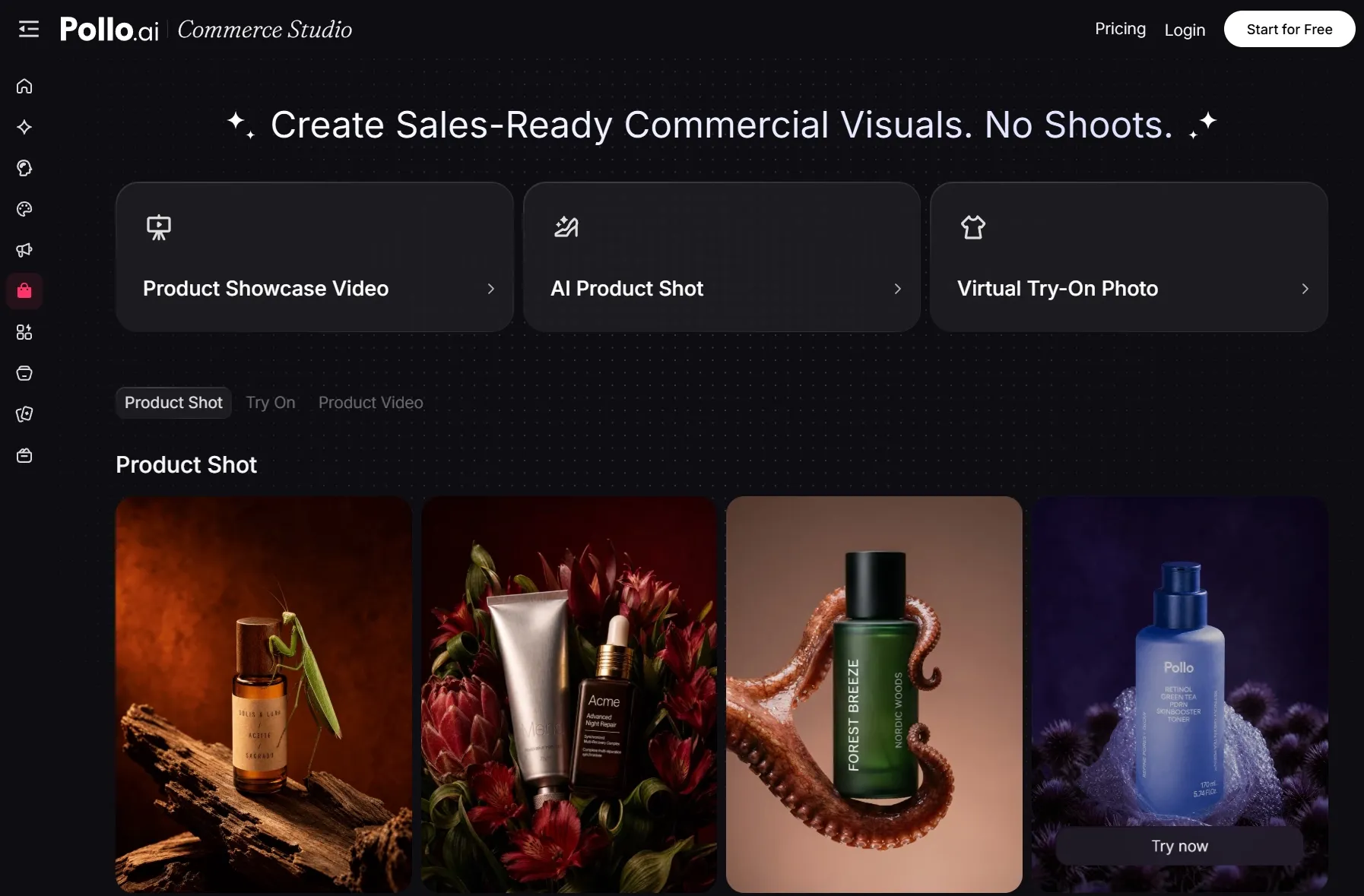
Pollo AI is stronger for product and brand work because it has Commerce Studio, a workspace built for sellers and e-commerce teams. It connects image generation with product-focused workflows instead of leaving visuals as isolated outputs.
Within that commerce flow, product shots help you generate staged marketplace visuals, while AI virtual try-on helps apparel brands show fit, styling, and model-based presentation without a separate shoot.
It Reduces Prompt-Retry Guesswork
Pollo AI gives me a strong model bench for image work, including GPT Image 2 and Nano Banana 2. The point is not only access; it is choosing the right route. After choosing a model, I can move into image to image control, photo editing, or a scenario-based generator.
That gives the workflow a second step instead of depending on the first prompt to be perfect.
It Expands Images Into Campaign Content
Pollo AI also gives the image workflow a stronger next step. A product image can become a social ad, product video, or campaign asset instead of staying as a static visual.
After that fair image comparison, Pollo AI has another advantage: it does not stop at images. I can turn a polished visual into motion with image to video, or build more complete creative output with Pollo Agent.
| Pollo AI advantage | What it means |
| Commerce Studio | Product-focused workflows for product shots, try-on visuals, and e-commerce assets |
| Image to image control | Preserves useful composition, pose, or product angle while changing the visual direction |
| AI photo editor | Cleans backgrounds, removes distractions, and fixes weak areas after generation |
| Model choice | Let me test GPT Image 2, Nano Banana 2, Seedream 5.0 Lite, Recraft, and Ideogram, etc. |
| Campaign expansion | Turns finished images into motion or broader creative outputs |
My Personal Take On Bylo AI
I would use Bylo AI when I want to move quickly, test a prompt, or create a casual visual without much setup. It is accessible, broad, and fun enough for fast image experiments.
But I would not use it as my main image production platform. Once I needed product accuracy, cleaner edits, consistent visual direction, and campaign-ready assets, I started wanting a stronger tool.
That is why I would choose Pollo AI instead. It gives me a better route from idea to usable image, then from usable image to broader creative output, without forcing me into extra tools.
Final Verdict
Bylo AI is a good casual AI image generator and photo editor. It is easy to start, it has useful effects, and it gives beginners a low-friction way to try popular image models.
But for serious image work, I found its limits quickly. Product visuals needed more checking. Character and style consistency needed more retries. Editing tools helped, but they did not always take the image far enough.
My recommendation is clear: use Pollo AI when you want a stronger Bylo AI alternative for polished image generation, prompt-based editing, product visuals, and campaign-ready creative workflows.
Try Pollo AI today to verify the authenticity. There's no need to sign up for the official premium package with a card. You can conduct several tests using the free credit limit.