

Faceless Social Videos in Claude: A Workflow for Shorts and Reels
Whenever I open YouTube, I see so many faceless social videos trending, and many of us end up hooked on them for one reason or another. What if I told you that you could start creating faceless social videos in Claude? All you need is to connect Pollo MCP to turn a Claude chat into a production space for Shorts, TikToks, and Reels. So, sit back and let me tell you how!
TL;DR
By creating faceless social videos in Claude, you can manage ideation, scripting, generation, review, and refinement for Shorts and Reels, all in one conversational workflow. Just connect Pollo MCP to Claude, and you’ll have access to the Pollo AI creative suite in minutes, building yourself an automated video production machine for scalable storytelling.
Creating Faceless Social Videos In Claude: Use Pollo MCP
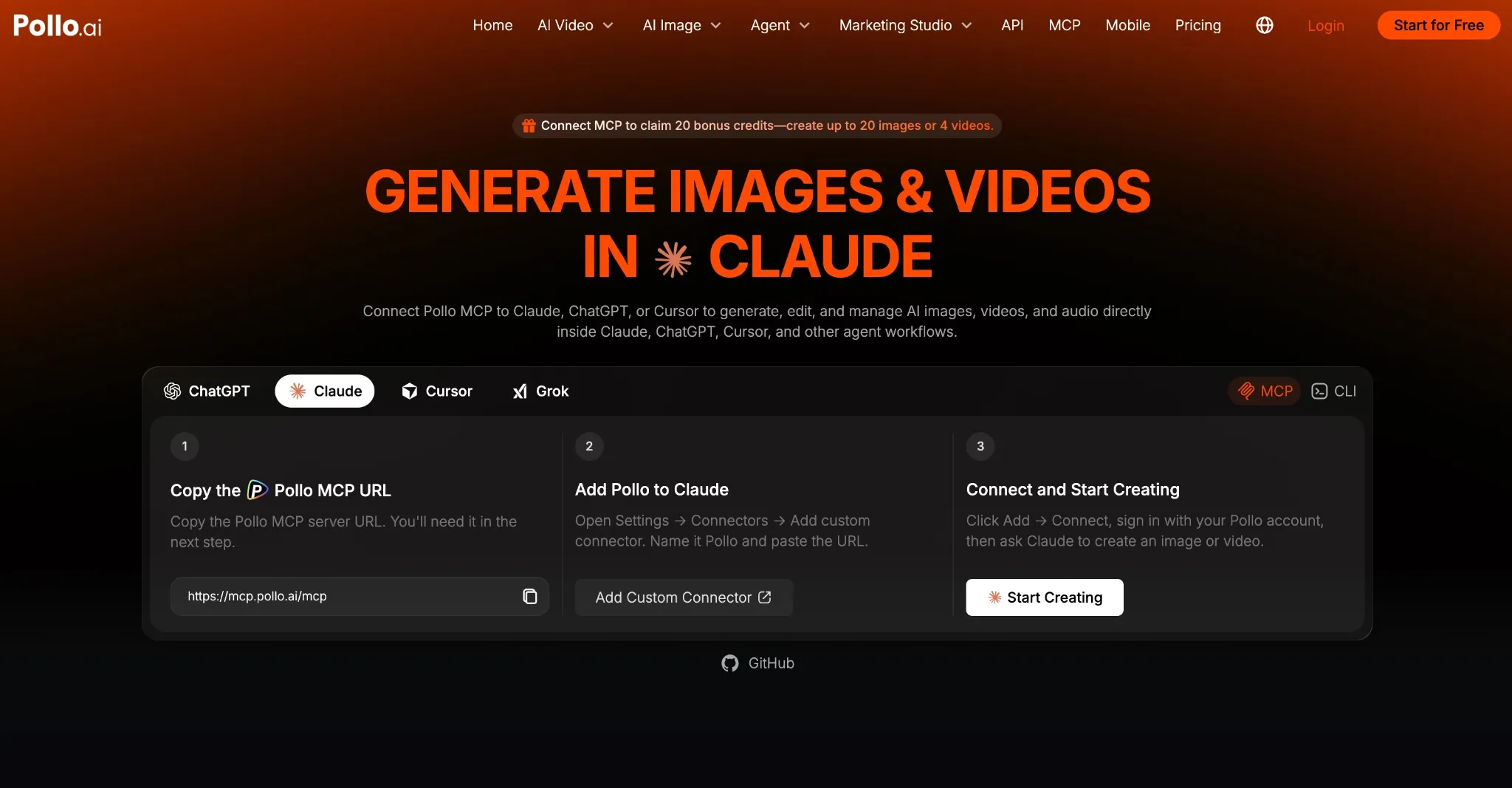
I’ve always found faceless video content appealing because it opens up possibilities for everyone, not just creators who feel comfortable on screen. As long as you have something interesting to say, you can use AI videos to share the message in a unique format.
For example, I’m sure we’ve all seen YouTube channels on yoga, meditation, etc., being made using AI visuals and voiceovers to great effect. Many of these videos hit tens of thousands, if not hundreds of thousands, of views, bringing in massive earnings for such creators.
All you need is a strong idea, a clear voice, and a repeatable workflow to publish consistently. Pretty straightforward, right? But I’m sure a lot of faceless creators will agree that setting up a smooth and repeatable workflow is the hard part.
Drafting scripts, building storyboards, creating visuals, editing them, etc., all of it is often done in separate apps/sessions. On its own, Claude can help with aspects like writing a short script, creating a shot list, suggesting ideas, etc. But that’s about it.
This is where an MCP (Model Context Protocol) like Pollo MCP comes into play. If you're unfamiliar with MCP, it’s an open standard that lets you connect compatible AI applications like Claude with external systems, databases, and tools, including Pollo AI.
By doing so, you can extend Claude’s workflow to request and retrieve AI videos in chat. In other words, I can use it to analyze target channels and reverse-engineer their content to build scripts that drive conversions.
From there, I can proceed to create the videos in the same conversation without sending the prompts to a separate application. What’s more? I can freely edit and refine my videos to explore different hooks, fix pacing, etc., all via chat.
Create Faceless Videos in Claude with Pollo MCP
Research topics, write scripts, generate visuals, and refine Shorts or Reels with Pollo AI in one repeatable workflow.
Make Faceless Videos with Pollo MCP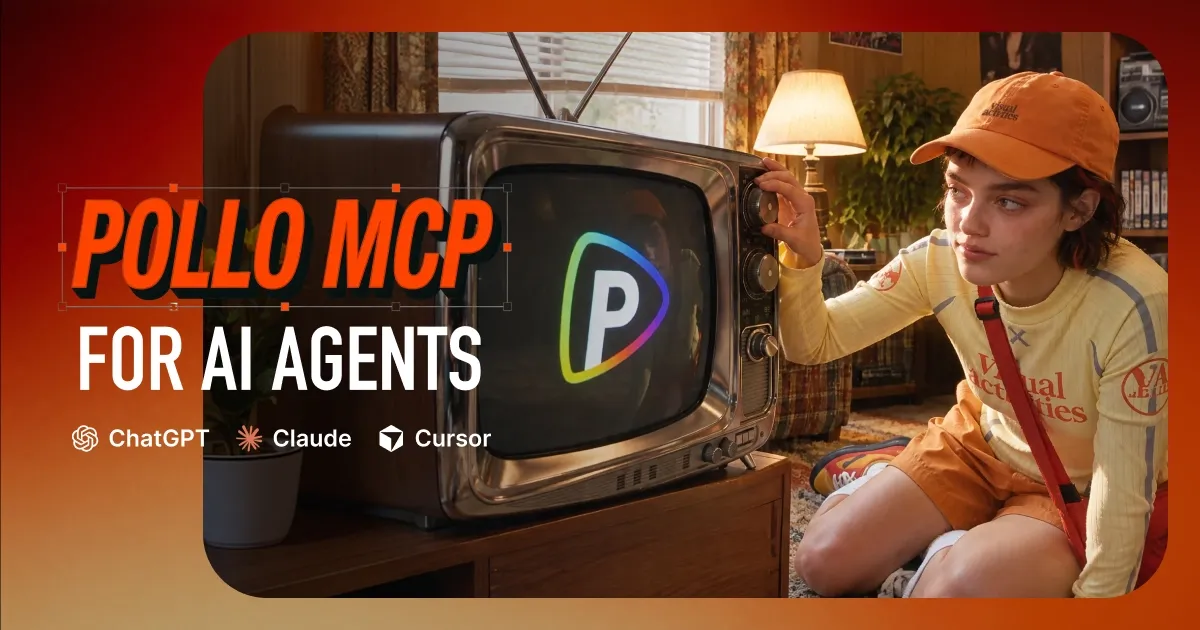
Connecting Pollo AI to Claude: Pollo MCP Workflow Example
Before putting this workflow into action, you first need to set up Pollo MCP in Claude to access the Pollo AI creative suite. Luckily, it’s pretty straightforward and only takes a few simple steps:
- Log in to Claude and head to Settings > Customize > Connectors.
- Select Add Custom Connector, name it Pollo, and paste this link into the MCP server box. You’ll then be redirected to sign in to your Pollo AI account.
- Once you’ve signed in, the connection will be authorized and you’re all set. Just open a new chat in Claude to handle your social video workflow in conversation.
Now that we’ve sorted that out, let me give you a simple example of what a Pollo MCP - Claude workflow looks like when it’s put into action.
Step 1: Conduct Channel Research
When producing faceless videos, I recommend taking some time to analyze other channels in your niche and how their content is performing. It gives some useful perspective into what topics audiences respond to best, and you can ask Claude to help streamline this part, like so:
Analyze successful faceless storytelling YouTube channels and write a cinematic King Arthur-inspired script that connects legendary events to relatable modern themes like discipline, training, resilience, and self-mastery. Use compelling hooks, engaging storytelling, and powerful life lessons to keep viewers watching.
Step 2: Generate a Visual Storyboard
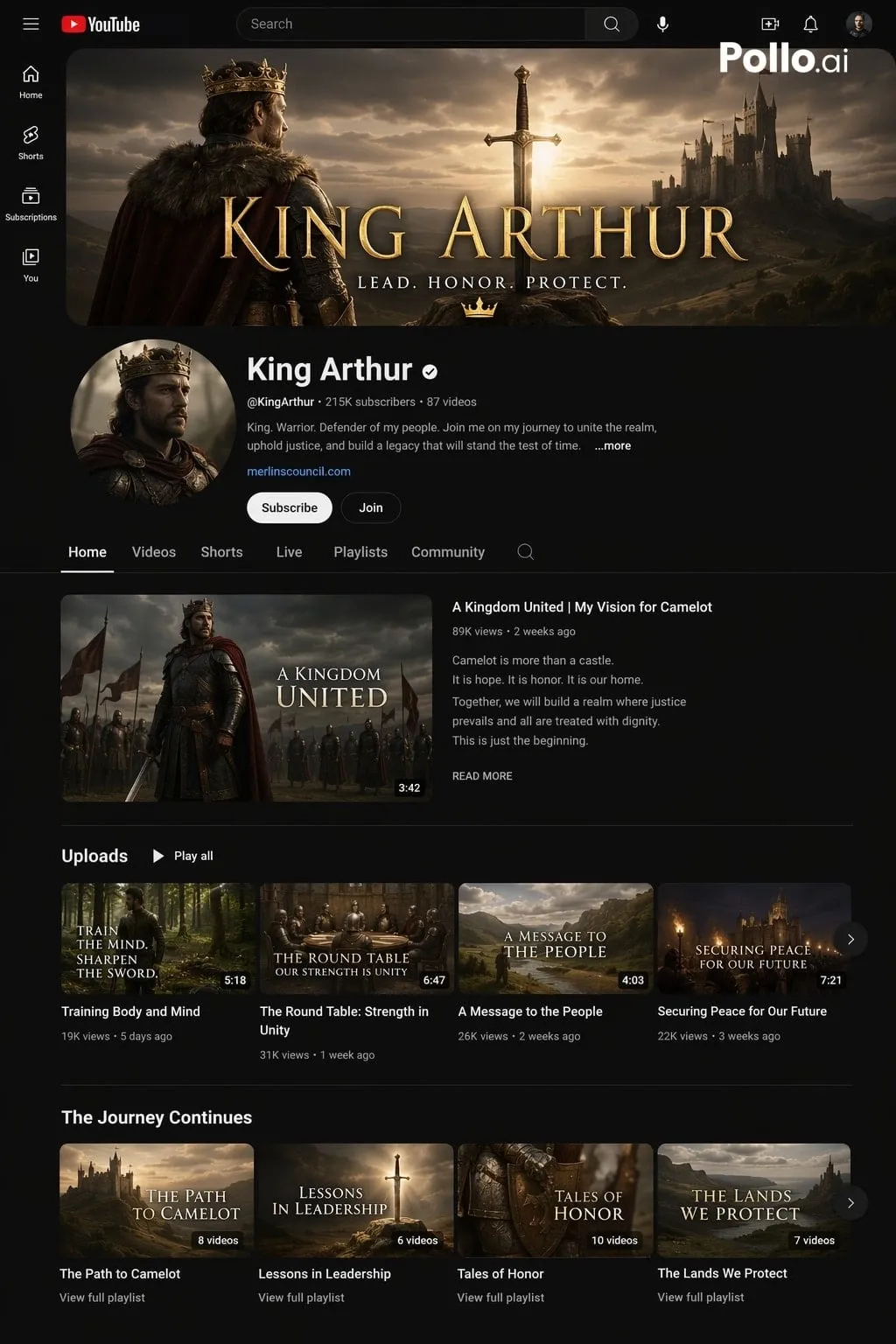
Next, I asked Claude to use Pollo AI to render a preview that explores how the channel could potentially look and some key talking points to touch on over time. This is what it returned:
Step 3: Generate Faceless Video Script
From here, I can request Claude to generate a full script based on the topic of my choice, letting it structure the sequences, sort out the pacing and timeline, etc., like so:
Write a complete 1-minute script for a faceless YouTube video using a cinematic King Arthur-inspired story to explore training, discipline, and perseverance. Use the research previously conducted on successful channels, including their hooks, storytelling techniques, pacing, and retention strategies, to create a compelling script that grabs attention immediately and keeps viewers watching until the end. Use vivid narration, engaging storytelling, and a powerful life lesson relevant to modern audiences. Keep it concise and suitable for AI voiceover and visuals.
Step 4: Generate/Refine Faceless Video
Once the script is ready, I can request Claude to generate one or multiple videos using Pollo AI and, afterwards, refine them, all within the same chat session. I can also use it to generate thumbnails, captions, descriptions, and more, for a truly complete video production workflow.
Tips To Consider for Faceless Social Videos in Claude
If you’ve managed to connect Pollo MCP to Claude, here are some important creative rules that I think you should always keep in mind:
- Be consistent with the visual identity. Now that you have Claude helping with both scripts and visuals, the agent-led workflow should make it easier to coordinate narration style, caption treatment, and recurring structure.
- With faceless videos, I advise you to ensure that your openings establish a question, surprising fact, or useful outcome right away. Otherwise, it’ll be very hard to attract viewers and retain them for longer.
- For the middle part of any faceless video, I would urge you to switch up the visuals often. Remember, you need to hold people’s attention, and without an actual person on screen, your best bet is to keep the sequences fresh and immersive.
- As for the closing, I always find it a good idea to give viewers a good reason to like, comment, save, follow, etc. For example, if a video ends with the narrator teasing the next exciting topic, then I’ll be inclined to subscribe so I don't miss it.
Conclusion
Using Claude to generate faceless social videos lets you build an automated video production machine that keeps your viewers fed and coming back for more. Just connect Pollo MCP now to reap the rewards of having the full Pollo AI creative suite at your disposal!