



How to Clone the Blue Light Scan Viral Video
Two players lounge on a soccer field, the sort of photo you might scroll past. Then a cyan line races over the grass, turning the scene into a glowing scan before its real colors return. Here’s how to make that reveal.
Viral Video Example
How to Clone This Viral Video
Step 1: Open the video effect
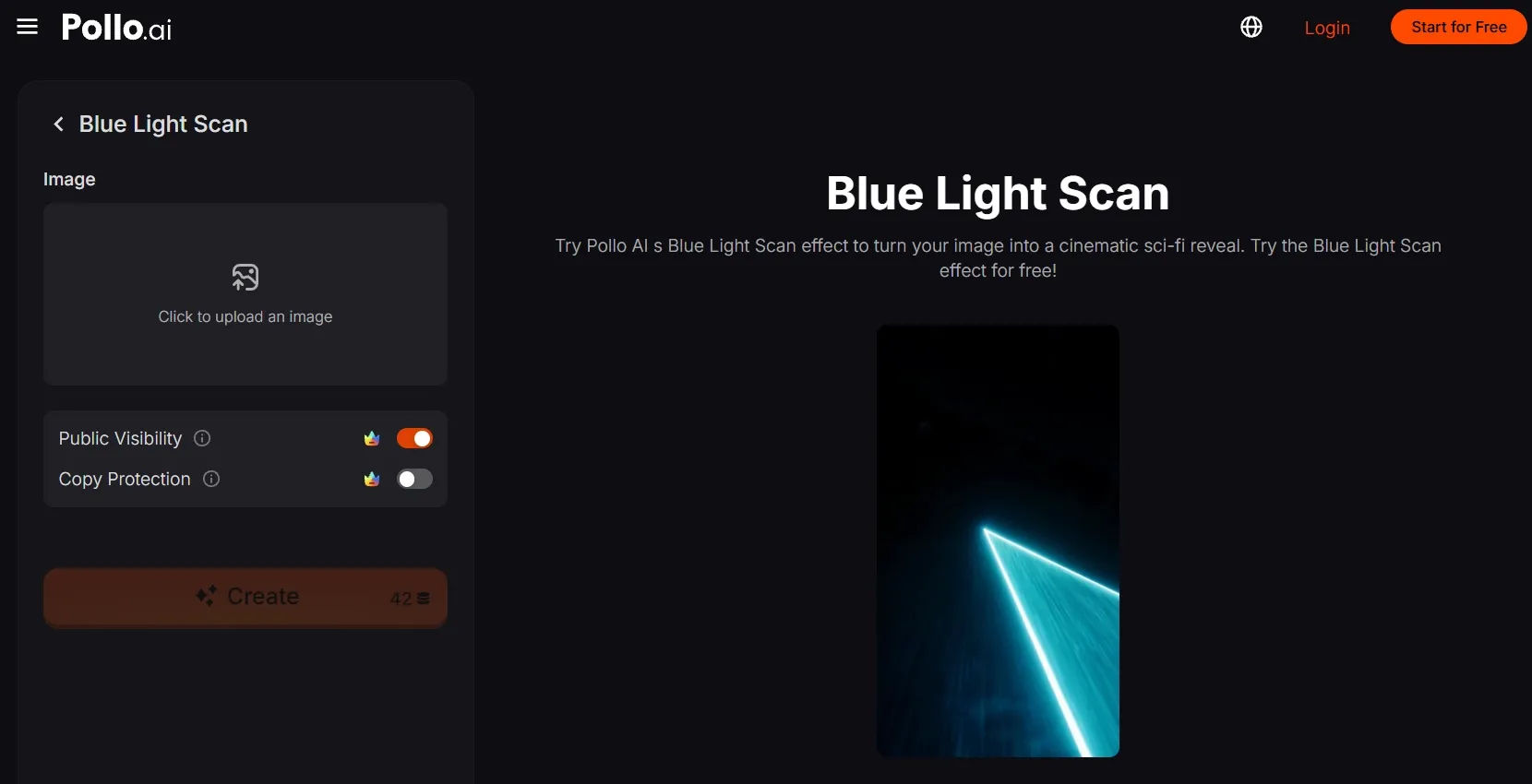
Open the Blue Light Scan video effect. Its preview shows the glowing scan-to-color reveal, and the creation panel beside it has the image upload entry.
Step 2: Upload your subjects
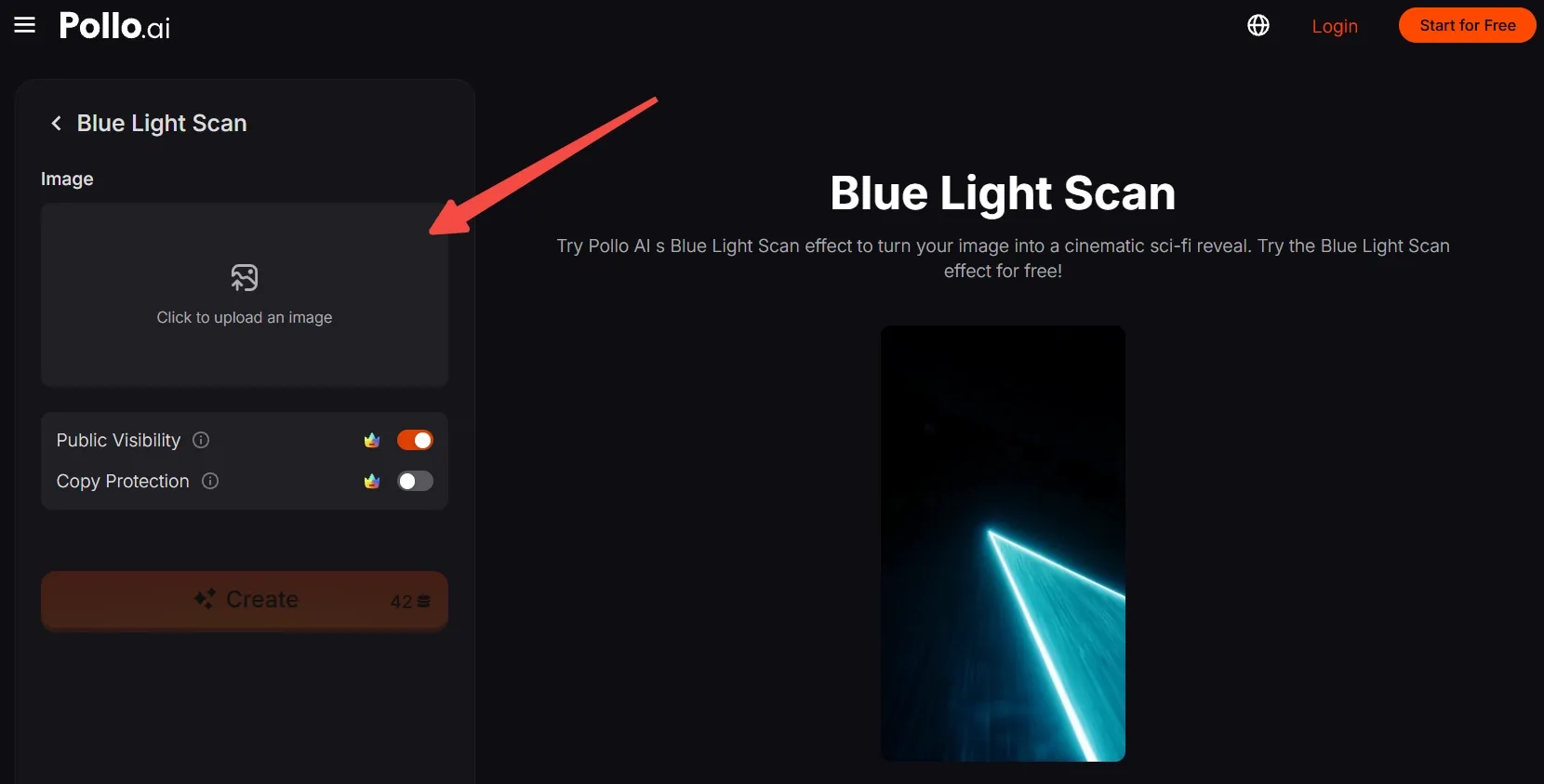
Click Upload an image and choose a clear full-body photo.
No suitable photo? Generate an AI image featuring a unique person or character, then upload it for the effect.
Step 3: Frame your photo
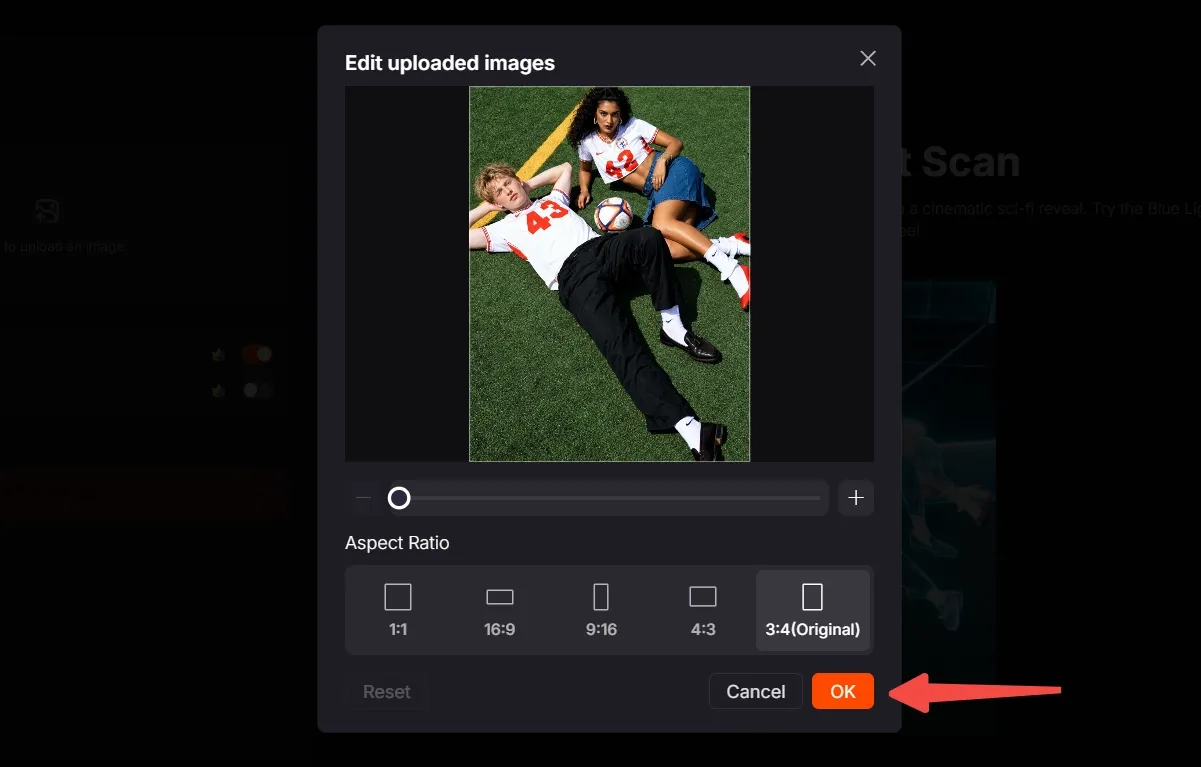
Move, scale, and crop the image so the subjects stay easy to recognize. Choose the aspect ratio that fits where you’ll post, then click OK to confirm.
Step 4: Create and share
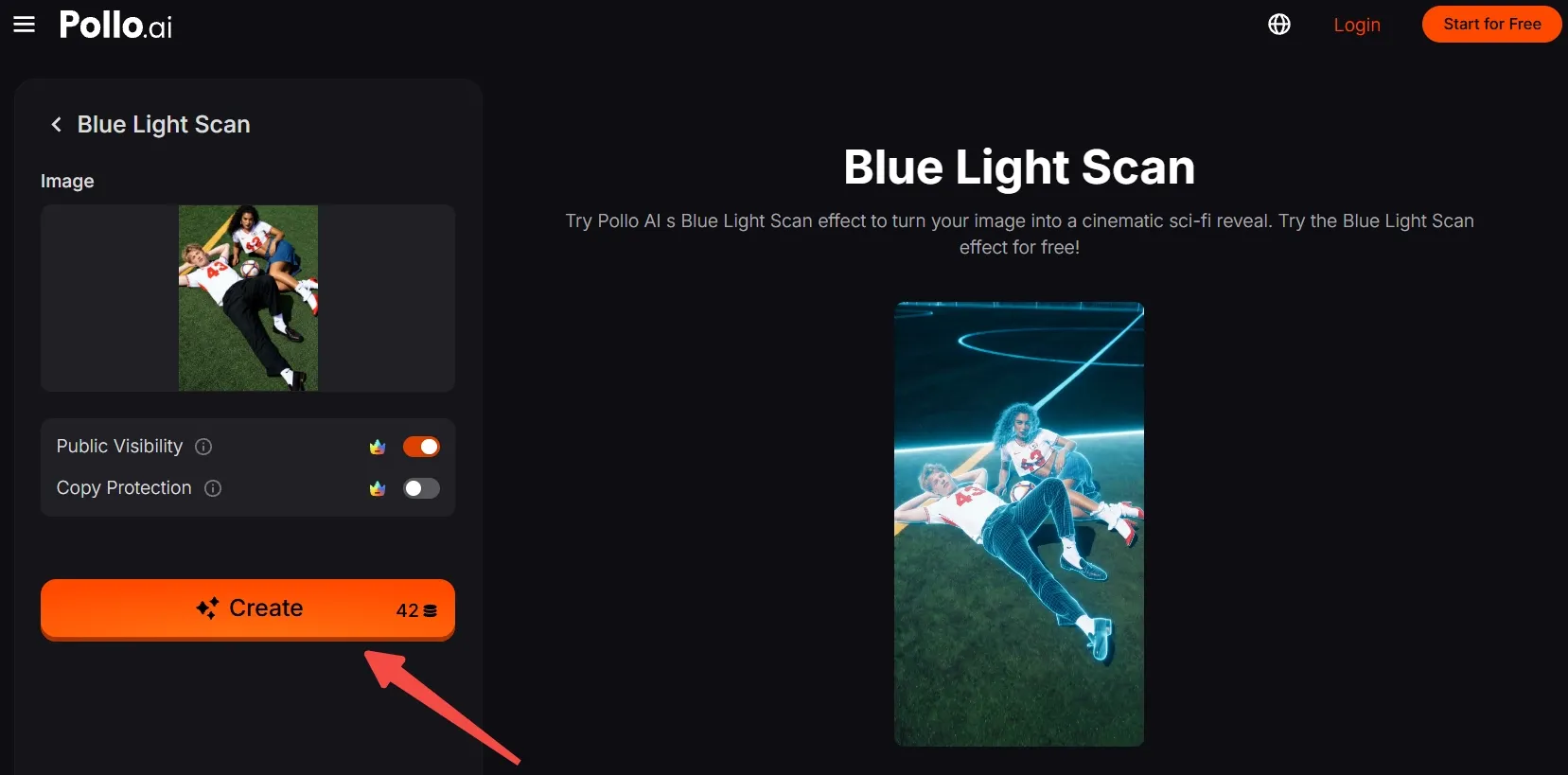
Check the displayed credit cost and your available credits, then click Create. Wait for the result, export the clip, and post your version.
Create Viral Videos with Pollo AI
Turn your own photo into a glowing sci-fi reveal in seconds.
Start Creating Free
Best Practices
- Choose an image with a clear main subject, whether it’s a person, object, character, or place.
- Leave space around important details so they remain visible after cropping.
- Pick a background that separates clearly from the subject; crowded edges can make the scan harder to read.
- Use an image with distinct shapes and light-and-dark contrast to help the outlines stand out.
- Match the crop and aspect ratio to where you plan to share the video.
Create Fresh Looks and Finished Videos with Pollo AI
One-click effects are one way to make a striking video with Pollo AI. Its broader tools give your ideas more room to grow.
Its video to video AI can restyle existing footage while preserving its original movement. You can give a familiar action a new visual look without losing what makes it recognizable.
Pollo Agent can turn a brief, image, link, or reference into a cohesive, post-ready video. A loose idea becomes a complete piece without managing every production step yourself.
Conclusion
Ready to make someone look twice at an ordinary photo? Give Blue Light Scan a person, product, character, or place you love and watch the familiar scene snap back from glowing blue.
Try a different subject next time and discover how much that one reveal can change!