



How to Recreate the Clones Viral Video
A man poses outside a café, looking perfectly at home—until copies of him start filling the street. Suddenly, spotting the original becomes the joke, and here’s how to recreate it with your own photo.
Viral Video Example
How to Clone This Viral Video
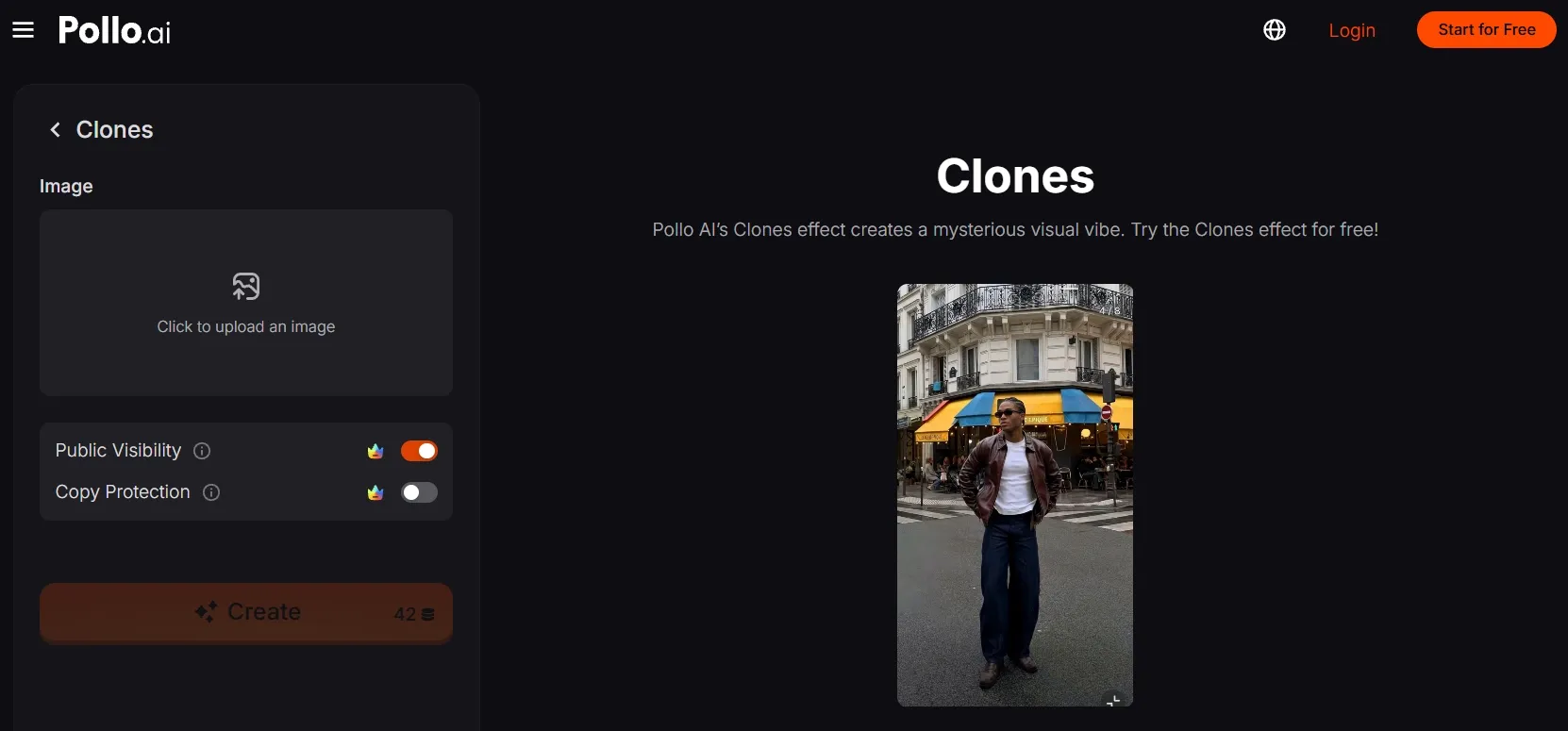
Step 1: Open the Clones effect
Open the Clones effect by Pollo AI and head to its creation panel.
Step 2: Upload your main subject
Click to upload an image and select a clear, full-body photo of one person. To echo the example, choose a street scene with visible ground and space behind the subject.
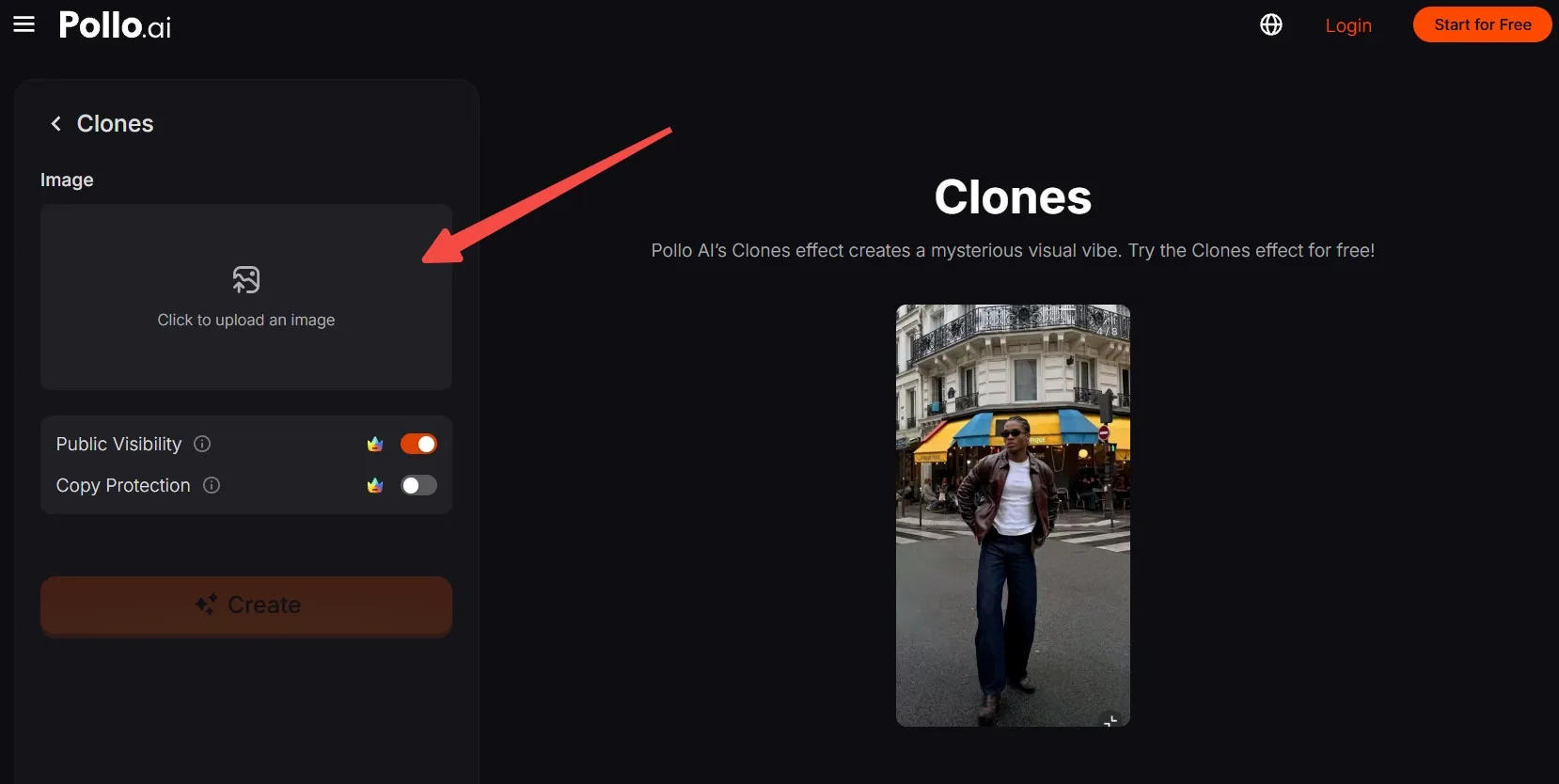
No suitable photo? First generate an AI image featuring a unique person or character, then upload it here.
Step 3: Frame the scene
Move, scale, and crop your photo while keeping the subject’s face, hands, and feet visible. Leave enough surrounding space for the multiplied scene to read clearly.
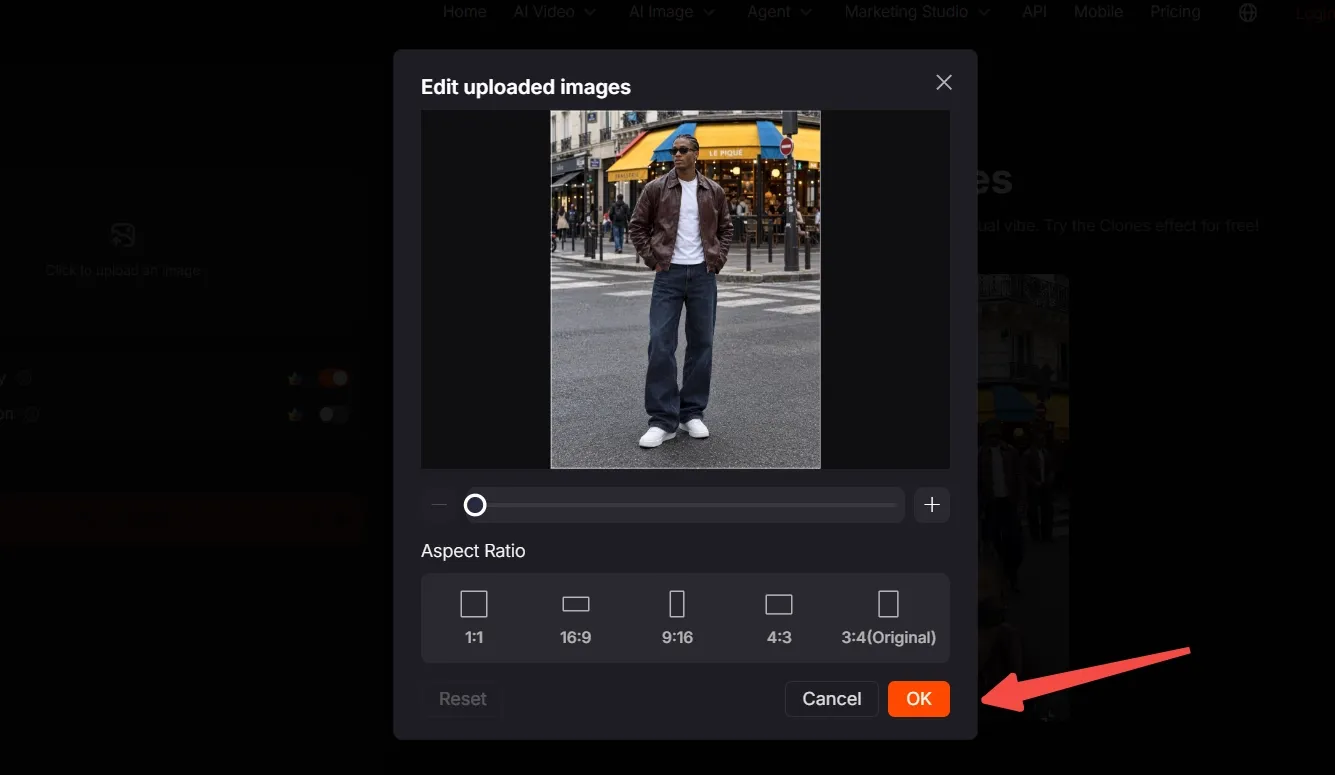
Choose the available aspect ratio that matches your destination. Confirm with OK, then check the image in the creation panel.
Step 4: Create and export
Click Create and wait for the result to generate.
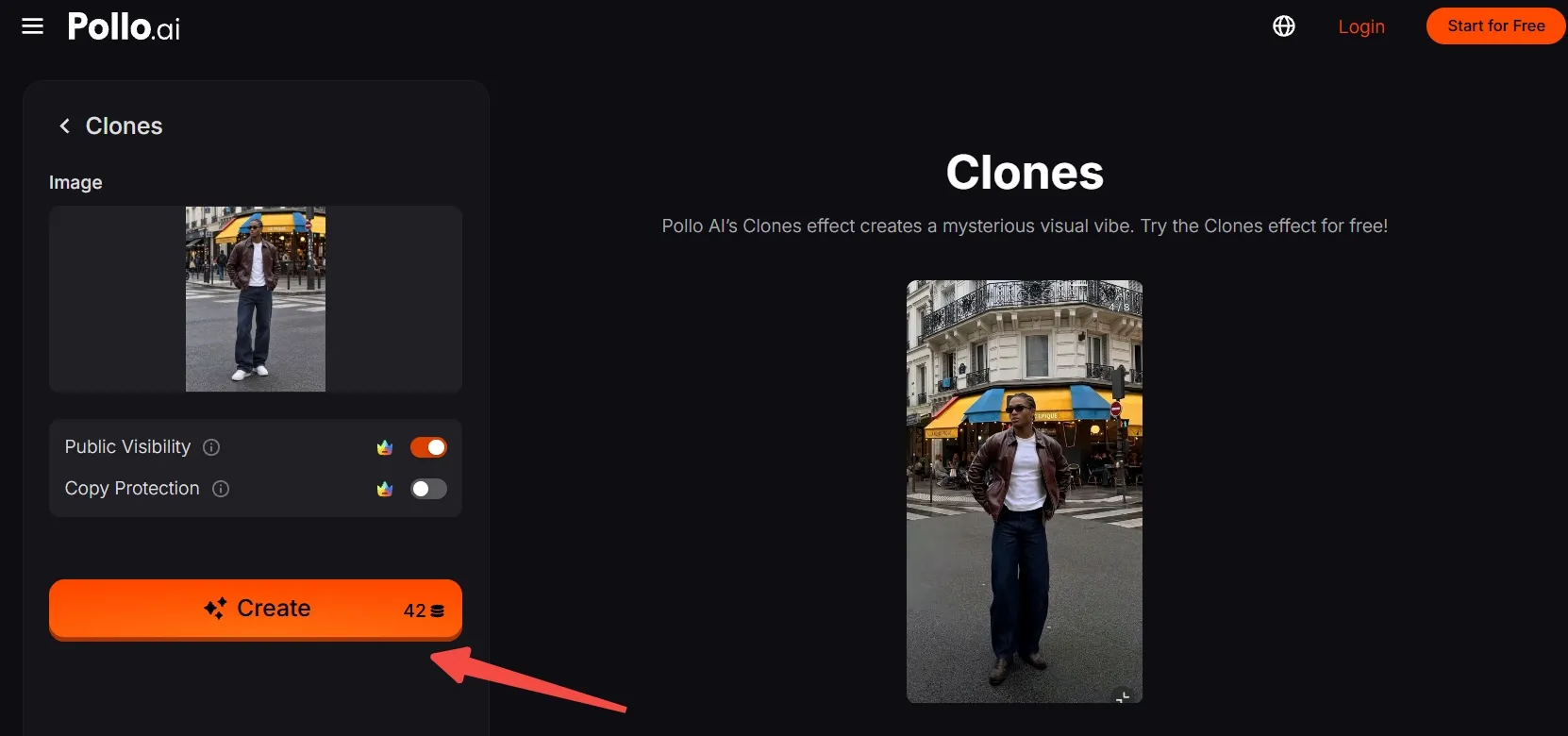
Preview the clip, export it, and post your version to your chosen platform.
Create Viral Videos with Pollo AI
Turn one portrait into a street full of familiar faces.
Start Creating Free
Best Practices
- Start with one unmistakable lead. Avoid group photos so viewers can immediately recognize the person being multiplied.
- Keep the full silhouette visible. A relaxed standing pose with clearly separated arms and legs makes the subject easier to read.
- Leave room behind the subject. Visible pavement and background depth suit this scene better than a tightly cropped selfie.
- Make the outfit stand out. Clothing that contrasts with the surroundings helps viewers spot the matching copies.
- Check the final crop. Preserve the person and enough of the setting to establish the ordinary scene before the surprise.
Matched Motion, Full Video Creation with Pollo AI
This clones effect is just one of Pollo AI’s one-click video effects. The wider creative suite also helps you recreate distinctive movements and turn ideas into complete videos.
With mimic motion, a photo subject can follow movements from a reference video, making it easy to bring a favorite dance or gesture to your own character.
For a bigger story, Pollo Agent turns a brief, image, or reference into a complete, post-ready video, handling the scenes and sound without requiring you to stitch clips together.
Conclusion
The fun starts when an ordinary street portrait gets a little too crowded—and every new face is yours. One clear photo is all you need to try the look.
Try this Clones effect, put yourself or an original character in the scene, and give viewers a reason to look twice.