



How to Clone the Blue Screen Glitch Viral Video
One moment, your image looks perfectly normal. Then it appears to crash into a jarring blue-screen error. That sudden switch is the joke. Want to give your own photo the same computer-meltdown moment?
Viral Video Example
How to Clone This Viral Video
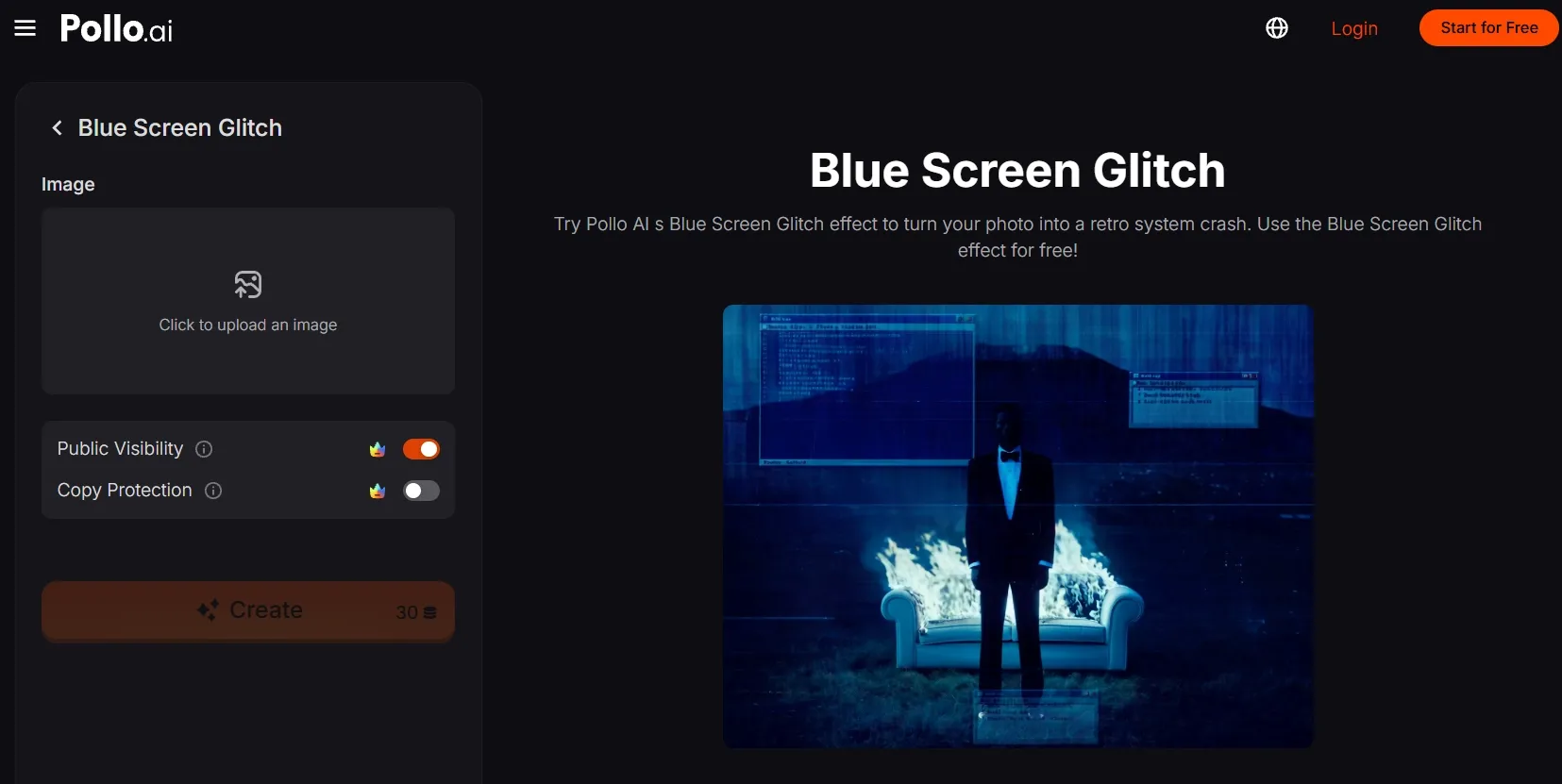
Step 1: Open the Blue Screen Glitch effect
Open the Blue Screen Glitch effect by Pollo AI and enter its creation panel.
Step 2: Upload your main subject
Upload a clear image of the person, character, or object. A simple composition makes the change easier to catch.
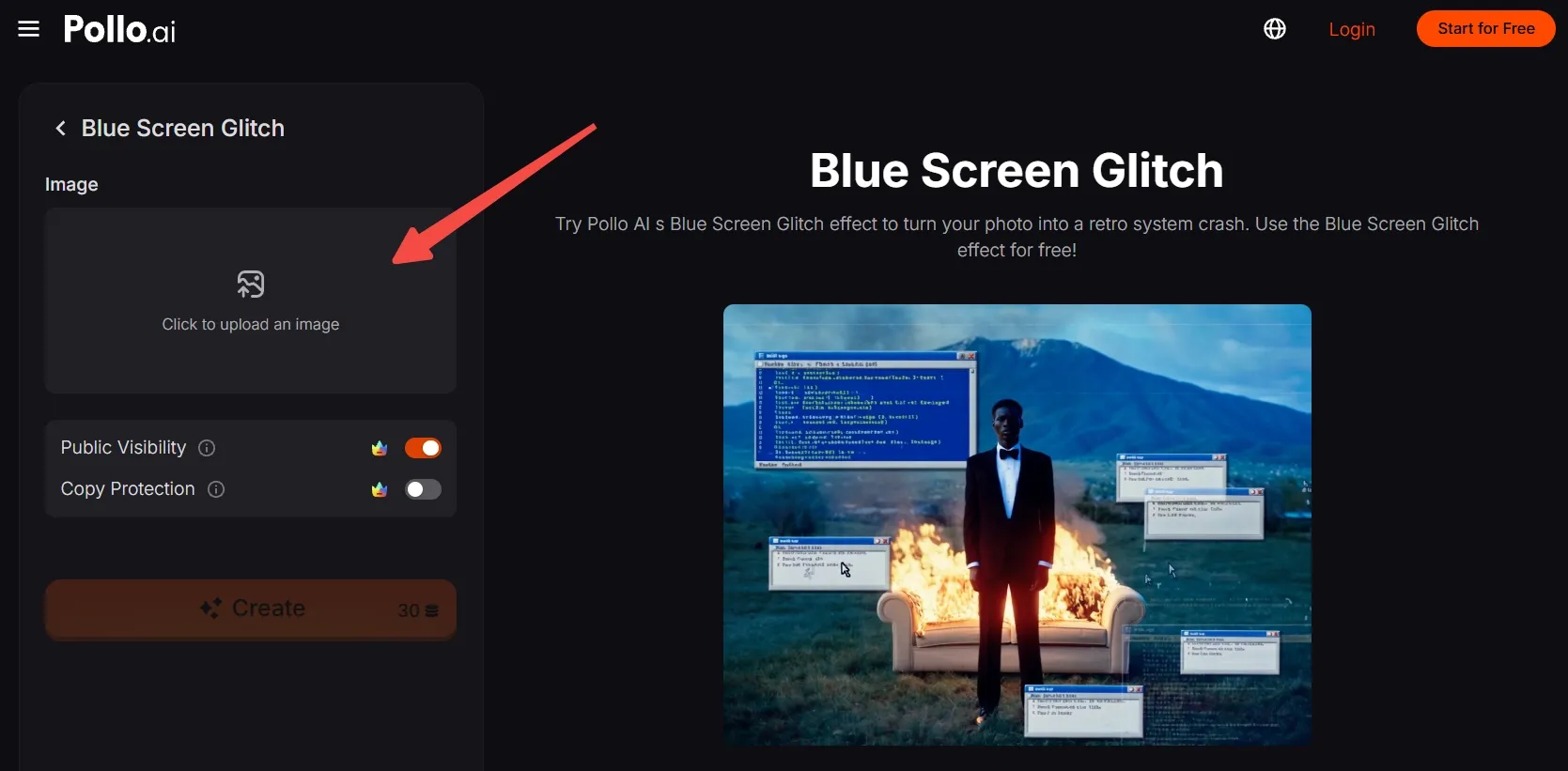
No suitable photo? First generate an AI image, then upload it for this video effect.
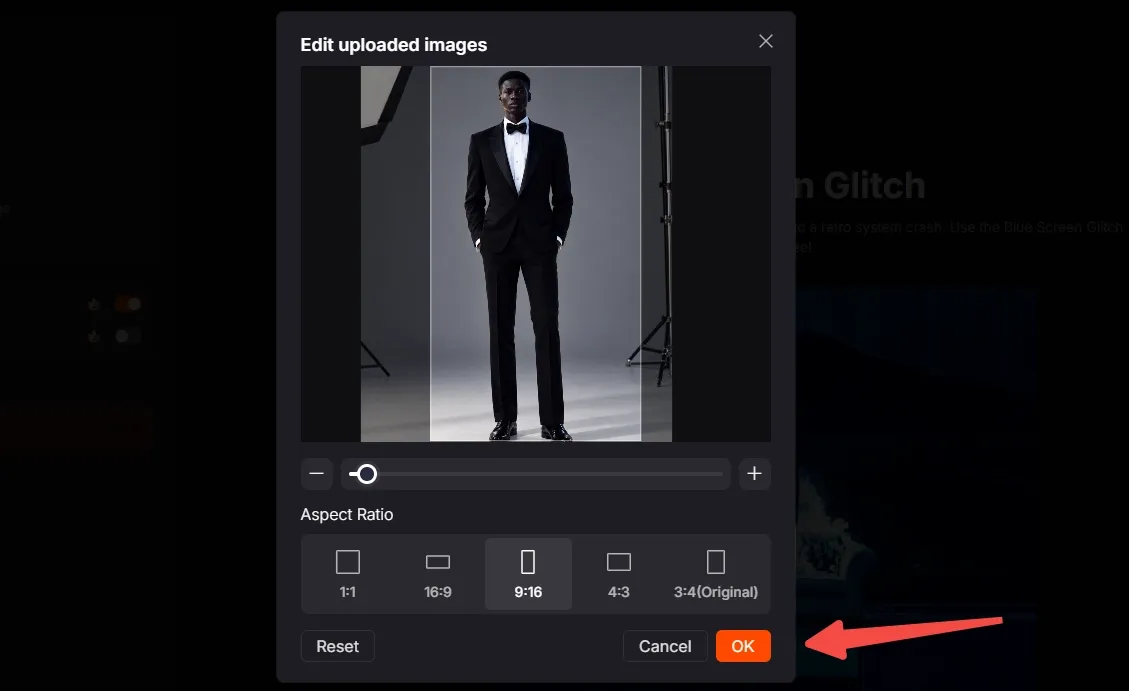
Step 3: Frame the image
Move, scale, and crop the image so your subject stays visible, with room near the edges. Choose the aspect ratio that fits where you plan to post, then click OK to confirm.
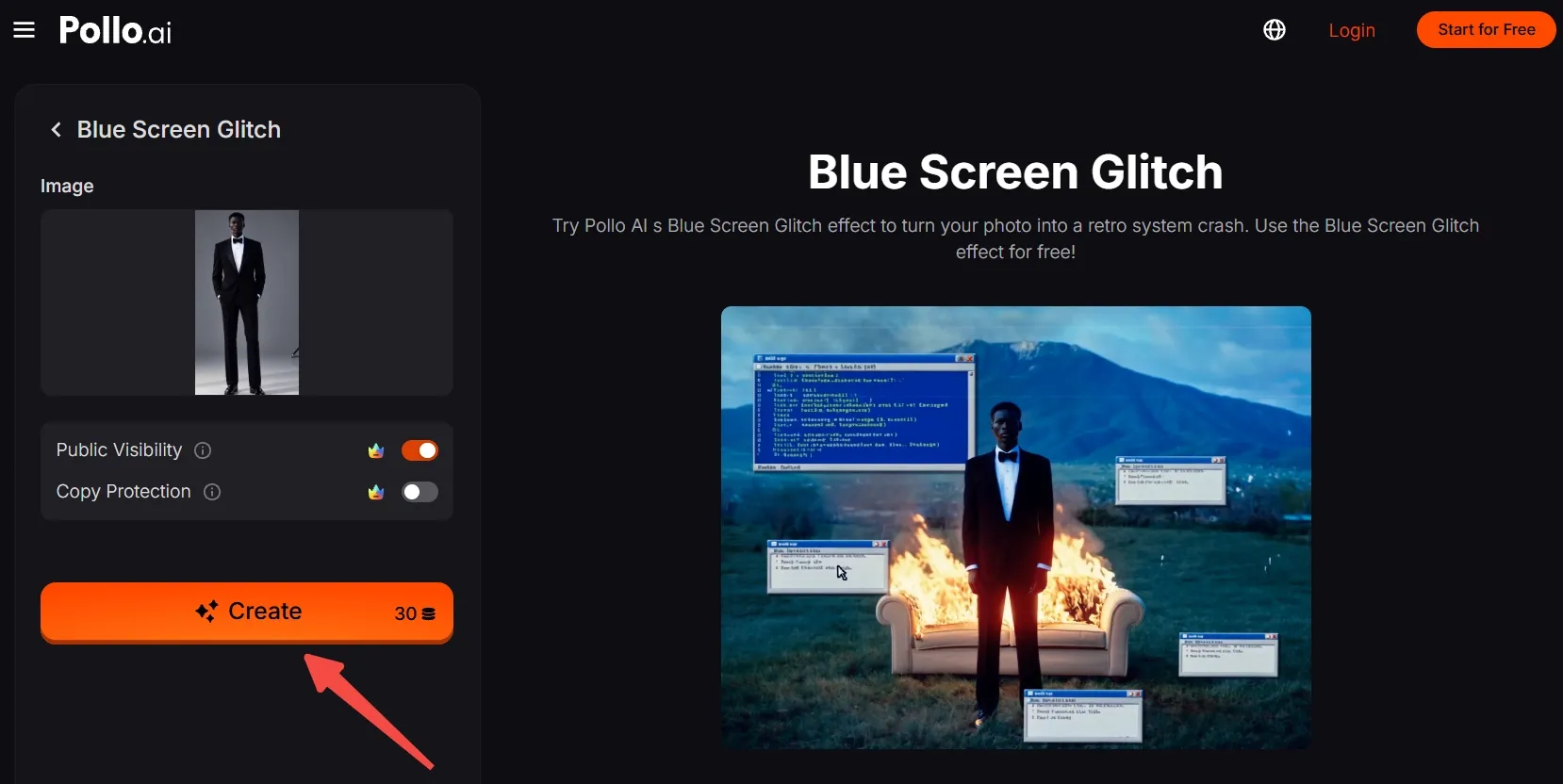
Step 4: Create and share
Check the credits shown beside Create and make sure you have enough. Click Create, wait for the generated clip, then export and post your blue-screen surprise.
Create Viral Videos with Pollo AI
Turn a familiar photo into a surprising retro screen-crash effect with ease.
Start Creating Free
Best Practices
- Start with a readable subject. Use a photo where the face, character, or product is easy to identify at a glance.
- Keep the outline clear. Separate the subject from the background so the normal image registers before the glitch.
- Leave room around the edges. Crop without cutting off the subject’s defining details.
- Match the destination. Check the selected aspect ratio so your subject remains in frame.
Pollo AI: Create Finished Videos with Natural Motion
Blue Screen Glitch is one quick way to turn a photo into a surprising video. Pollo AI also offers broader tools for making original clips around the same idea.
With its image to video AI, a still portrait, product shot, or illustration can become a moving scene. Natural motion gives you more ways to build a visual idea from an image.
For a larger idea, Pollo Agent can turn a brief, image, link, script, or reference into a cohesive, post-ready video. It helps carry the concept beyond a single clip without piecing scenes together yourself.
Conclusion
Try this Blue Screen Glitch effect with a different face, mascot, or product and see which source image makes the crash most surprising. Explore more Pollo AI video effects when you’re ready for another visual switch.