



How to Clone the Eavesdrop Viral Video
One dog takes a phone call. The other grows an enormous ear—and suddenly looks innocent when caught. Subtle? Absolutely not. Recreate the Eavesdrop joke with your own unlikely duo using this simple tutorial.
Viral Video Example
How to Clone This Viral Video
Step 1: Open the Eavesdrop effect
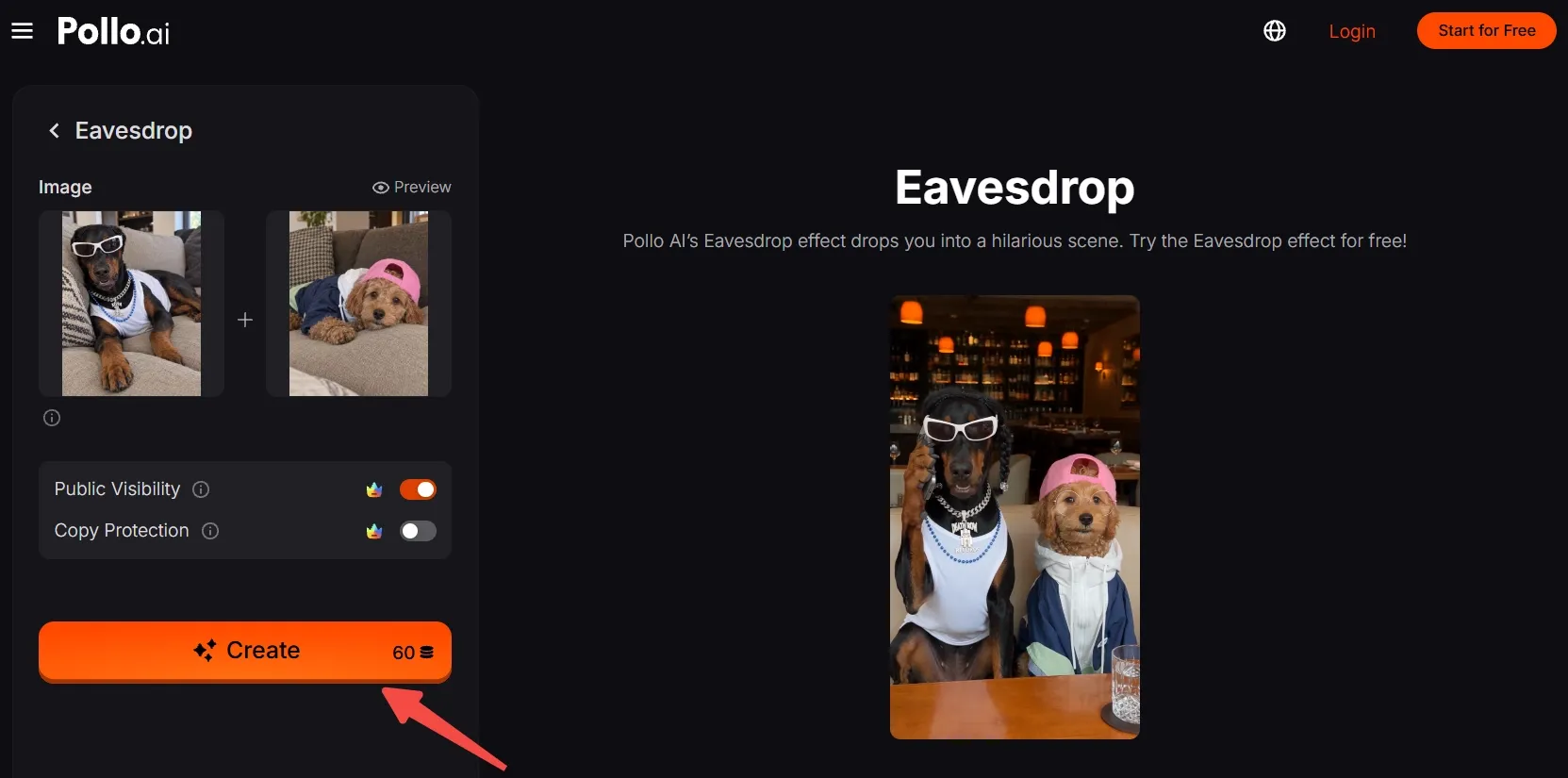
Open the Eavesdrop video effect by Pollo AI and enter its creation panel.
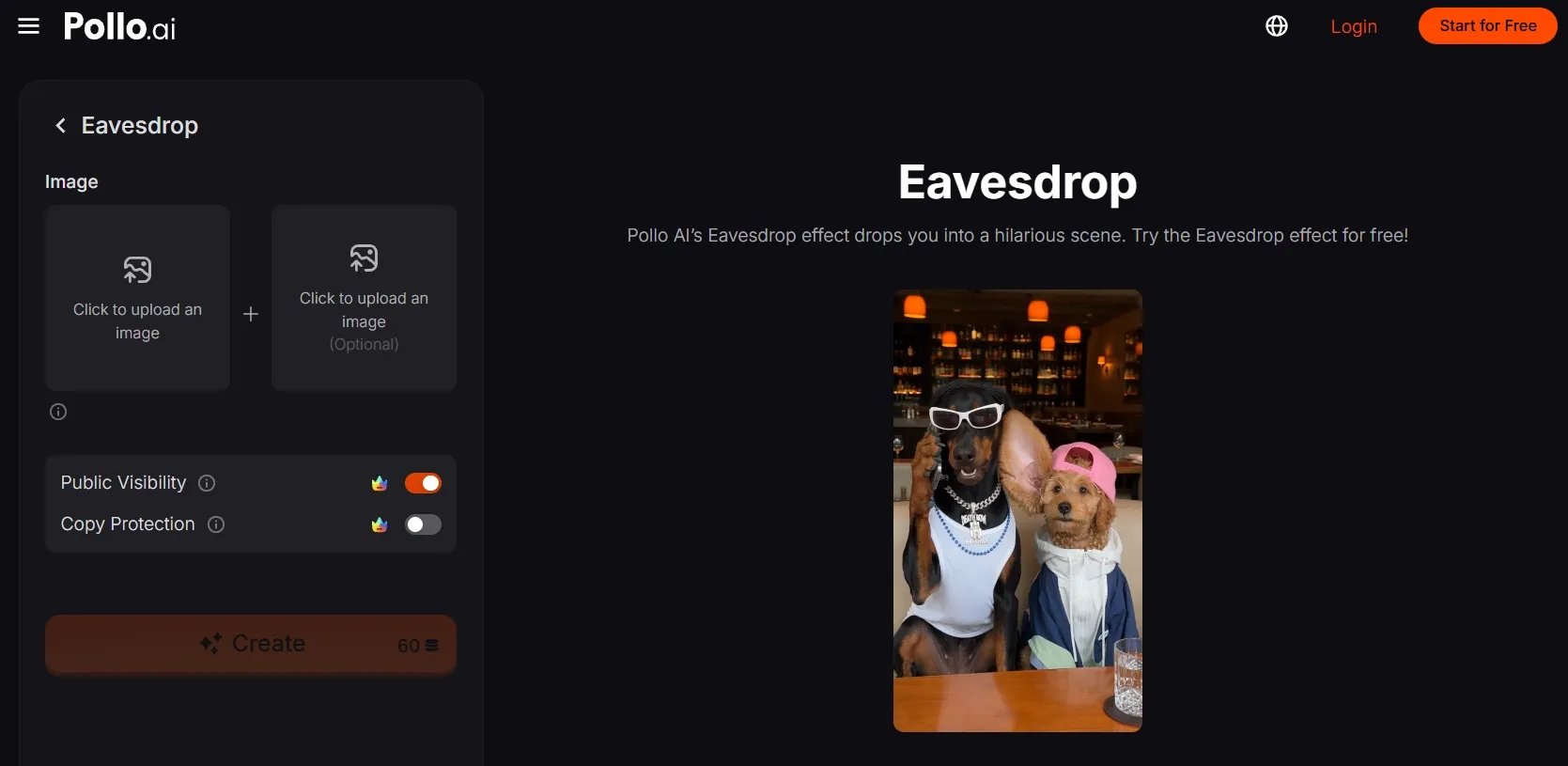
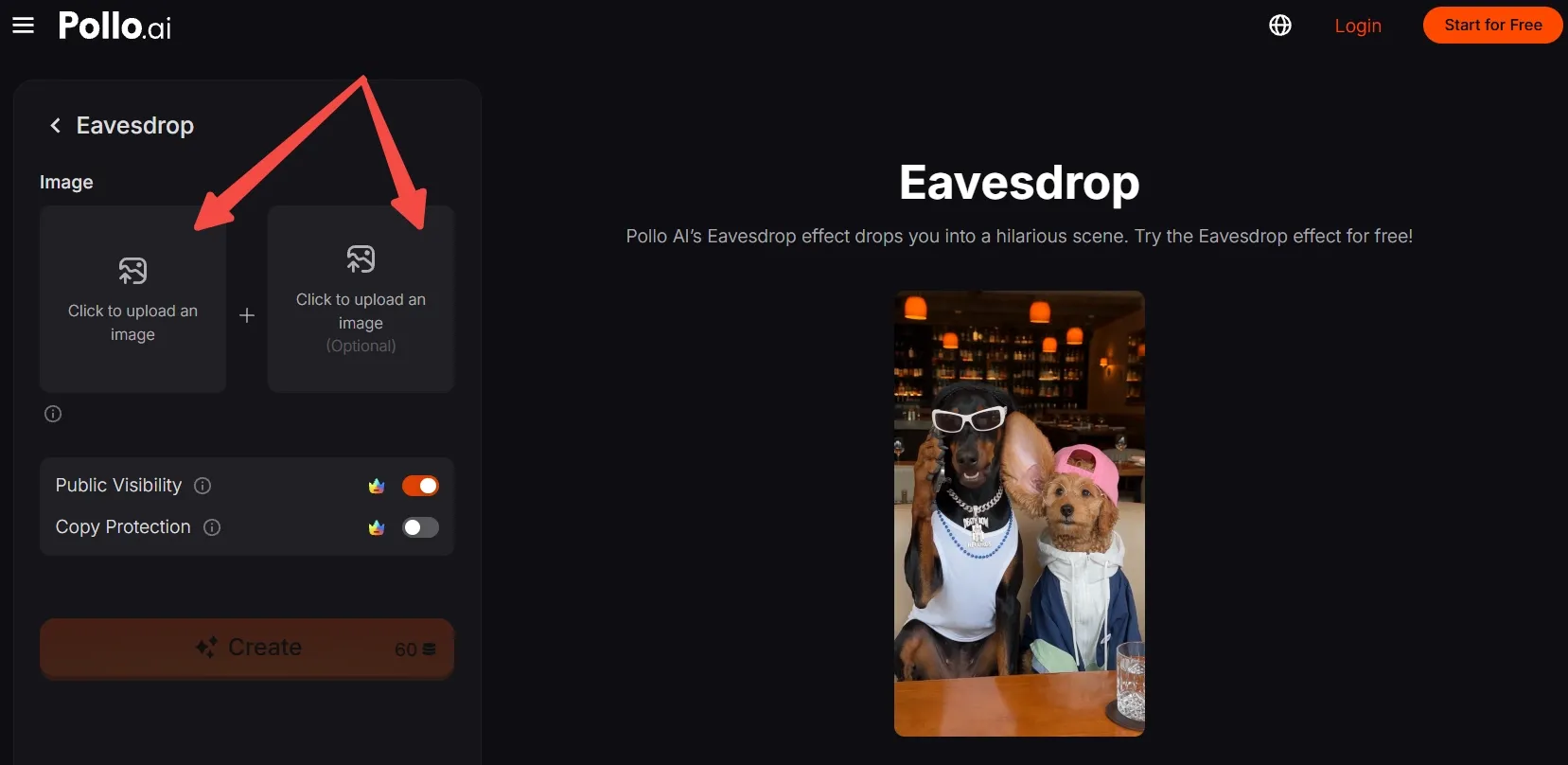
Step 2: Upload your characters
Click to upload an image of your main subject. Choose photos with visible faces and ears.
To recreate the example’s two-character setup, use the optional second upload for the other dog, person, or character.
No suitable photos? Generate an AI image for free now, then upload it here.
Step 3: Frame and confirm your images
Move, scale, and crop each uploaded image to keep the face, ears, and upper body visible. Leave space above and beside the head so the composition feels open.
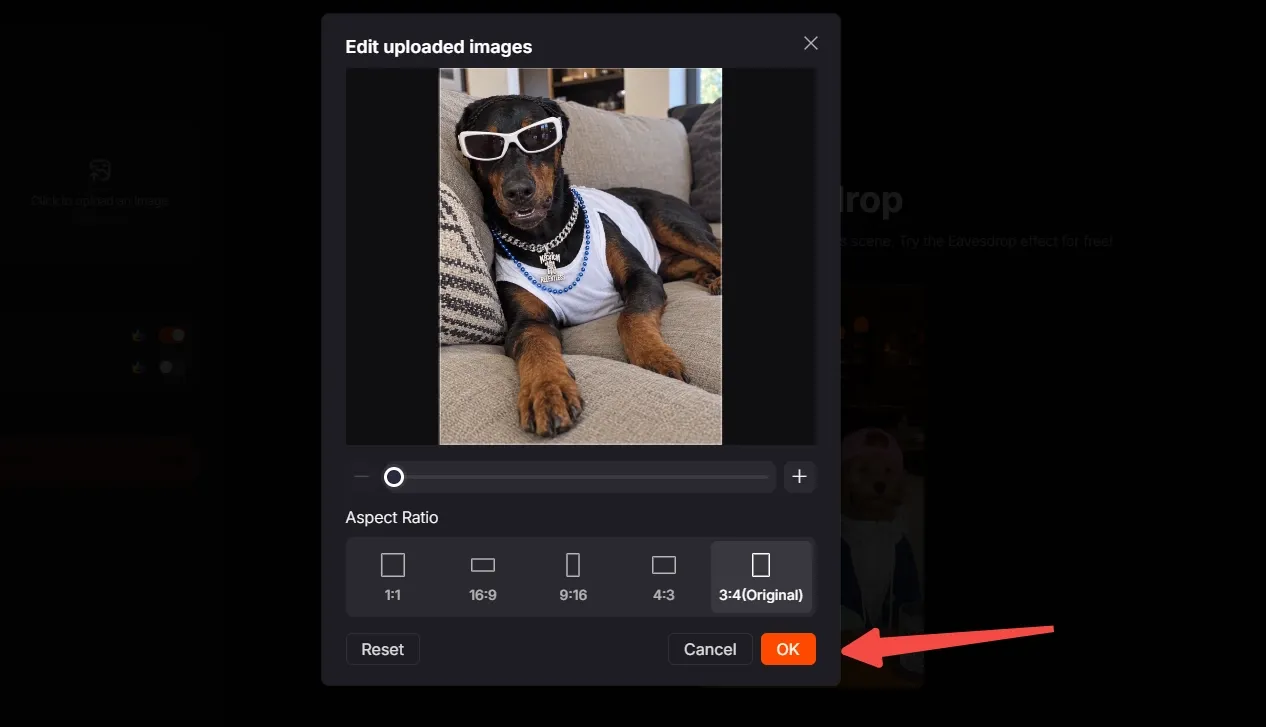
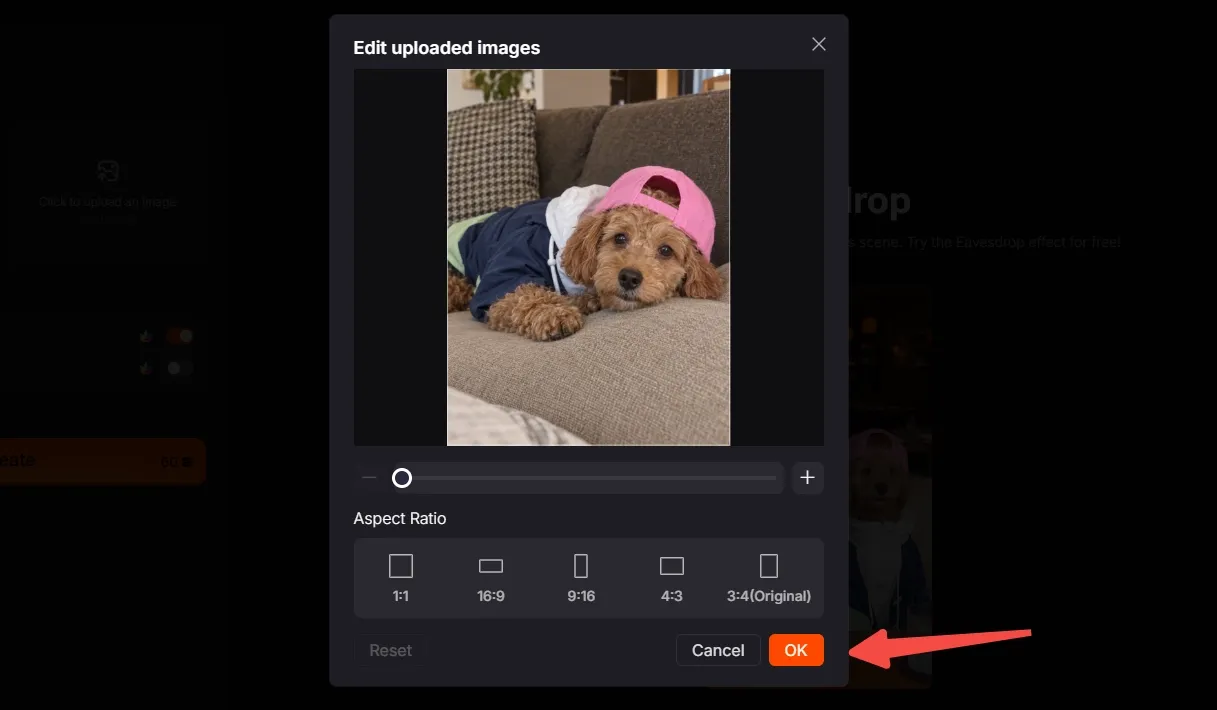
Step 4: Create, export, and share
Check the credit requirement and your available balance, then click Create.
Preview the generated video, export it, and share your duo’s suspiciously attentive moment.
Create Viral Videos with Pollo AI
Turn your favorite duo into a hilariously obvious pair of gossip partners.
Start Creating Free
Best Practices
- Keep ears visible. Choose photos without hats, hair, or accessories covering the ear area.
- Leave room around the head. Avoid tight crops that crowd the feature at the center of the joke.
- Make both faces readable. Sharp eyes and clear expressions help the characters’ reactions register.
- Choose compatible photos. Similar lighting and camera angles help two separately uploaded subjects feel like a believable pair.
- Preserve distinctive details. Keep recognizable clothing and accessories inside the crop so viewers can follow each character.
- Check the posting format. When ratio options are available, choose a crop that keeps the head and shoulders comfortably visible.
Pollo AI: Create Videos with Natural Motion and Lifelike Performances
Eavesdrop is just one of Pollo AI’s video effects. This creative suite also gives creators more ways to bring characters to life.
For expressive character clips, its image to video AI animates still images with natural facial expressions and body language. Give a favorite portrait a moving reaction that feels more believable.
For movement guided by an example, mimic motion by Pollo AI transfers a reference performance to your photo subject. Use a wave or dance reference to give an original character a recognizable routine.
Conclusion
Who would be the worst at pretending they weren’t listening: your pet, your friend, or your favorite character? Pick your duo and try this Eavesdrop video effect now!
Give each character a distinct look, leave those ears visible, and see who steals the scene. Explore more Pollo AI video effects when you’re ready for another unexpected role.