



How to Clone the Sitting on Earth Viral Video
A woman sits with her legs dangling over the edge. Look closer: that edge is Earth. She brushes the cloud tops, then rests her cheek against the planet like it's a pillow. Here's how to make your version.
Viral Video Example
How to Clone This Viral Video
Step 1: Open the Sitting on Earth effect
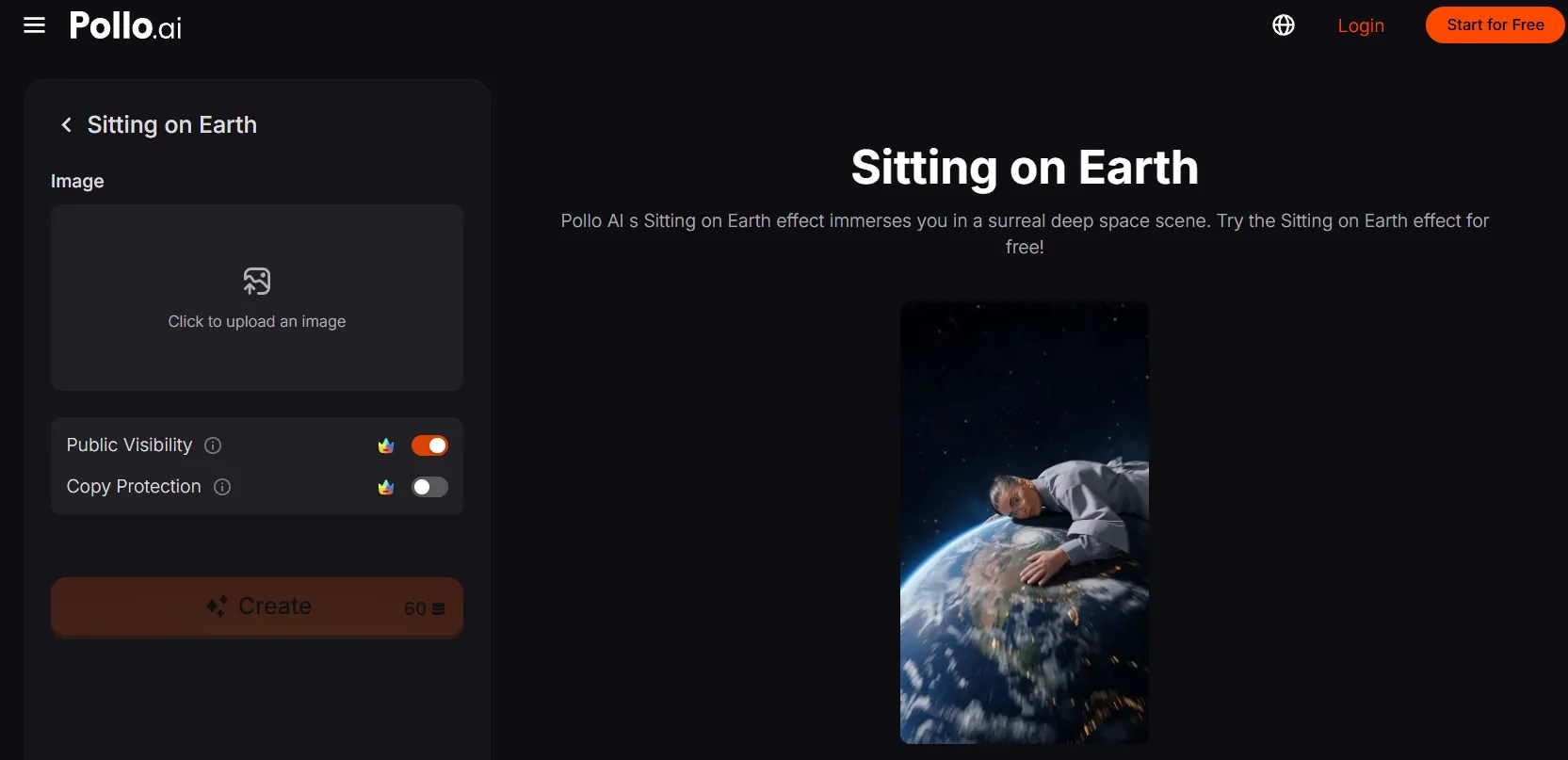
Open the Sitting on Earth effect on Pollo AI. Check the effect preview and find ‘Click to upload an image’ in the creation panel.
Step 2: Upload your main subject
Upload a clear photo of the person you want to place on Earth. Keep their face, clothing, arms, and legs visible so they remain recognizable at an enormous scale.
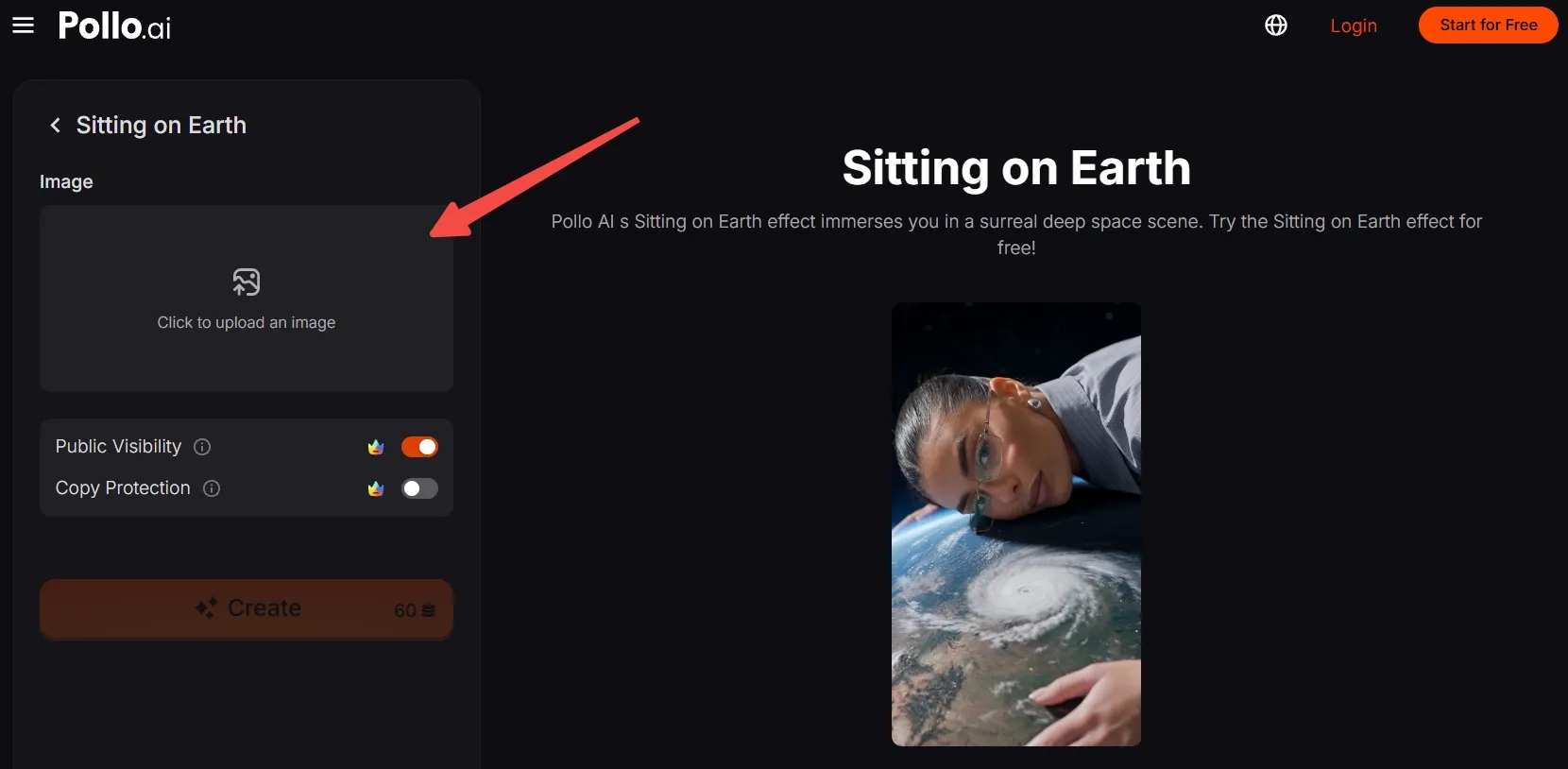
No suitable photo? Generate an AI image featuring a unique person or character, then upload it here.
Step 3: Frame the subject
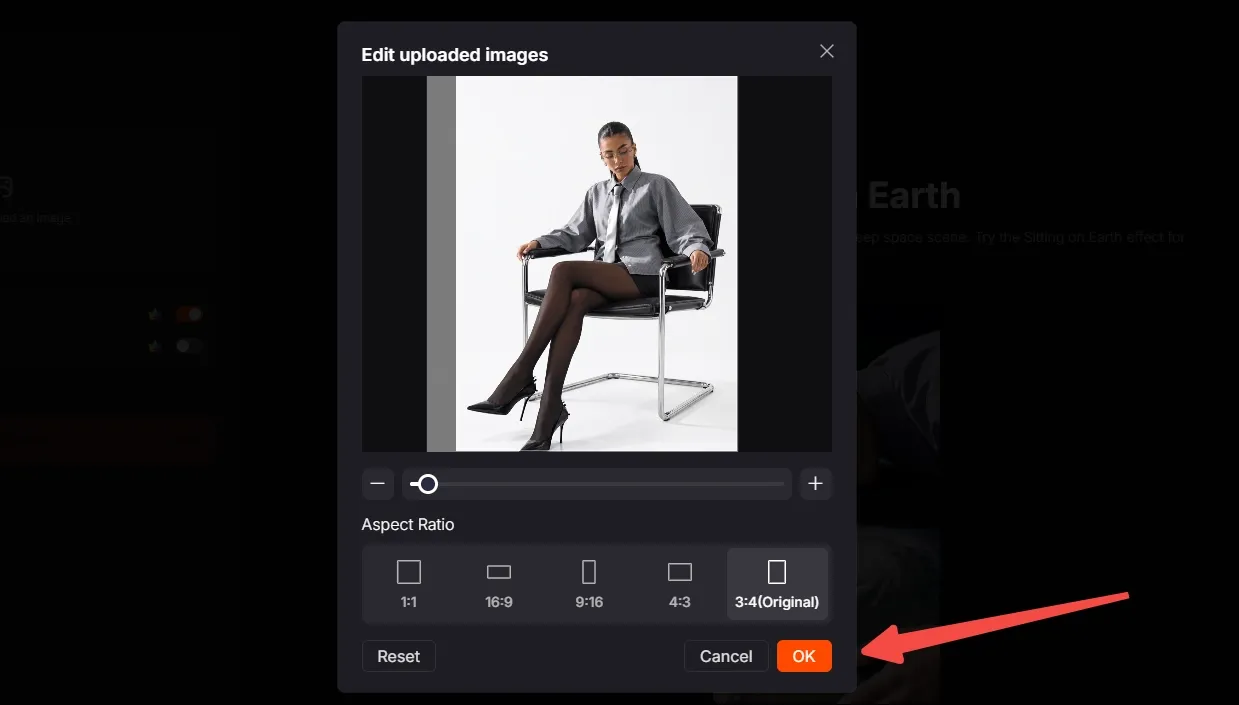
Move, scale, and crop the image without cutting off the person's head, hands, or feet. Choose the aspect ratio for your destination, then click OK to confirm.
Step 4: Create and share
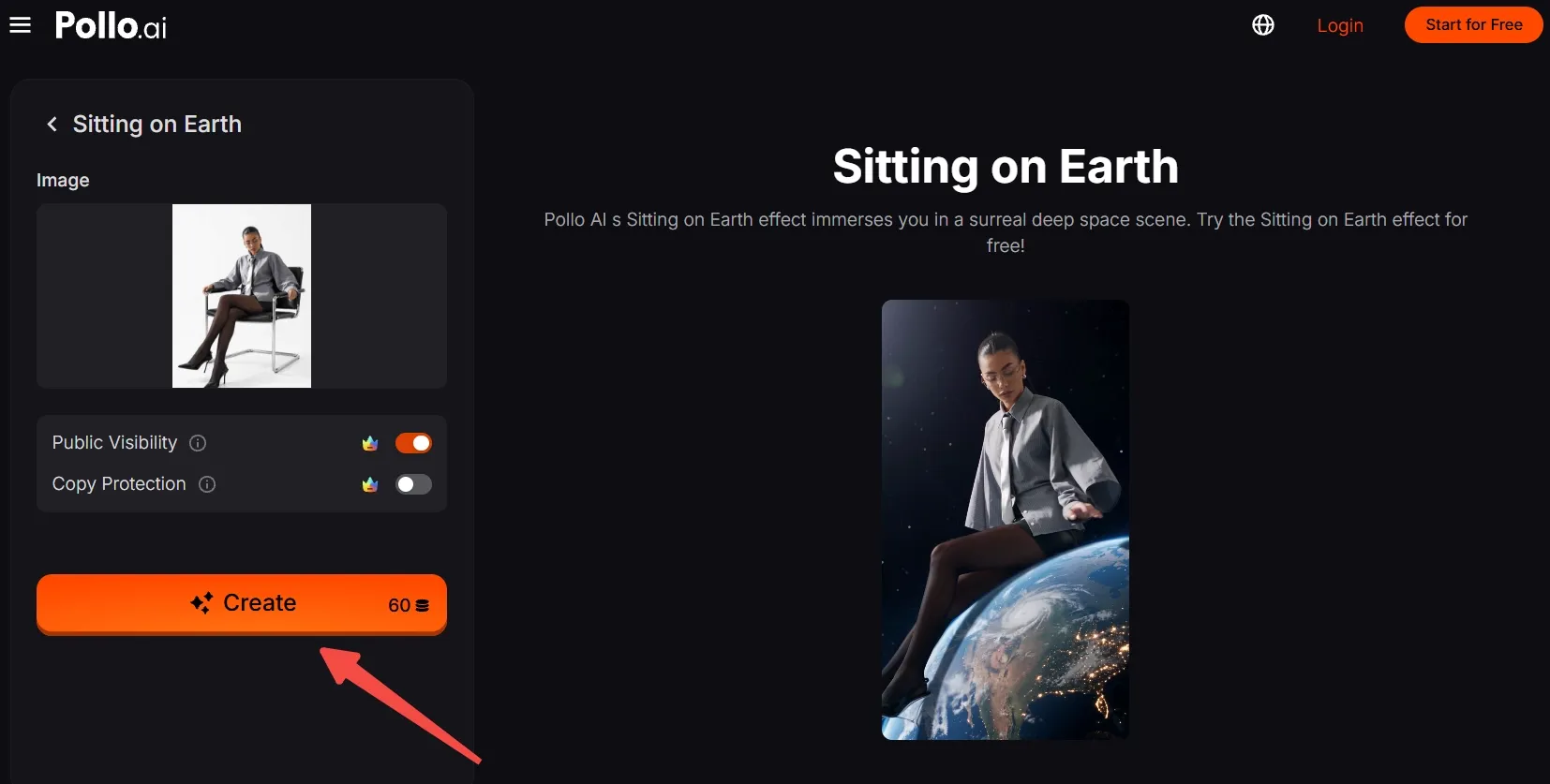
Check the required credits, then click Create. Wait for the result, export the clip, and post your video of Sitting on Earth.
Create Viral Videos with Pollo AI
Put your own face on top of the world with one upload.
Start Creating Free
Best Practices
- Use a sharp, full-body photo with one clearly separated subject. The effect needs a readable silhouette against Earth.
- Leave space around the hands and feet when cropping so the seated figure does not feel cramped.
- Keep the face and distinctive clothing visible. Those details help viewers recognize the person as the scale changes.
- Choose clothing that contrasts with Earth's deep blues and bright cloud bands.
- Check the 9:16 crop before creating if the clip is headed for a vertical feed.
Pollo AI: New Scenes, Consistent Characters
Sitting on Earth is a one-click effect. Pollo AI also gives that idea room to grow.
With its AI video generator, you can turn a photo or written prompt into a video beyond the Sitting on Earth template. Place your subject on the moon, above a city, or somewhere else entirely, and build a scene around your own idea.
For a series, reference to video uses subject images to keep a person's defining look consistent as the scene changes. Their face, outfit, and recognizable details stay familiar across new clips, helping each surreal setting feel like part of the same character's world.
Conclusion
Who in your camera roll would look at home on top of the world? Pick a clear photo and try Sitting on Earth with yourself, a friend, or an original character. When you're ready for another surprise, explore more Pollo AI video effects and give the next one your own twist.