



How to Create a Pet Skate AI Video
What if your pet suddenly became a fearless skater? That's the playful surprise behind Pet Skate: a familiar cat or dog in an unexpected action-sports scene. I'll show you how to create your own version with a pet photo and Pollo AI.
Viral Video Example
How to Clone This Viral Video
This video effect offered by Pollo AI uses image uploads, so you don't need to film your pet on a skateboard or write a complicated animation prompt.
Step 1. Open the Pet Skate Effect
Go to the Pet Skate effect on Pollo AI. The creation panel shows two image fields and a Create button. The second image field is optional.
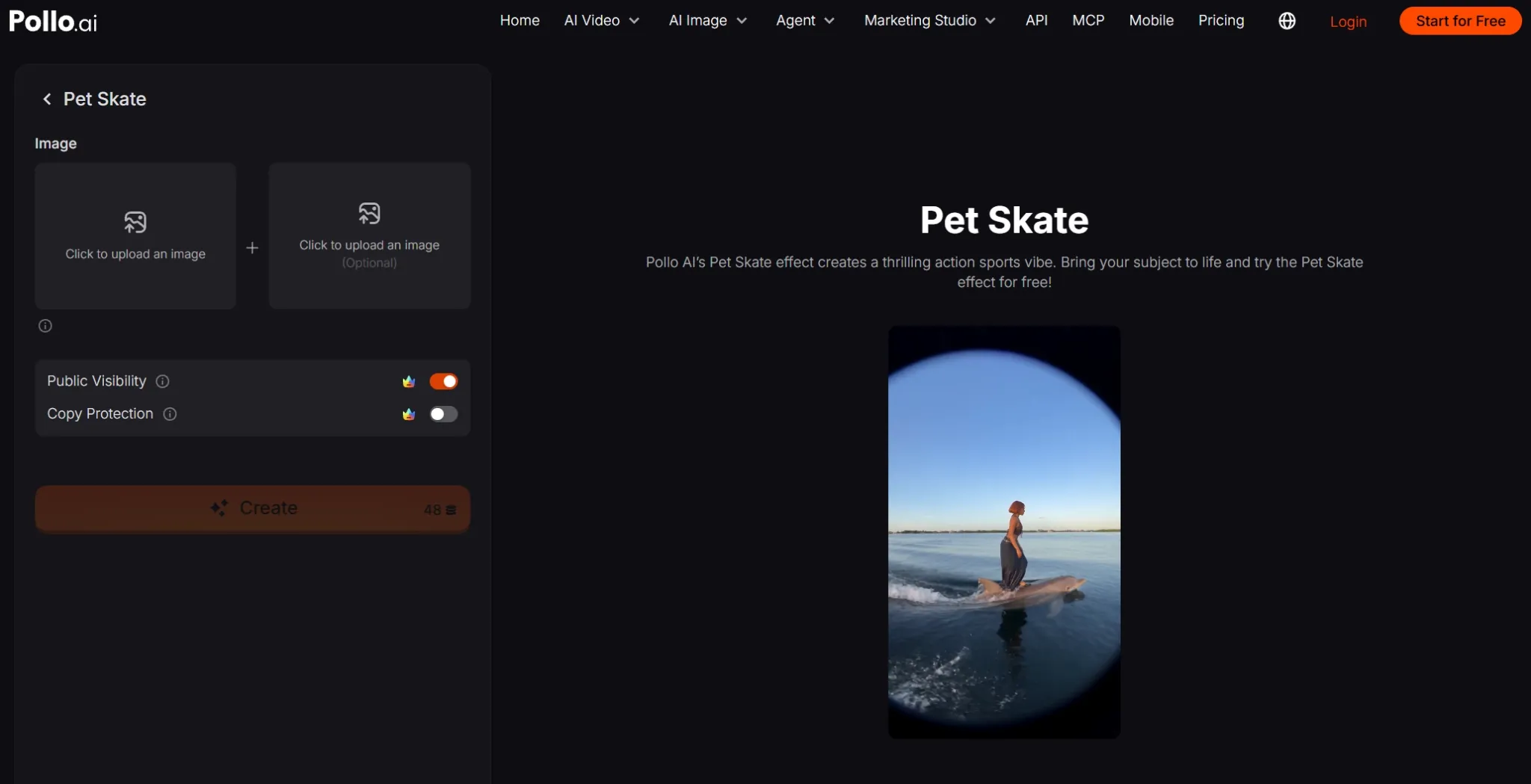
Step 2. Upload Your Pet Photo
Click the first Click to upload an image field and select a clear photo of your cat, dog, or another pet. If you don't have a suitable photo, you can create one with AI image generator.
I'd recommend a well-lit image with recognizable facial features and enough visible space around the body. You can also upscale your image or use magic eraser to remove unwanted objects before your generation.
There's also a second upload field labeled Optional. You can leave it empty or supply another relevant image. You don't need to write detailed skateboarding instructions.
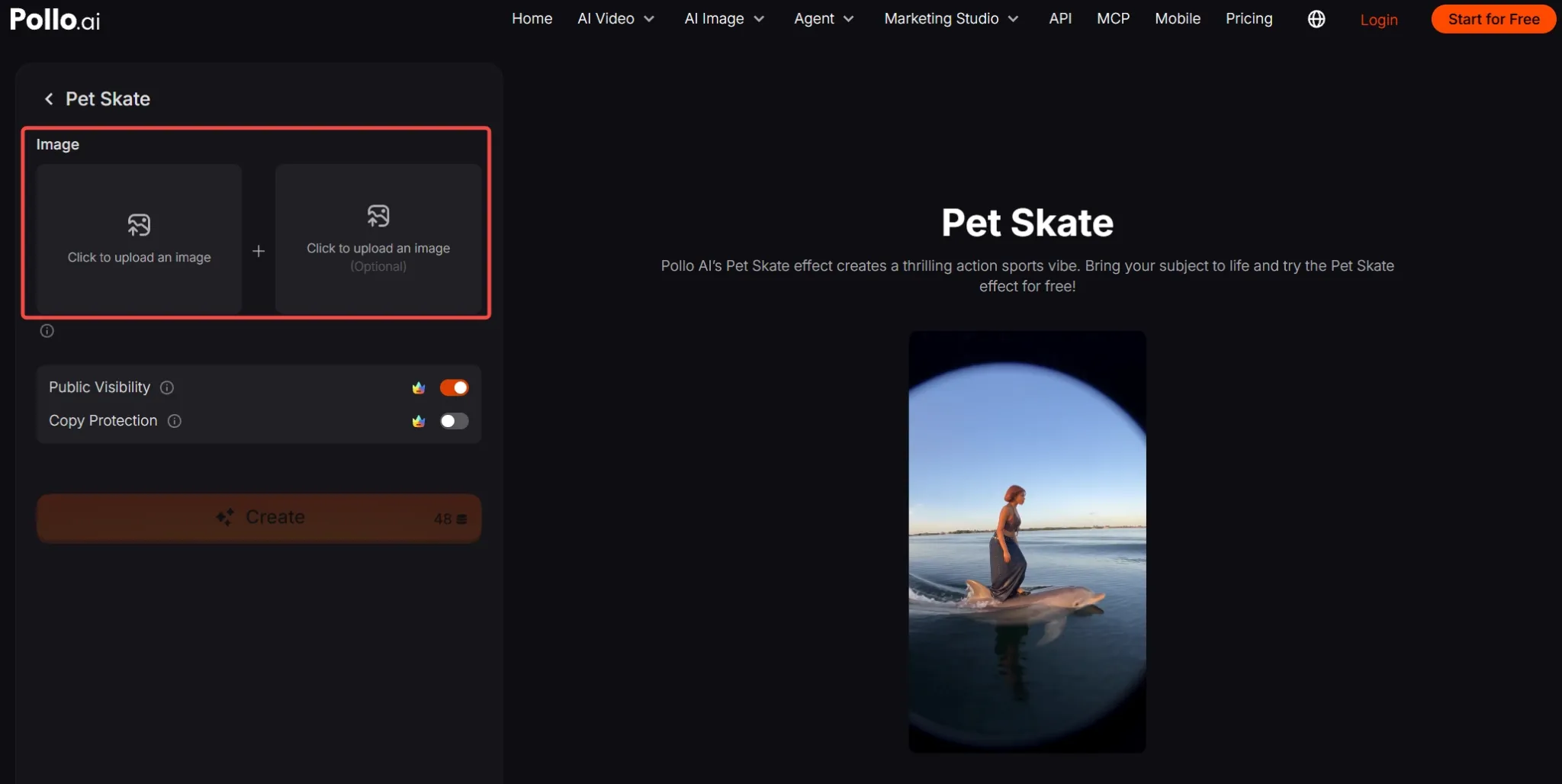
Step 3. Generate Your Pet Skate Video
Click Create to generate the effect. Once the video is ready, review the result and save your favorite version. Share it with a playful caption on TikTok, Instagram Reels, or another social platform.
Turn Your Creative Ideas Into Viral Videos
Bring your imagination to life with Pollo AI. Create eye-catching videos that entertain viewers and stand out on social media.
Create with Pollo AI for Free
Best Practices for Better Pet Skate Videos
- Choose a sharp photo. Clearly visible eyes, fur, and facial features help your pet remain recognizable.
- Avoid tight crops. Give your pet's body some room in the frame, especially around its legs and paws.
- Keep one clear subject. Photos with multiple overlapping pets can make the main character ambiguous.
- Use good lighting. A bright, evenly lit reference makes important details easier to distinguish.
- Add a funny caption. Try something short, like “He said he's going pro,” to make the unexpected action even more entertaining.
Explore More Creative Options on Pollo AI
Want to make your pet's adventure even more exciting? Try AI video extender to add new moments and keep the action going beyond the original clip.
Once you've extended your clip, you can further refine it with AI video editor. You can change backgrounds, add visual effects, or remove distracting objects with simple text prompts.
Conclusion
You don't need a trained skateboarding pet to create an amusing sports clip. With one clear photo and Pollo AI's Pet Skate effect, you can turn an everyday moment into an unexpected visual joke. Try it with your own pet and share the result.