



How to Design Professional YouTube Outros with AI
The last 20 seconds of your video are the most valuable real estate on your channel. Without a high-quality YouTube end screen, primed viewers will simply click away to a competitor’s content, killing your growth.
Today, top creators are ditching generic templates for a professional YouTube outro maker powered by AI. Instead of spending hours in complex editing software, you can now generate a custom YouTube outro that matches your branding, drives clicks, and turns casual viewers into loyal subscribers. In this guide, we’ll show you exactly how to design professional YouTube outros with our youtube outro maker to dominate the algorithm.
What is an AI YouTube Outro?
An AI YouTube outro is the high-quality animation that plays during the final seconds of your video. It creates a dedicated space for your 'Subscribe' and 'Next Video' buttons. Unlike boring, overused templates, a professional YouTube outro made with AI looks custom-built for your brand with sleek 3D graphics and smooth motion.
Why Your Channel Needs a Professional AI YouTube Outro
- Boost Subscriber Conversion: A clear, visually engaging Call-to-Action (CTA) in your YouTube end screen significantly increases the likelihood of a viewer hitting that subscribe button.
- Drive Viral Retention: By directing viewers to your "Next Video," you trigger the YouTube algorithm’s obsession with session time. High session time is the secret sauce for a viral YouTube video.
- Cohesive Branding: Consistency is key to being remembered. Designing a custom YouTube outro with AI allows you to match your channel’s colors, fonts, and energy across every upload without spending hours on templates.
How to Design a YouTube Outro with Pollo AI
Creating your end screen is incredibly easy. Here is how to do it in four simple steps:
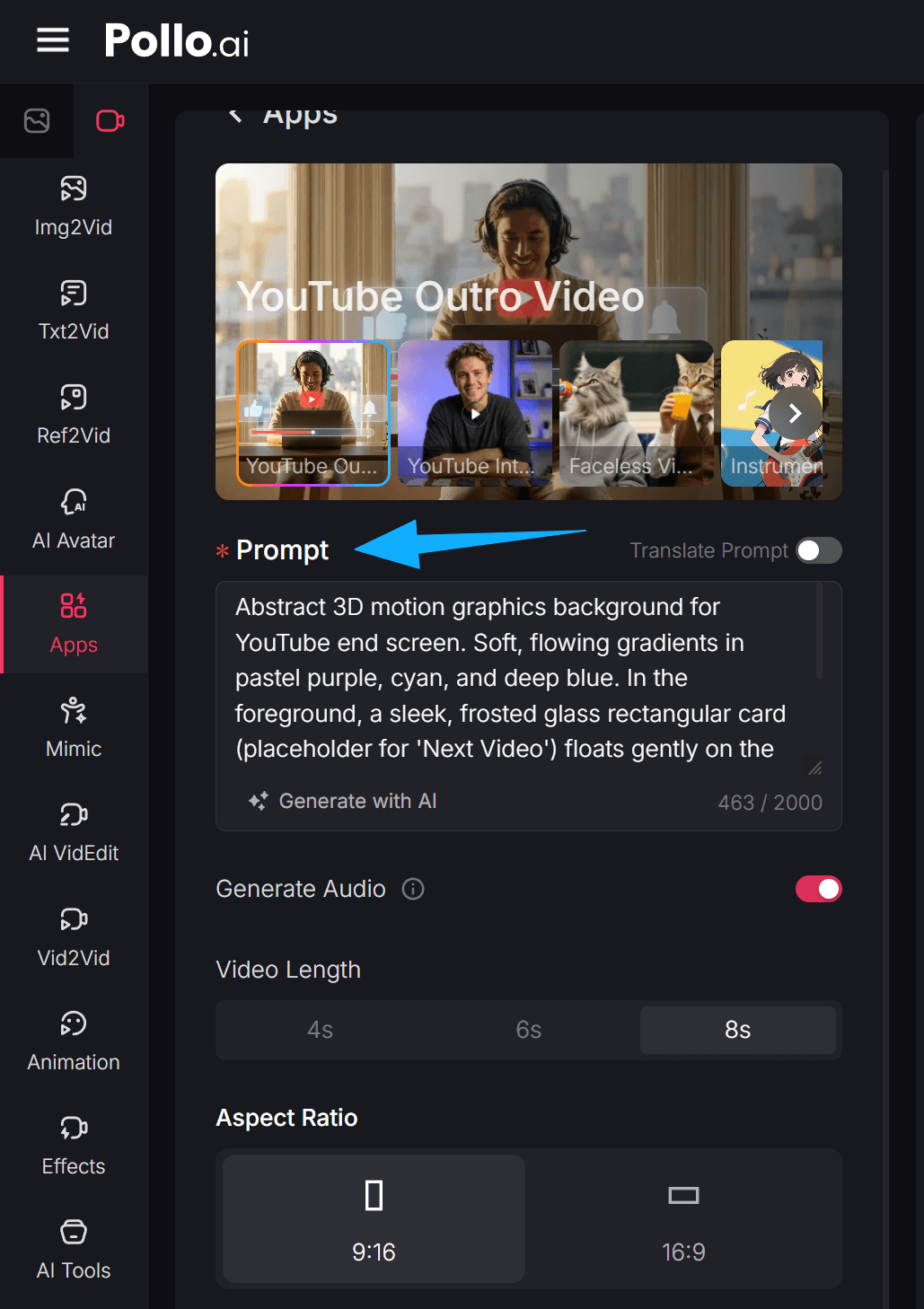
Step 1: Enter Your Outro Description
Head over to the YouTube outro maker page. In the prompt box, describe exactly how you want your end screen to look. You can specify colors, styles, and elements.
(Prompt Example: "Abstract 3D motion graphics background for YouTube end screen. Soft, flowing gradients in pastel purple, cyan, and deep blue. In the foreground, sleek, frosted glass rectangular cards with 'Subscribe' and 'Next Video' float gently.")
Step 2: Add Audio and Set Video Length
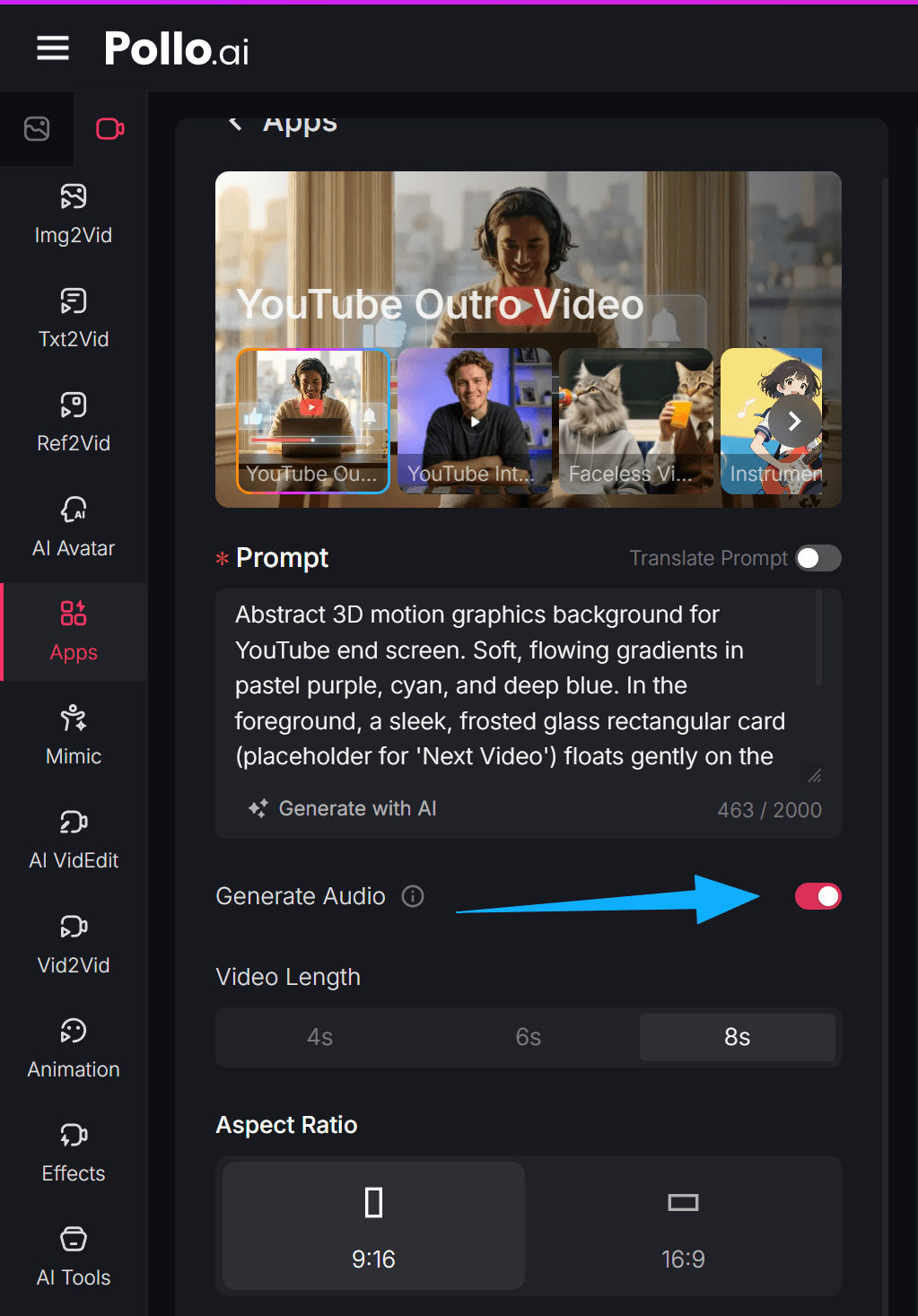
Toggle the 'Generate Audio' button on if you want the AI to create a soundscape for your outro. Next, select your ideal video length. You can choose between 4s, 6s, or 8s depending on how much time you want to give viewers to click.
Step 3: Select the Aspect Ratio
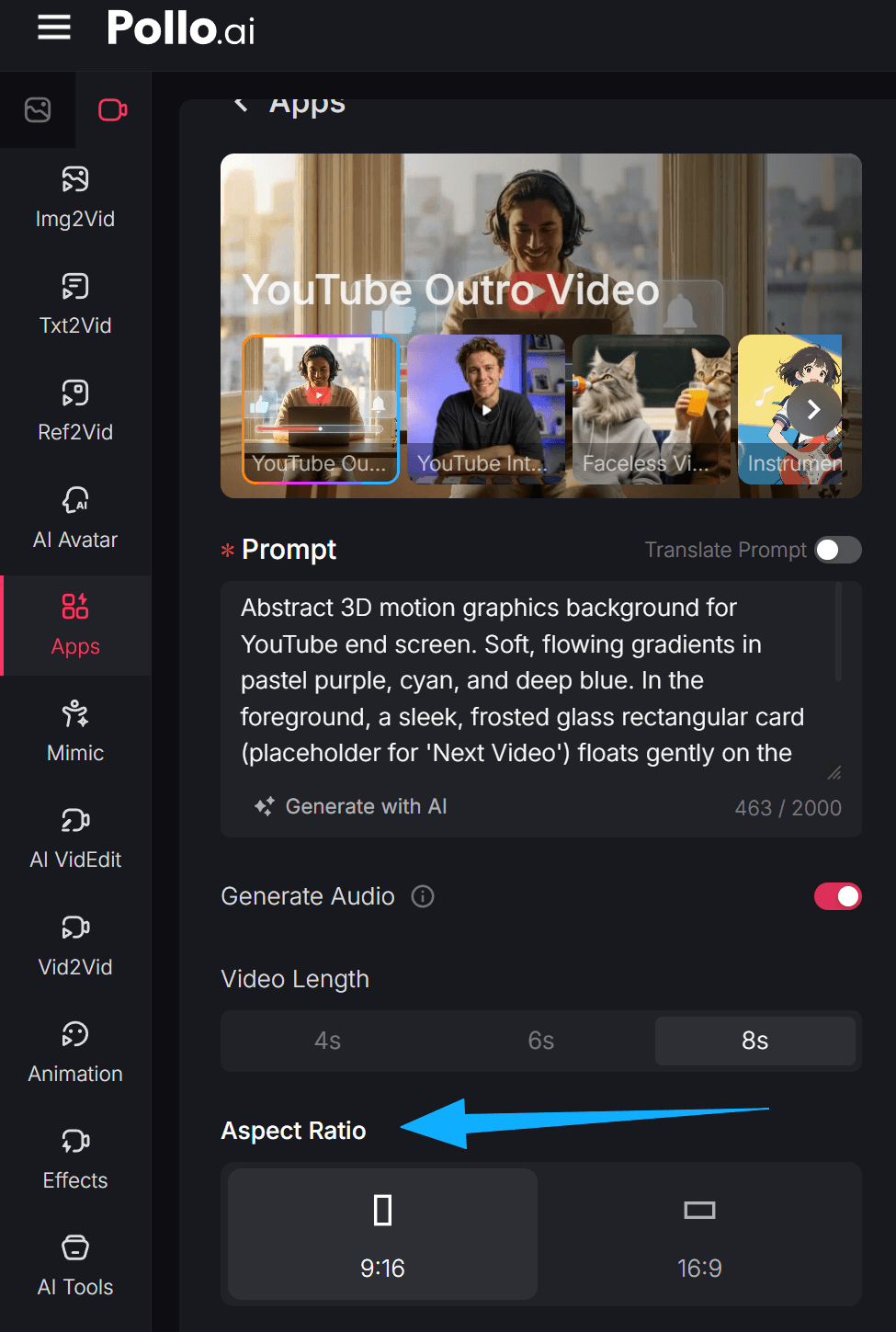
Choose the format that fits your content. Select 16:9 for traditional long-form YouTube videos, or pick 9:16 if you are designing an outro for YouTube Shorts. Then
Step 4: Create and Download
Once your settings are dialed in, simply click the 'Create' button. Pollo AI will process your prompt and generate a high-quality, professional outro video ready to be dropped straight into your video editor.
Beyond the Outro: Elevate Your YouTube Workflow
A great channel requires a suite of professional tools. Pollo AI provides more than just end screens; we offer a full ecosystem to help you scale:
- YouTube Intro Maker: Hook your audience in the first three seconds with high-energy, branded opening sequences.
- AI YouTube Shorts Generator: Quickly pivot your long-form content into vertical, bite-sized clips designed to go viral on the Shorts feed.
- AI Caption Generator: Increase accessibility and watch time by adding perfectly synced, stylish captions to your videos automatically.
Final Thoughts
A professional end screen is the final handshake you give your audience. Make it memorable, and they will keep coming back for more. With the YouTube outro maker on Pollo AI, designing that perfect conclusion has never been faster or easier.
And don't stop at the outro! Pollo AI offers a wide suite of creative tools to streamline your entire workflow; it has everything you need to scale your channel. Try it today and watch your subscriber count soar!