



How to Make an Animated Legal Video with AI
A client may understand each legal term but still not know what happens next. An employee may read a policy and still miss the action it requires. An animated legal video can show the sequence, highlight the exact wording, and leave people with one clear next step. Pollo AI can build that video from your topic or script.
What Should Your Legal Video Help People Understand?
Start with the question someone would ask you in person. “What happens after I submit the contract?” leads to a different video from “What should I do in this workplace situation?” Keep only the facts, scenes, and captions needed to answer that question.
| Who is watching | Audience Need | Video Solution |
|---|---|---|
| Client onboarding | The next steps, required documents, and expected timeline | A short onboarding video lets clients replay the document list and next step. |
| Legal process overview | The stages of a contract review, claim, filing, or approval | A timeline that shows who does what and in which order. |
| Terminology lesson | One difficult term and a plain-English example | A definition connected to a situation the person can recognize. |
| Course lesson | A rule, principle, or case-based explanation | An education video can show the rule first and the example immediately after it. |
| Internal policy training | The correct response to a workplace scenario | An AI training video turns written guidance into a situation employees can recognize. |
Create an Animated Legal Video with Pollo AI
Turn your topic or script into animated scenes for client onboarding, legal explainers, and policy training with Pollo AI.
Create an Animated Legal Video
How to Organize a Legal Topic into Scenes
Arrange the information in the same order you would explain it to a client. The five parts below move from the question to the next action without putting the whole explanation into one crowded scene.
| Part of the video | What to say | What to show |
|---|---|---|
| Opening question | The situation the viewer is trying to understand | A client receives a contract and asks what happens next |
| What they need first | The one term, rule, or role needed before the steps make sense | A labeled document or person appears beside a plain-English definition |
| The steps | The stages in the order they happen | Three numbered scenes move from review to revision to approval |
| Real example | A short situation that shows the rule in use | One clause is highlighted and connected to the decision it affects |
| What to do next | What the person should prepare, check, or expect | A short checklist closes the video |
If you already have a script, place each paragraph in one row of the table. Anything that does not answer the main question can be cut. If you do not have a script, give Pollo Agent the topic, who will watch, the points that must appear, the tone, and the length you want. It can draft the first version for you to edit.
For example: “Create a plain-English explainer for new clients about the stages of a contract review. Use three steps, calm narration, clear captions, and simple animated scenes.” That brief gives the Agent enough context to build a useful first script instead of a generic legal summary.
How to Make an Animated Legal Video
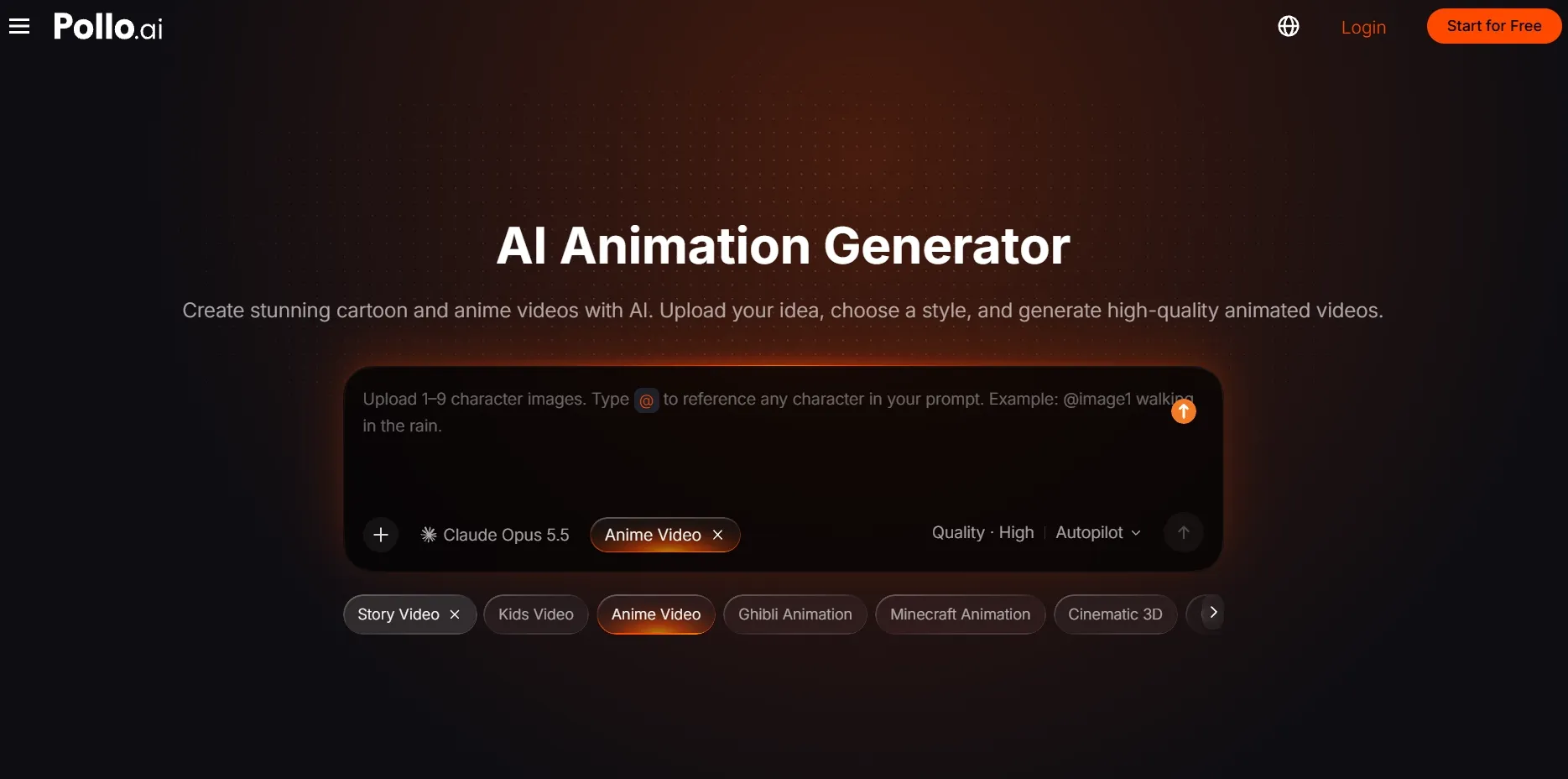
Open the AI Animation Generator
Open the Pollo AI animation generator and start a new video. Having the scene plan ready first means you can give the generator one clear job for each part of the script.
Add Your Topic or Script
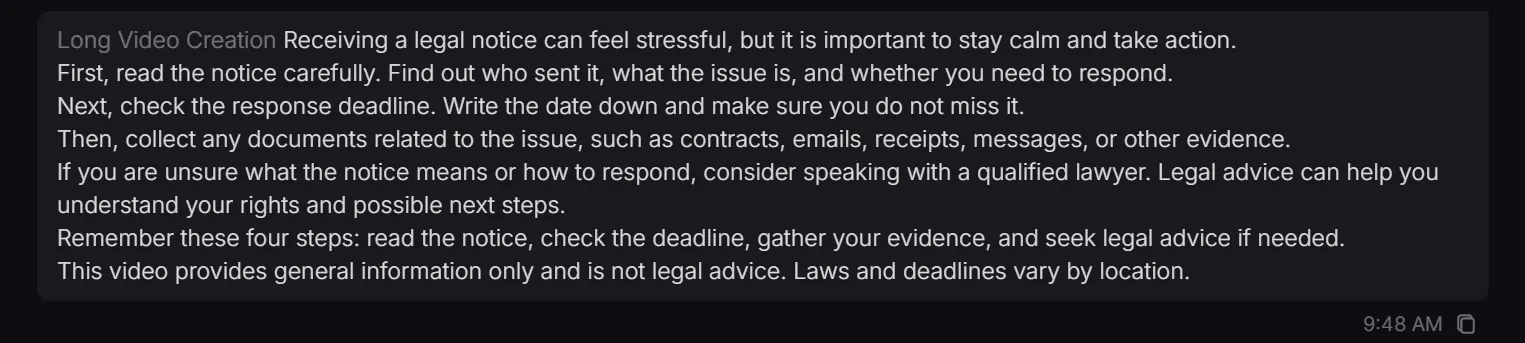
Paste your script, or ask the Agent to write it. Include who will watch, which points cannot be left out, how formal the voice should sound, and what should appear on screen.
A visible host can make onboarding or training feel more personal; in that case, add an AI avatar. If you only need narration, turn the finished script into text to speech.
Generate and Check Video
Generate the animation.
You can show it to someone who has not read the script. Ask them what happens next after the video ends. If they can answer, the scene order and captions are doing their job. If they cannot, shorten the explanation or make the next-step screen more specific before downloading.
Animated Legal Video FAQs
Can I create a vertical legal explainer?
Yes. A vertical format fits mobile feeds and short-form posts. Keep captions away from the top and bottom areas where platform controls may cover them.
Can I reuse one script for different audiences?
Yes. Keep the legal facts the same, then change the opening question, examples, and tone for clients, students, or employees.
Can one legal process become a video series?
Yes. Give each stage its own short video, then keep the same colors, caption format, terminology, and scene order across the series.