



How to Recreate the Tiny Knight Guardian Viral Video
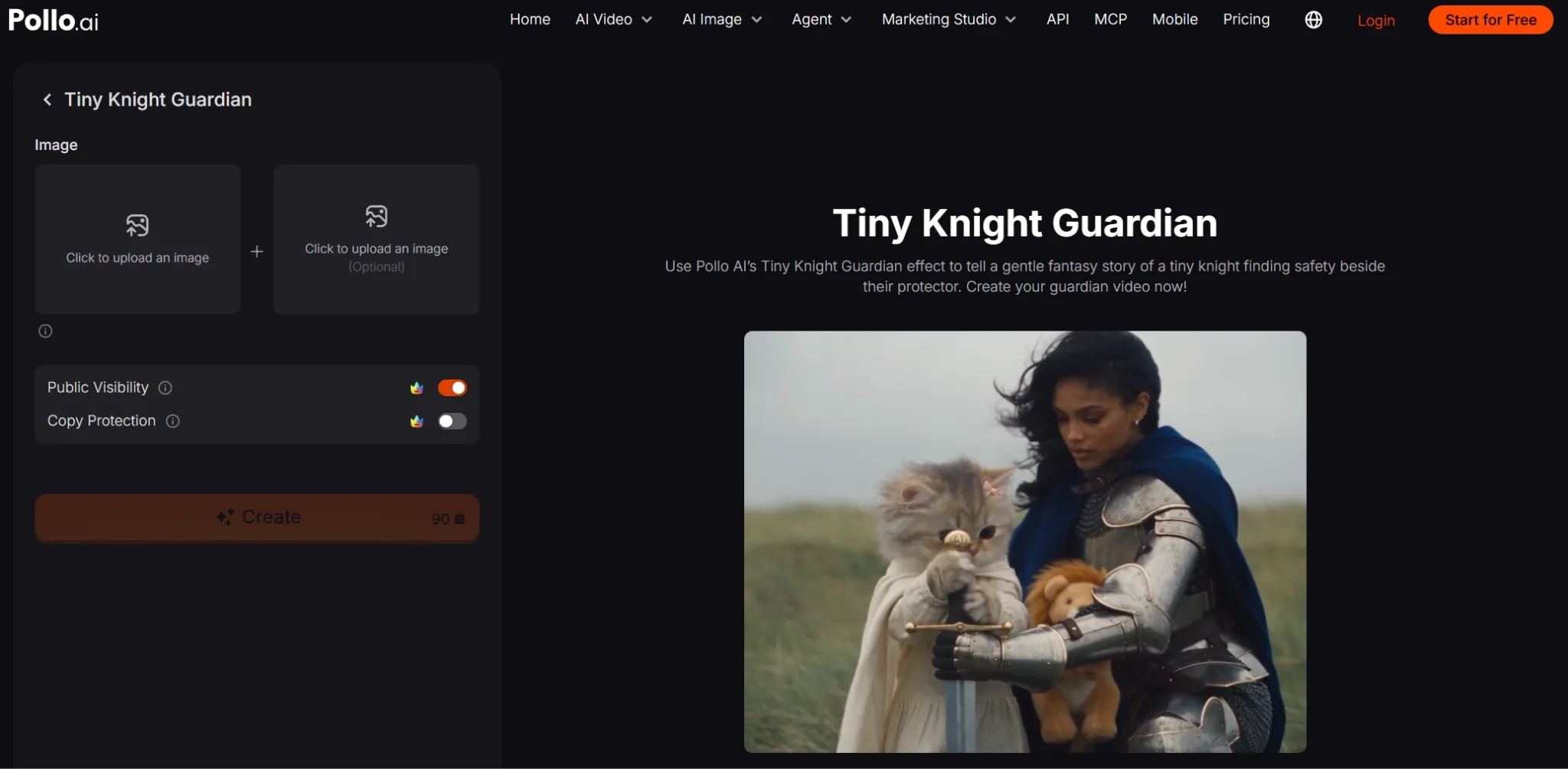
A tiny kitten grips a sword almost as big as itself. An armored guardian kneels beside it, offering a plush lion and a comforting embrace. I'll show you how to recreate this Tiny Knight Guardian video with your own images.
Viral Video Example
How to Clone This Viral Video
Open the Video Effect
Open the Tiny Knight Guardian video effect in Pollo AI. Watch the preview to see the little knight and guardian's interaction, then locate the image upload areas in the creation panel.
Upload Your Main Reference
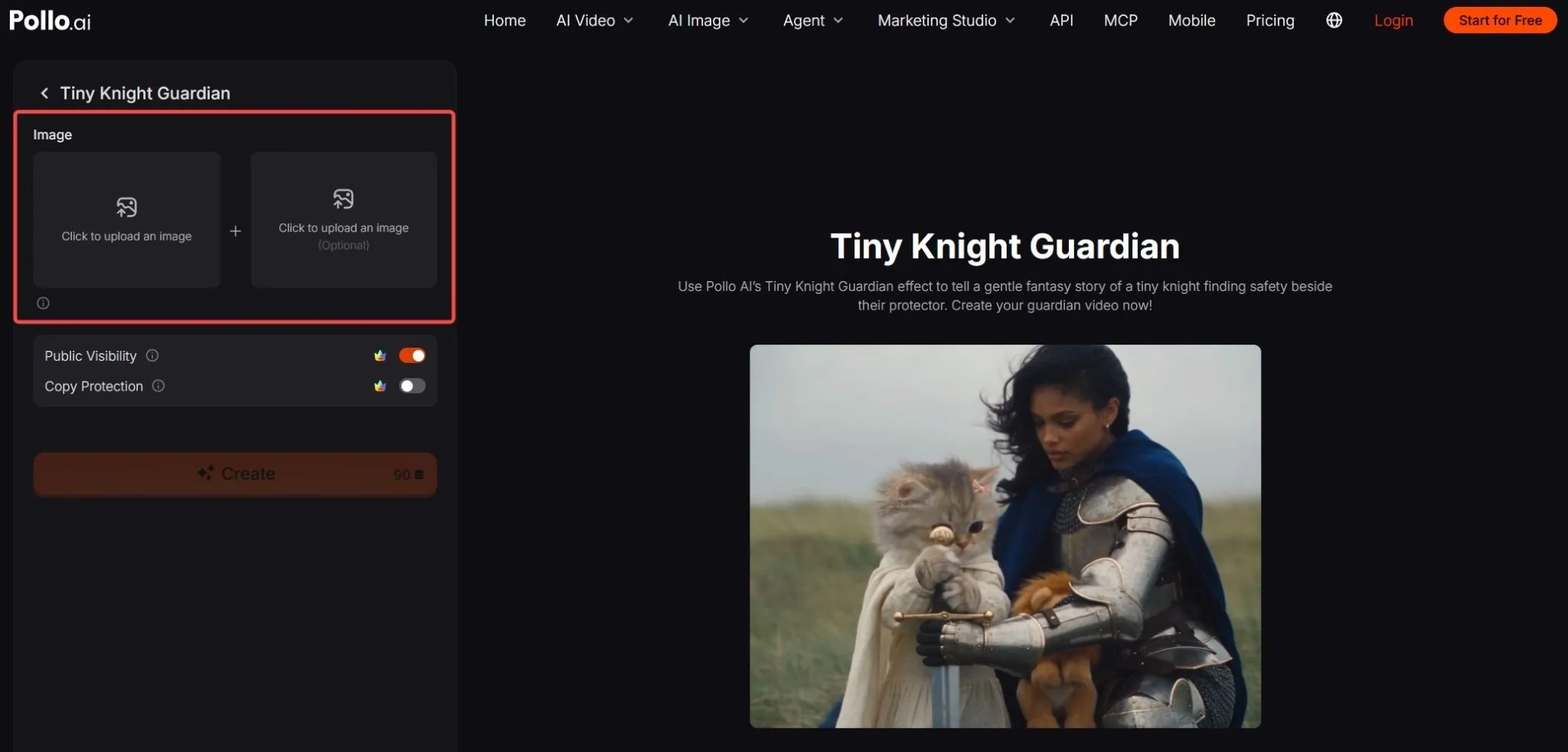
Use the first image upload area to select a clear image of your main character. To echo the example, use a kitten or original animal character with a visible face and upper body. Add another character reference if you want to supply two images.
No suitable image? Create an original character with our AI image generator, then upload it here.
Create and Share
Click Create and wait for your video to generate. Preview the full clip, save it using the available download option, and share your version on your chosen social platform.
Create Your Next Viral Video with Pollo AI
Turn your ideas into engaging social videos that capture attention and inspire viewers to watch and share.
Try Pollo AI for Free
Best Practices
- Choose an expressive face. Keep the eyes easy to see so the little character's emotions remain readable in a short video.
- Give each reference a clear subject. One recognizable character is easier to distinguish than several overlapping faces or figures.
- Preserve distinctive details. If your character already has a bow, cape, or armor, choose an image that keeps those features visible.
- Leave room around the upper body. Avoid source images that cut off paws, hands, or clothing that helps establish the character.
- Review the interaction before posting. Watch how the characters touch and handle objects, checking for distracting changes in faces, paws, or hands.
Give Your Little Knight a Bigger Story with Pollo AI
The kitten and guardian make an appealing pair for a recurring fantasy series. After creating this effect, you can explore more scenes through other Pollo AI features.
With reference to video AI, you can use character images to guide new clips and help keep the pair recognizable as the setting changes.
For a complete adventure, give Pollo Agent your images and a brief. It can build a finished story video that you can review and refine without assembling every scene yourself.
Conclusion
The sweetest twist is seeing a tiny knight finally find someone to lean on. Try our Tiny Knight Guardian effect with your own character images, create a comforting fantasy moment, and share a little story that feels personal.