



InVideo vs Synthesia: Which AI Video Tool Is Right for Your Workflow?
Choosing between InVideo and Synthesia starts with the video you need to deliver. One prioritizes flexible creative production, while the other turns business information into consistent presenter-led content.
This InVideo vs Synthesia comparison covers video creation, editing, avatars, localization, collaboration, and pricing to help you choose the workflow that best matches your content goals, production process, and team requirements.
InVideo vs Synthesia: Quick Overview
| Category | InVideo | Synthesia |
|---|---|---|
| Product positioning | Agentic video editor for creative production | AI video platform for business |
| Best for | Ads, films, and social content | Training, onboarding, and internal communications |
| Core strength | Agents and generative models within a multitrack editor | Repeatable avatar-led production and localization |
| Main limitation | Credit costs vary by model and workflow | Less suited to open-ended cinematic production |
| AI avatars | Part of broader creative workflows | Stock, personal, and branded avatars |
| Creative generation | Video, image, audio, stock, and editing | Avatars, b-roll, templates, and screen recordings |
| Team workflow | Multiplayer editing and project-based agents | Comments, brand kits, analytics, hosting, and LMS delivery |
| Pricing model | Per-seat plans with model-dependent credits | Free tier and paid plans with shared usage credits |
InVideo gives creators broader control over visual production, while Synthesia makes repeatable presenter videos easier to manage across an organization. For projects that cross creative generation, avatars, and outcome-specific workflows, Pollo AI offers another route.
What Is InVideo?
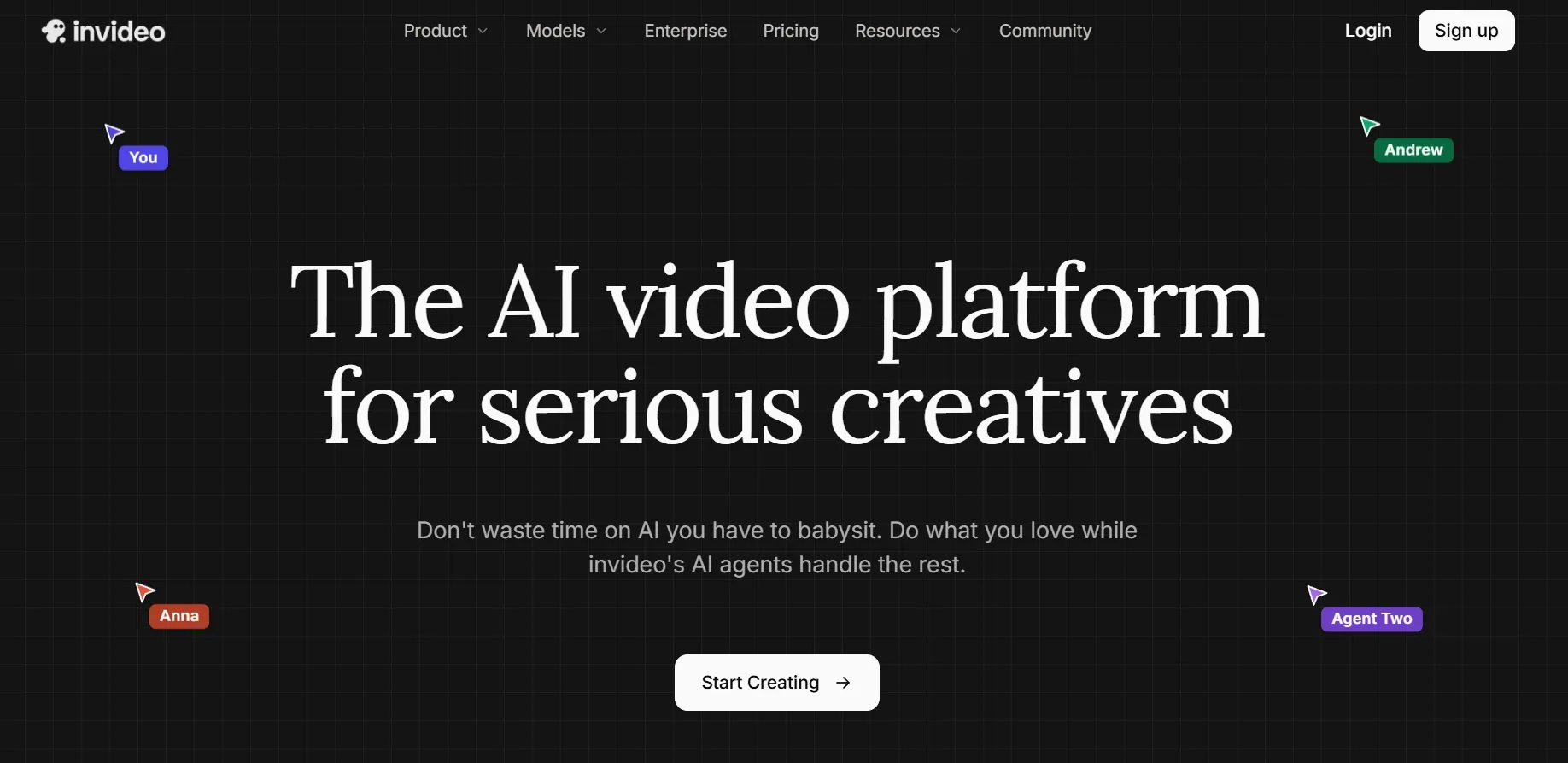
InVideo is an agentic AI video platform for creators and teams producing films, advertising, and social content. It combines generative AI with a multitrack timeline, giving users automated production support alongside direct editing control.
Its agents analyze footage, retain project context, update several shots, and assist with scripts or storyboards. Editors can then take over the timeline when timing, audio, or visual details require manual decisions.
Key features
- AI editing agents: Interpret plain-language directions and apply changes across a project.
- Multitrack timeline: Supports manual control over cuts, audio, color, and generated assets.
- Generative model access: Adds AI video, image, voice, music, and stock media options.
InVideo therefore fits creators who want AI to handle repetitive production work while preserving control over scene order, pacing, sound, and final assembly inside a familiar timeline-based editing environment for longer projects.
What Is Synthesia?
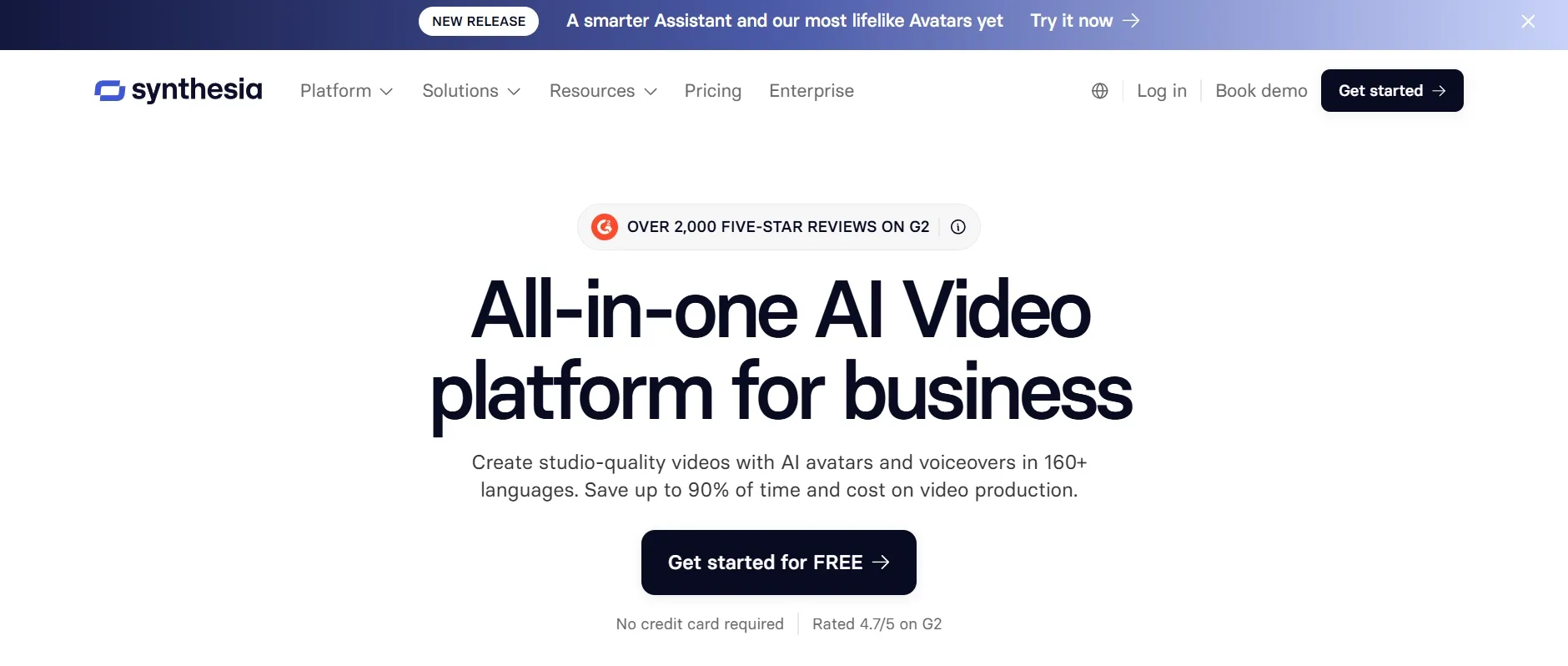
Synthesia is an AI video platform built for business communication. It uses digital presenters, generated voices, branded scenes, and reusable templates to produce training, onboarding, sales, customer support, and internal communication videos without conventional filming.
It connects avatars with screen recording, translation, collaboration, analytics, and publishing. Synthesia’s AI Video Assistant can also reorganize prompts, documents, PDFs, and websites into structured scenes that follow a clearer presentation format.
Key features
- AI presenters: Offers stock, personal, branded, expressive, and multi-avatar options.
- Multilingual production: Supports voices and one-click translation across 160+ languages.
- Business distribution: Provides analytics, version control, embeds, hosted pages, and SCORM export.
Synthesia therefore fits organizations that repeatedly publish presenter-led information and need every version to remain easy to review, update, translate, brand, measure, and distribute through established business or learning systems.
From Creative Spark to Final Cut
Join 10M+ users turning ideas into polished, publish-ready videos with leading AI models and creative workflows—all in one place with Pollo AI.
Start Creating Free
InVideo vs Synthesia: Feature-by-Feature Comparison
Turning an Idea Into a Complete Video
InVideo develops an idea through storyboarding, generated shots, stock media, voice, music, and timeline assembly. Its agents reduce setup work, while creators can still direct individual scenes and reshape the final narrative themselves.
Synthesia turns prompts, documents, decks, and web pages into organized scenes built for avatar, screen-recording, or presentation-led communication. This approach prioritizes a clear explanation and repeatable structure over open-ended visual direction.
My Verdict
InVideo better fits open-ended text to video creation because creators can shape the story, footage, and final cut. Synthesia is more predictable when existing information must become a structured business presentation.
Avatars and Multilingual Delivery
InVideo places avatars and voice tools inside a broader production environment. A presenter can introduce an idea or connect scenes while generated footage, stock clips, music, and creative edits carry the rest of the video.
Synthesia makes presenters and localization central to the workflow. It supports 160+ languages, personal avatars, expressive presenters, dubbing, lip synchronization, and a multilingual player that keeps different language versions together.
My Verdict
Synthesia better supports repeatable AI avatar videos and systematic localization across business teams. InVideo remains more flexible when a presenter is only one element within a visually varied production.
Editing and Creative Control
InVideo combines conversational editing with a multitrack timeline. Agents can apply one direction across several shots, after which users can manually adjust timing, color, audio, transitions, or individual clips when finer control becomes necessary.
Synthesia uses a scene-based editor with templates, brand controls, animations, media, and b-roll. The structured canvas reduces editing decisions for recurring communications, although it offers less freedom for detailed cinematic assembly.
My Verdict
InVideo provides deeper hands-on control for creators who want to shape every sequence. Synthesia reduces production decisions for teams that prefer a standardized format employees can reuse with limited editing experience.
InVideo vs Synthesia Pricing
| Pricing Detail | InVideo | Synthesia |
|---|---|---|
| Free access | Free signup; no recurring allowance shown on the pricing grid | Basic: $0; 1,200 credits monthly, up to 10 video minutes or 25 generated assets |
| Entry paid plan | Starter: $20 per seat/month, billed annually; 400 credits per seat/month | Starter: $29 monthly or $18/month billed yearly |
| Mid-tier plan | Plus: $60 monthly or $50/month billed annually; 2,000 credits per seat/month | Creator: $89 monthly or $64/month billed yearly |
| Higher tier | Max: $150 monthly or $101/month billed annually; 5,000 credits per seat/month | Enterprise: custom pricing with unlimited video minutes and enterprise controls |
| Access limits | Starter has Agent Two Lite; Seedance 2.5 starts with Plus | Creator adds 180+ avatars, API access, and interactive video |
| Usage | Timeline editing uses no credits; model costs vary | Credits are shared across video, dubbing, and generated assets |
Why Pollo AI Is a Better Choice for You
InVideo emphasizes creative editing, while Synthesia emphasizes presenter-led communication. Neither approach fully resolves a project that needs original scenes, supporting images, goal-specific guidance, and automatic assembly without committing everything to one production format.
Pollo AI addresses this gap through separate paths for complete production, individual asset generation, and defined use cases. Creators can therefore select a workflow around the intended result instead of adapting every project to the same canvas.
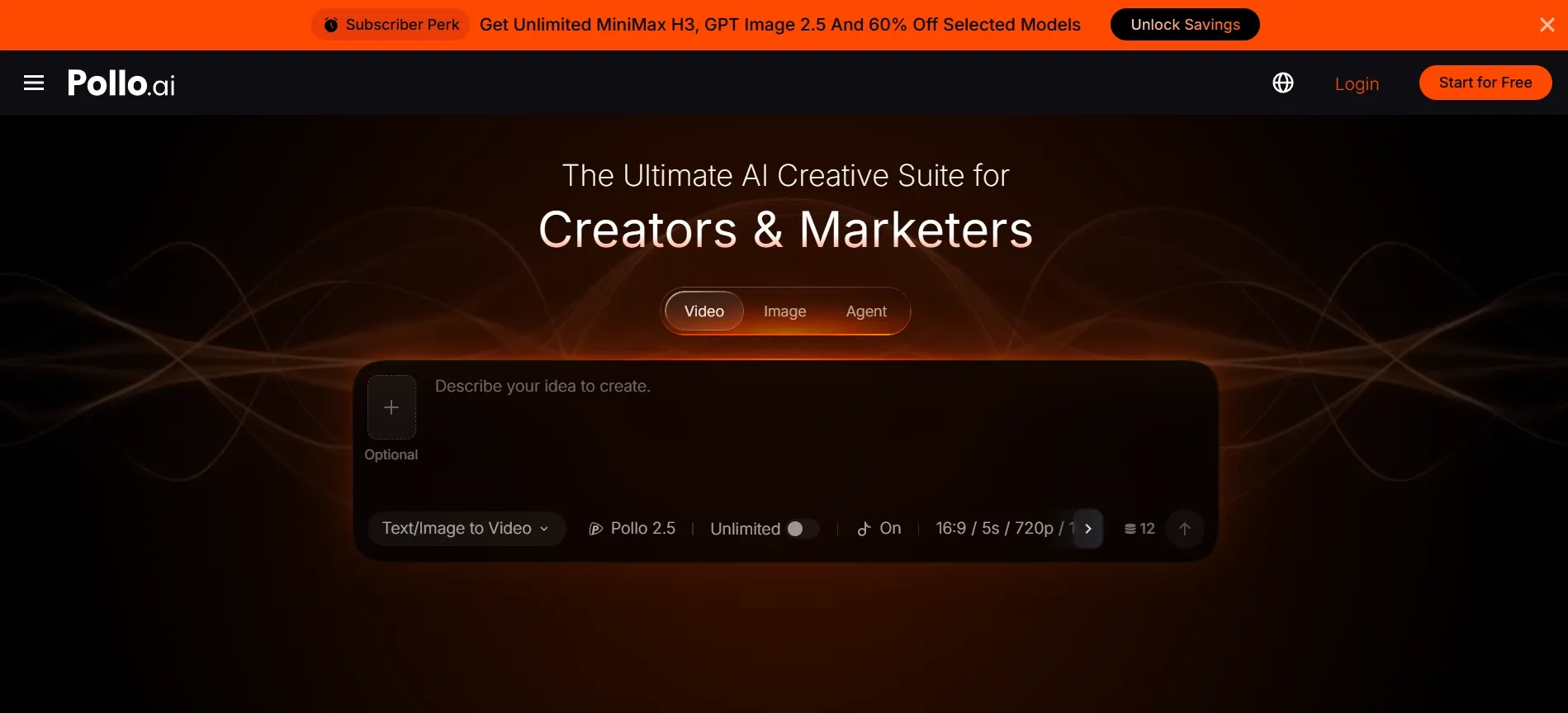
Create a Complete Video With Pollo Agent
A multi-scene project still requires planning, supporting assets, visual continuity, and final assembly. Managing those stages separately can turn one brief into several disconnected tasks and leave the creator responsible for joining every output manually.
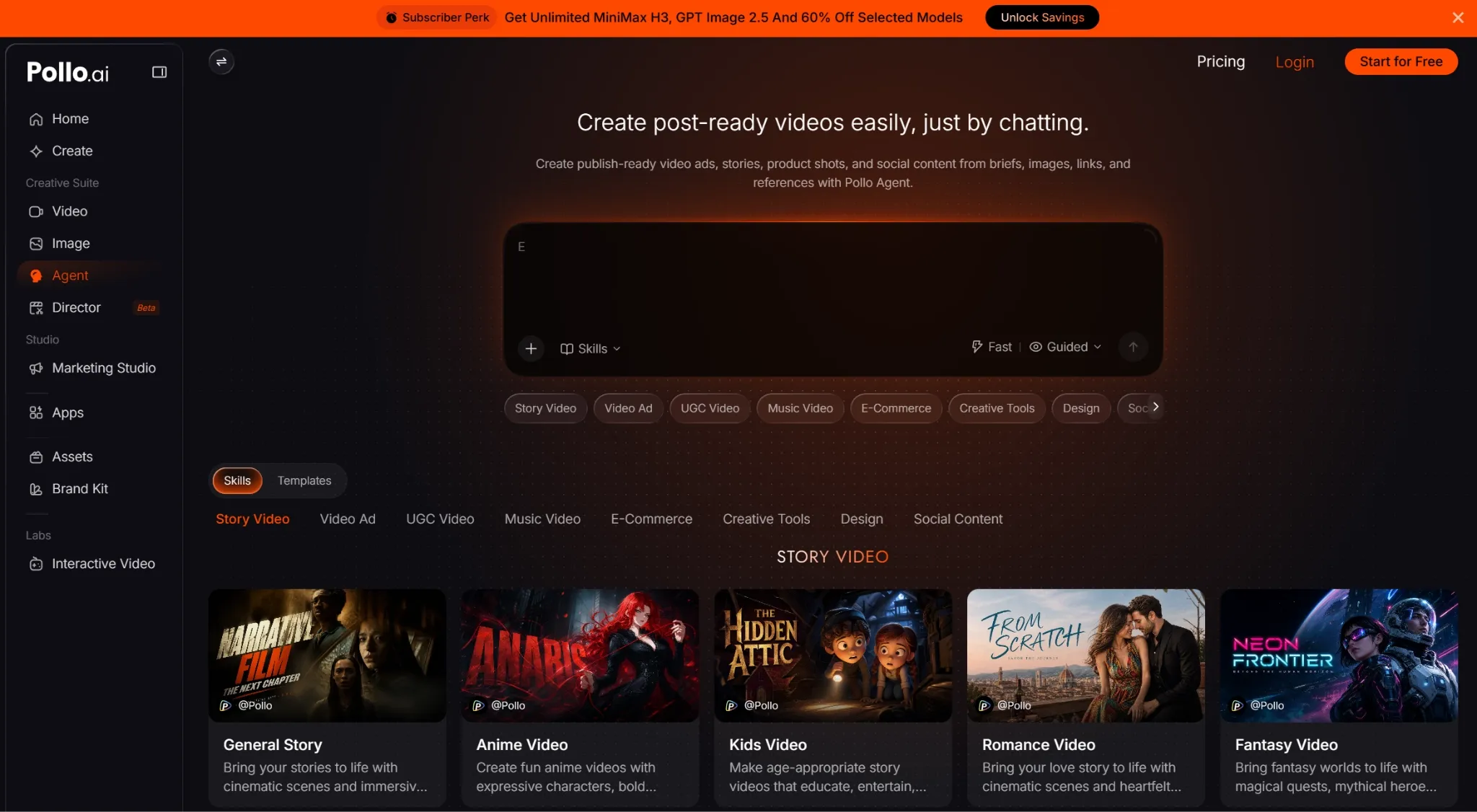
Pollo Agent turns an idea, script, image, link, or reference into a cohesive, post-ready video. It retains project context, produces the required assets, and carries feedback through production without requiring manual scene-by-scene arrangement.
Choose the Right Model for Every Creative Requirement
Presenter scenes, cinematic sequences, and reference-led shots require different generation strengths. Relying on one model can lead to repeated prompting or regeneration when the project shifts from one visual task to another.
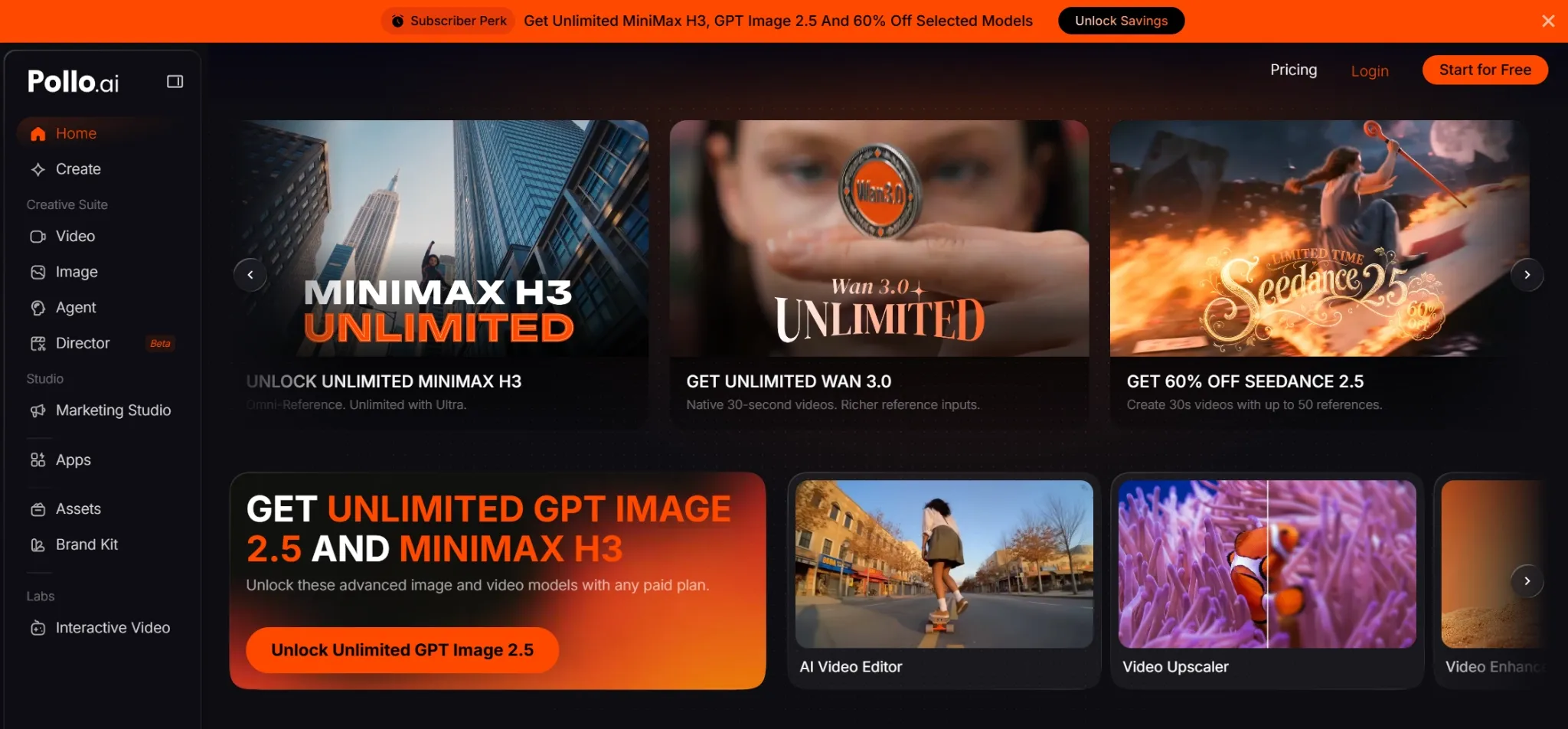
Pollo AI brings leading models like Seedance 2.5, MiniMax H3 Max, and Wan 3.0 into one workspace, giving you greater flexibility to create AI videos with different visual styles, motion behaviors, and scene requirements without switching platforms.
Start With the Deliverable Instead of the Production Setup
General editors still require users to design the production workflow themselves. When the final goal is already clear, deciding how every asset, scene, and setting should fit together adds setup work before meaningful creation begins.
Pollo AI provides guided routes for UGC videos, music videos, and product videos. Each workflow begins with the intended deliverable and organizes the required inputs around that outcome.
Final Verdict: InVideo or Synthesia?
Choose InVideo for visually varied production, agent-assisted editing, and detailed timeline control. Choose Synthesia when avatar consistency, multilingual business communication, analytics, controlled distribution, or LMS delivery matters more than cinematic flexibility.
Pollo AI covers more of the path between these workflows through complete production with Pollo Agent, current video and image models, and guided apps built around specific stories, ads, and product goals.
Try Pollo AI today. Use the route that matches your goal, then move from rough source material to a cohesive, post-ready video without manually assembling every scene.