



InVideo vs HeyGen: Which AI Video Generator Fits Your Needs?
Choosing an AI video platform becomes difficult when you need finished content, not another collection of disconnected clips. The right choice depends on who appears on screen, how the story is built, and where it will be published.
InVideo focuses on assembling complete videos from ideas, scripts, stock media, and generated footage. HeyGen specializes in presenter-led creation and multilingual localization. This comparison helps you decide which tool better suits your video goals.
InVideo vs HeyGen: Quick Overview
| Category | InVideo | HeyGen |
|---|---|---|
| Product positioning | Agent-led video creation and editing | Avatar-led video creation and localization |
| Best for | Narrative, faceless, social, and marketing videos | Presentations, training, outreach, and localized videos |
| Core strengths | Storyboarding, mixed media, model choice, conversational editing | Digital twins, avatars, voice cloning, translation |
| Main limitation | Avatar and localization depth is less central | Broad cinematic creation is not its primary specialty |
| Video generation | Stock, uploaded, and generative media | Avatars, B-roll, motion graphics, and generative assets |
| Editing | Prompt-based changes plus timeline tools | Editable scenes and elements in AI Studio |
| Languages | 50+ supported languages | 175+ languages and dialects on paid plans |
| Pricing model | Credits shared across models and agents | Credits shared across premium creation and translation |
InVideo suits visual stories built around narration, while HeyGen specializes in consistent presenters and localization. For projects that require both, Pollo AI offers a more complete workflow by bringing video models, avatars, purpose-built apps, and end-to-end video creation into one platform.
What Is InVideo?
InVideois an agentic AI video creation platform for creators and production teams. Its agents can develop scripts, storyboards, generated shots, and edits while routing tasks across more than 200 available AI models.
Its browser-based editor places uploaded footage and generated assets on a real multitrack timeline. Users can direct an editing agent in plain language, then adjust clips, color, audio, keyframes, transitions, and effects manually when greater precision is required.
Key features
- Agent-Led Production: Develops scripts, storyboards, shots, and edits from a creative brief.
- Mixed Visual Sourcing: Combines generated media with iStock, Storyblocks, and uploaded footage.
- Conversational Editing: Applies revisions across individual or multiple shots through written instructions.
InVideo fits creators who want AI to accelerate production without hiding the underlying edit. It provides a practical balance between automated first cuts and frame-level control when the initial result still needs detailed creative decisions.
What Is HeyGen?
HeyGen centers on digital presenters, custom avatars, synthetic voices, and localization. Businesses can deliver scripts without repeatedly filming a spokesperson or recording every market version.
Its Video Agent expands beyond talking heads by creating scripts, A-roll, B-roll, motion graphics, and narration. The generated project remains editable in AI Studio, where users can revise text, timing, layout, color, and other scene elements.
Key features
- AI Avatars: Creates presenter videos with stock, photo-based, or custom digital avatars.
- Video Translation: Localizes existing footage with cloned voices, subtitles, and synchronized lip movement.
- Video Agent: Builds editable videos with A-roll, B-roll, motion graphics, and narration.
HeyGen fits teams that need a repeatable on-screen presenter, standardized branded communication, or multiple localized versions derived from one recording or script. Its structure reduces reshoots while keeping speaker identity and delivery consistent across a content series.
Create More. Switch Less.
Turn ideas, scripts, images, and URLs into polished, publish-ready content with leading AI models and creative tools—all in one place with Pollo AI.
Start Creating Free
InVideo vs HeyGen: Feature-by-Feature Comparison
AI Avatars and Presenter Control
InVideo offers AI twins and voice clones within its broader production environment. These options support recurring digital speakers, a common talking avatar use case, although the platform’s newest experience places greater emphasis on filmmaking and timeline editing.
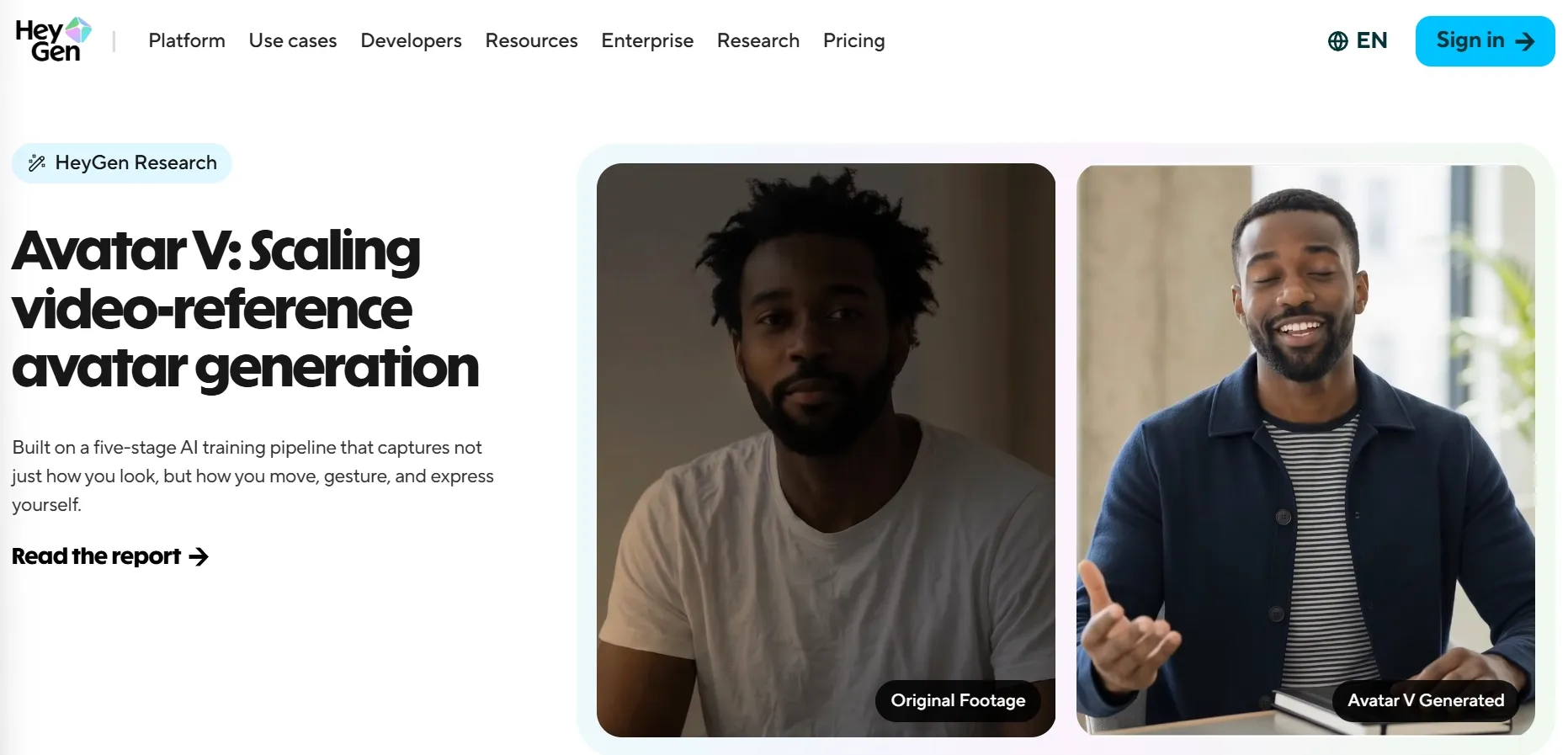
HeyGen makes presenters central to video creation. Its avatar system supports stock presenters, photo avatars, custom digital twins, voice cloning, interchangeable looks, and performance controls, giving teams a repeatable on-screen identity across campaigns, courses, sales outreach, and internal communication.
My Verdict
HeyGen is the stronger fit for recurring spokesperson content because avatar creation, delivery control, and content scaling are central to the product rather than supporting features.
Creating a Complete Video From an Idea or Script
InVideo can take a concept from script and storyboard to generated shots and a timeline-ready cut. It combines uploaded footage, AI media, voiceovers, music, captions, and transitions, making it flexible for text to video projects with mixed visual sources.
HeyGen’s Video Agent builds avatars, motion graphics, and narration around a communication goal. Its blueprint preview and scene-level editability suit explainers, sales videos, and training content where a presenter should guide viewers through a structured message.
Verdict: Choose InVideo for visually led stories assembled from varied media. Choose HeyGen when a consistent presenter should anchor the entire video.
My Verdict
Choose InVideo for visually led stories assembled from varied media. Choose HeyGen when a consistent presenter should anchor the entire video.
Editing and Creative Control
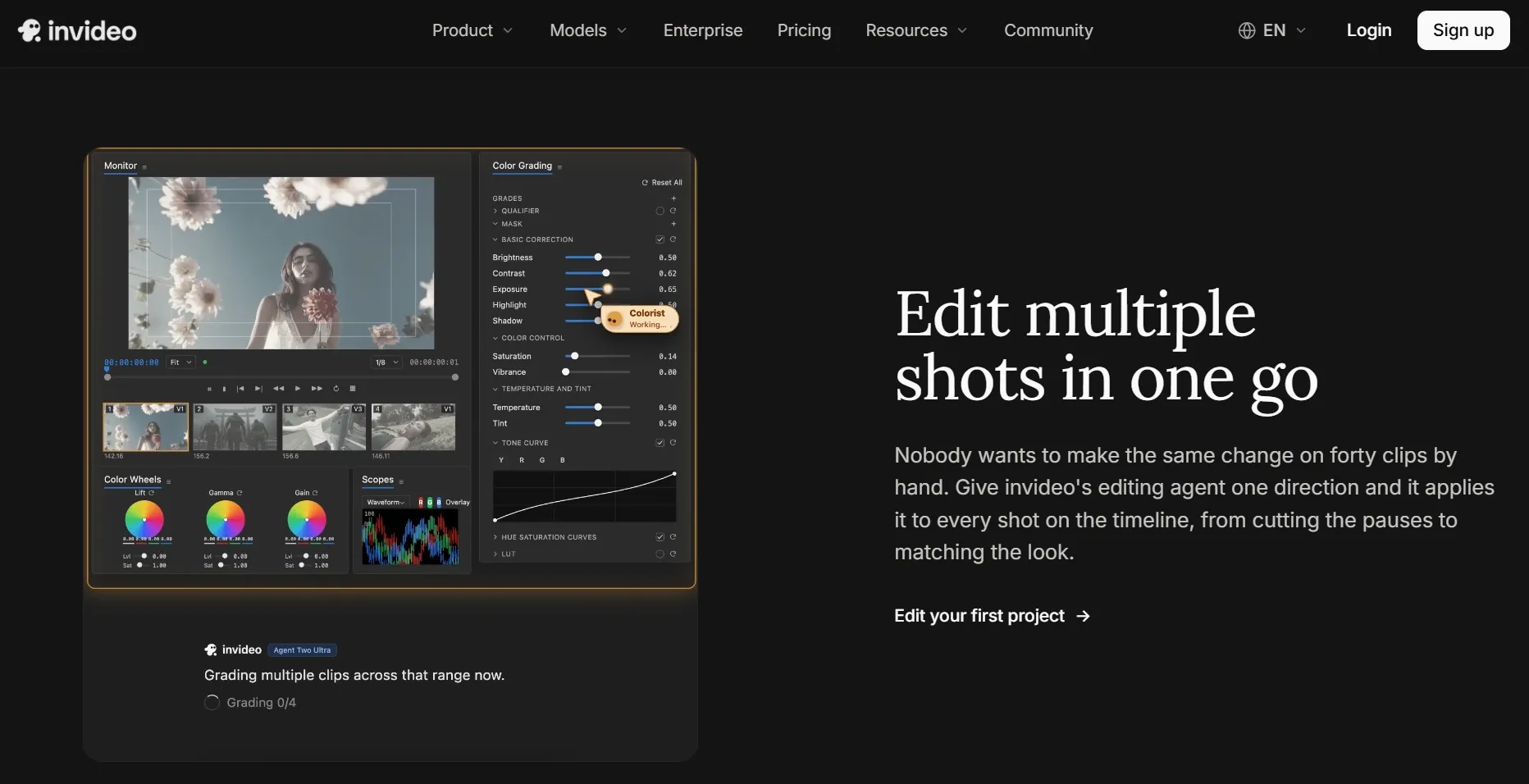
InVideo combines agent-led revisions with a professional multitrack timeline. Users can ask AI to shorten footage, remove pauses, match colors, or revise several clips, then take over the video editing process manually at any frame.
HeyGen keeps text, position, color, timing, and layout editable after Video Agent generates a project. Its scene-based controls are well suited to correcting copy, brand styling, or composition without rebuilding the whole video or navigating a complex production timeline.
My Verdict
InVideo provides deeper hands-on control over mixed-media projects. HeyGen offers a more predictable correction workflow for structured avatar and business communication videos.
InVideo vs HeyGen Pricing
Both platforms use credits, but consumption varies by model, duration, resolution, avatar type, and translation mode, so their allowances should not be treated as directly equivalent units.
| Plan Level | InVideo | HeyGen |
|---|---|---|
| Free access | No free plan displayed on the current pricing page | $0; 3 videos monthly, up to 1 minute, 500+ stock avatars, 30+ languages |
| Entry paid | Starter: $20/seat/month; 400 credits, Agent Two Lite, full timeline, selected models, 20 GB | Creator: $29 monthly; 600 credits, 1080p, 30-minute videos, voice cloning, watermark removal |
| Mid tier | Plus: $60 monthly or $50/seat/month billed annually; 2,000 credits, all models, 60 GB | Pro: from $49 monthly; 1,000 credits, 4K export, advanced models, translation-script editing |
| Higher tier | Max: $150 monthly or $135/seat/month billed annually; 5,000 credits, 200 GB | Business: $149 monthly for the first seat; 1,500 credits, collaboration, five custom avatars |
| Credit behavior | Model and agent costs vary; unused credits do not roll over | Premium generation and translation consume credits; Creator credits can roll over |
Which One Is Better for Different Use Cases?
The choice depends on whether your finished video is driven mainly by visual storytelling, hands-on editing, a recognizable presenter, or localization. These practical scenarios provide a clearer answer than comparing feature counts alone.
Choose InVideo if you need:
- Narrative or faceless videos built from scripts, stock media, and generated scenes.
- Multiple AI models for different shots or visual styles.
- Conversational revisions across a storyboard or several clips.
- Social, advertising, or entertainment videos where visuals lead the message.
Choose HeyGen if you need:
- A consistent digital presenter for training, sales, education, or outreach.
- Existing speaker footage translated with AI voice and lip sync.
- Repeatable branded videos based on scripts and templates.
- Structured scene editing without a traditional production timeline.
Some projects need varied cinematic scenes, a consistent speaker, purpose-built marketing formats, and a publish-ready result. When those needs overlap, choosing between a timeline-centered platform and an avatar-centered platform may still leave part of the workflow uncovered.
Why Pollo AI Is a Better Choice for You
The InVideo-versus-HeyGen choice can force teams to prioritize either flexible visual production or specialized avatar communication. A campaign may require both, alongside product visuals, several generation approaches, and a finished edit that does not demand manual scene assembly.
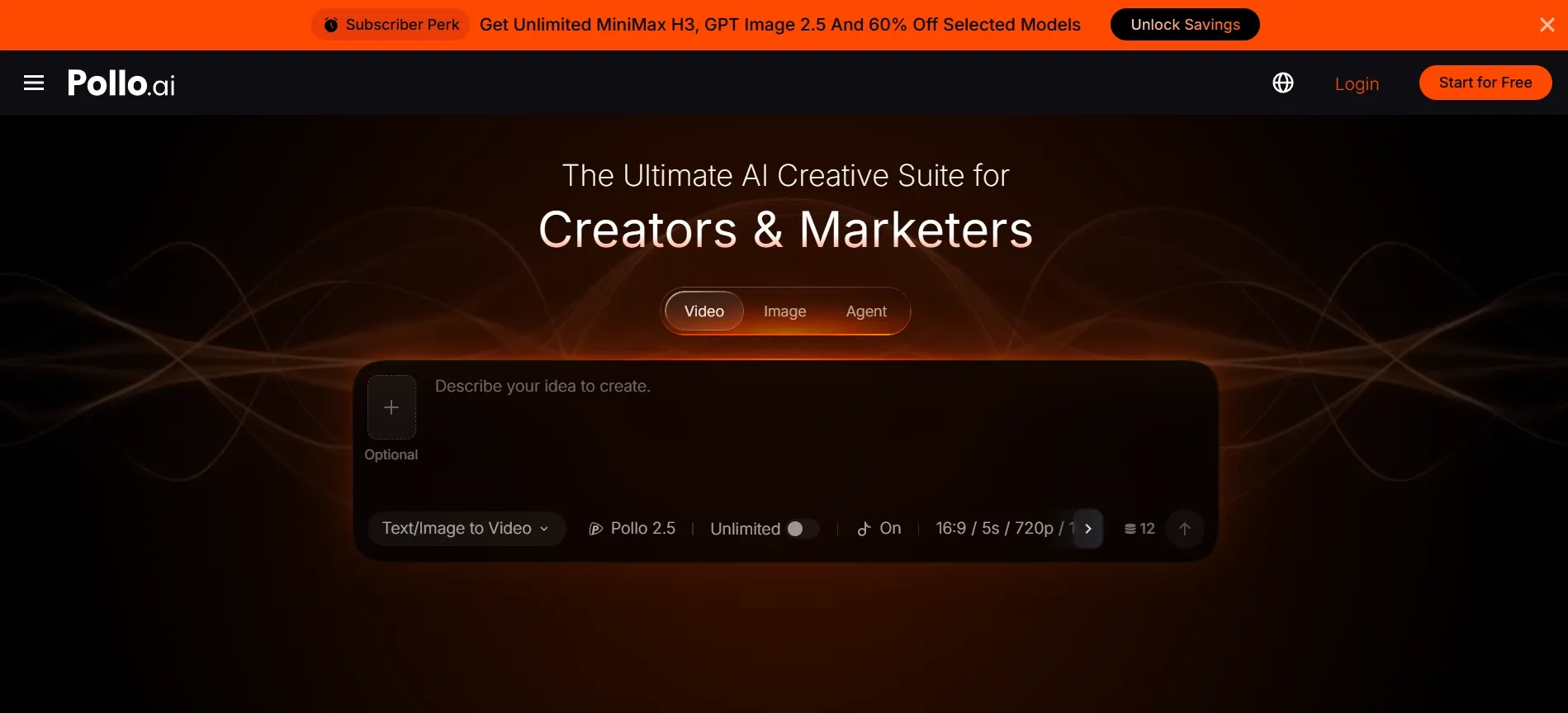
Pollo AI connects these requirements around the intended deliverable. Users can choose complete-project creation, individual video models, avatar production, or guided workflow apps without making every story follow the same presenter-led or timeline-heavy production method.
Create Complete Videos Faster With Pollo Agent
Building a complete video normally means coordinating scripts, scenes, visual continuity, sound, transitions, and pacing. Pollo Agent turns an idea, script, image, URL, or reference into a publish-ready video without requiring users to assemble every scene manually.
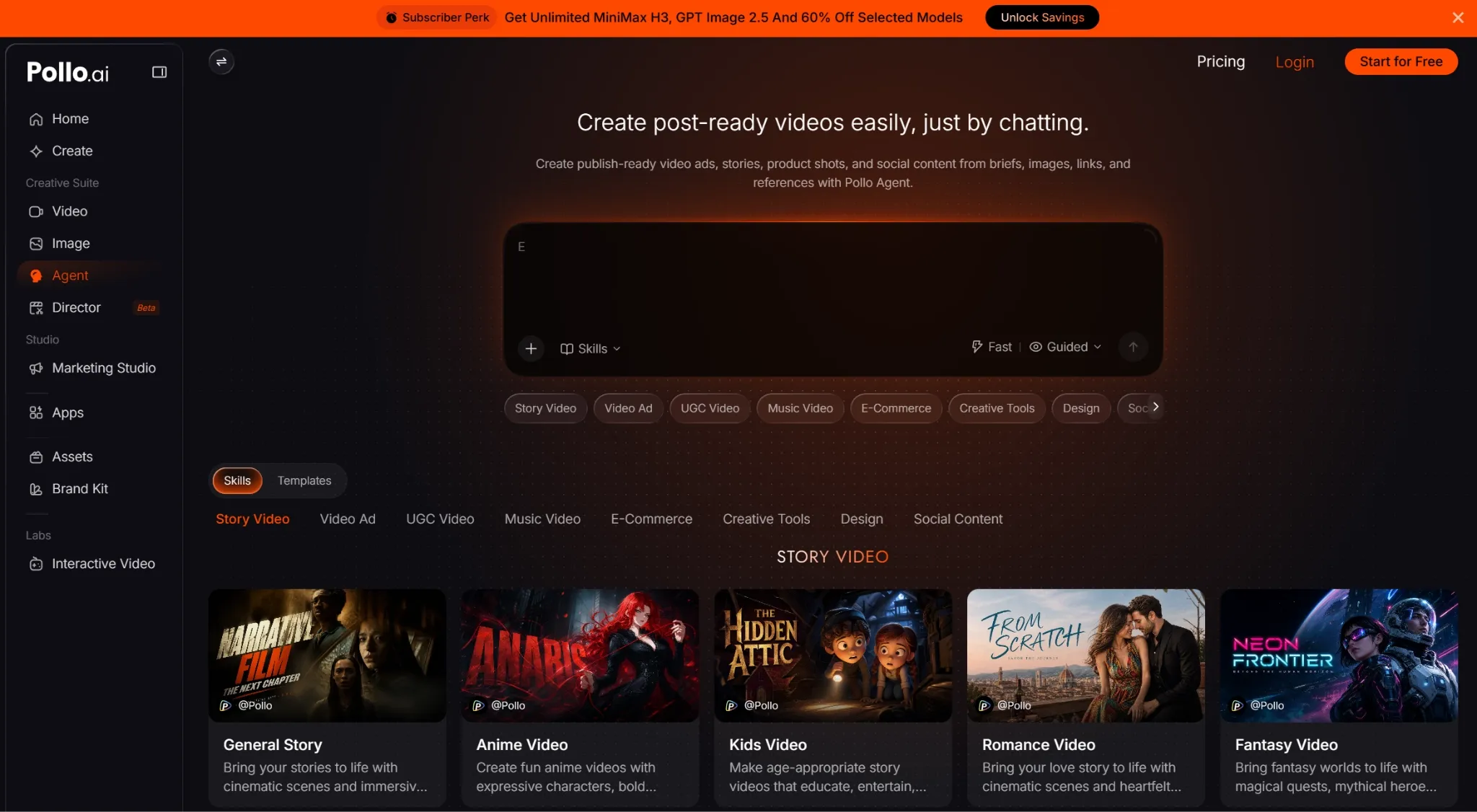
A marketer can provide a product page or approved campaign brief, then let the agent plan and produce the finished video. Purpose-built routes such as photo to video ads keep the message, visuals, pacing, and final format connected.
If the result needs adjustment, the user can describe the requested change in natural language instead of rebuilding a timeline. This preserves the no-manual-editing workflow while giving teams a practical way to refine the output before publishing.
Match Every Scene With the Right Generation Model
A single model may handle one scene well but struggle with another style, camera movement, reference, or duration. Pollo AI brings the latest video and image models into one workspace, including Seedance 2.5 and GPT Image 2.5.
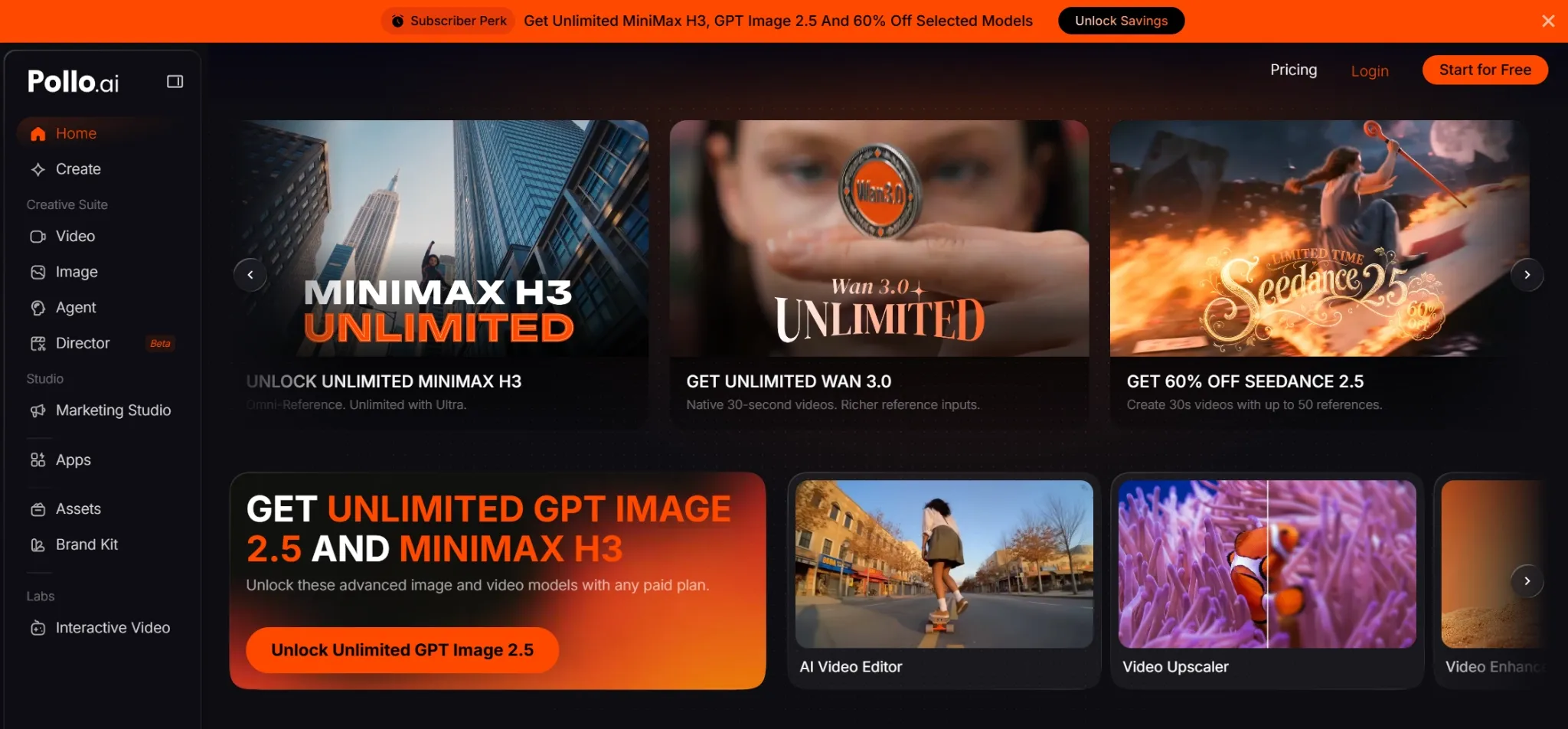
Creators can develop or refine source visuals with the leading image models, then choose other video models through the AI video generator to match each shot’s motion and control needs. This flexibility reduces dependence on one model stack.
Produce Avatar and Marketing Videos Around the Final Goal
Presenter content is not always a standard corporate talking head. Pollo AI’s AI avatar generator can animate a single photo, giving creators a route for product presenters, fictional characters, mascots, pets, and other speaker concepts.
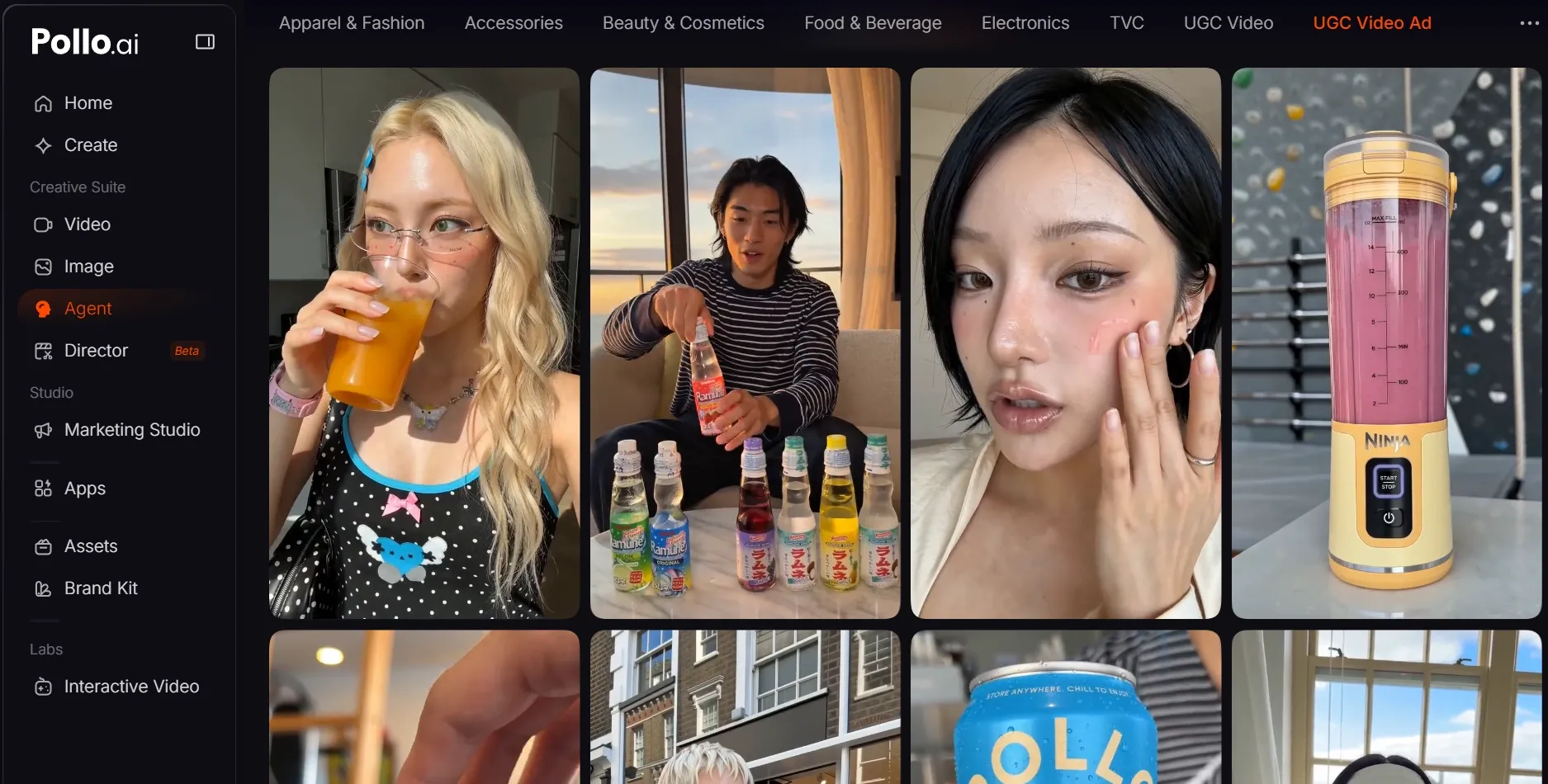
When the final deliverable is an advertisement, a focused UGC video ad workflow connects the product, script, presenter, and campaign format. This replaces a fragmented chain of separate avatar, visual, and editing steps with one goal-specific production route.
Final Verdict
Choose InVideo for visually varied stories, faceless content, and model-driven scene creation. Choose HeyGen for digital presenters, training, sales communication, and multilingual localization, especially when preserving a speaker’s voice and lip movement matters.
Pollo AI covers more of the combined workflow through multi-model generation, photo-based avatars, goal-specific marketing apps, and Pollo Agent. It can move from source material to a complete video without making manual scene assembly the default production step.
Try Pollo AI today with an idea, script, image, link, or reference, and let one guided creative flow turn those materials into a polished, publish-ready video without manual scene-by-scene assembly.