



Lumen5 Review: Discover What I Found After Testing Lumen5 for Two Weeks
I wrote this Lumen5 review because many users including myself want a faster way to turn written content into videos, but may not know where its real strengths and limits are.
In this article, I’ll share what I found from testing Lumen5’s workflow, output quality, use cases, and how it compares with Pollo AI.
Lumen5 Review: Quick Verdict
Lumen5 is best for simple business videos built from existing content. I would use it when speed, structure, and brand consistency matter more than cinematic generation or advanced creative control.
| Review Criteria | My Take |
|---|---|
| Output quality | Clean and professional for simple business videos, explainers, and social clips. |
| Workflow speed | Strong. I can move from written content to a video draft quickly. |
| Creative control | Moderate. I can adjust layouts, text, media, and branding, but deep scene control is limited. |
| Visual consistency | Good for template-based branded videos, especially when I use the same brand assets. |
| Video generation depth | Limited. It is not built for complex motion, cinematic scenes, or original AI-generated worlds. |
| Editing workload | Lower than manual editing, but I still need to review visuals, pacing, and scene choices. |
| Best fit | Marketers, publishers, educators, corporate teams, and content repurposing workflows. |
| Better alternative | Pollo AI, because it gives me a broader path from idea, product, script, or image to post-ready video. |
What Is Lumen5?
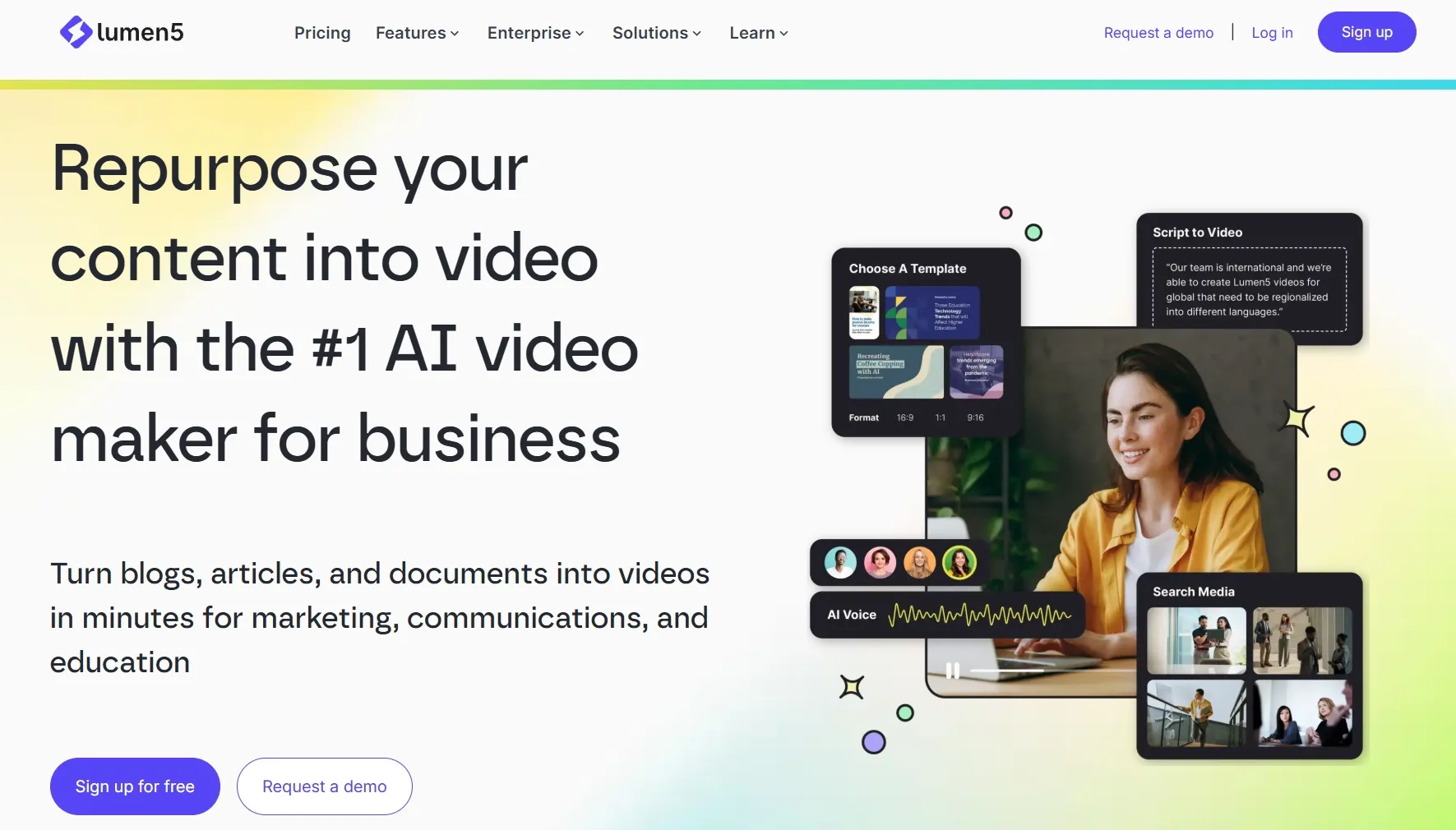
Lumen5 is best understood as a content repurposing tool for business video creation. Instead of asking me to build a video scene by scene, it helps turn existing ideas, articles, scripts, PDFs, and company messages into a more visual format.
What makes it practical is the way it connects content structure with presentation. I can start with written information, then use Lumen5 to shape it into short scenes with text, visuals, captions, voiceover, and brand elements.
That makes Lumen5 most useful when I already know what I want to say, but need a faster way to make it watchable for social media, marketing, education, or internal communication.
What Are Lumen5’s Key Features?
Lumen5’s best features are built around speed, structure, and business-friendly video creation. I found its feature set most useful when I wanted to repurpose existing content into a cleaner video format.
1. URL-to-Video Generation
Lumen5’s URL-to-video workflow helps me turn existing webpages into videos faster. I can paste a blog post or webpage link, and the platform helps summarize the content into a video structure.
For any useful webpage, this gives me a faster way to turn online content into a video draft. I can paste the URL, let Lumen5 identify the key points, and then spend my time refining the structure, visuals, and pacing instead of rebuilding the page content manually.
2. Blog, Script, and PDF To Video
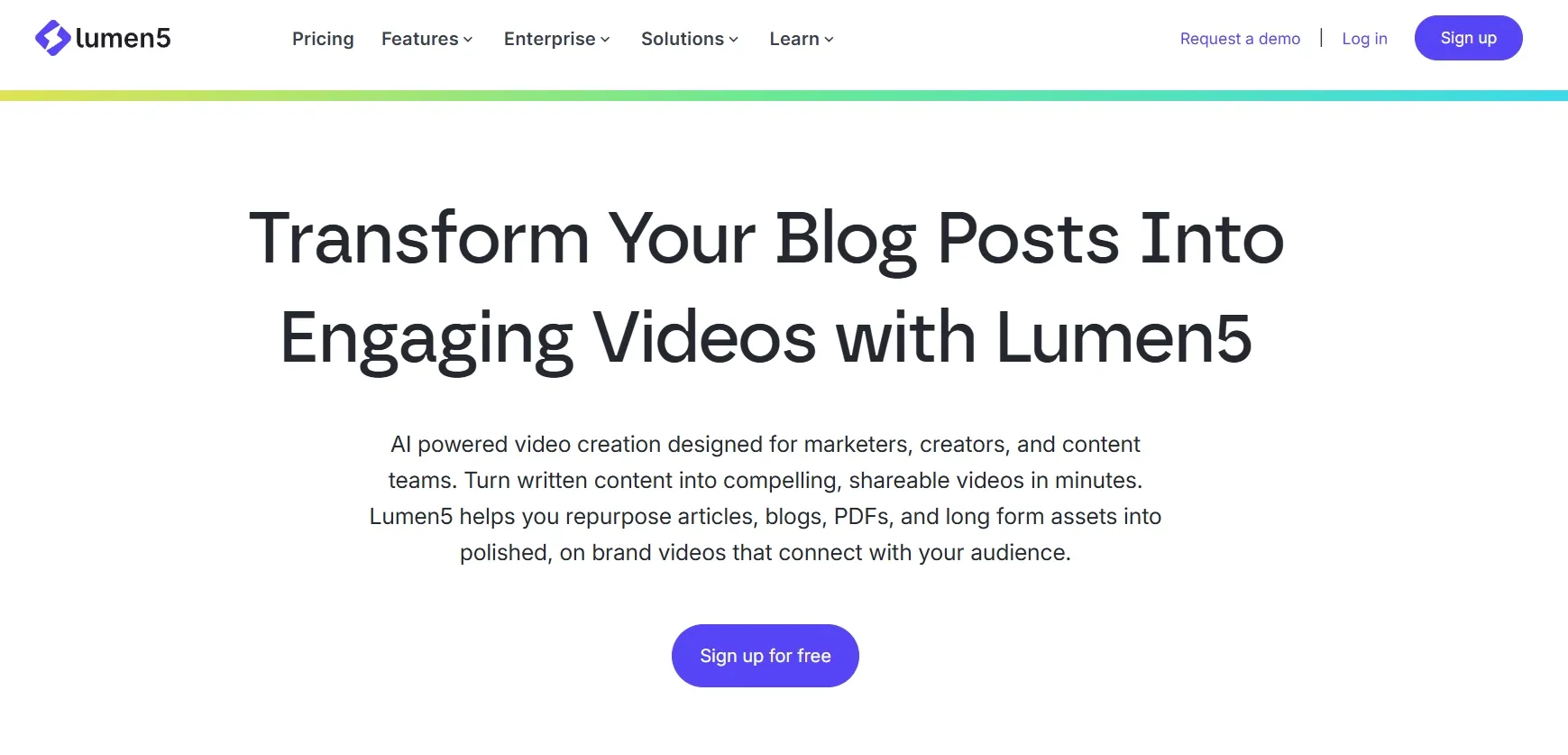
Lumen5 can turn long-form content into shorter, easier-to-watch videos. Blogs, scripts, PDFs, reports, and written explainers can be broken into scene-based clips for social media, presentations, training, or business communication.
For teams with a large content library, this makes old articles and documents easier to reuse across channels. A blog post can become a LinkedIn video, a report can become an internal update, and a written explainer can become an educational clip.
The main value is scalability. Lumen5 helps written content reach audiences who may not want to read a full article, while giving teams a faster way to keep publishing visual content.
3. Automated Scene Selection
Lumen5 can automatically suggest scenes, visuals, and music based on the text I provide. Instead of making me search for every clip or build each scene manually, it gives me a ready-made video structure to start from.
This is useful when I need to move fast. I can review the suggested scenes, adjust the visuals, edit the text, and get a complete first draft much faster than building the video from zero.
4. Talking Heads and AI Voiceovers
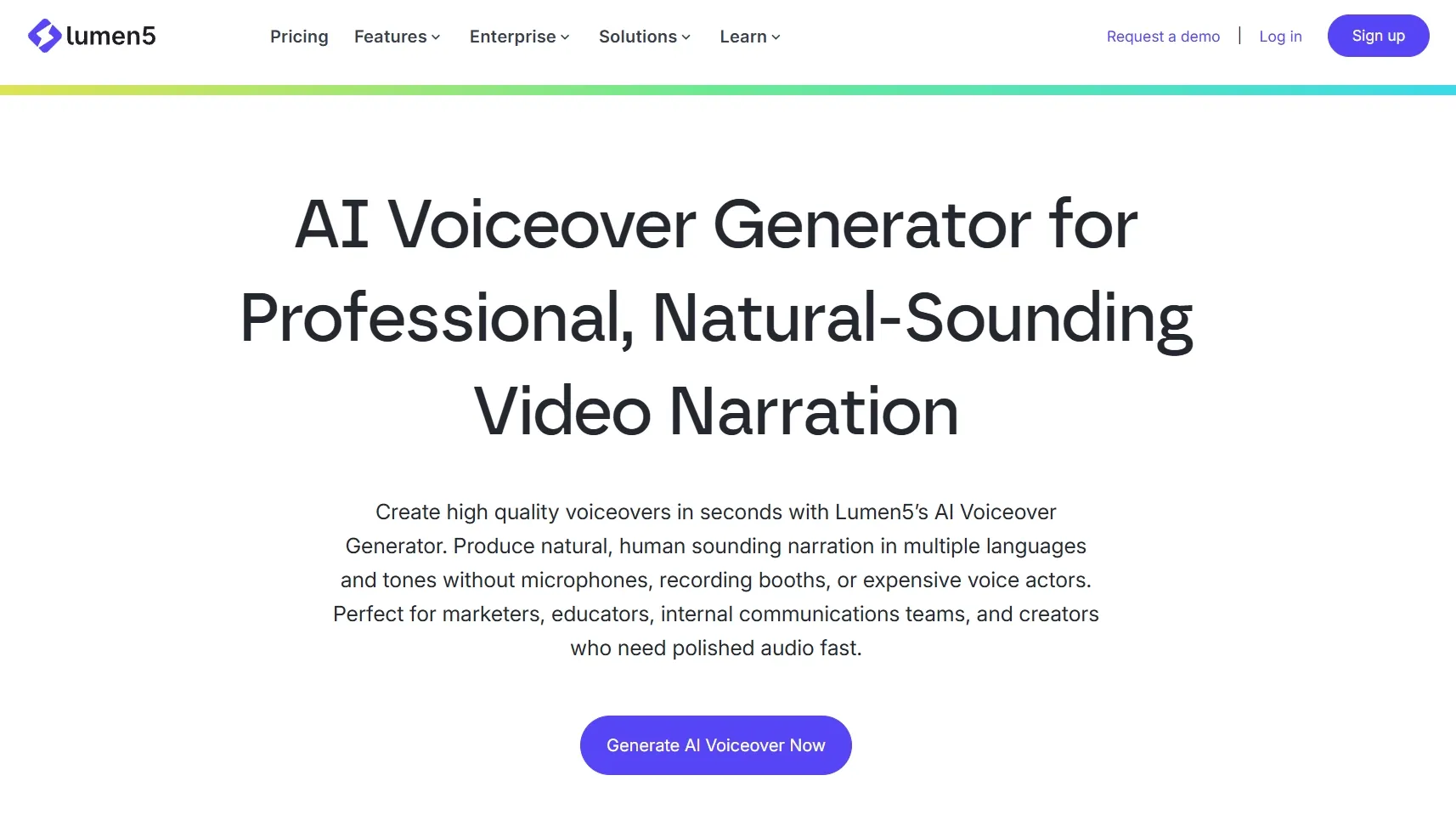
Lumen5 supports AI voiceovers and talking-head style videos to make text-based content feel more complete. I can add narration or a presenter-style layer when a simple caption-only video does not feel clear enough.
This is useful for explainers, training videos, company updates, and educational content. It helps the video feel more guided, especially when the topic needs someone to “walk through” the message instead of only showing text on screen.
5. Enterprise Brand Control
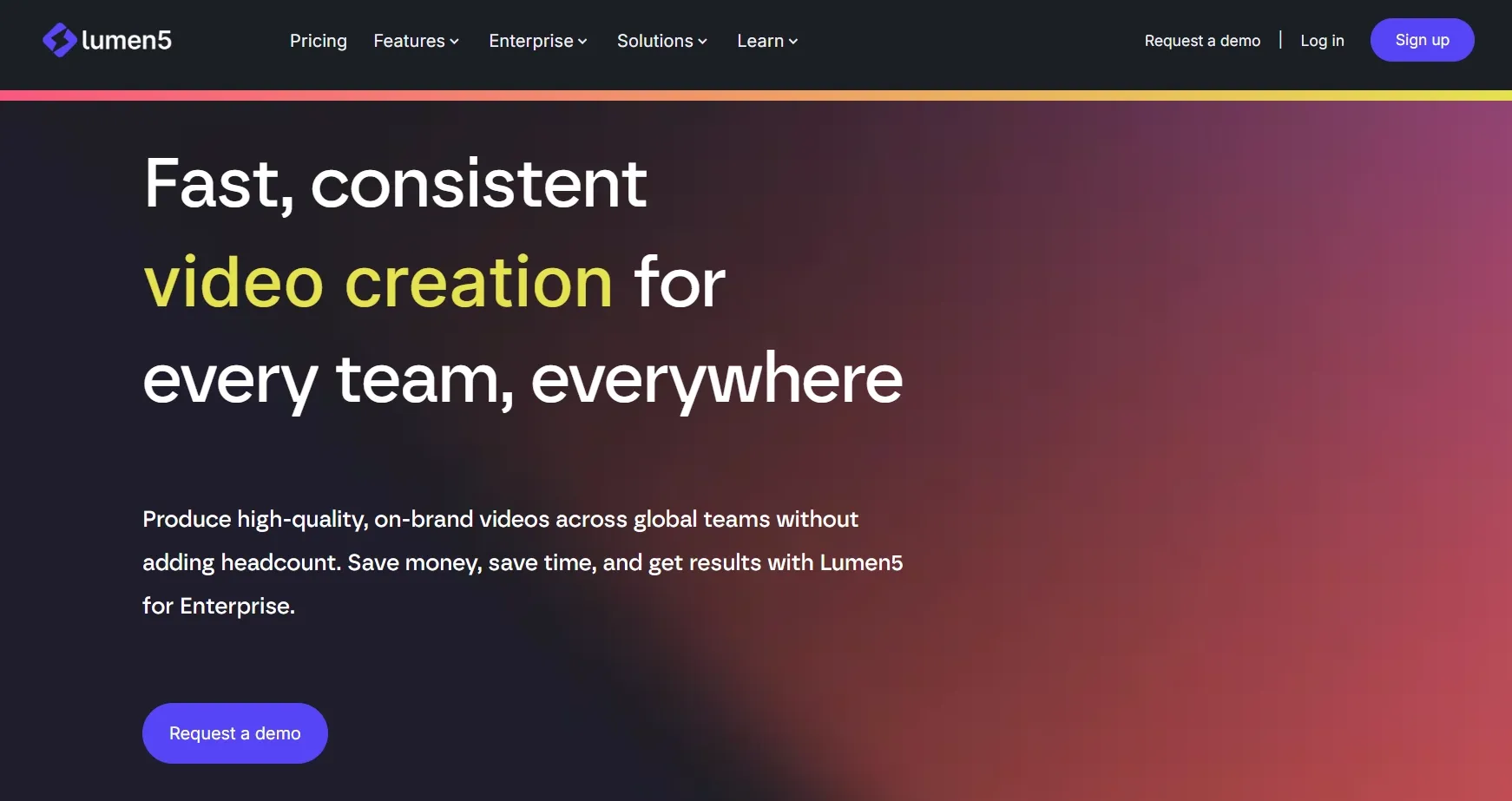
Lumen5 gives teams a more controlled way to keep videos on-brand. Logos, fonts, colors, templates, and brand rules can be saved into the workflow, so each video starts from the same visual system instead of a blank canvas.
For companies, agencies, publishers, and internal communication teams, this matters most when video creation is shared across different people or departments. Brand controls reduce random style changes and make recurring content, like updates, explainers, and campaign clips, feel more unified.
6. Drag-And-Drop Editing
Lumen5 keeps the editing process light and approachable. I can adjust scene order, replace visuals, rewrite on-screen text, change layouts, and fine-tune the video without opening a traditional editing timeline.
The editor works well for business users who need control over the message, not frame-by-frame production. It lets me clean up the AI draft, align the video with my brand, and prepare it for publishing with fewer technical steps.
This makes the workflow feel more practical for repeat content creation, especially when I need to produce social posts, explainers, updates, or training clips on a regular basis.
Where Does Lumen5 Fall Short?
Lumen5 falls short when I need stronger generation depth, scene control, or ad-ready creative output. These are the areas where I felt its limits most clearly.
The Output Can Feel Too Template-Driven
Lumen5 videos can start to feel predictable after a few projects. Many outputs follow a similar rhythm: short text blocks, stock-style visuals, simple transitions, and clean branded layouts.
The issue is not that the videos look messy. It is that they can lack a distinct creative angle when I need a stronger hook, richer storytelling, or a more memorable campaign feel.
For brand stories, product launches, and social ads, I want the visuals to carry more personality and tension. Lumen5’s template-based structure can make those videos feel safe, but not always engaging enough.
The Visual Choices Need Manual Review
Lumen5’s AI media choices do not always capture the exact meaning behind my content. The selected visuals may relate to the broad topic, but they can miss the specific angle, product detail, audience pain point, or emotional tone I want to communicate.
This becomes more obvious when the video depends on precision. Product content needs accurate visuals, technical topics need clearer context, and emotional storytelling needs clips that match the feeling, not just the keyword.
As a result, I often need to review the draft carefully, replace mismatched clips, tighten the scene text, and adjust pacing before the video feels ready to use.
The Video Generation Depth Is Limited
Lumen5 feels limited when I need true generative video creation. I do not get enough control over cinematic motion, camera movement, character continuity, visual style, or scene-by-scene worldbuilding.
The problem becomes clear when the idea depends on a strong visual concept. A dramatic product reveal, stylized character scene, or cinematic setup needs more than text summaries, templates, and matched media.
For projects that need newly imagined visuals, Lumen5 feels too narrow. It is not the tool I would rely on for original AI scenes, advanced motion, or visually ambitious creative work.
It Does Not Cover a Full Creative Workflow
Lumen5 feels limited when the project needs a fuller AI creative workflow. If I need advanced image generation, image to video, video to video, AI avatar videos, AI effects, product visuals, or more flexible audio tools, I have to leave Lumen5 and finish the work elsewhere.
That creates a fragmented production process. I may start the video in Lumen5, then switch to another tool for product visuals, another one for avatar content, and another one for polishing or effects.
For larger marketing or creative projects, this slows everything down. The workflow becomes less efficient because Lumen5 does not cover enough of the production chain in one place.
What Are Lumen5’s Pros And Cons?
Lumen5 is easy to use and strong for content repurposing, but it feels limited when I need deeper AI video creation. Its biggest value is speed, while its biggest weakness is creative range.
Pros:
- Easy to start with, even without editing experience
- Strong for turning blogs, scripts, PDFs, and written content into videos
- Simple editor for adjusting scenes, text, visuals, and layouts
- Useful brand controls for teams that need consistent business videos
- Good fit for social clips, explainers, training videos, and internal updates
- Helps teams publish more video content from existing materials
Cons:
- Videos can feel template-based after repeated use
- AI-selected visuals do not always match the exact message
- Limited control over motion, camera direction, and original AI scenes
- Not ideal for product ads, UGC-style videos, or ecommerce campaigns
- Lacks a fuller AI creative workflow for avatars, effects, image-to-video, and product visuals
- Final videos may still need manual review before publishing
How Did I Review Lumen5?
I reviewed Lumen5 based on the full video creation process, not just its feature list. I wanted to see whether it could help me move from an idea or content asset to a usable video with less friction.
| Test Area | What I Checked |
|---|---|
| Input flexibility | Whether I could start from different content types, such as text, URLs, scripts, or documents. |
| Generation structure | Whether the video draft had a clear flow from opening to ending. |
| Visual relevance | Whether the generated scenes supported the message clearly. |
| Motion and scene depth | Whether the output felt like a real video or more like animated slides. |
| Editing burden | How much manual correction I needed after the AI draft. |
| Creative flexibility | Whether I could move beyond simple branded videos into more original concepts. |
My conclusion was clear: Lumen5 is strong for structured business video creation, but weaker for flexible AI video production.
Is Lumen5 Right For You?
Lumen5 is right for you if your main goal is to turn written content into simple branded videos. It is not the best choice if you want a full AI creative creation workflow.
Use Lumen5 If You:
- Want to turn blog posts into short videos.
Create business explainers or company updates.
Need simple branded social media clips.
Prefer templates over complex editing.
Have scripts, PDFs, or articles ready.
Care more about speed than cinematic originality.
Skip Lumen5 If You:
- Need cinematic AI video generation.
Want product-focused ecommerce videos.
Need UGC-style video ads.
Want advanced avatar or creator-led videos.
Need stronger image-to-video or video-to-video control.
Want one platform for video, image, audio, avatars, and effects.
What Can You Create With Lumen5?
Lumen5 works best for simple business, social, and educational video formats. I would use it for content that already has a clear written message.
| Use Cases | My Take |
|---|---|
| Social Content | Good fit. I can turn written ideas into short clips for LinkedIn, Instagram, or other social channels. |
| Explainer Videos | Good fit. Lumen5 helps structure information into simple scenes that are easier to follow. |
| Training Videos | Good fit. It works well for turning documents, scripts, or educational content into guided video lessons. |
| Marketing Videos | Moderate fit. It can create clean branded videos, but the output may feel too template-based for stronger campaigns. |
| Anime Videos | Weak fit. It is not designed for stylized character animation or anime-style scene generation. |
Why Is Pollo AI a Better Lumen5 Alternative?
Pollo AI is a better Lumen5 alternative when I need more than a text-based video draft. Lumen5 helps me convert content, while Pollo AI helps me create fuller videos for marketing, product, and creative workflows.
Pollo Agent Creates Post-Ready Videos
Pollo Agent is stronger when I want a finished video instead of a draft I still need to assemble. I can start with an idea, text, image, video, or link, then let the agent handle structure, pacing, visuals, and sound.
This matters because many AI tools still leave me with raw clips or partially assembled scenes. Pollo Agent is built for post-ready videos with no editing required, which makes it more useful when I need to publish faster.
Marketing Studio Is Stronger For Ready-To-Use Ads
Marketing Studio by Pollo AI is stronger when I need ready-to-use ads, not just general video content. It is built for marketers who want to create campaign-ready videos faster, without starting from a blank editing timeline.
I can use it for script-to-video ads, photo-to-video ads, and more. That makes the workflow more practical for performance marketing, social campaigns, product launches, and ad testing.
The biggest advantage is direction. Instead of only helping me make a video, Marketing Studio gives me a clearer path toward videos that are shaped around hooks, products, selling points, and campaign goals.
A Full Creative Workflow
Pollo AI is stronger when I need a full creative workflow, not just a single video-making step. I can move from idea to video, then continue with images, avatars, voiceovers, effects, video editing, and final polish in one place.
That matters when a project needs more than one generated clip. I may need to create visuals, animate an image, add narration, test different styles, refine the output, and prepare the final asset for publishing.
The biggest value is workflow continuity. Instead of splitting the project across separate tools, Pollo AI gives me more room to build, adjust, and finish different types of creative content in one connected process.
More Workflow Flexibility
Pollo AI is stronger when I need flexibility across different creative tasks. I can choose the right path based on the project, whether I am making a realistic video, a stylized clip, a product visual, an avatar video, or a more polished campaign asset.
Multi-model access supports that flexibility. Instead of relying on one system for every result, I can use different leading models such as Seedance 2.5 and Happy Horse 1.1, depending on what matters most, such as realism, speed, motion quality, character style, or image detail.
That makes Pollo AI more practical for real creative work. One project may need cinematic video generation, another may need product-focused visuals, and another may need talking avatar, audio, or image tools to finish the content properly.
Turn Ideas Into Finished Videos
Turn ideas, scripts, images, or product assets into post-ready videos with Pollo AI’s fuller creative workflow.
Try Pollo AI for Free Now

My Personal Take On Lumen5
I like Lumen5 most as a fast, structured business video tool. It gives me a practical way to turn existing written content into videos without building every scene from scratch, which makes it valuable for regular content repurposing.
For teams that already publish blogs, reports, scripts, or company updates, Lumen5 can make video creation feel easier to manage. It helps turn information-heavy content into a more visual format for social media, education, internal communication, and simple brand messaging.
But I would not treat it as a complete AI video production platform. Once I need product-focused ads, story UGC ads, cinematic visuals, AI avatar videos, or a more flexible creative workflow, Lumen5 starts to feel limited.
Final Verdict: Is Lumen5 Worth Using?
Lumen5 is worth using if your main goal is to turn written content into simple branded videos. It is practical for blogs, scripts, internal updates, explainers, and other content repurposing tasks.
But I would use Pollo AI when the video needs to do more than summarize content. With Pollo Agent, I can move from an idea, script, image, product asset, or URL to a more complete post-ready video without building every scene manually. That makes it a better fit when I care about speed, creative direction, and a finished result.
Pollo AI also gives me a stronger workflow for real marketing and creative production. Instead of stopping at a clean text-based video, I can create various assets in one place. And its 100+ specialized workflow apps can simplify the process of making videos for real creative tasks.
If your goal is to publish faster, test more ideas, and create videos with stronger commercial value, Pollo AI is the better place to start.