



Vidful AI Review: I Tested Vidful AI for Two Weeks and Here’s What I Found
I spent two weeks testing Vidful AI to see how far it could take a simple idea, image, or script before I needed a more complete production workflow.
In this Vidful AI review, I’ll break down what it does well, where it falls short, how it performs across real use cases, and why Pollo AI is a better alternative to Vidful AI.
TL; DR
Vidful AI is an AI video generator I would try when I need quick AI video drafts. It gives me a low-friction way to test different creation paths, including image-to-video, script-to-video, video effects, and lip sync, without building a heavy production workflow first.
But I would not treat it as my first choice for more polished content. When the project needs consistency, cleaner visuals, stronger control, or a smoother path from idea to final output, Vidful AI starts to feel limited.
| Criteria | My Verdict |
| Overall Output Quality | Good for quick visual drafts, but less reliable for polished final videos. |
| Motion Performance | Handles simple movement well, but complex actions can look unstable. |
| Prompt Understanding | Works better with clear, simple ideas than detailed creative direction. |
| Visual Consistency | Fine for one-off clips, weaker when scenes or characters need to stay consistent. |
| Creative Control | Easy to guide at a basic level, but limited for precise shot-by-shot control. |
| Best For | Social clips, quick concepts, AI trend videos, and simple visual drafts. |
| Better Alternative | Pollo AI, which supports stronger creative control and a smoother path to publish-ready content. |
My quick recommendation is simple. Use Vidful AI when you need fast experiments, short visual drafts, and easy idea testing. But if your goal is a more polished, publish-ready video, you need to switch to Pollo AI—its better alternative.
What Is Vidful AI?
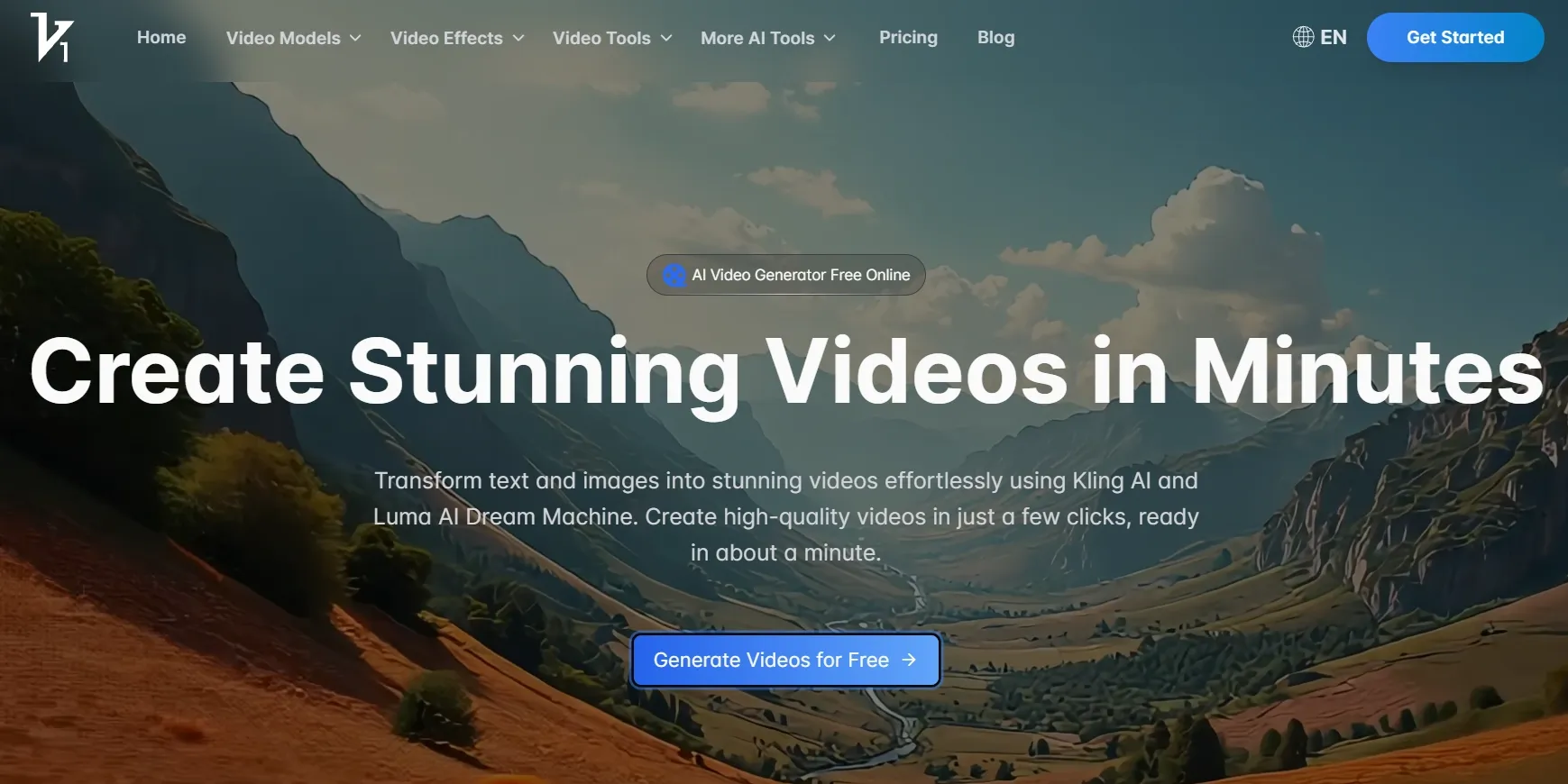
Vidful AI is built for short-form video creation. It lets me create clips from text, images, scripts, and preset effects, so the workflow feels more like a lightweight video generator than a full production studio.
That makes Vidful AI useful when I want to explore a visual direction before committing to a polished video. It works best for simple social concepts, animated image ideas, and early creative drafts where speed matters more than detailed control.
But that same simplicity also defines its limits. Vidful AI is not a good option at the final production stage.
If I need precise scene direction, stable characters, cleaner product presentation, or a more structured path to publish-ready content, I may need a stronger workflow around the generation.
What Are Vidful AI’s Key Features?
Vidful AI’s key features are built around fast generation, model variety, and short-form creative production. It gives beginners and casual creators several easy ways to turn ideas or images into moving clips.
1. Multi-Model Video Generation
Vidful’s multi-model setup makes it easier to test different AI video styles in one place. Instead of jumping between separate model websites, I can explore different generation results from a single workflow.
I like this for early creative testing. Some models may give me stronger motion, while others may create a more cinematic or stylized look. Having multiple options in one platform makes the first testing stage faster.
This is especially useful when I do not know which visual direction will work best. I can compare outputs, test a few ideas, and decide which style is worth developing further.
2. Text/Image to Video Generation
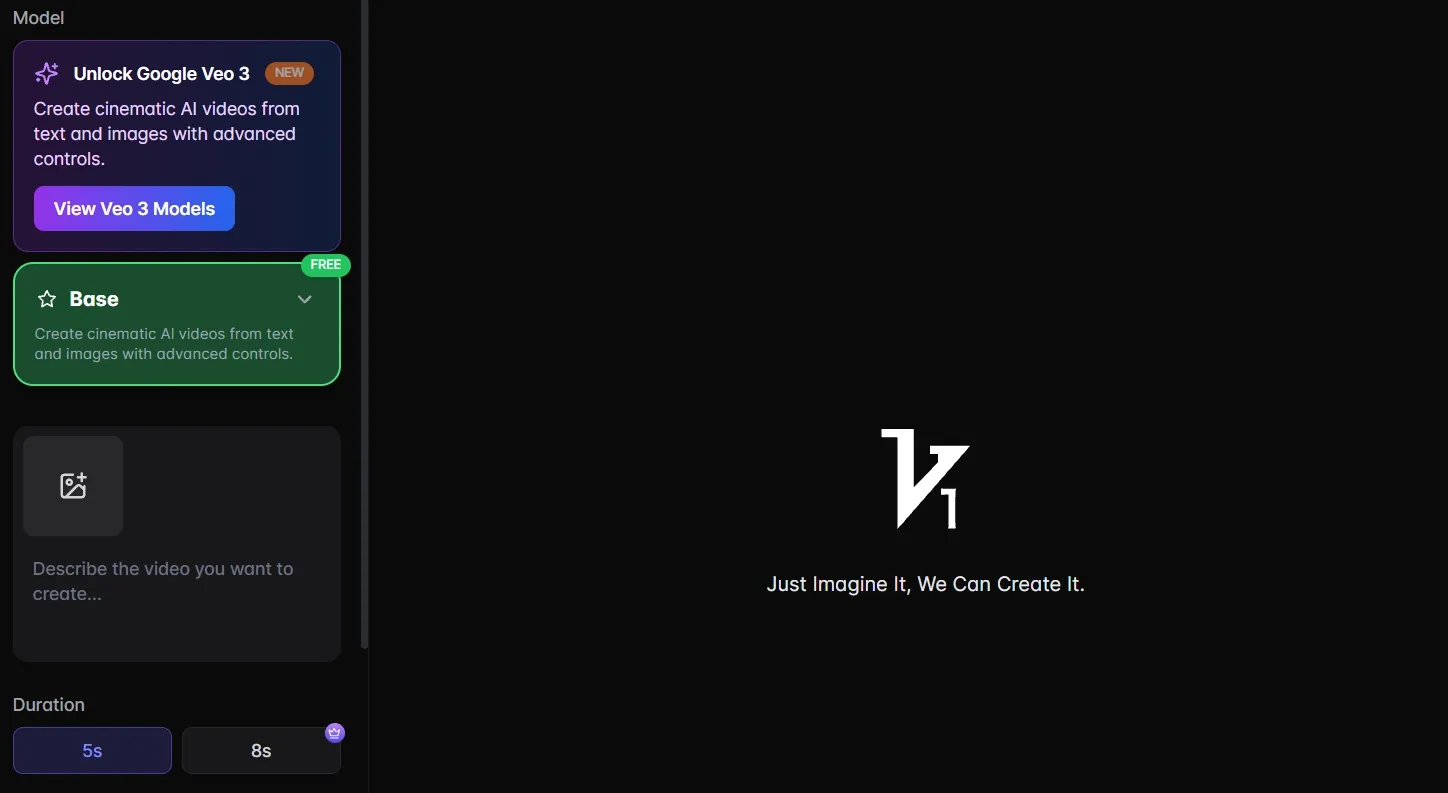
Vidful’s text-to-video and image-to-video tools give me two simple ways to start creating. I can either write a prompt from scratch or upload an existing image when I already have a clear visual direction.
The text to video generation is useful for quick concept testing, especially when I want to visualize a short scene, social hook, or mood-driven idea.
And the image to video generation can keep subjects consistent, and it can feel more controlled especially when the source image is clean, because the model has a stronger visual anchor to follow.
I like this combined workflow because it keeps the starting point flexible. I do not always need prepared assets, but when I do have a portrait, product image, or artwork, I can reuse it instead of rebuilding the video idea from zero.
3. Script-to-Video Creation
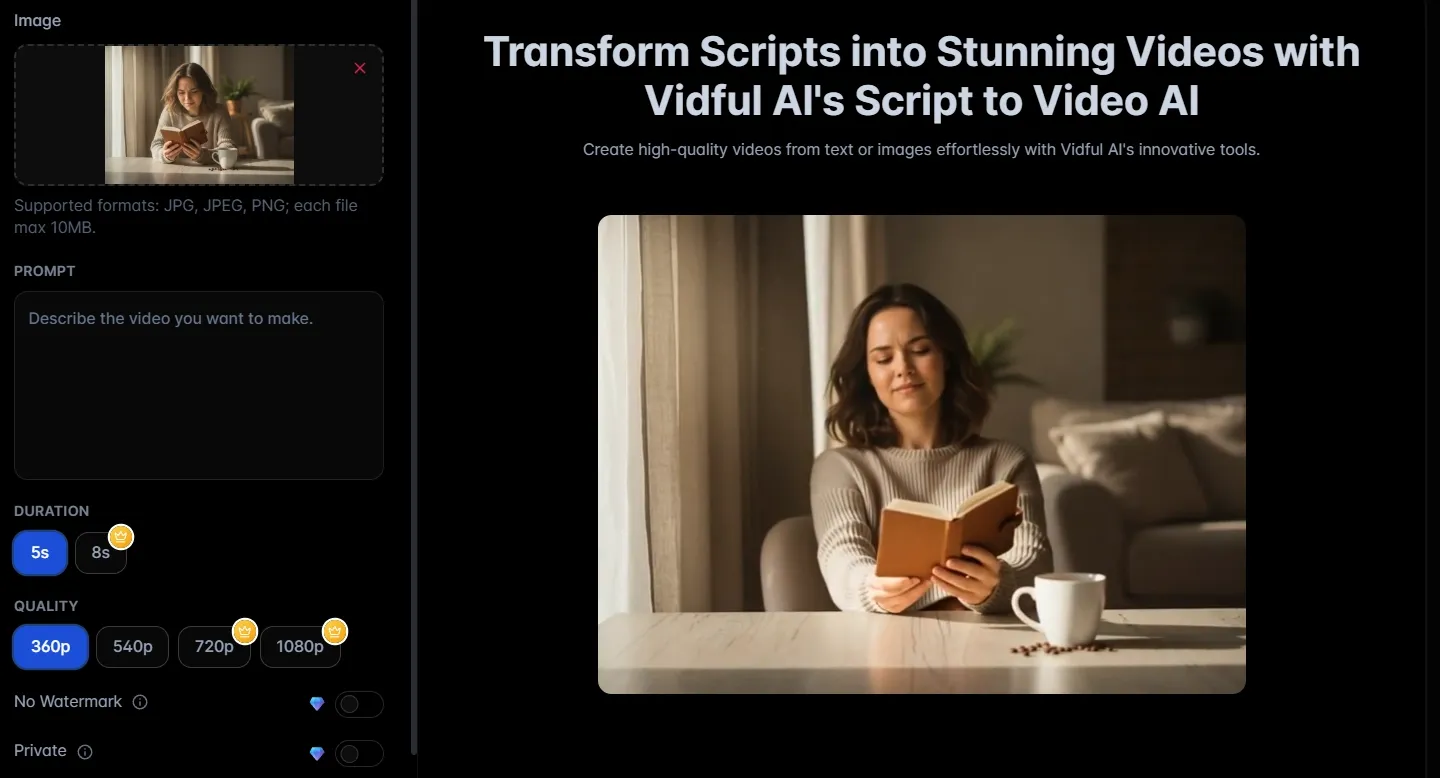
Vidful’s script-to-video feature helps me break a written idea into visual moments. Instead of using one large prompt, I can work from a script and create short clips around different lines or scenes.
This is useful for rough storyboarding. I can test whether a concept has enough visual energy before committing to a more polished production process.
For creators, this can make early planning easier. It gives a faster way to move from a written structure to a visual direction.
4. Lip Sync
Vidful’s lip sync tool helps make character-led clips feel more complete. It can add mouth movement to talking characters, AI avatar videos, or short message clips.
This feature matters because silent AI videos often feel unfinished. When the voice and mouth movement align well, the clip becomes easier to watch and more useful for social content.
I would use it for quick character videos, simple talking clips, and short creator-style messages. It adds another layer of expression without requiring a full filming setup.
5. AI Video Effects
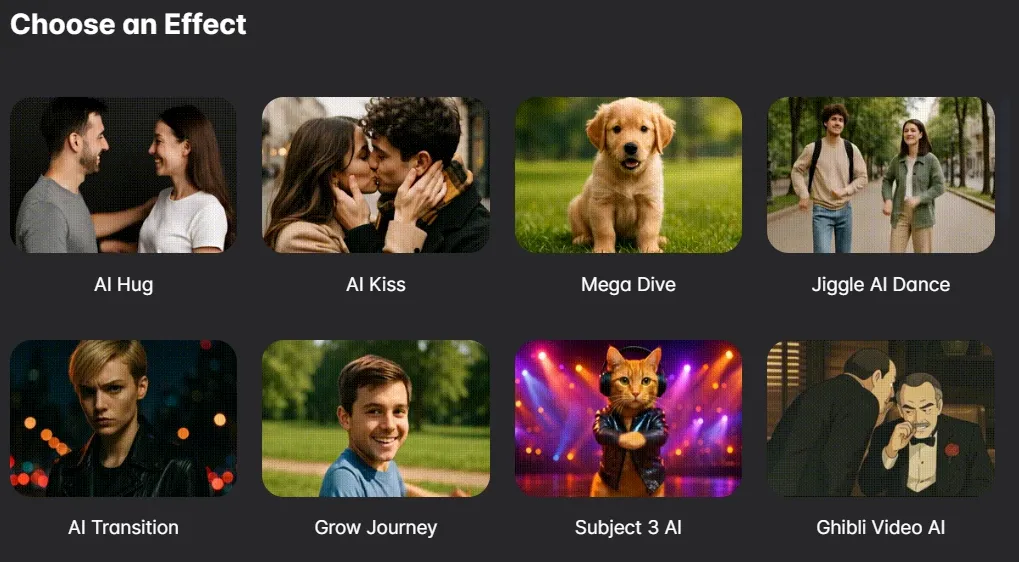
Vidful’s AI video effects are useful for fast social videos and trend-style content. These effects can help create clips like AI hug videos, animated portraits, stylized transformations, or emotional short moments.
This is where Vidful AI feels most casual and creator-friendly. I do not need to build everything from a blank prompt. I can start from a recognizable effect and generate something shareable faster.
These effects are helpful when speed matters. They give creators a simple way to make still images feel more dynamic.
6. Video Extender
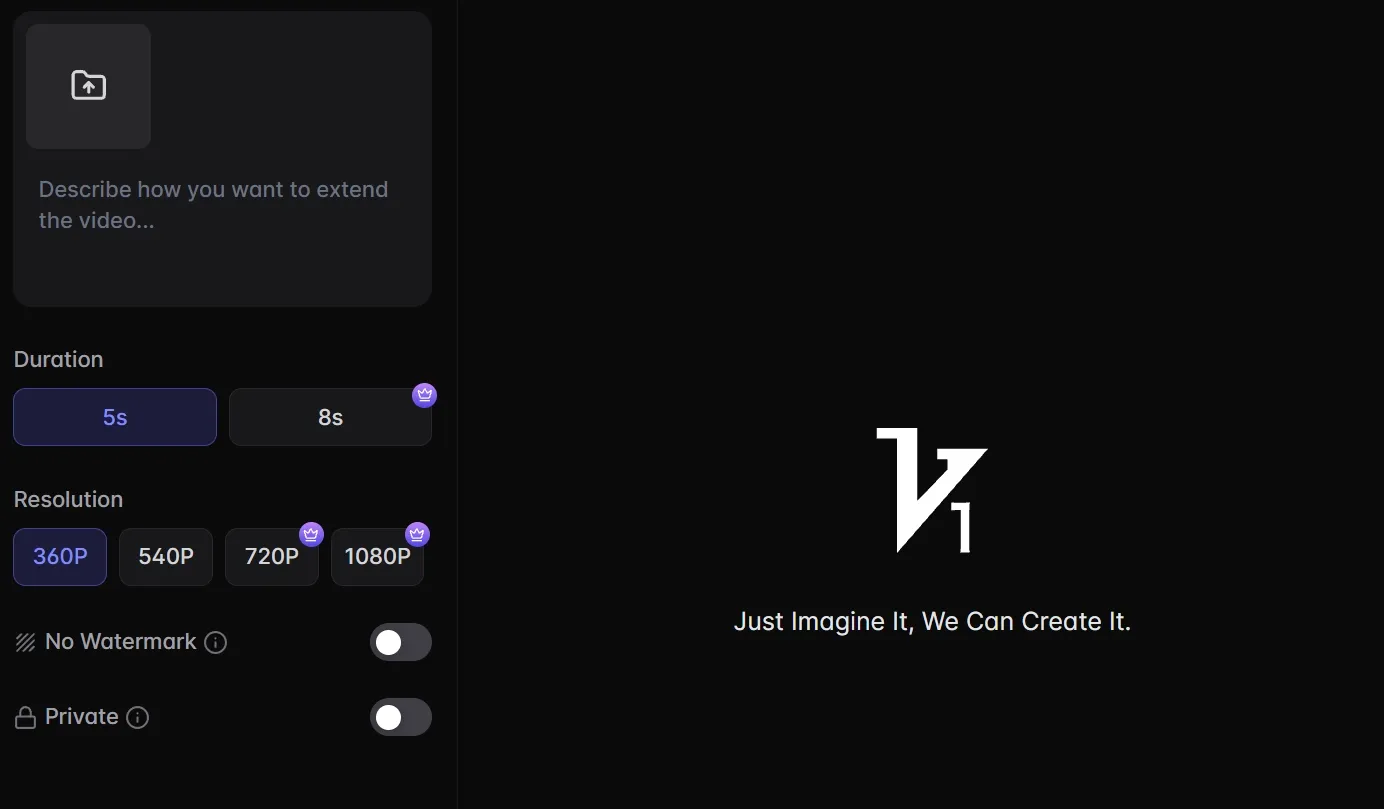
Vidful’s video extender is helpful when a generated clip feels too short. It gives me more room to use a clip in a social post, short promo, or basic video sequence.
I like this because many AI video outputs end before the motion fully develops. Extending the clip can make the result more complete and easier to place in a timeline.
It is especially useful for creators who need a little more time without regenerating the whole idea from scratch.
What Are Vidful AI’s Pros And Cons?
Vidful AI is easy to start with, but it is not always easy to finish with. That is the core trade-off I noticed.
Pros:
- Easy browser-based workflow
- Supports text-to-video and image-to-video
- Multi-model access saves testing time
- AI effects help with fast social content
- Lip sync adds more complete video output
- Video extender helps with short clips
- Useful for beginners and quick drafts
Cons:
- Limited advanced editing control
- Scene continuity can break across clips
- Prompt details may be ignored
- Some effects can look generic or artificial
- Lip sync still needs manual review
- Longer outputs may reveal more visual errors
- Not ideal for polished marketing campaigns
Where Does Vidful AI Fall Short?
Vidful AI falls short when a project needs precise continuity, commercial accuracy, or final-stage production control. It can create useful clips, but it does not always give me the reliability I need for more serious video work.
Multi-Scene Video Inconsistency
Vidful AI is not the safest choice for videos that need strong continuity across multiple scenes. It can help generate separate visual moments, but keeping the same person, environment, product, or story logic across several clips can be harder.
That simply means I would be more careful when using Vidfu AI for narrative videos, product demos, or campaign sequences.
For one-off social clips, this may not be a major issue. For multi-scene content, it matters much more.
Detailed Creative Direction Can Be Hard To Control
Vidful AI works better with simple directions than heavy creative instructions. I had better results when I kept the prompt focused on one subject, one action, and one visual mood.
The issue appears when I ask for too much precision at once. Detailed camera movement, exact product framing, specific emotional beats, and strict brand details can make the output less predictable.
Campaign Videos Still Need Extra Work
Vidful AI can help create draft visuals, but it is not built as an end-to-end campaign production system. It generates clips, yet I may still need to trim, arrange, caption, upscale, add audio, or rebuild weak scenes elsewhere.
This becomes more important for ads and branded videos. A campaign video needs structure, pacing, clear messaging, and a final result that feels ready to publish.
Risky For Commercial Product Content
Vidful AI can animate product images, but I would be careful with product videos that need an accurate commercial presentation. That means Vidful AI is not good for stable shapes, clean details, accurate surfaces, and controlled visual framing.
This is different from casual image-to-video use. A fun social clip can survive small imperfections, but an e-commerce product video cannot.
If I were creating polished product visuals, I would want a workflow designed around commerce content instead of general clip generation.
How Did I Review Vidful AI?
I reviewed Vidful AI by looking at how useful it feels in real content workflows. Instead of only checking whether each feature exists, I focused on whether the platform could help me move from idea to usable video with less friction.
I looked at five bigger areas:
- Creative speed: whether Vidful helped me test ideas faster than a traditional editing workflow.
- Output usefulness: whether the generated clips felt usable, not just technically generated.
- Control level: whether I could guide the subject, motion, style, and scene direction clearly.
- Workflow fit: whether Vidful worked better for drafts, social clips, product content, or campaign videos.
- Production value: whether the result felt close to something I could publish, or still needed another tool.
My conclusion is simple. Vidful AI is more useful as a quick AI video drafting tool than a complete content production system.
Is Vidful AI Right For You?
Vidful AI is right for you if you mainly need fast, simple, short-form video ideas. I would recommend it to beginners, casual creators, and social media users who want to test text-to-video, image-to-video, AI effects, or quick animated clips without learning a complex production tool.
It also makes sense if you care more about exploration than precision. If your goal is to create a fun AI hug video, animate a portrait, test a visual concept, or generate a short clip for social media, Vidful AI can be a convenient starting point.
I would be more cautious if you need polished brand content, stable product visuals, long narrative videos, or campaign-ready ads. Those use cases require stronger control over structure, continuity, visuals, audio, and final delivery.
How Does Vidful AI Perform Across Real Use Cases?
Vidful performs best on short, simple, and social-first use cases. The more complex the video goal becomes, the more you may need another tool.
| Use Case | My Take |
| Social Media Clips | Good fit for quick visuals, emotional effects, and trend-style posts |
| Script Storyboards | Useful for rough sequence testing, but weak for connected narratives |
| Sales Campaigns | Mixed fit; good for early ideas, risky for polished ecommerce visuals |
| Ads | Better for draft visuals than finished campaign creatives |
| Creator Experiments | Good fit when you want to test styles quickly |
| Long-Form Videos | Not a strong fit because consistency becomes harder over time |
| Brand Content | Needs extra review because visual details can shift |
I would use Vidful AI when the goal is exploration. I would not use it as my only tool when the goal is a final ad, product video, or branded campaign.
Why Is Pollo AI a Better Vidful AI Alternative?
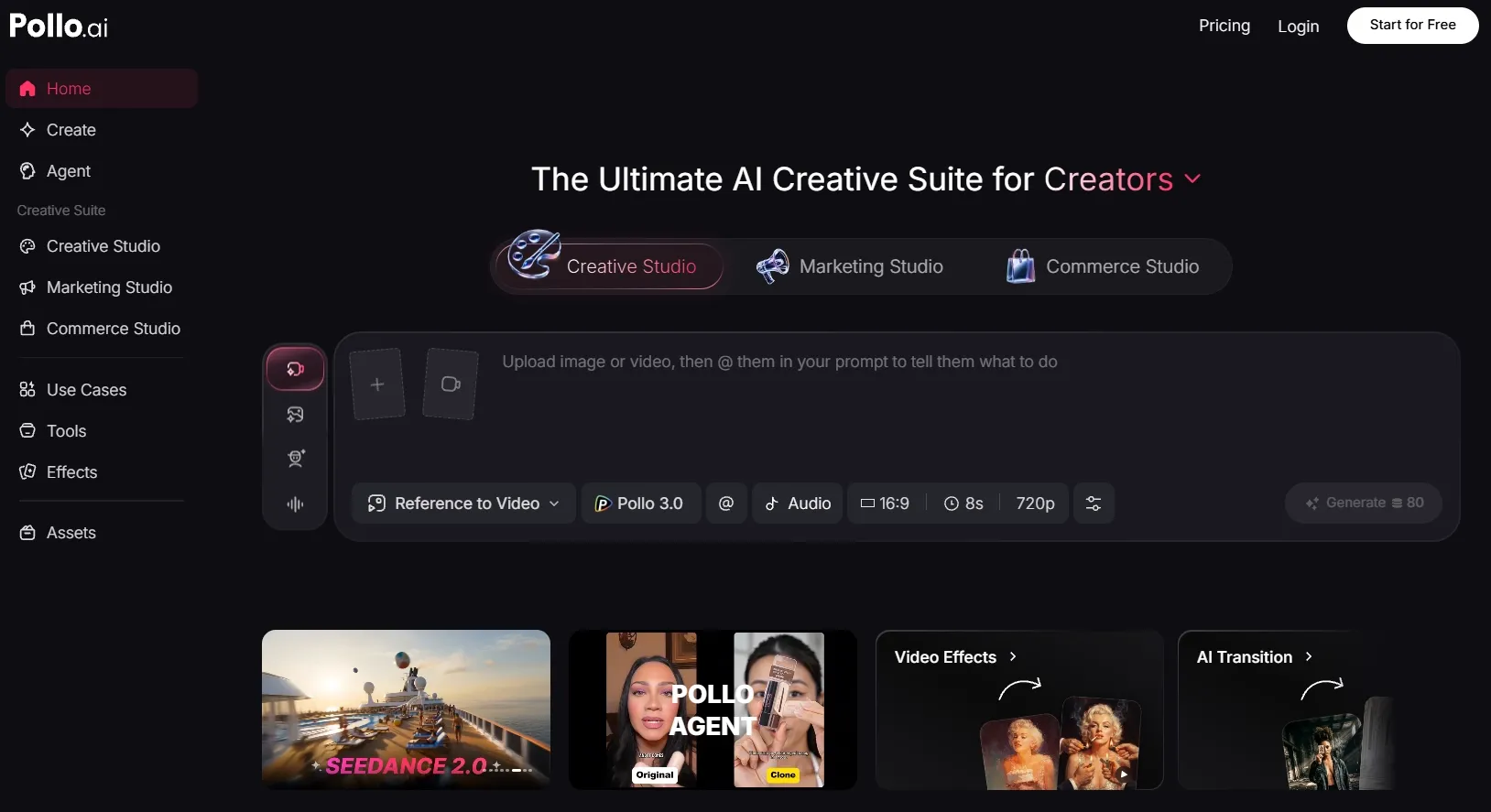
Pollo AI is a better Vidful AI alternative because it is built for finished creative production, not just quick AI video generation. Vidful AI helps me test short clips, but Pollo AI gives a fuller system for marketers, creators, sellers, and brands.
The difference is not only the number of tools. It is the workflow. Pollo AI helps me move from a rough idea to publish-ready content, while Vidful AI feels more useful when I only need a fast visual draft.
A More Complete Creative Workflow
Pollo AI gives me a more complete workflow because it covers more of the creative process in one place. I can move from an idea, prompt, image, script, or reference asset into video creation, video editing, audio, and final output without constantly switching tools.
That gives me more ways to shape, expand, and finish an idea after the first output. For real work, that matters. A raw AI clip is rarely enough on its own. I usually need better structure, clearer visuals, stronger context, and a final result that feels ready to use.
Better For Publish-Ready Content
Pollo Agent improves the workflow by helping me turn a raw idea into a more complete video without building everything manually. I can start with an idea, text, image, URL, or reference asset, and the agent handles more of the structure, pacing, visuals, and sound.
This matters because AI videos often have a hidden problem. The generation may be fast, but the editing after that can still take time. I may need to connect scenes, fix the rhythm, add audio, and make the result feel complete.
Pollo Agent helps reduce that gap. Instead of giving me only a raw clip, it supports a more guided path toward a post-ready video. That makes Pollo AI feel more useful for real content production.
Better For Different Content Goals
Pollo AI is better because it is designed for different types of users and content goals. It does not treat marketers, sellers, brands, and creators as if they all need the same generic video tool.
For marketers, sellers, and brands, Pollo AI feels more focused because Marketing Studio helps shape ideas into YouTube ads, Facebook ads and more to fit different platforms, while Commerce Studio turns basic product materials into more polished commercial visuals.
This is more useful than simply offering a blank generation box. It helps me start from the kind of content I want to create, not just from the technology behind it.
Better Creative Flexibility
Pollo AI gives me more flexibility because it combines model choice with workflow choice. Pollo AI offers 70+ video models such as Veo 3.1 and Seedance 2.5. So I am not locked into one model, one style, or one type of output.
This is important because different projects need different strengths. Some videos need cinematic quality. Some need better image generation first. Others need voiceovers, product visuals, or effects.
Pollo AI gives me a wider creative system to keep building once the first idea is generated.
Build Better AI Videos With Pollo AI
Create videos with stronger structure, cleaner visuals, and a smoother workflow from first idea to final output.
Try Pollo AI for Free Now
My Personal Take On Vidful AI
I like Vidful AI because it makes AI video creation feel easy to start. It is not intimidating, and it gives beginners a way to test video models, effects, and creative ideas without a complex setup.
But I would not use Vidful AI for every video job. For polished ads, product visuals, or brand content, Vidful AI does not offer more control and a stronger finishing workflow.
That is why I see Vidful as a sandbox. It helps me discover ideas. But it does not always help me finish them.
Final Verdict: Is Vidful AI Worth Using?
Vidful AI is worth using if you want a quick AI video generator for short clips, trend effects, and fast visual drafts. It is easy to start, supports common AI video workflows, and gives you several ways to test creative ideas.
It is not the best first choice if you need consistent story videos, reliable product visuals, advanced editing, or publish-ready campaign content. The more serious the project becomes, the more Vidful AI’s limits show.
My recommendation is simple. Try Vidful for fast experiments. Use Pollo AI when you need a fuller workflow for marketing videos, product visuals, social content, and post-ready creative production.